PUP.Free PDF to Text Converter
Threat Scorecard
EnigmaSoft Threat Scorecard
EnigmaSoft Threat Scorecards are assessment reports for different malware threats which have been collected and analyzed by our research team. EnigmaSoft Threat Scorecards evaluate and rank threats using several metrics including real-world and potential risk factors, trends, frequency, prevalence, and persistence. EnigmaSoft Threat Scorecards are updated regularly based on our research data and metrics and are useful for a wide range of computer users, from end users seeking solutions to remove malware from their systems to security experts analyzing threats.
EnigmaSoft Threat Scorecards display a variety of useful information, including:
Popularity Rank: The ranking of a particular threat in EnigmaSoft’s Threat Database.
Severity Level: The determined severity level of an object, represented numerically, based on our risk modeling process and research, as explained in our Threat Assessment Criteria.
Infected Computers: The number of confirmed and suspected cases of a particular threat detected on infected computers as reported by SpyHunter.
See also Threat Assessment Criteria.
| Threat Level: | 10 % (Normal) |
| Infected Computers: | 2 |
| First Seen: | June 25, 2026 |
| OS(es) Affected: | Windows |
Security researchers and anti-malware engines occasionally flag applications that, while not inherently destructive, exhibit behaviors that users often find undesirable. One such detection is PUP.Free PDF to Text Converter. This report provides an overview of how this potentially unwanted program functions, the symptoms associated with it, and general steps for its removal.
Table of Contents
What Is PUP.Free PDF to Text Converter?
PUP.Free PDF to Text Converter is classified as a Potentially Unwanted Program (PUP). The "PUP" designation is used when an application is not strictly categorized as a trojan, worm, or virus, but still presents behaviors that negatively impact the user experience or system privacy. Programs detected under this name are typically marketed as utilities that allow users to extract text from PDF documents. While the core functionality might appear useful, the broader software package often includes additional components, such as browser toolbars, system optimizers, or advertising modules, which are installed alongside the primary application.
How PUP.Free PDF to Text Converter Operates
Applications detected as PUP.Free PDF to Text Converter generally operate by bundling their installation with other software. Users often download these converters from third-party download portals or via online advertisements. During the installation process, the setup wizard may use pre-checked boxes or ambiguous "Express" installation options to obtain user consent for installing extra components. Once installed, the program may alter system settings to ensure its components launch at startup. It may also modify web browser configurations to inject advertisements, redirect search queries, or track user browsing habits to serve targeted marketing material.
Symptoms of Infection
Users who have PUP.Free PDF to Text Converter installed on their systems may notice a variety of symptoms. These typically include:
- An increase in the frequency of pop-up advertisements, banners, or in-text ads.
- Unauthorized changes to the web browser homepage, default search engine, or new tab page.
- Sluggish system performance or slow web browsing speeds.
- The presence of unfamiliar browser extensions, toolbars, or system tray icons.
- Unexpected browser redirects to unfamiliar websites or sponsored portals.
How to Remove PUP.Free PDF to Text Converter
To effectively remove PUP.Free PDF to Text Converter and its associated components, follow these general steps:
- Boot your computer into Safe Mode with Networking to prevent unnecessary programs from launching during the cleanup process.
- Run a full system scan with a reputable anti-malware tool such as SpyHunter to detect and quarantine the unwanted program.
- Access the Windows Control Panel or Settings app and manually uninstall any suspicious or unfamiliar programs related to the converter.
- Reset your web browsers (Chrome, Firefox, and Edge) to their default settings to remove unauthorized extensions, toolbars, and search engine modifications.
- Reboot your computer into normal mode and run a second scan with your anti-malware software to ensure all traces have been completely removed.
Conclusion
While PUP.Free PDF to Text Converter may not cause direct damage to system files, its intrusive behaviors and potential privacy risks make it an undesirable presence on any computer. Users should exercise caution when downloading free utilities and always opt for custom or advanced installation settings to decline bundled software. Maintaining an active anti-malware solution and performing regular system scans remains the most effective way to prevent potentially unwanted programs from compromising your computing environment.
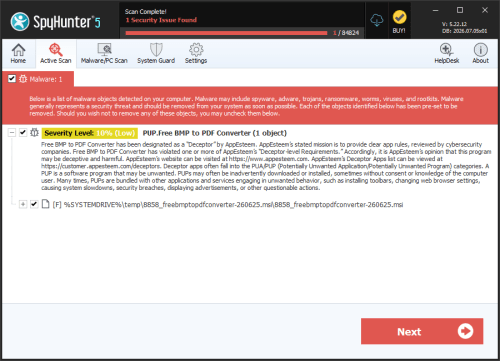
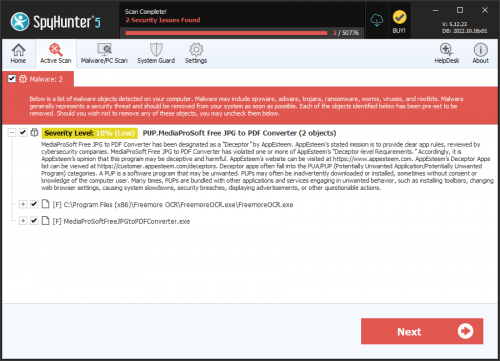
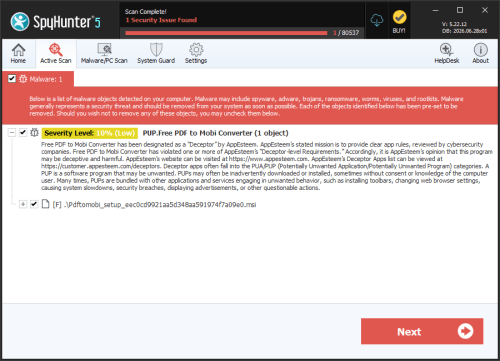
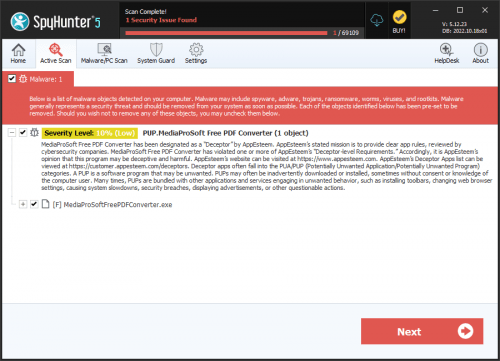
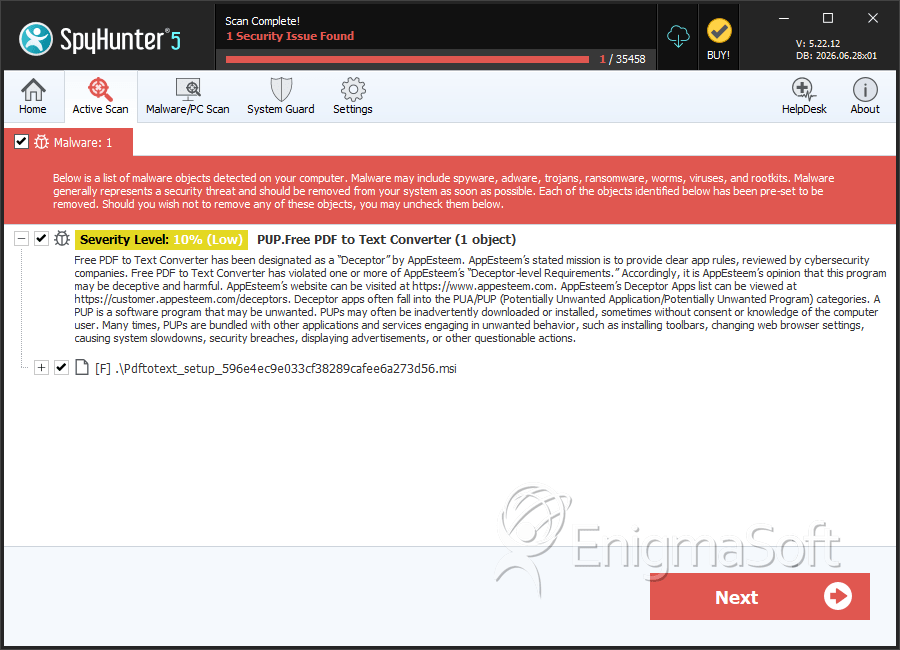
SpyHunter Detects & Remove PUP.Free PDF to Text Converter
File System Details
| # | File Name | MD5 |
Detections
Detections: The number of confirmed and suspected cases of a particular threat detected on
infected computers as reported by SpyHunter.
|
|---|---|---|---|
| 1. | 1449_freepdftotextconverter-260619.msi | 363e9c6d79cb1b10ebb94c2a5742fa5d | 2 |