PUP.Free BMP to PDF Converter
Threat Scorecard
EnigmaSoft Threat Scorecard
EnigmaSoft Threat Scorecards are assessment reports for different malware threats which have been collected and analyzed by our research team. EnigmaSoft Threat Scorecards evaluate and rank threats using several metrics including real-world and potential risk factors, trends, frequency, prevalence, and persistence. EnigmaSoft Threat Scorecards are updated regularly based on our research data and metrics and are useful for a wide range of computer users, from end users seeking solutions to remove malware from their systems to security experts analyzing threats.
EnigmaSoft Threat Scorecards display a variety of useful information, including:
Popularity Rank: The ranking of a particular threat in EnigmaSoft’s Threat Database.
Severity Level: The determined severity level of an object, represented numerically, based on our risk modeling process and research, as explained in our Threat Assessment Criteria.
Infected Computers: The number of confirmed and suspected cases of a particular threat detected on infected computers as reported by SpyHunter.
See also Threat Assessment Criteria.
| Threat Level: | 10 % (Normal) |
| Infected Computers: | 1 |
| First Seen: | June 30, 2026 |
| OS(es) Affected: | Windows |
PUP.Free BMP to PDF Converter is a detection for a potentially unwanted program (PUP) that presents itself as a simple file-conversion utility for turning BMP images into PDF documents. While a tool like this may perform the conversion it advertises, it is flagged because applications in this category are frequently distributed with bundled adware and make unwanted changes to a system.
This is a low-severity detection: the concern is unwanted behavior and bundling rather than aggressive, damaging malware. Still, "free" converter utilities from untrusted sources are a well-known vehicle for adware and browser modifications.
Table of Contents
What Is a Converter PUP?
Free-utility PUPs typically offer a small, genuinely useful function as a hook, then monetize the user through bundled offers, advertising, or data collection. During installation they may pre-select additional "recommended" software, change browser settings, or add components that run in the background.
How It Spreads
These applications spread mainly through software bundling and download portals. When users rush through an installer using the default "Express" or "Recommended" options, they can unknowingly agree to install extra programs alongside the converter.
Potential Concerns
- Bundled software: additional PUPs or adware installed alongside the converter.
- Advertising: extra ads, pop-ups, or promotional offers.
- Unwanted changes: modified browser or system settings.
Symptoms
- Extra programs installed at the same time as the converter.
- New browser toolbars, a changed homepage, or increased advertising.
- Background processes tied to the application.
Why This Detection Matters
Even low-risk PUPs clutter a system, erode privacy, and can open the door to more unwanted software. Removing them keeps a computer lean and reduces the chance of a bundled component causing bigger problems later.
How to Remove the Free BMP to PDF Converter
Because this threat runs as a file-based Windows infection, removal has two goals: stop the malicious process and delete every component it dropped, then confirm nothing was left behind to reinstall it.
Manual Steps
- Disconnect the computer from the internet to cut the malware off from its command-and-control server.
- Restart Windows in Safe Mode with Networking so the threat is not loaded at startup.
- Open Task Manager and end any unfamiliar or suspicious background processes.
- Check Settings → Apps and uninstall any program you do not recognize or did not intentionally install.
- Review startup entries (Task Manager → Startup) and the
Runregistry keys for entries that point to random file names in temporary folders. - When installing any free utility in future, choose "Custom" or "Advanced" setup and decline bundled offers.
- Clear temporary files to remove staging copies of the payload.
Recommended: Run a Full Malware Scan
Manual removal is difficult because modern threats hide components and can restore themselves. The most reliable way to fully remove the Free BMP to PDF Converter and any additional malware it may have downloaded is to scan the system with a professional, up-to-date anti-malware tool such as SpyHunter. A complete scan will detect and remove the threat's files, registry entries, and related infections, helping restore the device to a clean, secure state.
Conclusion
PUP.Free BMP to PDF Converter is a low-severity but unwanted application that may arrive with bundled extras. Remove it if you did not intend to install it, review your browser settings, and run a scan to clear any additional bundled software.
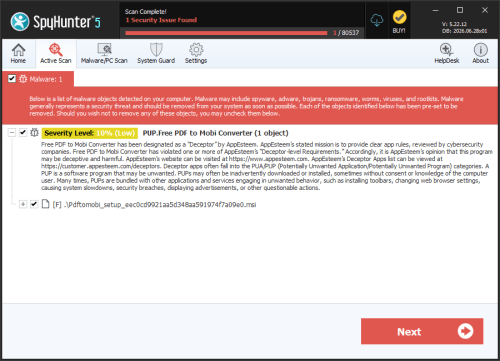
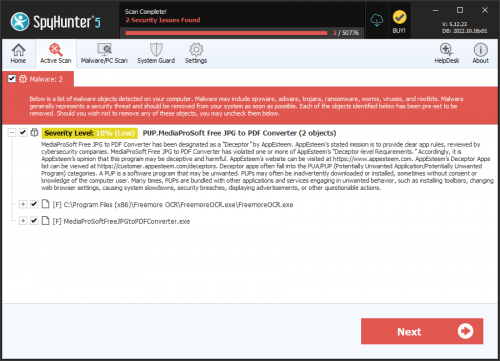
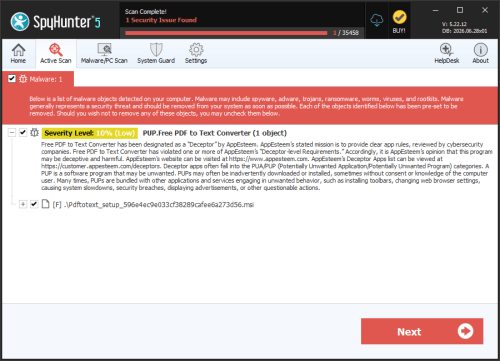
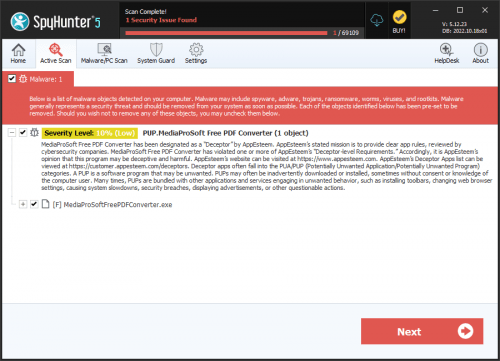
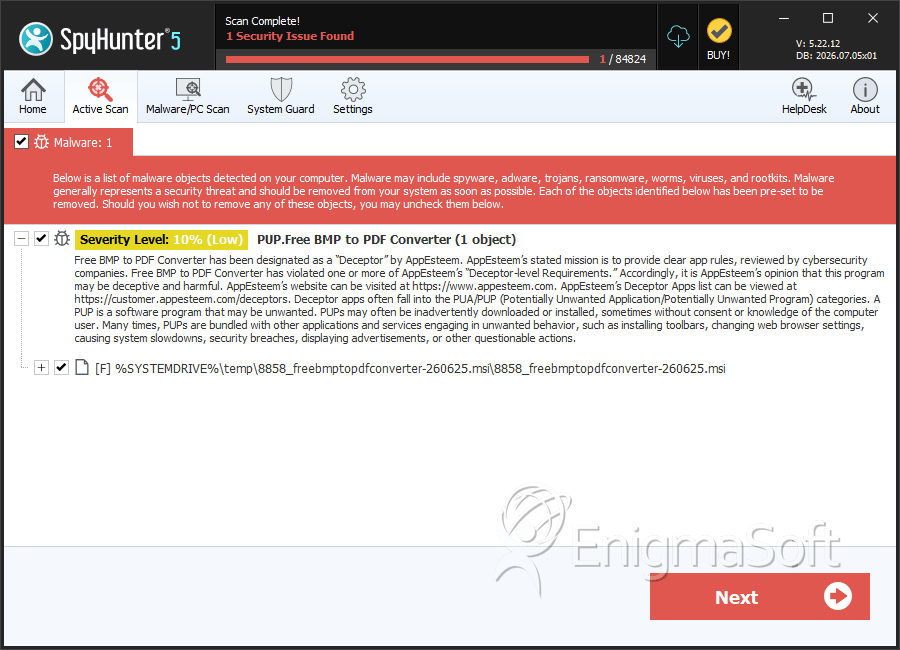
SpyHunter Detects & Remove PUP.Free BMP to PDF Converter
File System Details
| # | File Name | MD5 |
Detections
Detections: The number of confirmed and suspected cases of a particular threat detected on
infected computers as reported by SpyHunter.
|
|---|---|---|---|
| 1. | 8858_freebmptopdfconverter-260625.msi | 22199b2aec6bc42532f3100f342371f2 | 1 |