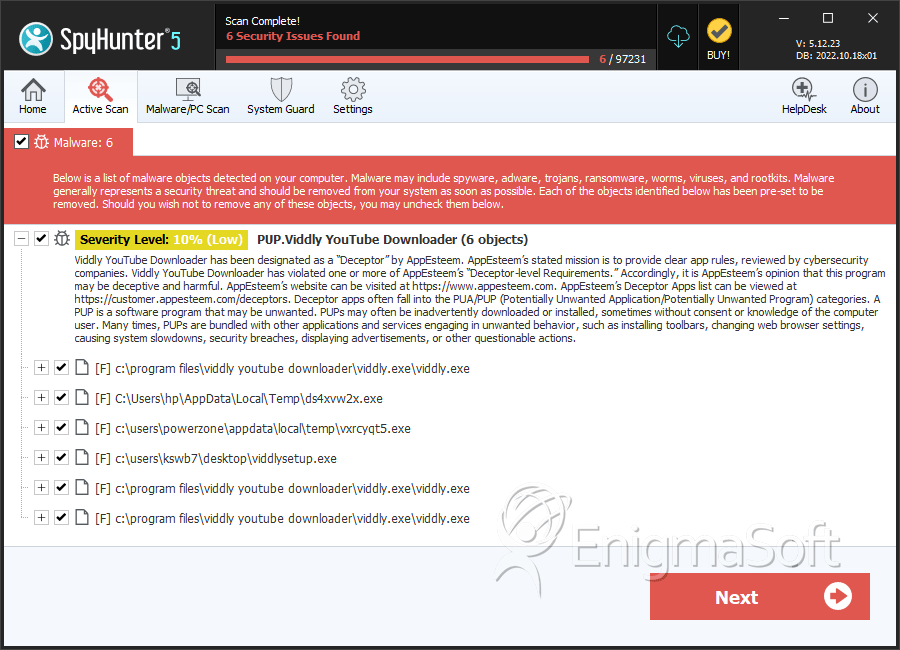
PUP.Viddly YouTube Downloader
The detection of PUP.Viddly YouTube Downloader on your system indicates the presence of a potentially unwanted program (PUP) that may have been installed without your full knowledge or consent. This type of software is designed to perform functions that are not necessarily malicious but can still pose risks to your system's security and privacy. It's essential to understand the nature of PUPs and how they operate to effectively remove them and prevent future infections.
Table of Contents
What Is PUP.Viddly YouTube Downloader?
PUP.Viddly YouTube Downloader, as the name suggests, is associated with a program that allows users to download videos from YouTube. However, its classification as a PUP indicates that it may exhibit behaviors that are not in the best interest of the user, such as displaying unwanted advertisements, collecting user data without consent, or bundling additional software that the user did not ask for. PUPs like PUP.Viddly YouTube Downloader can be installed through various means, including software bundles, deceptive downloads, or exploiting vulnerabilities in the system or other applications.
How PUP.Viddly YouTube Downloader Operates
Once installed, PUP.Viddly YouTube Downloader may operate in the background, potentially performing tasks that are not immediately visible to the user. This can include monitoring browsing habits, displaying pop-up ads, or even installing additional unwanted software. The primary goal of such programs is often to generate revenue for their developers through advertising or data collection. Understanding how PUPs operate is crucial for removing them effectively and preventing re-infection.
Symptoms of Infection
Symptoms of a PUP.Viddly YouTube Downloader infection can vary but may include an increase in unwanted advertisements, unexpected changes in browser settings, the appearance of unknown programs or toolbars, or a general slowdown in system performance. Users may also notice that their browser homepage or default search engine has been changed without their consent. These symptoms can be indicative of a broader issue and should be addressed promptly to protect the system and user data.
How to Remove PUP.Viddly YouTube Downloader
- Enter Safe Mode with Networking to prevent the PUP from interfering with the removal process. This mode allows you to use the internet to download removal tools while limiting the PUP's ability to run.
- Perform a full scan of your system using a reputable anti-malware tool such as SpyHunter. These tools are designed to detect and remove PUPs and other types of malware, providing a comprehensive solution for system cleanup.
- Uninstall any suspicious programs that were installed around the time the PUP was detected. Be cautious and only remove programs that you are certain are unwanted or malicious.
- Reset your web browsers (Chrome, Firefox, Edge, etc.) to their default settings. This can help remove any changes made by the PUP, such as unwanted extensions or altered homepage settings.
- Reboot your system and perform another scan with your anti-malware tool to ensure that all components of the PUP have been removed. This step is crucial for confirming that the system is clean and free from any remaining threats.
Conclusion
Removing PUP.Viddly YouTube Downloader requires a systematic approach to ensure that all components of the PUP are eliminated from the system. By following the steps outlined above and maintaining vigilance in downloading and installing software, users can protect their systems from PUPs and other types of malware. Regularly updating operating systems, browsers, and security software, as well as being cautious with downloads and email attachments, are key practices in preventing future infections. Remember, a clean and secure system is the best defense against potentially unwanted programs and more severe malware threats.
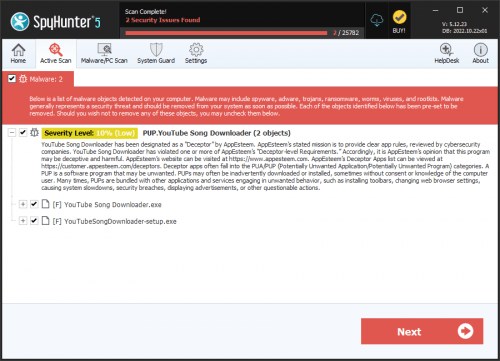
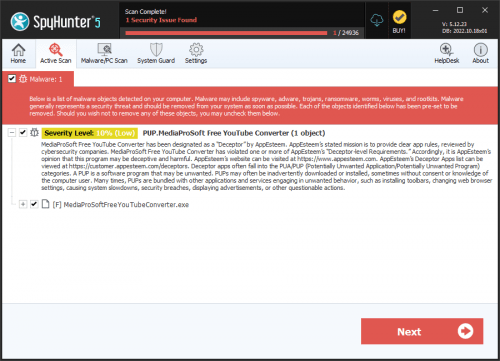
SpyHunter Detects & Remove PUP.Viddly YouTube Downloader