PUP.System Optimizer 3.2
The detection of PUP.System Optimizer 3.2 on your system indicates the presence of a potentially unwanted program (PUP) that may be causing issues with your computer's performance and security. PUPs are software applications that are not necessarily malicious but can still pose risks to your system and personal data. In this report, we will provide you with information on what PUP.System Optimizer 3.2 is, how it operates, its symptoms, and most importantly, how to remove it from your system.
Table of Contents
What Is PUP.System Optimizer 3.2?
PUP.System Optimizer 3.2 is a type of potentially unwanted program that is designed to supposedly optimize and improve the performance of your computer system. However, its actual functionality and intentions may be questionable, and it may exhibit behaviors that are not in the best interest of the user. PUPs like PUP.System Optimizer 3.2 often get installed on systems through bundled software downloads, deceptive advertising, or other means that do not clearly disclose their presence or full functionality.
How PUP.System Optimizer 3.2 Operates
PUPs operate in various ways, but they often share common characteristics such as modifying system settings, displaying unwanted advertisements, collecting user data without consent, and slowing down system performance. PUP.System Optimizer 3.2 may claim to offer system optimization services, but it could also be engaging in activities that compromise your system's security and your personal privacy. Understanding how PUPs operate is crucial in mitigating their impact and preventing further infections.
Symptoms of Infection
Symptoms of a PUP.System Optimizer 3.2 infection can vary but may include unexpected system crashes, slow performance, unwanted pop-ups or advertisements, and changes to your browser settings or homepage. You might also notice that your system is running more slowly than usual or that certain programs are not functioning as expected. If you have noticed any of these symptoms, it is essential to take immediate action to remove the PUP and protect your system and data.
How to Remove PUP.System Optimizer 3.2
- Boot your computer in Safe Mode with Networking to prevent PUP.System Optimizer 3.2 from loading and to give you a cleaner environment to work in.
- Perform a full scan of your system using a reputable anti-malware tool, such as SpyHunter, to detect and remove all components of PUP.System Optimizer 3.2.
- Uninstall any suspicious programs that you do not recognize or that were installed around the time the symptoms appeared. Be cautious and only remove programs you are sure are not necessary for your system's operation.
- Reset your web browsers (Google Chrome, Mozilla Firefox, Microsoft Edge, etc.) to their default settings to remove any changes made by PUP.System Optimizer 3.2.
- Reboot your computer and perform another full scan with your anti-malware tool to ensure that all remnants of PUP.System Optimizer 3.2 have been removed.
Conclusion
Removing PUP.System Optimizer 3.2 from your system is crucial to restoring your computer's performance and protecting your personal data. By following the steps outlined above, you can effectively remove this potentially unwanted program and prevent future infections. It is also important to maintain good computing practices, such as regularly updating your operating system and software, using strong antivirus protection, and being cautious when downloading and installing new applications. Remember, vigilance and proactive measures are key to keeping your system secure and free from unwanted programs like PUP.System Optimizer 3.2.
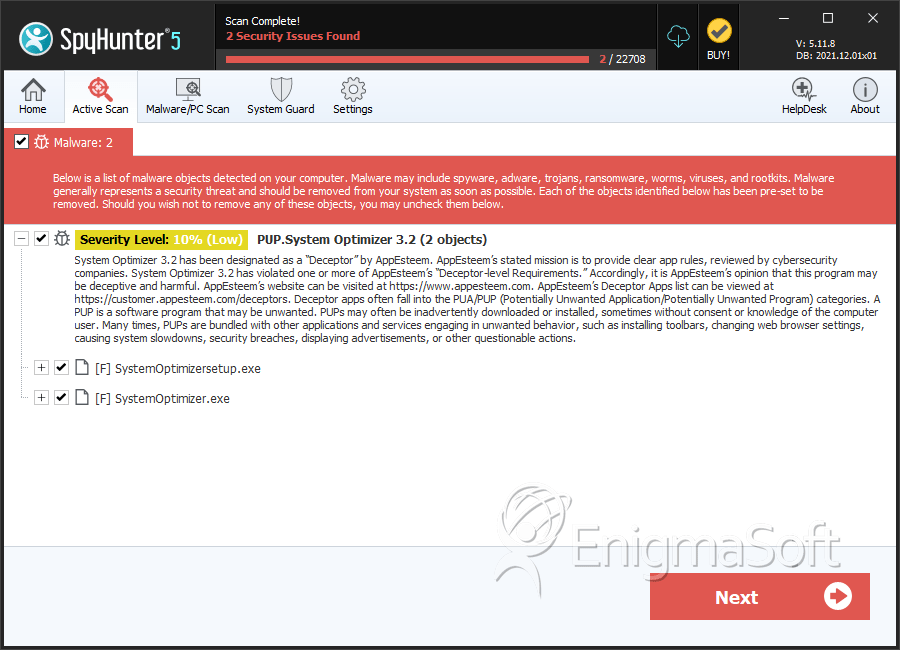
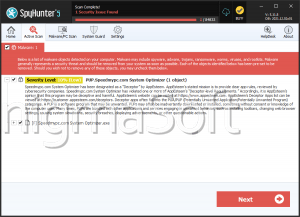
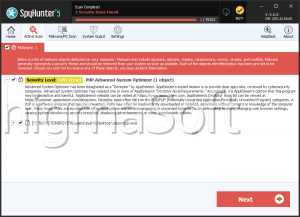
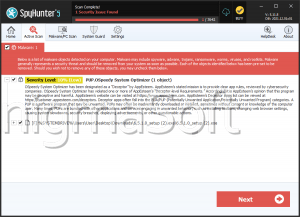
SpyHunter Detects & Remove PUP.System Optimizer 3.2