PUP.Advanced System Optimizer
The detection of PUP.Advanced System Optimizer on your system indicates the presence of a potentially unwanted program (PUP) that may be causing issues with your computer's performance and security. This type of software is often installed without the user's full knowledge or consent, and can lead to a range of problems, including slowed system performance, unwanted pop-ups and advertisements, and potentially even more serious security vulnerabilities.
Table of Contents
What Is PUP.Advanced System Optimizer?
PUP.Advanced System Optimizer is a type of potentially unwanted program that is designed to appear as a legitimate system optimization tool. However, its true purpose is often to generate revenue for its creators through various means, such as displaying advertisements, collecting user data, or installing additional unwanted software. This type of program can be particularly problematic because it may not be immediately apparent that it is malicious, and it may even appear to be performing useful functions, such as scanning for system errors or optimizing system settings.
How PUP.Advanced System Optimizer Operates
PUP.Advanced System Optimizer typically operates by installing itself on a user's system through deceptive means, such as bundling with other software or exploiting vulnerabilities in the system. Once installed, it may begin to display unwanted advertisements, collect user data, or install additional unwanted software. It may also attempt to convince the user to purchase a full version of the software or to pay for additional features or services. In some cases, PUP.Advanced System Optimizer may even install additional malware or viruses on the system, which can lead to more serious security problems.
Symptoms of Infection
The symptoms of a PUP.Advanced System Optimizer infection can vary, but common signs include slowed system performance, unwanted pop-ups and advertisements, and unfamiliar programs or icons on the system. Users may also notice that their system settings have been changed, or that their browser homepage or search engine has been altered. In some cases, users may even receive fake alerts or warnings, claiming that their system is infected with malware or that they need to update their software.
- Unwanted pop-ups and advertisements
- Slowed system performance
- Unfamiliar programs or icons on the system
- Changed system settings
- Altered browser homepage or search engine
- Fake alerts or warnings
How to Remove PUP.Advanced System Optimizer
- Boot your system in Safe Mode with Networking to prevent the malware from loading
- Use a reputable anti-malware tool, such as SpyHunter, to perform a full scan of your system and remove any detected threats
- Uninstall any suspicious programs or software that you do not recognize or need
- Reset your browser settings, including Chrome, Firefox, and Edge, to their default values
- Reboot your system and perform a follow-up scan to ensure that the malware has been fully removed
Conclusion
Removing PUP.Advanced System Optimizer from your system is an important step in protecting your security and performance. By following the steps outlined above, you can help to ensure that your system is free from this potentially unwanted program and any associated malware. It's also important to be vigilant when installing new software and to always read the terms and conditions carefully to avoid inadvertently installing unwanted programs. By taking these precautions, you can help to keep your system safe and secure.
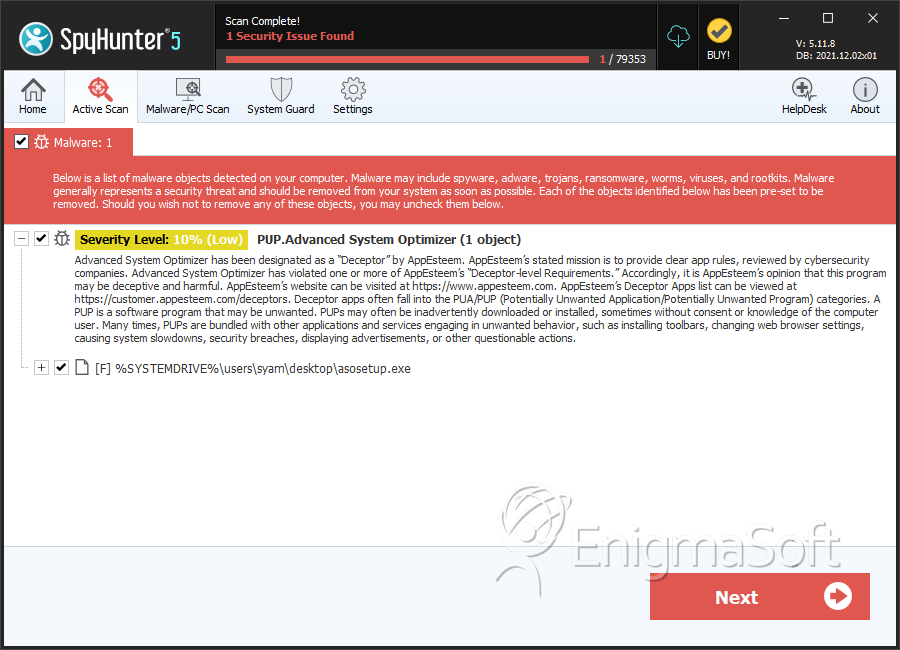
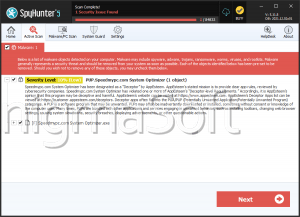
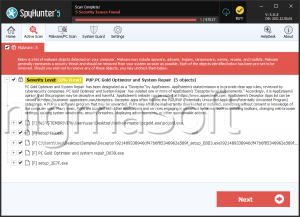
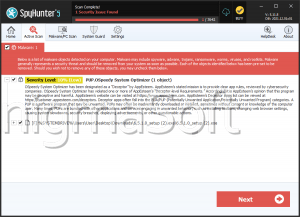
SpyHunter Detects & Remove PUP.Advanced System Optimizer