PUP.Simple Registry Cleaner
The detection of PUP.Simple Registry Cleaner on your system indicates the presence of a potentially unwanted program (PUP) that may be causing issues with your computer's performance and security. It's essential to understand the nature of this threat and take appropriate steps to remove it to prevent any potential harm.
Table of Contents
What Is PUP.Simple Registry Cleaner?
PUP.Simple Registry Cleaner is a type of potentially unwanted program that is designed to supposedly clean and optimize the Windows registry. However, its presence on your system may be unauthorized, and it could be performing actions that are not in your best interest. PUPs like this one often infiltrate systems through bundled software downloads, infected websites, or other means, and can lead to a range of problems, including system slowdowns, unwanted pop-ups, and even data breaches.
How PUP.Simple Registry Cleaner Operates
Once installed, PUP.Simple Registry Cleaner may start scanning your system and claiming to have found numerous issues that need to be fixed. It may then prompt you to purchase a full version of the software or subscribe to a service to resolve these issues. However, in many cases, these "issues" are either non-existent or exaggerated, and the software is simply trying to scare you into paying for unnecessary services. Additionally, PUPs like this one may also collect your personal data, such as browsing history and search queries, and sell it to third-party companies for profit.
Symptoms of Infection
If your system is infected with PUP.Simple Registry Cleaner, you may notice a range of symptoms, including slow system performance, unwanted pop-ups and advertisements, and unfamiliar programs or icons on your desktop. You may also notice that your browser settings have been changed, or that you are being redirected to suspicious websites. In some cases, you may even experience system crashes or freezes, or find that your personal data is being stolen or misused.
- Unwanted pop-ups and advertisements
- Slow system performance
- Unfamiliar programs or icons on your desktop
- Changed browser settings
- Redirects to suspicious websites
- System crashes or freezes
- Theft or misuse of personal data
How to Remove PUP.Simple Registry Cleaner
- Boot your system in Safe Mode with Networking to prevent the PUP from loading and to give you a clean environment to work in.
- Use a reputable anti-malware tool, such as SpyHunter, to perform a full scan of your system and detect any malware or PUPs that may be present.
- Uninstall any suspicious programs or applications that you do not recognize or that you did not intentionally install.
- Reset your browser settings to their default values, including Chrome, Firefox, and Edge, to remove any unwanted extensions or add-ons.
- Reboot your system and perform another scan with your anti-malware tool to ensure that the PUP has been completely removed.
Conclusion
Removing PUP.Simple Registry Cleaner from your system is crucial to prevent any potential harm and to restore your system's performance and security. By following the steps outlined above, you can effectively remove this PUP and protect your system from similar threats in the future. It's also essential to be cautious when downloading software and to always read the terms and conditions before installing any program. Additionally, keeping your operating system and software up to date, using strong antivirus software, and being aware of online threats can help prevent PUPs like PUP.Simple Registry Cleaner from infecting your system in the first place.
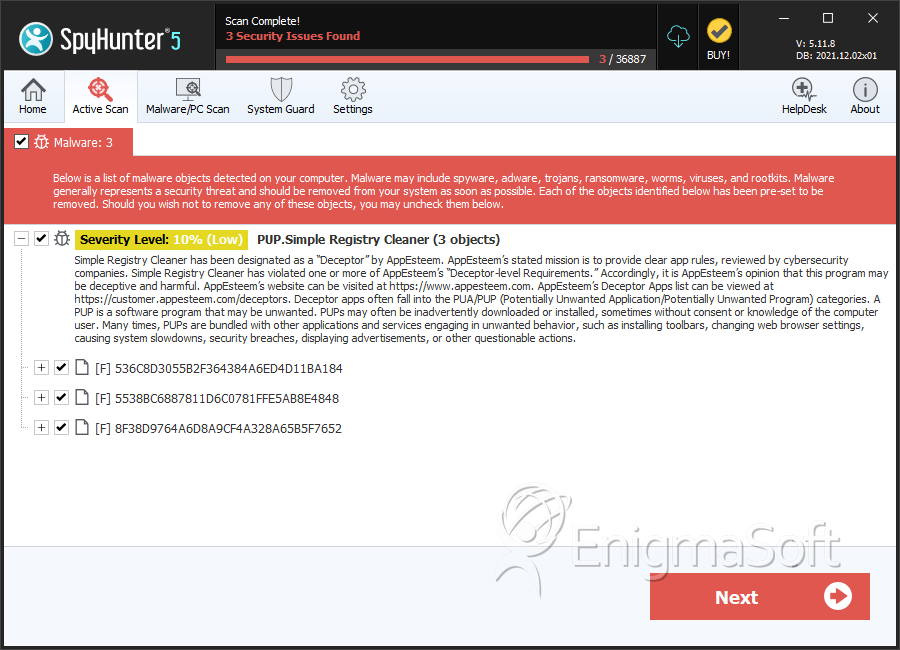
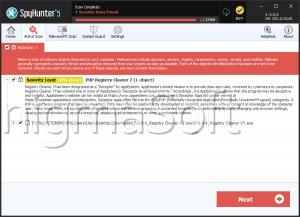
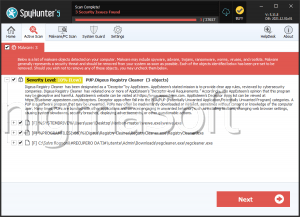
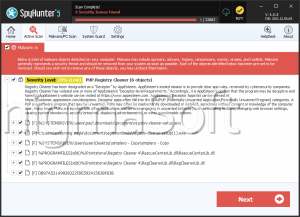
SpyHunter Detects & Remove PUP.Simple Registry Cleaner