PUP.Yodot Speed Up PC
The detection of PUP.Yodot Speed Up PC on your system indicates the presence of a potentially unwanted program (PUP) that may be causing issues with your computer's performance and security. It is essential to understand the nature of this threat and take appropriate steps to remove it to prevent potential harm. In this report, we will provide you with information on what PUP.Yodot Speed Up PC is, how it operates, its symptoms, and most importantly, how to remove it from your system.
Table of Contents
What Is PUP.Yodot Speed Up PC?
PUP.Yodot Speed Up PC is classified as a potentially unwanted program (PUP), which means it is not necessarily malicious but can still cause problems for your computer. PUPs are often installed unintentionally by users, usually as part of a software bundle or by clicking on suspicious links. They can lead to a range of issues, including decreased system performance, unwanted advertisements, and potential security vulnerabilities. Understanding that PUP.Yodot Speed Up PC is not a virus but can still negatively impact your computing experience is crucial for taking the right steps to address the issue.
How PUP.Yodot Speed Up PC Operates
PUPs like PUP.Yodot Speed Up PC typically operate by integrating themselves into your system and altering settings or adding new, often unnecessary, features. They might claim to offer benefits such as system optimization or enhanced performance, but in reality, they can consume system resources, display unwanted ads, or even collect user data without consent. These programs can be challenging to remove due to their ability to embed themselves deeply within the operating system or through the use of deceptive tactics to prevent uninstallation.
Symptoms of Infection
Symptoms of a PUP.Yodot Speed Up PC infection can vary but often include a noticeable slowdown in system performance, appearance of unwanted advertisements or pop-ups, and changes to your browser's homepage or search engine without your consent. You might also notice the installation of additional, unfamiliar programs or toolbars on your browser. In some cases, PUPs can lead to more severe issues, such as data breaches or the installation of more malicious software, emphasizing the importance of prompt removal.
How to Remove PUP.Yodot Speed Up PC
- Boot your computer in Safe Mode with Networking to prevent PUP.Yodot Speed Up PC from loading and to give you a clean environment to work in.
- Perform a full scan of your system using a reputable anti-malware tool, such as SpyHunter, to detect and remove all components of the PUP.
- Manually uninstall any suspicious programs that you do not recognize or need. Be cautious during this process to avoid removing essential system components.
- Reset your web browsers (Chrome, Firefox, Edge) to their default settings to remove any changes made by the PUP, such as altered homepages or search engines.
- Reboot your computer and perform another scan with your anti-malware tool to ensure that all remnants of PUP.Yodot Speed Up PC have been removed.
Conclusion
Removing PUP.Yodot Speed Up PC from your system is crucial to restoring your computer's performance and security. By following the steps outlined above and maintaining vigilance when installing software or clicking on links, you can significantly reduce the risk of future infections. Regularly updating your operating system, browsers, and security software, along with using strong, unique passwords and enabling two-factor authentication where possible, are also key practices in protecting your digital environment. Remember, prevention and prompt action are your best defenses against potentially unwanted programs and more severe malware threats.
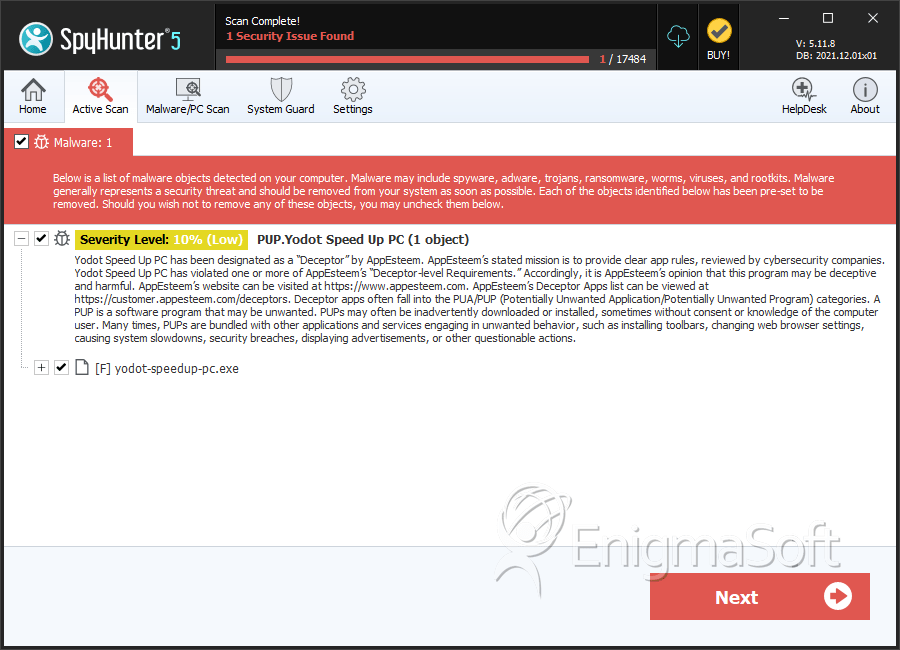
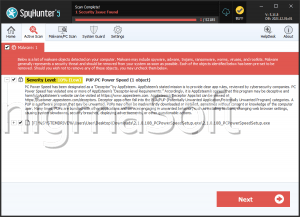
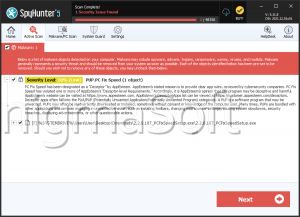
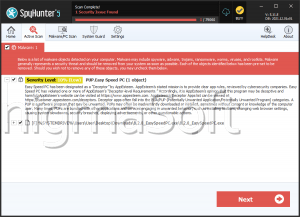
SpyHunter Detects & Remove PUP.Yodot Speed Up PC