PUP.TweakBit PC Repair Kit
The detection of PUP.TweakBit PC Repair Kit on your system indicates the presence of a potentially unwanted program (PUP) that may be causing issues with your computer's performance and security. It is essential to understand the nature of this threat and take appropriate steps to remove it and prevent future infections.
Table of Contents
What Is PUP.TweakBit PC Repair Kit?
PUP.TweakBit PC Repair Kit is a type of software that is considered potentially unwanted because it may not provide the benefits it claims to offer, and its presence on your system can lead to various problems. This program may have been installed intentionally or unintentionally, often through bundled software downloads or deceptive marketing tactics. Its primary purpose is to supposedly improve your computer's performance by fixing errors and optimizing settings, but in reality, it may be causing more harm than good.
How PUP.TweakBit PC Repair Kit Operates
Once installed, PUP.TweakBit PC Repair Kit may start scanning your system for alleged errors and issues, often reporting false or exaggerated problems to convince you to purchase its full version or subscribe to its services. This program may also collect data about your system and browsing habits, which could be used for targeted advertising or other malicious purposes. Furthermore, it may interfere with your system's settings and configuration, leading to instability and performance issues.
Symptoms of Infection
The symptoms of PUP.TweakBit PC Repair Kit infection can vary, but common signs include unwanted pop-ups and advertisements, slow system performance, and mysterious changes to your browser settings or homepage. You may also notice that your system is crashing or freezing frequently, or that certain programs are not functioning correctly. If you have noticed any of these symptoms, it is crucial to take immediate action to remove the infection and prevent further damage.
- Unwanted pop-ups and advertisements
- Slow system performance
- Mysterious changes to browser settings or homepage
- System crashes or freezing
- Programs not functioning correctly
How to Remove PUP.TweakBit PC Repair Kit
- Boot your system in Safe Mode with Networking to prevent the malware from loading and to allow for a more effective removal process.
- Perform a full scan of your system using a reputable anti-malware tool, such as SpyHunter, to detect and remove all traces of the infection.
- Uninstall any suspicious programs or applications that may be related to the PUP.TweakBit PC Repair Kit infection.
- Reset your web browsers, including Chrome, Firefox, and Edge, to their default settings to remove any malicious extensions or add-ons.
- Reboot your system and perform another scan to ensure that the infection has been completely removed.
Conclusion
Removing PUP.TweakBit PC Repair Kit from your system is crucial to preventing further damage and protecting your personal data. By following the steps outlined above, you can effectively remove the infection and restore your system to its normal state. It is also essential to be cautious when downloading software and to always read the terms and conditions carefully to avoid installing potentially unwanted programs in the future. Remember to keep your anti-malware tools up to date and to perform regular scans to ensure that your system remains protected against emerging threats.
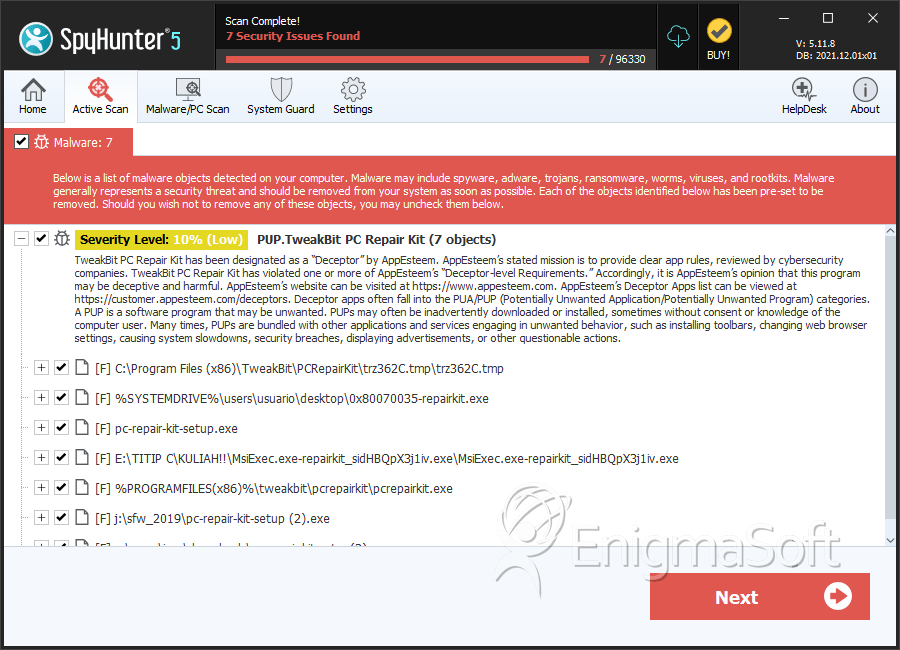
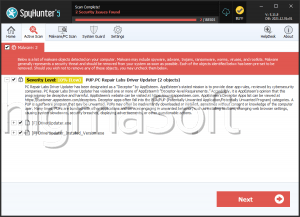
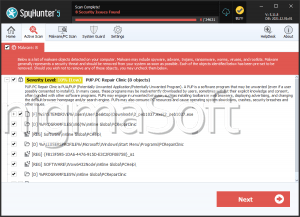
SpyHunter Detects & Remove PUP.TweakBit PC Repair Kit