PUP.SuperFree VPN
Threat Scorecard
EnigmaSoft Threat Scorecard
EnigmaSoft Threat Scorecards are assessment reports for different malware threats which have been collected and analyzed by our research team. EnigmaSoft Threat Scorecards evaluate and rank threats using several metrics including real-world and potential risk factors, trends, frequency, prevalence, and persistence. EnigmaSoft Threat Scorecards are updated regularly based on our research data and metrics and are useful for a wide range of computer users, from end users seeking solutions to remove malware from their systems to security experts analyzing threats.
EnigmaSoft Threat Scorecards display a variety of useful information, including:
Popularity Rank: The ranking of a particular threat in EnigmaSoft’s Threat Database.
Severity Level: The determined severity level of an object, represented numerically, based on our risk modeling process and research, as explained in our Threat Assessment Criteria.
Infected Computers: The number of confirmed and suspected cases of a particular threat detected on infected computers as reported by SpyHunter.
See also Threat Assessment Criteria.
| Popularity Rank: | 16,001 |
| Threat Level: | 10 % (Normal) |
| Infected Computers: | 66 |
| First Seen: | August 21, 2026 |
| Last Seen: | November 3, 2026 |
| OS(es) Affected: | Windows |
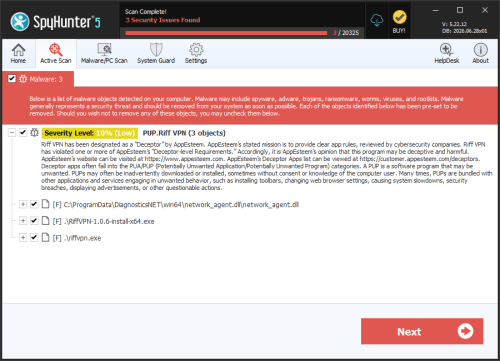
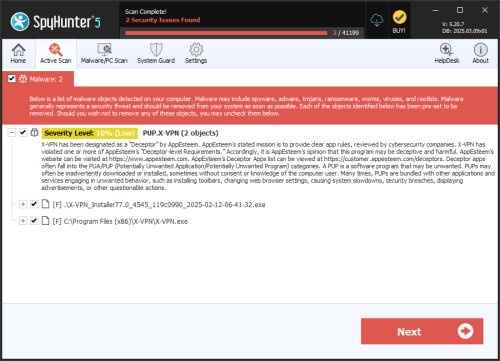
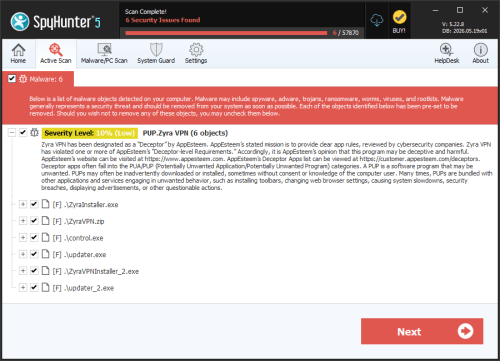
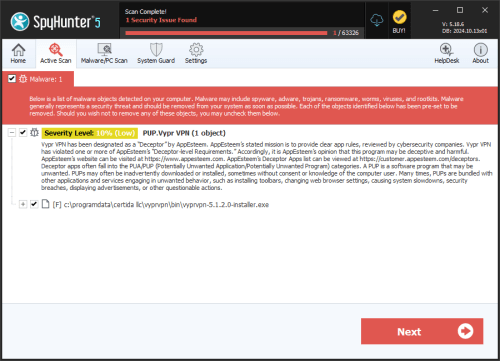
PUP.SuperFree VPN is the detection name for a program called SuperFree VPN, which is classed as a Possibly Unwanted Program (PUP) on Windows. It is not treated as classic malware, and its danger level is rated 1 out of 10. It has still been flagged because of how the program behaves and how it presents itself to users.
Table of Contents
Why SuperFree VPN is flagged
According to the feed data, AppEsteem has designated SuperFree VPN as a "Deceptor." AppEsteem describes its mission as providing clear app rules that are reviewed by cybersecurity companies. The data states that SuperFree VPN has violated one or more of AppEsteem's "Deceptor-level Requirements." In AppEsteem's opinion, this means the program may be deceptive and harmful.
The feed does not say which specific requirements were broken, so we cannot say exactly what the program does wrong. The designation is an opinion about the program's behavior and not proof that it contains a virus.
What programs like this typically do
The following describes typical behavior of the category and is not confirmed for this particular program. Apps flagged as deceptive often:
- Make exaggerated or misleading claims about privacy, security or speed.
- Hide important information about pricing, subscriptions or data collection.
- Show misleading alerts or pressure users into upgrading or paying.
- Make it difficult to close, decline or uninstall the software.
How it usually gets onto computers
The feed does not describe how SuperFree VPN is distributed. Typically, PUPs reach computers when users download software from unofficial websites, or when an installer bundles extra programs and the options are easy to overlook. Users may also install a free VPN on purpose, expecting a useful tool, without realizing it has been flagged as deceptive.
Risks for the user
The risk level is low, but a few concerns are worth knowing about:
- Possible deception: The program may not behave the way it is advertised.
- Privacy concerns: VPN software routes or handles network activity, so using a questionable one is a trust issue. Whether this program collects data is not stated in the feed.
- Unwanted costs or changes: Deceptive apps of this type sometimes push paid upgrades or unclear terms. This is typical behavior and not confirmed here.
Signs it may be on your computer
The feed lists two files linked to this detection: superfree vpn.exe and temp-superfree vpn setup 1.0.60.1.exe. The second looks like a setup file for version 1.0.60.1. You may notice:
- A program called SuperFree VPN in your installed apps list.
- One of the files above in your downloads or temporary folders.
- Your security software reporting PUP.SuperFree VPN.
- A VPN you do not remember installing.
The detection has been seen 66 times in the feed data, between August 21, 2026 and November 3, 2026.
How to stay protected
- Download software only from the official websites of well-known developers or from trusted app stores.
- Choose custom or advanced install options and untick any extra programs you did not ask for.
- Research a VPN before installing it, especially a free one. Look for independent reviews and a clear privacy policy.
- If you find SuperFree VPN and do not want it, uninstall it through the Windows installed apps list, then delete any leftover setup files.
- Keep Windows and your security software up to date, and run a full system scan if you are unsure what else was installed alongside it.
If you still need a VPN after removing it, choose a service with a transparent, verifiable track record.
File System Details
| # | File Name | MD5 |
Detections
Detections: The number of confirmed and suspected cases of a particular threat detected on
infected computers as reported by SpyHunter.
|
|---|---|---|---|
| 1. | superfree vpn.exe | 2b9102ad5f8dcce6dc7f38aa3025e853 | 42 |
| 2. | temp-superfree vpn setup 1.0.60.1.exe | 0937e9b9d538fbc93e726522673d1bdb | 17 |