PUP.SecuPerts Driver Updater
The detection of PUP.SecuPerts Driver Updater on your system indicates the presence of a potentially unwanted program (PUP) that may be causing issues with your computer's performance and security. It's essential to understand the nature of this threat and take appropriate steps to remove it and prevent future infections.
Table of Contents
What Is PUP.SecuPerts Driver Updater?
PUP.SecuPerts Driver Updater is a type of malware that is classified as a potentially unwanted program (PUP). This category of threats includes software that may not be malicious in the classical sense but can still cause problems for users. PUPs often install themselves on a system without the user's full knowledge or consent, and they may exhibit behaviors that are undesirable, such as displaying unwanted advertisements, collecting user data without permission, or modifying system settings.
How PUP.SecuPerts Driver Updater Operates
PUPs like PUP.SecuPerts Driver Updater typically operate by exploiting vulnerabilities in software or by tricking users into installing them. They may be bundled with other software, or they may be installed through deceptive advertising or fake updates. Once installed, PUPs can perform a variety of actions, including scanning the system for outdated drivers or software and offering to update them, often for a fee. However, these updates may not be necessary or may even install additional malware.
Symptoms of Infection
The symptoms of a PUP.SecuPerts Driver Updater infection can vary, but common signs include unwanted pop-ups or advertisements, slow system performance, and mysterious changes to system settings. Users may also notice that their browser homepage or search engine has been changed without their consent. In some cases, PUPs can also collect user data, such as browsing history or personal information, and transmit it to third parties.
How to Remove PUP.SecuPerts Driver Updater
- Boot your computer in Safe Mode with Networking to prevent the PUP from loading and to allow for easier removal.
- Perform a full scan of your system using a reputable anti-malware tool, such as SpyHunter, to detect and remove all traces of the PUP.
- Uninstall any suspicious programs that may be related to the PUP, taking care to read the fine print and ensure you are not uninstalling legitimate software.
- Reset your web browsers, including Chrome, Firefox, and Edge, to their default settings to remove any changes made by the PUP.
- Reboot your computer and perform another scan with your anti-malware tool to ensure that all remnants of the PUP have been removed.
Conclusion
Removing PUP.SecuPerts Driver Updater from your system requires careful attention to detail and a thorough understanding of how PUPs operate. By following the steps outlined above and maintaining good computing habits, such as keeping your software up to date and being cautious when installing new programs, you can help protect your system from future infections and keep your personal data safe. Remember, prevention is key, and staying informed about the latest threats and best practices for computer security can go a long way in safeguarding your digital life.
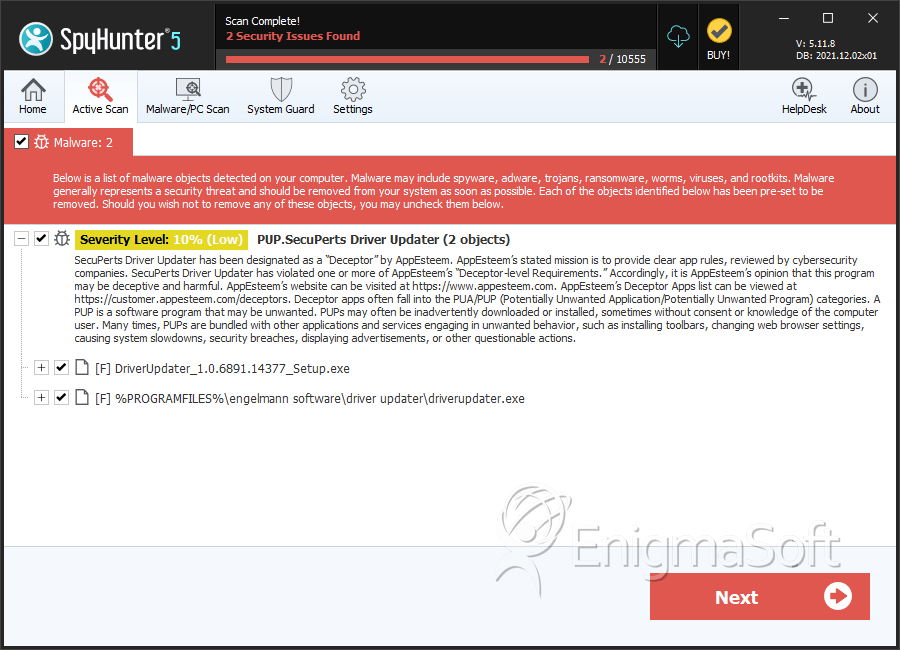
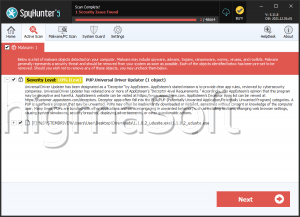
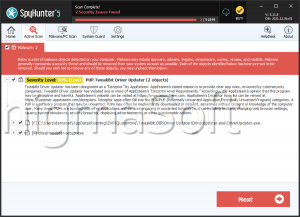
SpyHunter Detects & Remove PUP.SecuPerts Driver Updater