PUP.Easy PC Optimizer
The detection of PUP.Easy PC Optimizer on your system indicates the presence of a potentially unwanted program (PUP) that may be causing issues with your computer's performance and security. It's essential to understand the nature of this threat and take prompt action to remove it and prevent further damage.
Table of Contents
What Is PUP.Easy PC Optimizer?
PUP.Easy PC Optimizer is a type of malware that is designed to appear as a legitimate system optimization tool. However, its primary purpose is to deceive users into purchasing or downloading additional software, which may be malicious or unnecessary. PUPs like PUP.Easy PC Optimizer often exploit user trust by masquerading as useful applications, making them more challenging to identify and remove.
How PUP.Easy PC Optimizer Operates
PUP.Easy PC Optimizer typically operates by scanning the system for perceived issues, such as registry errors, temporary files, or other minor problems. It then presents the user with a list of supposed issues, often with exaggerated or false claims, in an attempt to convince them to purchase a full version of the software or download additional tools. In some cases, PUPs may also collect user data, such as browsing history or personal information, without consent.
Symptoms of Infection
Systems infected with PUP.Easy PC Optimizer may exhibit various symptoms, including slow system performance, frequent pop-ups or alerts, and unexpected changes to browser settings or homepage. Users may also notice unfamiliar programs or icons on their desktop or taskbar. In some cases, PUPs can also lead to more severe issues, such as data breaches or the installation of additional malware.
- Unwanted changes to browser settings or homepage
- Frequent pop-ups or alerts
- Slow system performance
- Unfamiliar programs or icons on the desktop or taskbar
How to Remove PUP.Easy PC Optimizer
- Boot your system in Safe Mode with Networking to prevent the PUP from loading and interfering with the removal process.
- Perform a full scan of your system using a reputable anti-malware tool, such as SpyHunter, to detect and remove all instances of PUP.Easy PC Optimizer.
- Uninstall any suspicious programs or applications that may be related to the PUP.
- Reset your web browsers, including Chrome, Firefox, and Edge, to their default settings to remove any unwanted extensions or changes.
- Reboot your system and perform a follow-up scan to ensure that all remnants of the PUP have been removed.
Conclusion
Removing PUP.Easy PC Optimizer from your system is crucial to preventing further damage and protecting your personal data. By following the steps outlined above and being cautious when downloading and installing software, you can help ensure the security and integrity of your system. Remember to always prioritize caution when encountering unfamiliar programs or alerts, and never hesitate to seek assistance from reputable security sources if you're unsure about a particular threat or issue.
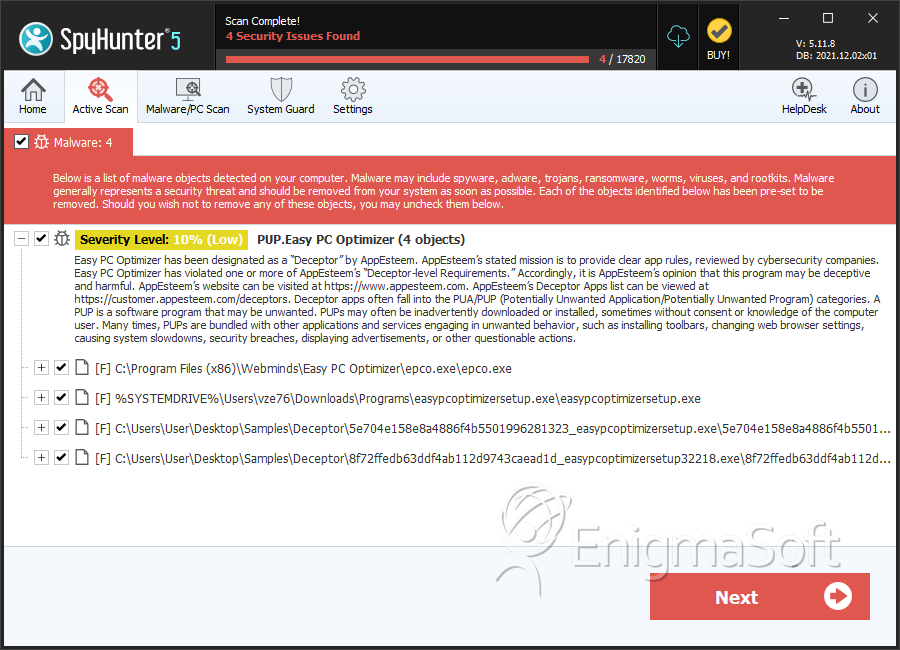
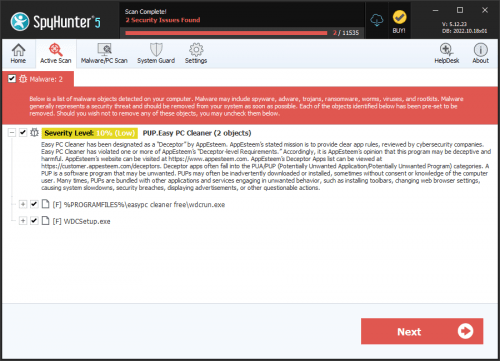
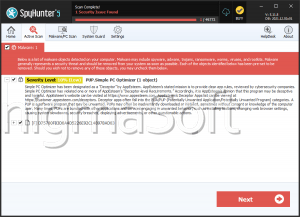
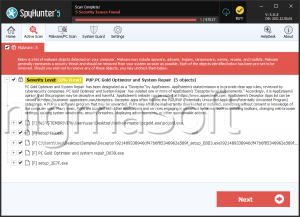
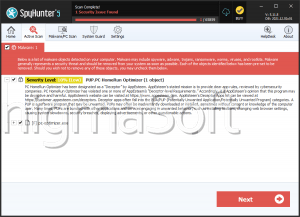
SpyHunter Detects & Remove PUP.Easy PC Optimizer