Pulse Browser
Safeguarding systems against intrusive and untrustworthy potentially unwanted programs (PUPs) is essential for maintaining security, privacy, and stable performance. Applications that appear legitimate at first glance often conceal disruptive or risky behavior. Once installed on a device, such software may undermine browsing integrity, expose sensitive information, and open the door to more serious threats.
Table of Contents
Pulse Browser at a Glance
Pulse is a Chromium-based web browser promoted as an AI-integrated browsing solution. Despite this marketing, cybersecurity researchers have classified Pulse as a potentially unwanted program. Software in this category frequently operates in ways that diverge from user expectations and may introduce functionality associated with serious security and privacy concerns.
Pulse is not simply a modified extension or add-on; it installs as a standalone browser that arrives preconfigured to route users through questionable services.
Redirect Behavior and Fake Search Engines
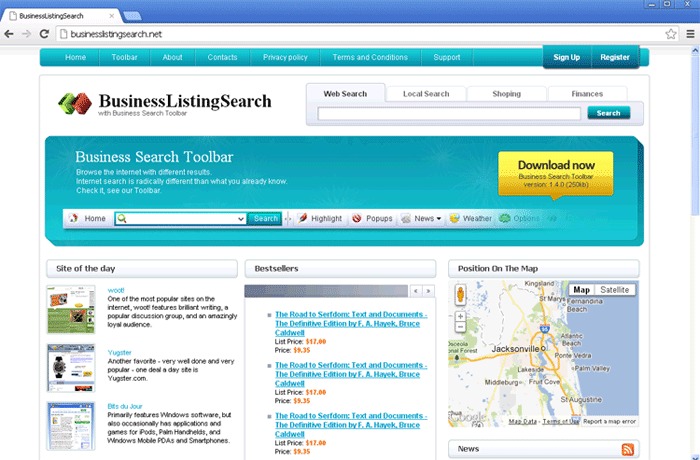
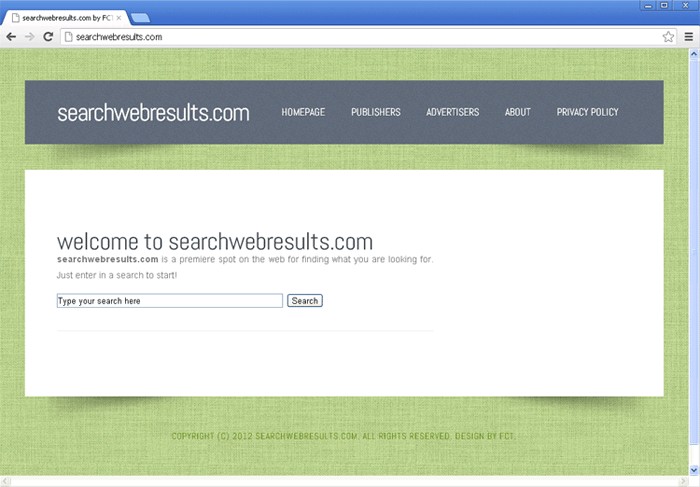
A defining trait of Pulse is its enforced redirection scheme. Searches performed through its homepage are routed through mypulsehome.com before eventually landing on Yahoo's legitimate search service. Queries typed directly into the address bar are funneled through search.pulsebrowser.com, again ending on Yahoo.
This pattern reflects behavior typically linked to browser hijackers. The intermediary domains involved do not generate their own search results. Instead, they act as traffic brokers, inserting themselves between users and real search engines. Such fake search services exist primarily to monitor activity, inject sponsored content, and monetize redirected traffic.
Functionalities That Raise Serious Concerns
Potentially unwanted programs often include components designed for questionable or abusive purposes, and this risk is relevant to Pulse as well.
Advertising-Related Capabilities
PUPs frequently exhibit adware-type behavior. Such software may introduce excessive advertisements, sponsored links, or forced redirects to revenue-generating pages. These promotions often lead to unreliable services, deceptive 'system scan' pages, other unwanted applications, or even sites associated with malware distribution.
Data Tracking and Privacy Risks
Information harvesting is a standard feature across many PUPs. Collected data may include browsing and search histories, cookies, login credentials, personally identifiable information, and even financial details. This information could be monetized through sale to third parties or exploited directly, creating the risk of privacy violations, financial loss, and identity-related crimes.
The Broader Impact of Unwanted Software
The presence of unwanted programs on a system is not merely an inconvenience. Such software may contribute to:
- Exposure to further infections
- Persistent privacy erosion
- Deceptive advertising ecosystems
- Financial scams and credential theft
Even when an application appears to function as advertised, that alone does not establish legitimacy or safety. Many unwanted programs provide some visible features while simultaneously performing concealed operations that benefit their distributors rather than the user.
Deceptive Promotion and False Legitimacy
Pulse is promoted through an 'official' website and supported by various third-party pages. Endorsement pages of this type are frequently accessed through redirects originating from rogue advertising networks, intrusive pop-up ads, spam notification campaigns, mistyped addresses, and adware-driven browser injections. This ecosystem is designed to manufacture an appearance of credibility and funnel traffic toward questionable downloads.
Promises of 'advanced,' 'AI-powered,' or 'optimized' browsing experiences are commonly used to attract interest. In practice, such claims often fail to deliver meaningful benefits and primarily serve to disguise intrusive objectives.
Questionable Distribution Tactics Used by PUPs
A major reason PUPs become widespread lies in the methods used to distribute them. These tactics deliberately blur the line between legitimate software installation and unwanted additions.
Software Bundling
Bundling remains one of the most prevalent techniques. Installers for ordinary programs are repackaged to include extra components, which are preselected for installation. The risk of unintentionally approving these additions increases when downloads originate from freeware portals, unofficial file-hosting services, and peer-to-peer networks, or when installation processes are rushed.
Options that reveal bundled content are often hidden behind 'Custom' or 'Advanced' settings, while 'Quick' or 'Recommended' modes quietly authorize everything.
Intrusive Advertising and Forced Downloads
Aggressive advertisements also play a significant role. Some banners and pop-ups are engineered to initiate scripts once clicked, triggering covert downloads or installations. These ads commonly appear on low-quality streaming sites, illegal content platforms, and pages supported by rogue ad networks.
Redirect Chains and Misleading Pages
Visitors are frequently pushed through multiple redirects before reaching promotional pages. These chains reduce transparency, mask the true source of the software, and heighten the chance of impulsive installations based on misleading claims.
Key Takeaway
Pulse Browser illustrates how a program marketed as innovative software may in fact align with the characteristics of potentially unwanted applications. Its enforced redirects, association with fake search services, and the broader risks typically linked to PUPs highlight the importance of skepticism toward unsolicited software offers. Maintaining awareness of deceptive distribution practices and treating unfamiliar applications with caution remains a central element of effective digital security.