Iminent SearchTheWeb or Search.iminent.com
Threat Scorecard
EnigmaSoft Threat Scorecard
EnigmaSoft Threat Scorecards are assessment reports for different malware threats which have been collected and analyzed by our research team. EnigmaSoft Threat Scorecards evaluate and rank threats using several metrics including real-world and potential risk factors, trends, frequency, prevalence, and persistence. EnigmaSoft Threat Scorecards are updated regularly based on our research data and metrics and are useful for a wide range of computer users, from end users seeking solutions to remove malware from their systems to security experts analyzing threats.
EnigmaSoft Threat Scorecards display a variety of useful information, including:
Ranking: The ranking of a particular threat in EnigmaSoft’s Threat Database.
Severity Level: The determined severity level of an object, represented numerically, based on our risk modeling process and research, as explained in our Threat Assessment Criteria.
Infected Computers: The number of confirmed and suspected cases of a particular threat detected on infected computers as reported by SpyHunter.
See also Threat Assessment Criteria.
| Ranking: | 4,303 |
| Threat Level: | 50 % (Medium) |
| Infected Computers: | 42,750 |
| First Seen: | May 20, 2010 |
| Last Seen: | March 11, 2025 |
| OS(es) Affected: | Windows |
Iminent SearchTheWeb or Search.iminent.com Image
Search.iminent.com is a low-quality search engine that is associated with browser hijackers. Most of the time, computer users being directed to Search.iminent.com's web page because of a browser toolbar included in the installation of a freeware application. Although Search.iminent.com itself is not particularly dangerous, browser hijackers will commonly be associated with other threats. They will also cause unwanted behavior on their user's computer. At best, browser hijackers associated with Search.iminent.com can be an annoyance while, at their worse, they can make your computer more vulnerable to PC infections and expose your computer to various online threats. Because of this, ESG security researchers advise the removal of any toolbars associated with Search.iminent.com. Browser redirects are typically a symptom of a PC infection and should be treated as symptoms of a threat on your computer.
Table of Contents
The Search.iminent.com Web Page
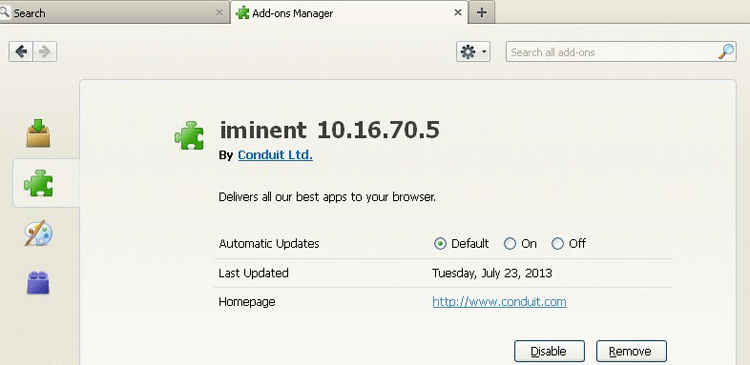
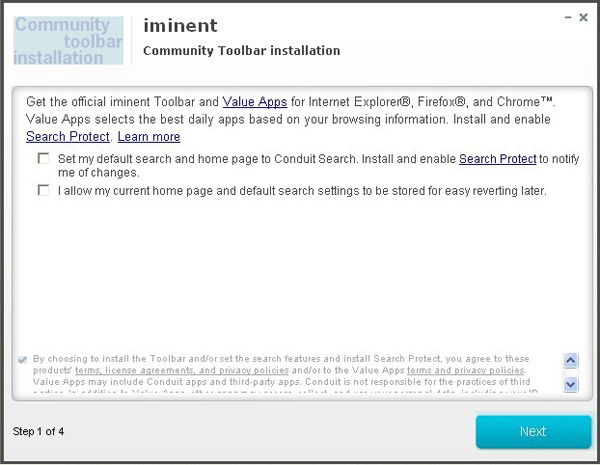
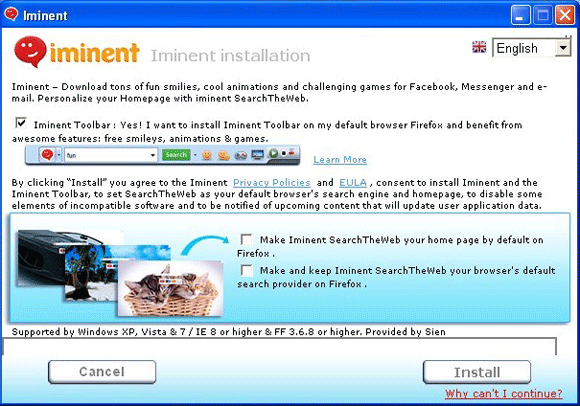
The Search.iminent.com web page is designed like most simple search engines. It features a simple white background, with the option for the computer user to change colors or designs, as well as icons for four common online destinations: YouTube, Facebook, MSN, and Gmail. Although Iminent is not considered a dangerous toolbar, many PC security analysts consider it a Potentially Unwanted Program (PUP). This is because Search.iminent.com makes changes to your computer's settings and to your web browser that can be difficult to undo and that are often not approved by the computer user. Most importantly, the Iminent toolbar, which causes redirects to the Search.iminent.com website, may often be installed in a bundle with a freeware application and difficult to remove through normal means.
Suspicious Issues Associated with Search.iminent.com
Although the Search.iminent.com web page is not considered malicious on its own, the Iminent toolbar has various suspicious behaviors that require addressing:
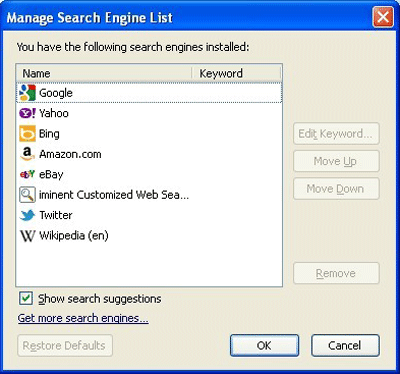
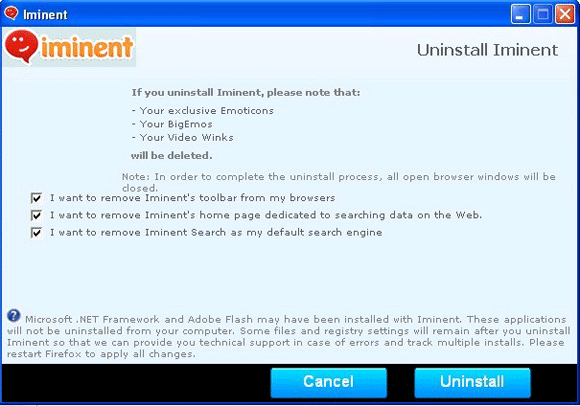
- The Iminent toolbar may change your web browser's default search engine to Search.iminent.com.
- The Iminent toolbar may change your web browser's home page to Search.iminent.com.
- Computer users that have installed the Iminent toolbar may also find that their web browser takes them to the Search.iminent.com web page unexpectedly and occasionally displays pop-up windows containing advertisements.
- The Iminent toolbar may also negatively affect system performance and connection speed.


Aliases
1 security vendors flagged this file as malicious.
| Anti-Virus Software | Detection |
|---|---|
| Authentium | W32/Downloader.X.gen!Eldorado |
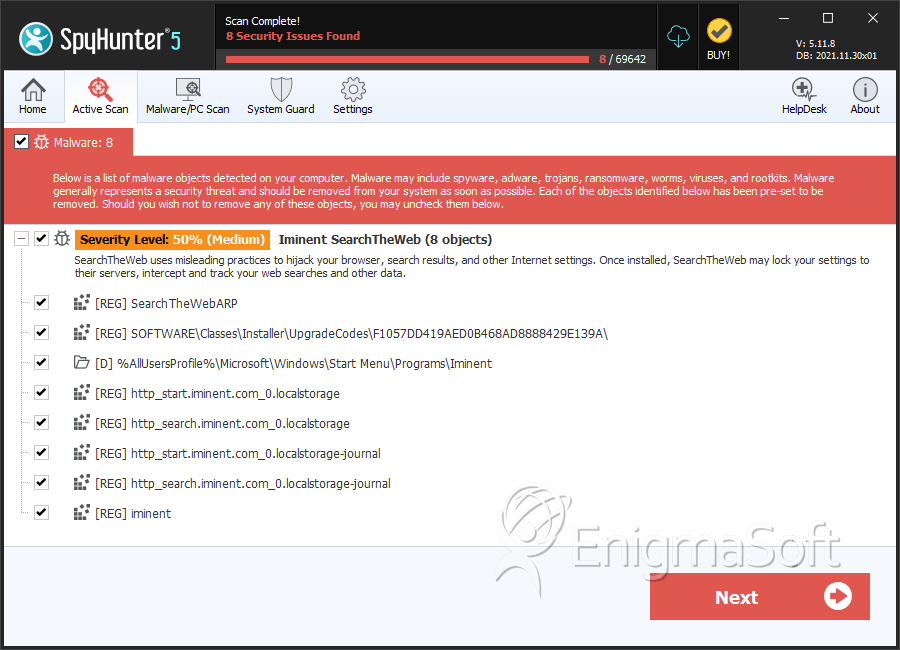
SpyHunter Detects & Remove Iminent SearchTheWeb or Search.iminent.com
File System Details
| # | File Name | MD5 |
Detections
Detections: The number of confirmed and suspected cases of a particular threat detected on
infected computers as reported by SpyHunter.
|
|---|---|---|---|
| 1. | eb801.rbf | 5e23563c8f5cf766ad82ca0b848adb21 | 413 |
| 2. | 3c08a.rbf | 898f06c8d1408cb701d09544ef21fa3d | 176 |
| 3. | 1257f.rbf | 90510d9cd6c0e189f96e304220cc43eb | 73 |
| 4. | Iminent.BHO.NavigationError.dll | 944fa3be4969371f3c7d06ccc6f9a664 | 48 |
| 5. | 57d10.rbf | 3a923cff885375e41aa42a6a06fe243a | 20 |
| 6. | a346dd.rbf | 1dcfbf990c1dfb4b1cb0f4ea65ddc578 | 17 |
| 7. | Iminent.Notifier.exe | 8a59435aaf1420a09a3b208b3a3f06d5 | 12 |
| 8. | C:\Program Files\Iminent\SearchTheWeb\Iminent.Notifier.exe | f48123180618013816ed9375266aefa6 | |
| 9. | C:\Program Files\Iminent\SearchTheWeb\Iminent.BHO.NavigationError.dll |
Registry Details
Directories
Iminent SearchTheWeb or Search.iminent.com may create the following directory or directories:
| %AllUsersProfile%\Microsoft\Windows\Start Menu\Programs\Iminent |
| %AllUsersProfile%\Start Menu\Programs\Iminent |
| %TEMP%\SearchTheWeb_WebPart |
| %windir%\Installer\{6CE6E035-DC98-4330-906B-20D92DE1629F} |
URLs
Iminent SearchTheWeb or Search.iminent.com may call the following URLs:
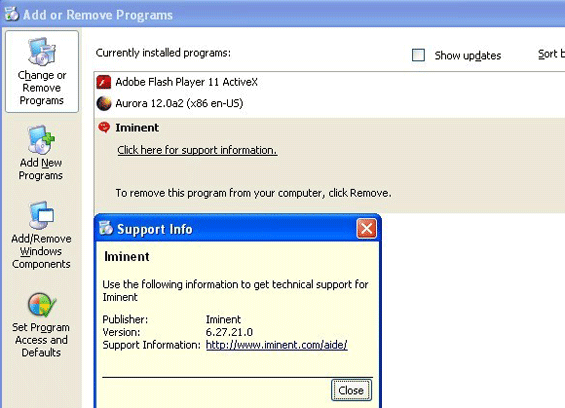
| Iminent.com/aide |
| search.iminent.com |


