Windows Ultra-Antivirus
Threat Scorecard
EnigmaSoft Threat Scorecard
EnigmaSoft Threat Scorecards are assessment reports for different malware threats which have been collected and analyzed by our research team. EnigmaSoft Threat Scorecards evaluate and rank threats using several metrics including real-world and potential risk factors, trends, frequency, prevalence, and persistence. EnigmaSoft Threat Scorecards are updated regularly based on our research data and metrics and are useful for a wide range of computer users, from end users seeking solutions to remove malware from their systems to security experts analyzing threats.
EnigmaSoft Threat Scorecards display a variety of useful information, including:
Ranking: The ranking of a particular threat in EnigmaSoft’s Threat Database.
Severity Level: The determined severity level of an object, represented numerically, based on our risk modeling process and research, as explained in our Threat Assessment Criteria.
Infected Computers: The number of confirmed and suspected cases of a particular threat detected on infected computers as reported by SpyHunter.
See also Threat Assessment Criteria.
| Ranking: | 48 |
| Threat Level: | 20 % (Normal) |
| Infected Computers: | 276,314 |
| First Seen: | July 27, 2012 |
| Last Seen: | September 20, 2023 |
| OS(es) Affected: | Windows |
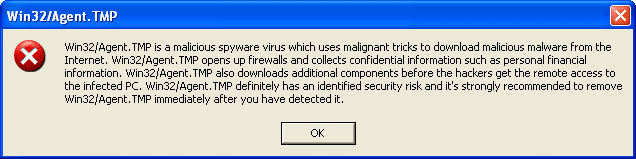
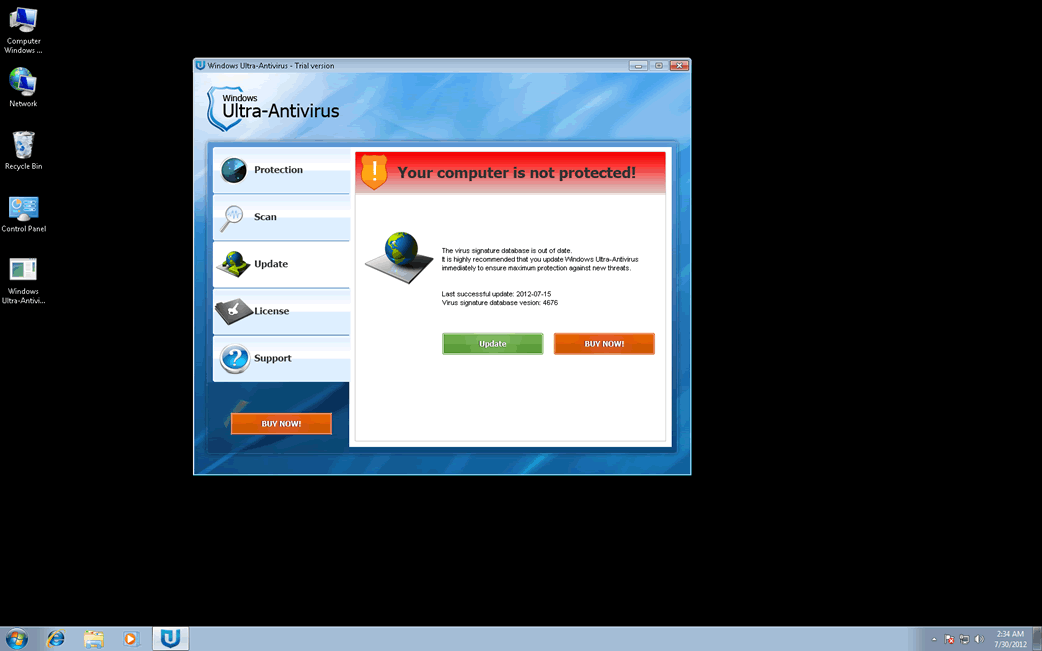
Windows Ultra-Antivirus Image
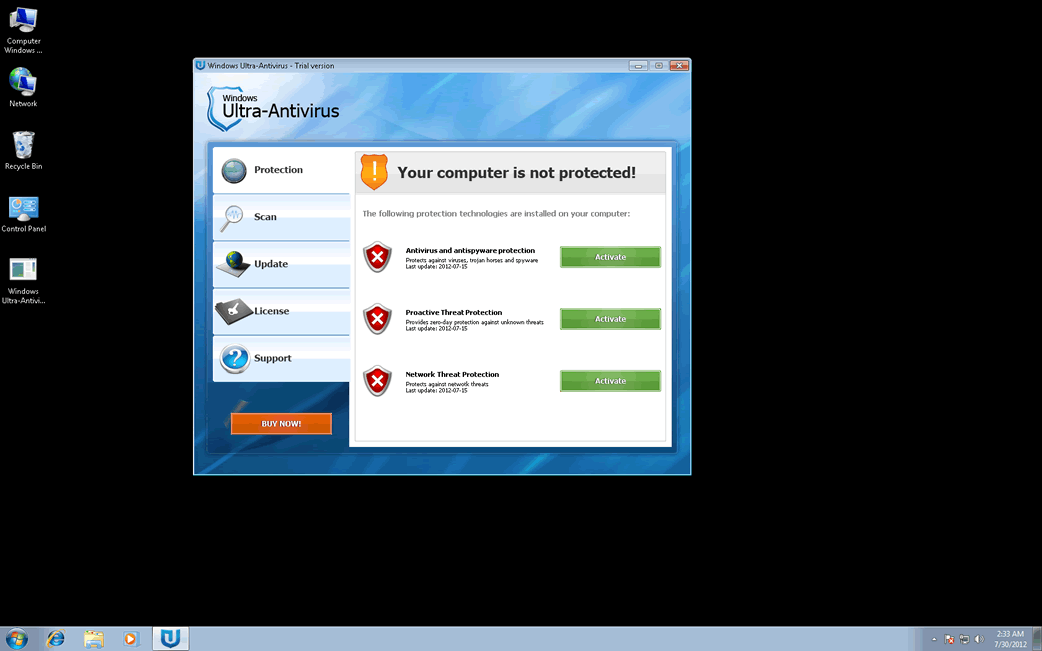
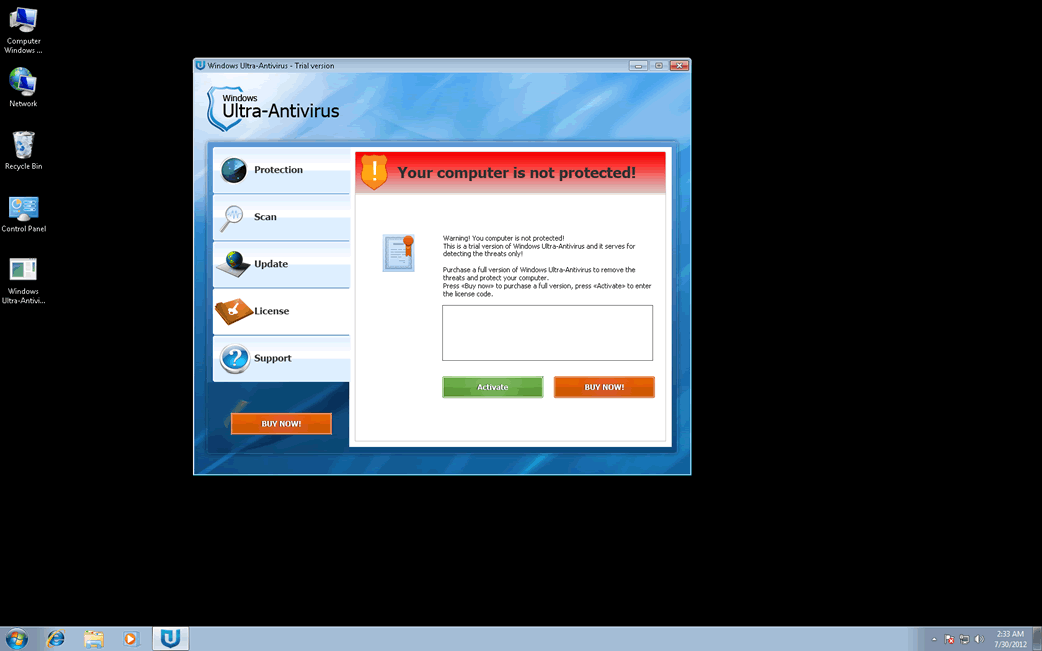
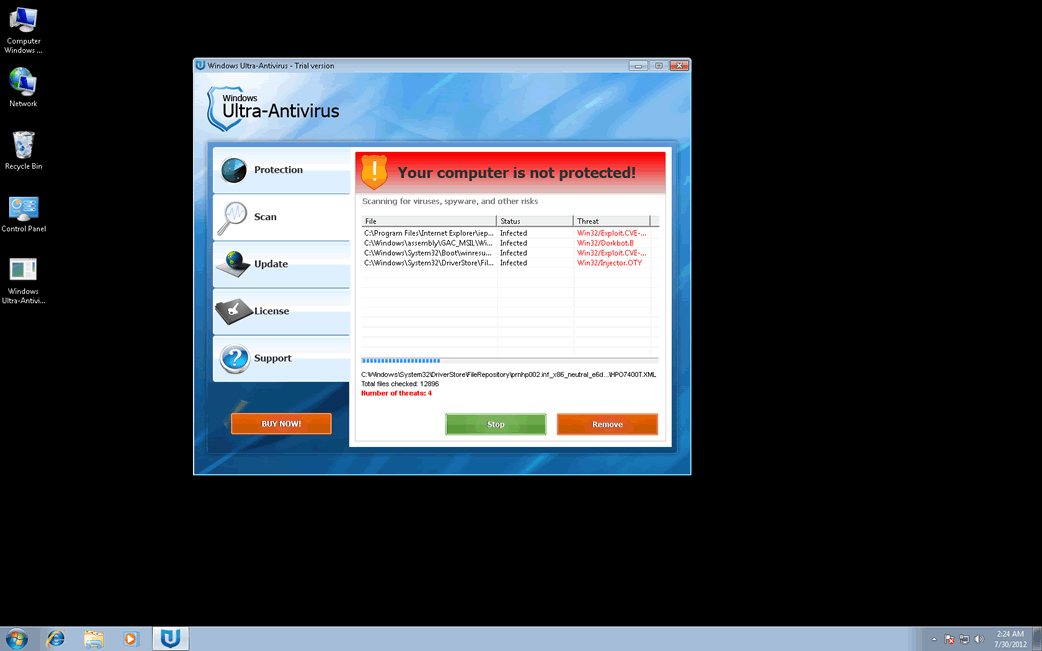
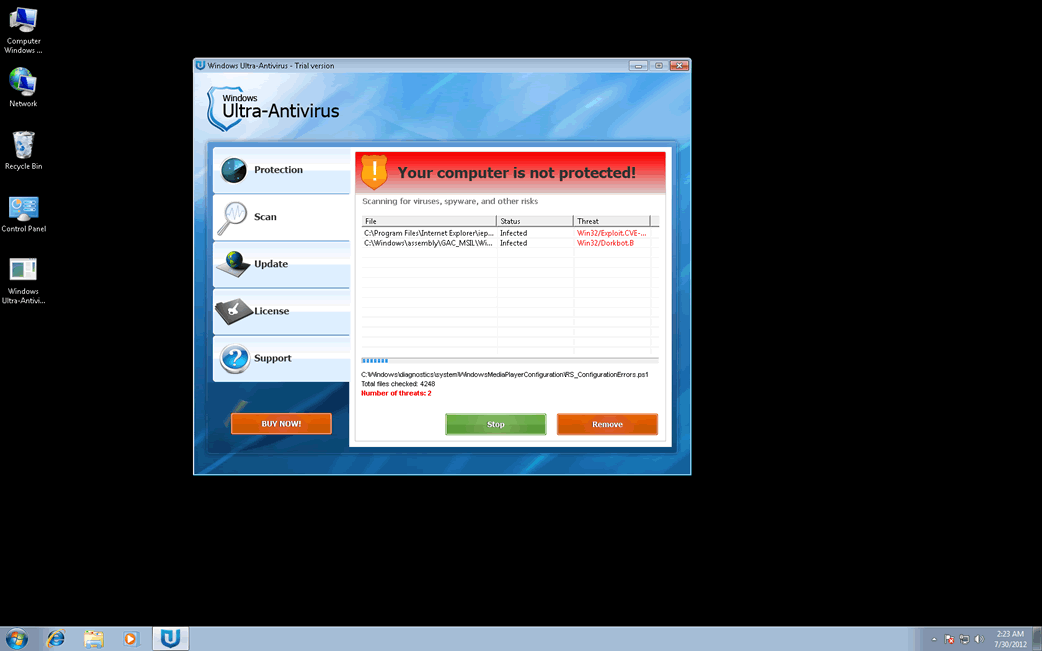
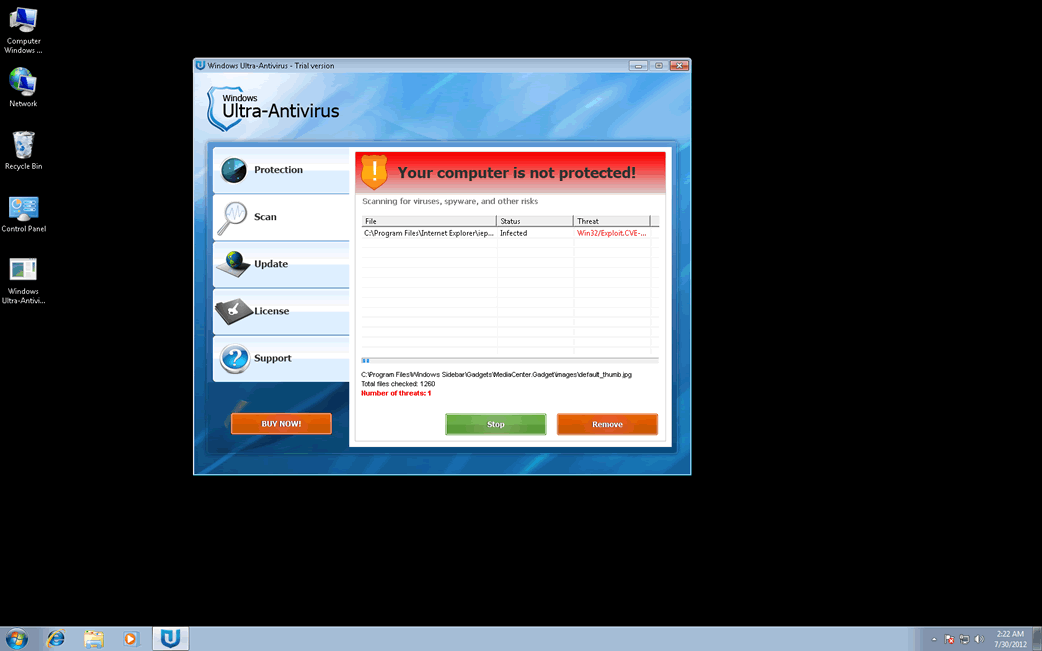
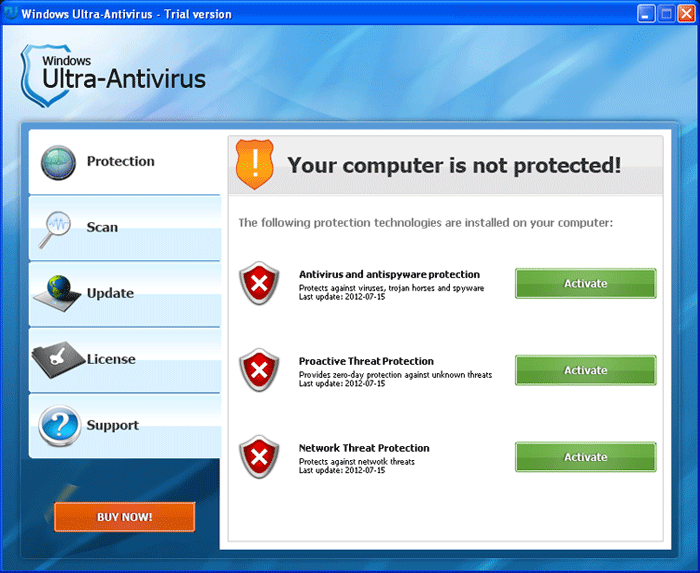
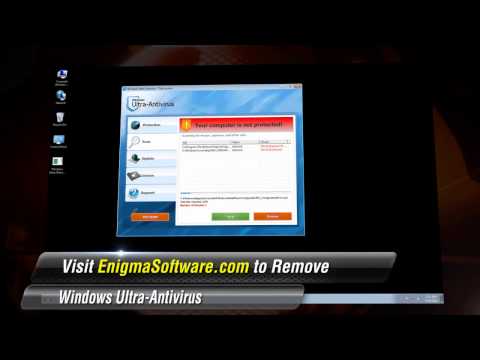
Windows Ultra-Antivirus is a rogue security program very similar to malware in the FakeVimes and a component of the WinWeb Security family of malware. This fake security application is created to prey on inexperienced PC users. Windows Ultra-Antivirus will basically trick computer users into purchasing an expensive 'upgrade' for this bogus security program. However, since Windows Ultra-Antivirus has no real way of removing malware from your computer, ESG malware analysts recommend against purchasing or installing this fake security application. Rather, Windows Ultra-Antivirus should be removed with the assistance of a trustworthy anti-malware application.
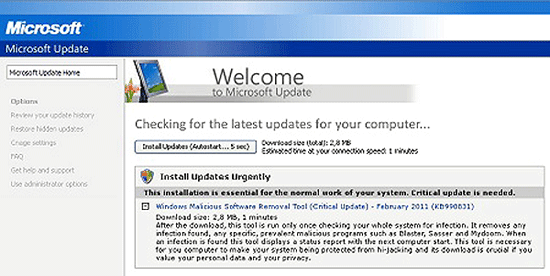
The characteristic symptom of malware such as Windows Ultra-Antivirus is the appearance of multiple, constant pop-up notifications and alarming error messages on the infected computer. These will try to trick the victim into thinking that the computer is severely infected with malware. Windows Ultra-Antivirus will also generate symptoms which may include the following:
- Windows Ultra-Antivirus may cause your computer to become slow and unresponsive.
- Windows Ultra-Antivirus may also cause browser redirects and other problems accessing the Internet.
- Windows Ultra-Antivirus may block access to certain files and applications, particularly those associated with computer security.
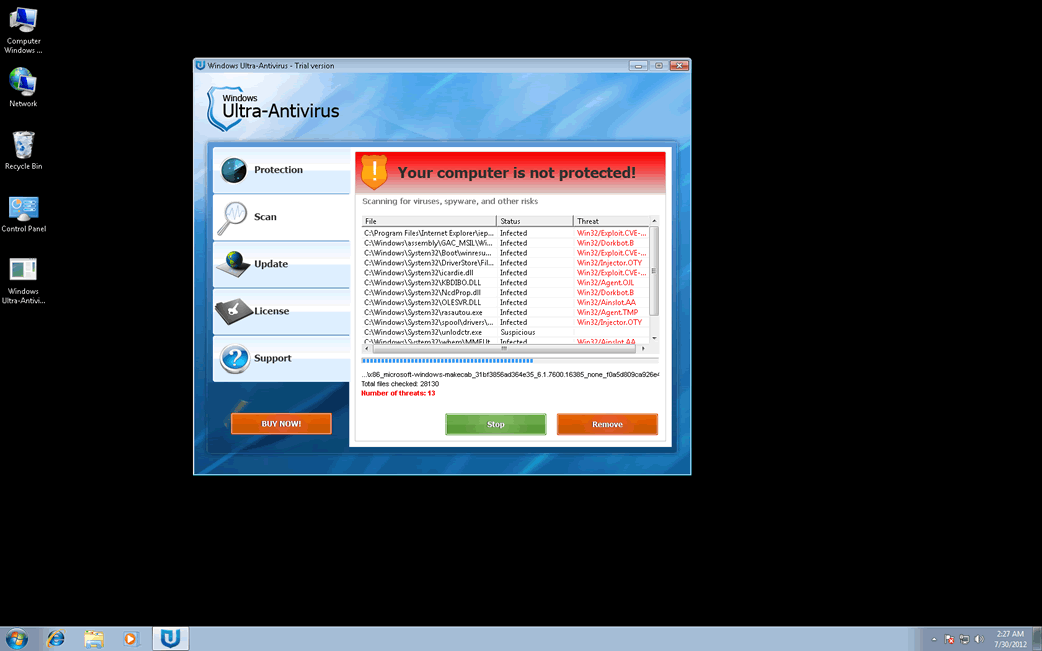
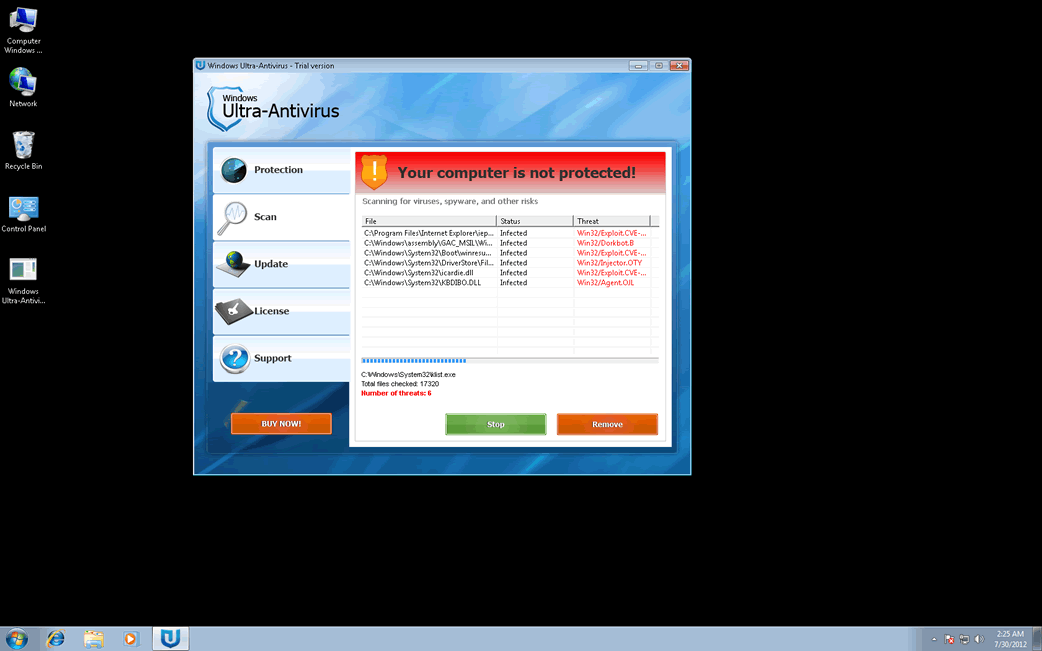
All of these tactics are meant to make the victim believe that their computer is in trouble. This is coupled with a fake system scan that runs at start-up. Windows Ultra-Antivirus, impersonating an actual anti-malware program, will scan the victim's computer and invariably claim to have found numerous Trojans and viruses. However, trying to use Windows Ultra-Antivirus to fix these supposed problems will result in a redirect to Windows Ultra-Antivirus' website, where the victim will be prompted to purchase a 'full version' of Windows Ultra-Antivirus to fix these nonexistent threats.
Table of Contents
Do Not Become a Victim of Windows Ultra-Antivirus
Even though Windows Ultra-Antivirus can be removed manually, this requires knowledge of how to make changes to the Windows Registry. However, since Windows Ultra-Antivirus will rarely infect a computer by itself, ESG security analysts suggest using a fully-updated anti-virus program to remove this threat. Windows Ultra-Antivirus will often be associated with a backdoor Trojan and a rootkit infection which may be removed with a specialized anti-rootkit application. To avoid future infections by Windows Ultra-Antivirus and its many clones, it is advised to practice safe online browsing measures and to use a fully-updated anti-malware scanner and firewall.
The many clones of Windows Ultra-Antivirus include System Security, Antivirus Security, Total Security 2009, Security Tool, Trojan.RogueAV.a.gen, System Adware Scanner 2010, FakeAlert-KW.e, Advanced Security Tool 2010, System Tool 2011, Security Shield, MS Removal Tool, Total Security, System Security 2011, Essential Cleaner, Security Shield Pro 2011, Personal Shield Pro, Security Shield 2011, Security Sphere 2012, Advanced PC Shield 2012, Futurro Antivirus.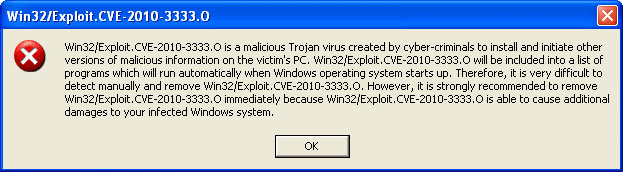
Windows Ultra-Antivirus Video
Tip: Turn your sound ON and watch the video in Full Screen mode.
File System Details
| # | File Name |
Detections
Detections: The number of confirmed and suspected cases of a particular threat detected on
infected computers as reported by SpyHunter.
|
|---|---|---|
| 1. | %AppData%\NPSWF32.dll | |
| 2. | %AppData%\[RANDOM].exe | |
| 3. | %StartMenu%\Programs\Windows Ultra-Antivirus.lnk | |
| 4. | %Desktop%\Windows Ultra-Antivirus.lnk |
Registry Details
URLs
Windows Ultra-Antivirus may call the following URLs:
| y2mate.com |
| zokaisoft.com/payments/buynow.php?vendorId=1 |



