Security Shield
Threat Scorecard
EnigmaSoft Threat Scorecard
EnigmaSoft Threat Scorecards are assessment reports for different malware threats which have been collected and analyzed by our research team. EnigmaSoft Threat Scorecards evaluate and rank threats using several metrics including real-world and potential risk factors, trends, frequency, prevalence, and persistence. EnigmaSoft Threat Scorecards are updated regularly based on our research data and metrics and are useful for a wide range of computer users, from end users seeking solutions to remove malware from their systems to security experts analyzing threats.
EnigmaSoft Threat Scorecards display a variety of useful information, including:
Ranking: The ranking of a particular threat in EnigmaSoft’s Threat Database.
Severity Level: The determined severity level of an object, represented numerically, based on our risk modeling process and research, as explained in our Threat Assessment Criteria.
Infected Computers: The number of confirmed and suspected cases of a particular threat detected on infected computers as reported by SpyHunter.
See also Threat Assessment Criteria.
| Threat Level: | 100 % (High) |
| Infected Computers: | 1,298 |
| First Seen: | December 8, 2010 |
| Last Seen: | April 18, 2018 |
| OS(es) Affected: | Windows |
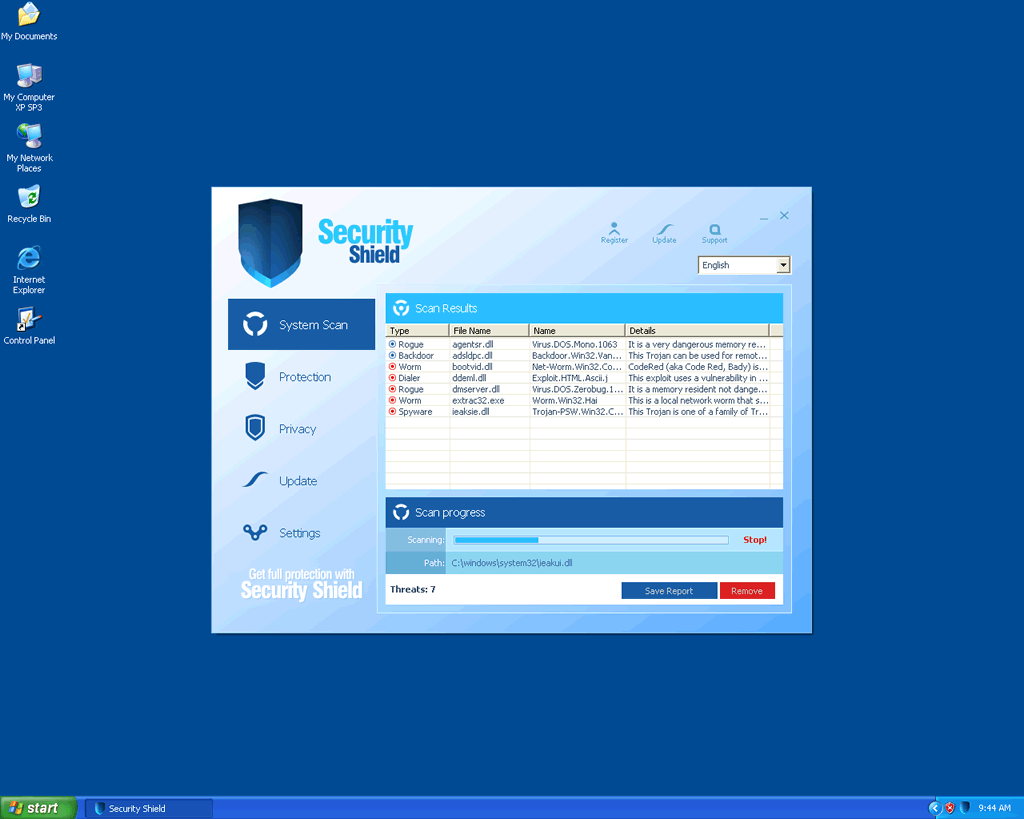
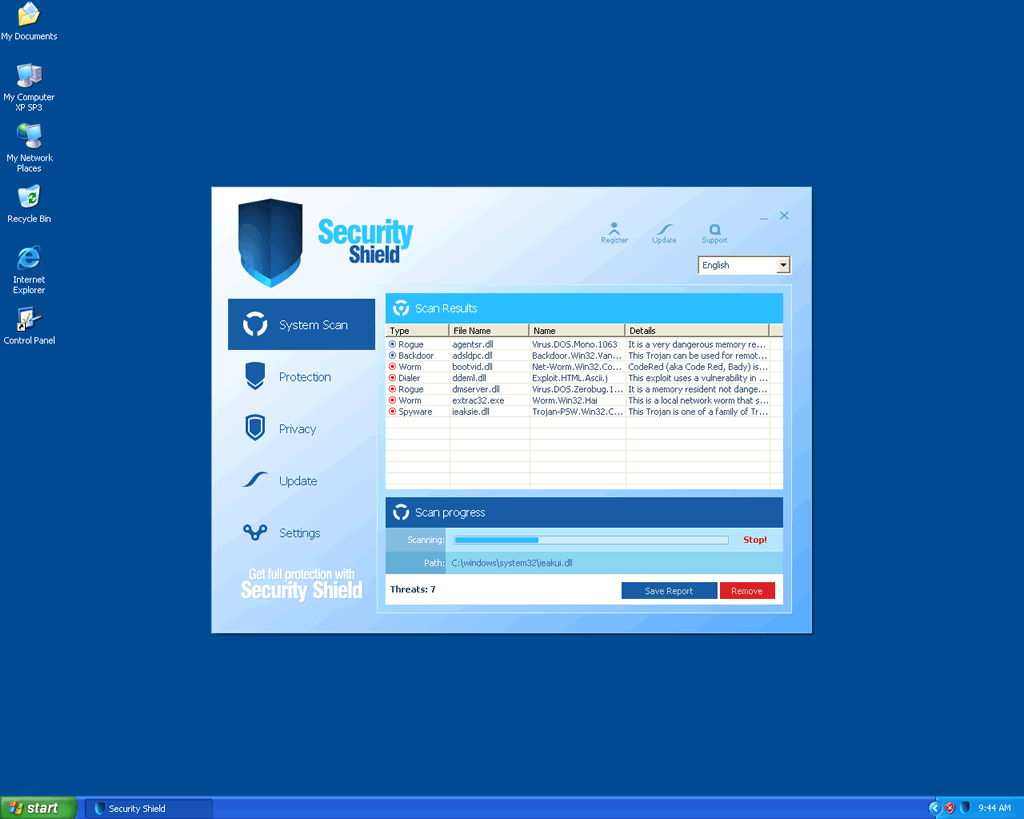
Security Shield Image
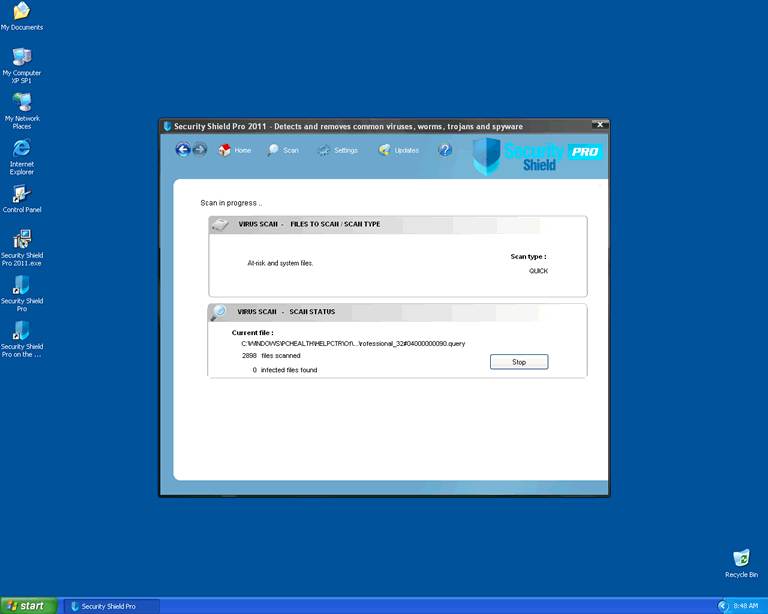
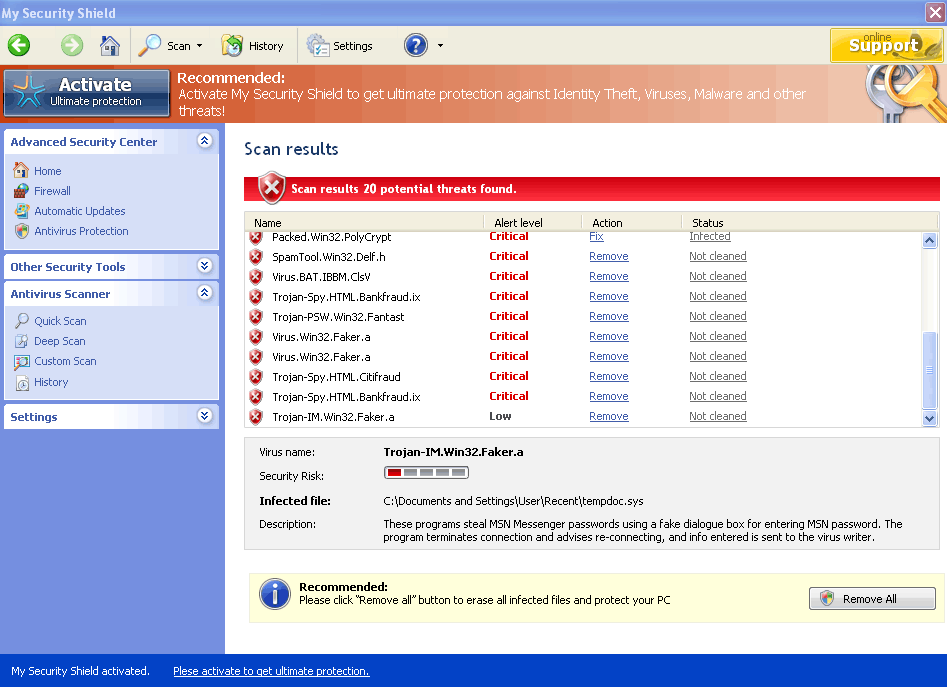
Security Shield is a rogue security application with several clones (for example, Security Tool). Computers infected with the fake anti-virus program Security Shield become riddled with a host of problems that can turn them practically impossible to use. Security Shield is often associated with other malware infections, and the presence of Security Shield on a computer is, practically, a guarantee that the computer is infected with one of a variety of Trojans. This is due to the fact that rogue security programs like Security Shield are often installed by Trojans or are simply Trojans themselves. ESG malware analysts recommend removing a Security Shield infection from your computer system as soon as possible. Despite its claims and likeness to real security programs, Security Shield is nothing but a scam designed to steal your money.
Table of Contents
Security Shield: One More Version of the Rogue Security Program Scam
Security Shield is one of many variants of rogue security programs, a con that has become especially prevalent since the middle of the 2000s decade. Most variants of this common scam work in the same way and Security Shield is one classic example of how a typical rogue anti-spyware program works. Usually, the rogue security program scam has the same steps:
- A Trojan will infect a computer system through any number of deceptive methods. Common methods that Trojans use to infect computer systems include pretending to be video codecs, being bundled along with popular downloads or being downloaded onto a computer system through the use of JavaScript and Flash exploits in corrupted advertisements and pop-up Windows. Whatever way the Trojan uses to infect a computer system, it will often run in the background without the user's knowledge. Common Trojans associated with roguewares like Security Shield include Vundo, Zlob, and the Fake Microsoft Security Essentials Alert Trojan.
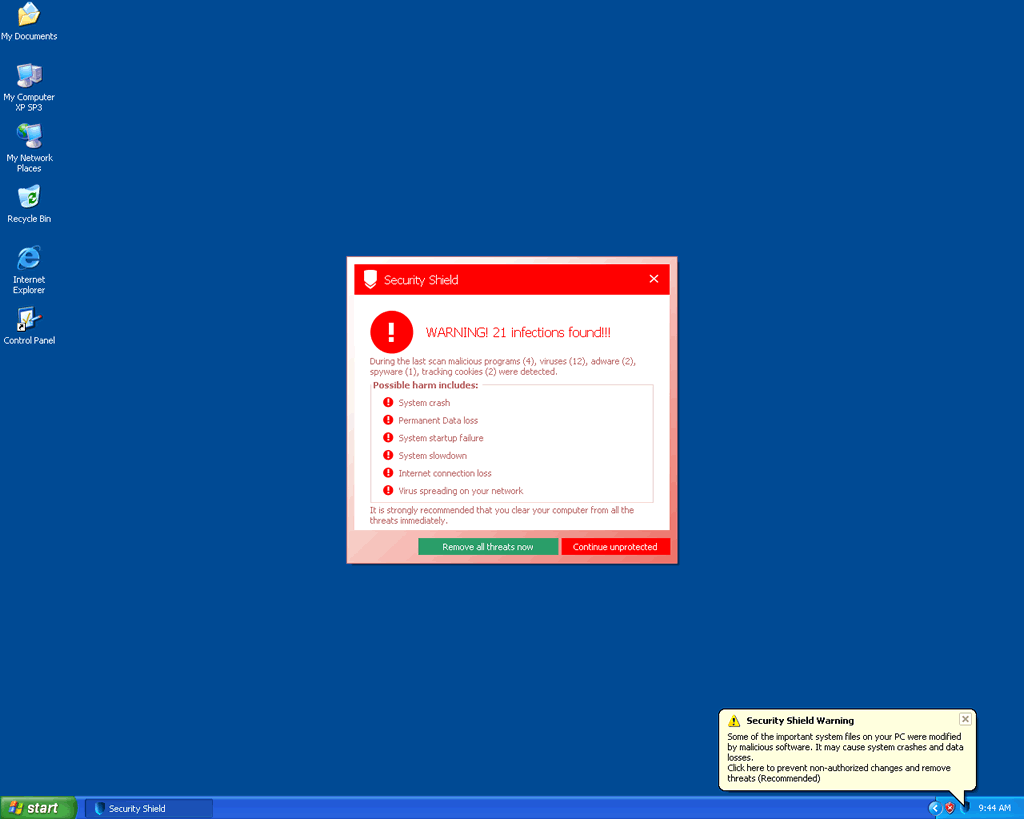
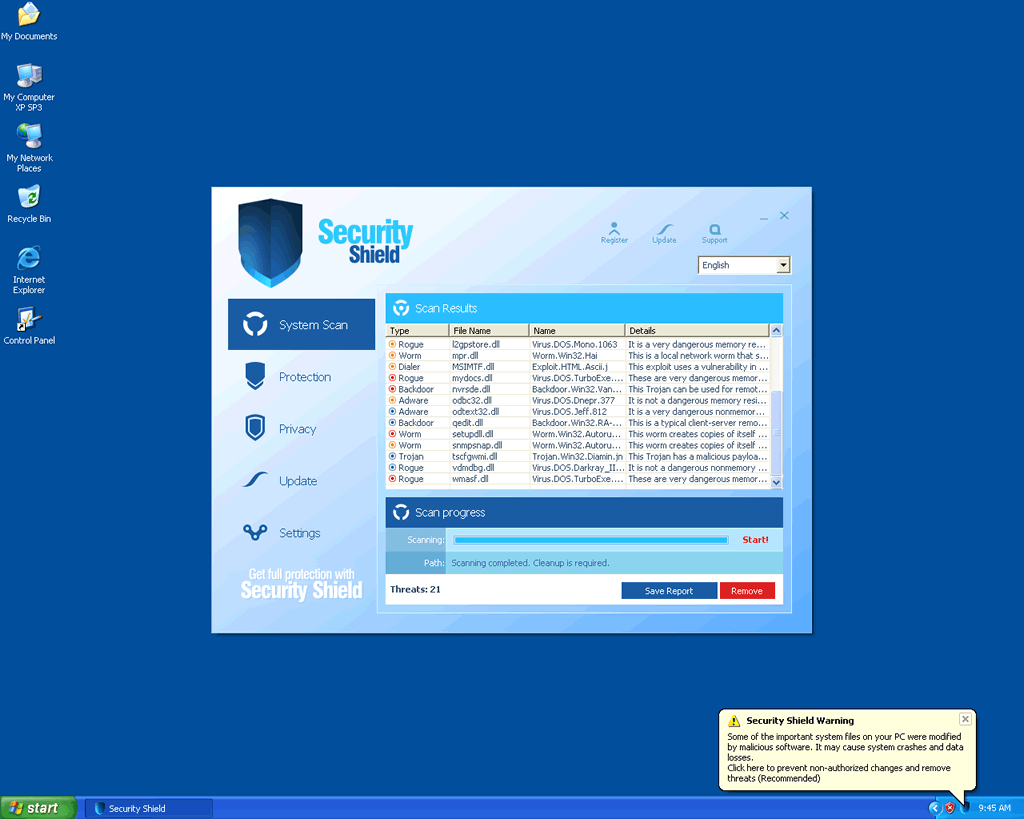
- The Trojan will display a message claiming that the computer system is infected with a variety of worms, viruses or other malware problems. Then, it will offer the computer user the option to download a free anti-virus program to remove these problems. Some Trojans, like the Fake Microsoft Security Essentials Alert Trojan, actually mimic legitimate security alerts or error messages that a computer system would normally display. If the victim accepts, the rogue anti-virus program (Security Shield in this case) will be downloaded and installed. As part of its installation process, Security Shield makes harmful changes to the computer's settings and alters the Windows Registry to ensure that Security Shield can run in the background and launch automatically when Windows is started up.
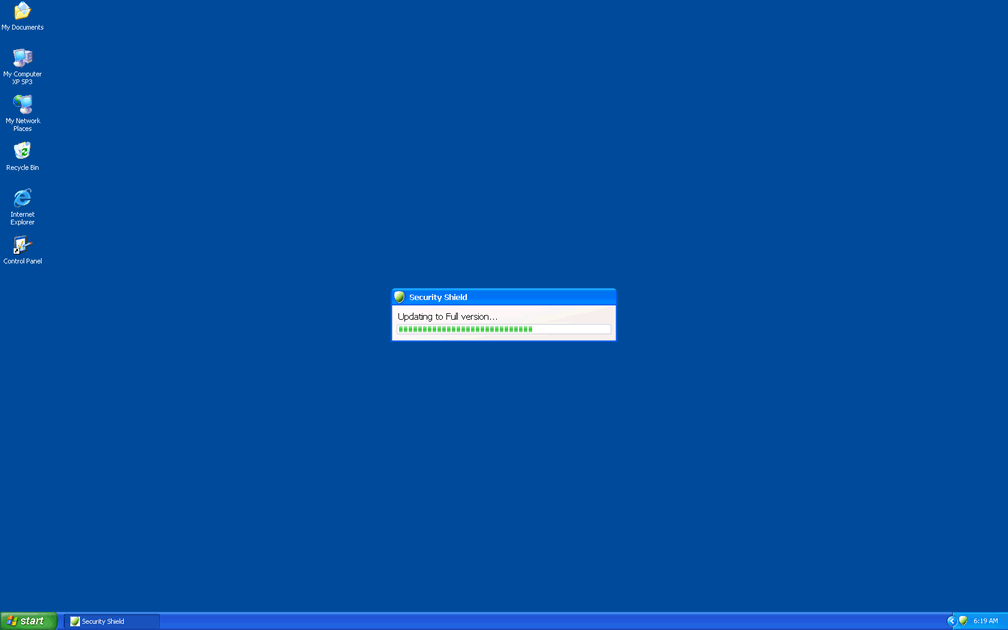
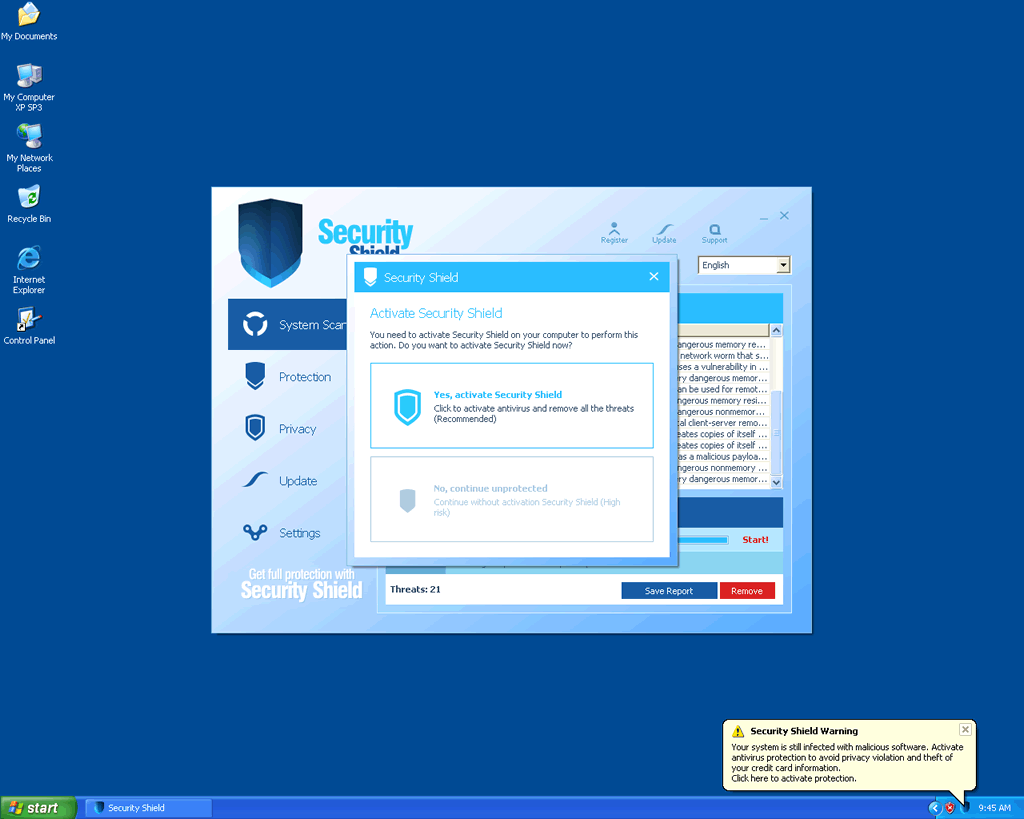
- Security Shield, or the particular rogue anti-spyware program, will continue to claim that the computer is infected, but will demand that the user pay for a "full version", in order to fix these non-existent problems.
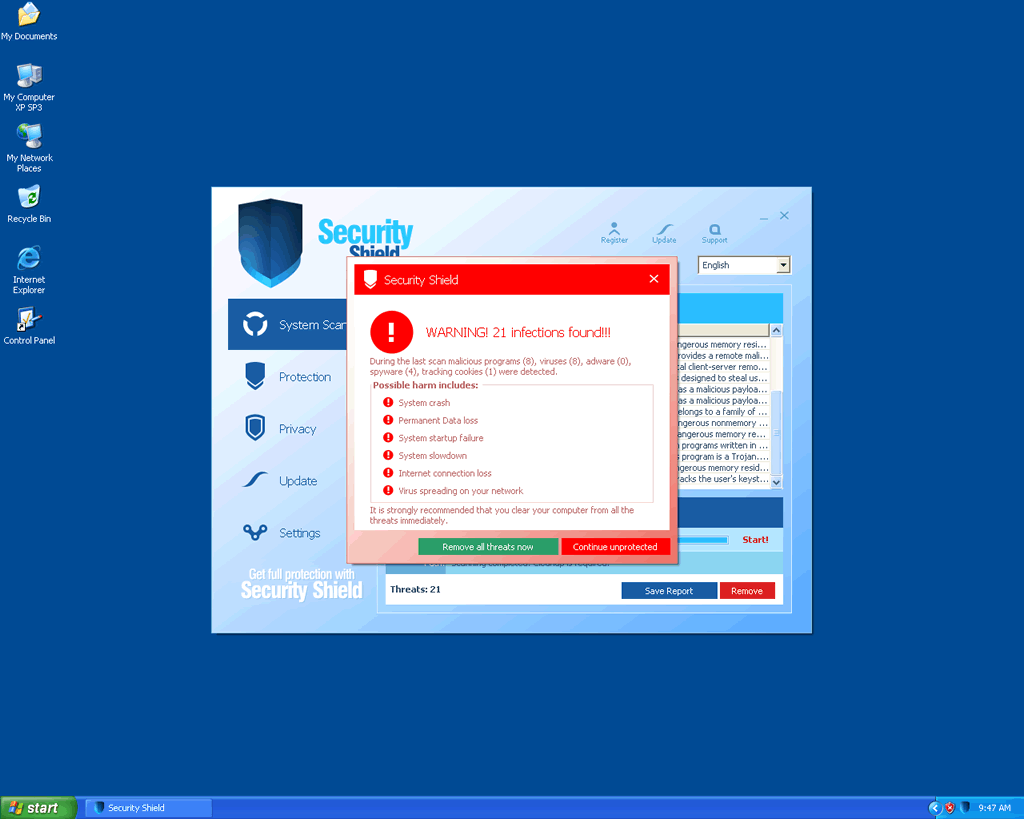
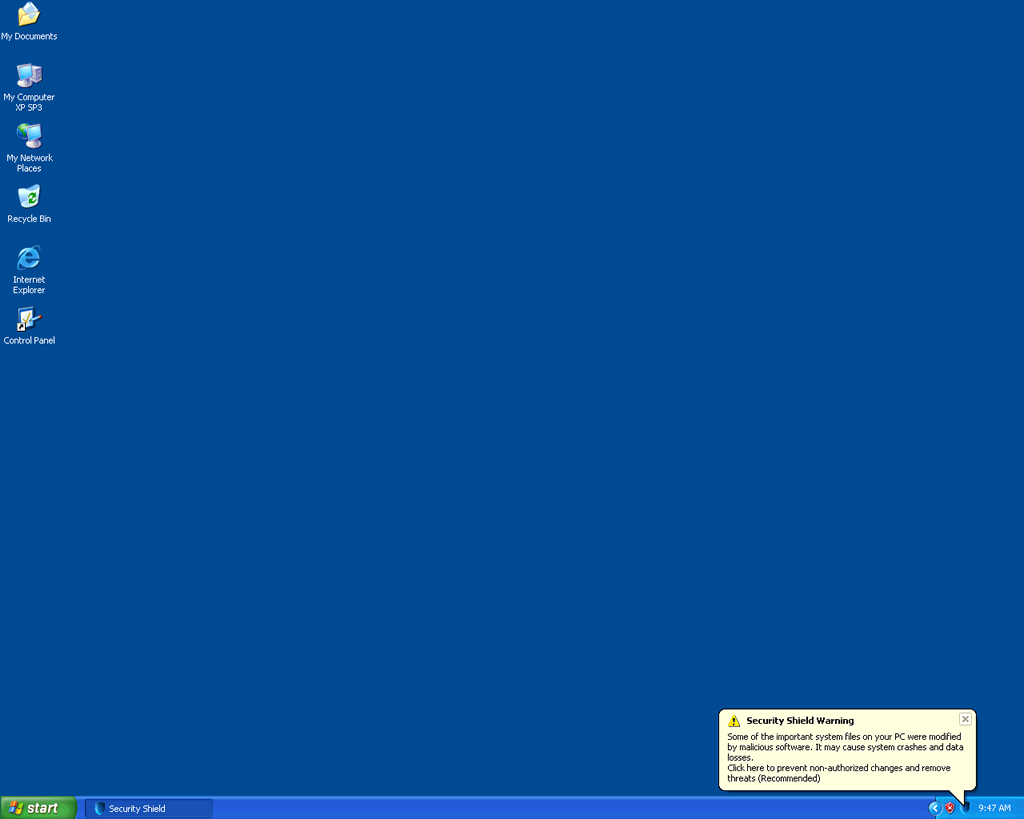
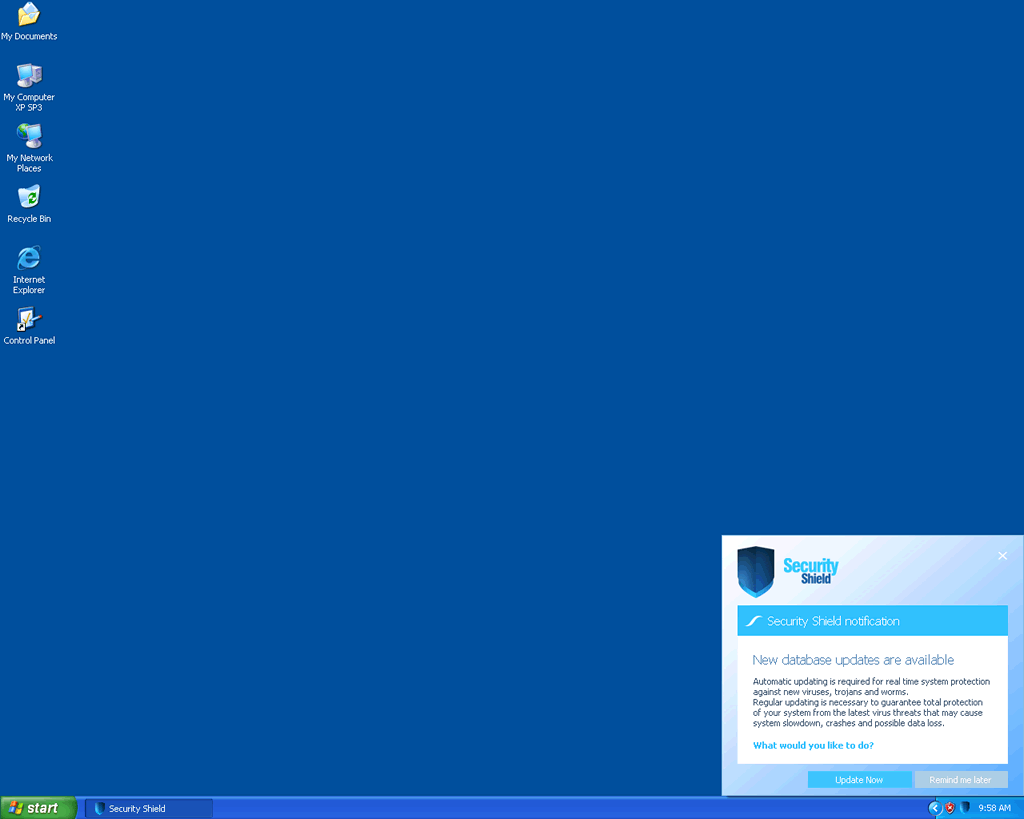
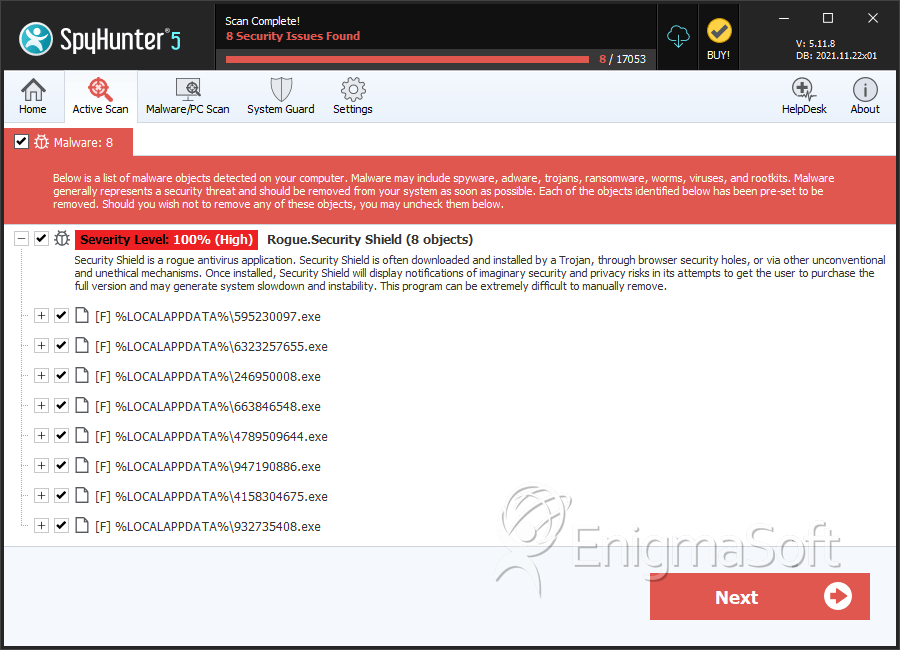
SpyHunter Detects & Remove Security Shield
Security Shield Video
Tip: Turn your sound ON and watch the video in Full Screen mode.

File System Details
| # | File Name | MD5 |
Detections
Detections: The number of confirmed and suspected cases of a particular threat detected on
infected computers as reported by SpyHunter.
|
|---|---|---|---|
| 1. | 595230097.exe | d3a901302b63a05d4cdbaac9488d0201 | 217 |
| 2. | 6323257655.exe | 5b015e44b7dc0b36c6c98d93e0d0108b | 155 |
| 3. | 246950008.exe | 330719fc514f618192665d70985ace2d | 155 |
| 4. | 663846548.exe | 2fa507da93111f0f620cbfebde1223ed | 155 |
| 5. | 4789509644.exe | ffc9258f16e6ff91a9c14637a425c2d3 | 155 |
| 6. | 947190886.exe | 85aec914a249dbd877627cc6fa60a48e | 155 |
| 7. | 4158304675.exe | b6afc9a9d7cdc8a597c42003649b63b0 | 152 |
| 8. | 932735408.exe | a26fbb8a4f0f03396b220e2e932f80bf | 152 |
| 9. | 487839044.exe | b5faeb27a51c90d8e28da3cb3c7189ab | 0 |