Windows Security System
Threat Scorecard
EnigmaSoft Threat Scorecard
EnigmaSoft Threat Scorecards are assessment reports for different malware threats which have been collected and analyzed by our research team. EnigmaSoft Threat Scorecards evaluate and rank threats using several metrics including real-world and potential risk factors, trends, frequency, prevalence, and persistence. EnigmaSoft Threat Scorecards are updated regularly based on our research data and metrics and are useful for a wide range of computer users, from end users seeking solutions to remove malware from their systems to security experts analyzing threats.
EnigmaSoft Threat Scorecards display a variety of useful information, including:
Ranking: The ranking of a particular threat in EnigmaSoft’s Threat Database.
Severity Level: The determined severity level of an object, represented numerically, based on our risk modeling process and research, as explained in our Threat Assessment Criteria.
Infected Computers: The number of confirmed and suspected cases of a particular threat detected on infected computers as reported by SpyHunter.
See also Threat Assessment Criteria.
| Ranking: | 12,998 |
| Threat Level: | 20 % (Normal) |
| Infected Computers: | 1,542 |
| First Seen: | July 19, 2012 |
| Last Seen: | August 22, 2023 |
| OS(es) Affected: | Windows |
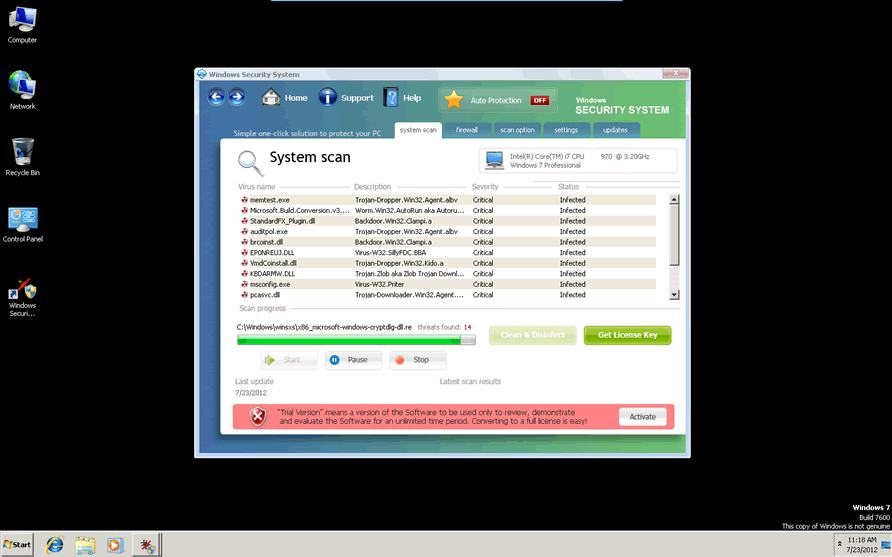
Windows Security System Image
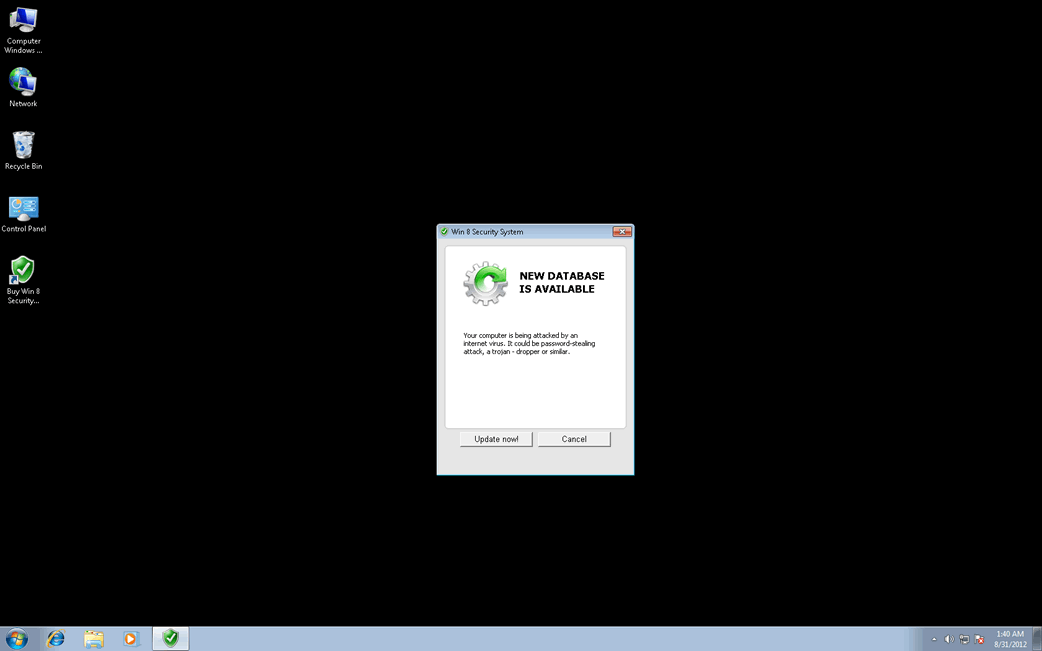
Windows Security System is a name that is used by a couple of fake security programs. Windows Security System can belong to a rogue security application in the WinWebSec family of malware, with variants with names such as Windows Security System 2010 and Windows System Security 2011. However, the most common malware infection associated with Windows Security System is one of the many variants of the Defmid family of malware released in 2012. Windows Security System is designed to make its victims believe that their machine is infected with numerous Trojans and viruses. Then, Windows Security System will try to convince its victims to pay for a useless upgrade for this fake security program. Since Windows Security System and all of its variants have no actual anti-malware capabilities, they should all be removed with the use of an adequate anti-malware program with an anti-rootkit component.
Examples of the dozens of FakeVimes variants released in 2012 and before include programs such as
Table of Contents
How Windows Security System Infects a Computer
Windows Security System is associated with a Trojan that will often be bundled with a variant of the Sirefef family of rootkits. Because of this, Windows Security System cannot spread from one computer to another by itself. Usually, Windows Security System requires either a secondary malware infection or the help of the victims themselves in order to attack a computer system. Windows Security System and other malware in the FakeVimes family will typically spread due to social engineering attacks. These kinds of attacks take advantage of human nature and gullibility in order to deceit PC users into downloading and installing malware themselves. Some examples of social engineering approaches used to distribute Windows Security System include disguising Windows Security System or its Trojan dropper as innocuous email attachments or delivering Windows Security System via fake online malware scans.
Dealing with a Windows Security System Infection
Since Windows Security System will often be associated with components in the Sirefef family of rootkits, an advanced anti-rootkit tool may be necessary to remove this threat completely. ESG security analysts strongly advise against purchasing Windows Security System, even if it is only done in order to stop many of the annoying symptoms associated with a Windows Security System infection. Instead, you can 'register' this fake security program with the code 0W000-000B0-00T00-E0020. Although this won't remove Windows Security System, it can help put a temporary halt on many of its most irritating features.
Windows Security System Video
Tip: Turn your sound ON and watch the video in Full Screen mode.
File System Details
| # | File Name |
Detections
Detections: The number of confirmed and suspected cases of a particular threat detected on
infected computers as reported by SpyHunter.
|
|---|---|---|
| 1. | %desktopdir%\windows security system.lnk | |
| 2. | %programs%\windows security system\windows security system.lnk | |
| 3. | %appdata%\microsoft\internet explorer\quick launch\windows security system.lnk | |
| 4. | %programs%\windows security system\activate windows security system.lnk | |
| 5. | %programs%\windows security system\how to activate windows security system.lnk | |
| 6. | %appdata%\windows security system.lnk | |
| 7. | %programs%\windows security system.lnk | |
| 8. | %programs%\windows security system\help windows security system.lnk | |
| 9. | %ProgramFiles%\wss | |
| 10. | %StartMenu%\Windows Security System | |
| 11. | %StartMenu%\Windows Security System\Windows Security System.lnk | |
| 12. | %UserProfile%\Desktop\Windows Security System.lnk |
Registry Details
URLs
Windows Security System may call the following URLs:
| take-your-prizes-here.life |