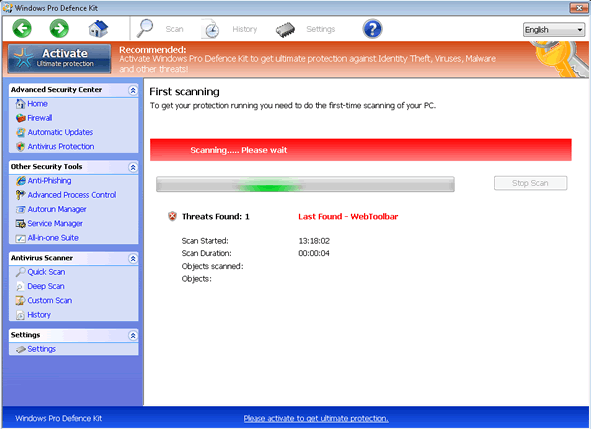
Windows Pro Defence
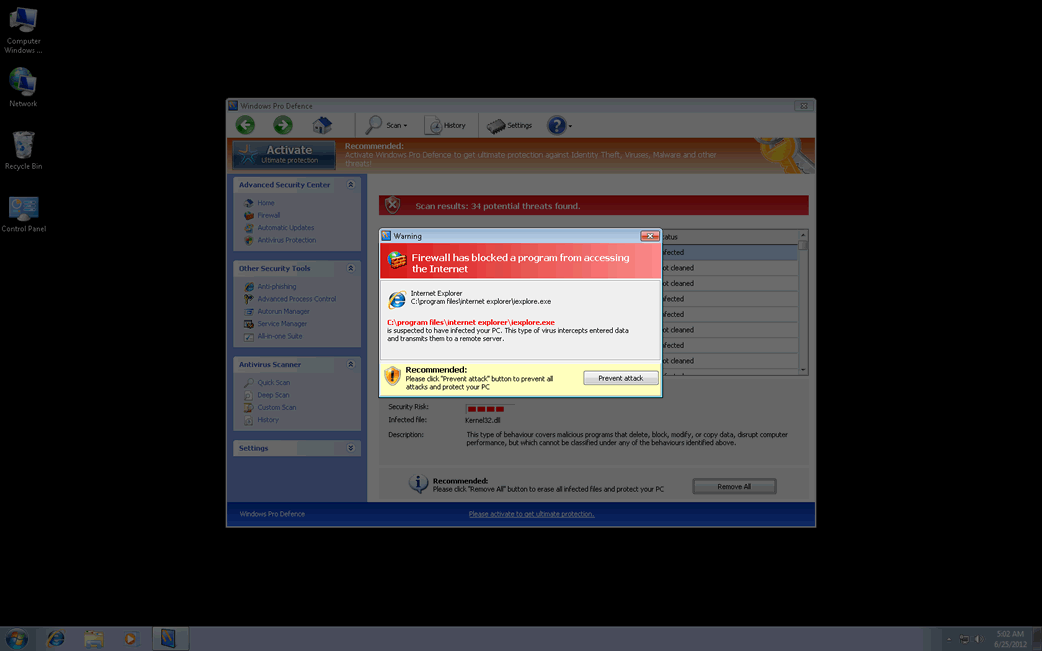
Windows Pro Defence Image
Since early 2012, ESG security researchers have been faced with the appearance of numerous fake security applications belonging to the FakeVimes family of malware. Although this family of malware has been active since 2009, this recent batch of malware in the FakeVimes is altogether more vicious and difficult to remove than previous iterations of this malware family. This happens because they are often bundled with a rootkit component in the ZeroAccess (also known as Sirefef) family of malware. Windows Pro Defence is one of the many fake security applications in this family of malware that includes this dangerous rootkit component. If Windows Pro Defence is installed on your computer system, this is a sign that your machine may have been infected with dangerous malware that is difficult to remove. ESG security researchers recommend removing Windows Pro Defence and its associated malware with the aid of an applicable anti-malware program with anti-rootkit technology.
Table of Contents
How Criminals Use Windows Pro Defence to Steal Your Money
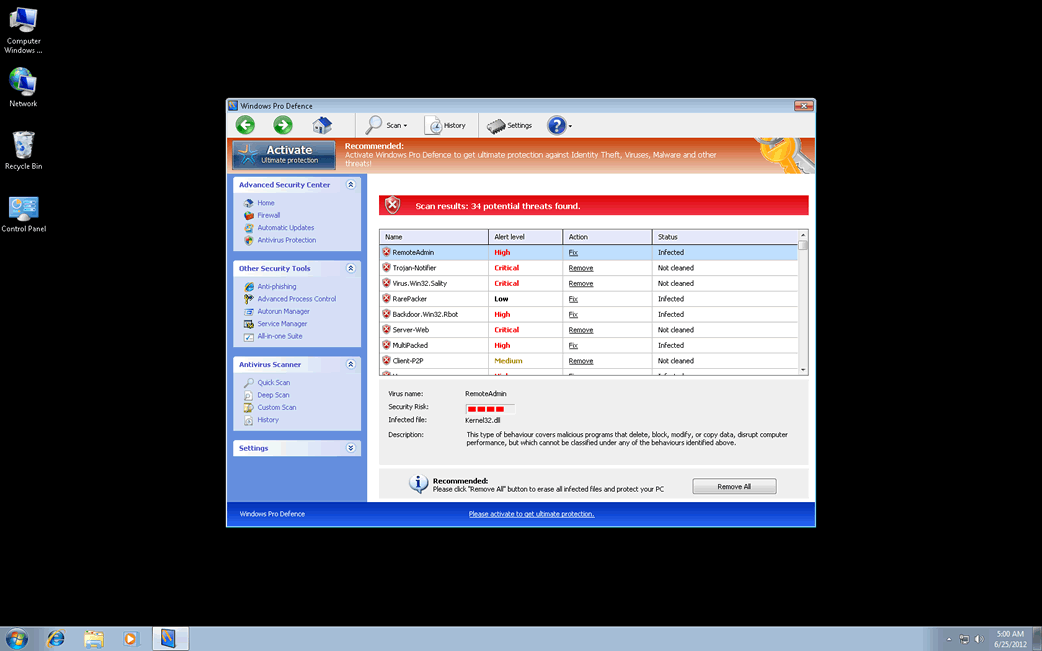
The Windows Pro Defence scam is one of the countless online scams that have been around for many years. Basically, Windows Pro Defence is designed in order to convince its victims that their PCs are severely infected with malware, despite the fact that Windows Pro Defence is actually a kind of malware infection itself. Posing as a legitimate security program, Windows Pro Defence will display numerous error messages and pop-up notifications that will indicate that the victim's computer has become infected with various Trojans and viruses. Windows Pro Defence will also run a bogus scan of the victim's hard drive and cause other symptoms on the victim's PC (such as browser redirects and blocking access to certain files and applications). Whenever the victim tries to fix these supposed malware problems with Windows Pro Defence, this fake security program will indicate that it is necessary to 'upgrade' to an expensive 'full version' of Windows Pro Defence. Of course, since Windows Pro Defence has no real anti-malware components, this supposed upgrade is definitely not recommended.
Dealing with Windows Pro Defence and Its Many Clones
New clones of malware in the FakeVimes family are released nearly every day. Some examples of clones of Windows Pro Defence (that may be bundled with the ZeroAccess rootkit) include malware such as Virus Melt, Presto TuneUp, Fast Antivirus 2009, Extra Antivirus, Windows Security Suite, Smart Virus Eliminator, Packed.Generic.245, Volcano Security Suite, Windows Enterprise Suite, Enterprise Suite, Additional Guard, PC Live Guard, Live PC Care, Live Enterprise Suite, Security Antivirus, My Security Wall, CleanUp Antivirus, Smart Security, Windows Protection Suite, Windows Work Catalyst. While removal of Windows Pro Defence should be carried out with a reliable anti-malware tool, 'registering' Windows Pro Defence with the registration code 0W000-000B0-00T00-E0020 can stop some of Windows Pro Defence's more irritating symptoms, such as browser redirects and irritating pop-up notifications.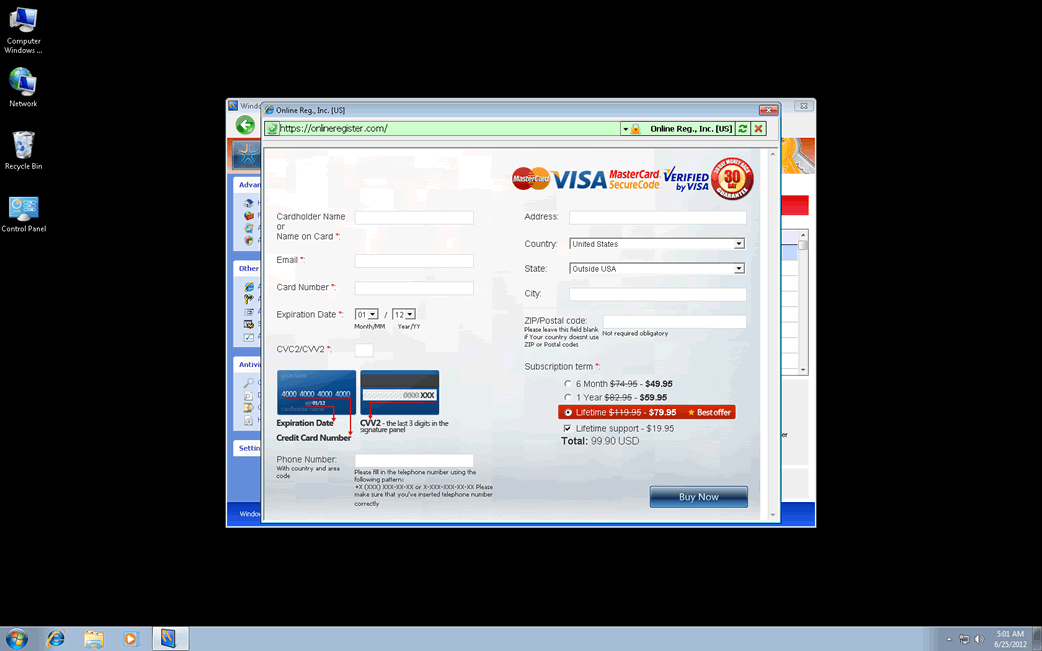
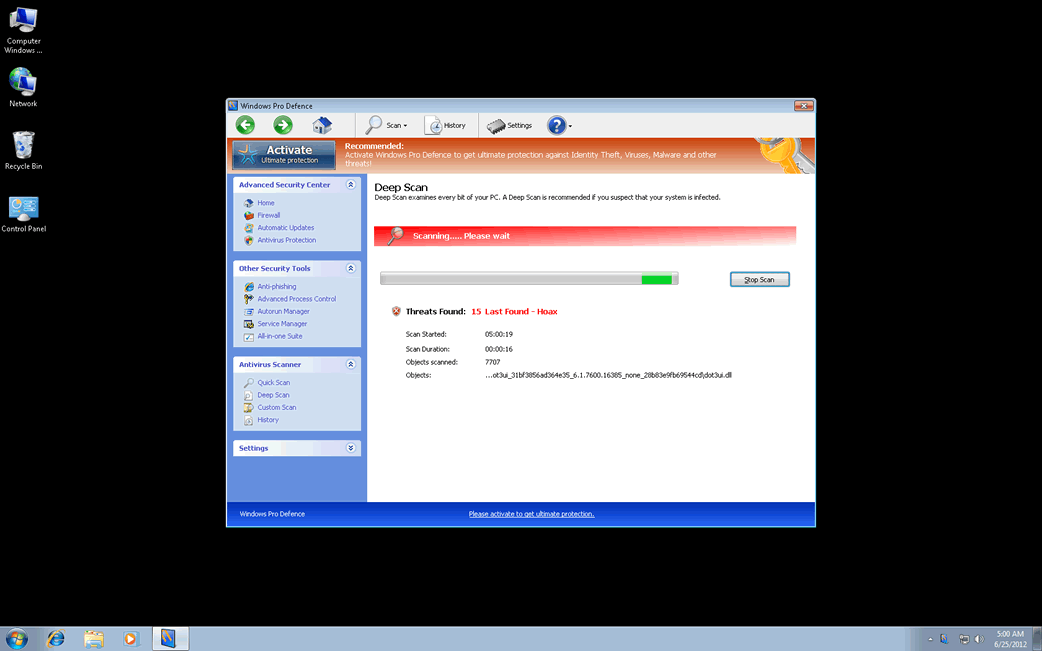
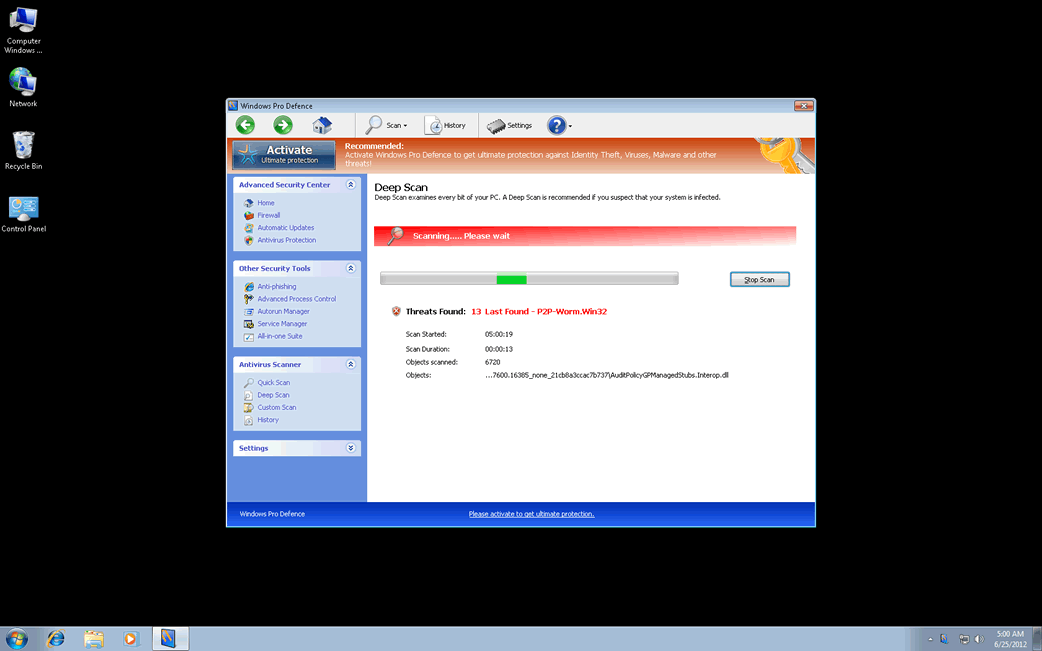
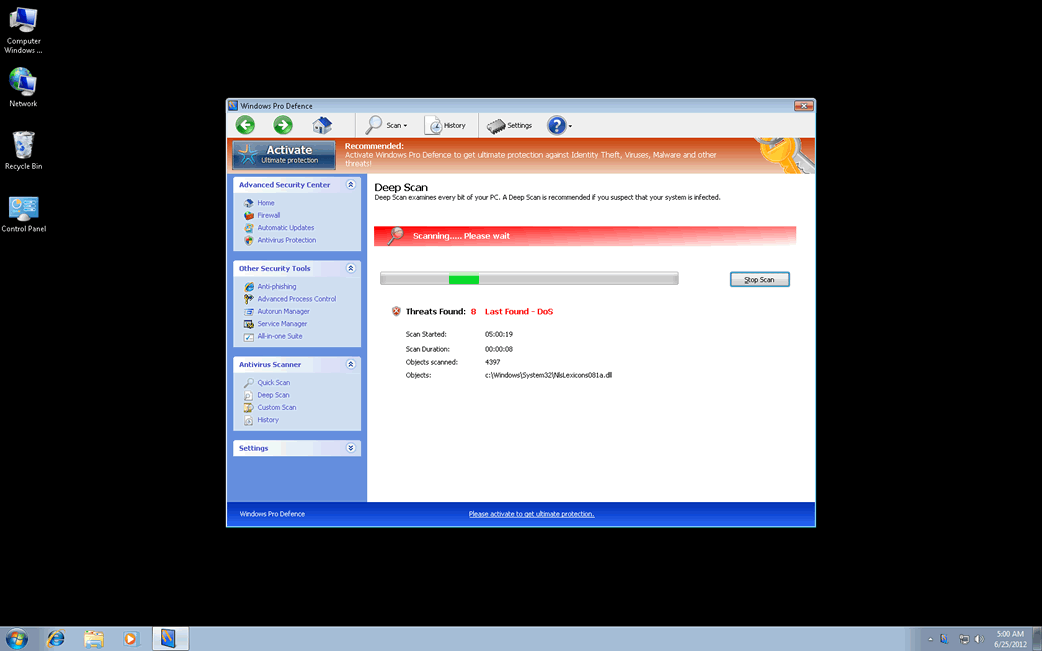
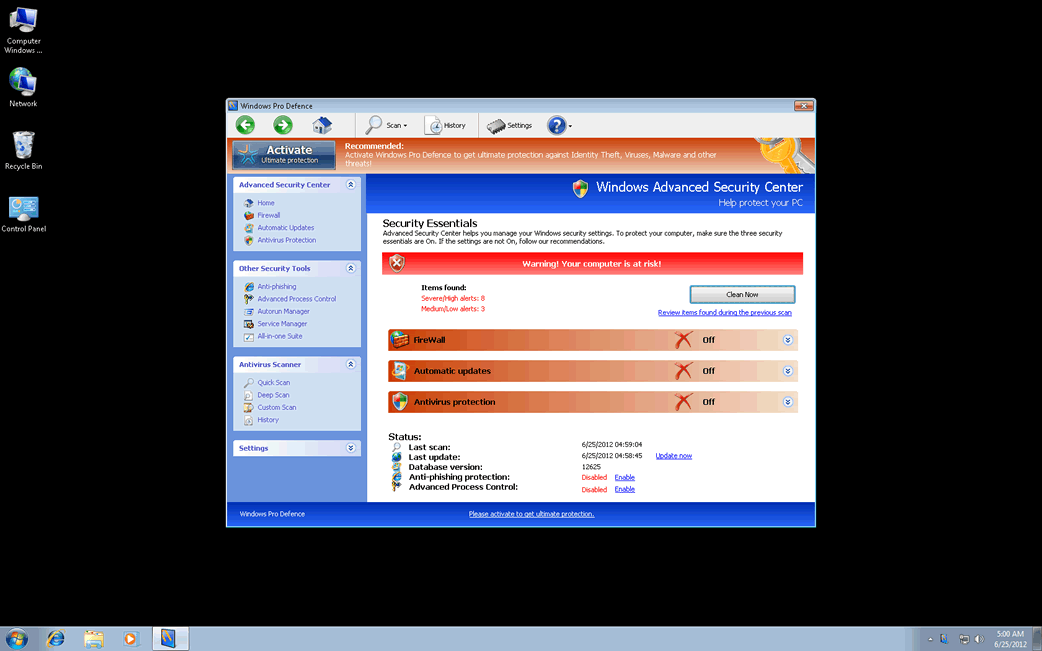
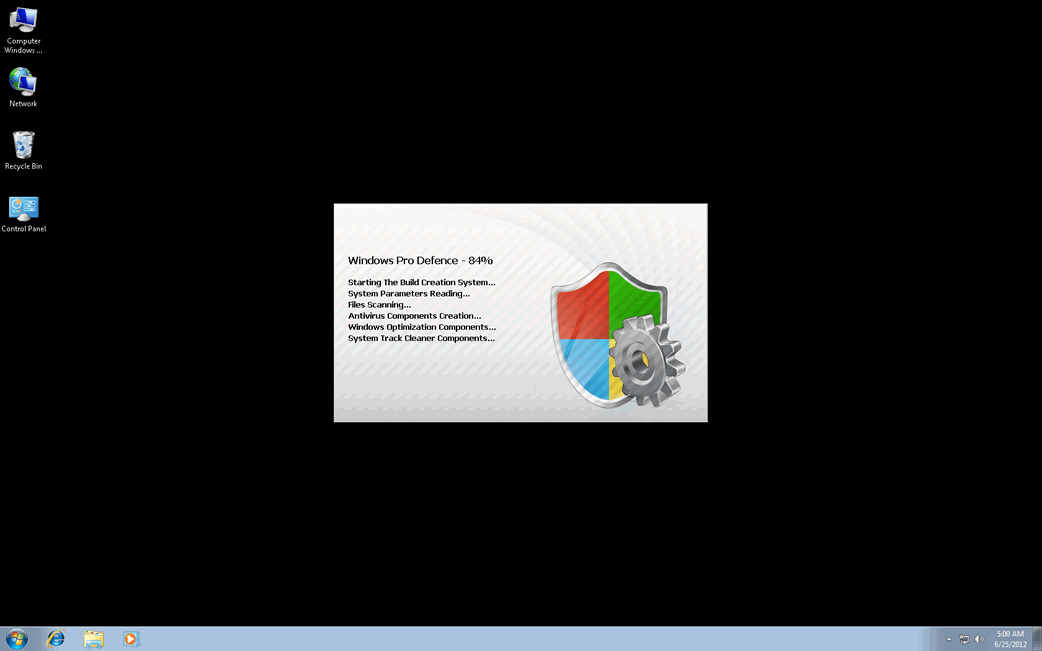
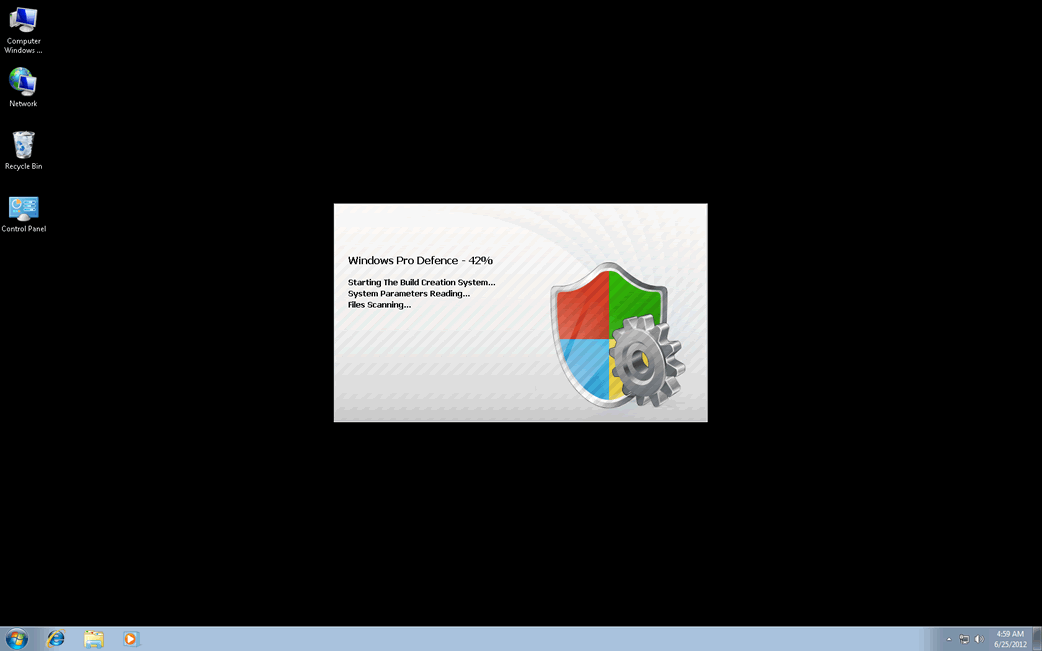
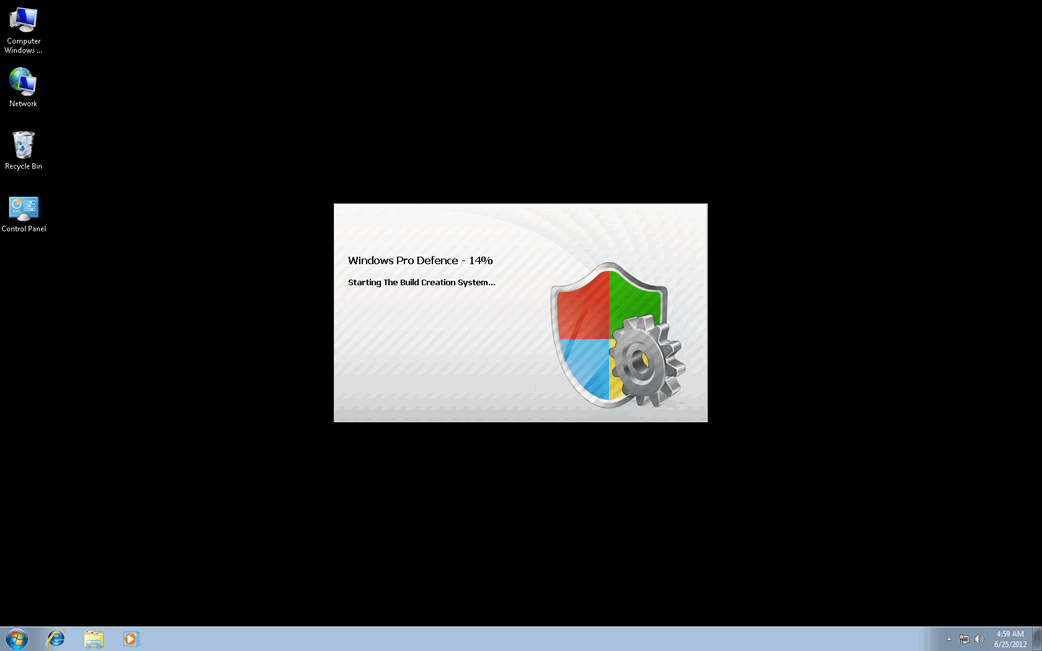
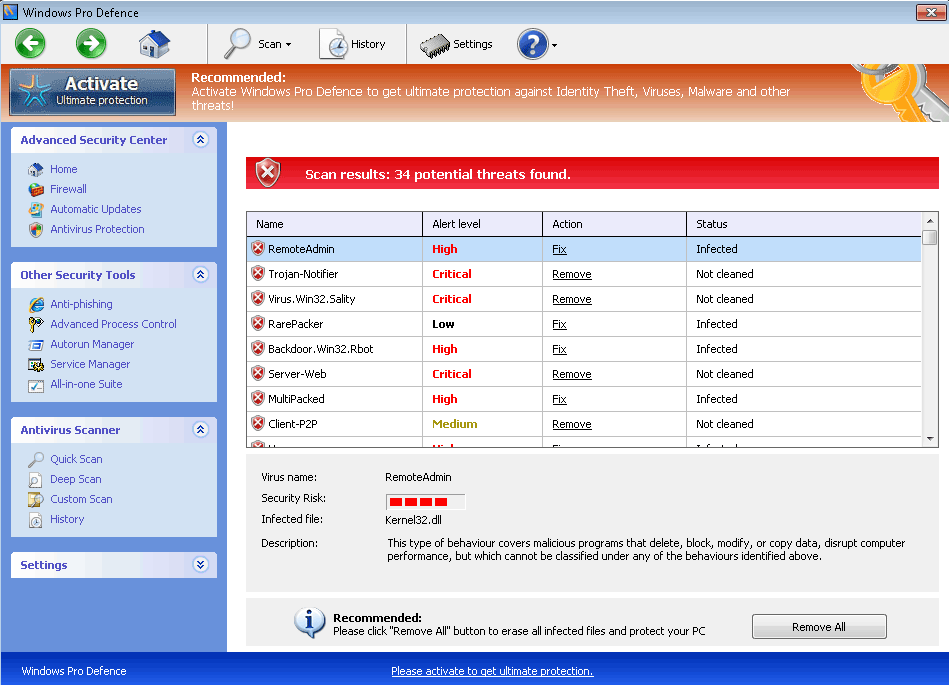
Windows Pro Defence Video
Tip: Turn your sound ON and watch the video in Full Screen mode.

File System Details
| # | File Name |
Detections
Detections: The number of confirmed and suspected cases of a particular threat detected on
infected computers as reported by SpyHunter.
|
|---|---|---|
| 1. | %AppData%\Protector-[RANDOM 4 CHARACTERS].exe | |
| 2. | %AppData%\Protector-[RANDOM 3 CHARACTERS].exe | |
| 3. | %AppData%\NPSWF32.dll | |
| 4. | %AppData%\result.db | |
| 5. | %AppData%\1st$0l3th1s.cnf |
Registry Details
URLs
Windows Pro Defence may call the following URLs:
| zazter-news.world |