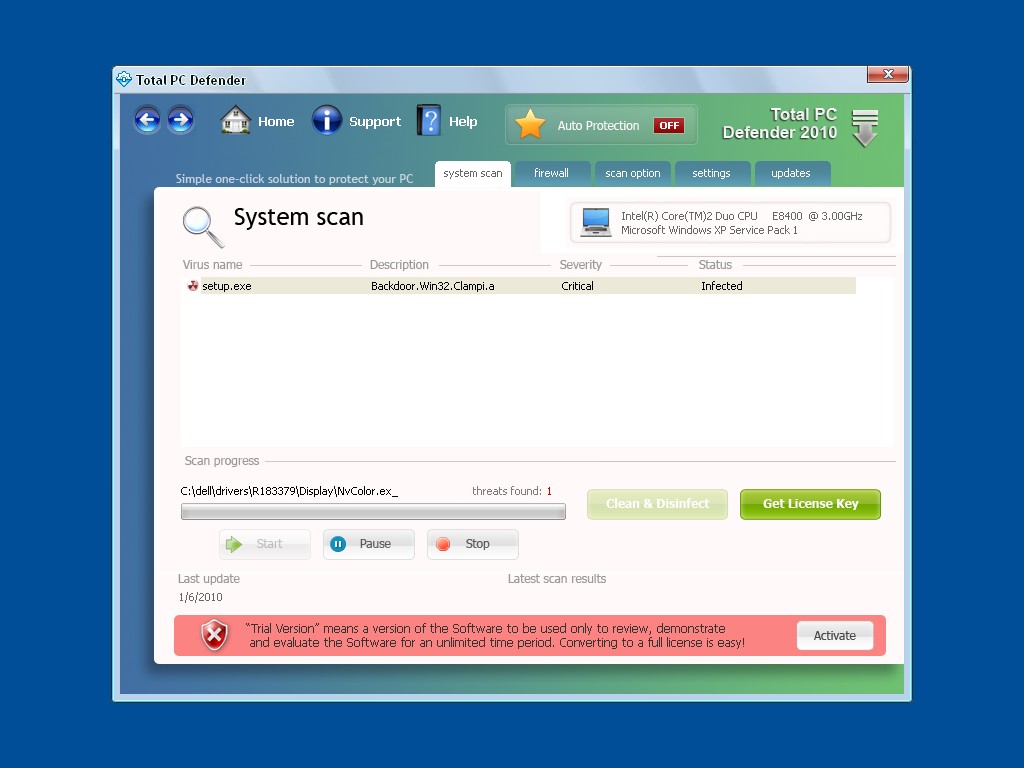
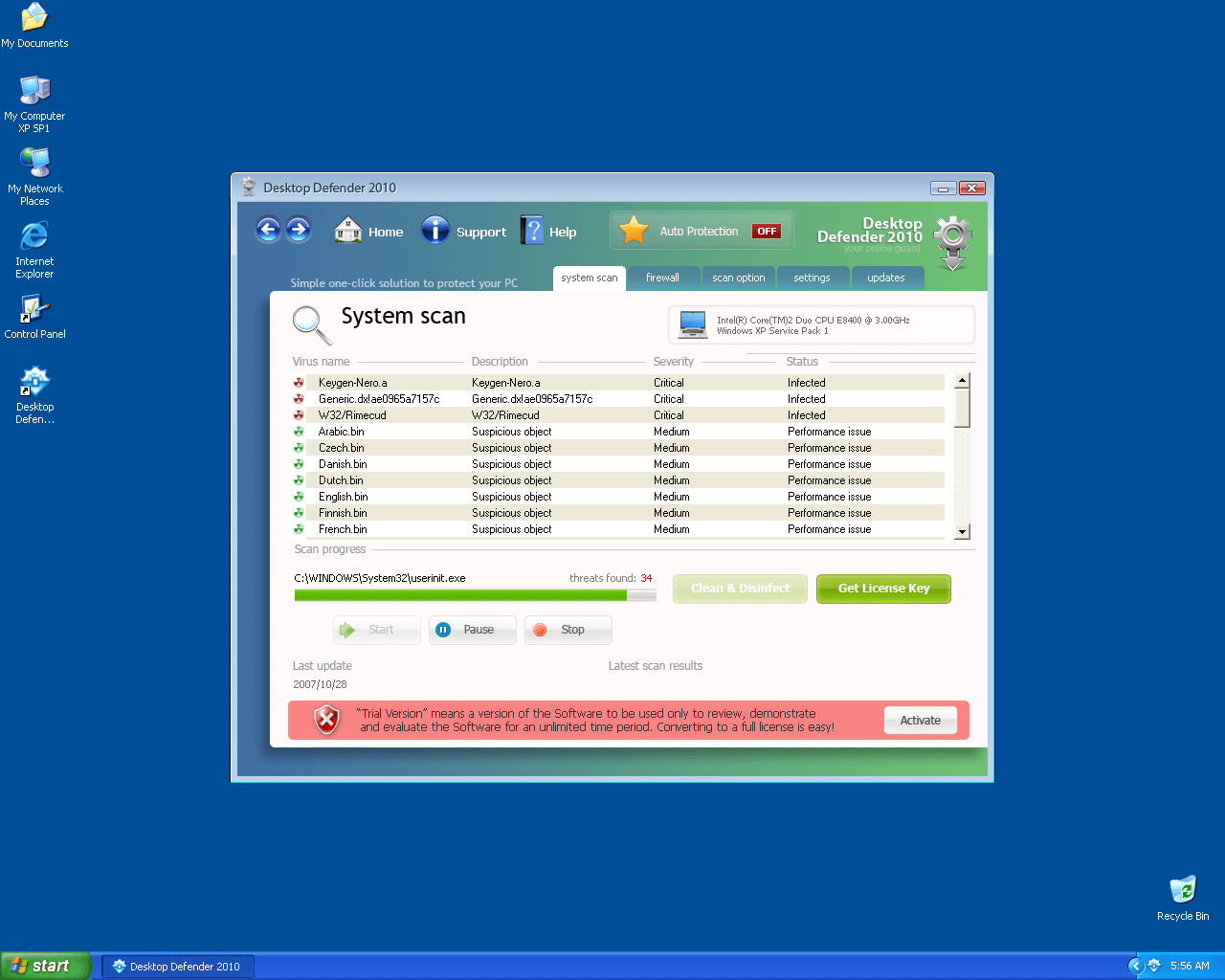
Windows Defender 2010
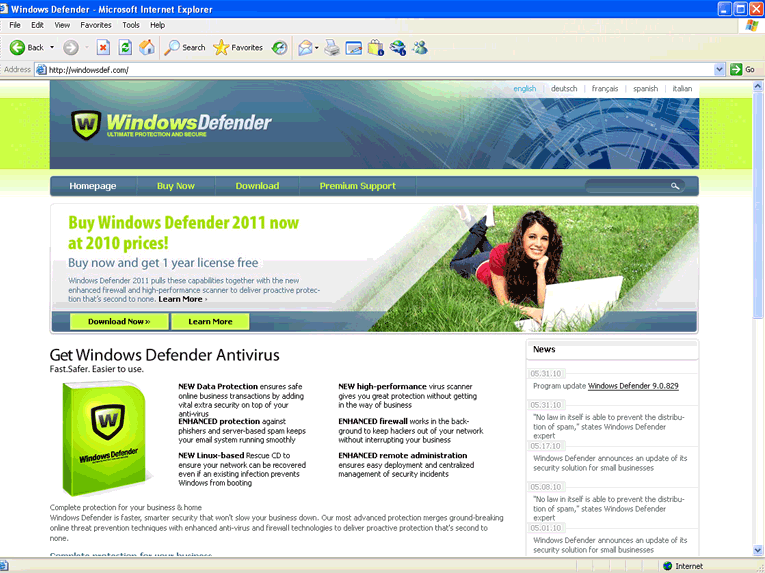
Windows Defender 2010 Image
Windows Defender 2010 is a bogus anti-spyware application that uses a Graphical User Interface similar to that of the legitimate Microsoft product. Windows Defender 2010 uses the same shield logo and color scheme used by the legitimate Microsoft Windows Defender. Windows Defender 2010 is able to enter users' computers via Trojans; however it may also be downloaded from malicious websites such as www.win-def-2010.com, www.windowsdefender-10.com and www.windows-defender10.com.
Once Windows Defender 2010 has secretly penetrated a system, it will create a start-up registry key and disable existing security software. Windows Defender 2010 will then run a fake online scanner that will report several malware infections on the system. Additionally, Windows Defender 2010 will also display fabricated security warnings and annoying pop-up messages to further convince a victim that his/her PC is in need of an emergency cleanup that can only be done with the purchase of the "full version" of Windows Defender 2010. Users should never purchase Windows Defender 2010, it is a fake application that can neither detect nor remove malware.
File System Details
| # | File Name |
Detections
Detections: The number of confirmed and suspected cases of a particular threat detected on
infected computers as reported by SpyHunter.
|
|---|---|---|
| 1. | %Documents and Settings%\All Users\Start Menu\Programs\Windows Defender 2010 | |
| 2. | %Documents and Settings%\All Users\Desktop\Windows Defender 2010.lnk |