Vista Defender 2013
Threat Scorecard
EnigmaSoft Threat Scorecard
EnigmaSoft Threat Scorecards are assessment reports for different malware threats which have been collected and analyzed by our research team. EnigmaSoft Threat Scorecards evaluate and rank threats using several metrics including real-world and potential risk factors, trends, frequency, prevalence, and persistence. EnigmaSoft Threat Scorecards are updated regularly based on our research data and metrics and are useful for a wide range of computer users, from end users seeking solutions to remove malware from their systems to security experts analyzing threats.
EnigmaSoft Threat Scorecards display a variety of useful information, including:
Popularity Rank: The ranking of a particular threat in EnigmaSoft’s Threat Database.
Severity Level: The determined severity level of an object, represented numerically, based on our risk modeling process and research, as explained in our Threat Assessment Criteria.
Infected Computers: The number of confirmed and suspected cases of a particular threat detected on infected computers as reported by SpyHunter.
See also Threat Assessment Criteria.
| Popularity Rank: | 10,969 |
| Threat Level: | 100 % (High) |
| Infected Computers: | 7,642 |
| First Seen: | October 1, 2012 |
| Last Seen: | April 21, 2026 |
| OS(es) Affected: | Windows |
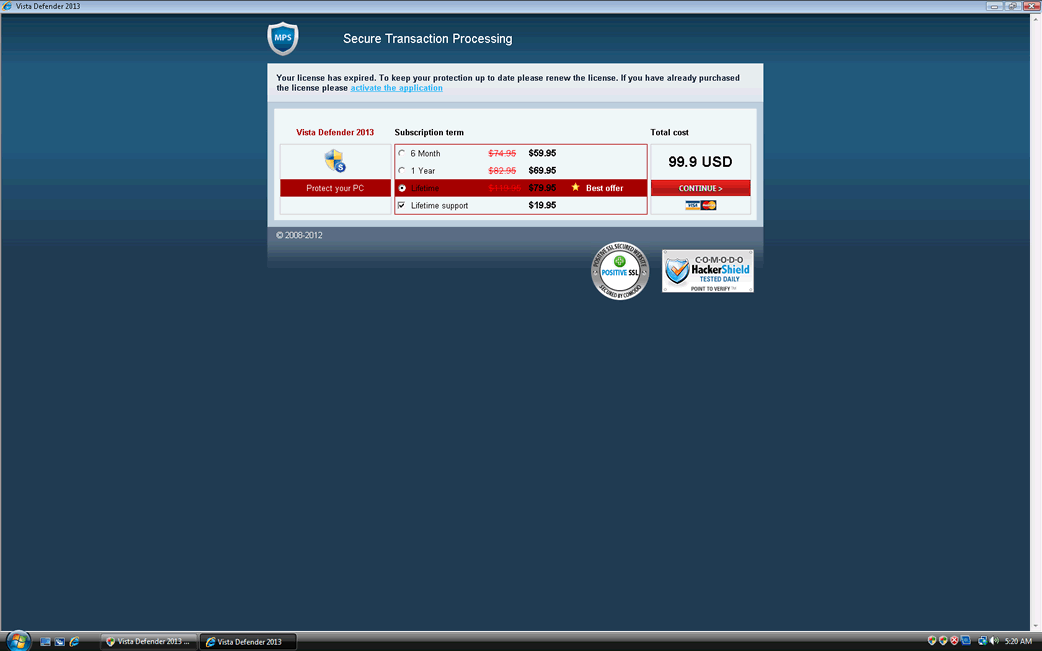
Vista Defender 2013 Image
Vista Defender 2013 is a fraudulent security program that pretends to be a legitimate security tool. There is no difference between Vista Defender 2013 and versions of this bogus security application released in 2010, 2011, and 2012 (for example, Vista Defender 2012). All of these belong to a large family of fake security programs that can detect the victim's operating system and change accordingly in order to carry out a typical rogue security program scam. Vista Defender 2013 should be considered as a dangerous malware infection and Vista Defender 2013 should be removed with the aid of a reliable security application.
Vista Defender 2013 belongs to a family of malware, the WinPC Defender family, that includes fake security programs such as SystemDefender, IE Defender, IE Defender, XPdefender, WinDefender2008, Malware Defender 2009, WinPC Defender, PC Privacy Defender, Smart Defender Pro, Ultimate Defender, Advanced XP Defender, Security Defender Pro 2015.
Vista Defender 2013 and its clones are mainly known because they can adapt to different operating systems. Vista Defender 2013 is a fake security program that will only attack computers with the Windows Vista operating system (Vista Defender 2013 will rarely appear in computers with other versions of Windows, but these cases are very rare). If the victim's computer is running Windows XP or Windows 7, then the victim's computer will be attacked by the two corresponding variants of Vista Defender 2013, XP Defender 2013 or Win 7 Defender 2013. This happens because part of Vista Defender 2013's installation process involved detecting the victim's operating system and downloading its corresponding rogue security program.
Like most rogue security programs, Vista Defender 2013 will attempt to scare the victim into purchasing a fake anti-virus program. It does this by causing the victim's computer to behave erratically and by blocking access to the Internet and to the victim's files. Vista Defender 2013's main symptom is a torrent of system alerts, error messages and pop-up notifications from the Task Bar. All of these will appear constantly, prompting the victim to download a 'full version' of Vista Defender 2013 in order to remove a nonexistent virus infection from the victim's computer. ESG security researchers strongly advise against following any advice in Vista Defender 2013's error messages, due to the fact that Vista Defender 2013 has no way of defending your computer from malware and is actually a malware infection itself.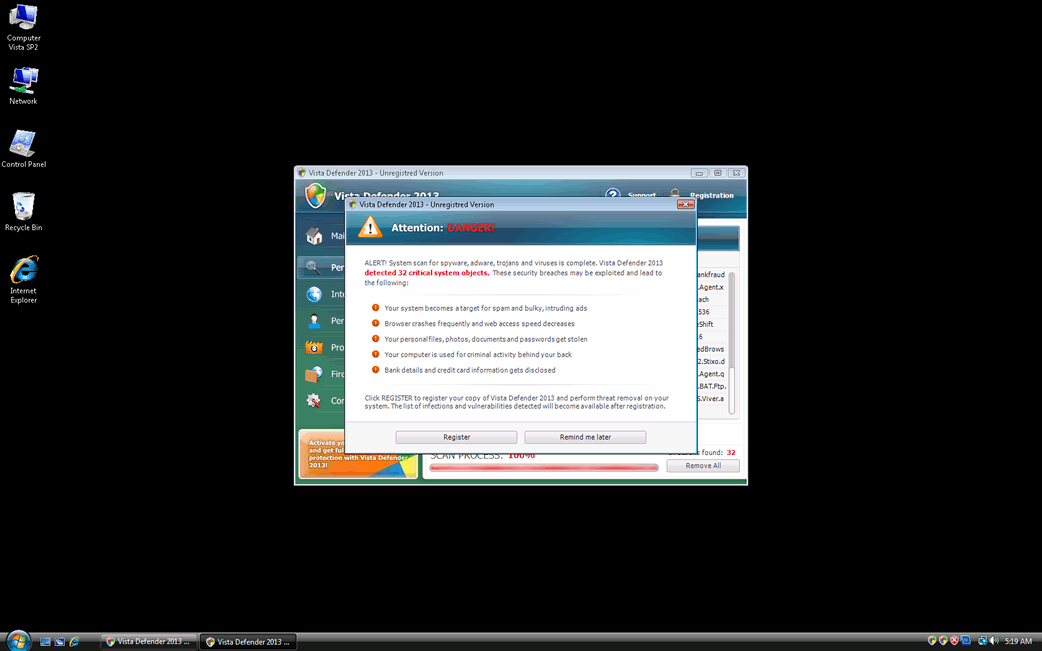
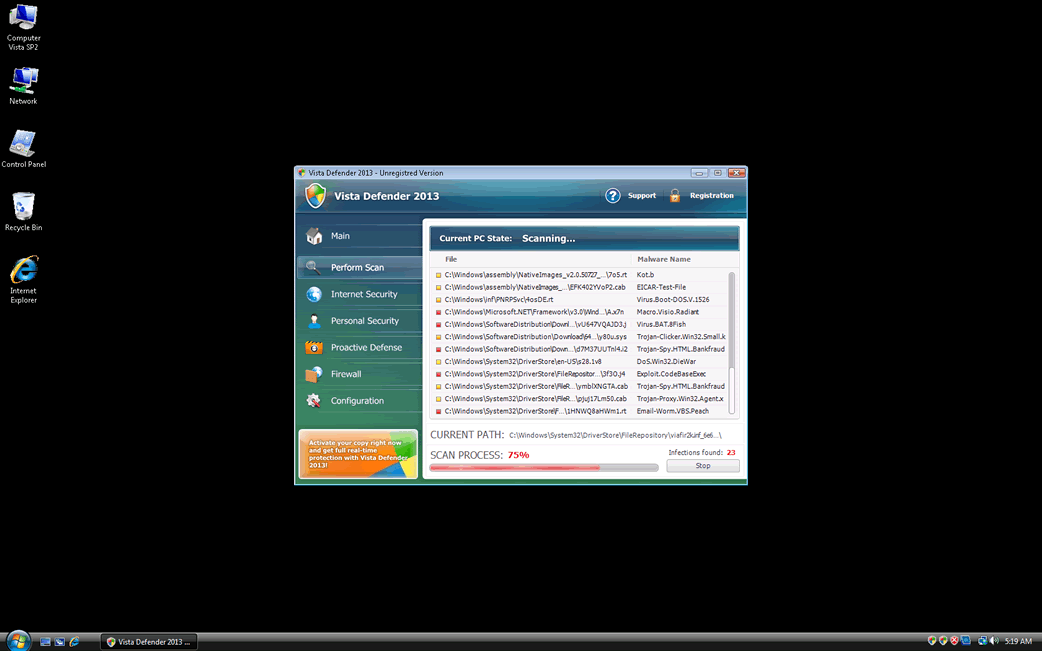
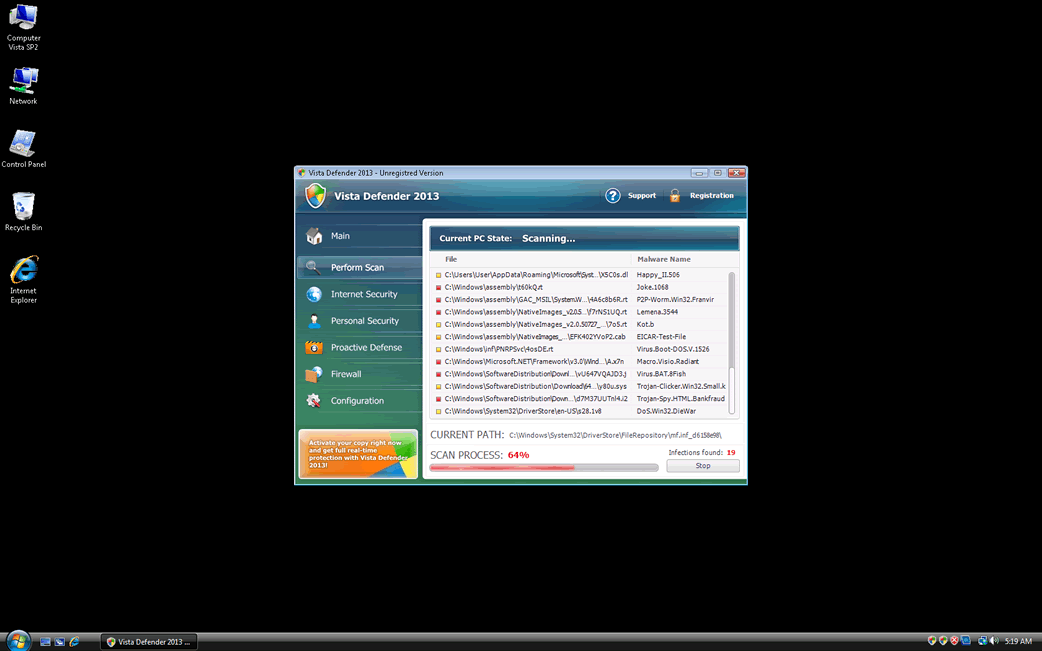
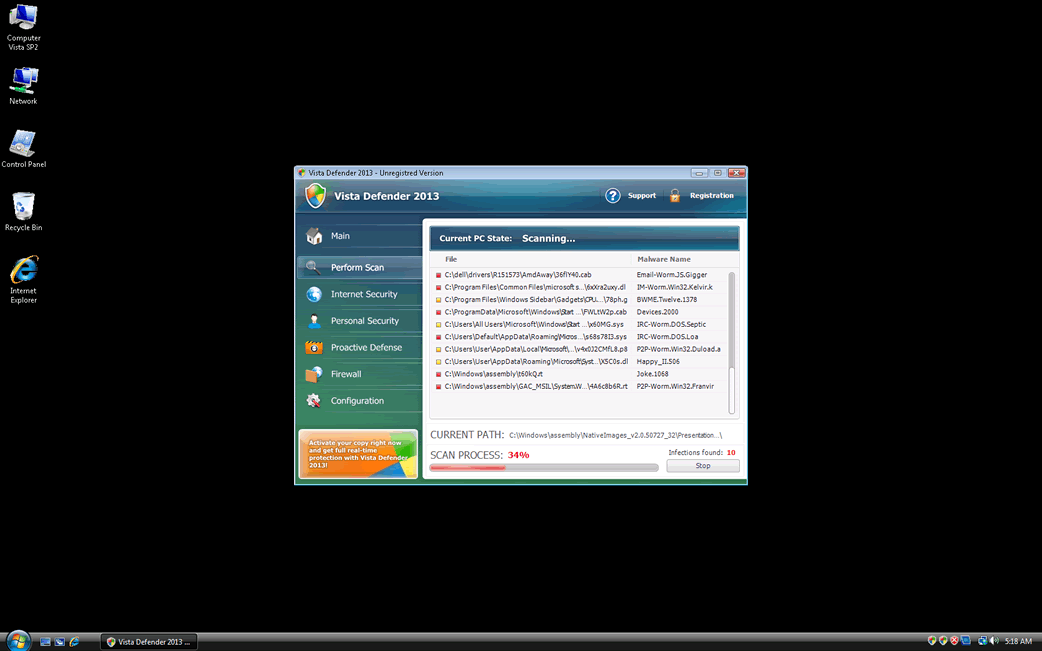
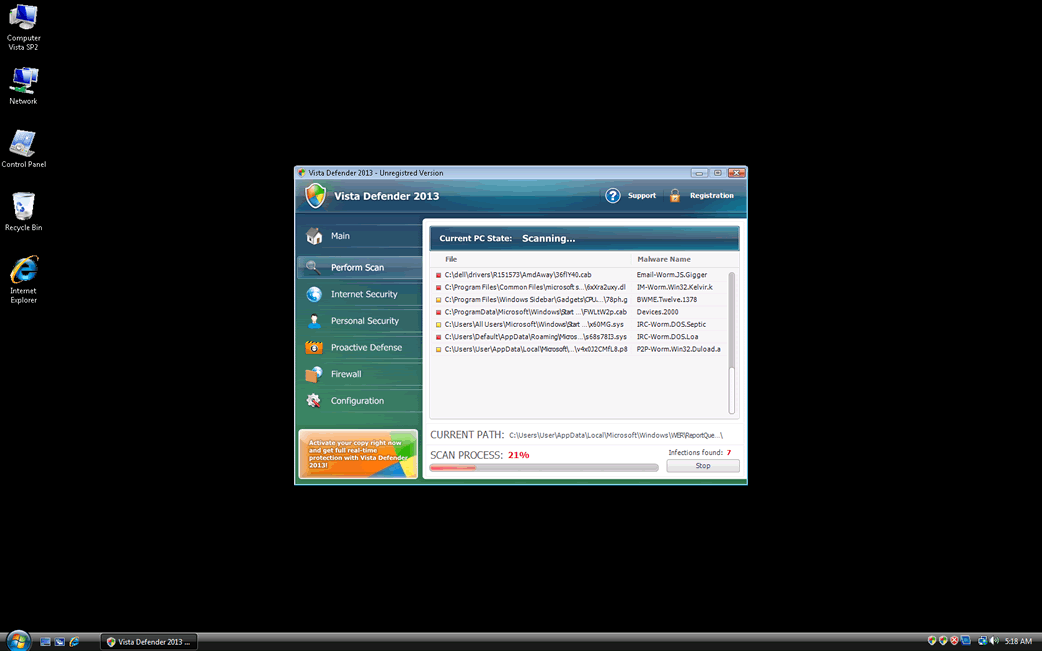
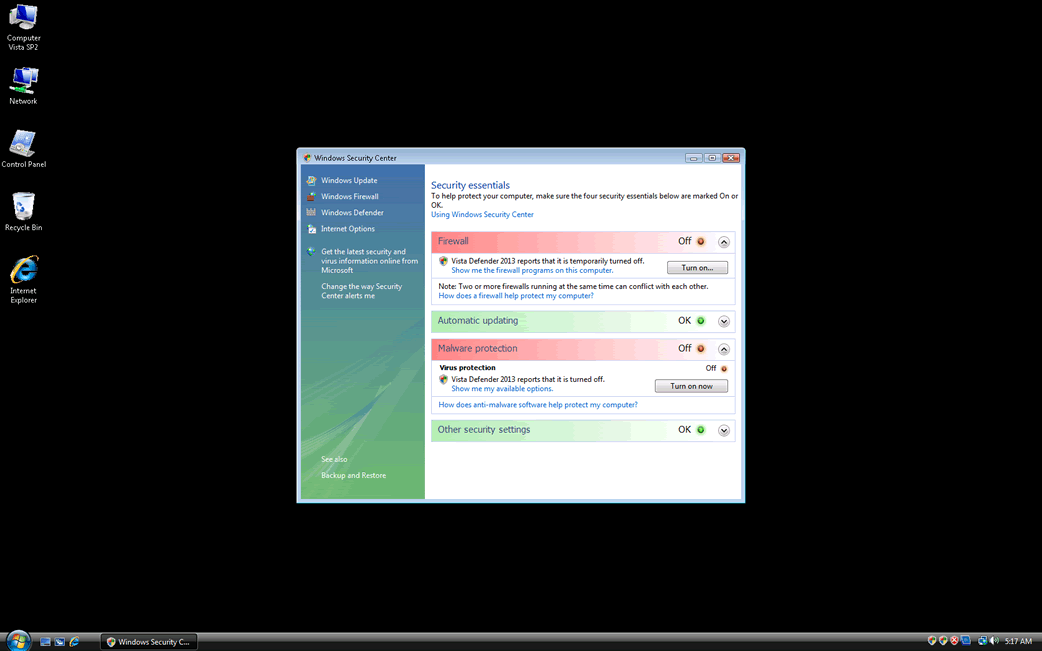
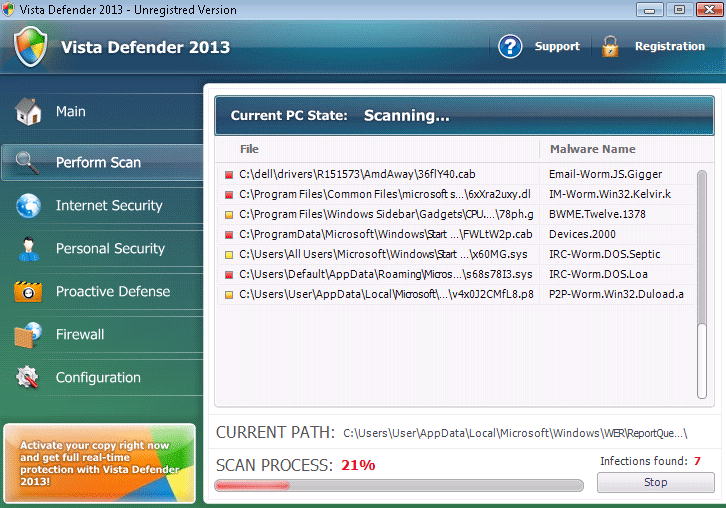
Table of Contents
Aliases
15 security vendors flagged this file as malicious.
| Antivirus Vendor | Detection |
|---|---|
| Ikarus | Win32.Bancos |
| AhnLab-V3 | Trojan/Win32.Diple |
| AntiVir | TR/Bancos.CDL.8 |
| Avast | Win32:Bancos-CDL [Spy] |
| McAfee | Artemis!8A7BB35885CF |
| Kaspersky | Trojan-Ransom.Win32.Foreign.asxx |
| AVG | Dropper.Generic2.AAPU |
| Ikarus | Trojan-Dropper.SuspectCRC |
| McAfee-GW-Edition | Artemis!02E1070C9FAD |
| AntiVir | SPR/Tool.BeeInject.133 |
| Kaspersky | Trojan-Spy.MSIL.Agent.buh |
| Avast | MSIL:Crypt-AO |
| NOD32 | a variant of MSIL/Injector.U |
| AntiVir | TR/Boigy.2 |
| Ikarus | Backdoor.Win32.Oderoor |
SpyHunter Detects & Remove Vista Defender 2013
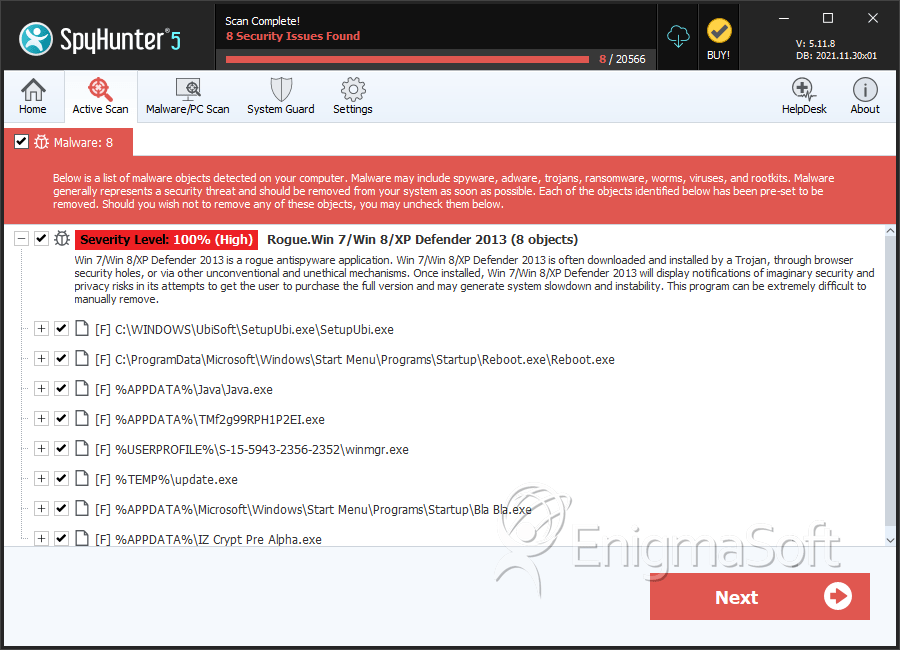
File System Details
| # | File Name | MD5 |
Detections
Detections: The number of confirmed and suspected cases of a particular threat detected on
infected computers as reported by SpyHunter.
|
|---|---|---|---|
| 1. | SetupUbi.exe | 735e3f35a14cc39fb874b0799a198fb3 | 167 |
| 2. | Reboot.exe | 10ff0d7610d2a3b7a67854b1b70594fb | 35 |
| 3. | n | 004d883c75e80cd386a260b5eccbf285 | 24 |
| 4. | syshost.exe | e6533434941eb27d0efd1bf7d37c4f4d | 20 |
| 5. | TMf2g99RPH1P2EI.exe | 2f5b8fa2968ecb754e181c50e4e869dc | 11 |
| 6. | update.exe | 6124c9689dc1db263359cf83df35325b | 6 |
| 7. | Bla Bla.exe | cb9d64689c607953224011d89c08d839 | 6 |
| 8. | IZ Crypt Pre Alpha.exe | 5a251700f95ca463af81440a06c11086 | 5 |
| 9. | A-2068193475.exe | 9a65737e5ccc95b04f26f95eaa2be535 | 4 |
| 10. | wincmd.exe | 506a814c73adbfa70107a40085b90b4a | 4 |
| 11. | msdcsc.exe | 8f42640869da36976902d674b41cc36a | 3 |
| 12. | svchast.exe | 87b549a60cfc9dd0d4040fb78e879637 | 2 |
| 13. | 894481.exe | 8bd4851fb17d576e54df0b41bd3233c8 | 2 |
| 14. | Teemu.exe | 2f6ec4885e14e3904d94c037ad8c98fa | 2 |
| 15. | up2date.exe | a8a12411d33c56520ef81a83416caca6 | 2 |
| 16. | SERVICES.EXE | 48b0f162c65c7316db6ec1d294f8f37e | 2 |
| 17. | winmgr.exe | 9c7319a2126d1473067704a7bdbd36c9 | 2 |
| 18. | wins.exe | cb5c8a3f5cba769669f662ab9e30b913 | 2 |
| 19. | mslutv.exe | 7295902ee0f05ab37a2f764e9b45a8b6 | 2 |
| 20. | csrss.exe | 295f8c0f0188a4ffbacd71634986bb03 | 1 |
| 21. | 5879257.dll | 96d5dfe63f44097d219e1d749ba07d0a | 1 |
| 22. | gbpsvs.dll | ea505c2d439a5f36e3e079f25b41ae56 | 1 |
| 23. | wlcon.dll | fa8d670443046dd1f99dd08241362027 | 1 |
| 24. | gbieha.dll | ed5ef662951776536fc5a09266de8b08 | 1 |
| 25. | 6954194.dll | 6702fa8bfb4b5582511f22d93cb45a0a | 1 |
| 26. | Lollipop.exe | 8448d114db908ac23f610dc1292edabe | 1 |
| 27. | ycfyycfewuj.exe | dc051532febb8ee31d8ad7b7c6ac205c | 1 |
| 28. | 8103874.dll | b9097671abbe840bb69102e82adc8544 | 1 |
| 29. | %CommonAppData%\pcdfdata\[RANDOM CHARACTERS].exe | ||
| 30. | %CommonStartMenu%\Programs\Vista Defender\Remove Vista Defender.lnk | ||
| 31. | %CommonAppData%\pcdfdata\app.ico | ||
| 32. | %CommonAppData%\pcdfdata\config.bin | ||
| 33. | %CommonStartMenu%\Programs\Vista Defender\Vista Defender.lnk | ||
| 34. | %CommonAppData%\pcdfdata\uninst.ico | ||
| 35. | %CommonAppData%\pcdfdata\defs.bin | ||
| 36. | %CommonStartMenu%\Programs\Vista Defender\Vista Defender Help and Support.lnk | ||
| 37. | %CommonAppData%\pcdfdata\support.ico | ||
| 38. | %CommonAppData%\pcdfdata\vl.bin | ||
| 39. | %AllUsersProfile%\Desktop\Vista Defender.lnk |


