System Progressive Protection
Threat Scorecard
EnigmaSoft Threat Scorecard
EnigmaSoft Threat Scorecards are assessment reports for different malware threats which have been collected and analyzed by our research team. EnigmaSoft Threat Scorecards evaluate and rank threats using several metrics including real-world and potential risk factors, trends, frequency, prevalence, and persistence. EnigmaSoft Threat Scorecards are updated regularly based on our research data and metrics and are useful for a wide range of computer users, from end users seeking solutions to remove malware from their systems to security experts analyzing threats.
EnigmaSoft Threat Scorecards display a variety of useful information, including:
Ranking: The ranking of a particular threat in EnigmaSoft’s Threat Database.
Severity Level: The determined severity level of an object, represented numerically, based on our risk modeling process and research, as explained in our Threat Assessment Criteria.
Infected Computers: The number of confirmed and suspected cases of a particular threat detected on infected computers as reported by SpyHunter.
See also Threat Assessment Criteria.
| Ranking: | 14,339 |
| Threat Level: | 100 % (High) |
| Infected Computers: | 226 |
| First Seen: | September 22, 2012 |
| Last Seen: | September 10, 2023 |
| OS(es) Affected: | Windows |
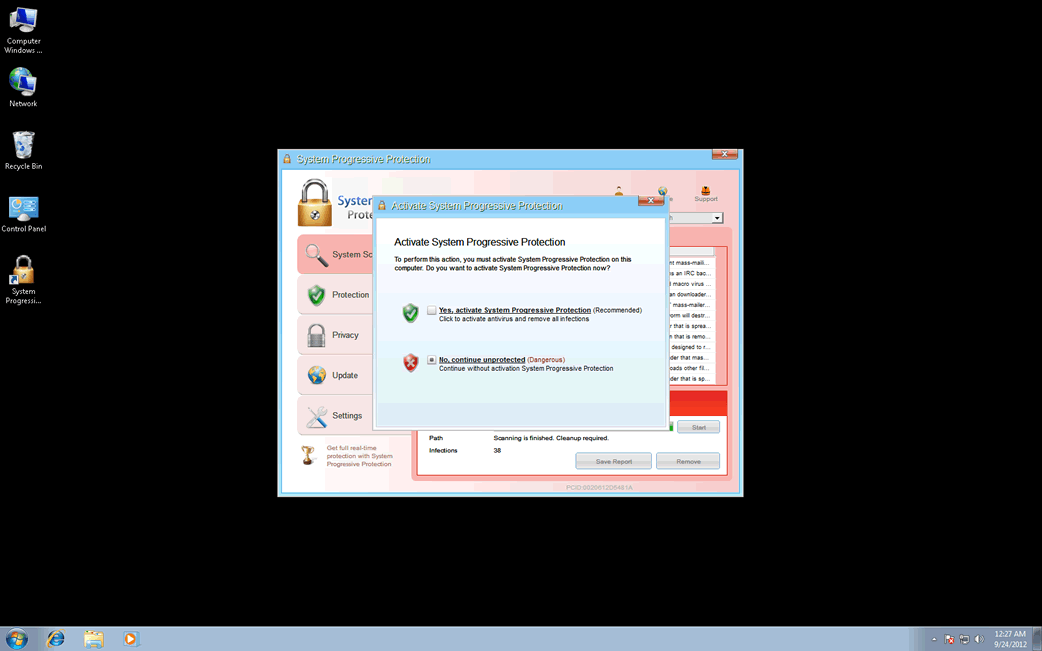
System Progressive Protection Image
The WinWeb Security family of rogue security software is quite large and features numerous fake security programs that carry out what is essentially the same scam. System Progressive Protection is one of the many fake security applications that belong to this extensive family of malware. Like most rogue security programs, System Progressive Protection, like other members of the WinWeb Security family of malware is designed to trick inexperienced computer users into buying a useless, fake anti-virus, spending money on a program that has absolutely no anti-malware capabilities. If your computer is displaying alerts and error messages coming from System Progressive Protection, then ESG security researchers strongly advise ignoring these fake warnings and using a reliable anti-malware program to remove System Progressive Protection and any of its associated components from your computer completely. Failure to do so can result in additional malware infecting your computer as well as severe stability and performance problems on the infected computer.
Basically, System Progressive Protection is designed to convince computer users to spend money on a fake upgrade for this already useless application. To do this, System Progressive Protection will pretend that the victim's computer has been invaded with a variety of viruses and Trojans. This fake security program harasses the victim with numerous fake error messages and alarming system pop-up notifications, all meant to make inexperienced computer users panic into paying for this useless 'full version' of System Progressive Protection.
System Progressive Protection will typically spread in three ways:
- Criminals can set up websites that use exploit kits such as the infamous Black Hole Exploit Kit, to attack the computers of visitors automatically. These websites simultaneously exploit various known vulnerabilities in order to install System Progressive Protection and other malware on the victim's computer. Other websites can be hacked so that they will direct visitors to these kinds of malicious web pages.
- System Progressive Protection can also be installed on your machine by a fake, malicious advertisement for a 'free online malware scan.' These kinds of advertisements exploit vulnerabilities in Java or Flash in order to sneak System Progressive Protection and other malware on the victim's computer. Even if the direct attack doesn't work, these fake online malware scanners will often claim that the victim's computer is infected with malware and recommend that the victim download and install System Progressive Protection directly.
- System Progressive Protection will also be disguised as other benign software and placed on unsafe websites such as third-party downloading websites and file sharing networks. Common ways to disguise System Progressive Protection is as a fake media player or video codec.
There are many clones of System Progressive Protection on the WinWeb Security family. Clones of System Progressive Protection include System Security, Antivirus Security, Total Security 2009, Security Tool, Trojan.RogueAV.a.gen, System Adware Scanner 2010, FakeAlert-KW.e, Advanced Security Tool 2010, System Tool 2011, Security Shield, MS Removal Tool, Total Security, System Security 2011, Essential Cleaner, Security Shield Pro 2011, Personal Shield Pro, Security Shield 2011, Security Sphere 2012, Advanced PC Shield 2012, Futurro Antivirus.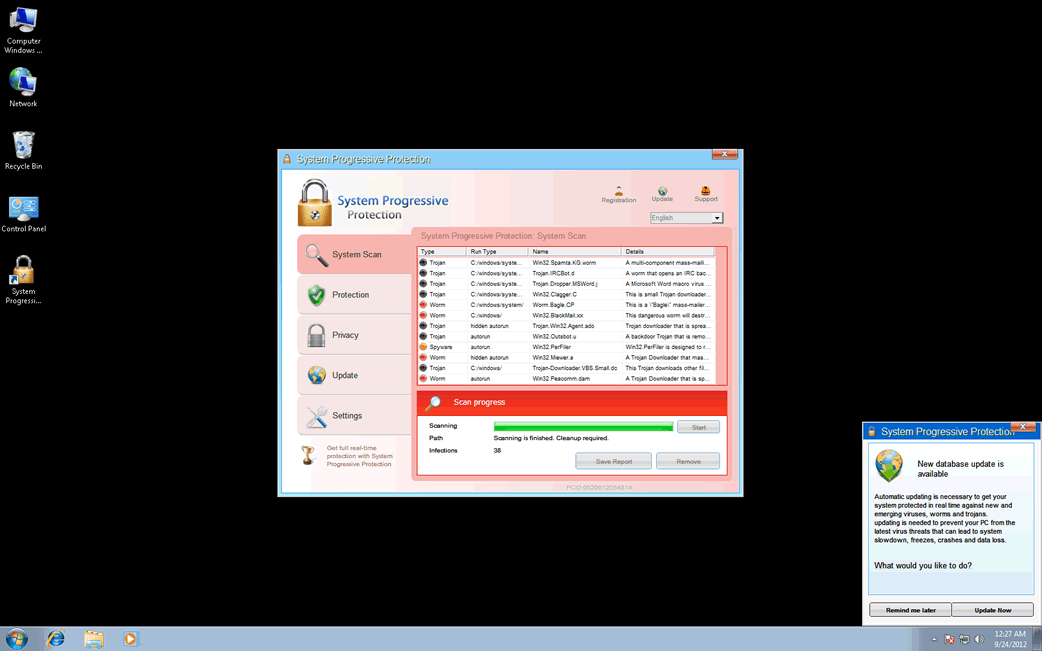
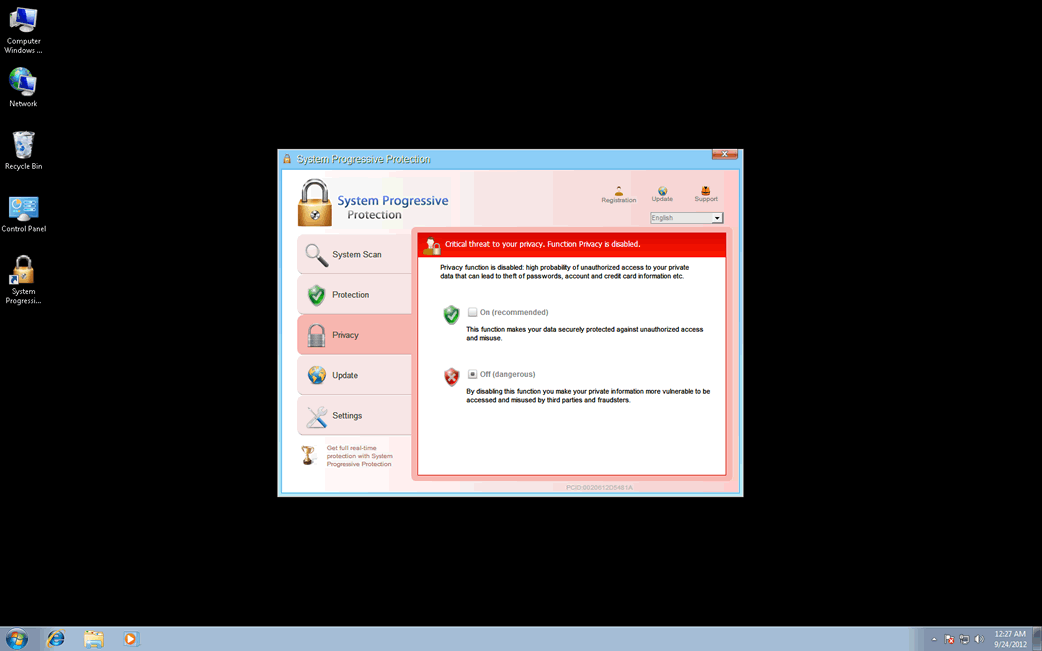
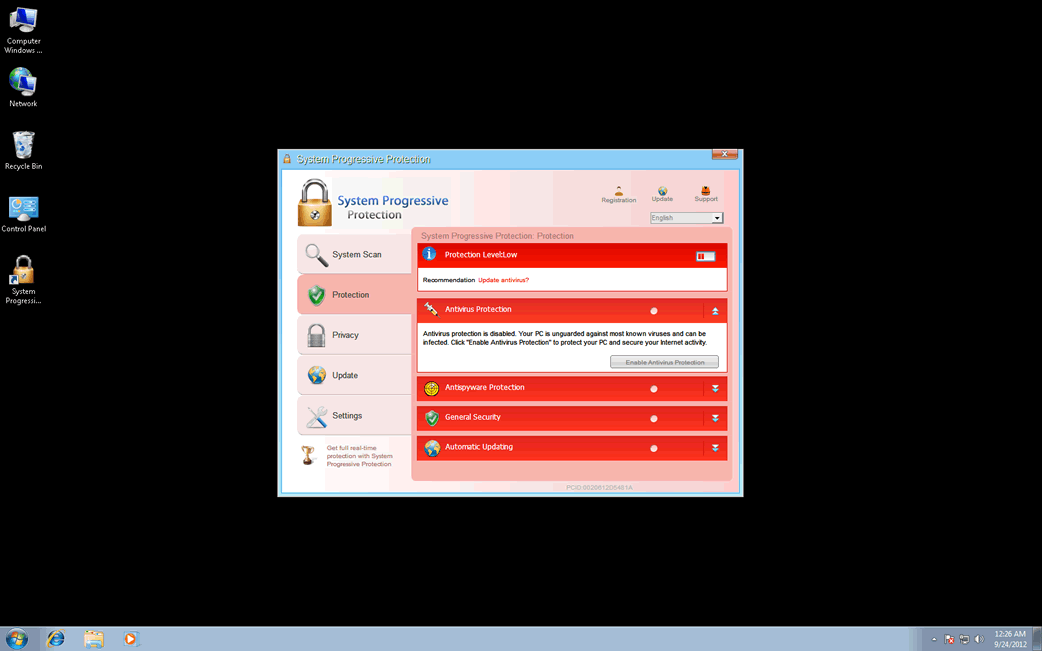
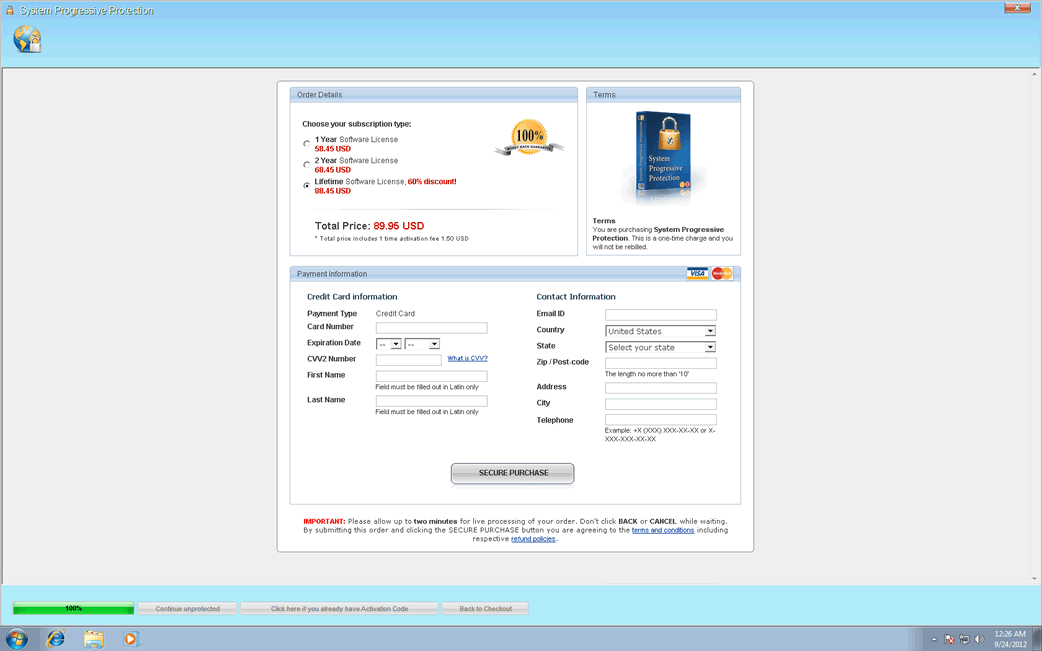
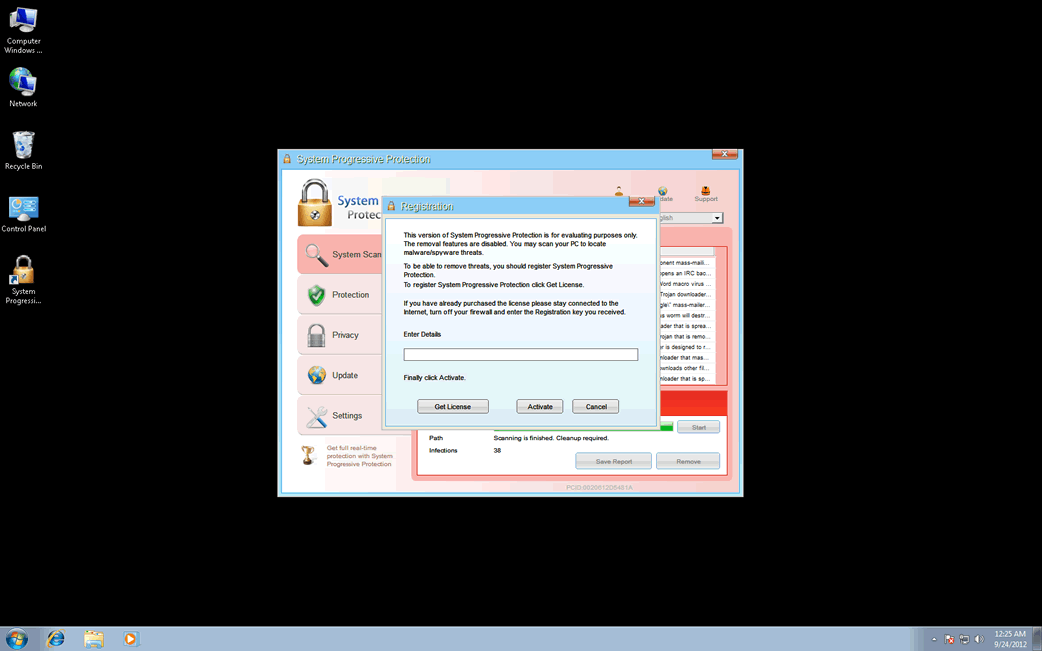
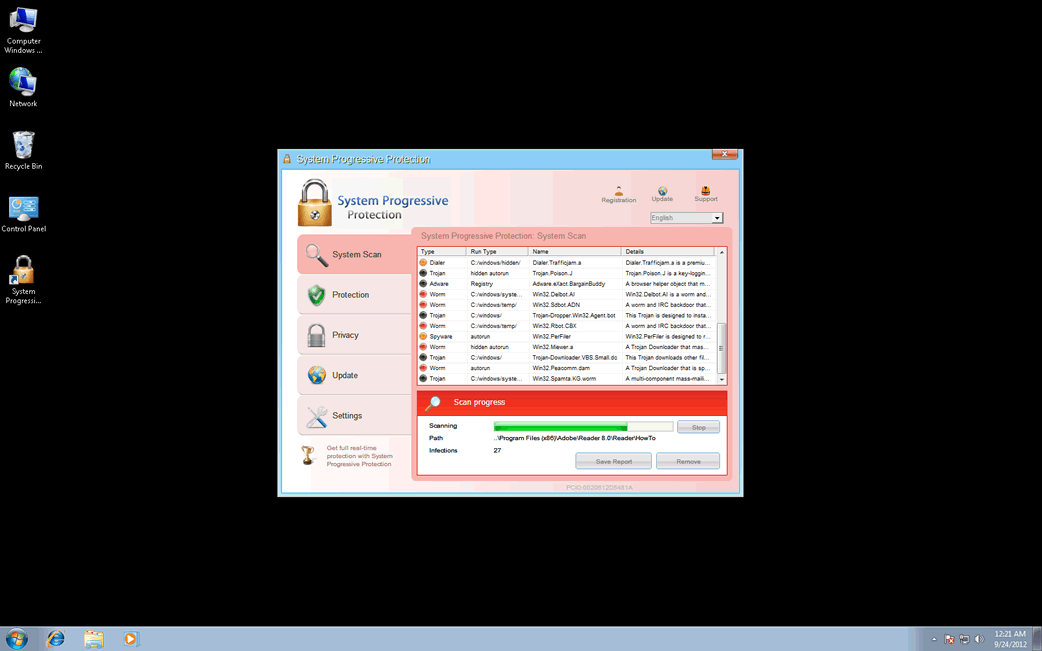
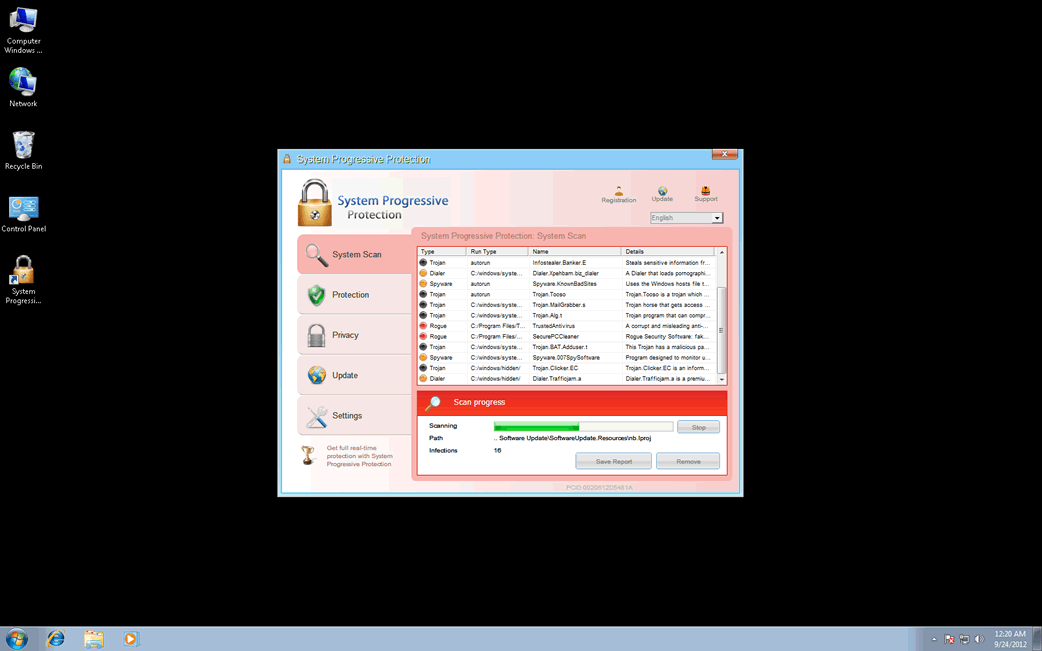
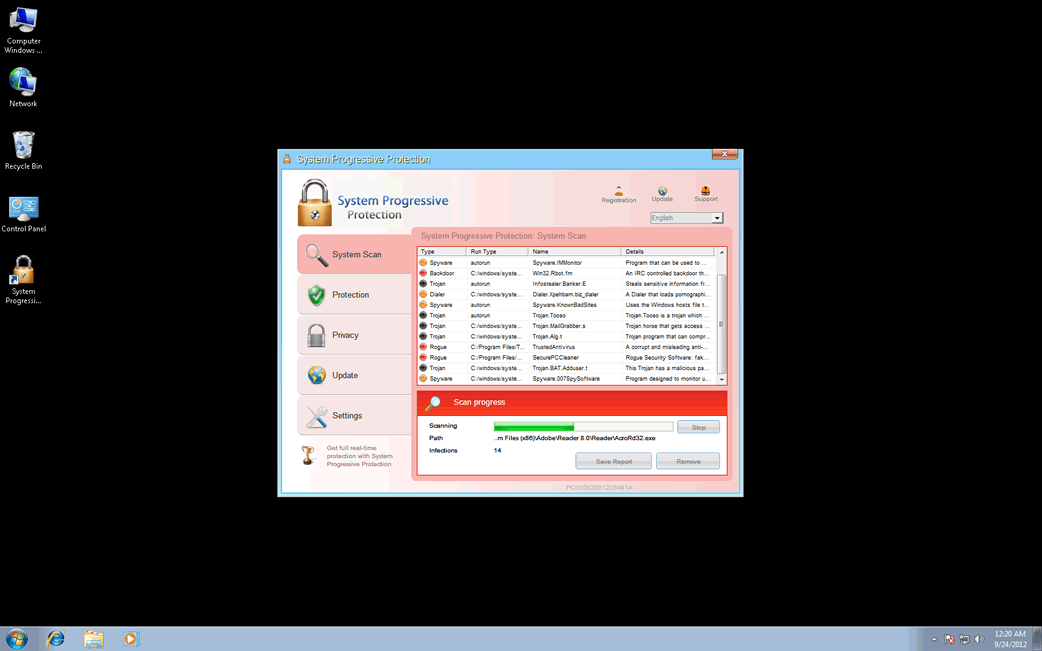
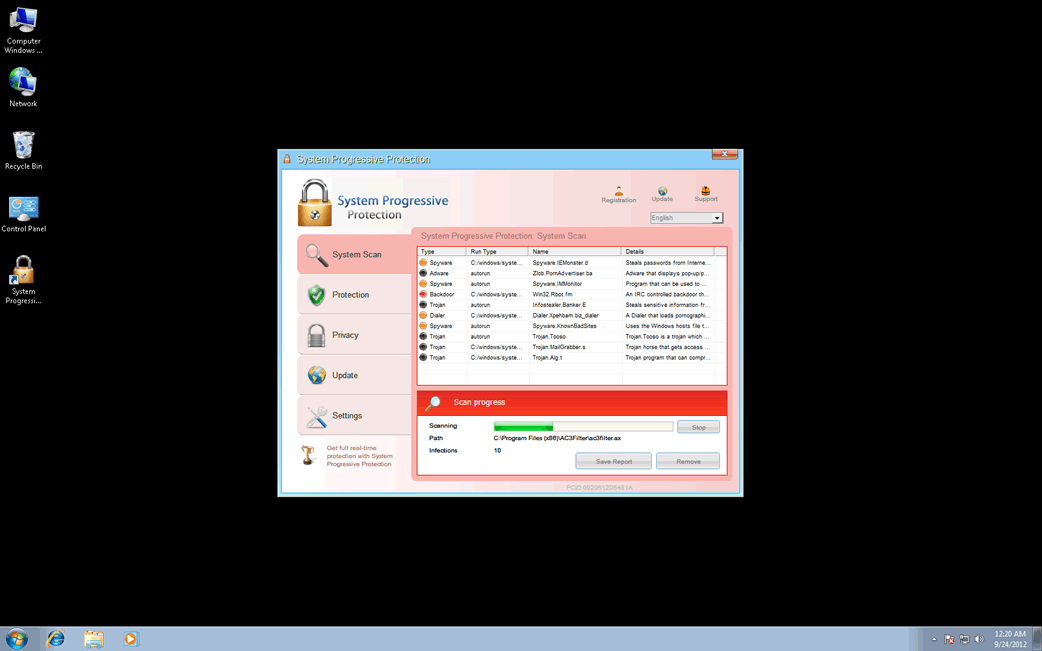
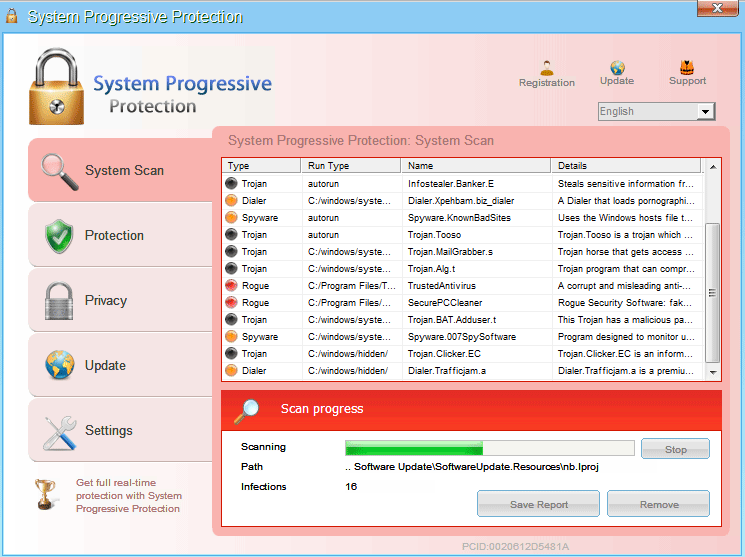
Table of Contents
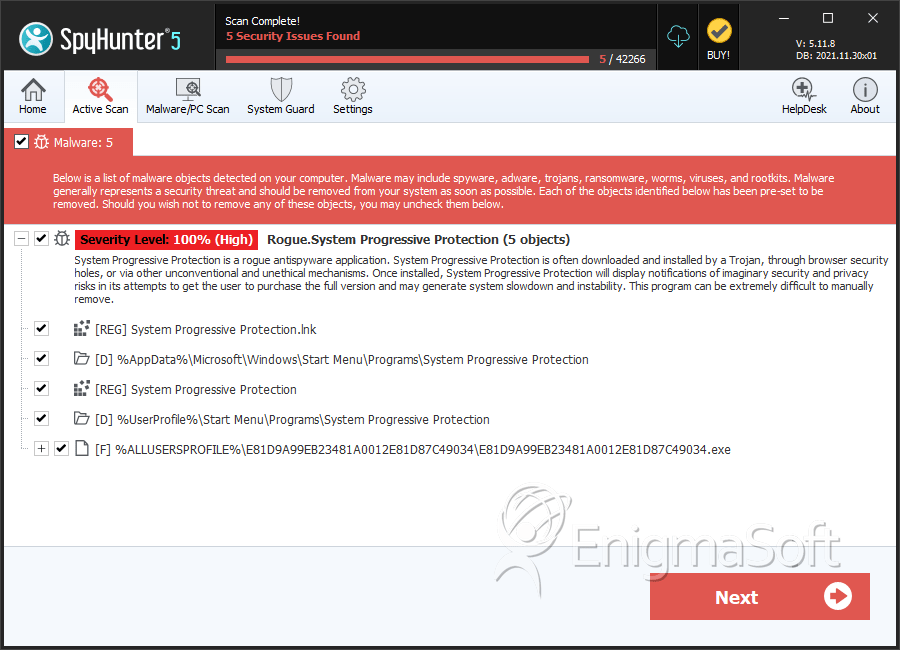
SpyHunter Detects & Remove System Progressive Protection
File System Details
| # | File Name | MD5 |
Detections
Detections: The number of confirmed and suspected cases of a particular threat detected on
infected computers as reported by SpyHunter.
|
|---|---|---|---|
| 1. | %CommonAppData%\[RANDOM NUMBERS AND CHARACTERS]\[RANDOM NUMBERS AND CHARACTERS].exe | ||
| 2. | %Desktopdir%\System Progressive Protection.lnk | ||
| 3. | %CommonAppData%\[RANDOM NUMBERS AND CHARACTERS]\[RANDOM NUMBERS AND CHARACTERS].ico | ||
| 4. | %CommonAppData%\[RANDOM NUMBERS AND CHARACTERS]\[RANDOM NUMBERS AND CHARACTERS] | ||
| 5. | %Programs%\System Progressive Protection\System Progressive Protection.lnk | ||
| 6. | E81D9A99EB23481A0012E81D87C49034.exe | 9c436269f996b0d30abc079baa6236b9 | 0 |
Registry Details
Directories
System Progressive Protection may create the following directory or directories:
| %AppData%\Microsoft\Windows\Start Menu\Programs\System Progressive Protection |
| %UserProfile%\Start Menu\Programs\System Progressive Protection |



