Smart Fortress 2012
Threat Scorecard
EnigmaSoft Threat Scorecard
EnigmaSoft Threat Scorecards are assessment reports for different malware threats which have been collected and analyzed by our research team. EnigmaSoft Threat Scorecards evaluate and rank threats using several metrics including real-world and potential risk factors, trends, frequency, prevalence, and persistence. EnigmaSoft Threat Scorecards are updated regularly based on our research data and metrics and are useful for a wide range of computer users, from end users seeking solutions to remove malware from their systems to security experts analyzing threats.
EnigmaSoft Threat Scorecards display a variety of useful information, including:
Ranking: The ranking of a particular threat in EnigmaSoft’s Threat Database.
Severity Level: The determined severity level of an object, represented numerically, based on our risk modeling process and research, as explained in our Threat Assessment Criteria.
Infected Computers: The number of confirmed and suspected cases of a particular threat detected on infected computers as reported by SpyHunter.
See also Threat Assessment Criteria.
| Ranking: | 14,316 |
| Threat Level: | 100 % (High) |
| Infected Computers: | 383 |
| First Seen: | February 28, 2012 |
| Last Seen: | July 12, 2023 |
| OS(es) Affected: | Windows |
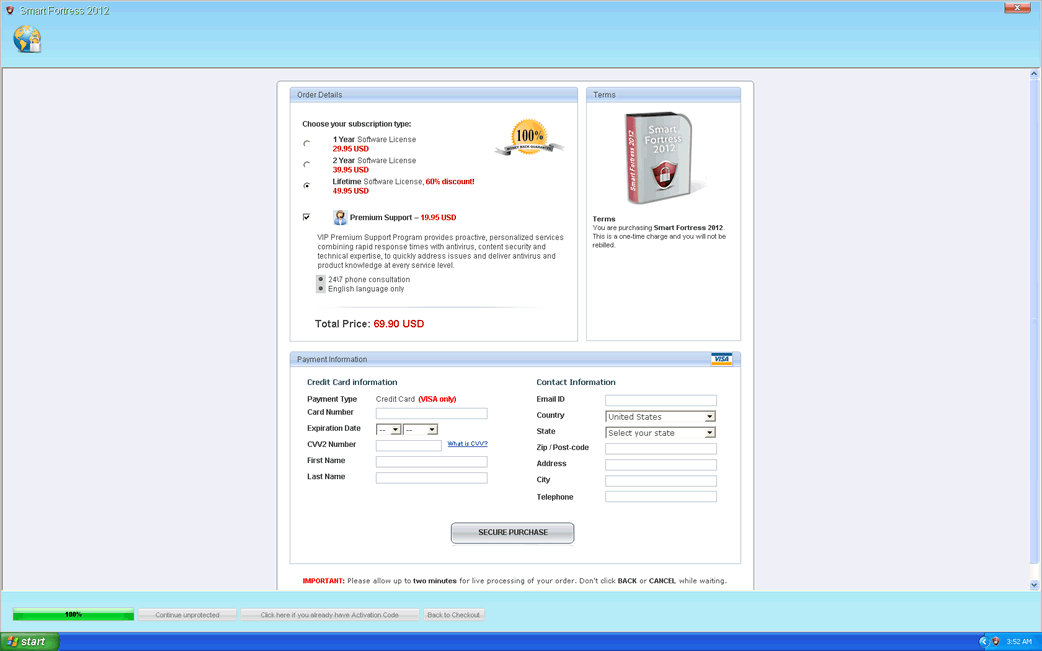
Smart Fortress 2012 Image
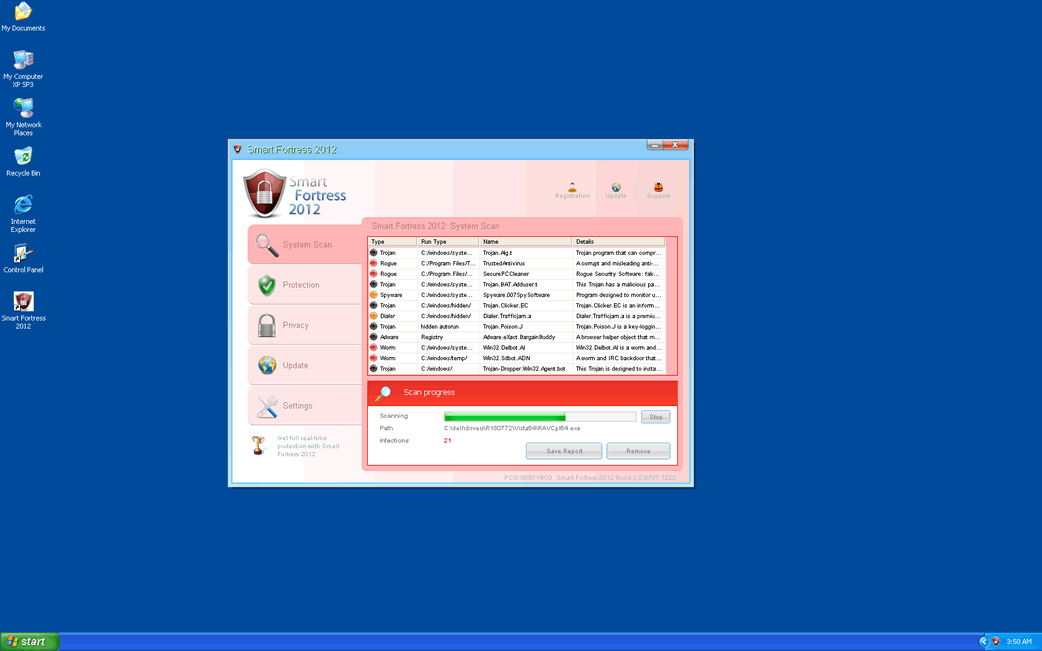
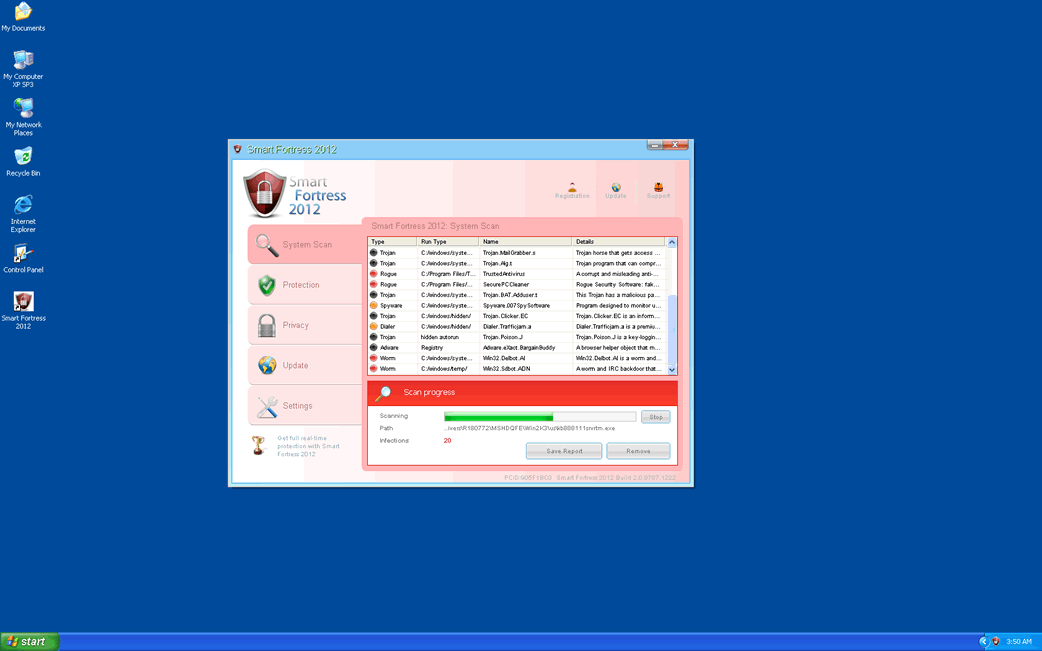
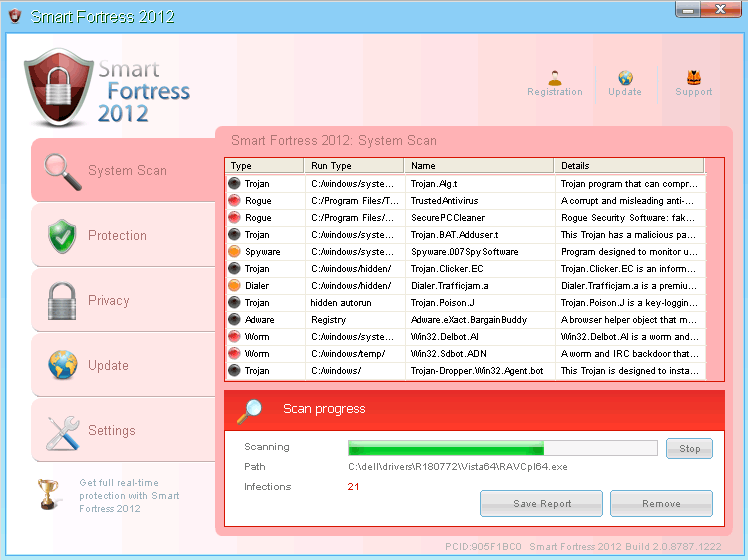
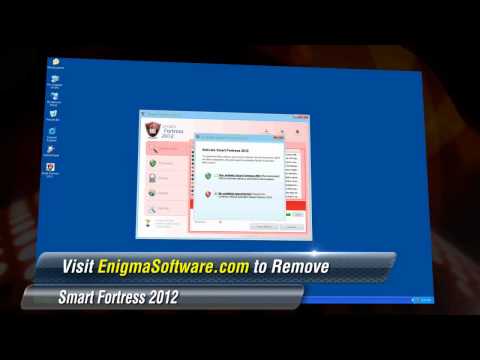
Smart Fortress 2012 is a fake anti-spyware scanner and a component of a huge family of rogue security applications called WinWeb Security. These kinds of fake security programs are designed to display messages claiming that the victim's computer system is infected in an attempt to convince inexperienced computer users to purchase a useless 'full version' of Smart Fortress 2012. Since Smart Fortress 2012 has absolutely no way of detecting or removing malware, ESG security researchers strongly advise against taking any of Smart Fortress 2012's claims seriously. ESG malware analysts recommend using a reliable anti-malware application to kick Smart Fortress 2012 out of your computer system.
There are various clones of Smart Fortress 2012, including programs like System Security, Antivirus Security, Total Security 2009, Security Tool, Trojan.RogueAV.a.gen, System Adware Scanner 2010, FakeAlert-KW.e, Advanced Security Tool 2010, System Tool 2011, Security Shield, MS Removal Tool, Total Security, System Security 2011, Essential Cleaner, Security Shield Pro 2011, Personal Shield Pro, Security Shield 2011, Security Sphere 2012, Advanced PC Shield 2012, Futurro Antivirus.
Table of Contents
Why You Should Not Trust Smart Fortress 2012’s Supposed Security
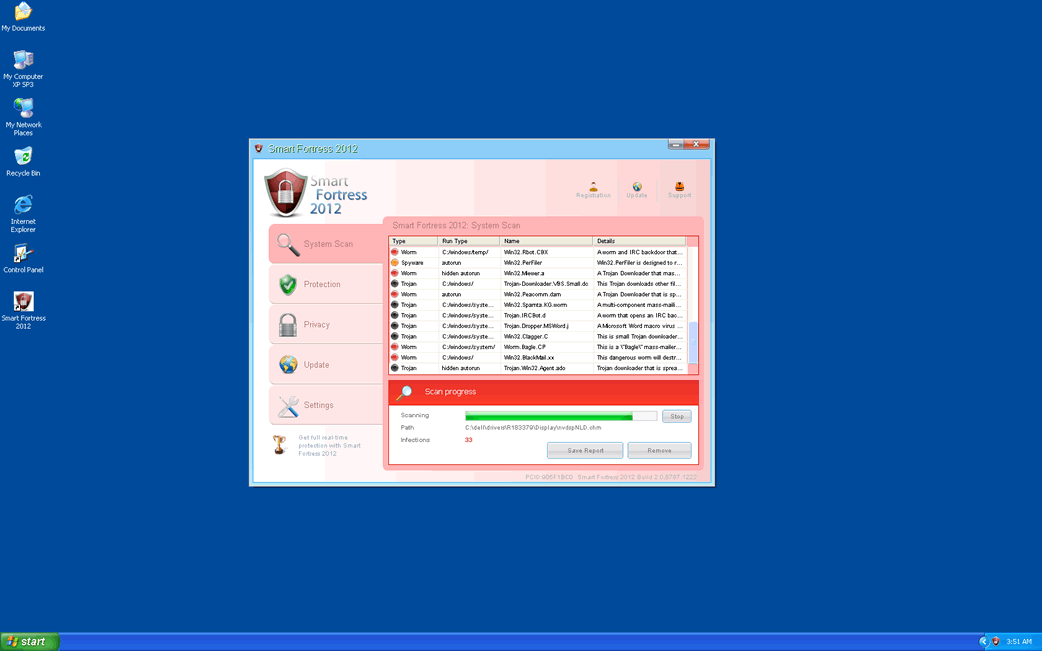
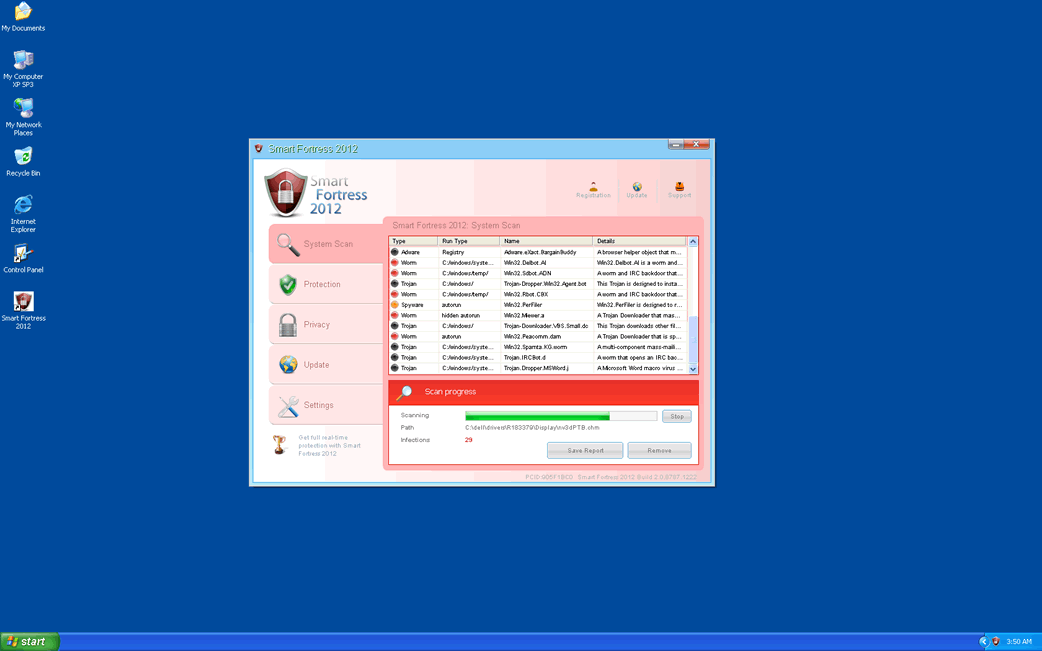
Smart Fortress 2012 uses an interface that rips off Windows Security Center in an attempt to convince its victims that Smart Fortress 2012 is a legitimate security application. It uses a fake system scan and a number of authentic-looking error messages in order to convince its victims of an imaginary infection on their PC. In fact, the real threat to your computer's security is Smart Fortress 2012 itself. This application is designed to attempt to disable any security software on the infected computer as well as interfering with your web browser and with your files. Smart Fortress 2012's family of rogue security scanners can force your web browser to visit malicious websites, often websites containing pornographic content, attack websites designed to infect your computer with further malware or websites related to Smart Fortress 2012. Smart Fortress 2012 and its clones can also hide your files, making it appear as if they have been deleted or block you access to your applications, displaying an error message claiming that Smart Fortress 2012 does so for 'your own security'.
Dealing with a Smart Fortress 2012 Infection
Smart Fortress 2012 has been known to block security software. Smart Fortress 2012 has also been known to block access to the Terminal, the Registry Editor, System Restore and the Task Manager, all vital Windows components when it comes to dealing with security threats. Because of this, it is important to start up your computer system in Safe Mode to prevent Smart Fortress 2012 from loading automatically. It is also important to ensure that your security software is fully updated so that it will detect Smart Fortress 2012 as a hostile presence on your computer system.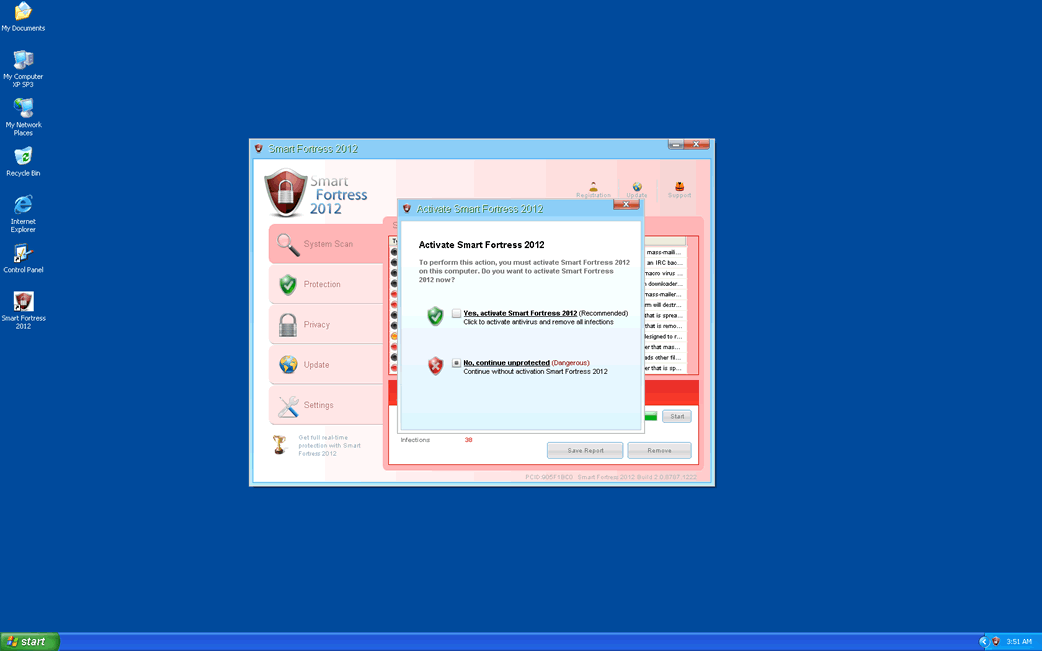

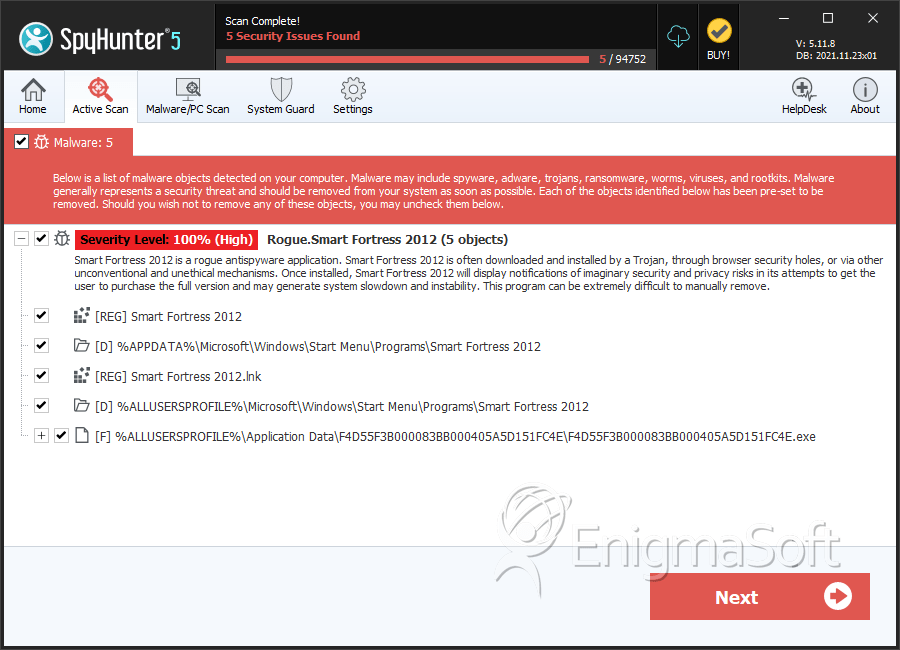
SpyHunter Detects & Remove Smart Fortress 2012
Smart Fortress 2012 Video
Tip: Turn your sound ON and watch the video in Full Screen mode.
File System Details
| # | File Name | MD5 |
Detections
Detections: The number of confirmed and suspected cases of a particular threat detected on
infected computers as reported by SpyHunter.
|
|---|---|---|---|
| 1. | %UserProfile%\Application Data\[RANDOM DIGITS]\[RANDOM DIGITS].exe | ||
| 2. | %CommonAppData%\[RANDOM 33 CHARACTERS]\[RANDOM 33 CHARACTERS].exe | ||
| 3. | %CommonAppData%\[RANDOM 33 CHARACTERS]\[RANDOM 33 CHARACTERS] | ||
| 4. | %CommonAppData%\[RANDOM 33 CHARACTERS] | ||
| 5. | F4D55F3B000083BB000405A5D151FC4E.exe | 6379eba67e654d595ec2aeeb7c9c87be | 0 |
Registry Details
Directories
Smart Fortress 2012 may create the following directory or directories:
| %ALLUSERSPROFILE%\Microsoft\Windows\Start Menu\Programs\Smart Fortress 2012 |
| %APPDATA%\Microsoft\Windows\Start Menu\Programs\Smart Fortress 2012 |



