Security Guard
Threat Scorecard
EnigmaSoft Threat Scorecard
EnigmaSoft Threat Scorecards are assessment reports for different malware threats which have been collected and analyzed by our research team. EnigmaSoft Threat Scorecards evaluate and rank threats using several metrics including real-world and potential risk factors, trends, frequency, prevalence, and persistence. EnigmaSoft Threat Scorecards are updated regularly based on our research data and metrics and are useful for a wide range of computer users, from end users seeking solutions to remove malware from their systems to security experts analyzing threats.
EnigmaSoft Threat Scorecards display a variety of useful information, including:
Ranking: The ranking of a particular threat in EnigmaSoft’s Threat Database.
Severity Level: The determined severity level of an object, represented numerically, based on our risk modeling process and research, as explained in our Threat Assessment Criteria.
Infected Computers: The number of confirmed and suspected cases of a particular threat detected on infected computers as reported by SpyHunter.
See also Threat Assessment Criteria.
| Ranking: | 16,259 |
| Threat Level: | 100 % (High) |
| Infected Computers: | 204 |
| First Seen: | March 23, 2010 |
| Last Seen: | September 19, 2023 |
| OS(es) Affected: | Windows |
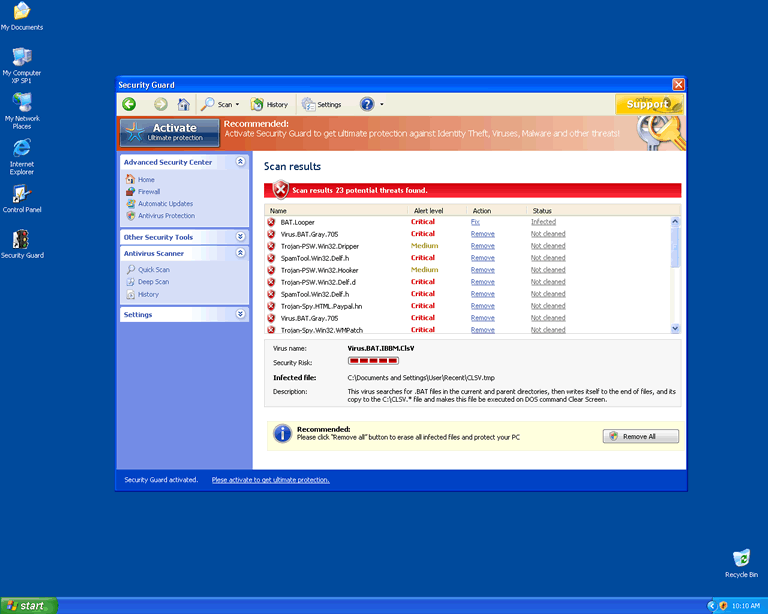
Security Guard Image
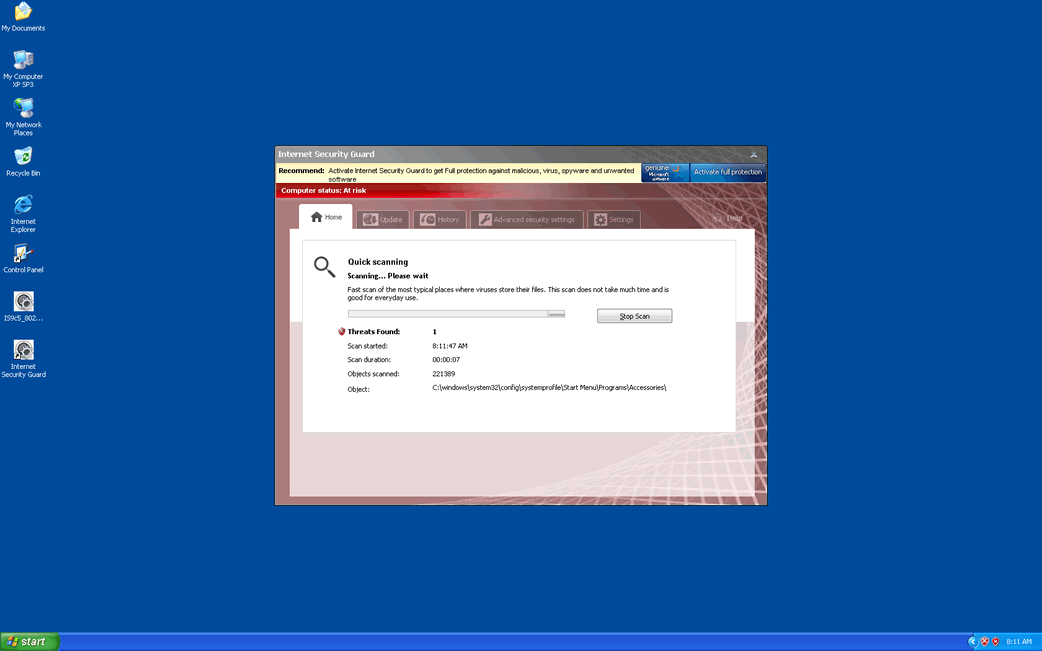
Security Guard does not have the capability of detecting or removing any type of legitimate computer parasite including spyware, malware, viruses and Trojans, because Spyware Guard Guard is a rogue security program. This program, that has its roots on the FakeScanti family, uses illicit actions to pursue computer users into the purchase of the full application in hopes that it would magically detect and remove the parasites that Security Guard finds on system scans.
Security Guard is known to be a clone of rogue security applications such as Sysinternals Antivirus, Wireshark Antivirus, Milestone Antivirus, BlueFlare Antivirus, WolfRam AntiVirus, OpenCloud Antivirus, OpenCloud Security, Data Restore, OpenCloud AV, Security Guard 2012, AV Guard Online, Guard Online, Cloud Protection, AV Protection Online, System Protection 2012, AV Security 2012, Sphere Security 2012, AV Protection 2011, Super AV 2013.
Not only are the parasites found on Security Guard system scan list bogus, but system scanning does not actually take place. SecurityGuard has one major objective of deceiving computer users to the point that they mistakenly purchase the full version of Security Guard which ultimately is a waste of money. 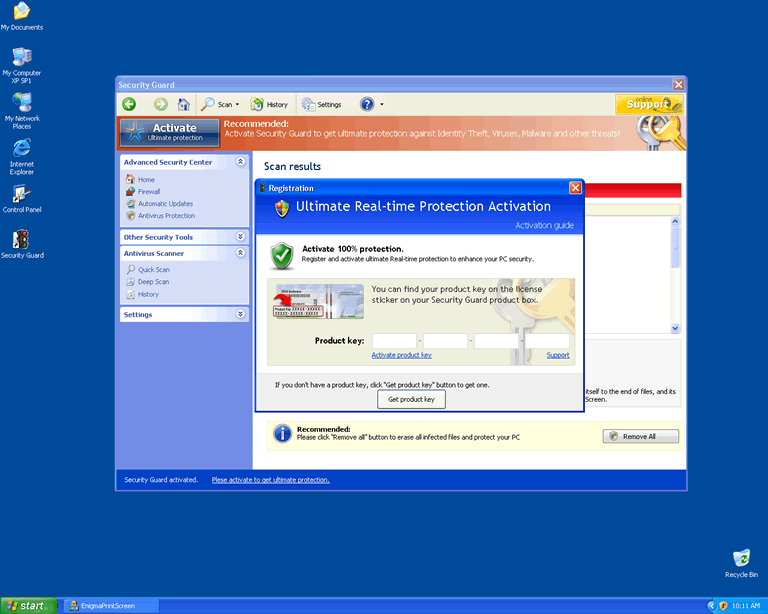
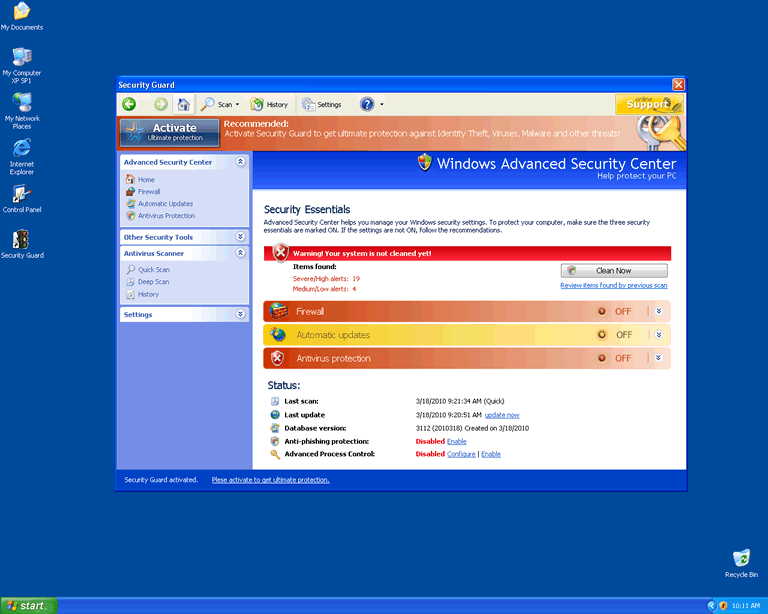
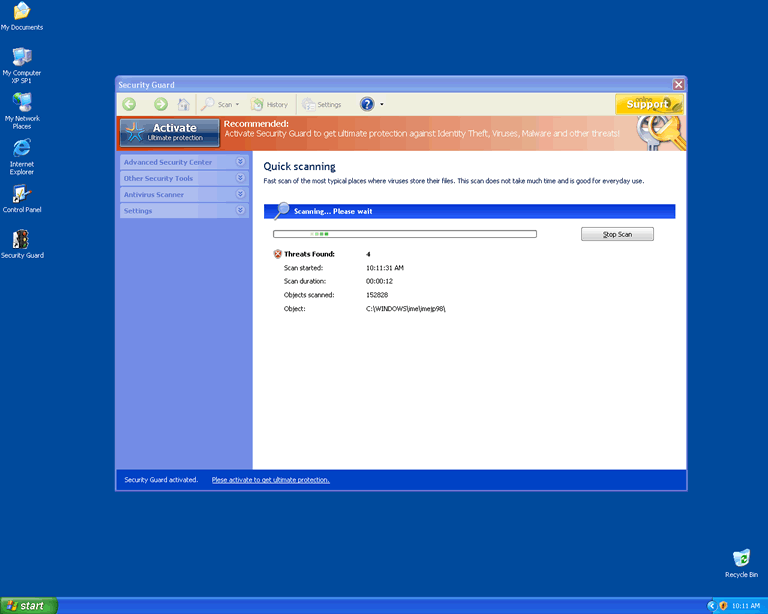
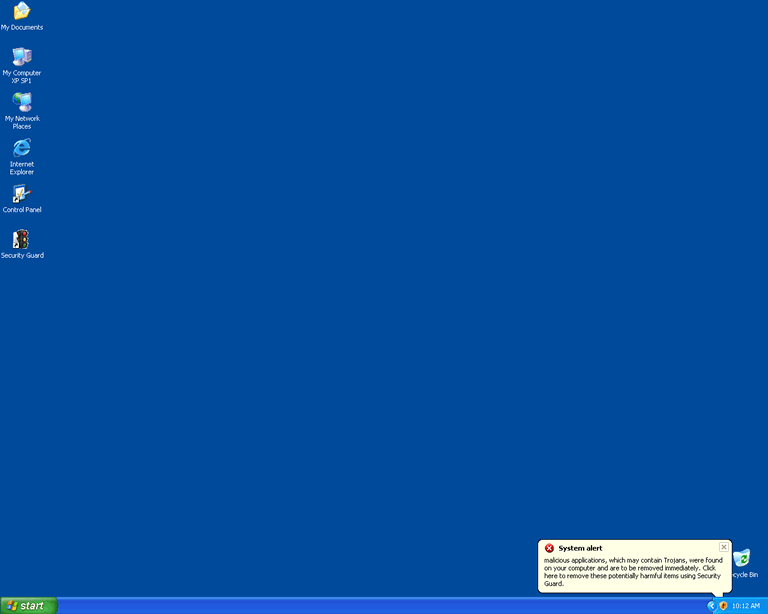
Table of Contents
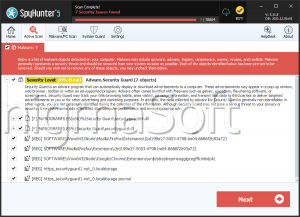
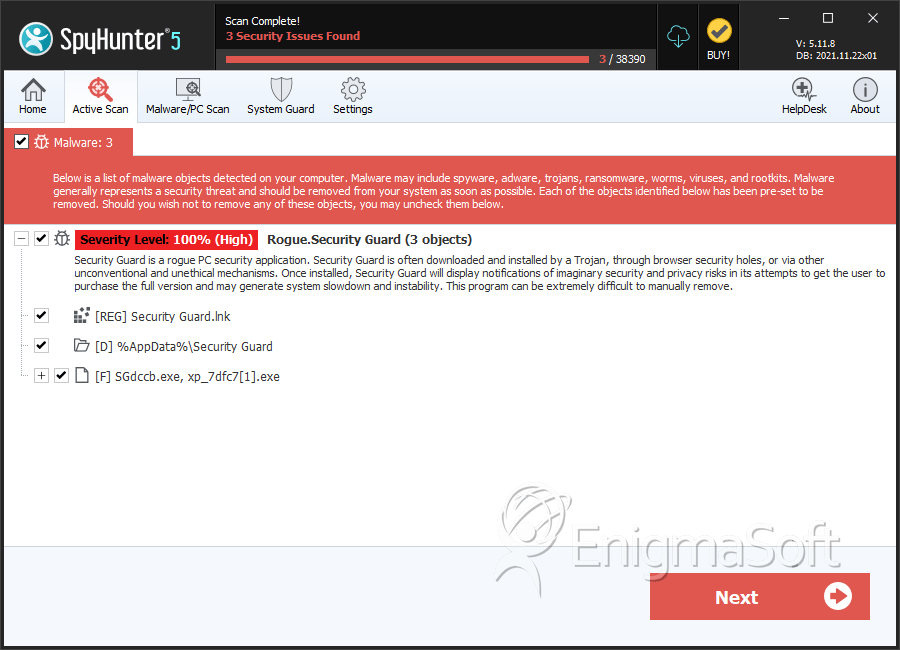
SpyHunter Detects & Remove Security Guard
File System Details
| # | File Name | MD5 |
Detections
Detections: The number of confirmed and suspected cases of a particular threat detected on
infected computers as reported by SpyHunter.
|
|---|---|---|---|
| 1. | SGdccb.exe, xp_7dfc7[1].exe | 25ee5ae0cf86d2c90fff091be922c488 | 0 |
Registry Details
Directories
Security Guard may create the following directory or directories:
| %AppData%\Security Guard |