Please follow the instructions below to install SpyHunter Web Security on this
browser:
-
Open the Google Chrome browser.
-
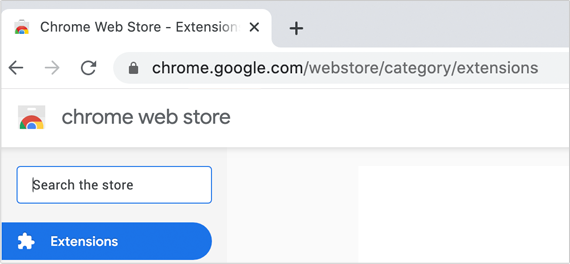 Navigate to Google’s Chrome Web Store at https://chrome.google.com/webstore/category/extensions
-
Type SpyHunter Web Security into the search bar labeled Search the
store.
-
 Select the extension and click Add to Chrome.
Please follow the instructions below to install SpyHunter Web Security on this
browser:
Note: If you are using Safari v. 12.0 or higher, together with macOS Mohave or higher,
you have to get the extension from the App Store before enabling it in your browser via the “Safari
Preferences” menu.
-
Open the Apple App Store.
-
Search for SpyHunter Web Security and install it from the App
Store.
-
Open the Safari browser.
-
Go to Safari Preferences to browse through the available extensions.
-
When you locate the SpyHunter Web Security (which should be visible after
installation from the App Store), click on the Get button next to it and select
Install.
-
Follow the on-screen instructions to complete the installation.
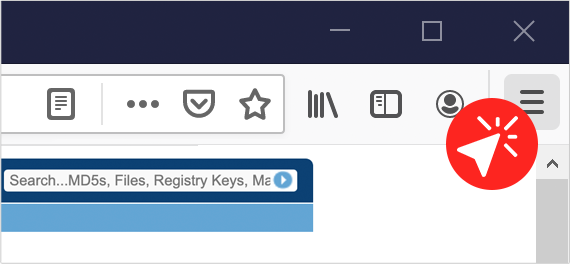 Go to the Settings icon at the top right corner of the browser (the three
horizontal lines beside your profile account).
Go to the Settings icon at the top right corner of the browser (the three
horizontal lines beside your profile account). 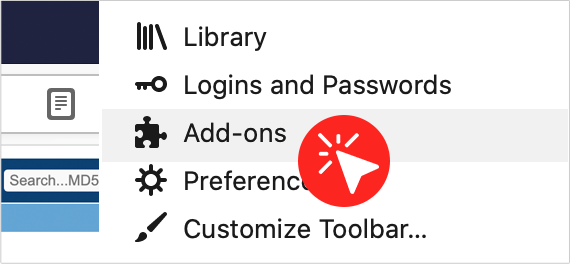 Click on the puzzle-like Add-ons icon.
 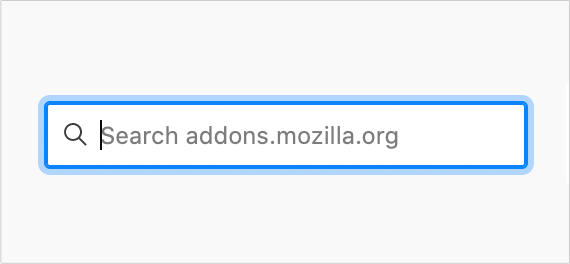 Type SpyHunter Web Security into the search bar.
  When SpyHunter Web Security appears in the results list, click on the blue
+ Add to Firefox button beside it.
When SpyHunter Web Security appears in the results list, click on the blue
+ Add to Firefox button beside it. 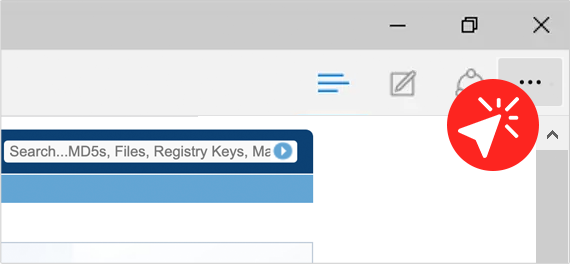 Select the Settings and more icon at the top right corner of the browser
(the three horizontal dots beside your profile account).
Select the Settings and more icon at the top right corner of the browser
(the three horizontal dots beside your profile account). 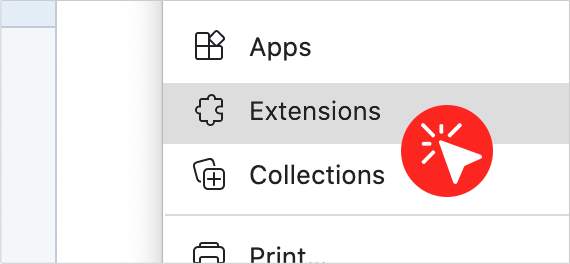 Click on the puzzle-like Extensions icon.
  Click the Get extensions for Microsoft Edge button.
 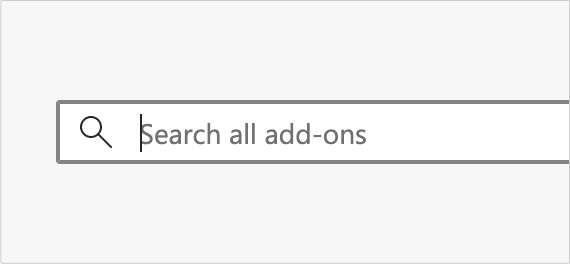 Type SpyHunter Web Security into the Search bar.
  When the extension appears, click the Get icon beside it to activate it.