下載和安裝 SpyHunter Web Security 的說明
请按照以下说明在此浏览器上安装 SpyHunter Web Security:
- 打开Google Chrome浏览器。
-
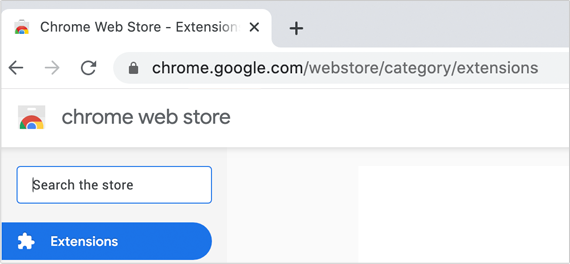 撥打 https://chrome.google.com/webstore/category/extensions導航至 Google 的 Chrome 網上應用店
- 在标有Search the store的搜索栏中键入SpyHunter Web Security 。
-
 选择扩展程序,然后单击添加到 Chrome 。
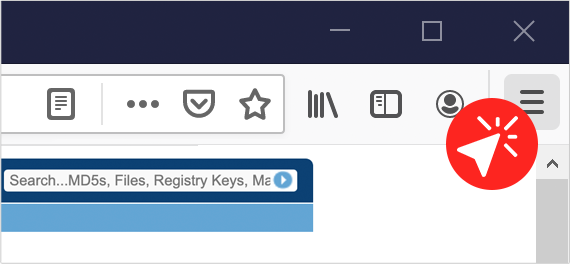 转到浏览器右上角的“设置”图标(个人资料帐户旁边的三条水平线)。
 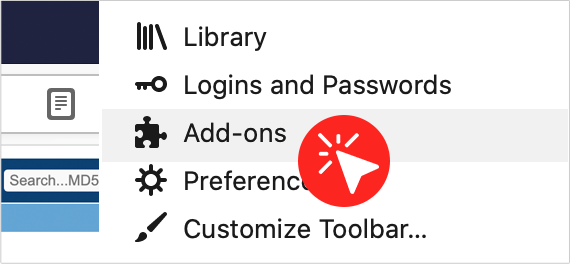 单击类似拼图的附加组件图标。
 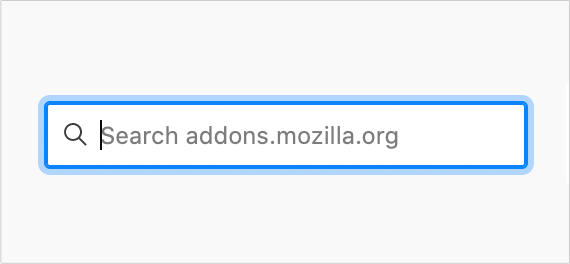 在搜索栏中键入SpyHunter Web Security。
  当SpyHunter Web Security出现在结果列表中时,单击旁边的蓝色 + 添加到 Firefox按钮。
 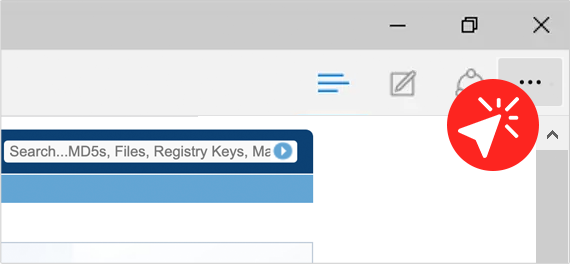 选择浏览器右上角的设置和更多图标(个人资料帐户旁边的三个水平点)。
 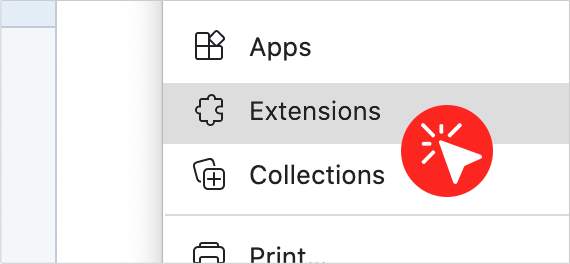 单击类似拼图的扩展图标。
  单击获取 Microsoft Edge 扩展按钮。
 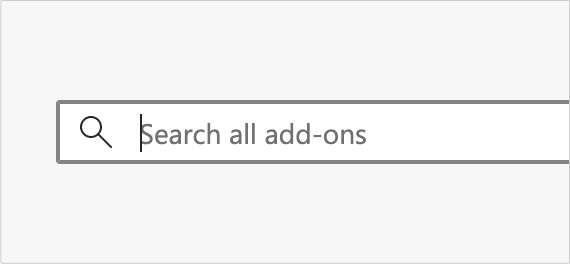 在搜索栏中键入SpyHunter Web Security。
  当扩展出现时,单击它旁边的“获取”图标以将其激活。