PUP.Free Word to JPG Converter
Threat Scorecard
EnigmaSoft Threat Scorecard
EnigmaSoft Threat Scorecards are assessment reports for different malware threats which have been collected and analyzed by our research team. EnigmaSoft Threat Scorecards evaluate and rank threats using several metrics including real-world and potential risk factors, trends, frequency, prevalence, and persistence. EnigmaSoft Threat Scorecards are updated regularly based on our research data and metrics and are useful for a wide range of computer users, from end users seeking solutions to remove malware from their systems to security experts analyzing threats.
EnigmaSoft Threat Scorecards display a variety of useful information, including:
Popularity Rank: The ranking of a particular threat in EnigmaSoft’s Threat Database.
Severity Level: The determined severity level of an object, represented numerically, based on our risk modeling process and research, as explained in our Threat Assessment Criteria.
Infected Computers: The number of confirmed and suspected cases of a particular threat detected on infected computers as reported by SpyHunter.
See also Threat Assessment Criteria.
| Popularity Rank: | 4,770 |
| Threat Level: | 10 % (Normal) |
| Infected Computers: | 75 |
| First Seen: | September 29, 2026 |
| Last Seen: | October 25, 2026 |
| OS(es) Affected: | Windows |
PUP.Free Word to JPG Converter is classified as a possibly unwanted program (PUP) - a type of software that often ends up on a computer without the user's clear, informed consent. While it may present itself as a free utility designed to convert Word documents into JPG image files, its distribution methods and behavior on a system are typical of adware-adjacent tools and browser-hijacking utilities that are bundled quietly with other downloads. It is not considered highly dangerous, but it is disruptive and can compromise a user's control over their browsing experience and system settings.
Table of Contents
What This Program Does
Programs in this category generally advertise themselves as simple, free file-conversion tools. In practice, once installed, they often go beyond their stated purpose. Typical behavior for this class of PUP includes modifying browser settings such as the default search engine, home page, or new tab page, injecting advertisements into web pages, tracking browsing habits, and installing additional components or toolbars that the user never explicitly agreed to. Some may also run background processes that consume system resources or periodically display pop-ups promoting other software.
How It Usually Gets Onto Computers
PUPs like this one are rarely downloaded intentionally by users seeking exactly that software. Instead, they commonly spread through bundling - a practice where the unwanted program is packaged alongside a legitimate free application, such as a document converter, PDF tool, or media utility. During installation, the bundled program is often pre-selected by default, and users who click through the setup wizard quickly, without choosing "custom" or "advanced" installation options, may unknowingly agree to install it. It can also arrive via misleading download buttons on file-sharing sites, deceptive advertisements, or fake software update prompts.
Risks for the User
Although this threat is rated at a low danger level, it still poses real risks and inconveniences. These can include:
- Unwanted changes to browser settings that are difficult to reverse manually
- Exposure to intrusive advertising and pop-ups, some of which may lead to further unwanted downloads
- Reduced system and browser performance due to background processes
- Potential collection and sharing of browsing data with third parties for advertising purposes
- Difficulty fully uninstalling the program through standard removal methods
Signs of Infection
Users affected by this type of PUP may notice their browser's homepage or search engine has changed without their permission, unfamiliar toolbars or extensions appearing in the browser, an increase in pop-up ads or redirected search results, and the presence of an unfamiliar program in the list of installed applications. Slower system performance and unexpected browser crashes can also be indicators.
How to Stay Protected
To reduce the chance of installing unwanted programs like this one, always download software directly from official or trusted sources rather than third-party download sites. During installation, choose custom or advanced setup options so that any bundled offers can be reviewed and declined. Pay close attention to pre-checked boxes that authorize the installation of additional software, and read each step of an installer carefully rather than clicking "Next" automatically. Keeping a reputable and up-to-date security tool running, along with periodically reviewing installed programs and browser extensions, can help catch and remove unwanted software before it causes further disruption.
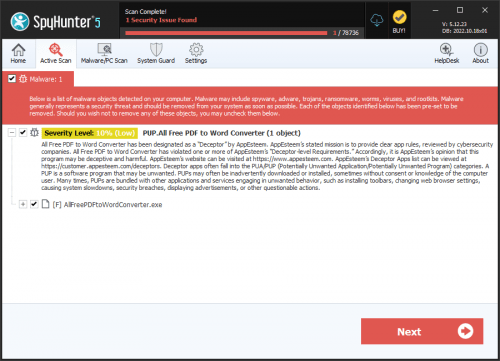
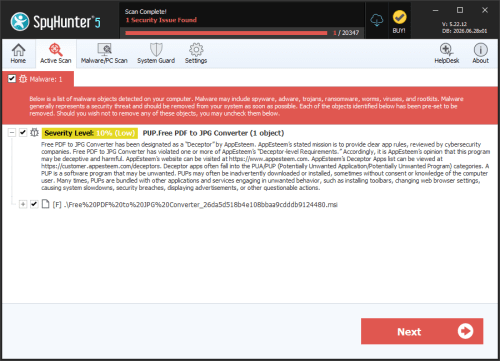
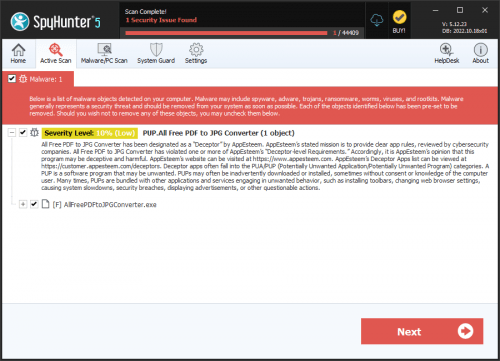
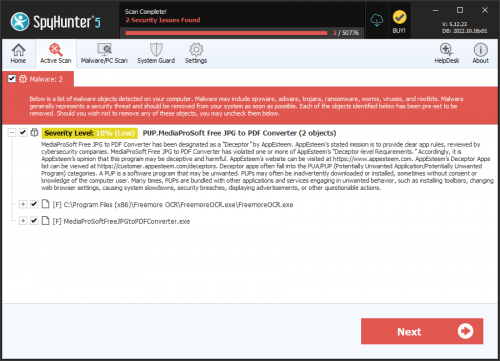
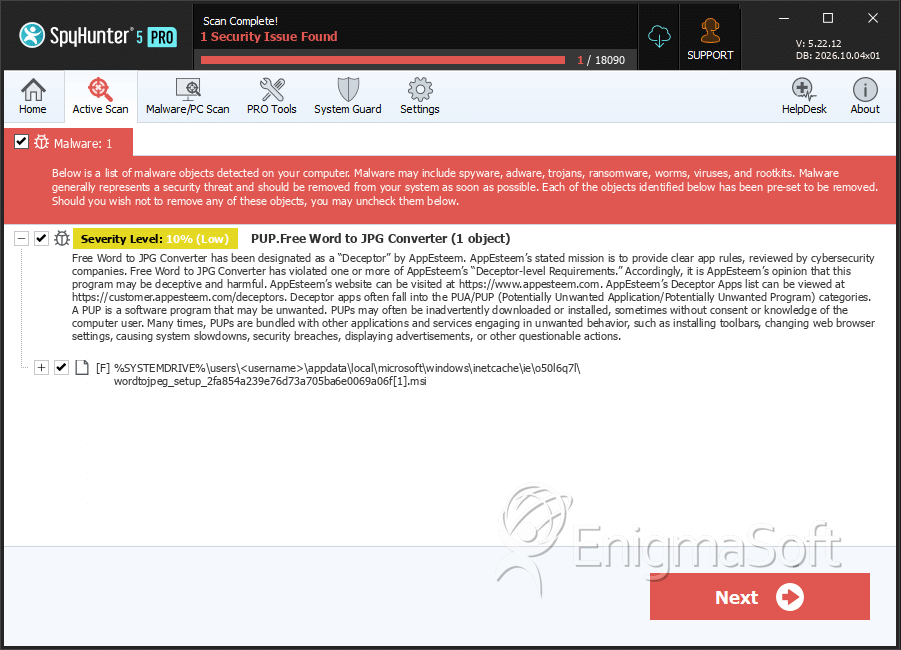
SpyHunter Detects & Remove PUP.Free Word to JPG Converter
File System Details
| # | File Name | MD5 |
Detections
Detections: The number of confirmed and suspected cases of a particular threat detected on
infected computers as reported by SpyHunter.
|
|---|---|---|---|
| 1. | wordtojpeg_setup_2fa854a239e76d73a705ba6e0069a06f[1].msi | 6241a69b41c3fb5f886253d80cec8114 | 41 |