Windows PRO Scanner
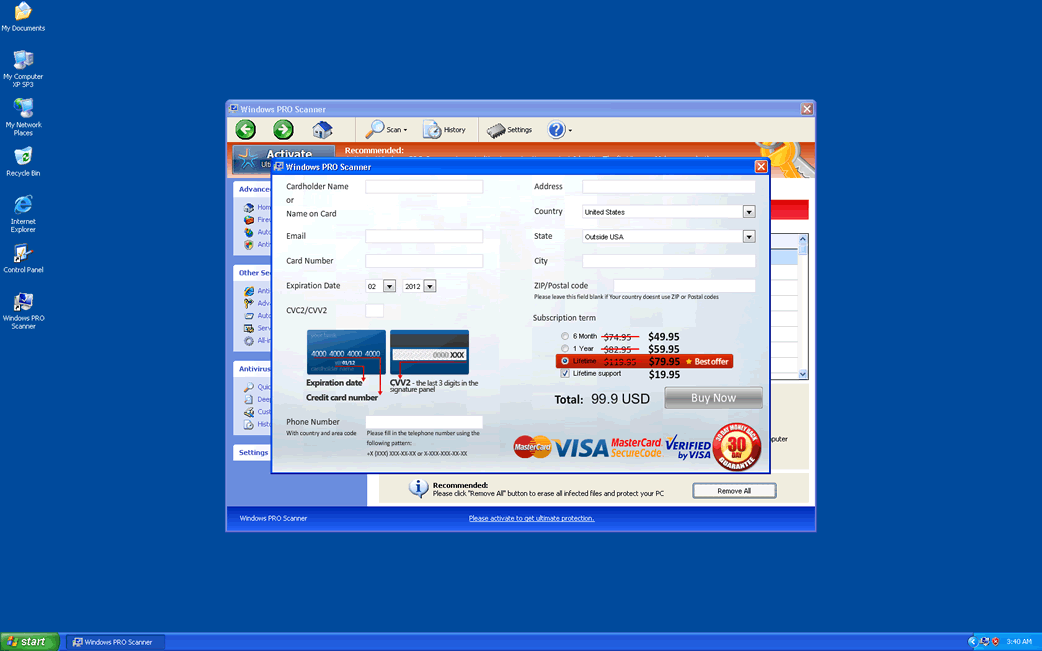
Windows PRO Scanner Image
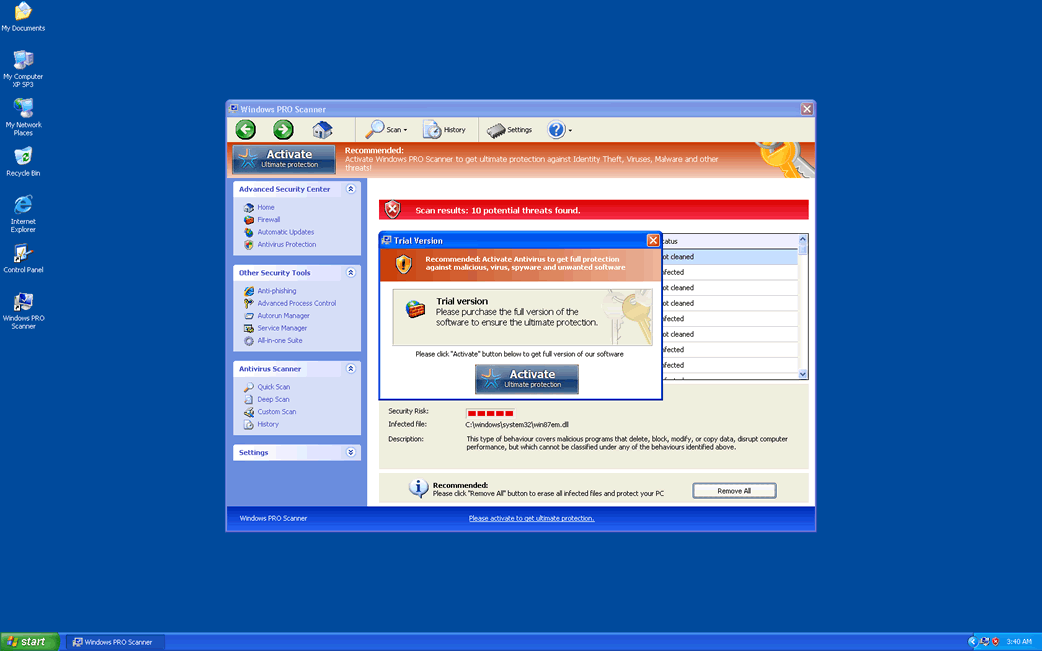
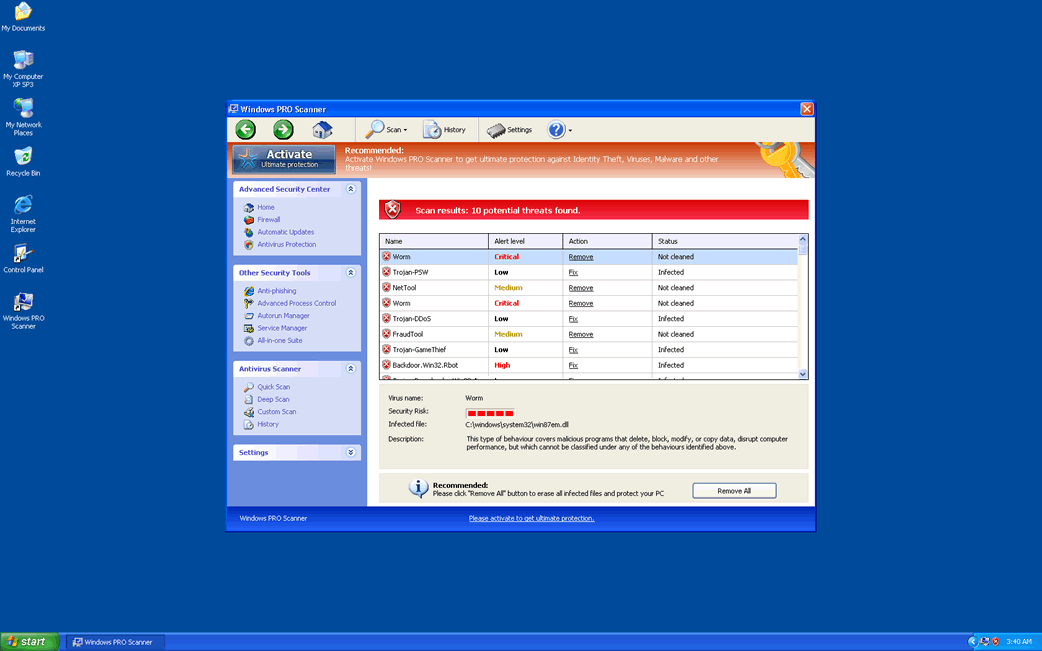
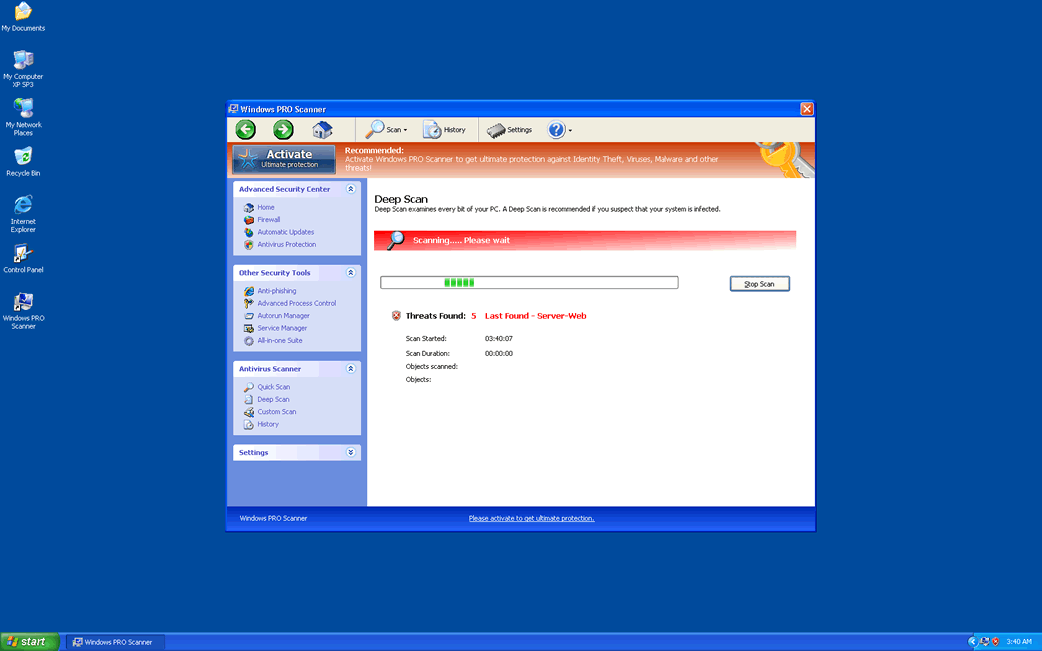
Many computer users have reported the presence of an unwanted PC security application on their computer. Named Windows PRO Scanner, it displays a Microsoft Security Essentials knock-off with the title 'Windows Advanced Security Center.' However, these claims are complete lies designed to prey on vulnerable computer users by scamming them with the offer of fake security programs. The main purpose of this kind of malware is to enter a computer system without the computer user's authorization, display numerous false positives of a severe malware infection, and then present Windows PRO Scanner as a solution to this non-existent malware problem. Do not fall for this scam! Windows PRO Scanner is part of a Trojan attack on your computer system. Instead, PC security researchers strongly advise removing Windows PRO Scanner with a reliable anti-malware application.
Windows PRO Scanner, in particular, belongs to a large family of bogus security scanners often known as the FakeVimes family of malware, which includes such fake anti-malware scanners as Virus Melt, Presto TuneUp, Fast Antivirus 2009, Extra Antivirus, Windows Security Suite, Smart Virus Eliminator, Packed.Generic.245, Volcano Security Suite, Windows Enterprise Suite, Enterprise Suite, Additional Guard, PC Live Guard, Live PC Care, Live Enterprise Suite, Security Antivirus, My Security Wall, CleanUp Antivirus, Smart Security, Windows Protection Suite, Windows Work Catalyst.
Table of Contents
How Windows PRO Scanner Gets Itself into Its Victims’ Computer Systems
Most rogue security applications spread through Trojans, such as the Fake Microsoft Security Essentials Alert Trojan or the Zlob Trojan. These are often found in a variety of sources, such as fake video codecs or malicious email attachments.
Windows PRO Scanner has been known to infect computer systems through two distinct methods:
- Windows PRO Scanner has been found to be spread through attack websites. These are designed to exploit security vulnerabilities that may be present in web browsers, applications or operating systems (particularly found due to failure to update properly). Websites spreading Windows PRO Scanner can be of two varieties, either regular websites that criminals have hacked so that they will inject Trojans into visitors' computers or websites set up explicitly for this purpose, with victims receiving links to these websites through corrupted online advertisements or embedded links in phishing scams.
- One of the most common source of a Windows PRO Scanner infection is through advertisements for online anti-malware scans claiming to check your computer for malware. These invariably result in a false positive and prompt the computer user to download and install Windows PRO Scanner to fix the nonexistent problem. Agreeing to download Windows PRO Scanner actually installs a Trojan on the victim's computer which makes invasive changes to the Windows Registry and settings in order to ensure that the Windows PRO Scanner scam is as effective as possible.
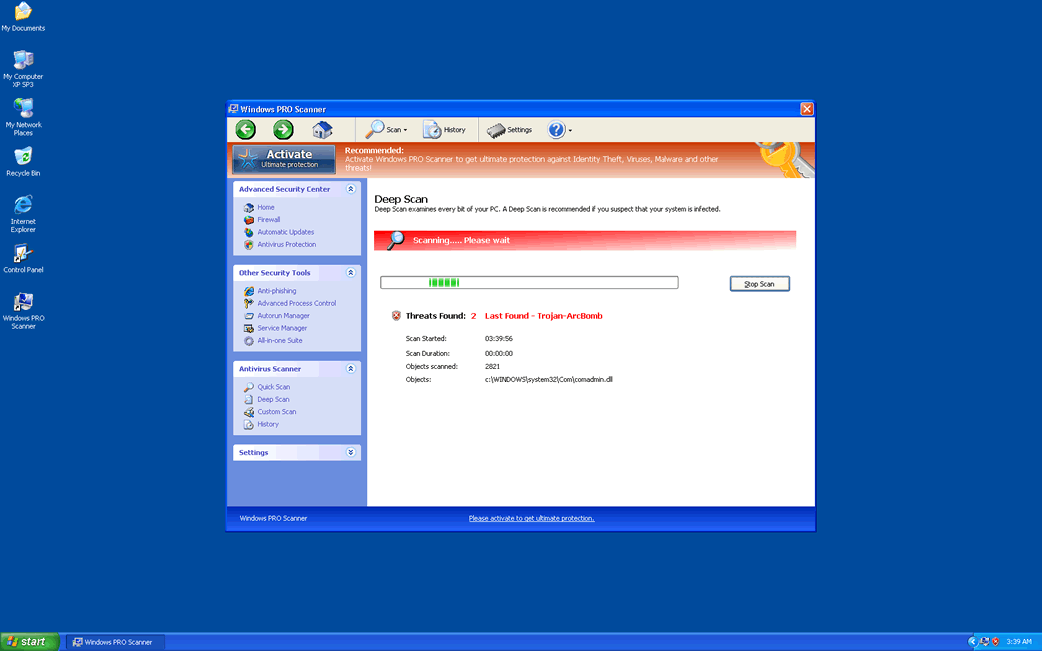
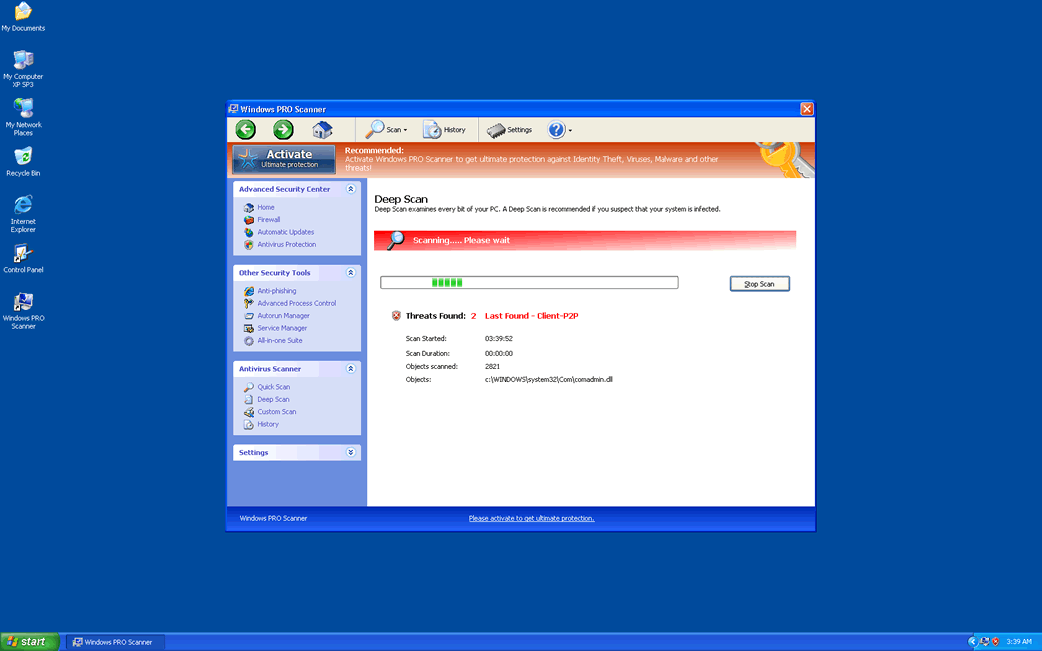
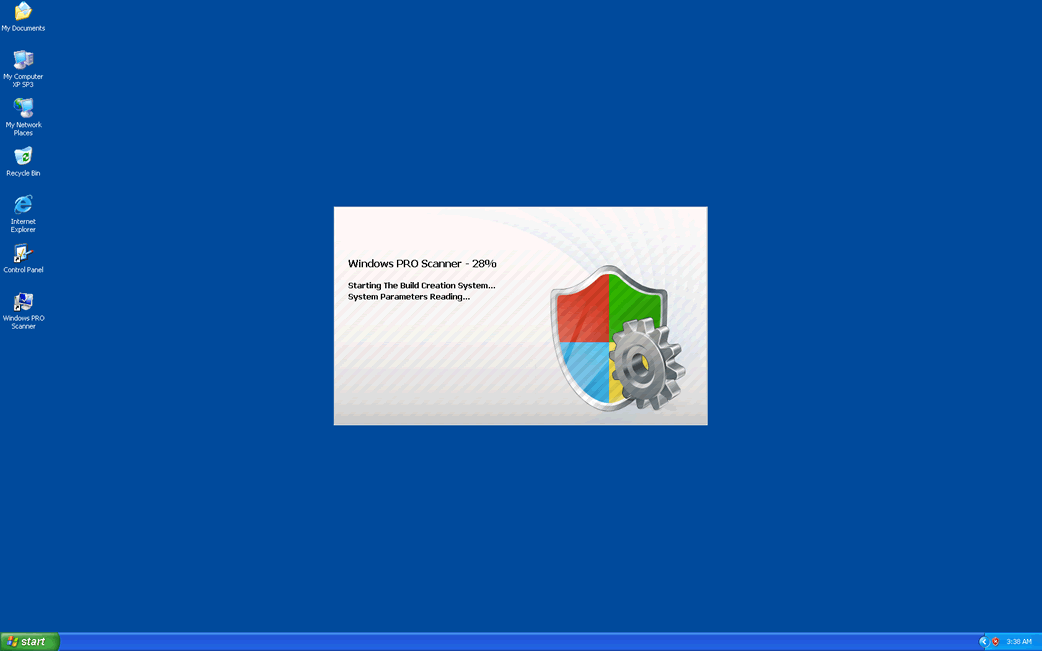
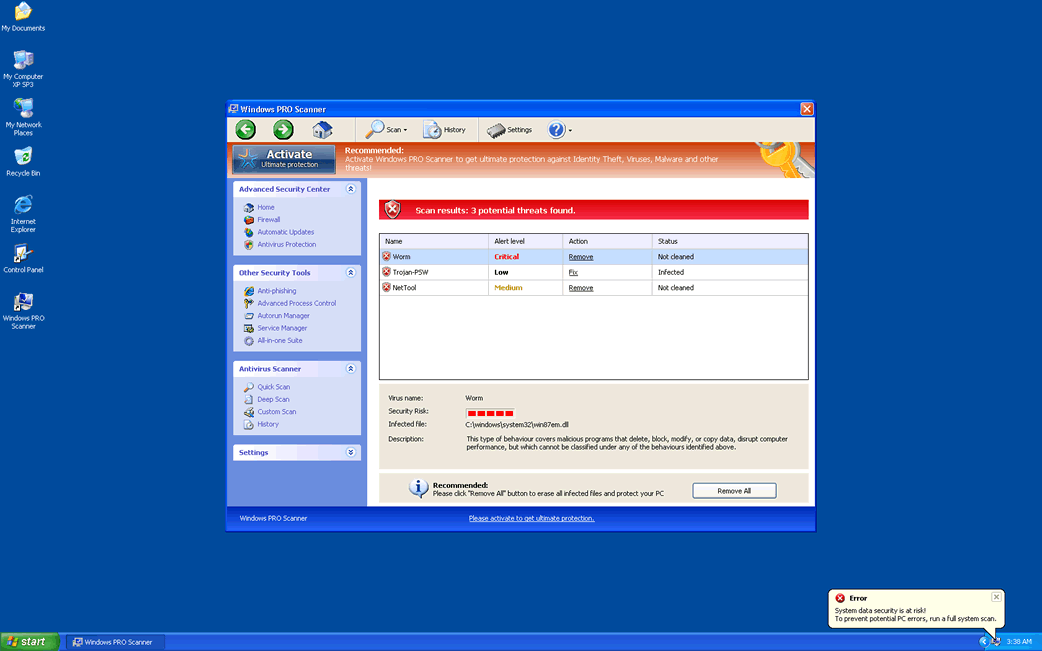
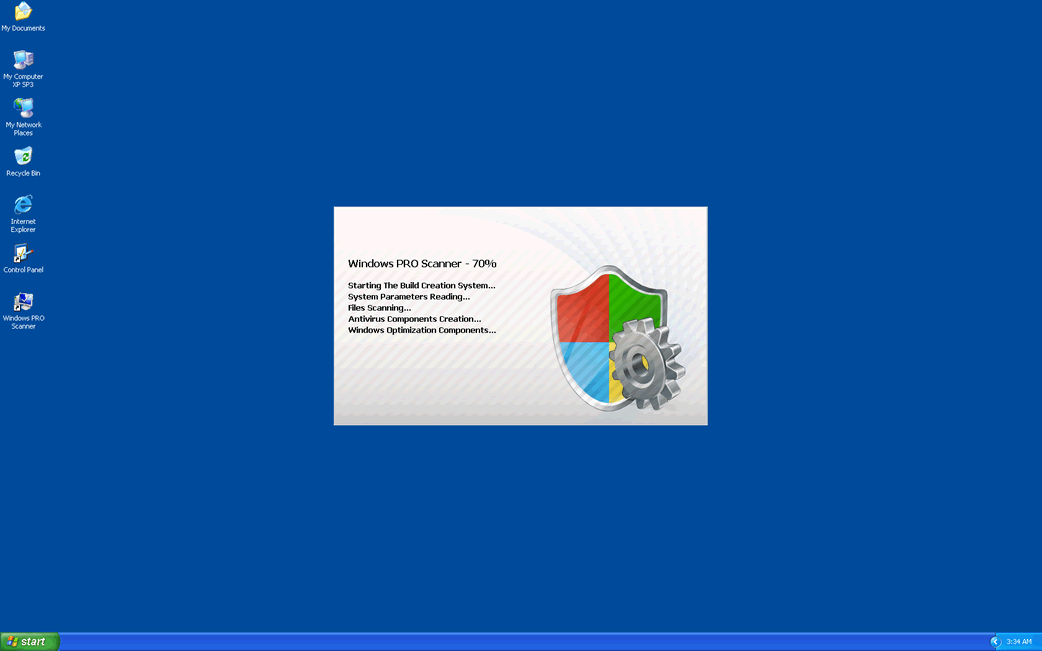
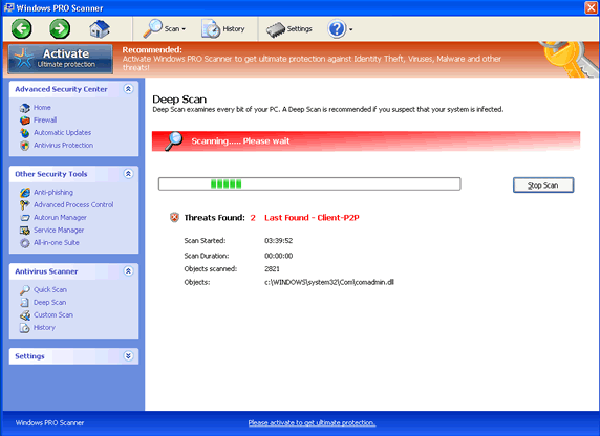
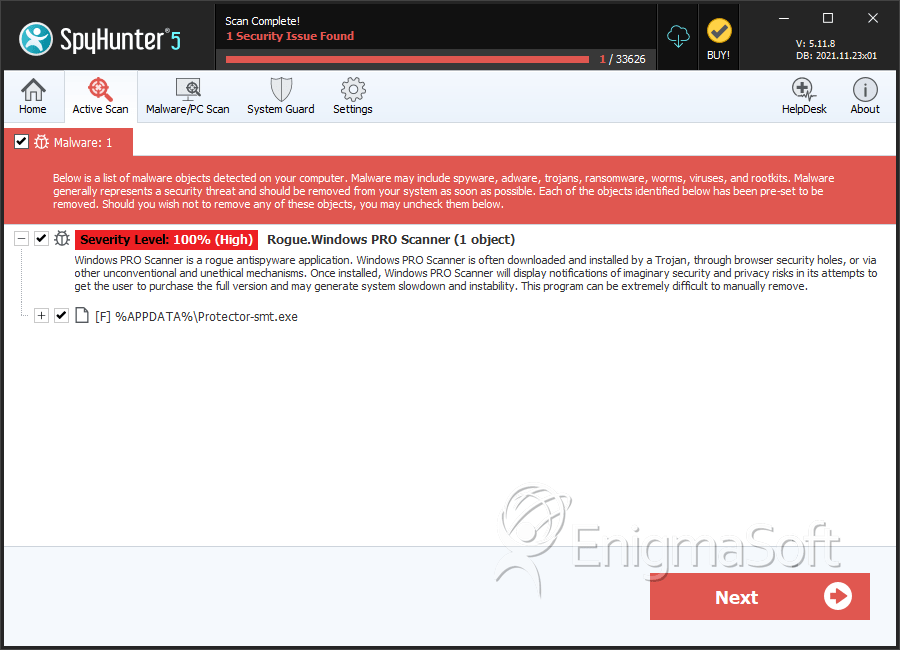
SpyHunter Detects & Remove Windows PRO Scanner
Windows PRO Scanner Video
Tip: Turn your sound ON and watch the video in Full Screen mode.
File System Details
| # | File Name | MD5 |
Detections
Detections: The number of confirmed and suspected cases of a particular threat detected on
infected computers as reported by SpyHunter.
|
|---|---|---|---|
| 1. | %AppData%\Protector-[RANDOM 3 CHARACTERS].exe | ||
| 2. | %Desktop%\Windows PRO Scanner.lnk | ||
| 3. | %StartMenu%\Programs\Windows PRO Scanner.lnk | ||
| 4. | %AppData%\result.db | ||
| 5. | Protector-smt.exe | 163a2ae96f037d4ac9c42902bb930b2a | 0 |




