Windows Interactive Safety
Threat Scorecard
EnigmaSoft Threat Scorecard
EnigmaSoft Threat Scorecards are assessment reports for different malware threats which have been collected and analyzed by our research team. EnigmaSoft Threat Scorecards evaluate and rank threats using several metrics including real-world and potential risk factors, trends, frequency, prevalence, and persistence. EnigmaSoft Threat Scorecards are updated regularly based on our research data and metrics and are useful for a wide range of computer users, from end users seeking solutions to remove malware from their systems to security experts analyzing threats.
EnigmaSoft Threat Scorecards display a variety of useful information, including:
Ranking: The ranking of a particular threat in EnigmaSoft’s Threat Database.
Severity Level: The determined severity level of an object, represented numerically, based on our risk modeling process and research, as explained in our Threat Assessment Criteria.
Infected Computers: The number of confirmed and suspected cases of a particular threat detected on infected computers as reported by SpyHunter.
See also Threat Assessment Criteria.
| Threat Level: | 100 % (High) |
| Infected Computers: | 2 |
| First Seen: | August 6, 2012 |
| Last Seen: | January 8, 2020 |
| OS(es) Affected: | Windows |
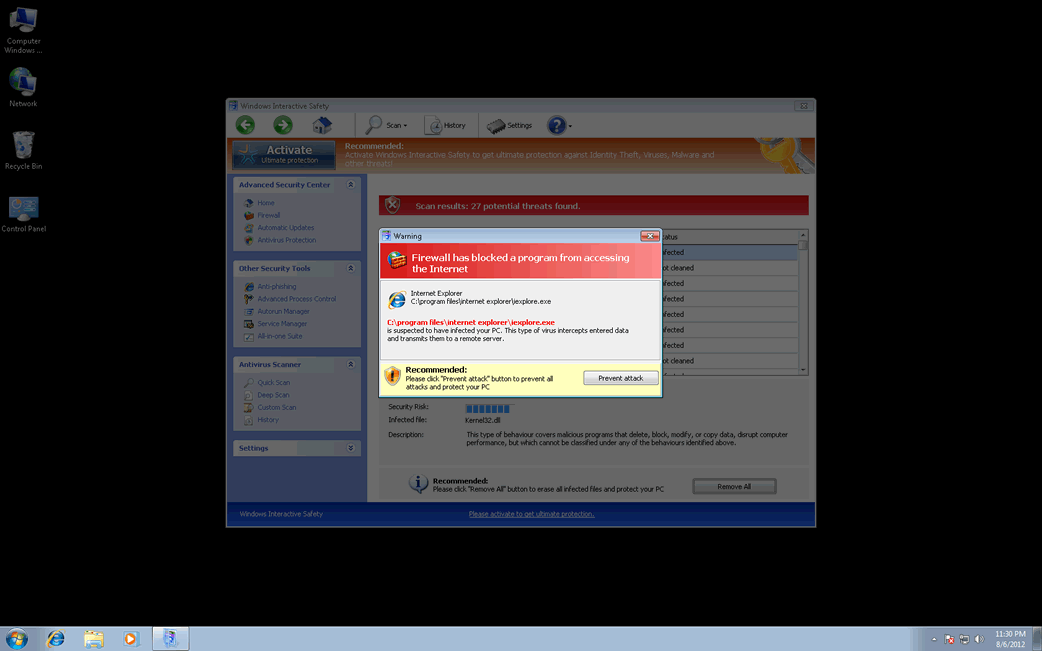
Windows Interactive Safety Image
Despite the fact that Windows Interactive Safety looks like an anti-spyware program, Windows Interactive Safety is not a real security application. ESG security researchers consider that Windows Interactive Safety is a kind of malware infection generally established as a rogue security application. These kinds of threats are fake security applications that are part of a common online scam. Windows Interactive Safety is one of the dozens of fake security applications that belong to the FakeVimes family of malware.
This family of bogus security software has been active since 2009 and most security applications can remove these threats with few problems. However, in 2012 ESG malware analysts observed that criminals started to include a rootkit component in these attacks. This rootkit, one of the many dangerous threat from the Sirefef family of rootkits, gave new life to the FakeVimes family of malware, making its fake security software considerably more difficult to remove or detect than previous versions. If you find that Windows Interactive Safety is installed on your computer, you should remove this threat with a reliable anti-malware program and an anti-rootkit utility.
There are many clones of Windows Interactive Safety, programs with no differences only another name. Some of these include programs with names like Virus Melt, Presto TuneUp, Fast Antivirus 2009, Extra Antivirus, Windows Security Suite, Smart Virus Eliminator, Packed.Generic.245, Volcano Security Suite, Windows Enterprise Suite, Enterprise Suite, Additional Guard, PC Live Guard, Live PC Care, Live Enterprise Suite, Security Antivirus, My Security Wall, CleanUp Antivirus, Smart Security, Windows Protection Suite, Windows Work Catalyst.
To carry out their scam, these programs will pretend to be legitimate security applications. However, unlike a real anti-spyware, they will always indicate that your computer is corrupted by malware, without regard to the actual state of the computer. Then, they will try to make it look like that you need to acquire an expensive upgrade to a 'full version' if you wish to remove these fake threats from your computer. Programs like Windows Interactive Safety are designed to harass their victims with constant, alarming error messages and browser redirects, making them an annoyance and a serious hindrance when trying to operate the infected machine.
Despite all of Windows Interactive Safety's alarming notifications, it is important to remember that Windows Interactive Safety has no real anti-malware capabilities. You can stop many of this malicious program's fake error messages with the registration number 0W000-000B0-00T00-E0020. Although 'registering' Windows Interactive Safety will stop most of its symptoms, Windows Interactive Safety will remain on the infected computer, making it more vulnerable to further malware threats. Because of this, full removal of Windows Interactive Safety should still be a priority.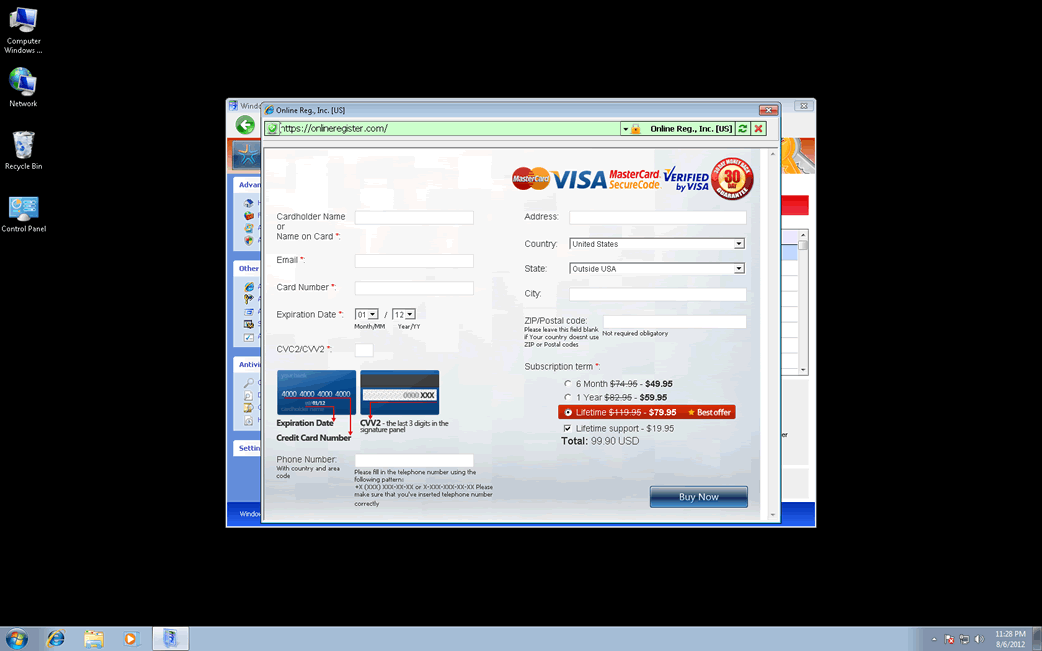
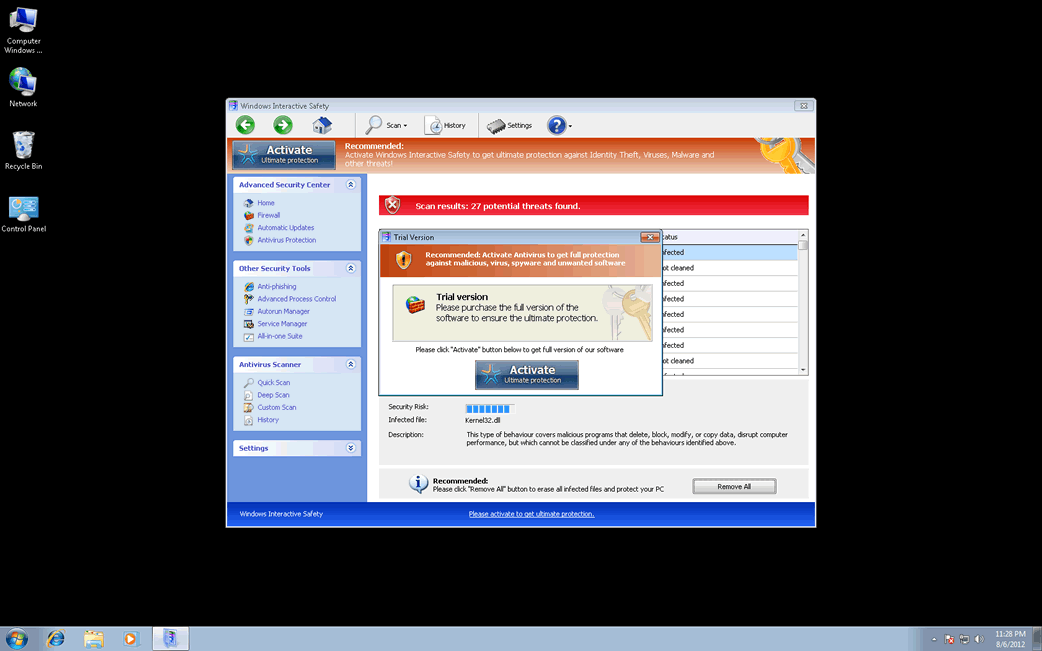
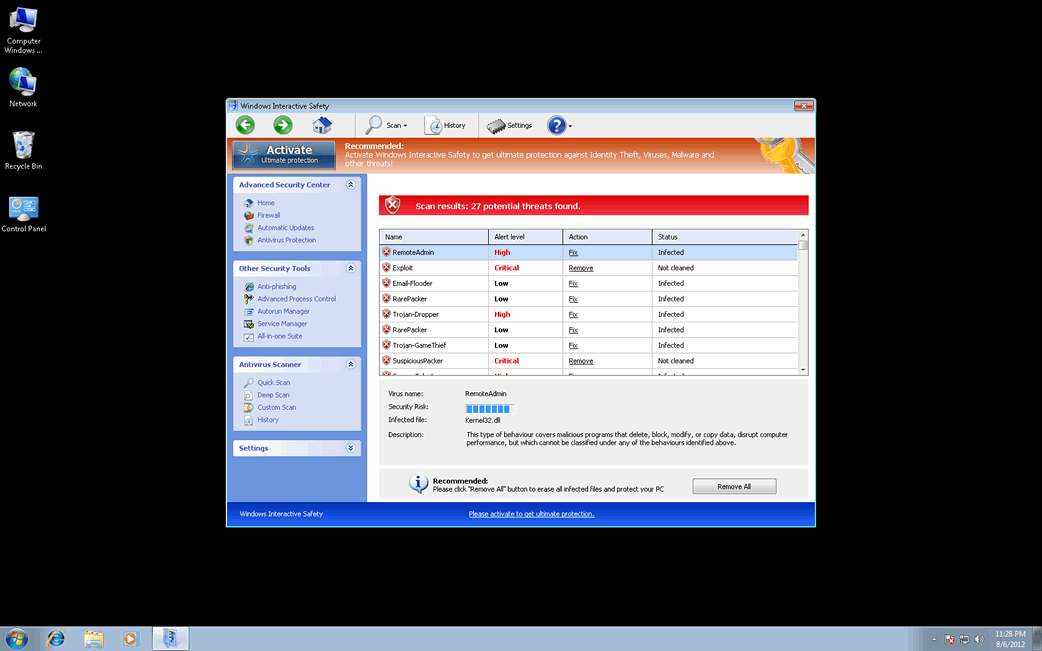
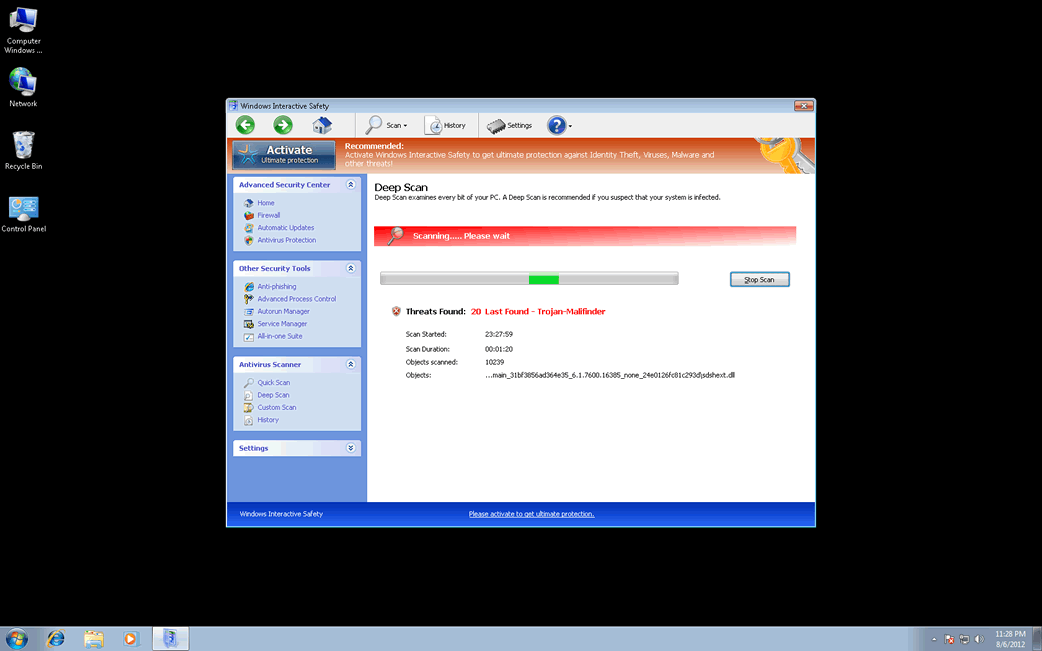
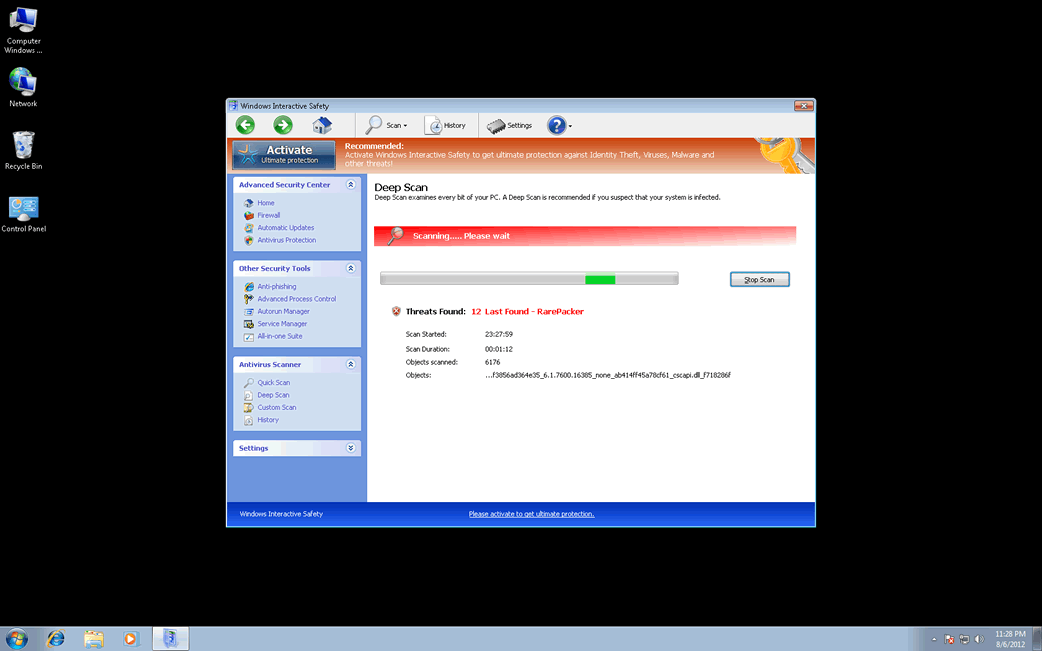
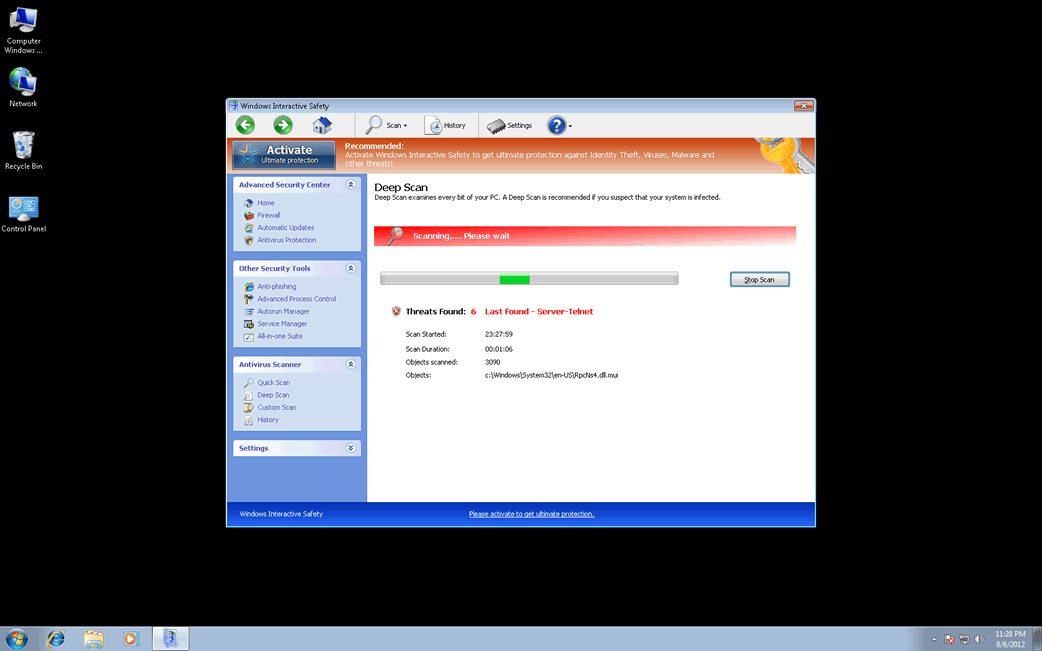
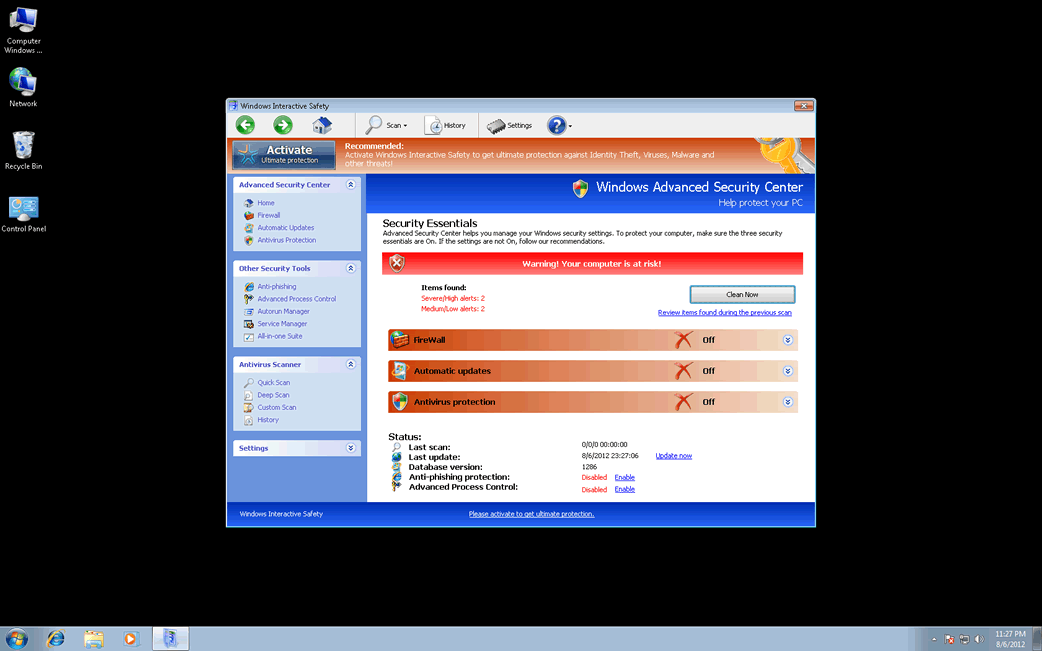
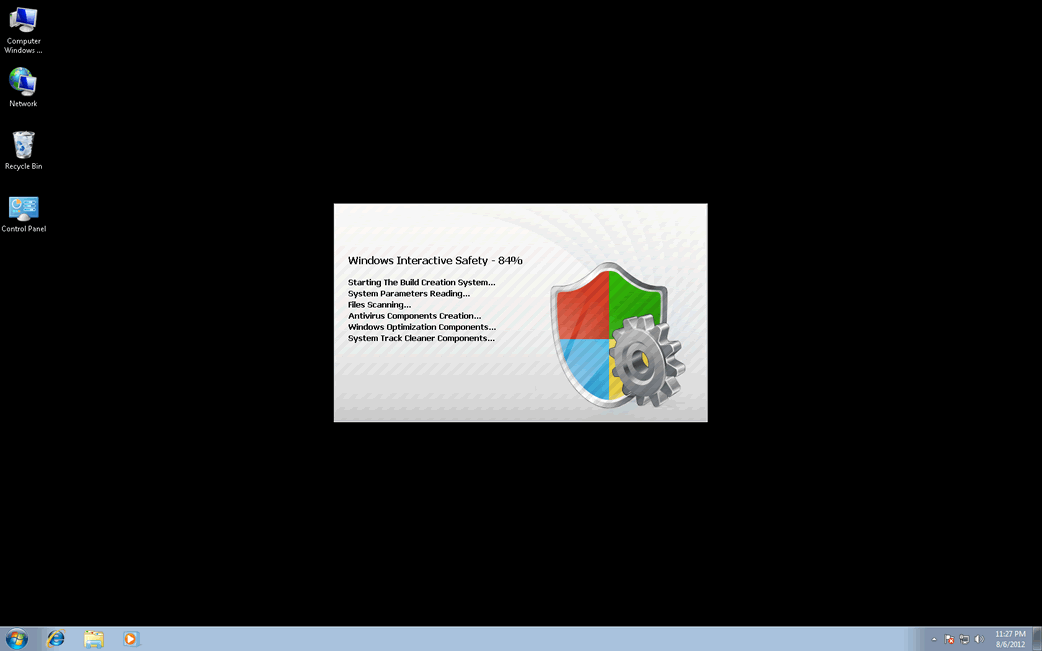
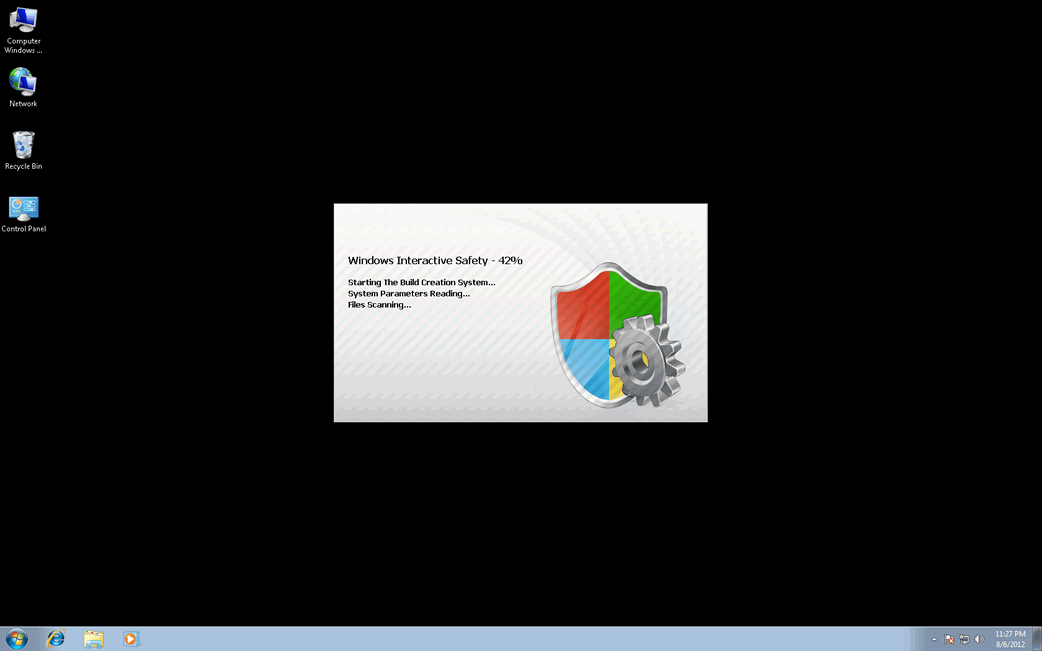
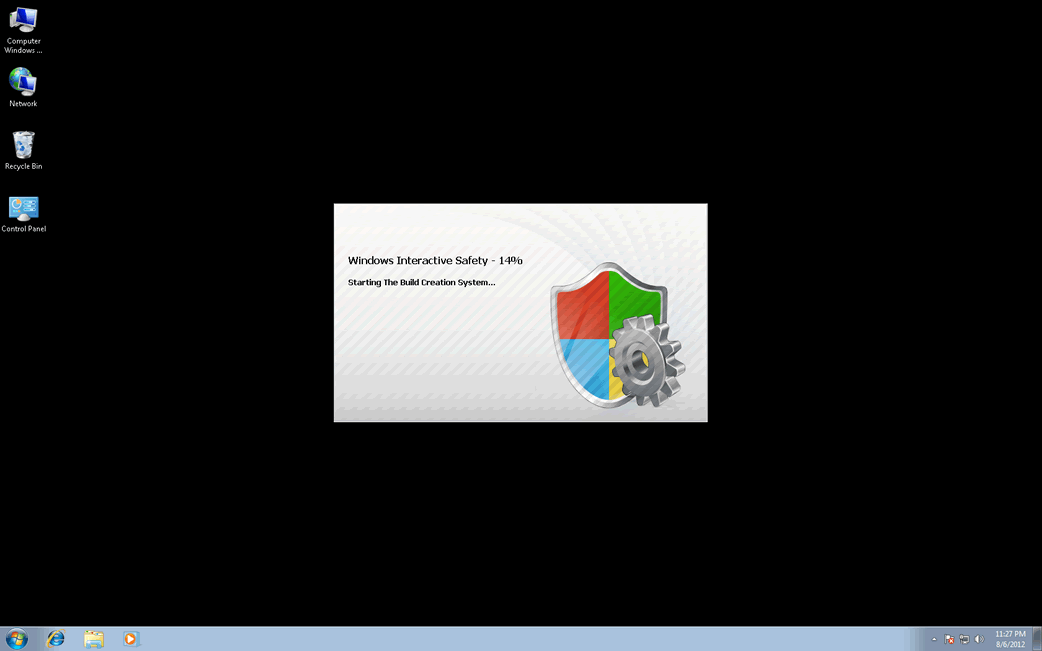
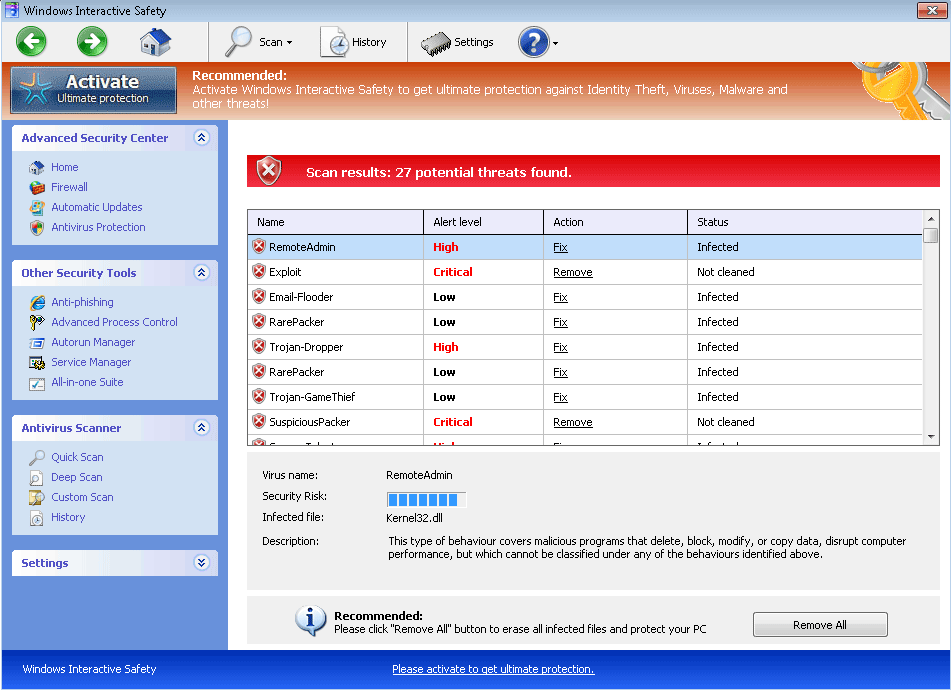
Table of Contents
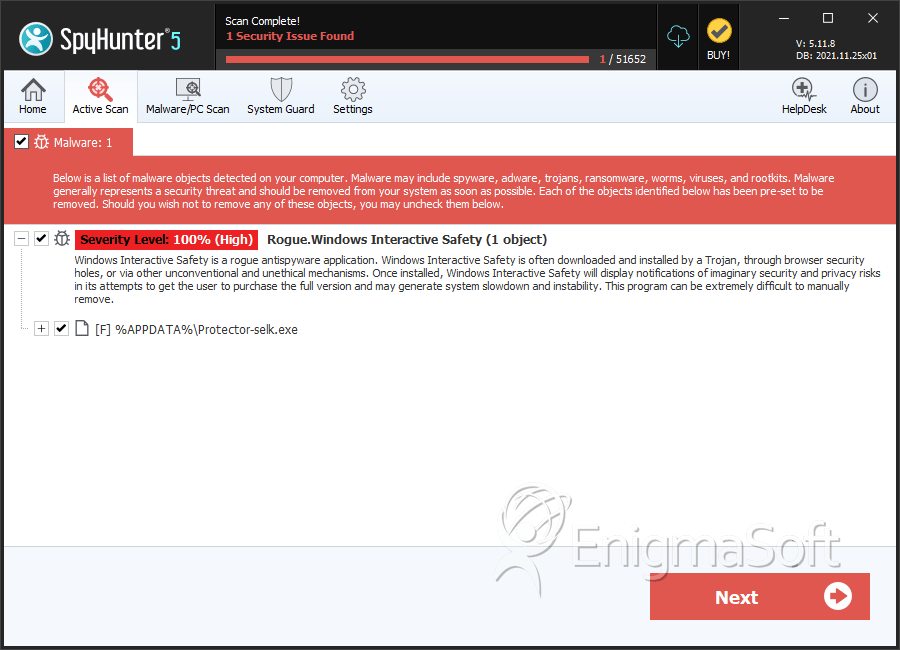
SpyHunter Detects & Remove Windows Interactive Safety
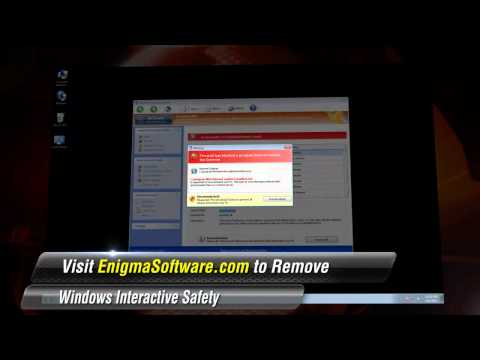
Windows Interactive Safety Video
Tip: Turn your sound ON and watch the video in Full Screen mode.
File System Details
| # | File Name | MD5 |
Detections
Detections: The number of confirmed and suspected cases of a particular threat detected on
infected computers as reported by SpyHunter.
|
|---|---|---|---|
| 1. | Protector-selk.exe | 01469470548208bd3e3b23c3b02e8c45 | 1 |
| 2. | %AppData%\Protector-[rnd].exe |



