MaCatte Antivirus 2009
Threat Scorecard
EnigmaSoft Threat Scorecard
EnigmaSoft Threat Scorecards are assessment reports for different malware threats which have been collected and analyzed by our research team. EnigmaSoft Threat Scorecards evaluate and rank threats using several metrics including real-world and potential risk factors, trends, frequency, prevalence, and persistence. EnigmaSoft Threat Scorecards are updated regularly based on our research data and metrics and are useful for a wide range of computer users, from end users seeking solutions to remove malware from their systems to security experts analyzing threats.
EnigmaSoft Threat Scorecards display a variety of useful information, including:
Ranking: The ranking of a particular threat in EnigmaSoft’s Threat Database.
Severity Level: The determined severity level of an object, represented numerically, based on our risk modeling process and research, as explained in our Threat Assessment Criteria.
Infected Computers: The number of confirmed and suspected cases of a particular threat detected on infected computers as reported by SpyHunter.
See also Threat Assessment Criteria.
| Threat Level: | 100 % (High) |
| Infected Computers: | 16 |
| First Seen: | December 1, 2009 |
| Last Seen: | January 23, 2022 |
| OS(es) Affected: | Windows |
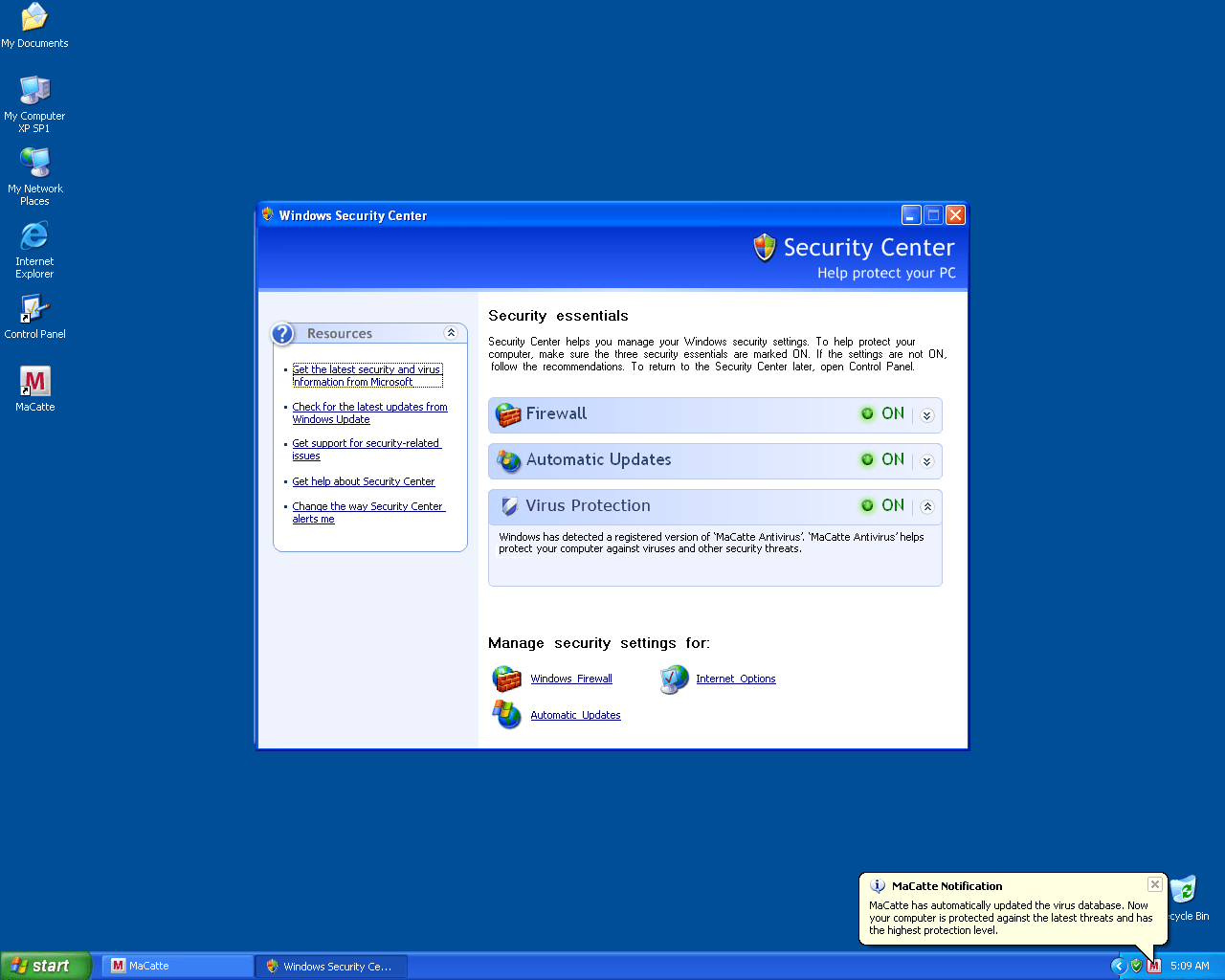
MaCatte Antivirus 2009 Image
MaCatte Antivirus 2009 is a bogus anti-spyware application that mimics the McAfee security program. MaCatte Antivirus 2009 is not able to detect or remove computer parasites. If you have MaCatte Antivirus 2009 installed on your system, then you may notice the many parasites that it supposedly finds during system scans. Each of these parasites are nonexistent. MaCatte Antivirus 2009 is not a trusted security program.
MaCatte Antivirus 2009 is designed to load at startup where it will display multiple misleading threat alerts and asks you to update the application which can redirect you to a site to purchase a full version of MaCatte Antivirus 2009. In addition, MaCatte Antivirus 2009 has the ability to block any installed security applications which can make MaCatte Antivirus 2009 difficult to successfully remove.
MaCatte Antivirus 2009 belongs to the FakeXPA family and has, among its many clones Antivirus 360, AntivirusBEST, Nortel Antivirus, Alpha Antivirus, Anti-virus Professional, Antivirus 2010, Cyber Security, Eco Antivirus, Antivir, Personal Security, Ghost Antivirus, Antivirus 7, Antivirus GT, Earth Antivirus, Antivirus 8, AVG Antivirus 2011, E-Set Antivirus 2011, XP Antivirus 2013.
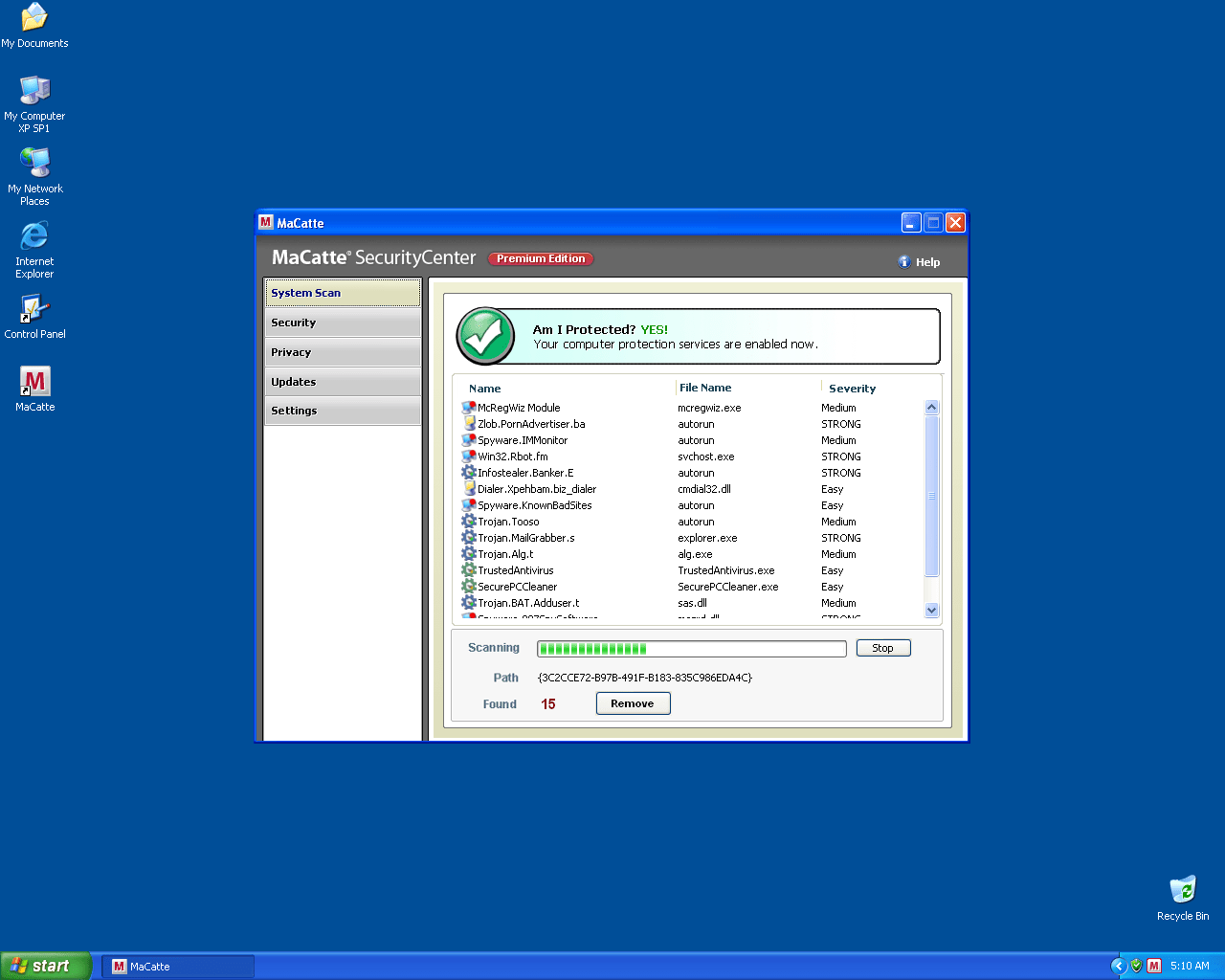
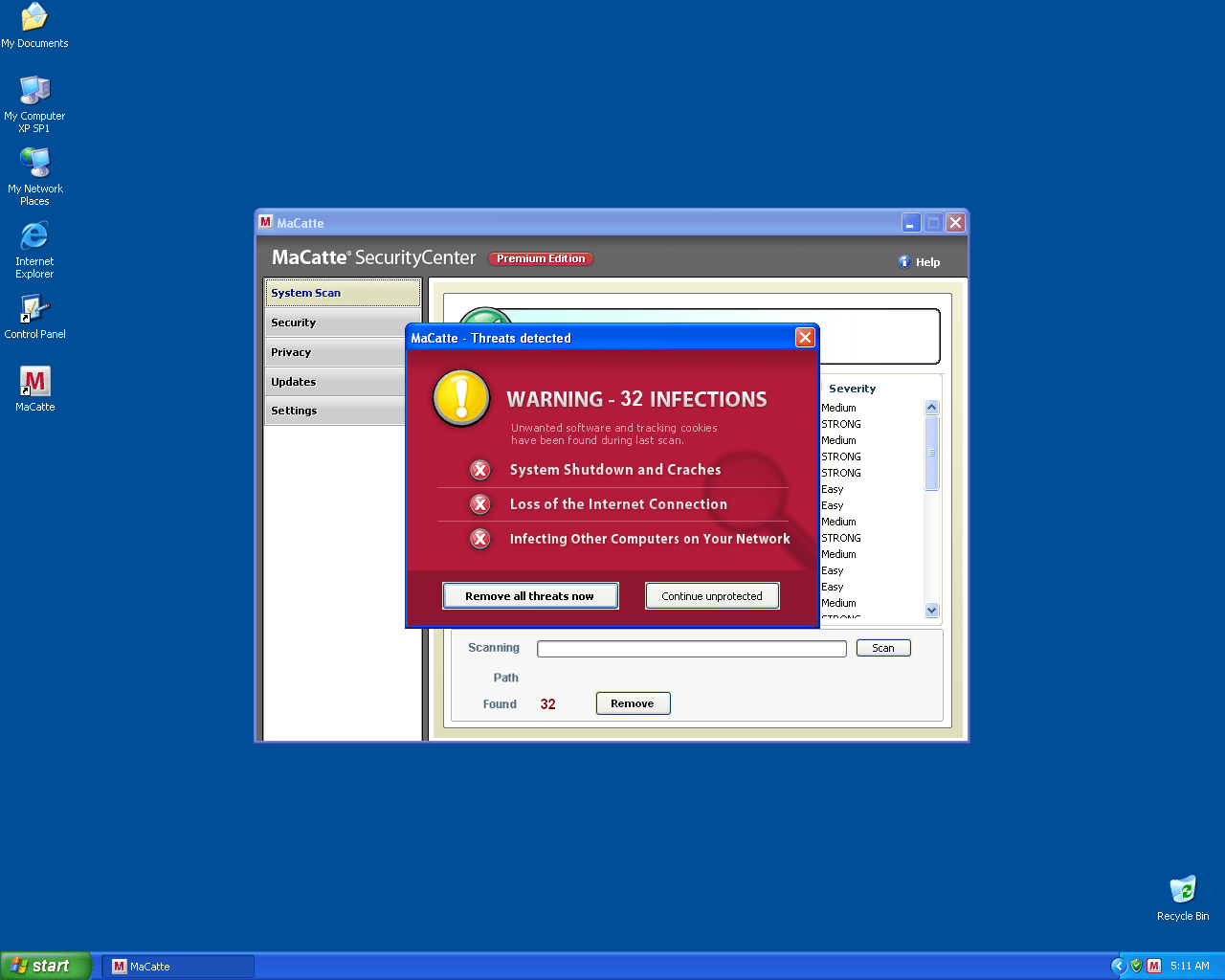
SpyHunter Detects & Remove MaCatte Antivirus 2009
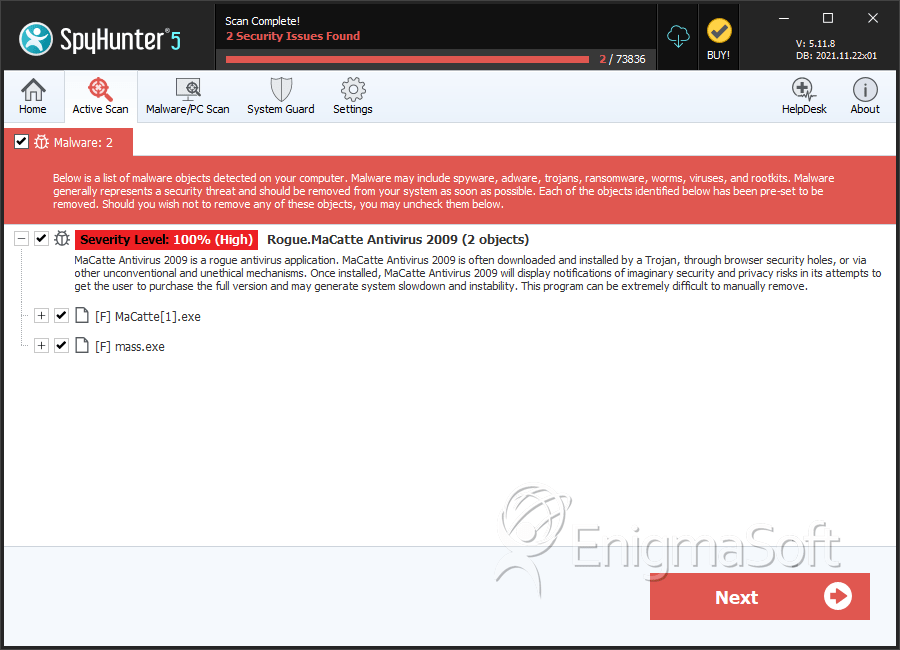
File System Details
| # | File Name | MD5 |
Detections
Detections: The number of confirmed and suspected cases of a particular threat detected on
infected computers as reported by SpyHunter.
|
|---|---|---|---|
| 1. | MaCatte[1].exe | 742be485208fbc4c59fb950e60c0c826 | 8 |
| 2. | mass.exe | a22d88fcf65314727d715788d2b65d82 | 0 |




