File Recovery
Threat Scorecard
EnigmaSoft Threat Scorecard
EnigmaSoft Threat Scorecards are assessment reports for different malware threats which have been collected and analyzed by our research team. EnigmaSoft Threat Scorecards evaluate and rank threats using several metrics including real-world and potential risk factors, trends, frequency, prevalence, and persistence. EnigmaSoft Threat Scorecards are updated regularly based on our research data and metrics and are useful for a wide range of computer users, from end users seeking solutions to remove malware from their systems to security experts analyzing threats.
EnigmaSoft Threat Scorecards display a variety of useful information, including:
Ranking: The ranking of a particular threat in EnigmaSoft’s Threat Database.
Severity Level: The determined severity level of an object, represented numerically, based on our risk modeling process and research, as explained in our Threat Assessment Criteria.
Infected Computers: The number of confirmed and suspected cases of a particular threat detected on infected computers as reported by SpyHunter.
See also Threat Assessment Criteria.
| Ranking: | 14,035 |
| Threat Level: | 100 % (High) |
| Infected Computers: | 138 |
| First Seen: | July 12, 2012 |
| Last Seen: | May 6, 2024 |
| OS(es) Affected: | Windows |
File Recovery Image
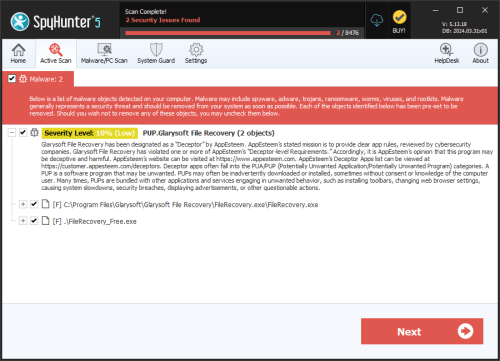
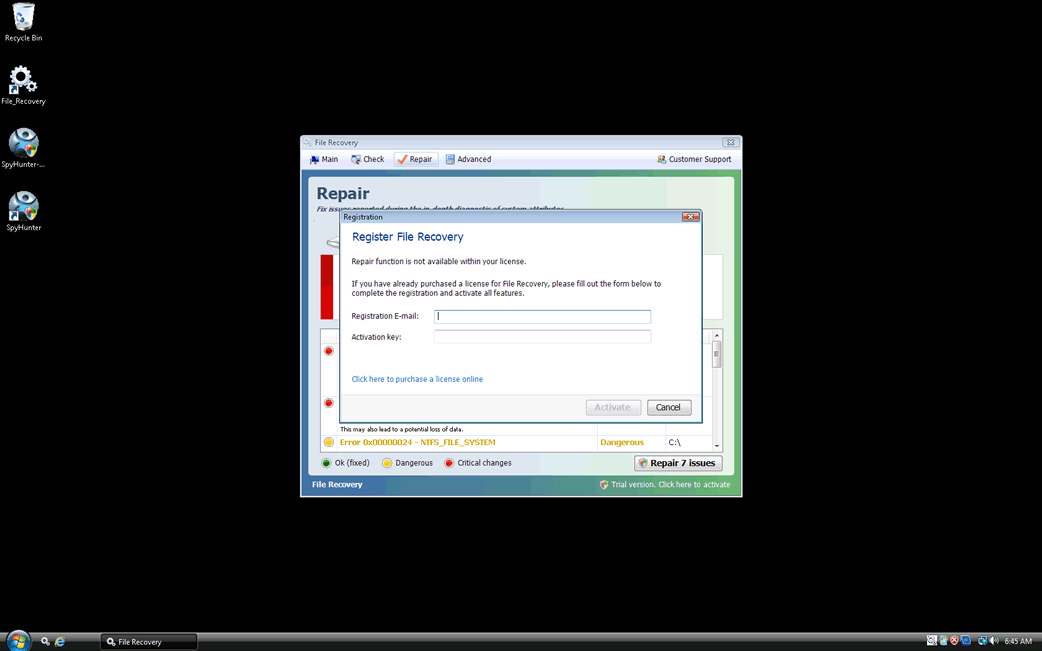
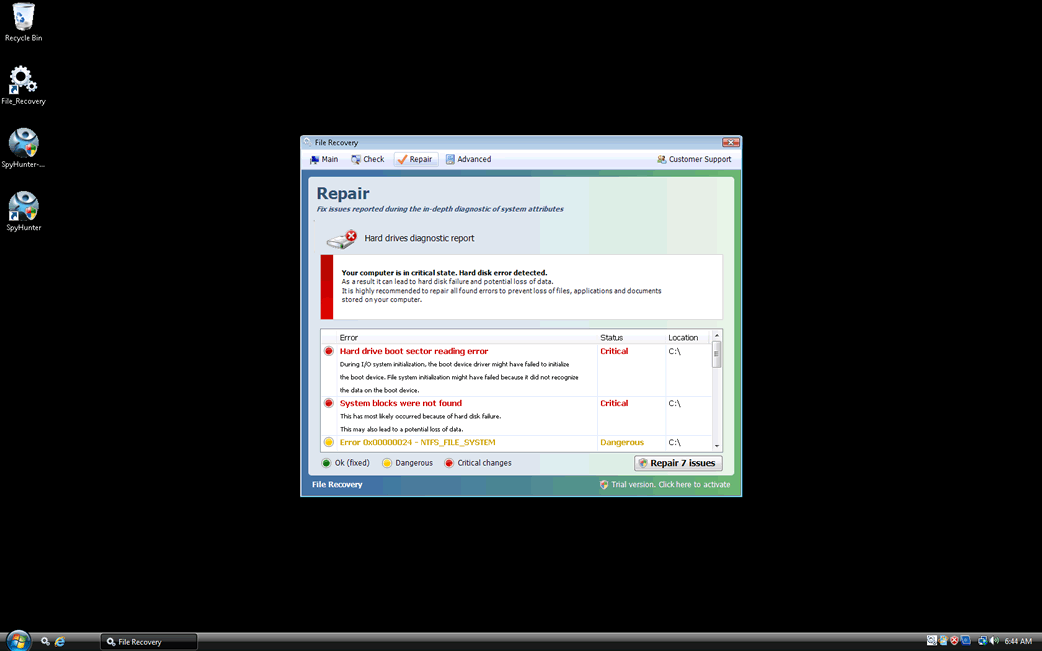
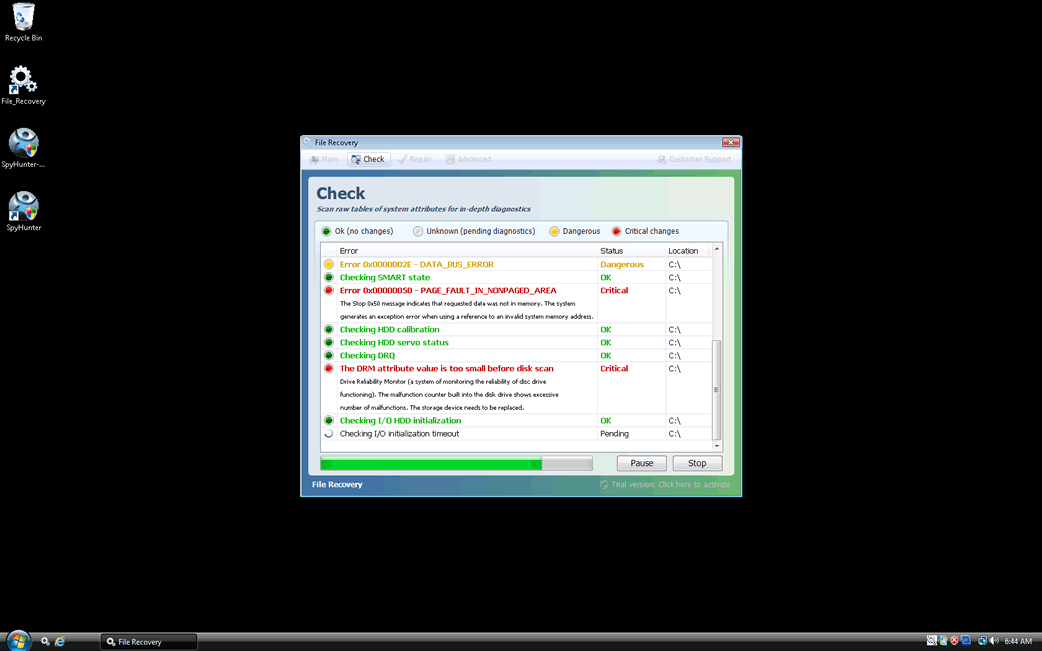
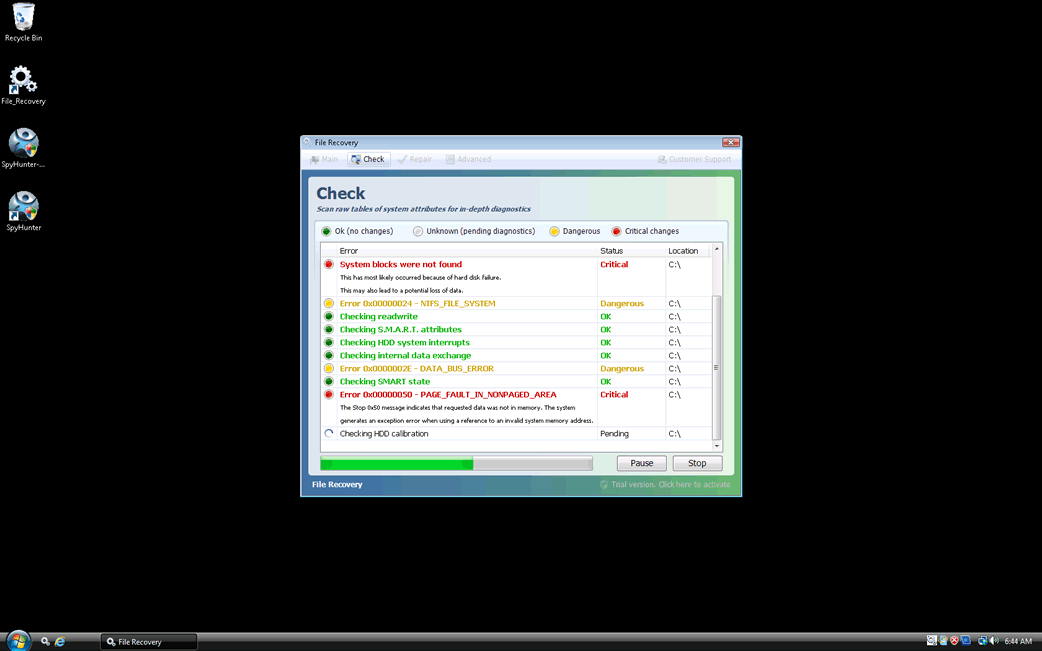
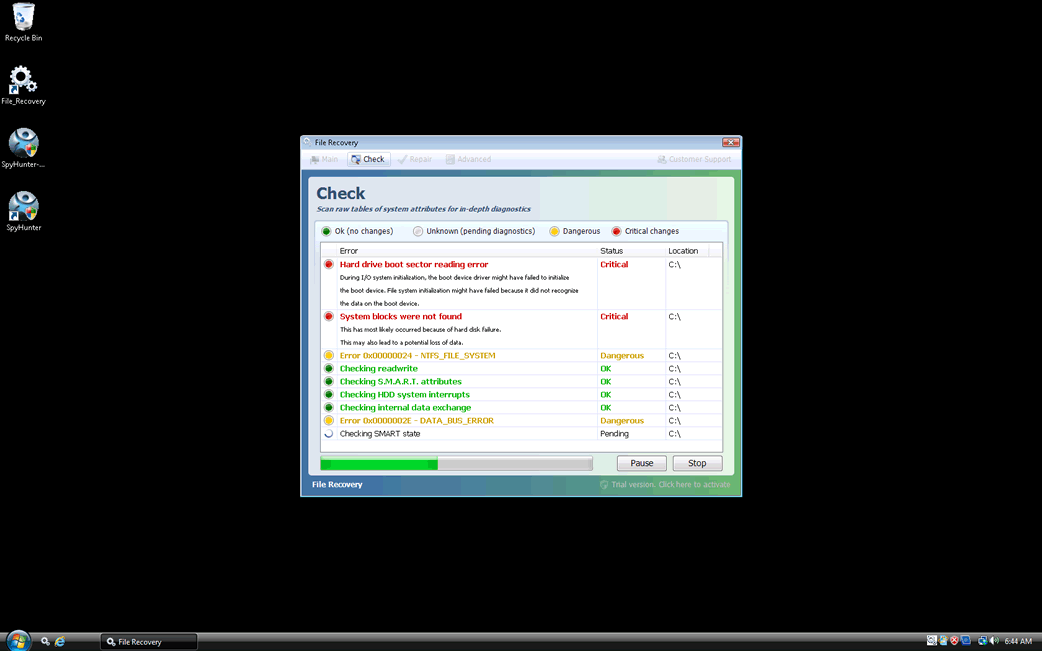
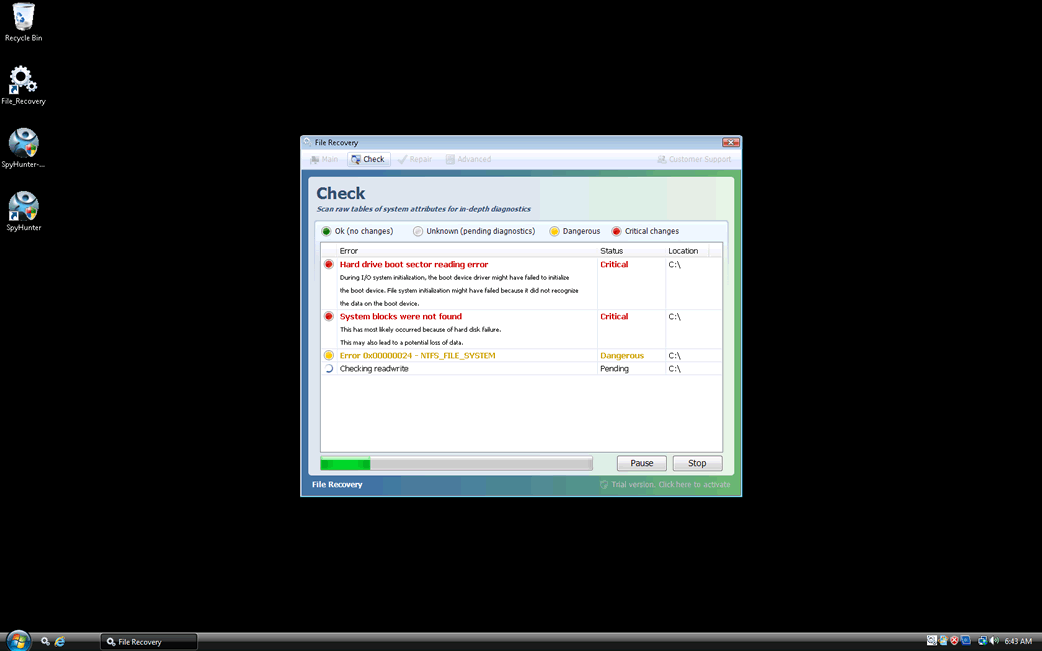
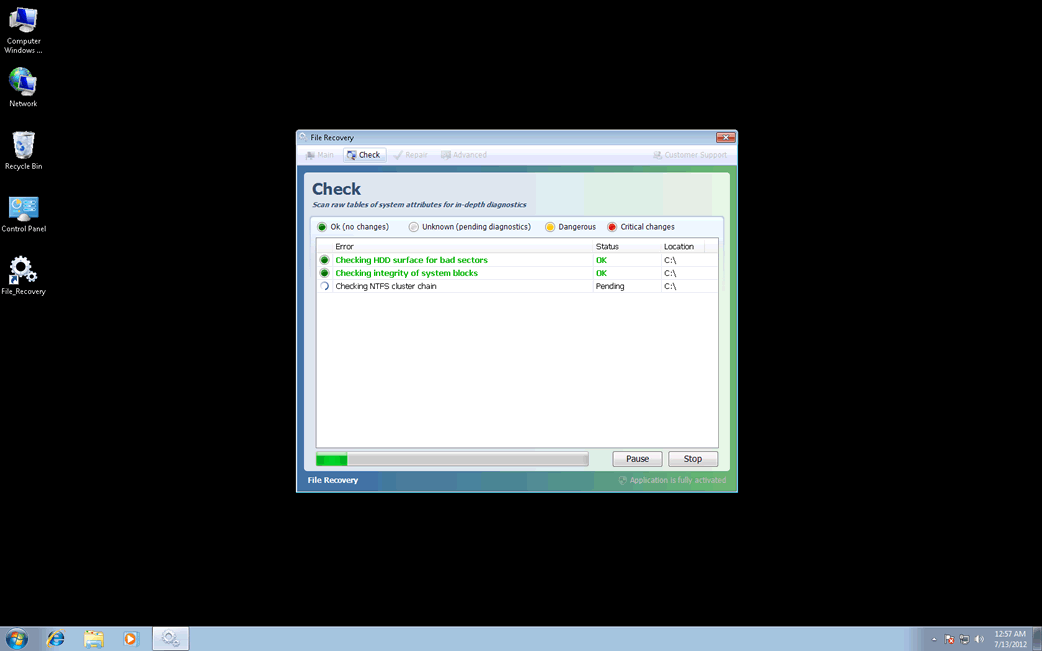
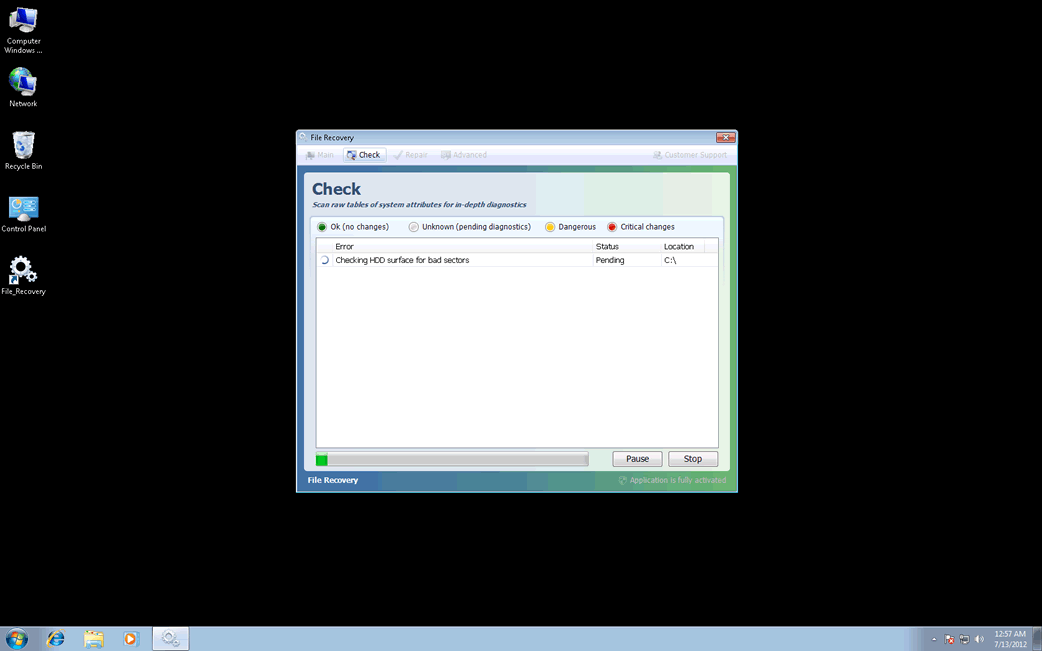
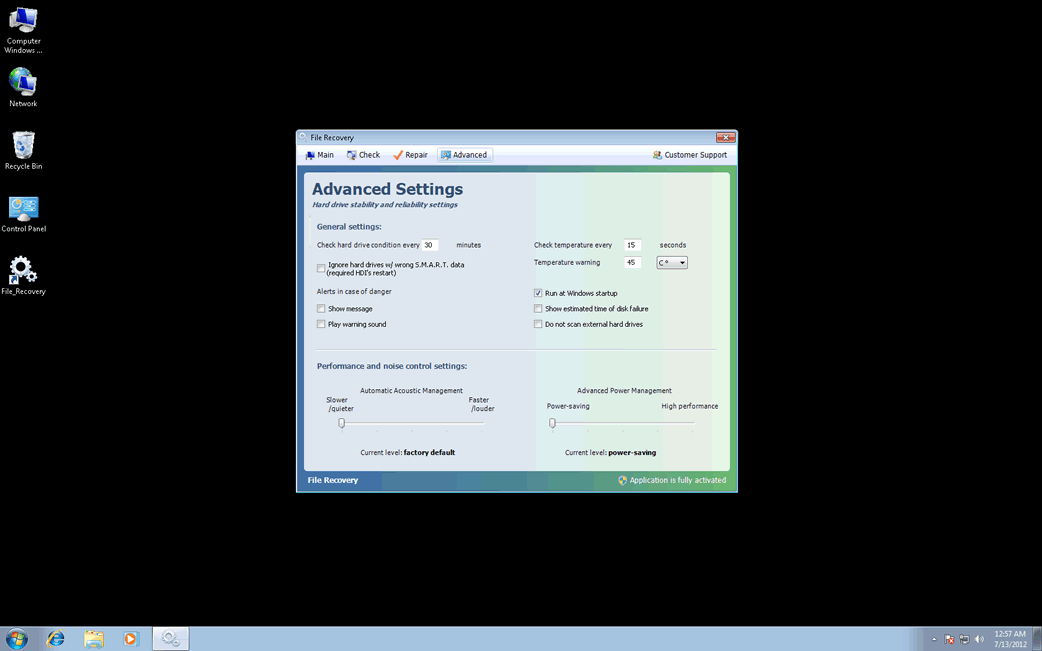
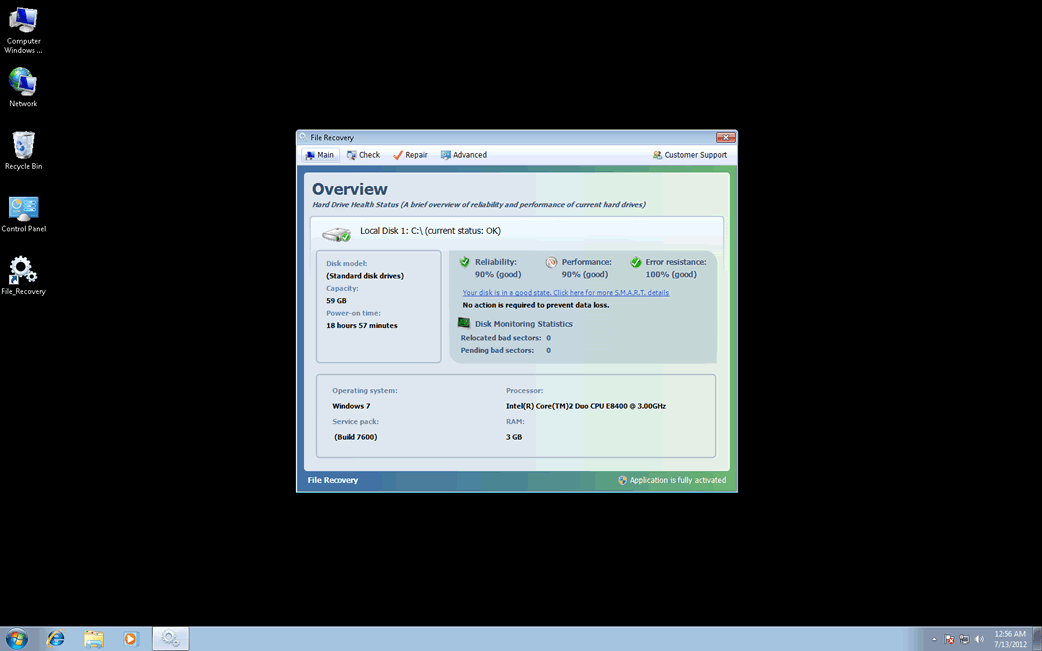
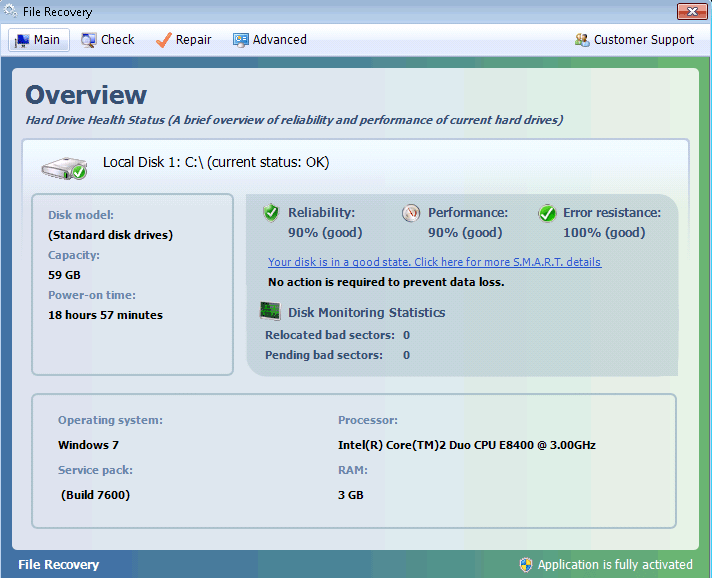
File Recovery belongs to a family of bogus system optimization applications named FakeSysDef. These fake defragmenters and disk repair utilities are a scam which goal is to prey on inexperienced computer users. Like most rogue defragmenters, File Recovery will harass the computer user with numerous error messages and system alerts in order to convince them that they need to purchase an expensive 'upgrade' for this useless application. Once File Recovery is installed, File Recovery will run automatically whenever you start up Windows and cannot be removed easily through normal means. Removing File Recovery will require the use of an anti-malware program. ESG security analysts strongly advise to ignore File Recovery's alarming error messages and to regard this program as a malware infection rather than as a supposed computer optimization application.
File Recovery has numerous clones, which have been around since at least 2010. Examples of clones of File Recovery include programs with names such as System Defragmenter, Ultra Defragger, HDD Control, Win HDD, Win Defrag, Win Defragmenter, Disk Doctor, Hard Drive Diagnostic, HDD Diagnostic, HDD Plus, HDD Repair, HDD Rescue, Smart HDD, Defragmenter, HDD Tools, Disk Repair, Windows Optimization Center, Scanner, HDD Low, Hdd Fix.
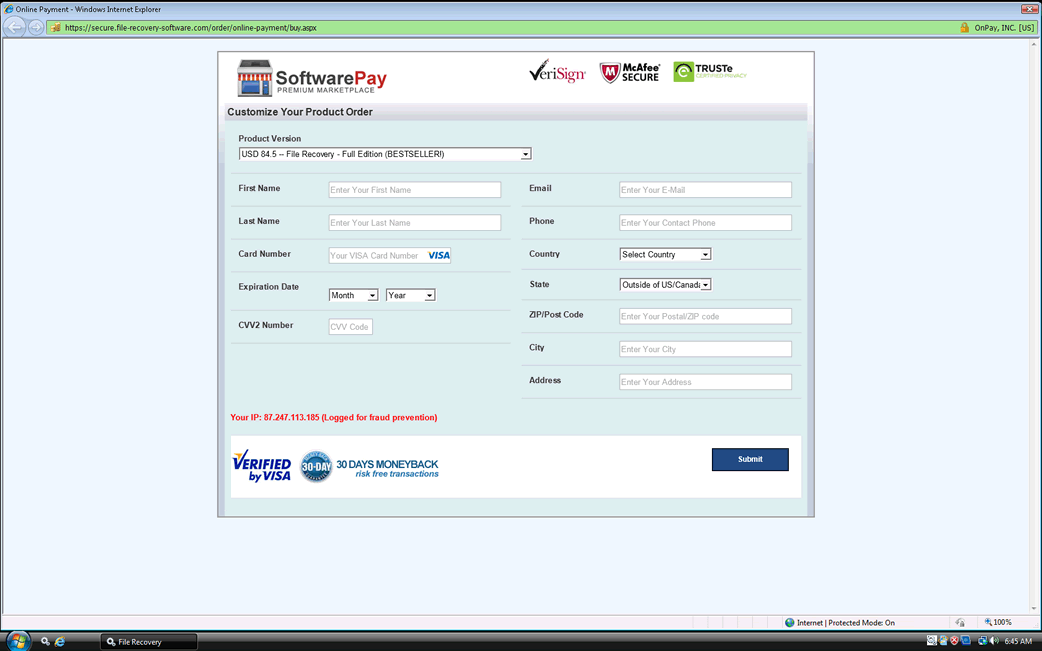
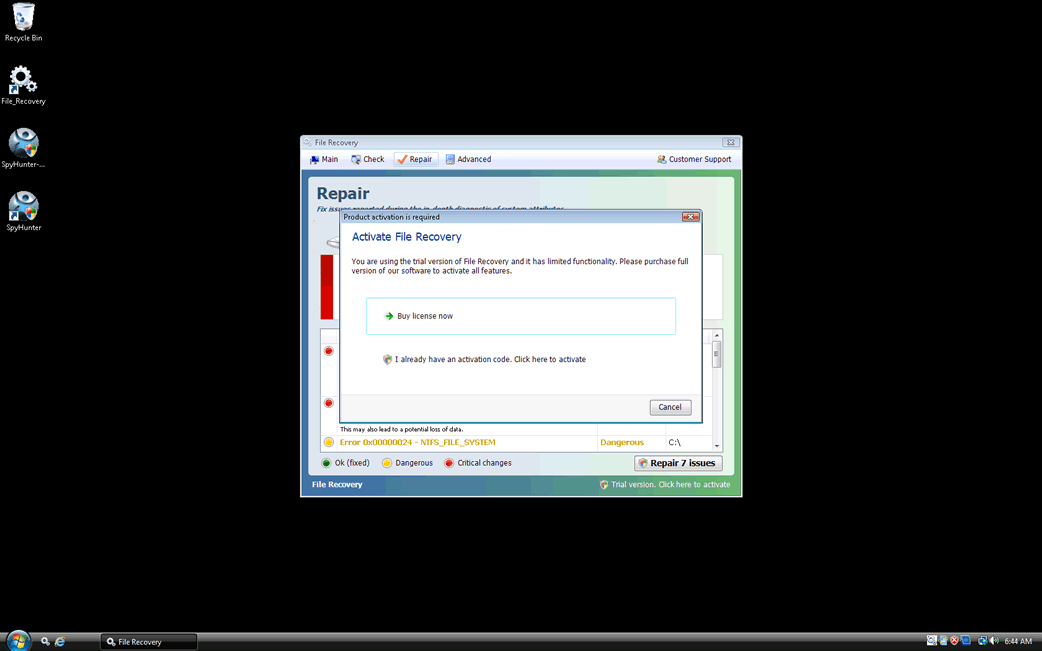
Despite the fact that File Recovery claims to offer defragmentation, file recovery, and disk optimization services, there is little to this program except for its misleading interface and a handful of malicious scripts. The main goal of the File Recovery scam is to scare computer users into thinking that their machines are on the verge of breakdown by making outrageous and often impossible claims. Using File Recovery to fix any of these supposed severe computer problems will simply result in additional error messages claiming that the computer user will need to 'register' File Recovery. However, neither File Recovery nor its 'full version' have any way of fixing your computer, so it is not recommended that you pay for this fake defragmenter.
Table of Contents
Common Symptoms of a File Recovery Infection
Unfortunately, a File Recovery infection is not limited to misleading error messages. File Recovery will also cause a variety of problems on the infected computer system, either directly or by way of malware typically associated with this bogus security program. Common side effects of a File Recovery infection include:
- Web browser redirects that may be caused by a rootkit infection on the victim's computer system.
- Vanishing files, which may have their settings changed to 'hidden' or moved to other locations. File Recovery has been known to move file shortcuts to the Temp folder, for example.
- Problems accessing and using legitimate security software.
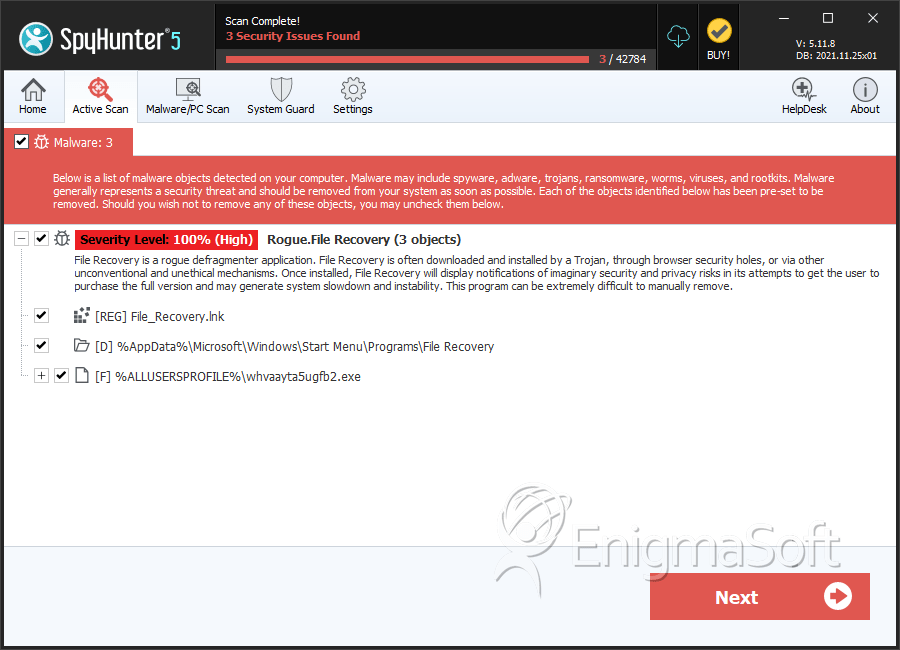
SpyHunter Detects & Remove File Recovery
File System Details
| # | File Name | MD5 |
Detections
Detections: The number of confirmed and suspected cases of a particular threat detected on
infected computers as reported by SpyHunter.
|
|---|---|---|---|
| 1. | 870dea68b0b13e07a22b522072d96e75.vir | 870dea68b0b13e07a22b522072d96e75 | 4 |
| 2. | %CommonAppData%\[RANDOM].exe | ||
| 3. | %Programs%\File Recovery\Uninstall File Recovery.lnk | ||
| 4. | %Programs%\File Recovery\File Recovery.lnk | ||
| 5. | %DesktopDir%\File_Recovery.lnk | ||
| 6. | %AppData%\Microsoft\Internet Explorer\Quick Launch\File_Recovery.lnk |
Registry Details
Directories
File Recovery may create the following directory or directories:
| %AppData%\Microsoft\Windows\Start Menu\Programs\File Recovery |