Windows Web Commander

By ESGI Advisor in Rogue Anti-Spyware Program | 162 views
Rate it:
1 Star2 Stars3 Stars4 Stars5 Stars (No Ratings Yet)
Loading ... Loading ...
More... More

Windows Web Commander Description

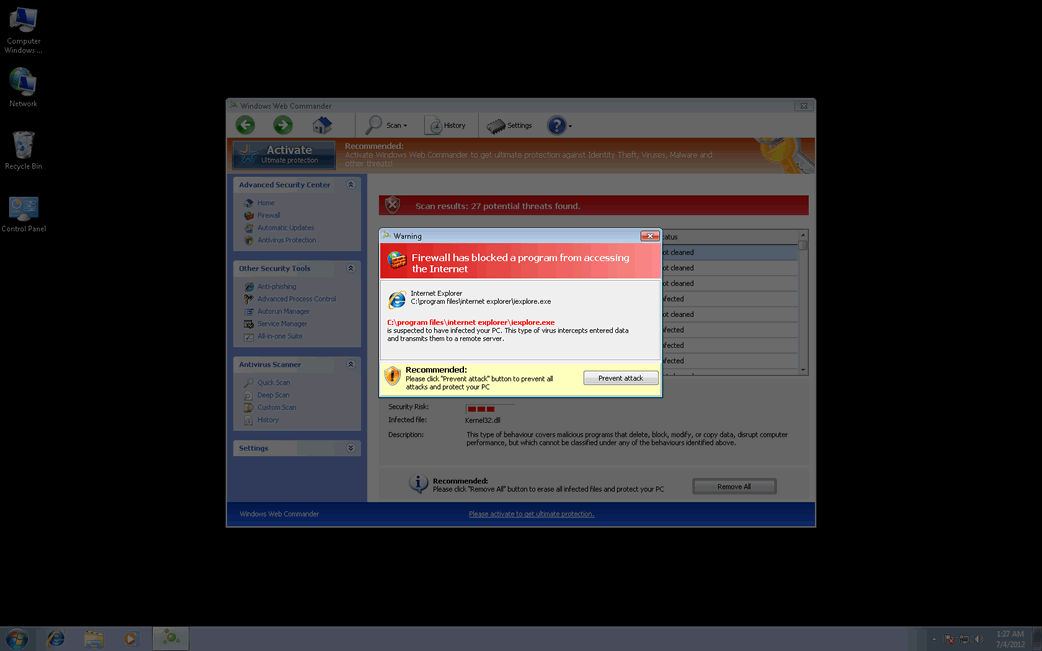
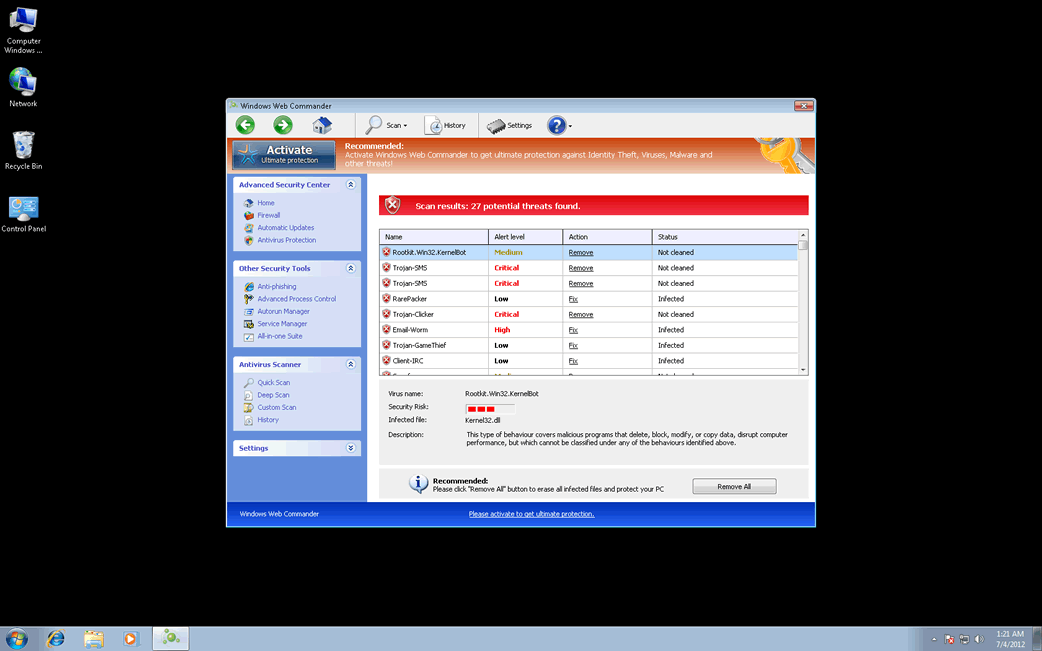
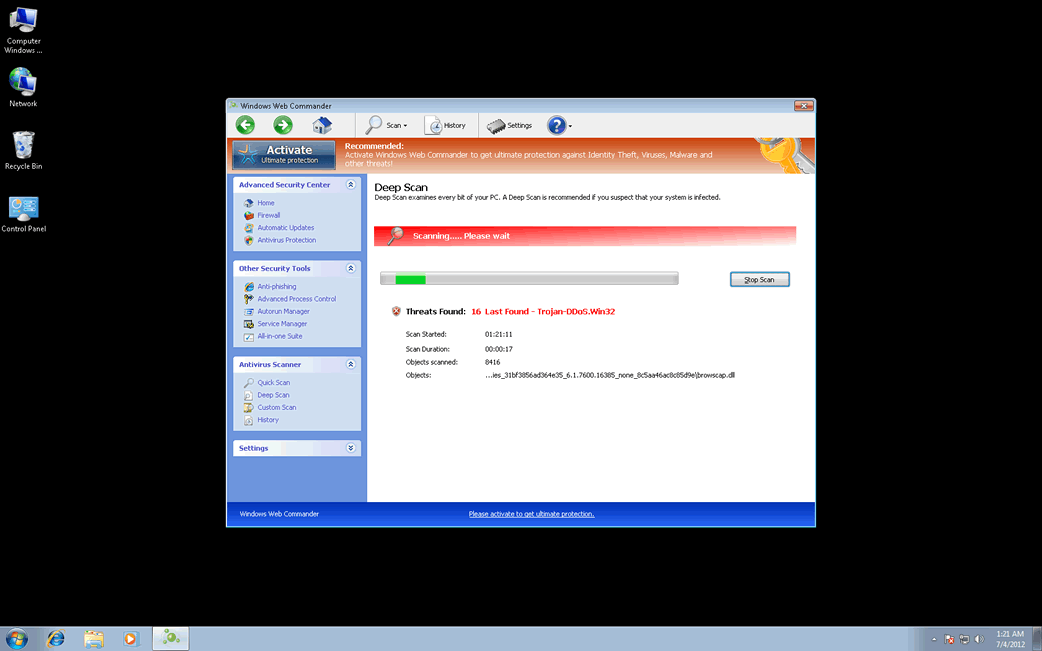
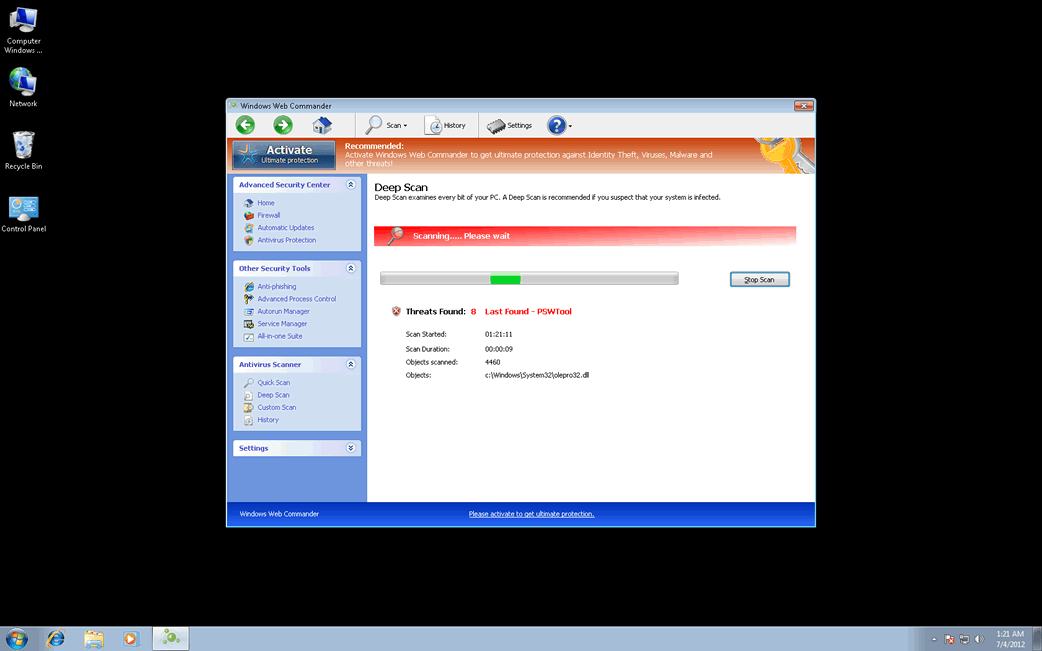
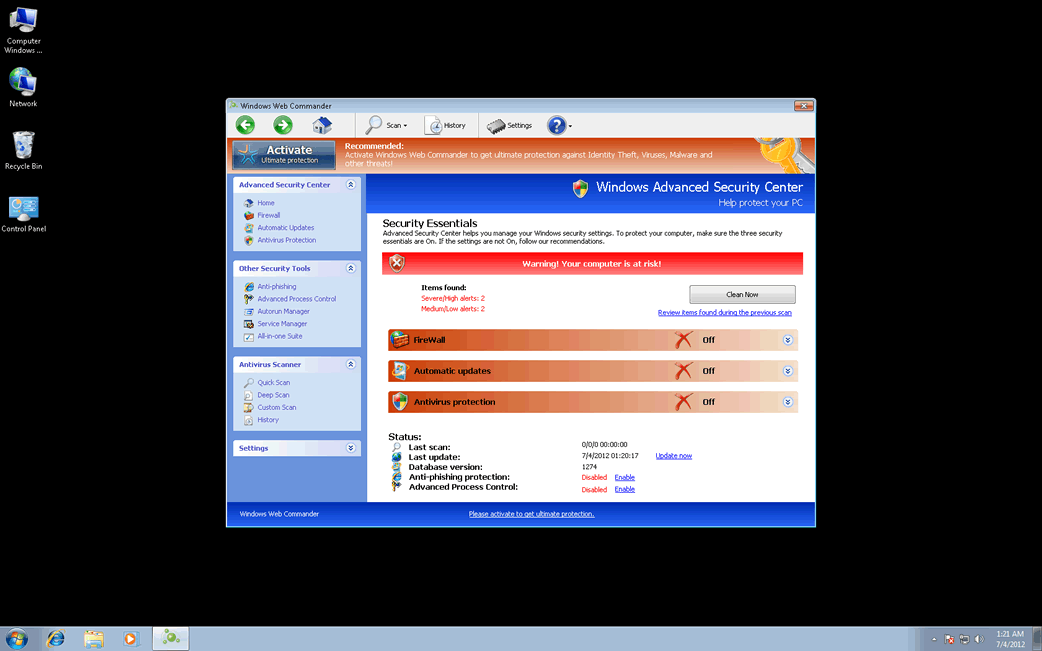
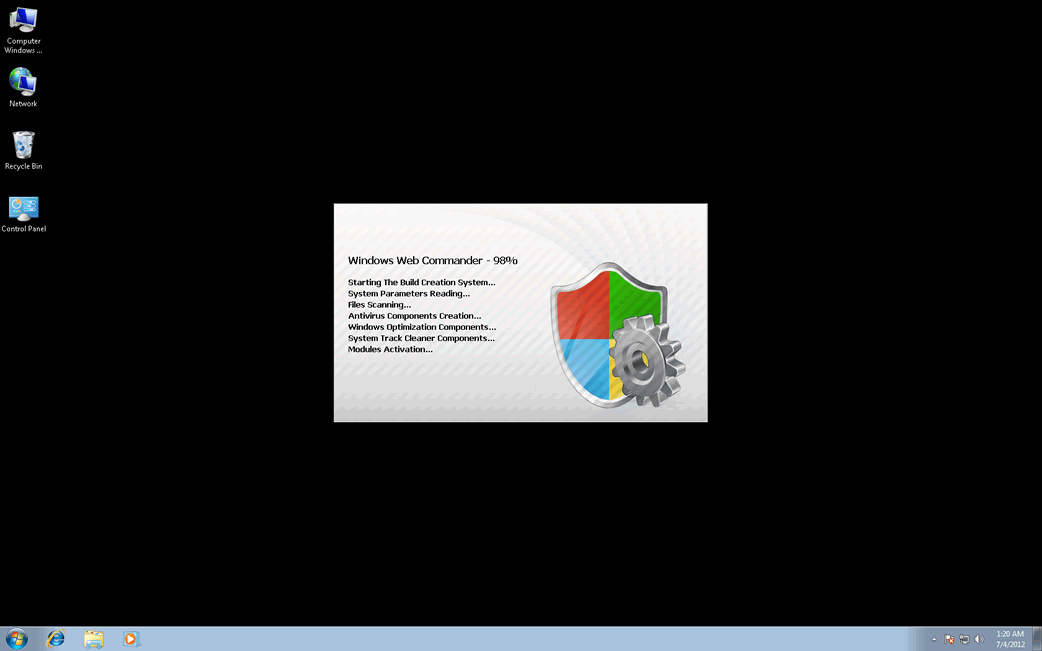
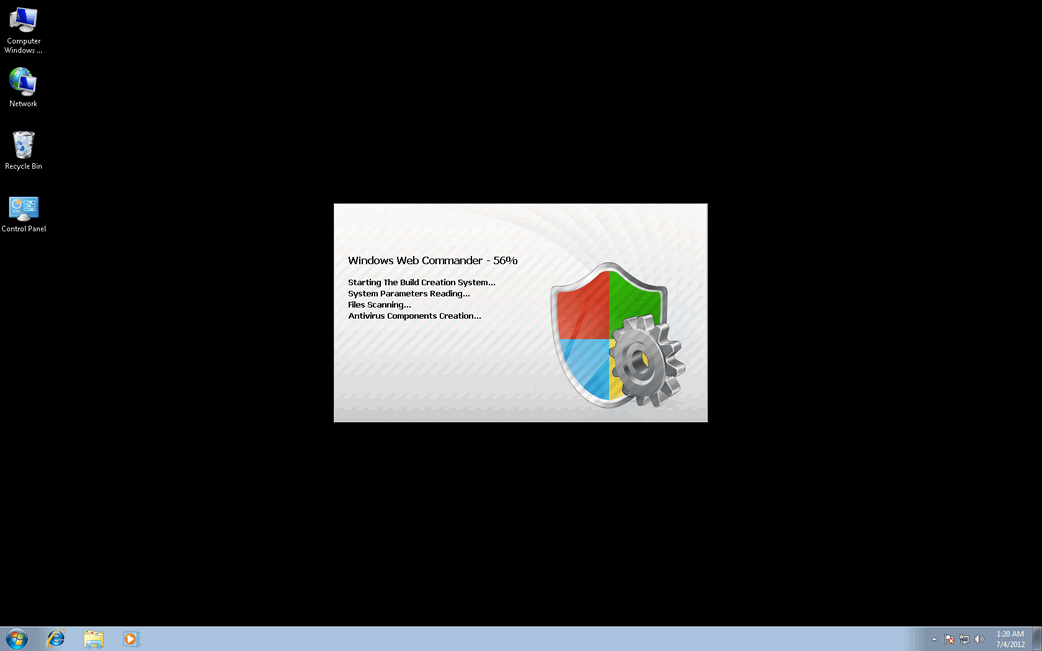
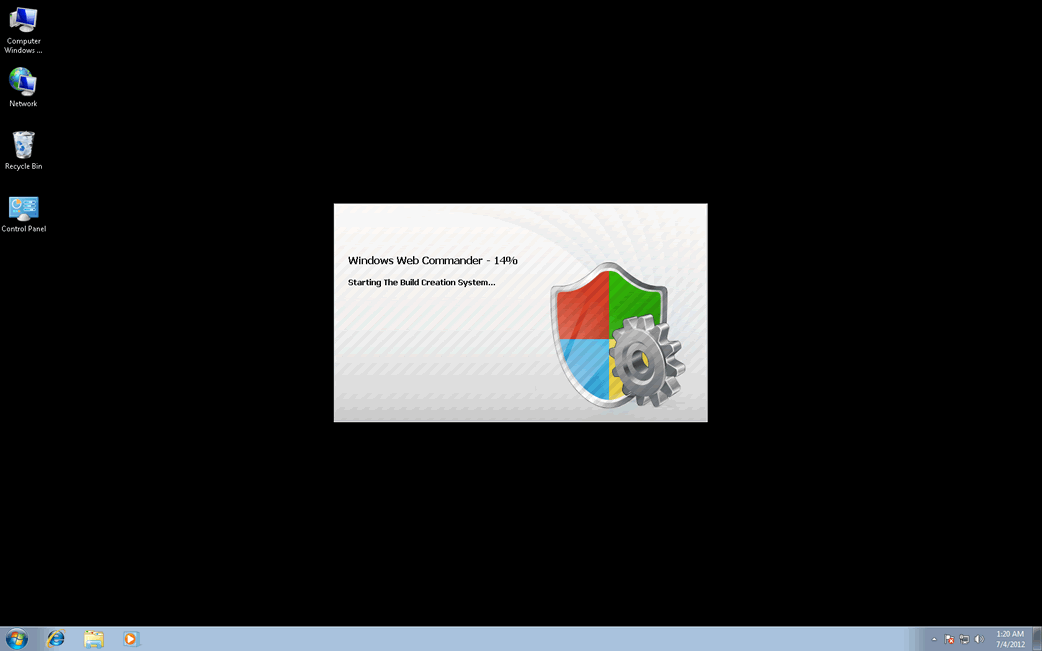
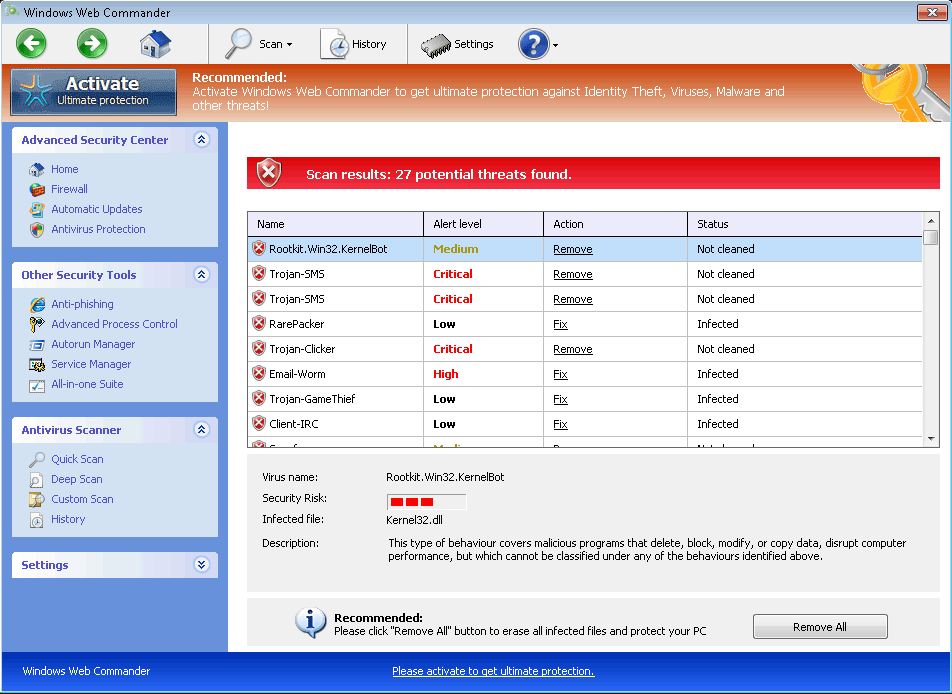
Image Screenshot

[+] Click Image to Enlarge

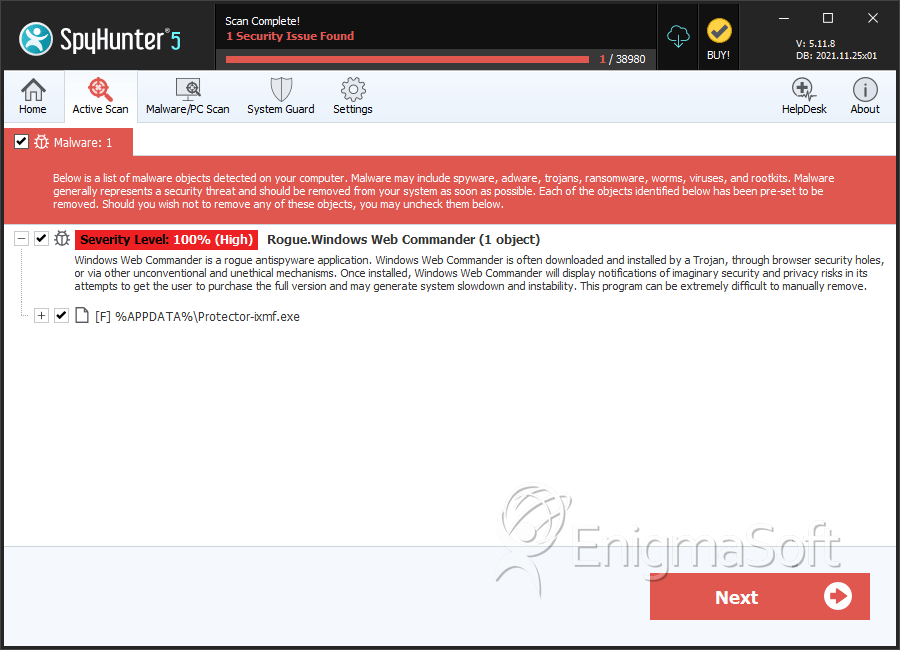
Windows Web Commander belongs to a family of fake security applications known as FakeVimes. It seems that the return of malware in the FakeVimes family is due in large part because the criminals have commenced to bundle FakeVimes malware with rootkits belonging to the ZeroAccess family. The addition of this rootkit component makes modern variants of the FakeVimes family of malware considerably more difficult to deal with than previous rogue security programs in this malware family. Because of this, if Windows Web Commander is estabilished on your PC, ESG malware researchers highly counsel using a convenient anti-malware program containing anti-rootkit capabilities in order to remove Windows Web Commander completely.

Due to the fact that Windows Web Commander’s family of malware has been around since 2009, there are dozens of fake security applications that are identical to Windows Web Commander in nearly all aspects. FakeVimes’ long history works against it since most security applications have few problems detecting and removing Windows Web Commander or any of its clones. However, criminals have gotten increasingly clever at bundling other malware with FakeVimes variants as well as using increasingly more effective social engineering tactics in order to target their victims. The rootkit component that is often included in a Windows Web Commander infection will stop most security programs from detecting or removing Windows Web Commander. Among the many variants in the FakeVimes family known to be associated with this rootkit component are included fake security applications such as Windows Interactive Security, Windows Proprietary Advisor and Windows Privacy Extension.

Dealing with a Windows Web Commander Infection on Your Computer

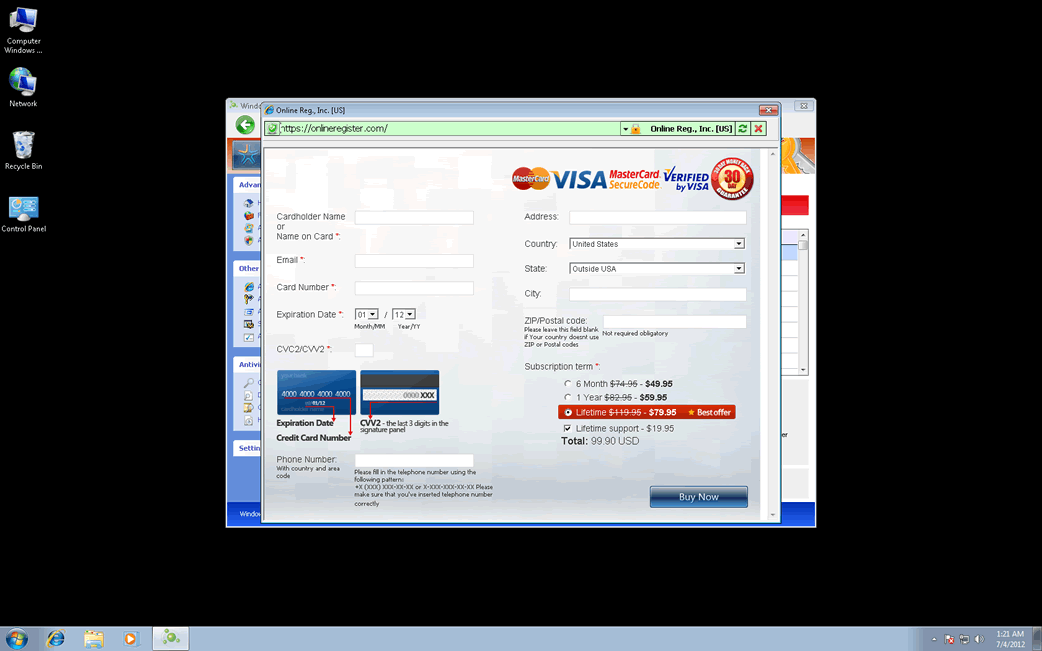
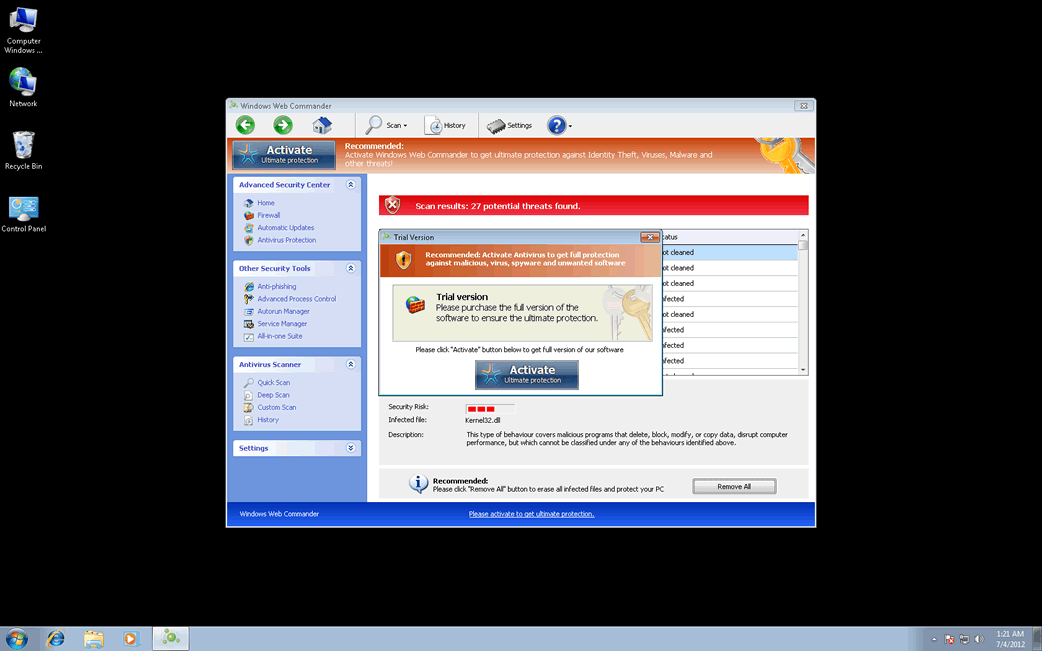
Windows Web Commander will use numerous fake error messages in order to persuade you that the purchase of a high-priced ‘full version’ of this useless program is needed. ESG malware researchers strongly advise ignoring all of these warnings and to use a reliable anti-malware scanner to remove Windows Web Commander instead. You can stop many of these intrusive alert messages with the registration code 0W000-000B0-00T00-E0020. Although ESG malware researchers have provided this registration code as a way to trick Windows Web Commander into believing its scam has worked, it is important to note that ‘registering’ Windows Web Commander will not remove this malware threat from your computer, doing so will merely stop some of the infection’s symptoms.

Type: Rogue AntiSpyware Programs

How Can You Detect Windows Web Commander?

Windows Web Commander Technical Report

As new Windows Web Commander details are reported by our customers and findings from our Threat Research Center, we will update this section.

Fake message for Windows Web Commander:

The following fake error message(s) appears for Windows Web Commander:

Warning! Identity theft attempt Detected

Error
Keylogger activity detected. System information security is at risk.
It is recommended to activate protection and run a full system scan.

Error
Software without a digital signature detected.
Your system files are at risk. We strongly advise you to activate your protection.

‘How Windows Web Commander Infects Your Computer’ Video

Windows Web Commander Removal Details

Windows Web Commander has typically the following processes in memory:

  • %AppData%\NPSWF32.dll
  • %CommonAppData%\58ef5\SP98c.exe
  • %AppData%\Protector-[RANDOM 4 CHARACTERS].exe
  • %AppData%\Windows Web Commander\ScanDisk_.exe
  • %AppData%\Protector-[RANDOM 3 CHARACTERS].exe

Windows Web Commander creates the following files in the system:

  • %StartMenu%\Windows Web Commander.lnk
  • %CommonAppData%\SPUPCZPDET\SPABOIJT.cfg
  • %AppData%\1st$0l3th1s.cnf
  • %AppData%\Microsoft\Internet Explorer\Quick Launch\Windows Web Commander.lnk
  • %Desktop%\Windows Web Commander.lnk
  • %AppData%\result.db
  • %AppData%\Windows Web Commander\Instructions.ini
  • %Programs%\Windows Web Commander.lnk
  • %CommonAppData%\58ef5\SPT.ico

Windows Web Commander creates the following registry entries:

  • HKEY_CURRENT_USER\Software\Microsoft\Windows\CurrentVersion\Uninstall\Windows Web Commander\UninstallString = “[UNKNOWN DIRECTORY]\[UNKNOWN FILE NAME].exe” /del
  • HKEY_CURRENT_USER\Software\Microsoft\Windows\CurrentVersion\Uninstall\Windows Web Commander\DisplayIcon = [UNKNOWN DIRECTORY]\[UNKNOWN FILE NAME].exe,0
  • HKEY_LOCAL_MACHINE\SOFTWARE\Classes\CLSID\{3F2BBC05-40DF-11D2-9455-00104BC936FF}\LocalServer32
  • HKEY_LOCAL_MACHINE\SOFTWARE\Classes\CLSID\{3F2BBC05-40DF-11D2-9455-00104BC936FF}\ Implements DocHostUIHandler
  • HKEY_LOCAL_MACHINE\SOFTWARE\Classes\Dumped_.DocHostUIHandler\Clsid
  • HKEY_LOCAL_MACHINE\SOFTWARE\Classes\Dumped_.DocHostUIHandler\ Implements DocHostUIHandler
  • HKEY_LOCAL_MACHINE\SOFTWARE\Microsoft\Tracing\FWCFG
  • HKEY_LOCAL_MACHINE\SOFTWARE\Microsoft\Tracing\FWCFG\ConsoleTracingMask -65536
  • HKEY_LOCAL_MACHINE\SOFTWARE\Microsoft\Windows NT\CurrentVersion\Image File Execution Options\AVCare.exe\Debugger svchost.exe
  • HKEY_LOCAL_MACHINE\SOFTWARE\Microsoft\Windows NT\CurrentVersion\Image File Execution Options\AVENGINE.EXE
  • HKEY_LOCAL_MACHINE\SOFTWARE\Microsoft\Windows NT\CurrentVersion\Image File Execution Options\AVENGINE.EXE\Debugger svchost.exe
  • HKEY_LOCAL_MACHINE\SOFTWARE\Microsoft\Windows NT\CurrentVersion\Image File Execution Options\Ad-Aware.exe
  • HKEY_LOCAL_MACHINE\SOFTWARE\Microsoft\Windows NT\CurrentVersion\Image File Execution Options\AluSchedulerSvc.exe\Debugger svchost.exe
  • HKEY_LOCAL_MACHINE\SOFTWARE\Microsoft\Windows NT\CurrentVersion\Image File Execution Options\Ad-Aware.exe\Debugger svchost.exe
  • HKEY_LOCAL_MACHINE\SOFTWARE\Microsoft\Windows NT\CurrentVersion\Image File Execution Options\AlphaAV.exe
  • HKEY_CURRENT_USER\Software\Microsoft\Windows\CurrentVersion\Policies\System “DisableRegistryTools” = 0
  • HKEY_LOCAL_MACHINE\SOFTWARE\Microsoft\Windows\CurrentVersion\policies\system “ConsentPromptBehaviorUser” = 0
  • HKEY_CURRENT_USER\Software\Microsoft\Windows\CurrentVersion\Settings “net” = “2012-7-3_8″
  • HKEY_LOCAL_MACHINE\SOFTWARE\Microsoft\Windows NT\CurrentVersion\Image File Execution Options\navnt.exe
  • HKEY_LOCAL_MACHINE\SOFTWARE\Microsoft\Windows NT\CurrentVersion\Image File Execution Options\~2.exe
  • HKEY_LOCAL_MACHINE\SOFTWARE\Microsoft\Windows NT\CurrentVersion\Image File Execution Options\iamserv.exe
  • HKEY_CURRENT_USER\Software\Microsoft\Windows\CurrentVersion\Uninstall\Windows Web Commander\InstallLocation = [UNKNOWN DIRECTORY]
  • HKEY_CURRENT_USER\Software\Microsoft\Windows\CurrentVersion\Uninstall\Windows Web Commander\DisplayName = Windows Malware Firewall
  • HKEY_CURRENT_USER\Software\Microsoft\Windows\CurrentVersion\Run\Windows Web Commander “%CommonAppData%\58ef5\SP98c.exe” /s /d
  • HKEY_LOCAL_MACHINE\SOFTWARE\Classes\CLSID\{3F2BBC05-40DF-11D2-9455-00104BC936FF}
  • HKEY_LOCAL_MACHINE\SOFTWARE\Classes\CLSID\{3F2BBC05-40DF-11D2-9455-00104BC936FF}\ProgID\ [unknown file name].DocHostUIHandler
  • HKEY_LOCAL_MACHINE\SOFTWARE\Classes\Dumped_.DocHostUIHandler
  • HKEY_LOCAL_MACHINE\SOFTWARE\Microsoft\Tracing\FWCFG\EnableFileTracing 0
  • HKEY_LOCAL_MACHINE\SOFTWARE\Microsoft\Tracing\FWCFG\MaxFileSize 1048576
  • HKEY_LOCAL_MACHINE\SOFTWARE\Microsoft\Windows NT\CurrentVersion\Image File Execution Options\AVCare.exe
  • HKLM\SOFTWARE\Microsoft\Windows NT\CurrentVersion\Image File Execution Options\AAWTray.exe\Debugger svchost.exe
  • HKEY_LOCAL_MACHINE\SOFTWARE\Microsoft\Windows NT\CurrentVersion\Image File Execution Options\About.exe
  • HKEY_LOCAL_MACHINE\SOFTWARE\Microsoft\Windows NT\CurrentVersion\Image File Execution Options\About.exe\Debugger svchost.exe
  • HKEY_LOCAL_MACHINE\SOFTWARE\Microsoft\Windows NT\CurrentVersion\Image File Execution Options\AluSchedulerSvc.exe
  • HKEY_LOCAL_MACHINE\SOFTWARE\Microsoft\Windows NT\CurrentVersion\Image File Execution Options\AlphaAV
  • HKEY_LOCAL_MACHINE\SOFTWARE\Microsoft\Windows NT\CurrentVersion\Image File Execution Options\AlphaAV\Debugger svchost.exe
  • HKEY_CURRENT_USER\Software\Microsoft\Windows\CurrentVersion\Policies\System “DisableTaskMgr” = 0
  • HKEY_LOCAL_MACHINE\SOFTWARE\Microsoft\Windows\CurrentVersion\policies\system “ConsentPromptBehaviorAdmin” = 0
  • HKEY_CURRENT_USER\Software\Microsoft\Windows\CurrentVersion\Run “Inspector”
  • HKEY_CURRENT_USER\Software\ASProtect
  • HKEY_LOCAL_MACHINE\SOFTWARE\Microsoft\Windows NT\CurrentVersion\Image File Execution Options\avxmonitornt.exe
  • HKEY_LOCAL_MACHINE\SOFTWARE\Microsoft\Windows NT\CurrentVersion\Image File Execution Options\zapsetup3001.exe
  • HKEY_CURRENT_USER\Software\Microsoft\Windows\CurrentVersion\Uninstall\Windows Web Commander\Publisher UIS Inc.
  • HKEY_CURRENT_USER\Software\Microsoft\Windows\CurrentVersion\Uninstall\Windows Web Commander\DisplayVersion = 1.1.0.1010
  • HKEY_CURRENT_USER\Software\Microsoft\Windows\CurrentVersion\Uninstall\Windows Web Commander
  • HKEY_LOCAL_MACHINE\SOFTWARE\Classes\CLSID\{3F2BBC05-40DF-11D2-9455-00104BC936FF}\LocalServer32\ [unknown dir]\[unknown file name].exe
  • HKEY_LOCAL_MACHINE\SOFTWARE\Classes\CLSID\{3F2BBC05-40DF-11D2-9455-00104BC936FF}\ProgID
  • HKEY_LOCAL_MACHINE\SOFTWARE\Classes\Dumped_.DocHostUIHandler\Clsid\ {3F2BBC05-40DF-11D2-9455-00104BC936FF}
  • HKEY_LOCAL_MACHINE\SOFTWARE\Microsoft\Tracing\FWCFG\EnableConsoleTracing 0
  • HKEY_LOCAL_MACHINE\SOFTWARE\Microsoft\Tracing\FWCFG\FileTracingMask -65536
  • HKEY_LOCAL_MACHINE\SOFTWARE\Microsoft\Tracing\FWCFG\FileDirectory %windir%\tracing
  • HKEY_LOCAL_MACHINE\SOFTWARE\Microsoft\Windows NT\CurrentVersion\Image File Execution Options\AAWTray.exe
  • HKEY_LOCAL_MACHINE\SOFTWARE\Microsoft\Windows NT\CurrentVersion\Image File Execution Options\AVWEBGRD.EXE\Debugger svchost.exe
  • HKEY_LOCAL_MACHINE\SOFTWARE\Microsoft\Windows NT\CurrentVersion\Image File Execution Options\AVWEBGRD.EXE
  • HKEY_LOCAL_MACHINE\SOFTWARE\Microsoft\Windows NT\CurrentVersion\Image File Execution Options\AlphaAV.exe\Debugger svchost.exe
  • HKEY_LOCAL_MACHINE\SOFTWARE\Microsoft\Windows NT\CurrentVersion\Image File Execution Options\AdwarePrj.exe\Debugger svchost.exe
  • HKEY_LOCAL_MACHINE\SOFTWARE\Microsoft\Windows NT\CurrentVersion\Image File Execution Options\AdwarePrj.exe
  • HKEY_CURRENT_USER\Software\Microsoft\Windows\CurrentVersion\Policies\System “DisableRegedit” = 0
  • HKEY_CURRENT_USER\Software\Microsoft\Windows\CurrentVersion\Internet Settings “WarnOnHTTPSToHTTPRedirect” = 0
  • HKEY_LOCAL_MACHINE\SOFTWARE\Microsoft\Windows\CurrentVersion\policies\system “EnableLUA” = 0
  • HKEY_CURRENT_USER\Software\Microsoft\Windows\CurrentVersion\Settings “UID” = “hycdnkxijp”
  • HKEY_LOCAL_MACHINE\SOFTWARE\Microsoft\Windows NT\CurrentVersion\Image File Execution Options\rapapp.exe
  • HKEY_LOCAL_MACHINE\SOFTWARE\Microsoft\Windows NT\CurrentVersion\Image File Execution Options\vbwinntw.exe

Important Article Disclaimer

ESG Support Center

This entry was last updated on 07/4/12 and posted on 07/4/12. You can follow any responses to this entry through the RSS 2.0 feed. You can leave a response, or trackback from your own site.

Leave a Comment

Note: Abusive comments are not allowed. Please do not post comments regarding technical support issues. ESG customers that have issues with SpyHunter should open a customer support ticket.

*
To prove you're a person (not a spam script), type the security word shown in the picture. Click on the picture to hear an audio file of the word.
Click to hear an audio file of the anti-spam word

Home | SpyHunter Risk Assessment Model | Privacy Policy | End User License Agreement | Additional Terms and Conditions
Copyright 2003-2012. Enigma Software Group USA, LLC. All Rights Reserved.