Windows Virtual Security
Threat Scorecard
EnigmaSoft Threat Scorecard
EnigmaSoft Threat Scorecards are assessment reports for different malware threats which have been collected and analyzed by our research team. EnigmaSoft Threat Scorecards evaluate and rank threats using several metrics including real-world and potential risk factors, trends, frequency, prevalence, and persistence. EnigmaSoft Threat Scorecards are updated regularly based on our research data and metrics and are useful for a wide range of computer users, from end users seeking solutions to remove malware from their systems to security experts analyzing threats.
EnigmaSoft Threat Scorecards display a variety of useful information, including:
Ranking: The ranking of a particular threat in EnigmaSoft’s Threat Database.
Severity Level: The determined severity level of an object, represented numerically, based on our risk modeling process and research, as explained in our Threat Assessment Criteria.
Infected Computers: The number of confirmed and suspected cases of a particular threat detected on infected computers as reported by SpyHunter.
See also Threat Assessment Criteria.
| Threat Level: | 100 % (High) |
| Infected Computers: | 4 |
| First Seen: | August 9, 2012 |
| Last Seen: | January 8, 2020 |
| OS(es) Affected: | Windows |
Windows Virtual Security Image
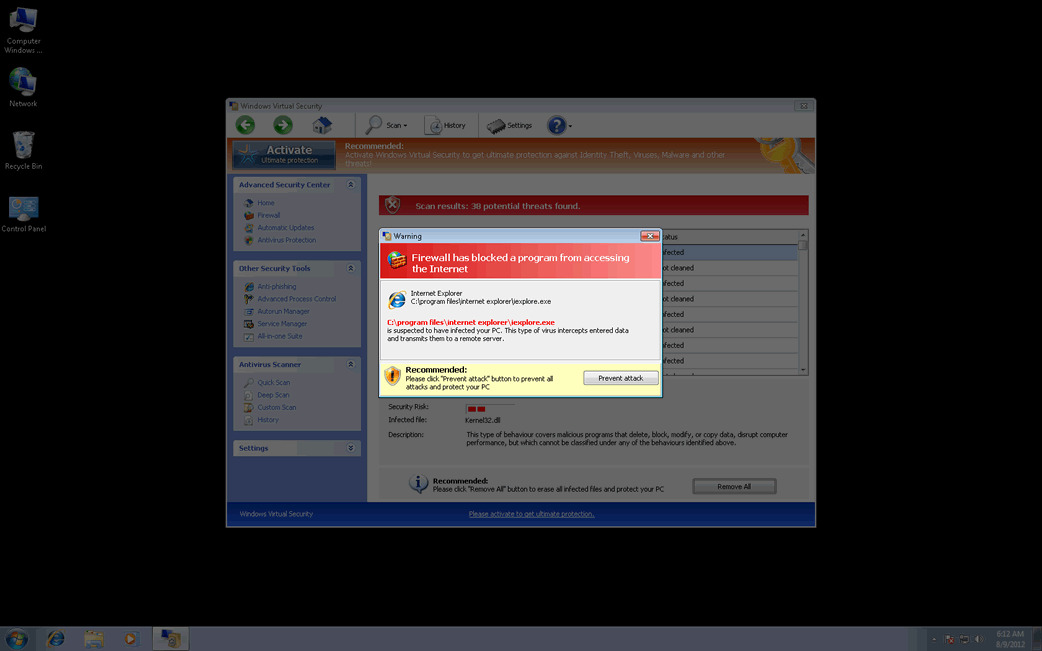
Windows Virtual Security is a rogue anti-spyware program which pretends to be able to remove imaginary malware infections and computer problems from your PC. When Windows Virtual Security installs itself on your PC, it states that your computer has been corrupted by an unidentified Trojan, and then urges you to execute a quick system scan. Following everything Windows Virtual Security says, you will download and install this rogueware onto your machine. Then, Windows Virtual Security will initiate fictitious system scans and report numerous nonexistent malware threats. Windows Virtual Security will also show a lot of fake security alerts claiming that your PC's security is in danger, and there are many malware threats detected on your computer system, which does not enable your computer to operate properly. Windows Virtual Security will surely slow down your PC's performance, making it seem as if this is happening because of the alleged infections which you should remove at once using Windows Virtual Security. Windows Virtual Security only aims at stealing your money. Affected users are strongly advised by ESG's malware analysts to uninstall Windows Virtual Security from your PC system as soon as possible by using a reputable malware removal tool.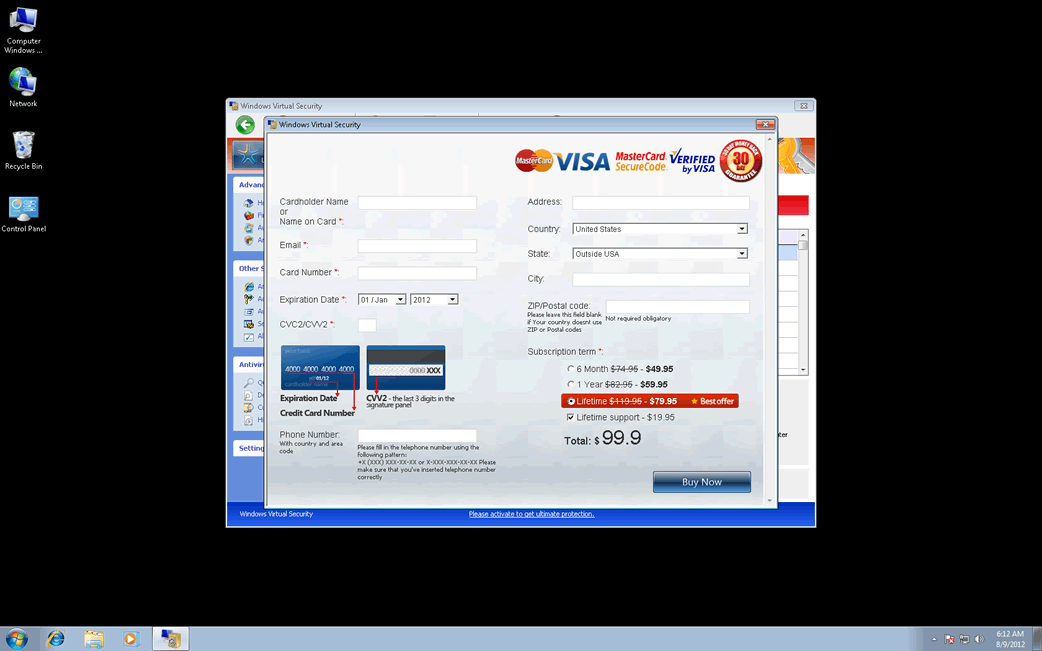
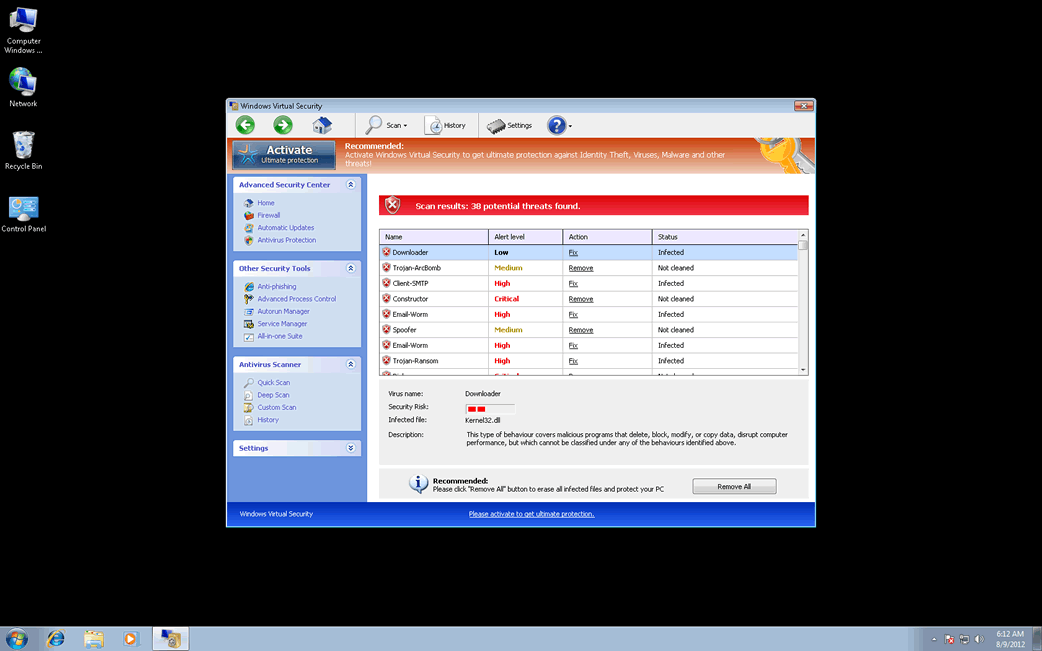
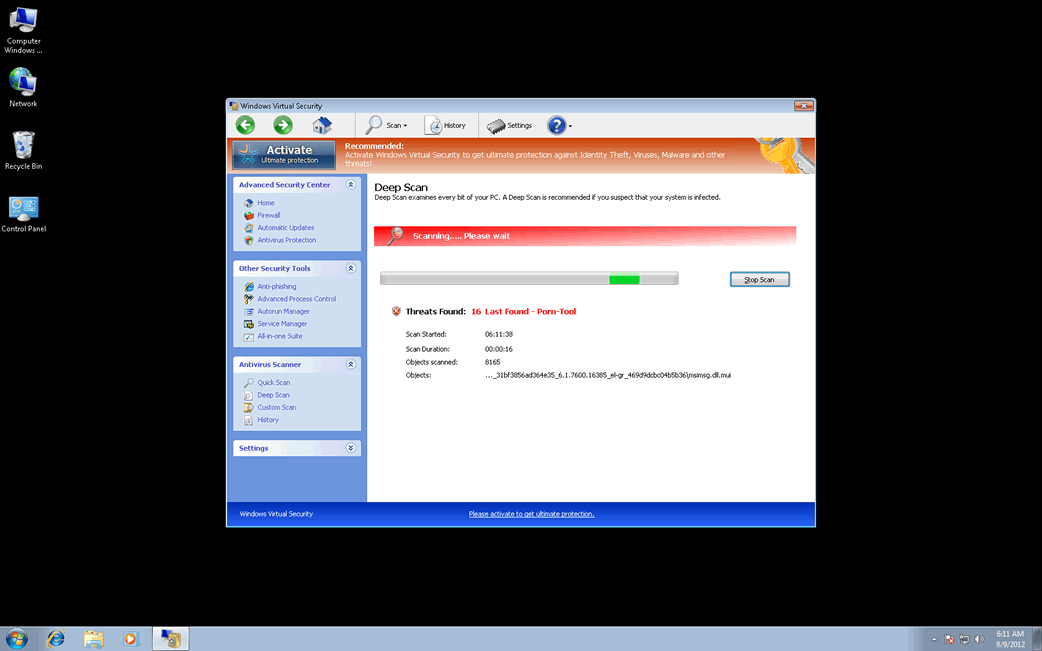
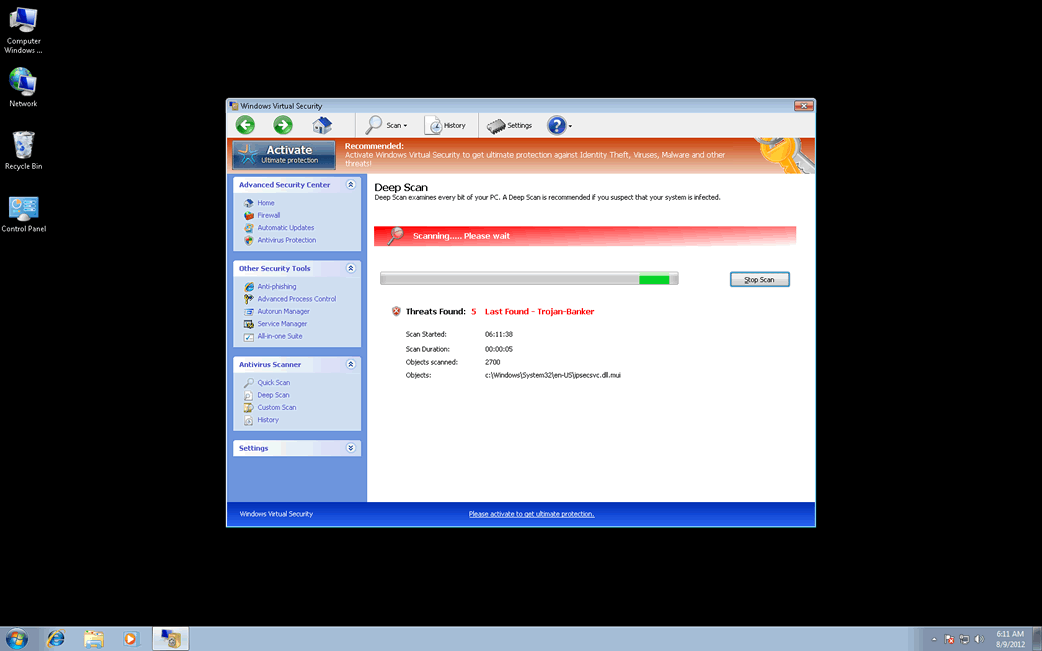
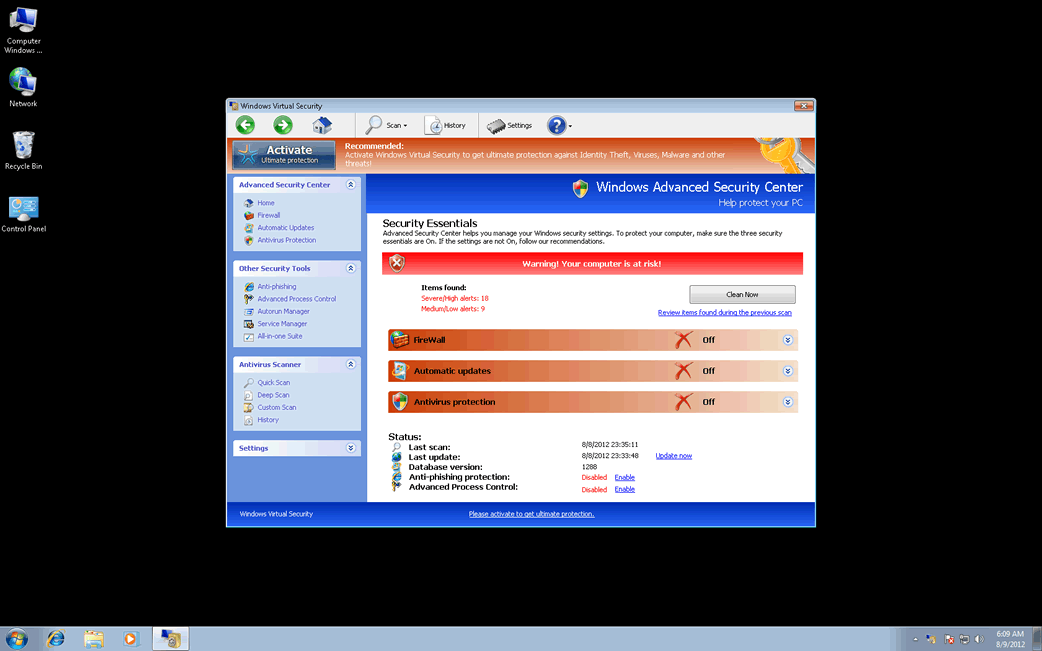
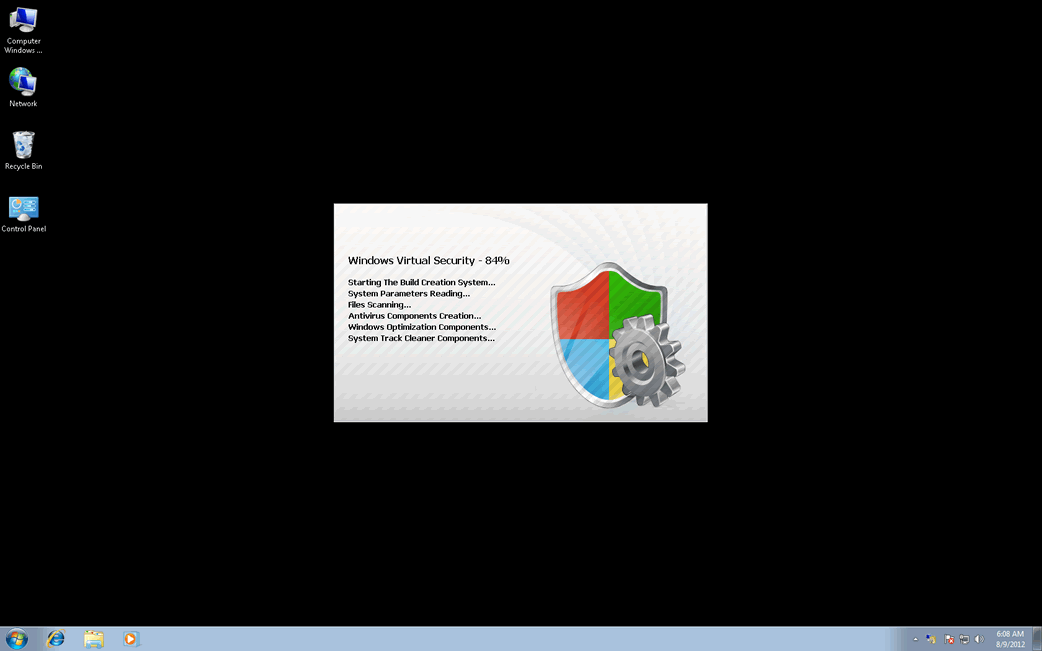
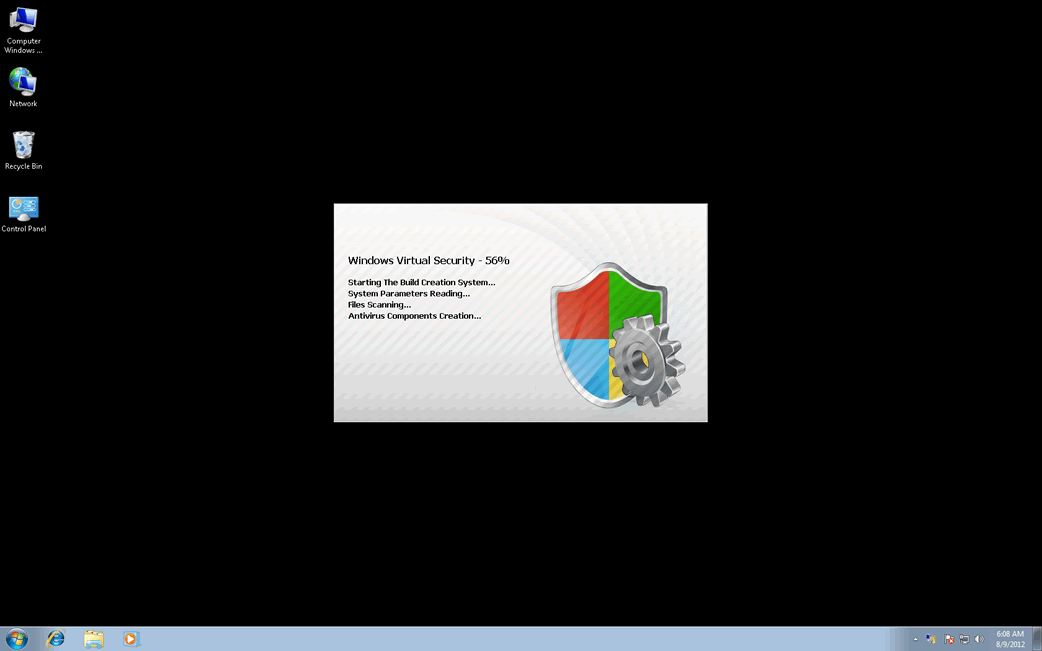
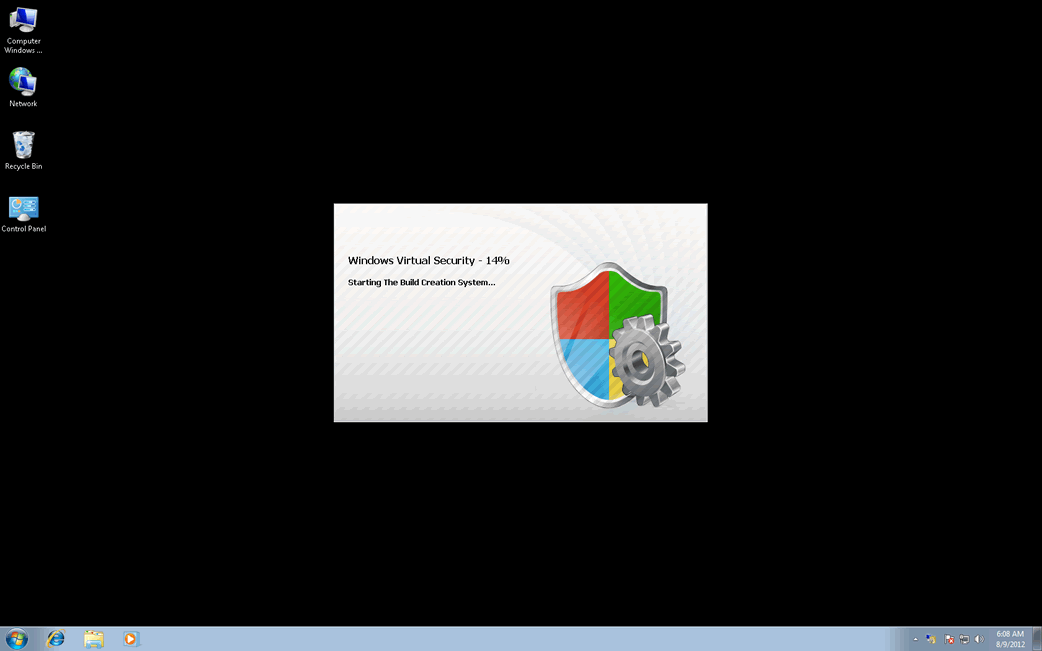
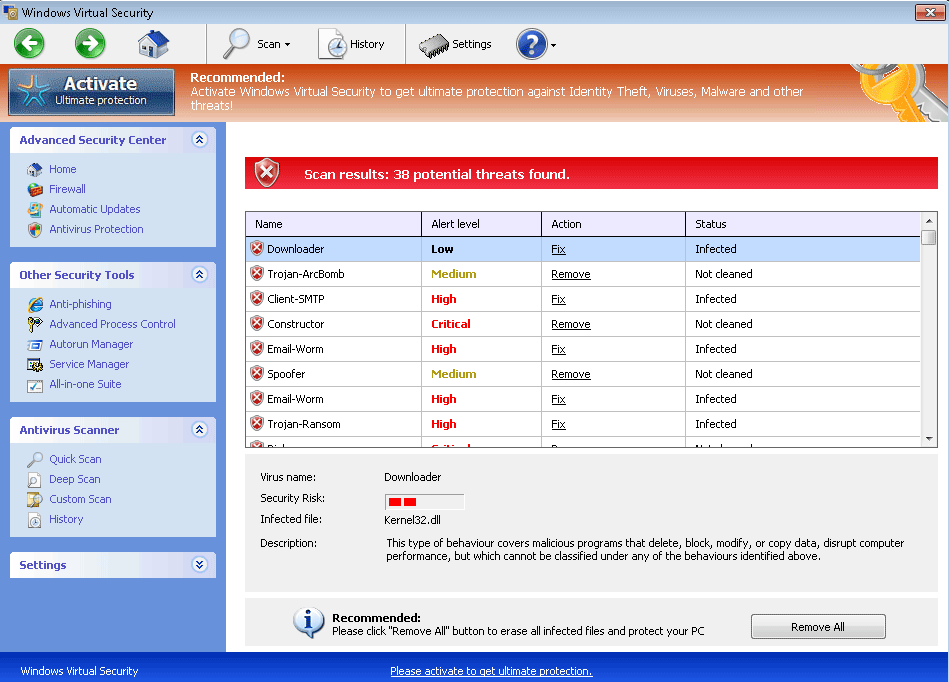
Table of Contents
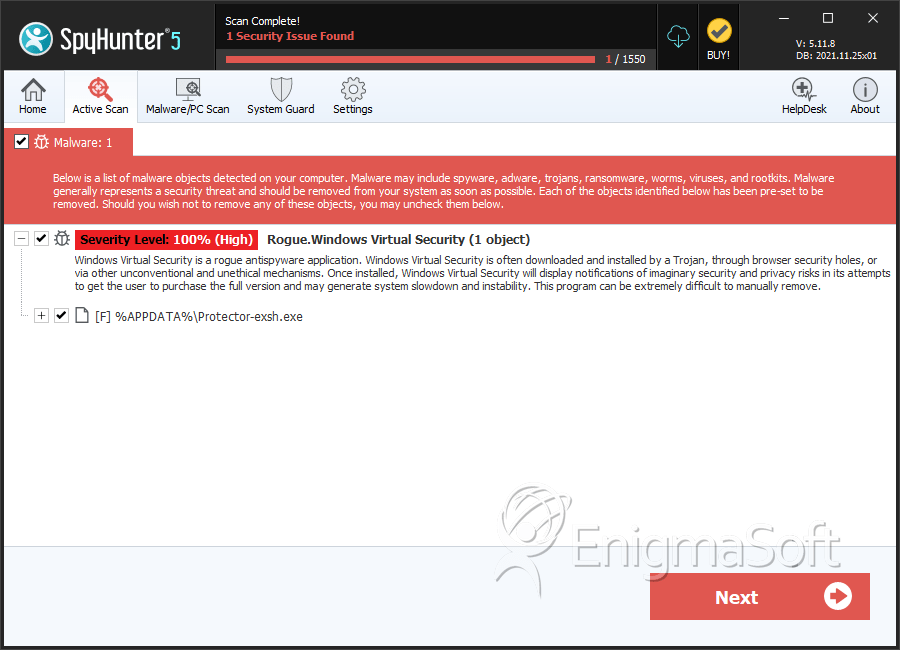
SpyHunter Detects & Remove Windows Virtual Security
Windows Virtual Security Video
Tip: Turn your sound ON and watch the video in Full Screen mode.
File System Details
| # | File Name | MD5 |
Detections
Detections: The number of confirmed and suspected cases of a particular threat detected on
infected computers as reported by SpyHunter.
|
|---|---|---|---|
| 1. | Protector-exsh.exe | cf08b9819944034d24297131dce44d07 | 1 |
| 2. | %AppData% Protector-[rnd].exe |



