Windows Virtual Angel
Threat Scorecard
EnigmaSoft Threat Scorecard
EnigmaSoft Threat Scorecards are assessment reports for different malware threats which have been collected and analyzed by our research team. EnigmaSoft Threat Scorecards evaluate and rank threats using several metrics including real-world and potential risk factors, trends, frequency, prevalence, and persistence. EnigmaSoft Threat Scorecards are updated regularly based on our research data and metrics and are useful for a wide range of computer users, from end users seeking solutions to remove malware from their systems to security experts analyzing threats.
EnigmaSoft Threat Scorecards display a variety of useful information, including:
Ranking: The ranking of a particular threat in EnigmaSoft’s Threat Database.
Severity Level: The determined severity level of an object, represented numerically, based on our risk modeling process and research, as explained in our Threat Assessment Criteria.
Infected Computers: The number of confirmed and suspected cases of a particular threat detected on infected computers as reported by SpyHunter.
See also Threat Assessment Criteria.
| Ranking: | 11,378 |
| Threat Level: | 20 % (Normal) |
| Infected Computers: | 23,707 |
| First Seen: | July 11, 2012 |
| Last Seen: | May 6, 2024 |
| OS(es) Affected: | Windows |
Windows Virtual Angel Image
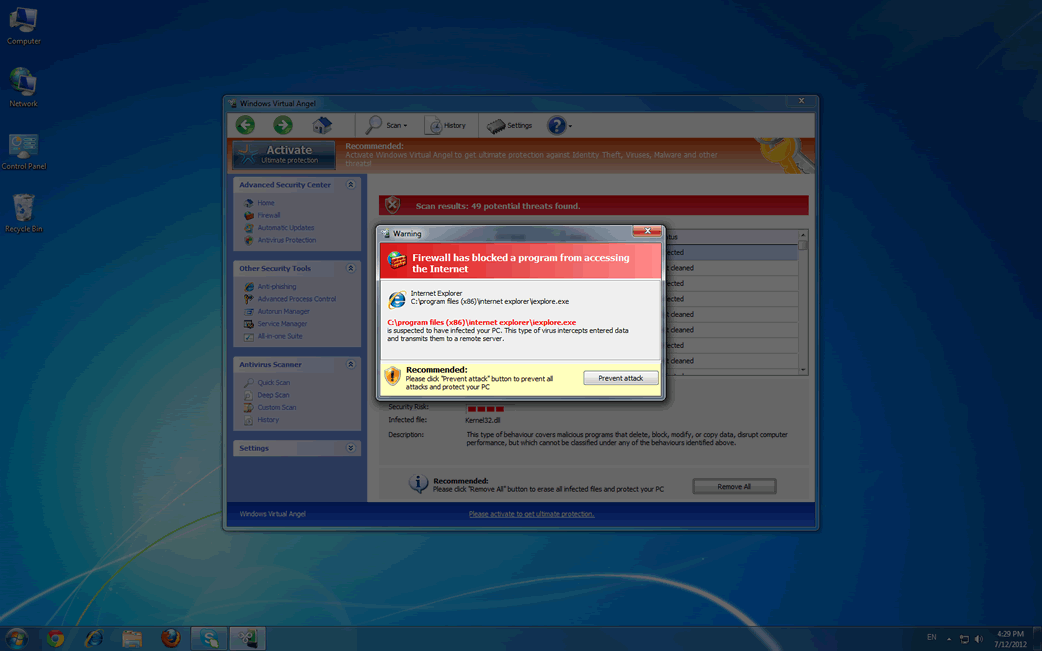
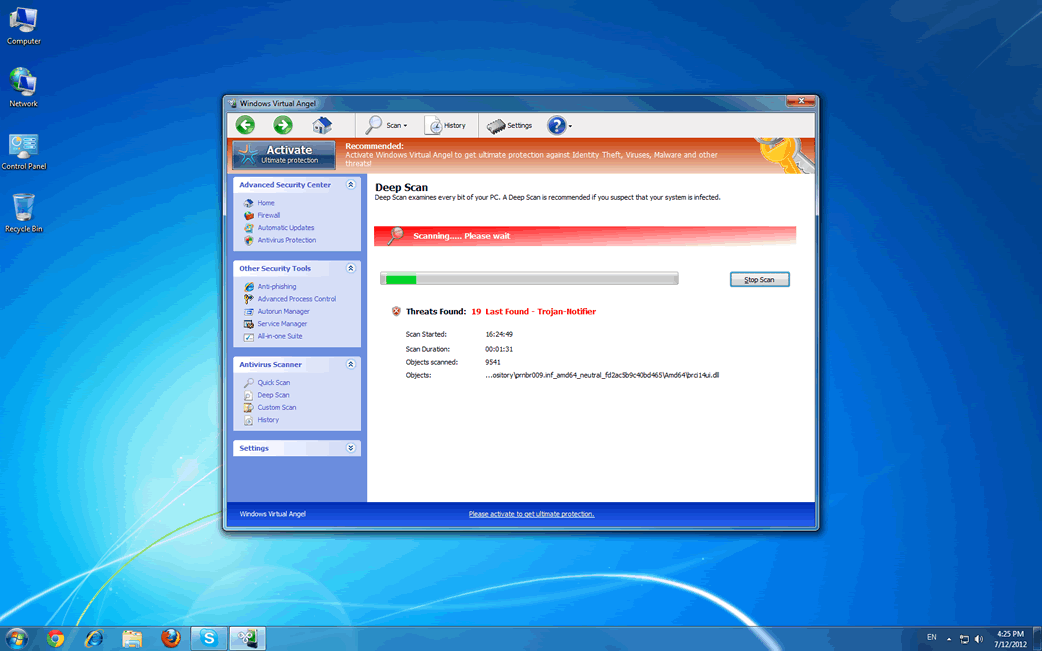
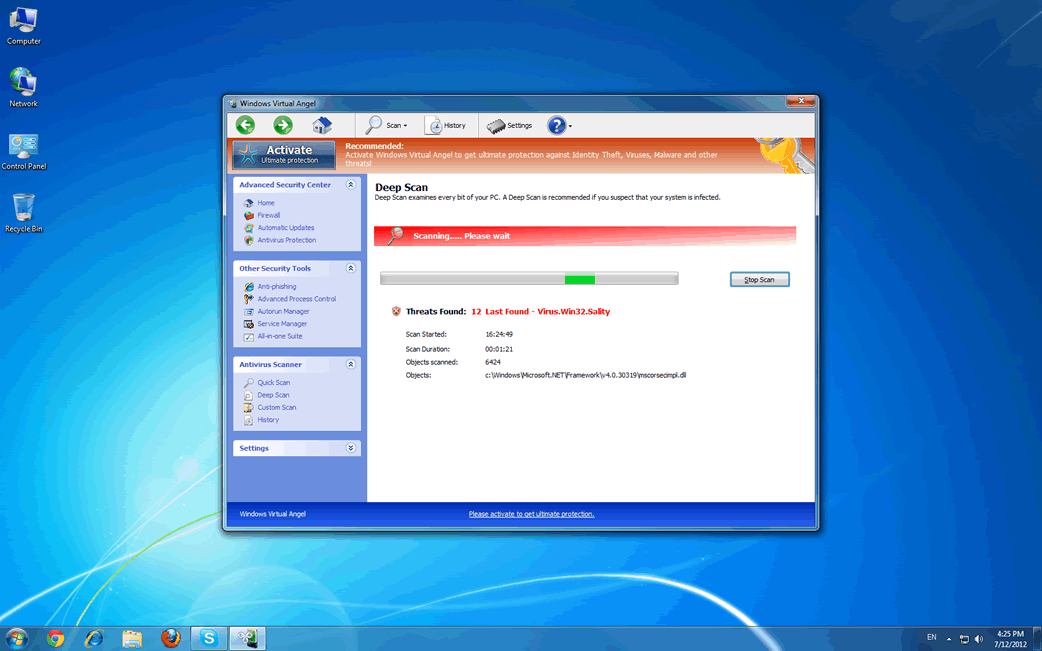
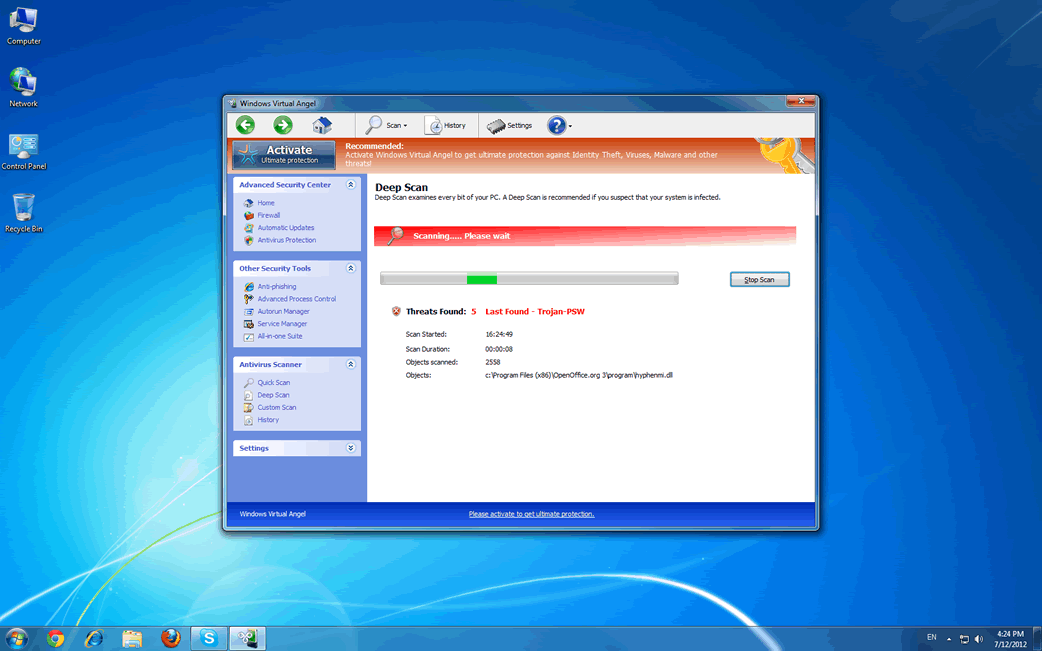
Windows Virtual Angel will not bless your computer in any way. In fact, you will quickly wish that Windows Virtual Angel had never entered your computer in the first place. Posing as a legitimate security program, Windows Virtual Angel is actually part of a common online scam. Windows Virtual Angel is part of the FakeVimes family of rogue security programs, a very large group of malware that has been continuously active since 2009. If you are receiving notifications from Windows Virtual Angel, ESG malware analysts strongly advise using a strong anti-malware program to scan your computer and remove Windows Virtual Angel and other malware associated with Windows Virtual Angel.
Table of Contents
How a Typical Windows Virtual Angel Infection Works
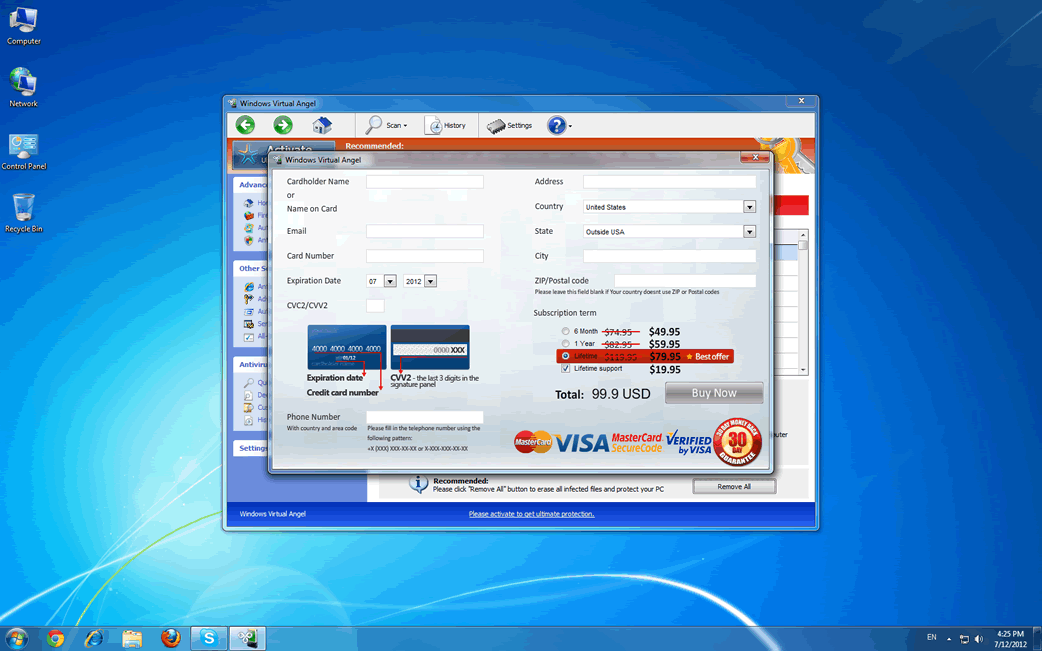
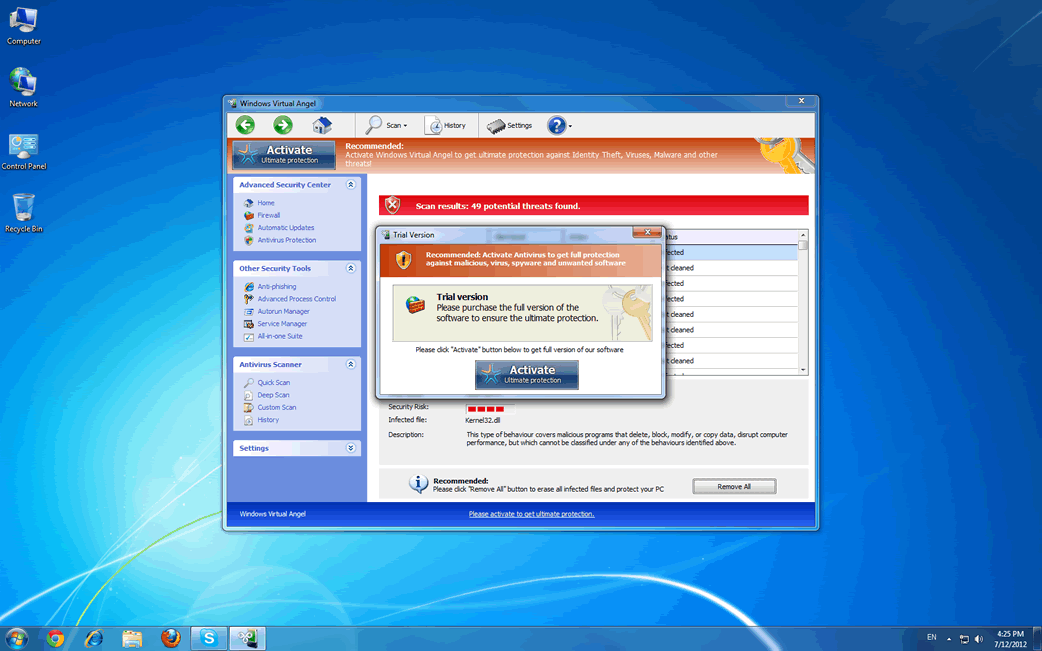
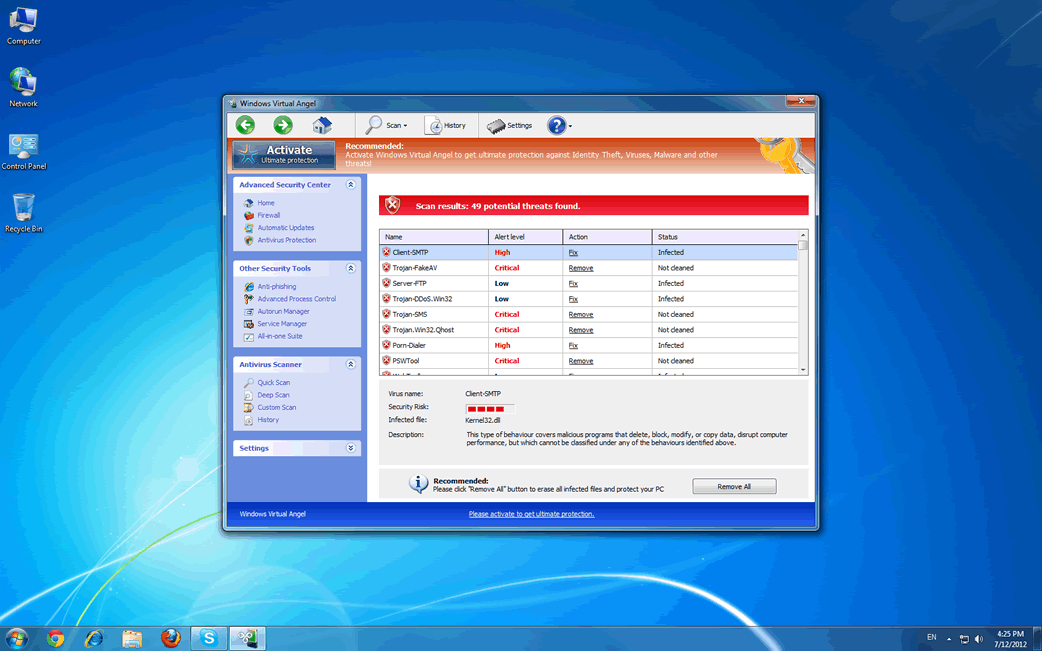
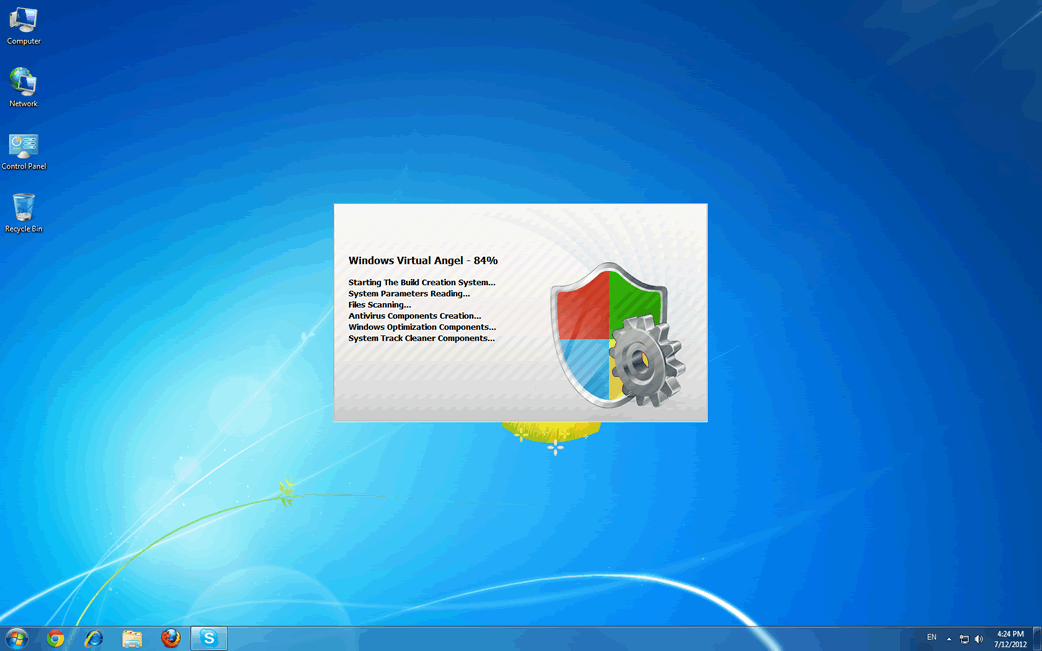
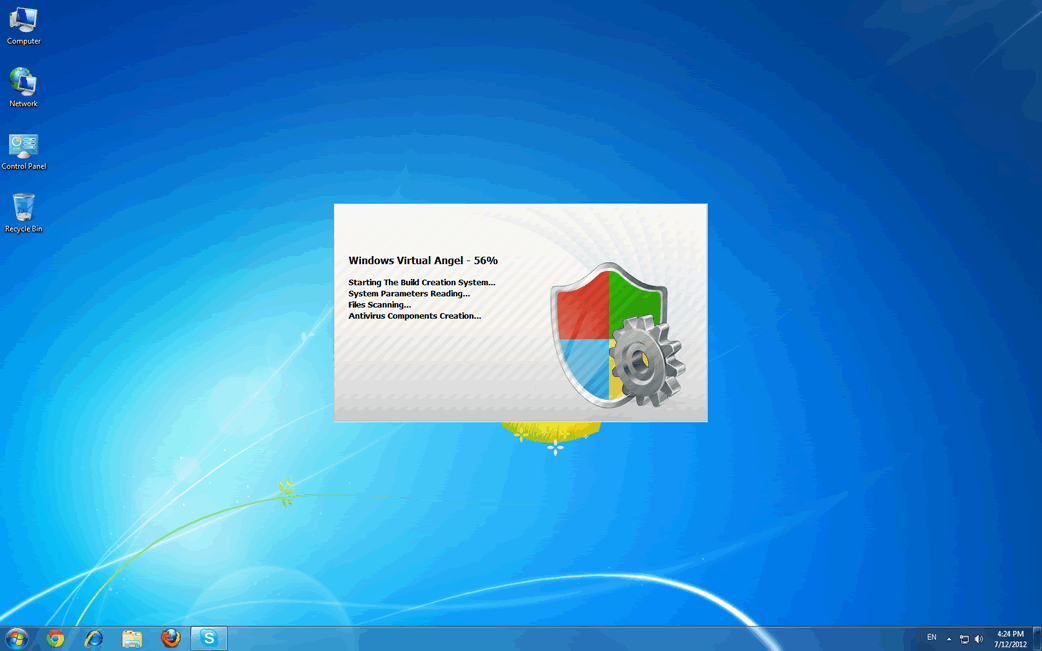
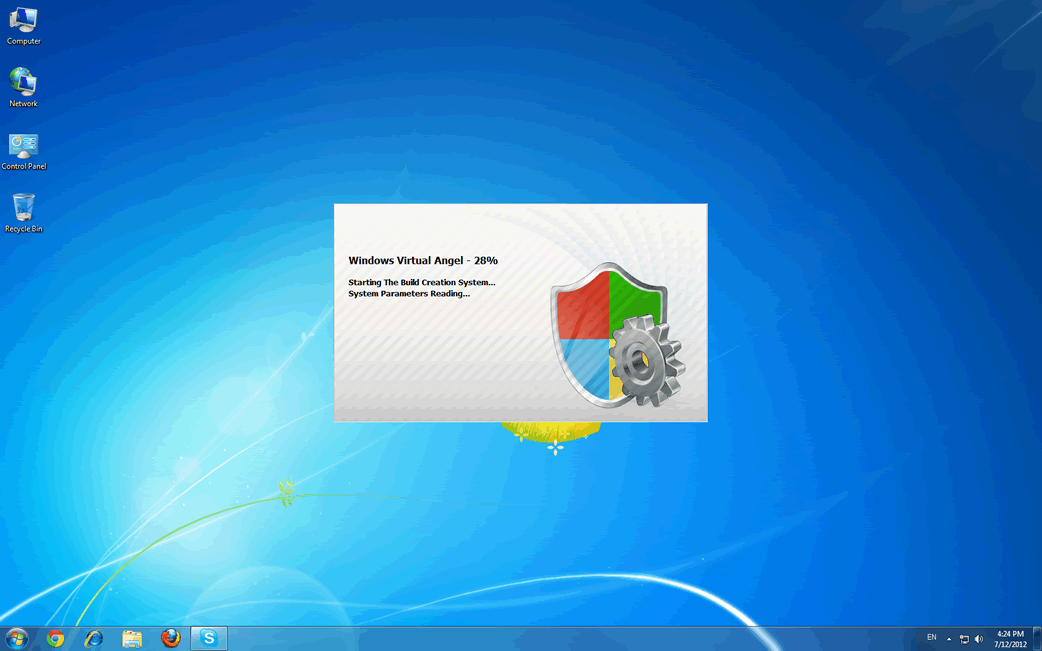
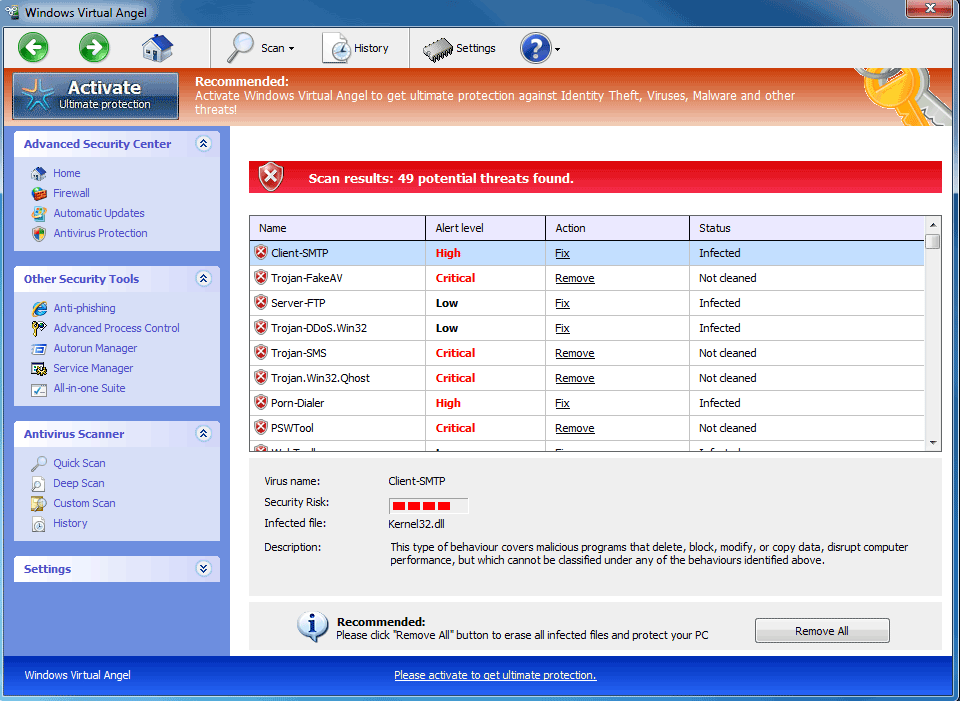
Windows Virtual Angel will usually be installed on your computer through a social engineering approach that either convinces the victim to install Windows Virtual Angel directly or a downloader Trojan disguised as something else (a misleading email attachment, for example). Once installed, Windows Virtual Angel will change your computer's settings so that Windows Virtual Angel launches automatically whenever Windows starts up. As soon as you log into Windows, Windows Virtual Angel will harass you with a fake malware scan that will invariably indicate that a large number of malware threats are present on your computer. If you try to fix these supposed malware problems with Windows Virtual Angel, all you will get is error messages claiming that you will need to upgrade to an expensive (and useless) 'full version' of Windows Virtual Angel. Due to the fact that Windows Virtual Angel has no real anti-malware capabilities, ESG security researchers strongly advise against purchasing this useless, fake security application.
Problems Associated with Windows Virtual Angel
Windows Virtual Angel will use numerous error messages to convince you that you need to 'upgrade.' It will also cause your computer to become unstable and behave strangely, reinforcing the lie that you need to upgrade Windows Virtual Angel. This fake security program can block your access to your own files and applications, interfere with legitimate anti-virus programs, cause browser redirects, and cause your operating system to run slowly and crash frequently.
Variants from the Sirefef family of rootkits, in particular, are often associated with Windows Virtual Angel and other FakeVimes malware infections released in 2012. Clones of Windows Virtual Angel include such fake security programs as Virus Melt, Presto TuneUp, Fast Antivirus 2009, Extra Antivirus, Windows Security Suite, Smart Virus Eliminator, Packed.Generic.245, Volcano Security Suite, Windows Enterprise Suite, Enterprise Suite, Additional Guard, PC Live Guard, Live PC Care, Live Enterprise Suite, Security Antivirus, My Security Wall, CleanUp Antivirus, Smart Security, Windows Protection Suite, Windows Work Catalyst.
Aliases
15 security vendors flagged this file as malicious.
| Anti-Virus Software | Detection |
|---|---|
| Microsoft | Adware:Win32/AdRotator |
| Panda | Generic Malware |
| Ikarus | Trojan-Dropper.Win32.Dapato |
| Sophos | Mal/Generic-L |
| K7AntiVirus | Trojan |
| McAfee | Generic Dropper!1wj |
| CAT-QuickHeal | TrojanDropper.Dapato.biww |
| AVG | Generic5.GDY |
| AntiVir | Adware/Zwangi.AKH |
| BitDefender | Gen:Variant.Adware.Ezula.1 |
| Comodo | Heur.Packed.Unknown |
| Kaspersky | UDS:DangerousObject.Multi.Generic |
| McAfee | W32/Rimecud!a |
| AVG | Dropper.Generic6.AAWD |
| Fortinet | W32/Dapato.BIWW!tr |
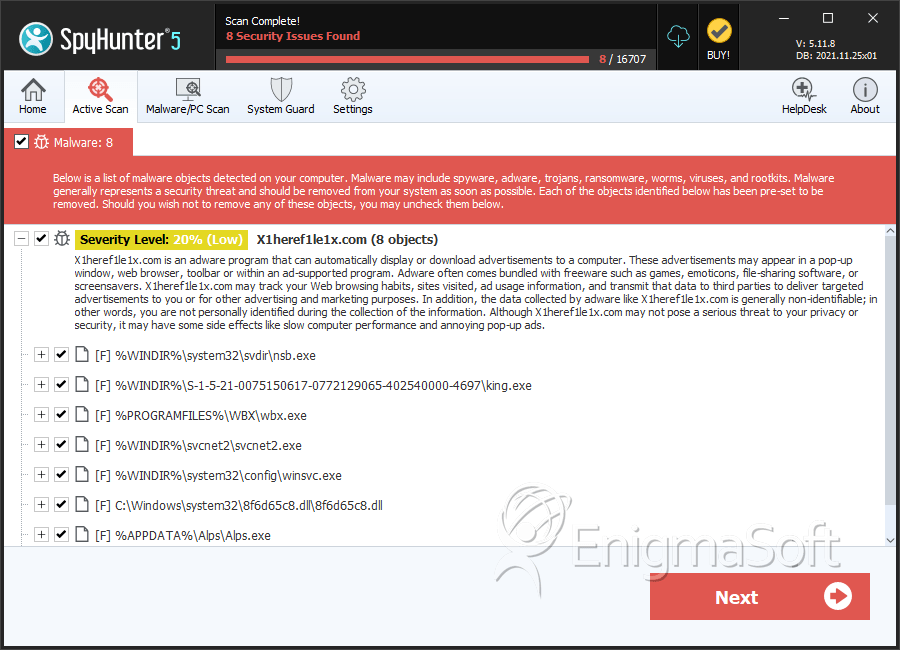
SpyHunter Detects & Remove Windows Virtual Angel
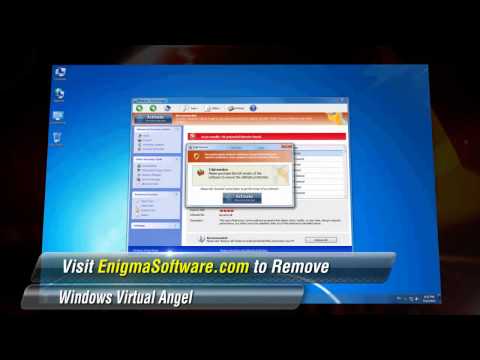
Windows Virtual Angel Video
Tip: Turn your sound ON and watch the video in Full Screen mode.
File System Details
| # | File Name | MD5 |
Detections
Detections: The number of confirmed and suspected cases of a particular threat detected on
infected computers as reported by SpyHunter.
|
|---|---|---|---|
| 1. | nsb.exe | 3bfa6d51cad9d20f3b6652267049ae34 | 125 |
| 2. | king.exe | 854eb5d1ae012c8d321283e534434e54 | 34 |
| 3. | wbx.exe | 40bae78163393df1b5e2e4f15d02bff7 | 32 |
| 4. | svcnet2.exe | 0daf54185b5e34b05114a14736d60958 | 21 |
| 5. | winsvc.exe | b18b6cd053fd490d8e98ba198312e975 | 9 |
| 6. | 8f6d65c8.dll | a7bba136915c6d3b453a8a8a6902de86 | 8 |
| 7. | 0623d69f6be79d3b0233d623466cdb69.exe | 0623d69f6be79d3b0233d623466cdb69 | 3 |
| 8. | Alps.exe | e76b6d1d349876630d9afec425c8fbe4 | 2 |
| 9. | msajhywpc.exe | 7baeb6702fc9660dce84de246551cc02 | 2 |
| 10. | f078b911.dll | ff69cebb0bc9f4470a4521848a2b0054 | 1 |
| 11. | %AppData%\Protector-[RANDOM CHARACTERS].exe |
Registry Details
URLs
Windows Virtual Angel may call the following URLs:
| x1heref1le1x.com |



