Windows Ultimate Security Patch
By ESGI Advisor in Rogue Anti-Spyware Program | 281 views
Rate it:
1 Star2 Stars3 Stars4 Stars5 Stars (1 votes, average: 5.00 out of 5)
Loading ... Loading ...
More... More

Windows Ultimate Security Patch Description

Image Screenshot

[+] Click Image to Enlarge

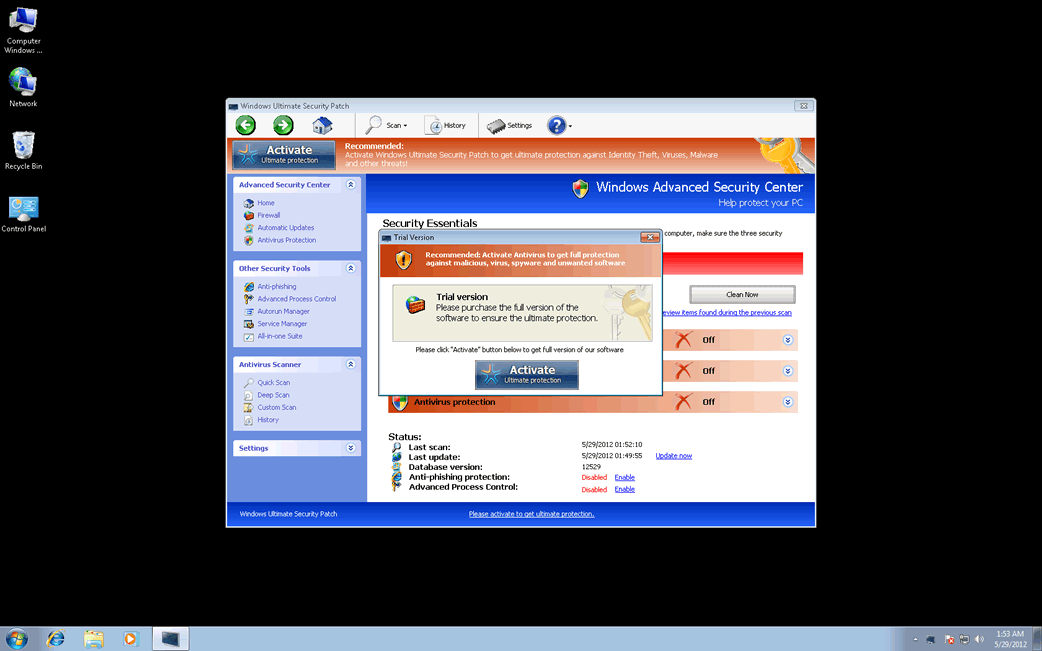
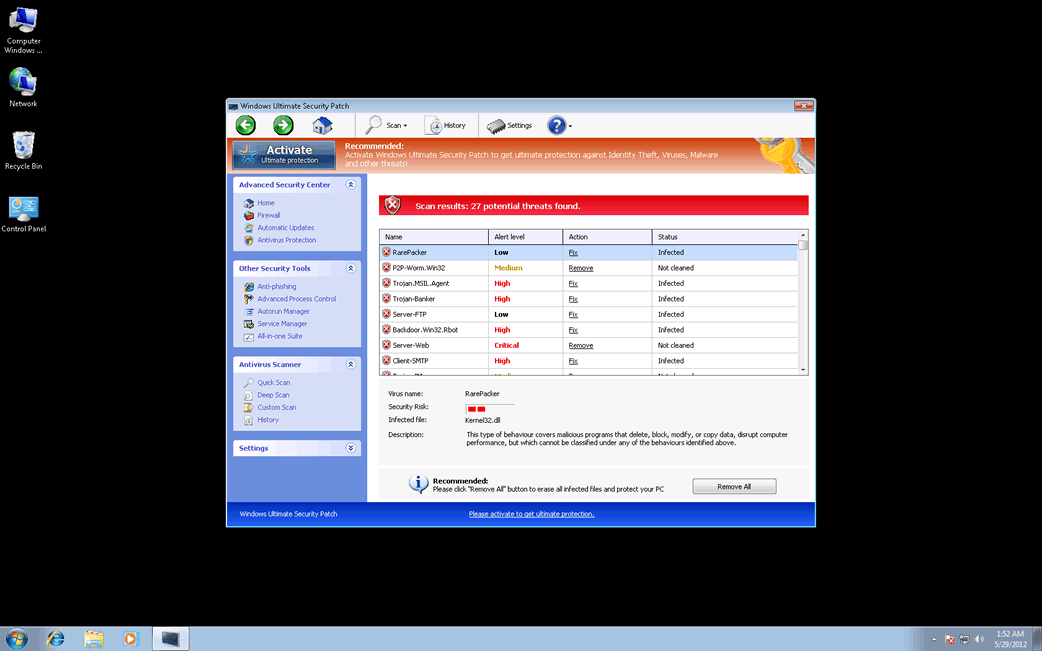
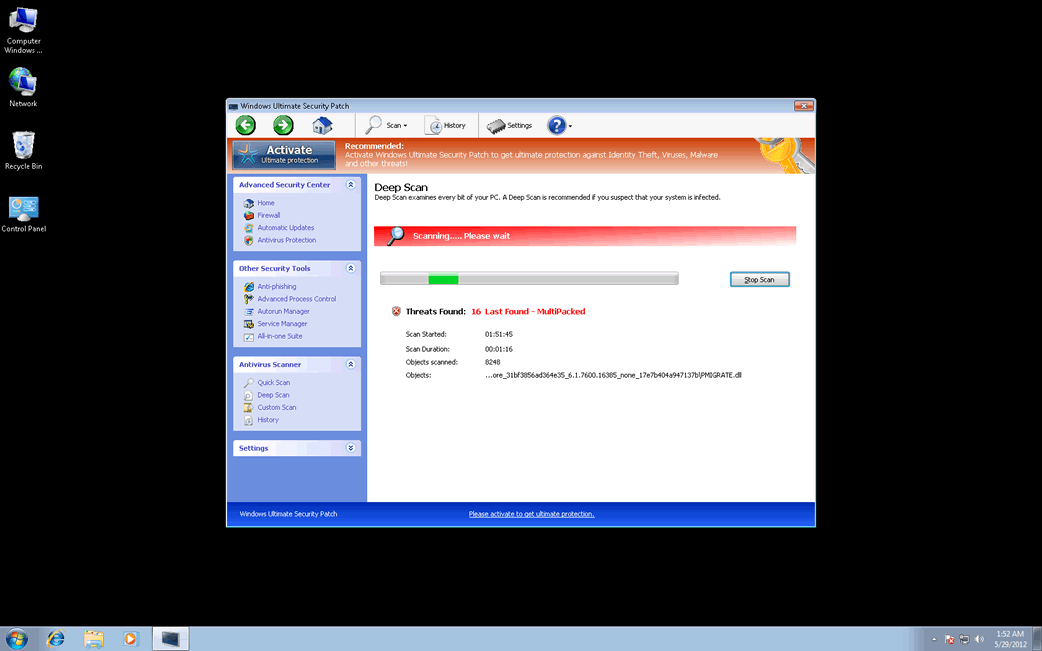
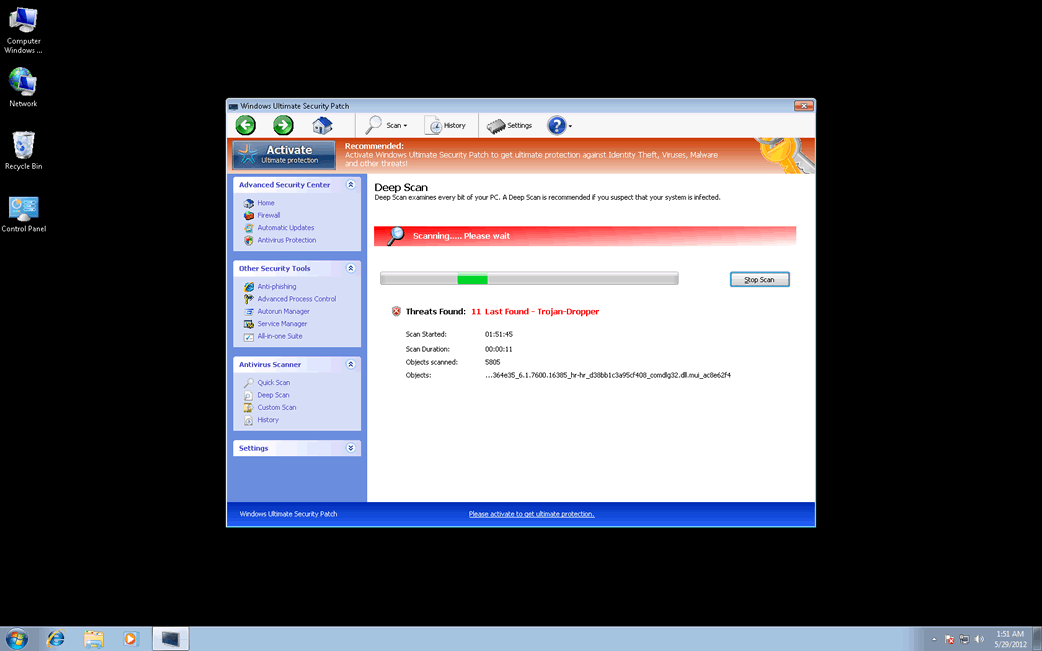
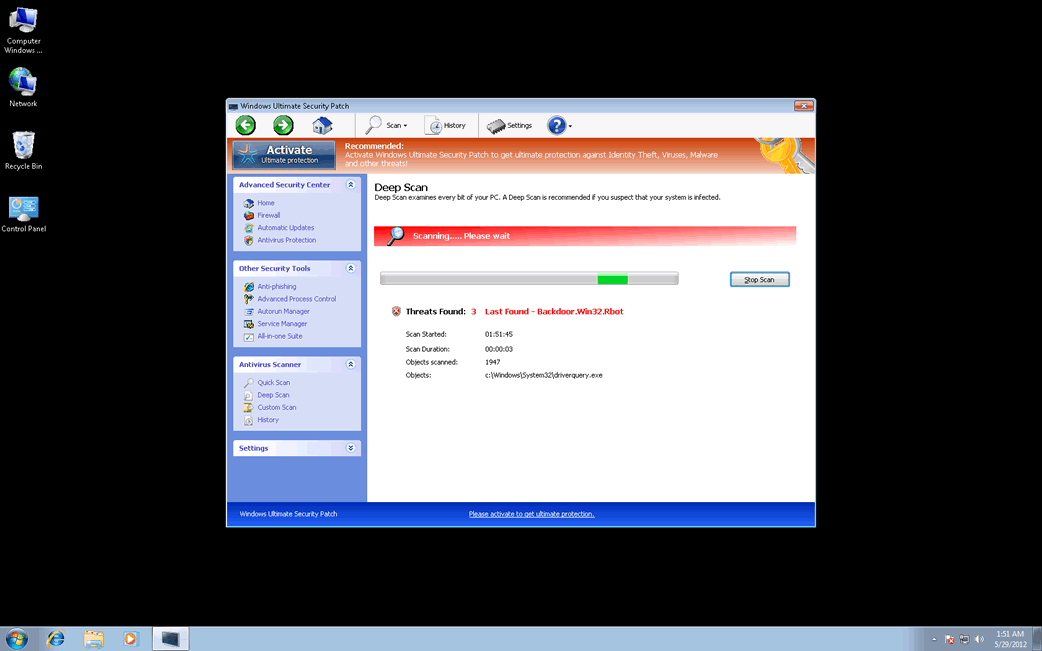
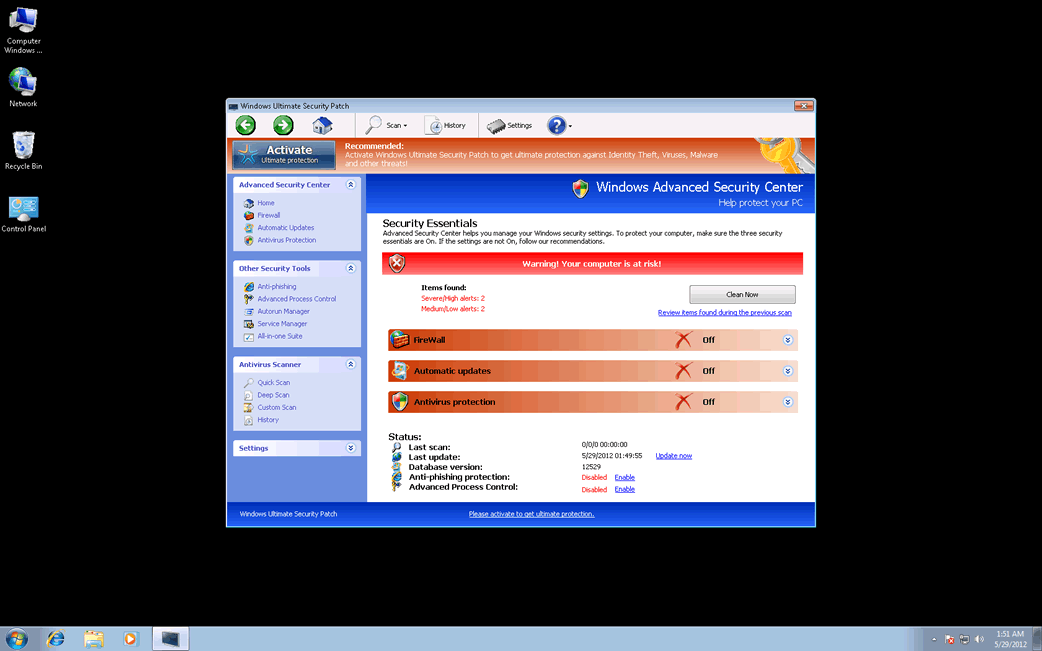
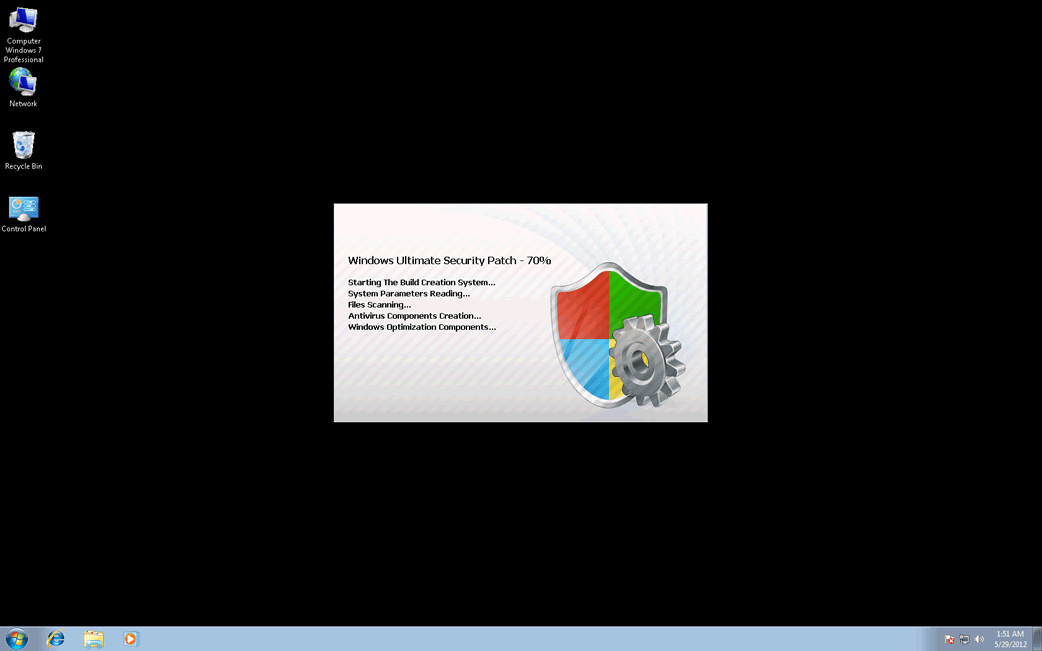
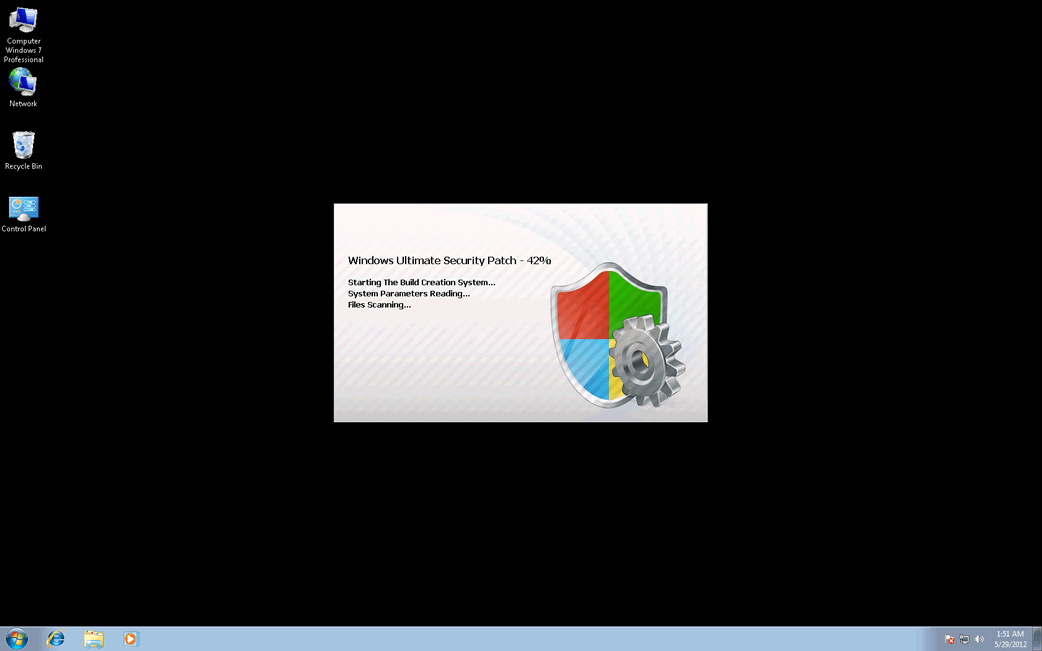
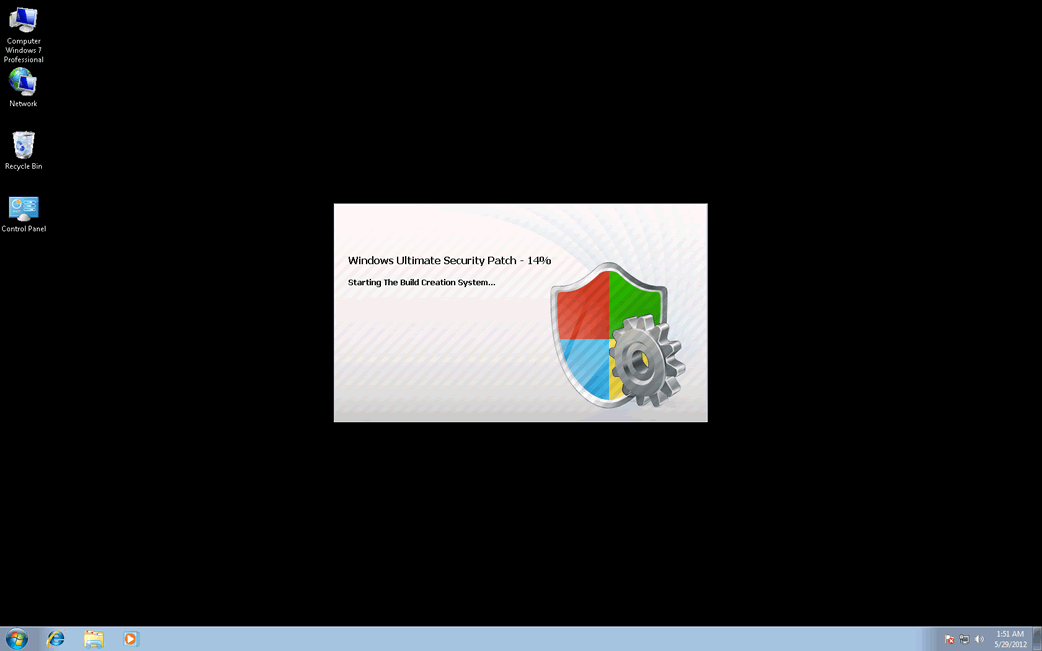
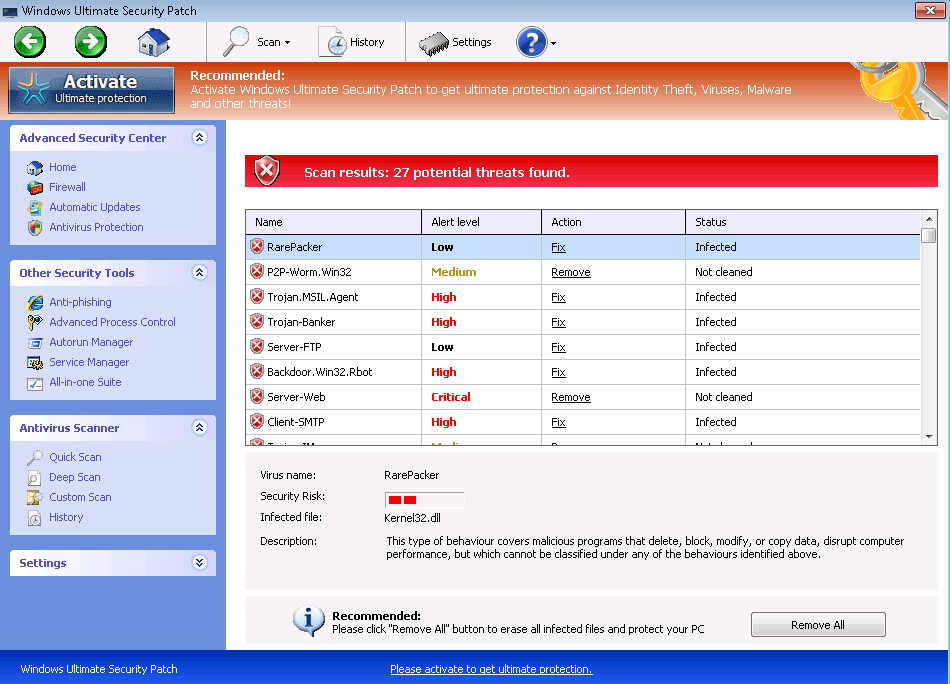
Do not be fooled by Windows Ultimate Security Patch’s name! This application has nothing that a legitimate computer security program must have, and Windows Ultimate Security Patch is not associated with Microsoft in any way. Windows Ultimate Security Patch is actually a kind of malware infection, a malicious program that is actually designed to carry out a scam (often referred to as ’scamware’). These kinds of fake security programs, usually known as rogue security programs, will try to convince you that your computer is infected with malware so that you will buy a ‘complete version’ of Windows Ultimate Security Patch. What Windows Ultimate Security Patch fails to mention is that the main malware infection on your computer system is Windows Ultimate Security Patch itself.

The Windows Ultimate Security Patch scam is not difficult to understand. Basically, Windows Ultimate Security Patch will enter your computer system without your authorization, pretend to be a real security program, try to alarm you about a nonexistent malware threat, and then convince you to pay an exorbitant amount if you want to fix these supposed problems on your computer system. To try to alarm you, Windows Ultimate Security Patch will display a large number of bogus error messages and alarming pop-up notifications from the Task Bar. Windows Ultimate Security Patch has the capacity to cause other problems on your computer system, such as browser redirects, decreased system performance and blocked access to your files or applications.

Windows Ultimate Security Patch Belongs to a Particularly Large Family of Scamware

Windows Ultimate Security Patch is one of the many fake security applications that belong to the FakeVimes family of malware. This large family of fake security programs, active since 2009, includes programs like Windows Defence Counsel, Windows Internet Booster and Windows Advanced User Patch. Malware in the FakeVimes family released in 2012 is hard to be removed due to the fact that these fake security programs (including Windows Ultimate Security Patch) use a variety of the Sirefef rootkit as part of their attack on the victim’s computer system. Because of this, it may be necessary to use a reliable anti-rootkit tool to enable your security program of choice to detect and remove Windows Ultimate Security Patch. ESG malware analysts have detected that the registration code 0W000-000B0-00T00-E0020 can stop many of Windows Ultimate Security Patch’s most irritating symptoms, although the removal of this threat with a reliable anti-malware program will still be necessary.

Type: Rogue AntiSpyware Programs

How Can You Detect Windows Ultimate Security Patch?

Windows Ultimate Security Patch Technical Report

As new Windows Ultimate Security Patch details are reported by our customers and findings from our Threat Research Center, we will update this section.

Fake message for Windows Ultimate Security Patch:

The following fake error message(s) appears for Windows Ultimate Security Patch:

Torrent Alert
Recomended: Please use secure encryption protocol for torrent links.
Torrent link detected!
Receiving this notification means that you have violated the copyright laws. Using Torrent for downloading movies and licensed

software shall be prosecuted and you may be sued for cybercrime and breach of law under SOPA legislation.
Please register your copy of the AV to activate anonymous data transfer protocol through torrent link.
Get Anonymous connection

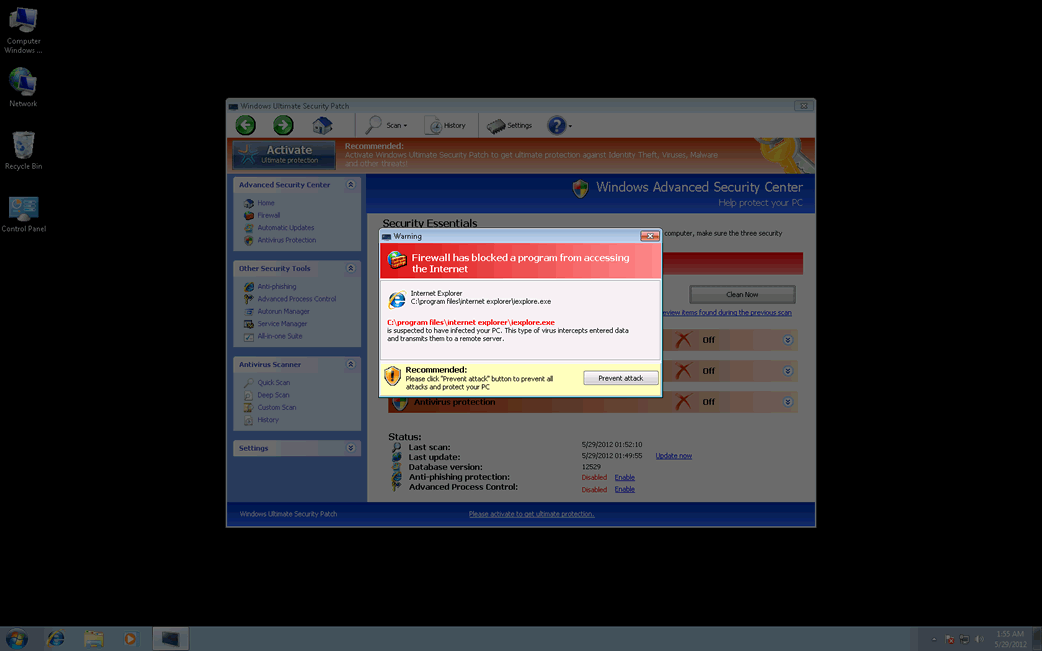
Warning
Firewall has blocked a program from accessing the Internet
C:program filesinternet exploreriexplore.exe
is suspected to have infected your PC. This type of virus intercepts entered data and transmits them to a remote server.

Warning! Spambot detected!
Attention! A spambot sending viruses from your e-mail has been detected on your PC.

Warning
Warning! Identity theft attempt detected!
Hidden connection IP: 87.23.232.71
Target: Your bank account details
Your IP: 127.0.0.1
Recommended :
Please click “Prevent Attack” button to prevent all attacks and protect your PC.

‘How Windows Ultimate Security Patch Infects Your Computer’ Video

Windows Ultimate Security Patch Removal Details

Windows Ultimate Security Patch has typically the following processes in memory:

  • Protector-[RANDOM CHARACTERS].exe

Windows Ultimate Security Patch creates the following registry entries:

  • HKEY_LOCAL_MACHINE\Software\Microsoft\Windows NT\CurrentVersion\Image File Execution Options\AAWTray.exe\
  • HKEY_LOCAL_MACHINE\Software\Microsoft\Windows NT\CurrentVersion\Image File Execution Options\a.exe\
  • HKEY_LOCAL_MACHINE\Software\Microsoft\Windows NT\CurrentVersion\Image File Execution Options\Ad-Aware.exe\
  • HKEY_LOCAL_MACHINE\Software\Microsoft\Windows NT\CurrentVersion\Image File Execution Options\advxdwin.exe\
  • HKEY_LOCAL_MACHINE\Software\Microsoft\Windows NT\CurrentVersion\Image File Execution Options\alogserv.exe\
  • HKEY_LOCAL_MACHINE\Software\Microsoft\Windows NT\CurrentVersion\Image File Execution Options\alertsvc.exe\
  • Inspector = %AppData%\Protector-[RANDOM CHARACTERS].exe
  • HKEY_LOCAL_MACHINE\Software\Microsoft\Windows NT\CurrentVersion\Image File Execution Options\About.exe\
  • HKEY_LOCAL_MACHINE\Software\Microsoft\Windows NT\CurrentVersion\Image File Execution Options\ackwin32.exe\
  • HKEY_LOCAL_MACHINE\Software\Microsoft\Windows NT\CurrentVersion\Image File Execution Options\agent.exe\
  • HKEY_LOCAL_MACHINE\Software\Microsoft\Windows NT\CurrentVersion\Image File Execution Options\agentw.exe\
  • HKEY_LOCAL_MACHINE\Software\Microsoft\Windows NT\CurrentVersion\Image File Execution Options\AlphaAV.exe\
  • HKEY_CURRENT_USER\Software\Microsoft\Windows\CurrentVersion\Run\
  • Debugger = svchost.exe
  • HKEY_LOCAL_MACHINE\Software\Microsoft\Windows NT\CurrentVersion\Image File Execution Options\aAvgApi.exe\
  • HKEY_LOCAL_MACHINE\Software\Microsoft\Windows NT\CurrentVersion\Image File Execution Options\AdwarePrj.exe\
  • HKEY_LOCAL_MACHINE\Software\Microsoft\Windows NT\CurrentVersion\Image File Execution Options\agentsvr.exe\
  • HKEY_LOCAL_MACHINE\Software\Microsoft\Windows NT\CurrentVersion\Image File Execution Options\AlphaAV\
  • HKEY_LOCAL_MACHINE\Software\Microsoft\Windows NT\CurrentVersion\Image File Execution Options\alevir.exe\

Important Article Disclaimer

ESG Support Center

This entry was last updated on 08/17/12 and posted on 05/28/12. You can follow any responses to this entry through the RSS 2.0 feed. You can leave a response, or trackback from your own site.

Leave a Comment

Note: Abusive comments are not allowed. Please do not post comments regarding technical support issues. ESG customers that have issues with SpyHunter should open a customer support ticket.

*
To prove you're a person (not a spam script), type the security word shown in the picture. Click on the picture to hear an audio file of the word.
Click to hear an audio file of the anti-spam word

Home | SpyHunter Risk Assessment Model | Privacy Policy | End User License Agreement | Additional Terms and Conditions
Copyright 2003-2012. Enigma Software Group USA, LLC. All Rights Reserved.