Windows Trojans Inspector
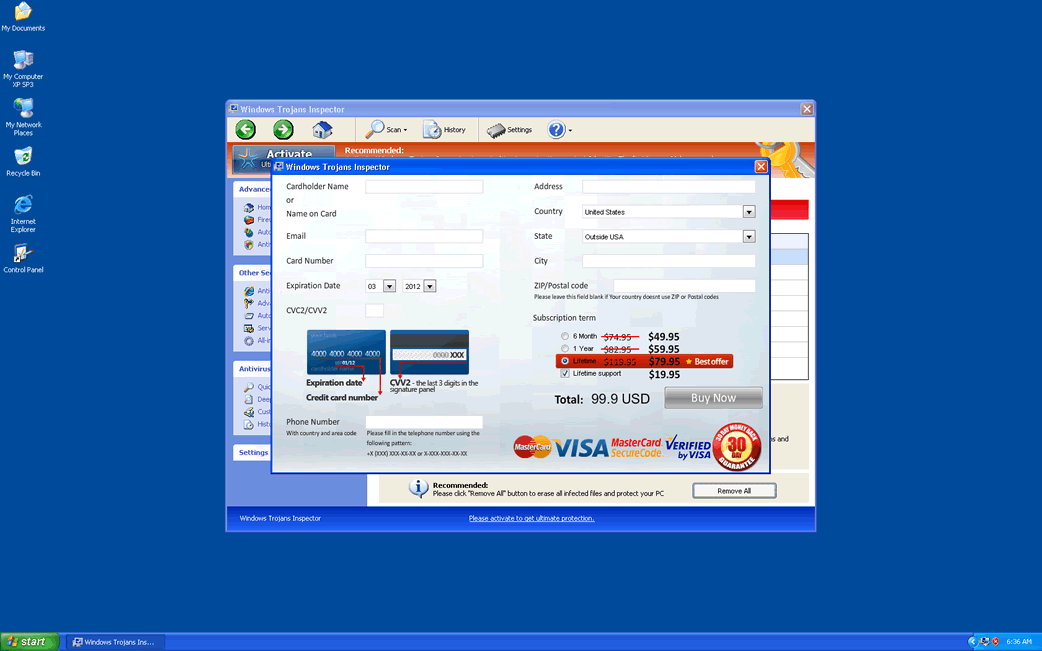
Windows Trojans Inspector Image
Windows Trojans Inspector is part of a large batch of rogue anti-spyware programs that have been plaguing computer users since January of 2012. While Windows Trojans Inspector belongs to a large family of malware that has been around since 2009 (FakeVimes), Windows Trojans Inspector belongs to a recent batch of malware that has no substantial differences from previous incarnations of this fake security program apart from the updated GUI (Graphic User Interface). ESG security analysts recommend using a reliable anti-malware application to solve any problems related to Windows Trojans Inspector. However, this is easier said than done.
Versions of Windows Trojans Inspector have been known to include components designed to disable the most common security applications on the market as well as impeding access to Windows components that are commonly helpful when it comes to dealing with malware infections (such as the Task Manager, Windows Restore or the Windows Registry Editor). Because of this, it may be necessary to boot your computer in Safe Mode or to boot Windows from an external memory device rather than from the infected hard drive.
Table of Contents
An Overview of the Windows Trojans Inspector Scam
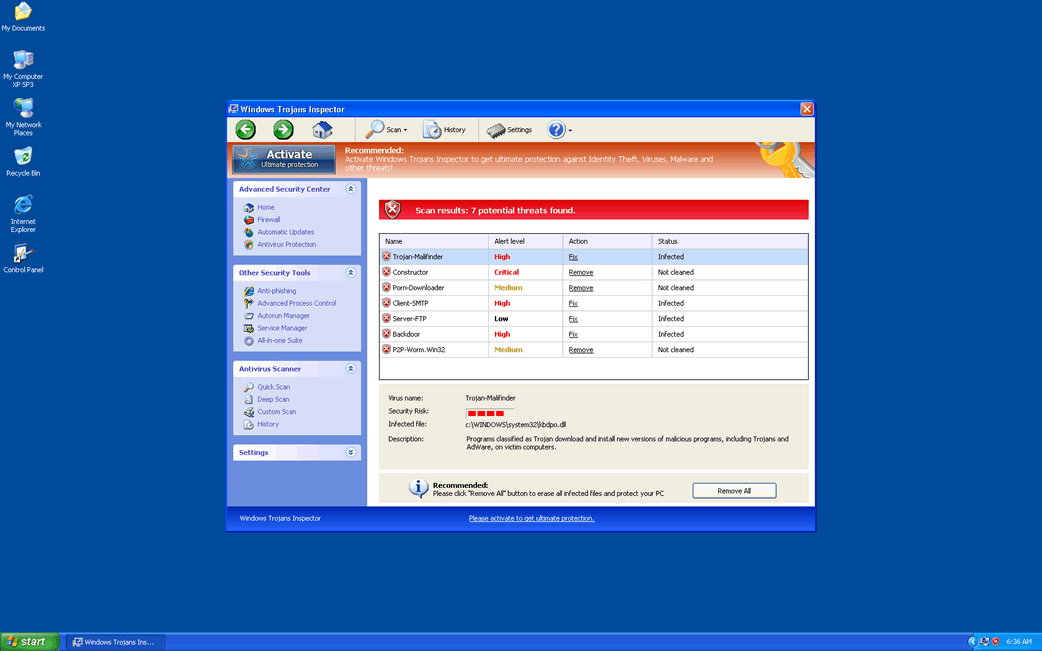
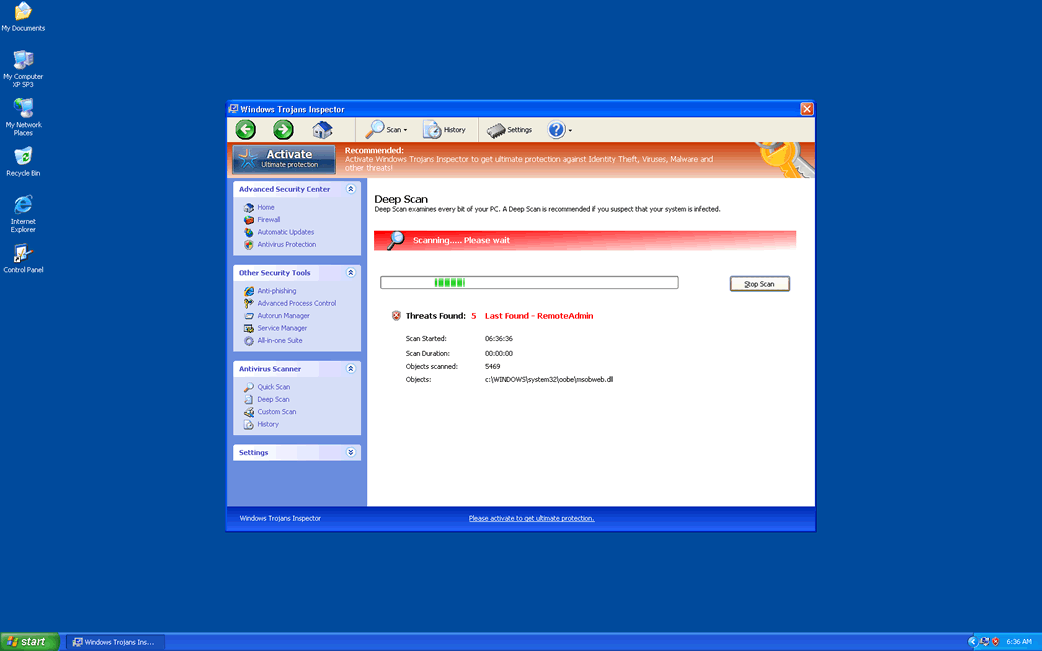
Windows Trojans Inspector carries out the same tired scam that has plagued computer users for years in various different iterations. Basically, Windows Trojans Inspector will display a constant torrent of professional-looking error messages designed to make the victim believe that their computer system is infected with extremely dangerous malware. Then, Windows Trojans Inspector offers to clean this malware if the victim is willing to purchase a useless license for this fake security program. The clones of Windows Trojans Inspector include Virus Melt, Presto TuneUp, Fast Antivirus 2009, Extra Antivirus, Windows Security Suite, Smart Virus Eliminator, Packed.Generic.245, Volcano Security Suite, Windows Enterprise Suite, Enterprise Suite, Additional Guard, PC Live Guard, Live PC Care, Live Enterprise Suite, Security Antivirus, My Security Wall, CleanUp Antivirus, Smart Security, Windows Protection Suite, Windows Work Catalyst.
All Windows Trojans Inspector's clones work in the same way, preventing the victim from removing them through normal procedures and constantly pushing the victim into paying for Windows Trojans Inspector by providing their credit card information. Most Windows Trojans Inspector infections are acquired through one of two means: either from attack websites set up in order to exploit known vulnerabilities and to deliver a Trojan which installs Windows Trojans Inspector or through fake anti-malware scans that are promoted in malicious advertisements often found in websites with unsafe content (such as file sharing websites or web pages with pornographic content). Regardless of the source, it is important to understand that Windows Trojans Inspector is a scam, Windows Trojans Inspector is a malware that should be removed with a competent anti-malware tool and that you should not pay for Windows Trojans Inspector under any circumstances.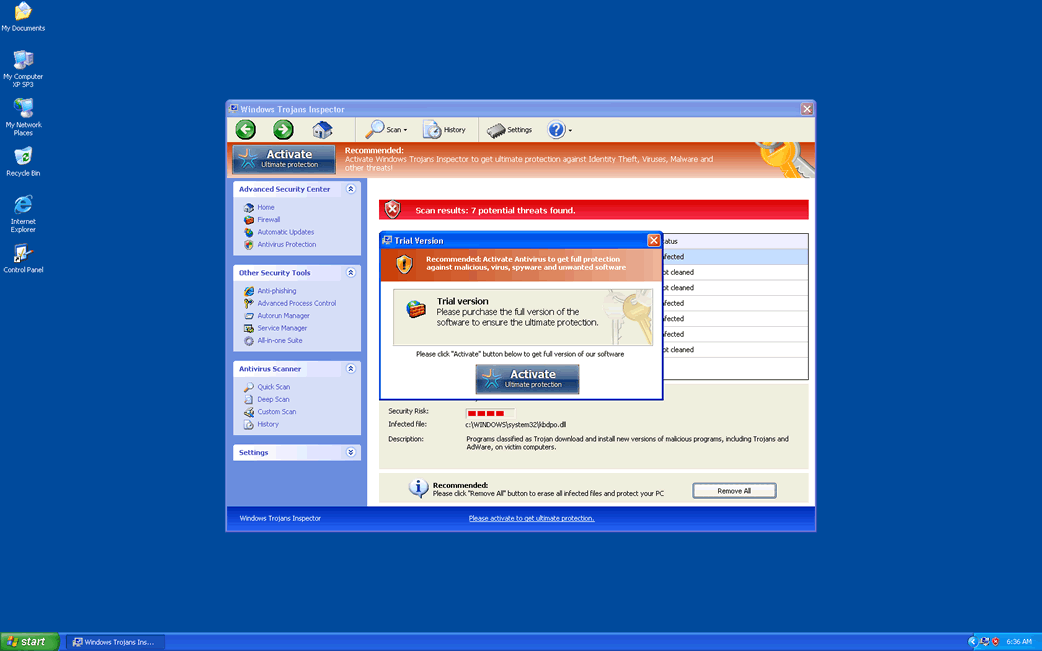
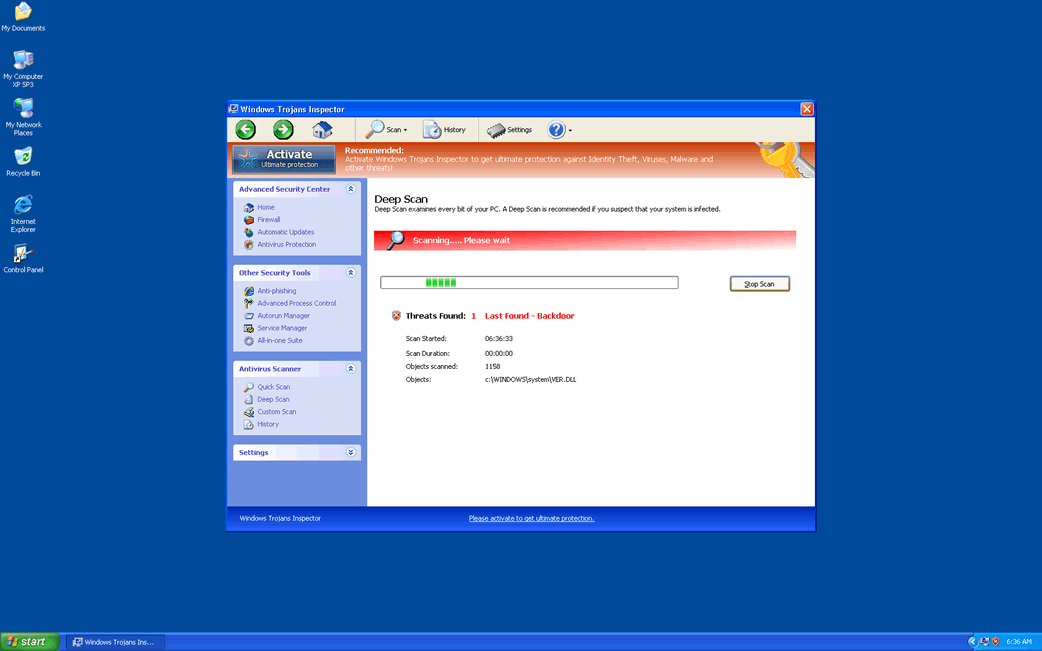
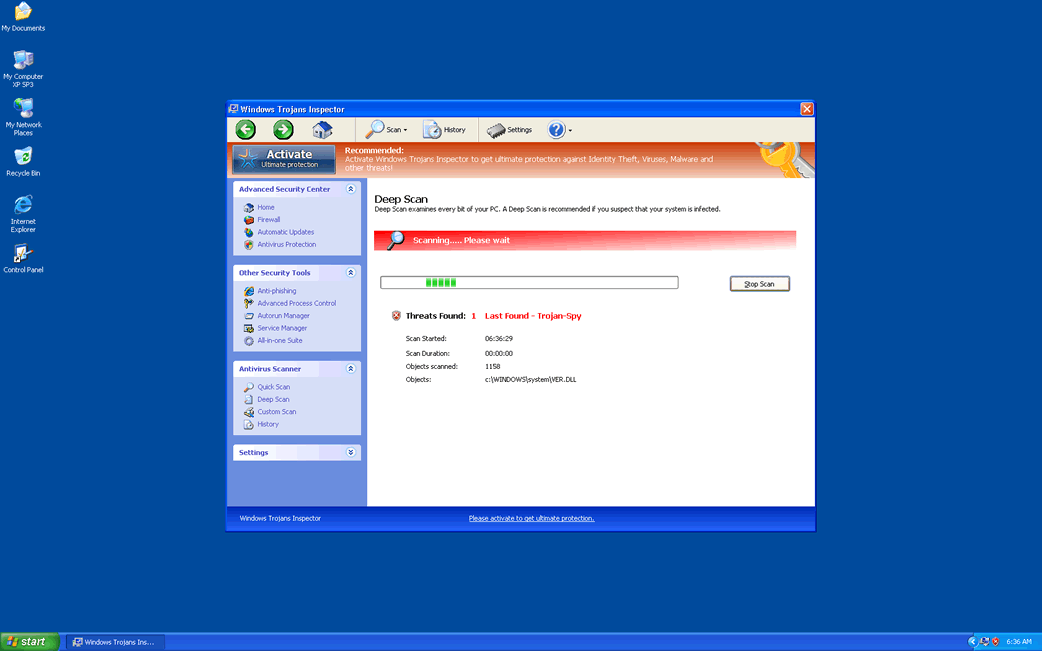
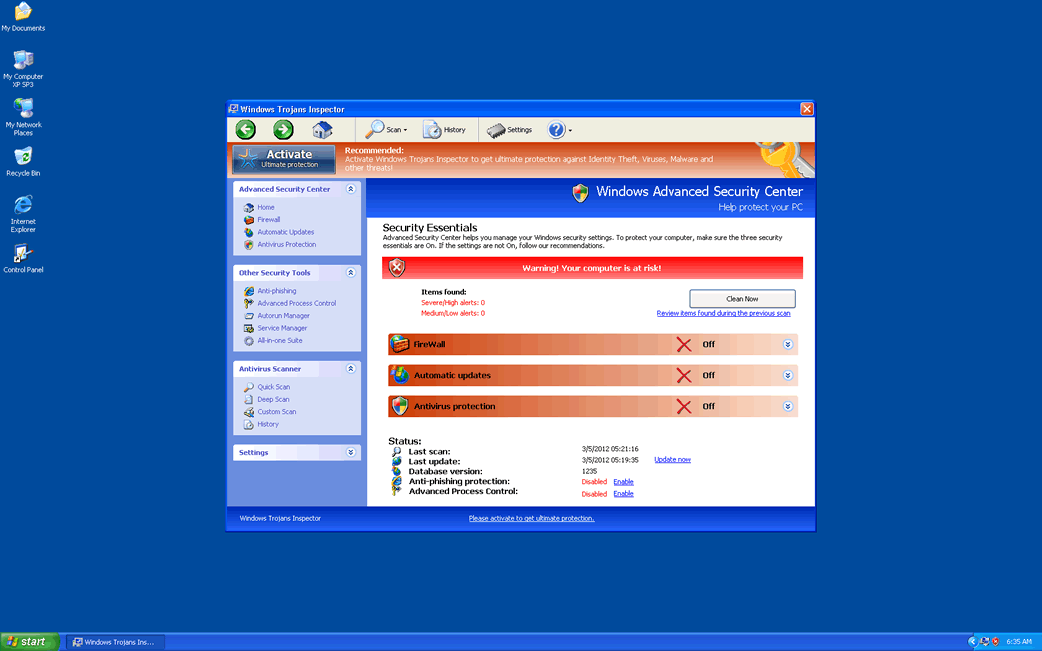
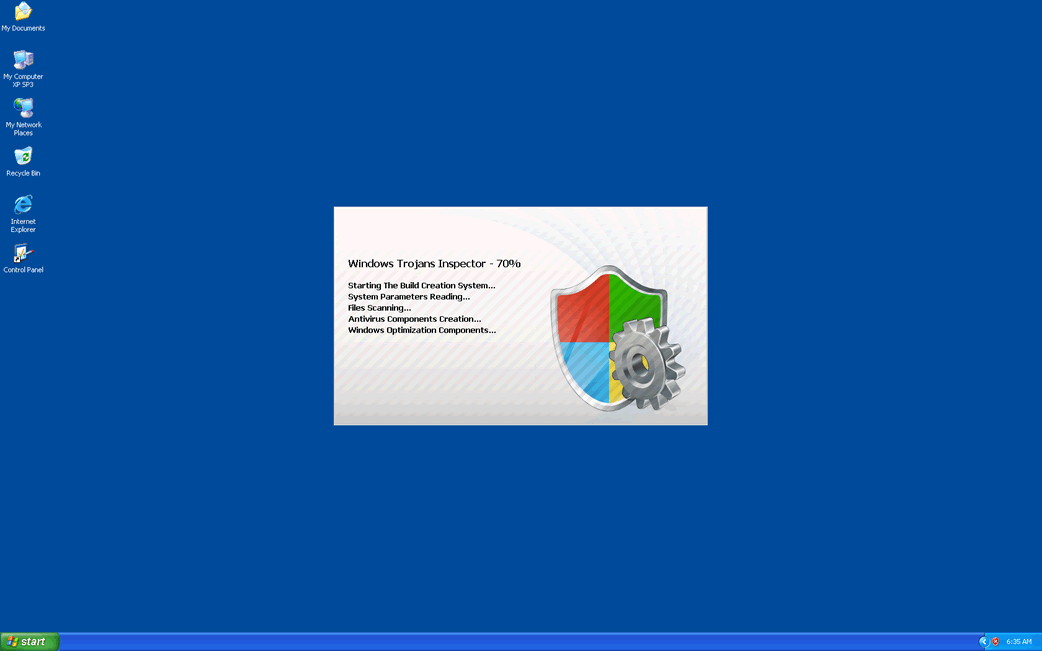
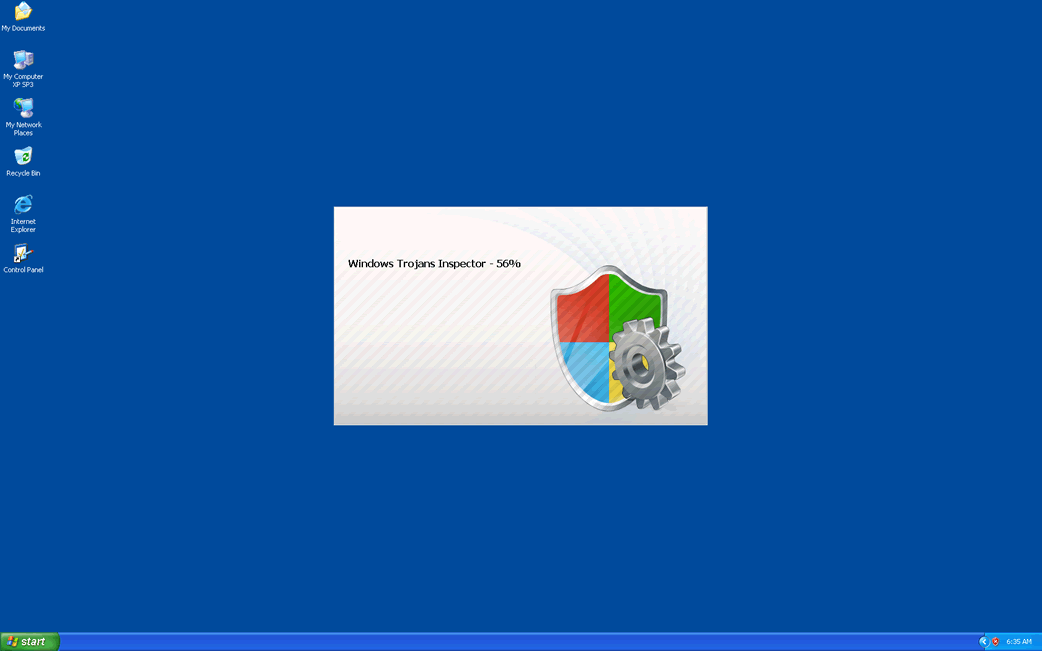
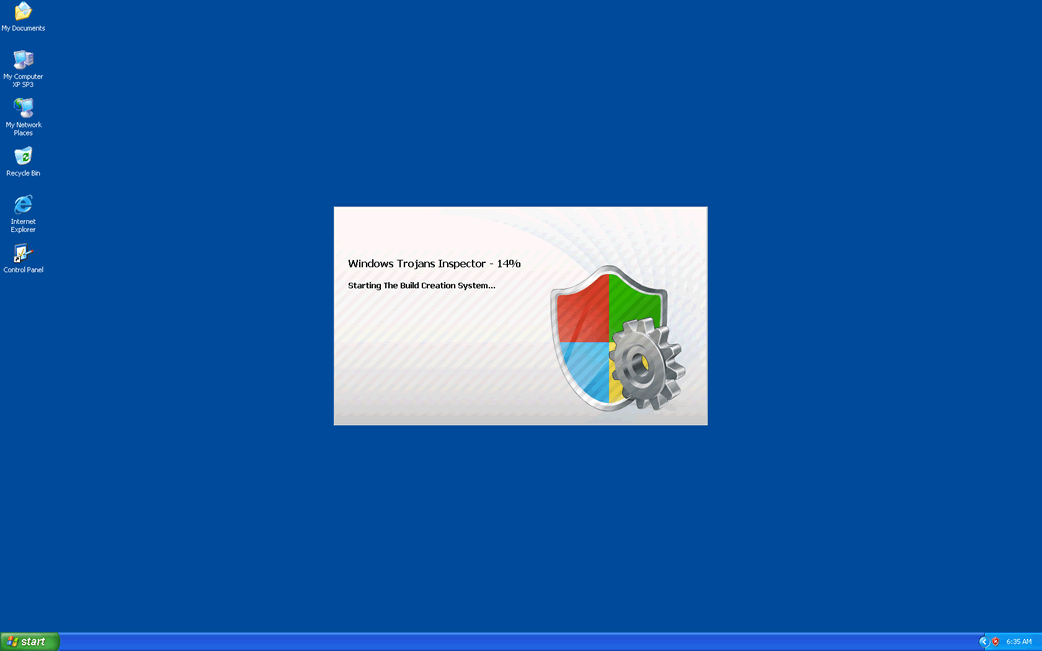
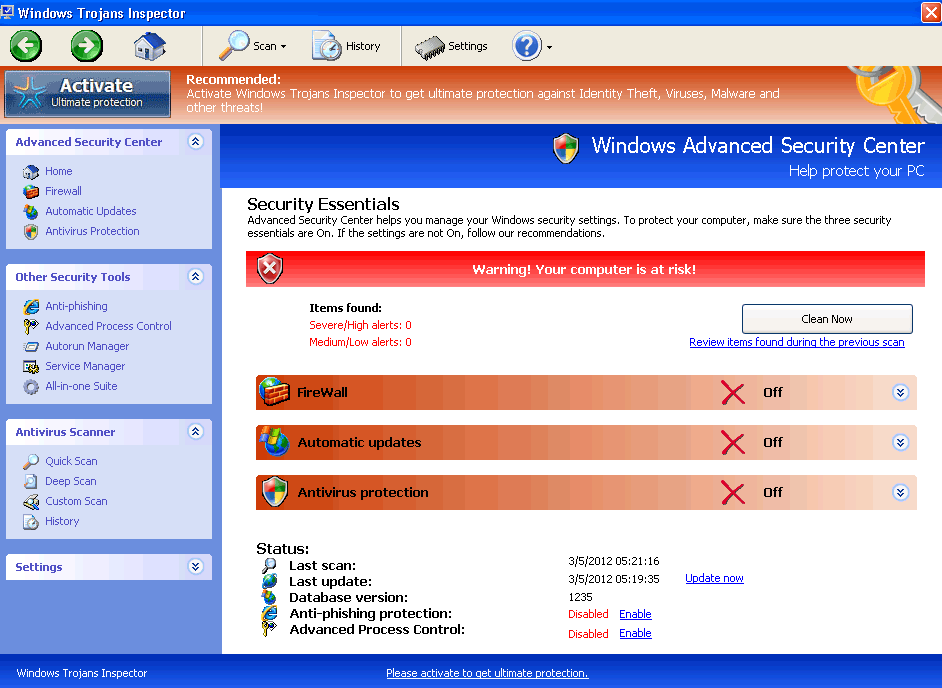
Windows Trojans Inspector Video
Tip: Turn your sound ON and watch the video in Full Screen mode.
File System Details
| # | File Name |
Detections
Detections: The number of confirmed and suspected cases of a particular threat detected on
infected computers as reported by SpyHunter.
|
|---|---|---|
| 1. | %AppData%NPSWF32.dll | |
| 2. | %AppData%Protector-[RANDOM 3 CHARACTERS].exe | |
| 3. | %CommonStartMenu%ProgramsWindows Trojans Inspector.lnk | |
| 4. | %Desktop%Windows Trojans Inspector.lnk | |
| 5. | %AppData% esult.db |



