Windows Pro Safety Release
Threat Scorecard
EnigmaSoft Threat Scorecard
EnigmaSoft Threat Scorecards are assessment reports for different malware threats which have been collected and analyzed by our research team. EnigmaSoft Threat Scorecards evaluate and rank threats using several metrics including real-world and potential risk factors, trends, frequency, prevalence, and persistence. EnigmaSoft Threat Scorecards are updated regularly based on our research data and metrics and are useful for a wide range of computer users, from end users seeking solutions to remove malware from their systems to security experts analyzing threats.
EnigmaSoft Threat Scorecards display a variety of useful information, including:
Ranking: The ranking of a particular threat in EnigmaSoft’s Threat Database.
Severity Level: The determined severity level of an object, represented numerically, based on our risk modeling process and research, as explained in our Threat Assessment Criteria.
Infected Computers: The number of confirmed and suspected cases of a particular threat detected on infected computers as reported by SpyHunter.
See also Threat Assessment Criteria.
| Threat Level: | 100 % (High) |
| Infected Computers: | 12 |
| First Seen: | May 18, 2012 |
| OS(es) Affected: | Windows |
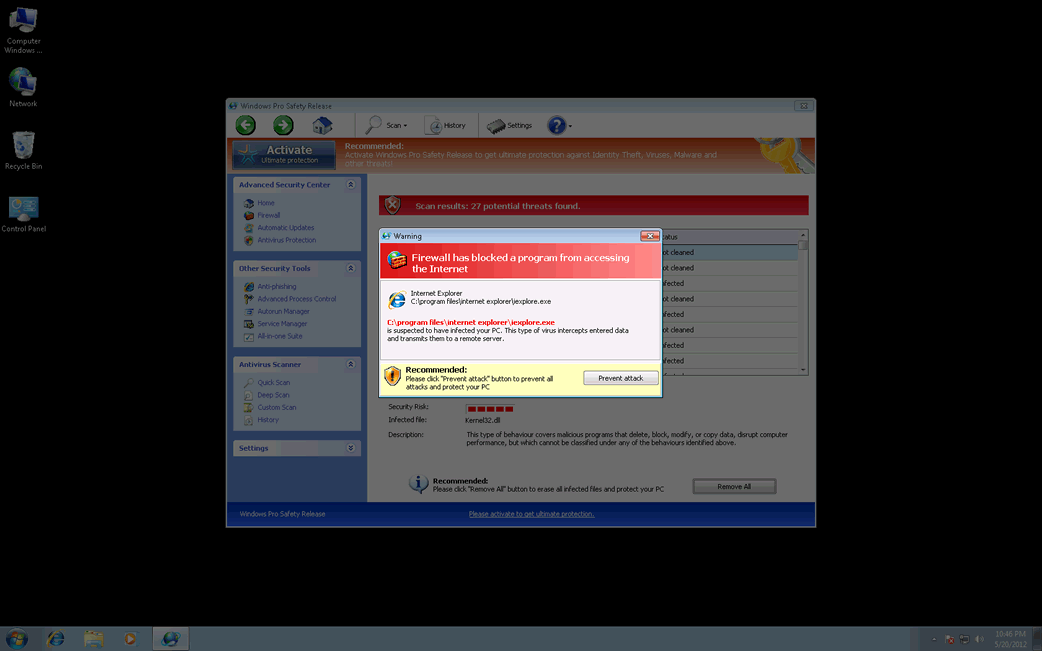
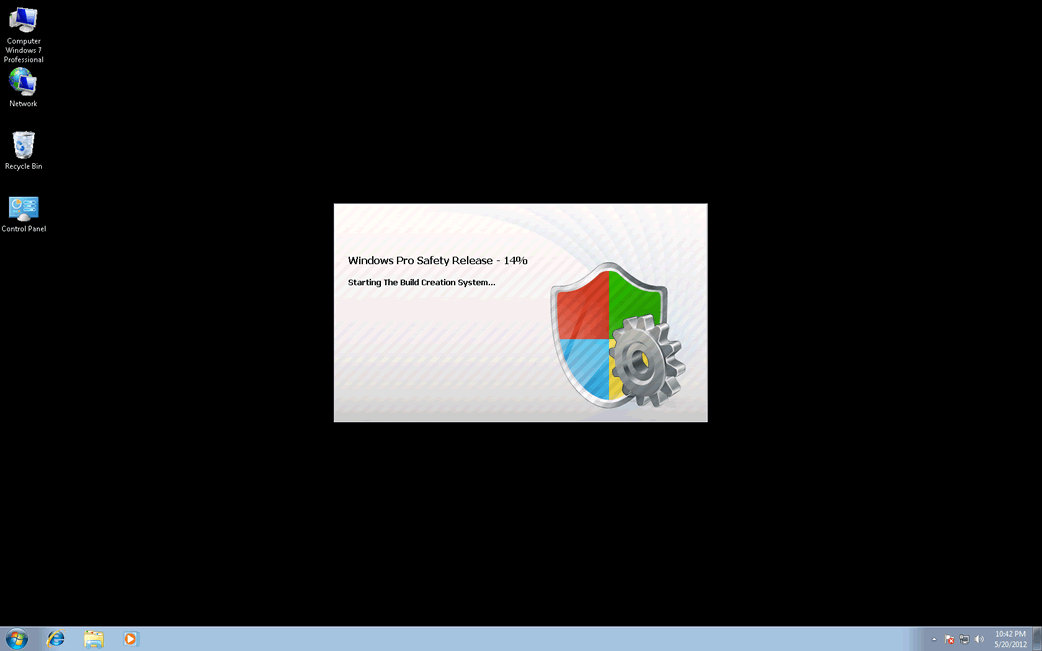
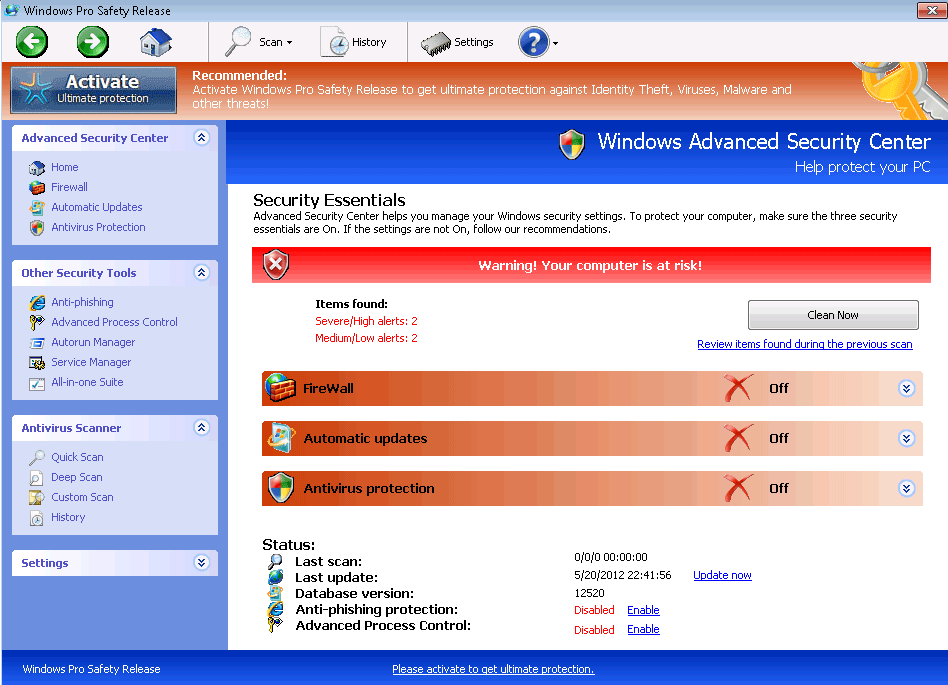
Windows Pro Safety Release Image
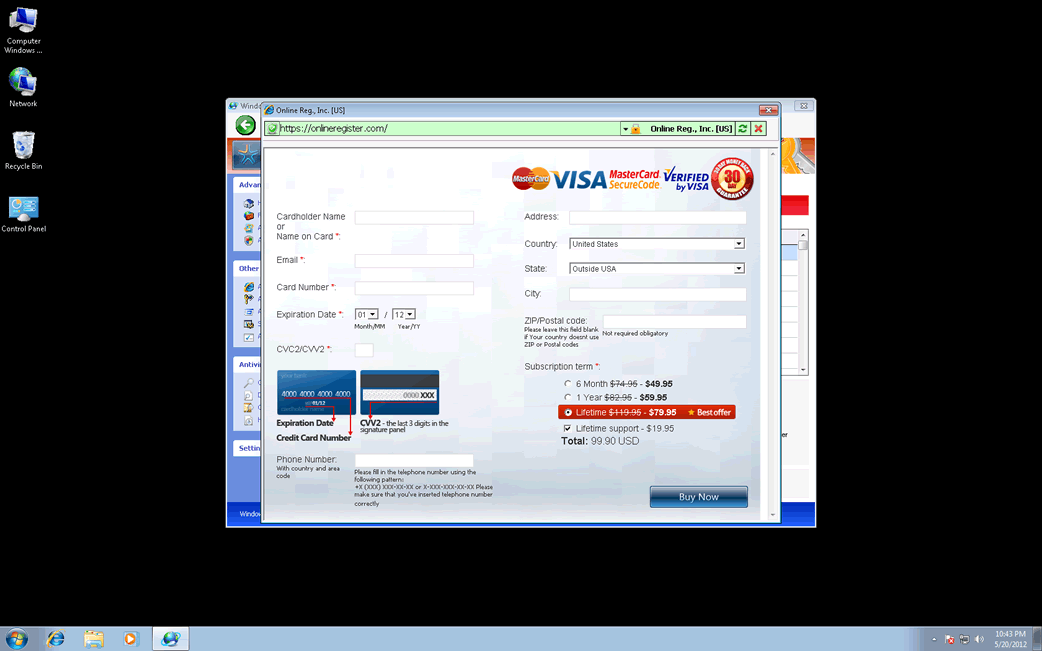
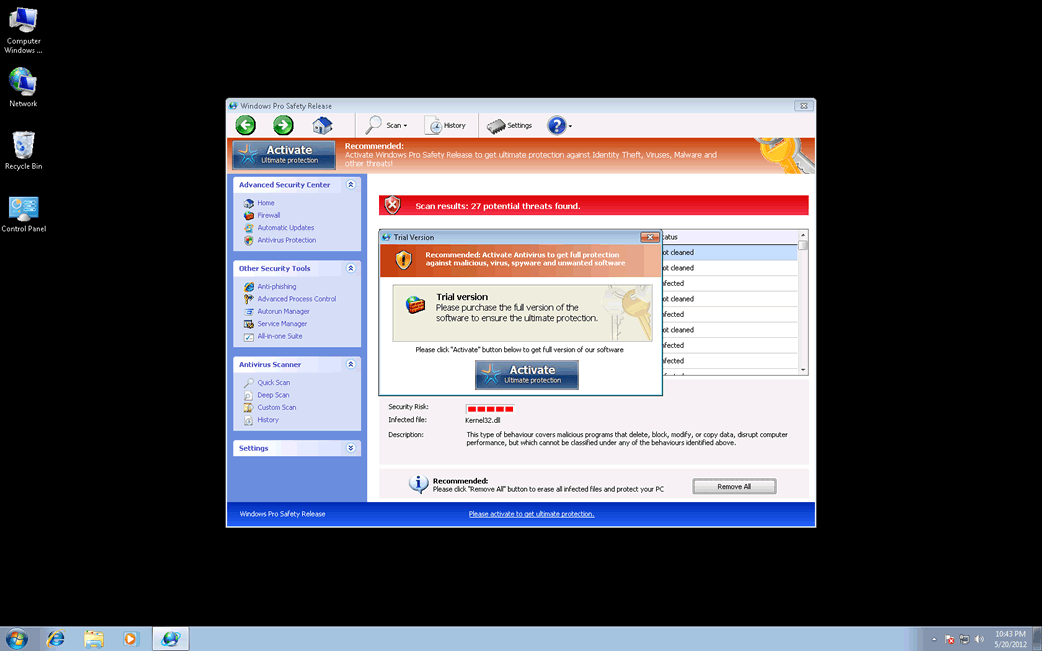
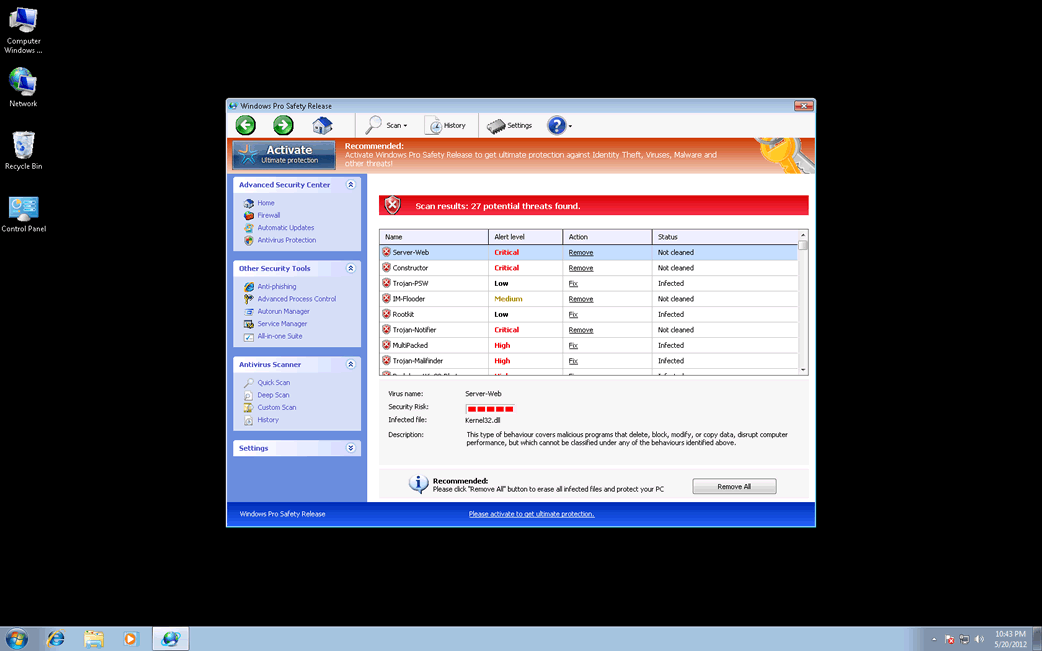
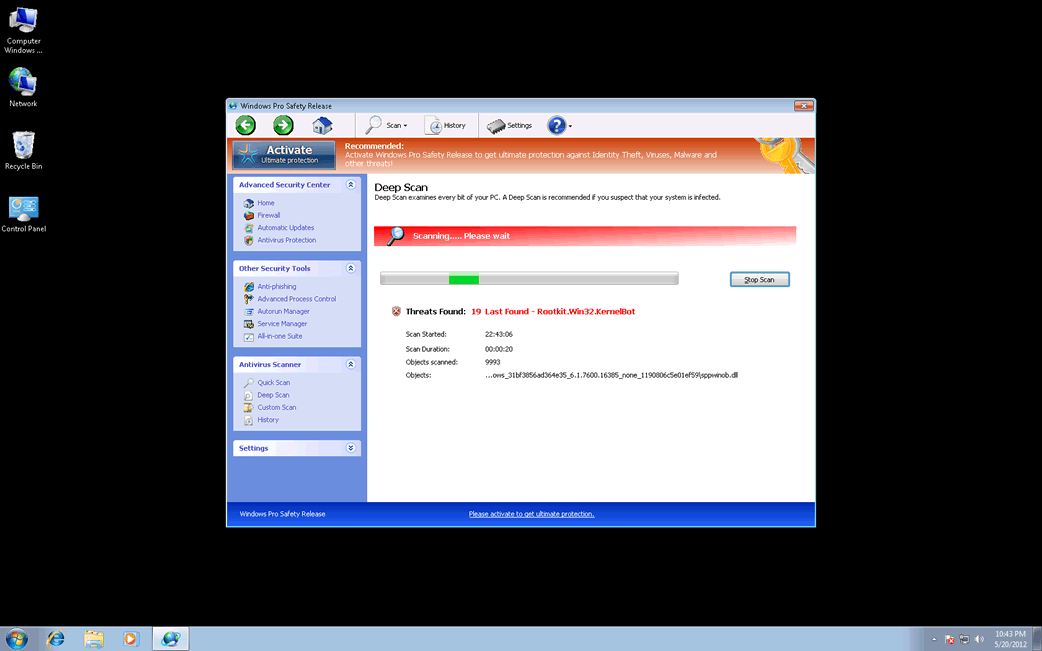
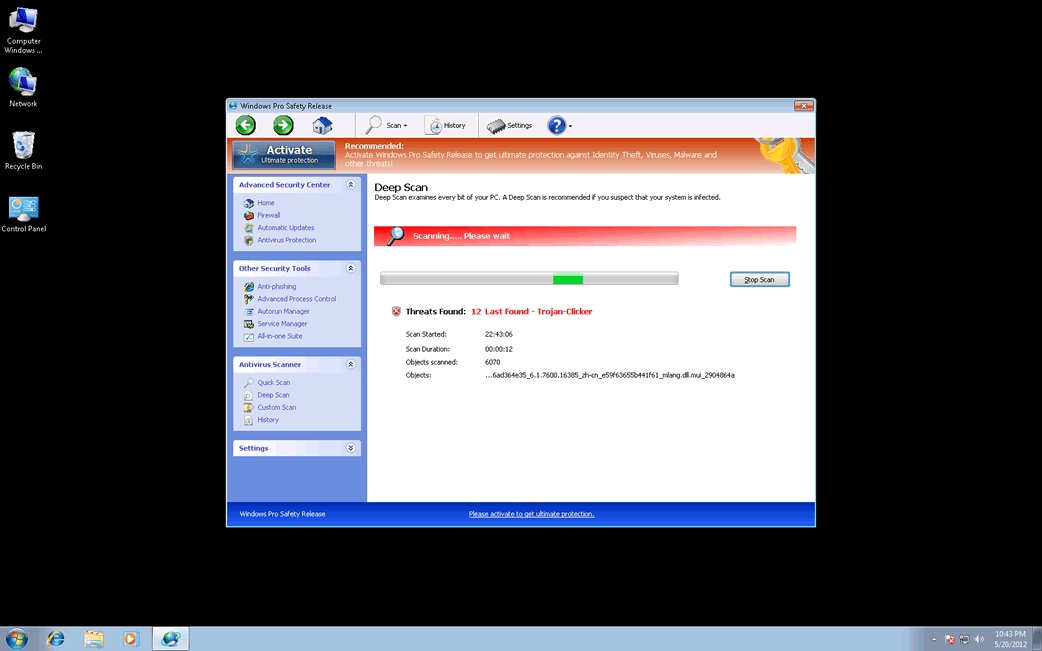
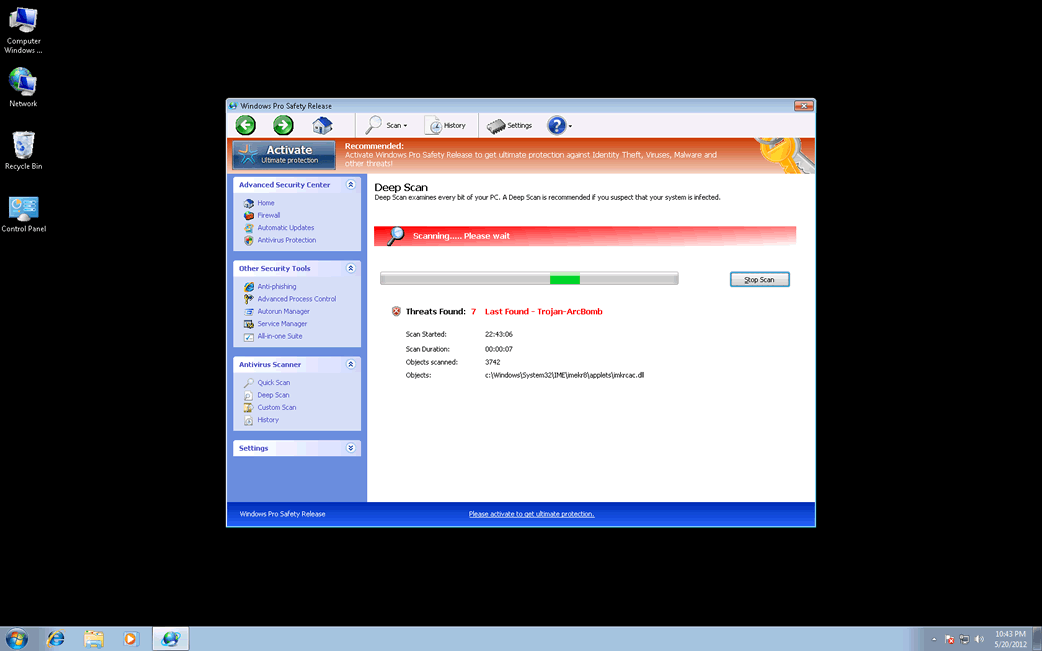
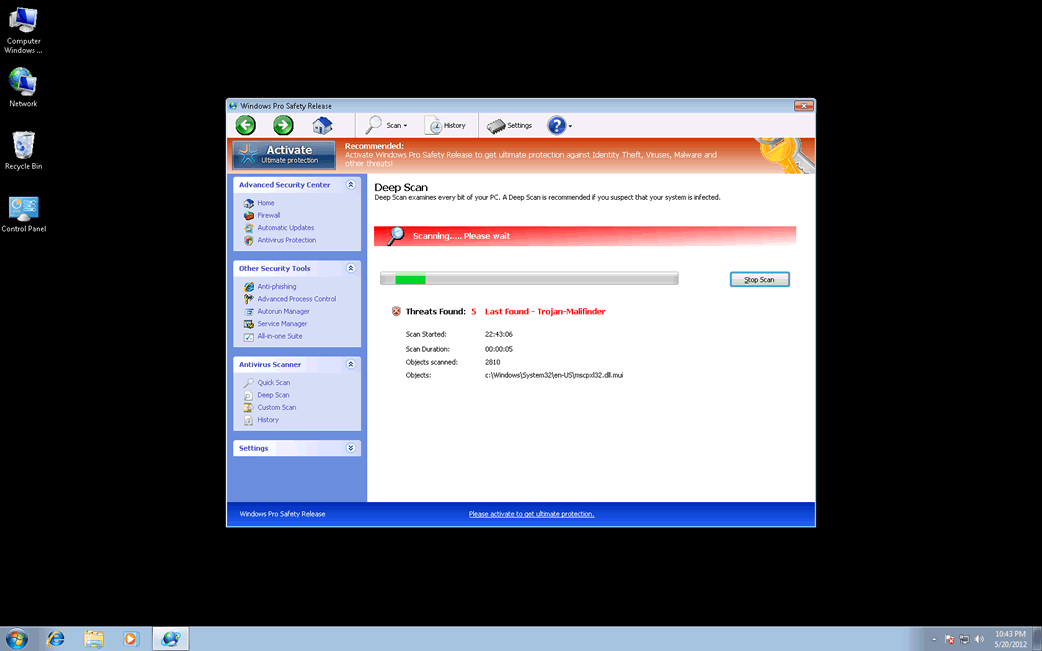
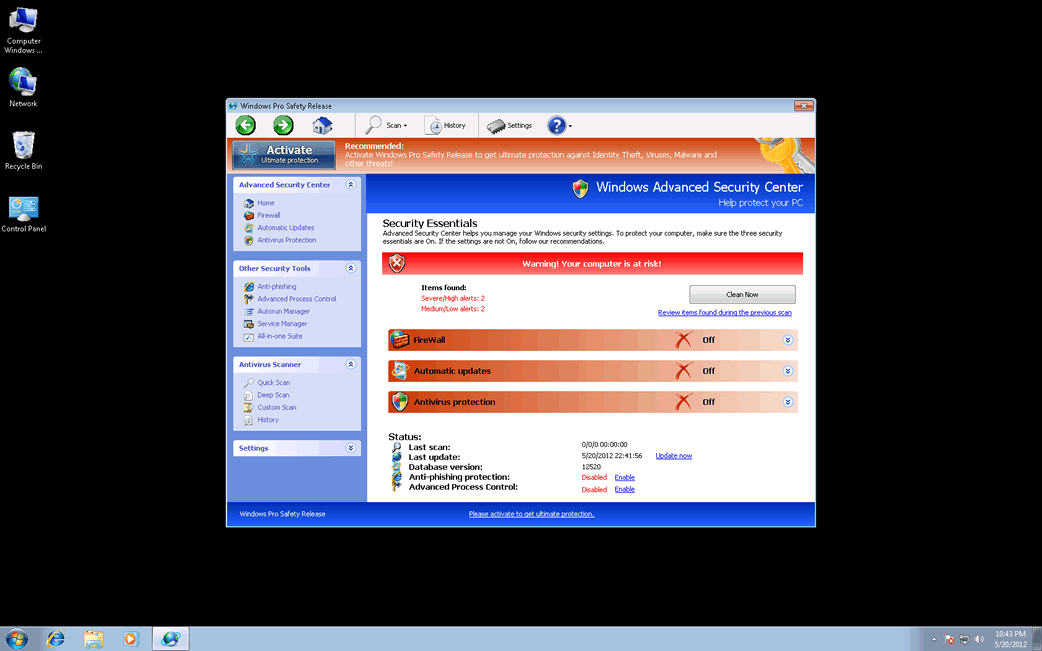
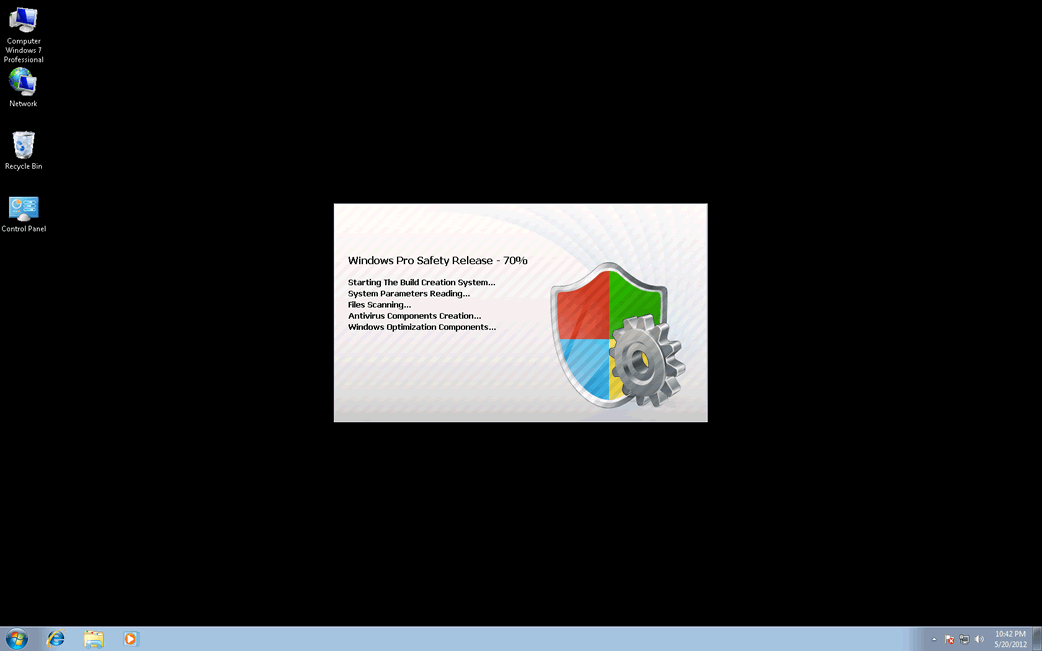
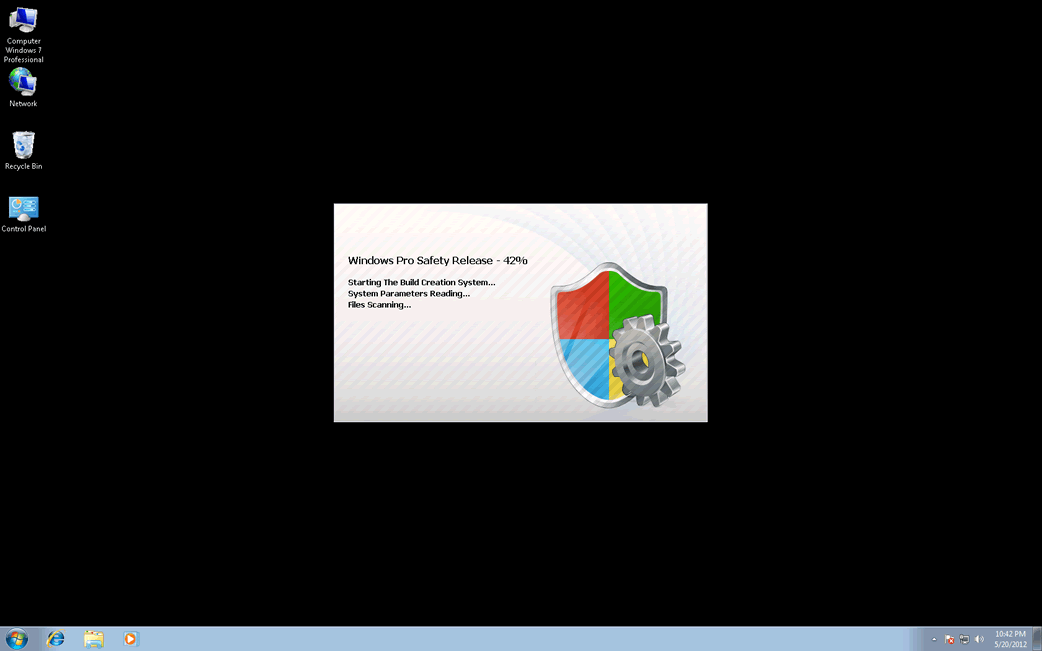
Windows Pro Safety Release is a fraudulent security program. While Windows Pro Safety Release has the external appearance of an actual anti-virus application, at its core it has no actual anti-malware components; Windows Pro Safety Release is designed to execute a well-worn online scam. The Windows Pro Safety Release scam consists in making the victim believe that their computer system is severely infected with viruses and Trojans. Then, Windows Pro Safety Release will claim that a 'full version' must be purchased in order to remove these non-existent threats. Windows Pro Safety Release's supposed upgrade is not cheap ($99 USD), and considering that it is absolutely useless, ESG malware analysts strongly recommend against purchasing this fake security program. Instead, Windows Pro Safety Release should be removed with a real, fully updated anti-malware tool.
Table of Contents
Windows Pro Safety Release Belongs to the FakeVimes Family of Rogue Security Software
Windows Pro Safety Release is one of the many fake anti-virus programs in the FakeVimes family of rogue security software, a particularly large family of malware that has been active since 2009. While PC security analysts are well acquainted with malware like Windows Pro Safety Release, fake anti-virus programs in the FakeVimes family released in 2012 have included a rootkit component that makes them more difficult to remove and detect than previous iterations of FakeVimes malware. There are dozens of clones of Windows Pro Safety Release, including such fake security programs as Virus Melt, Presto TuneUp, Fast Antivirus 2009, Extra Antivirus, Windows Security Suite, Smart Virus Eliminator, Packed.Generic.245, Volcano Security Suite, Windows Enterprise Suite, Enterprise Suite, Additional Guard, PC Live Guard, Live PC Care, Live Enterprise Suite, Security Antivirus, My Security Wall, CleanUp Antivirus, Smart Security, Windows Protection Suite, Windows Work Catalyst. Because of their integrated rootkit, a specialized anti-rootkit tool may be necessary to remove Windows Pro Safety Release and its clones from an infected computer system.
Protecting Yourself from the Windows Pro Safety Release Scam
Most fake security programs like Windows Pro Safety Release are delivered with the help of a Trojan infection. These can be acquired in several ways, including malicious email attachments, a downloader Trojan infection, or fake video codecs on high-risk websites. However, the most common cause of a rogue security program infection is clicking on corrupted online advertisements supposedly offering a free online malware scan. These will invariably return a false positive result and urge the victim to download a program like Windows Pro Safety Release. Most of the time, they will also attempt to use exploits to install the rogue security program in the background while the supposed 'scan' is going on.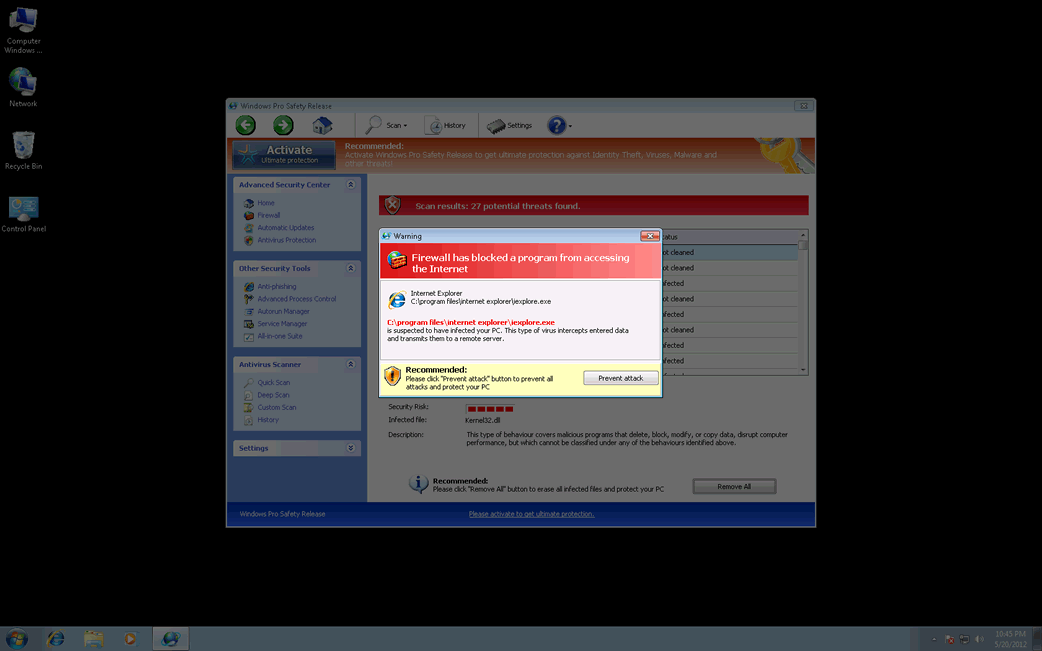
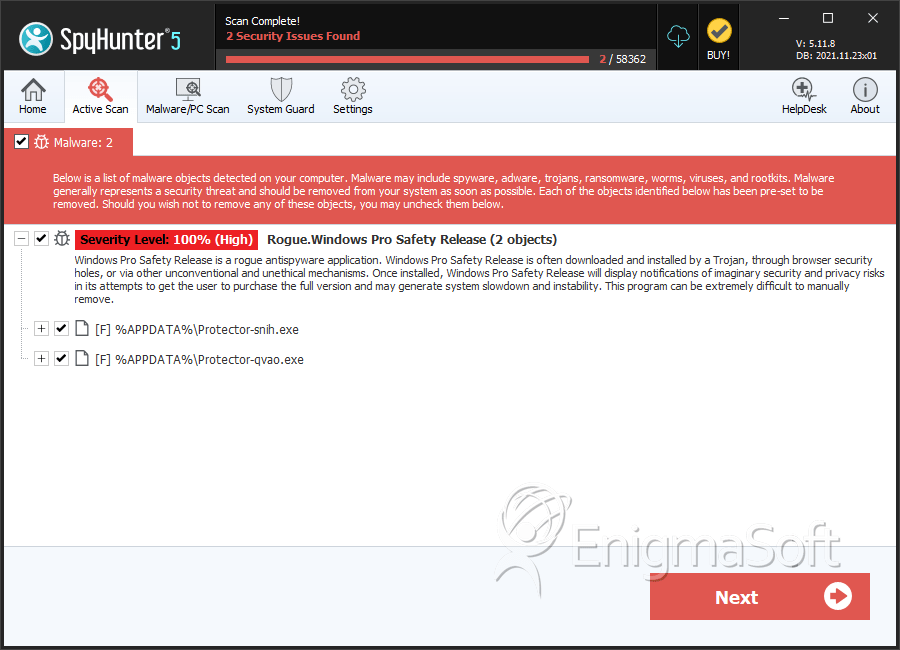
SpyHunter Detects & Remove Windows Pro Safety Release
Windows Pro Safety Release Video
Tip: Turn your sound ON and watch the video in Full Screen mode.

File System Details
| # | File Name | MD5 |
Detections
Detections: The number of confirmed and suspected cases of a particular threat detected on
infected computers as reported by SpyHunter.
|
|---|---|---|---|
| 1. | Protector-snih.exe | 960e0e794b5a651cf77cd86a47b2900e | 11 |
| 2. | Protector-qvao.exe | 9733310065e7db429d4194822c86df50 | 1 |
| 3. | %AppData%\NPSWF32.dll | ||
| 4. | %AppData%\Protector-{RANDOM 4 CHARACTERS}.exe | ||
| 5. | %AppData%\Protector-{RANDOM 3 CHARACTERS}.exe | ||
| 6. | %AllUsersProfile%\Start Menu\Programs\Windows Pro Safety Release.lnk | ||
| 7. | %UserProfile%\Desktop\Windows Pro Safety Release.lnk | ||
| 8. | %AppData%\result.db |



