Windows Profound Security
By Domesticus in Rogue Anti-Spyware Program | 201 views
Rate it:
1 Star2 Stars3 Stars4 Stars5 Stars (1 votes, average: 5.00 out of 5)
Loading ... Loading ...
More... More

Windows Profound Security Description

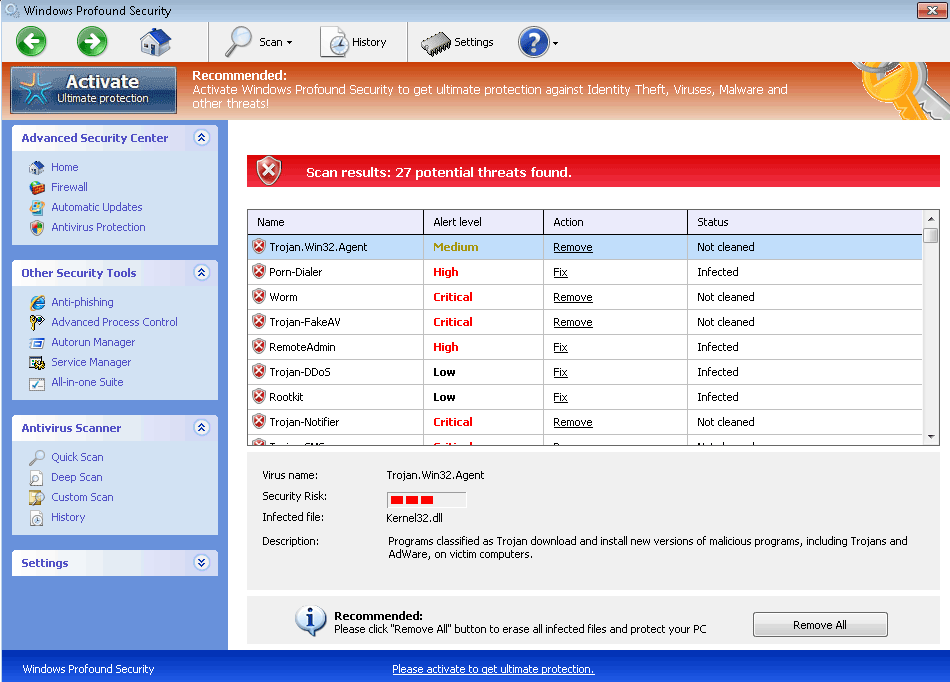
Image Screenshot

[+] Click Image to Enlarge

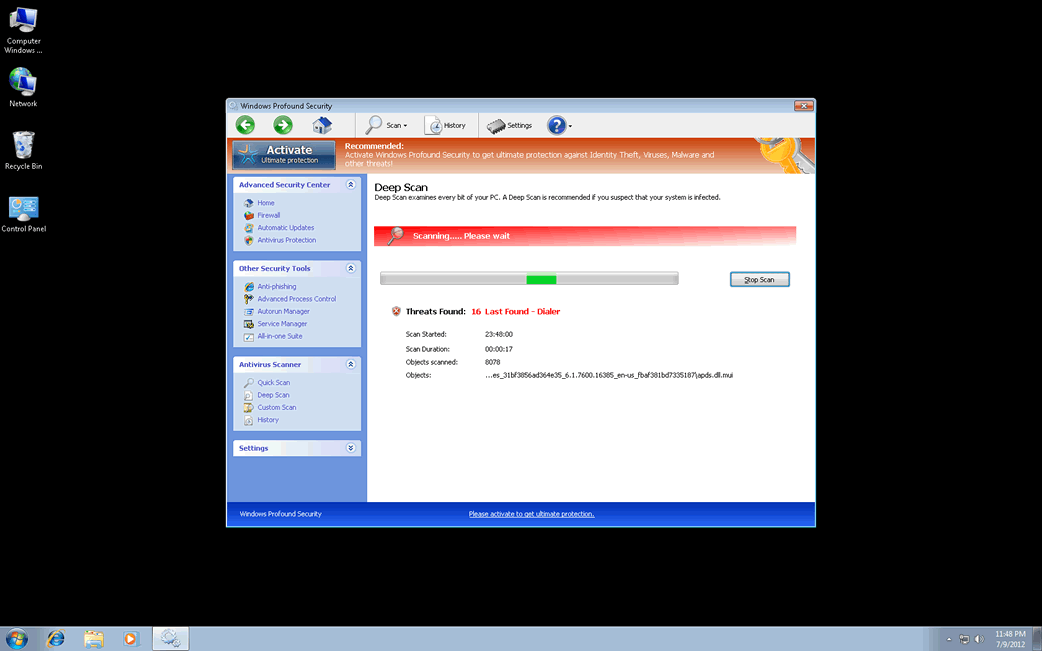
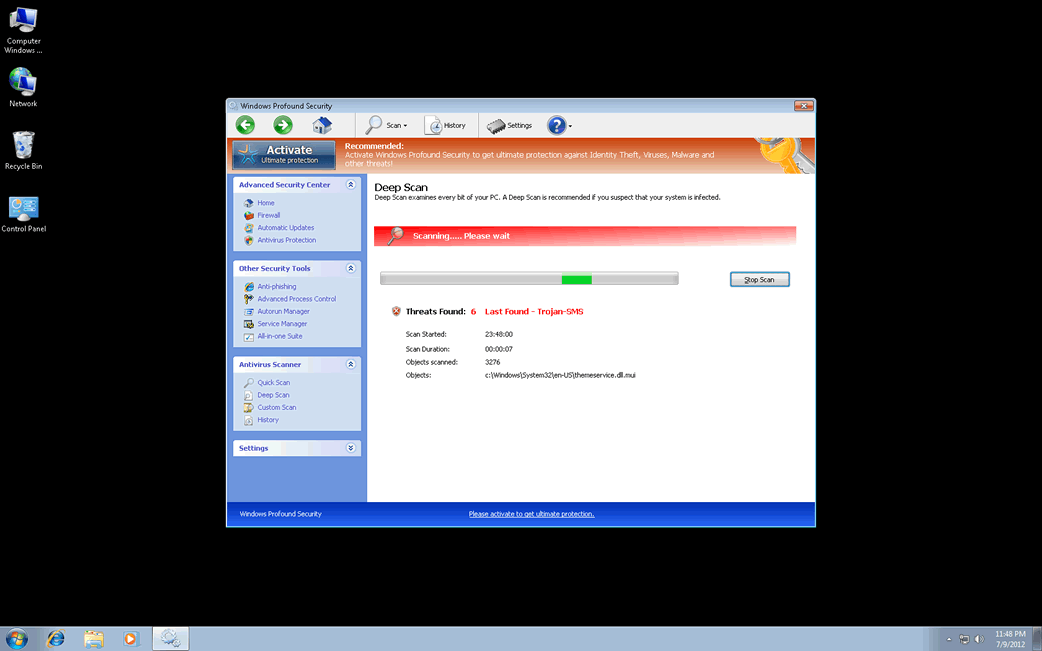
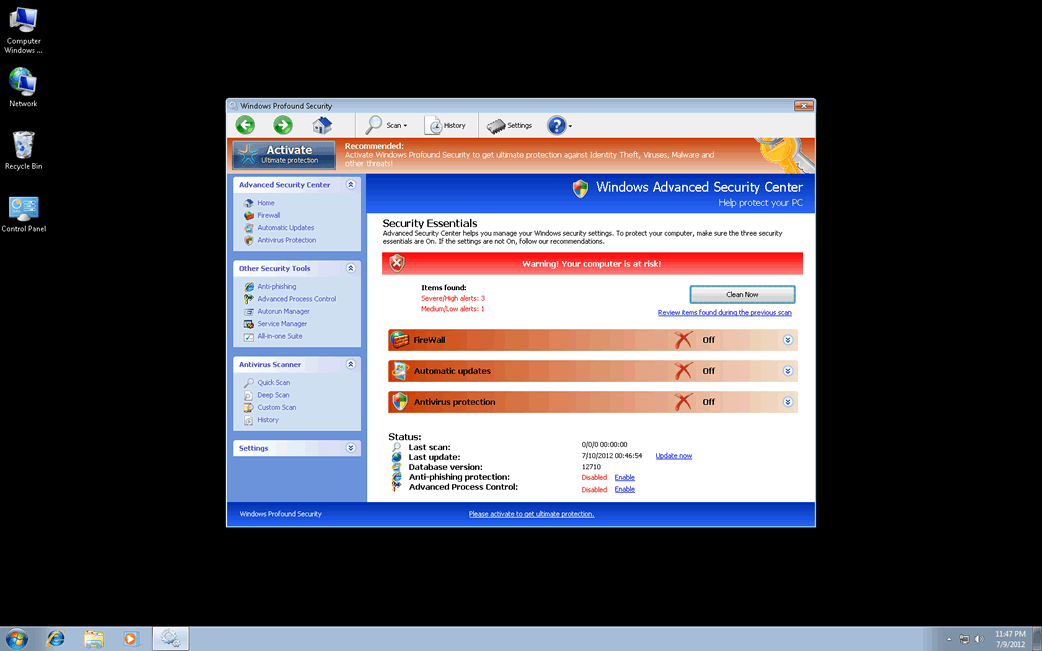
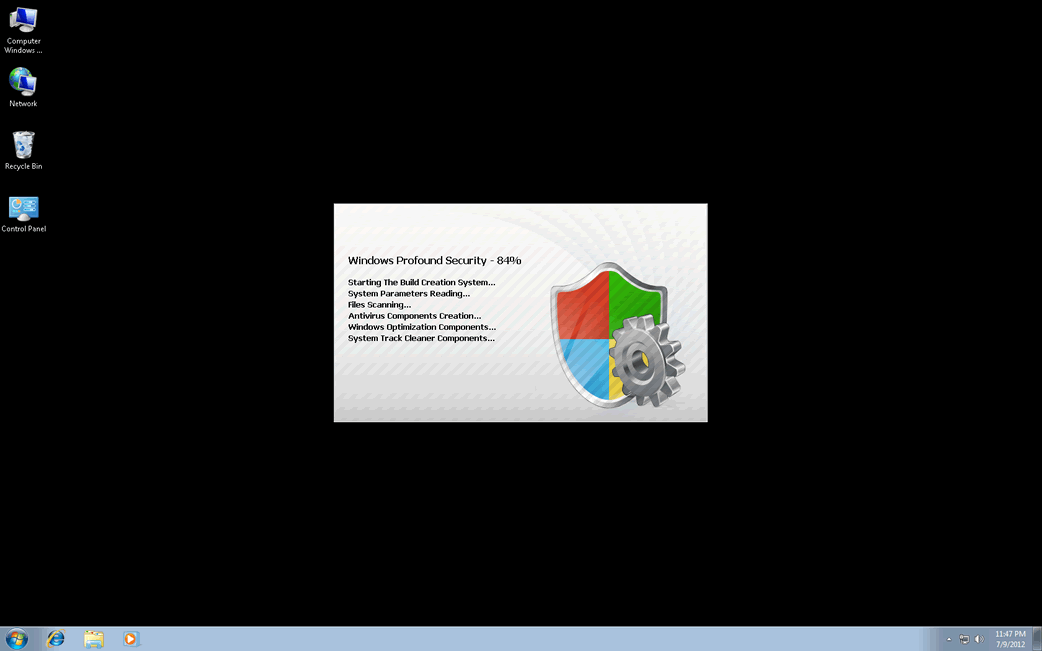
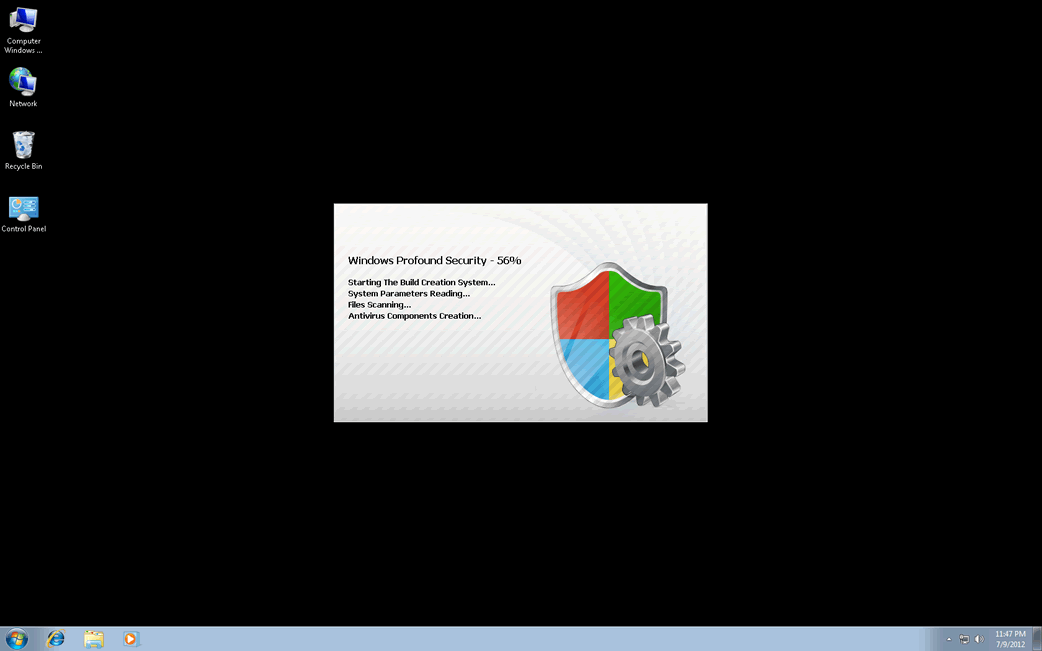
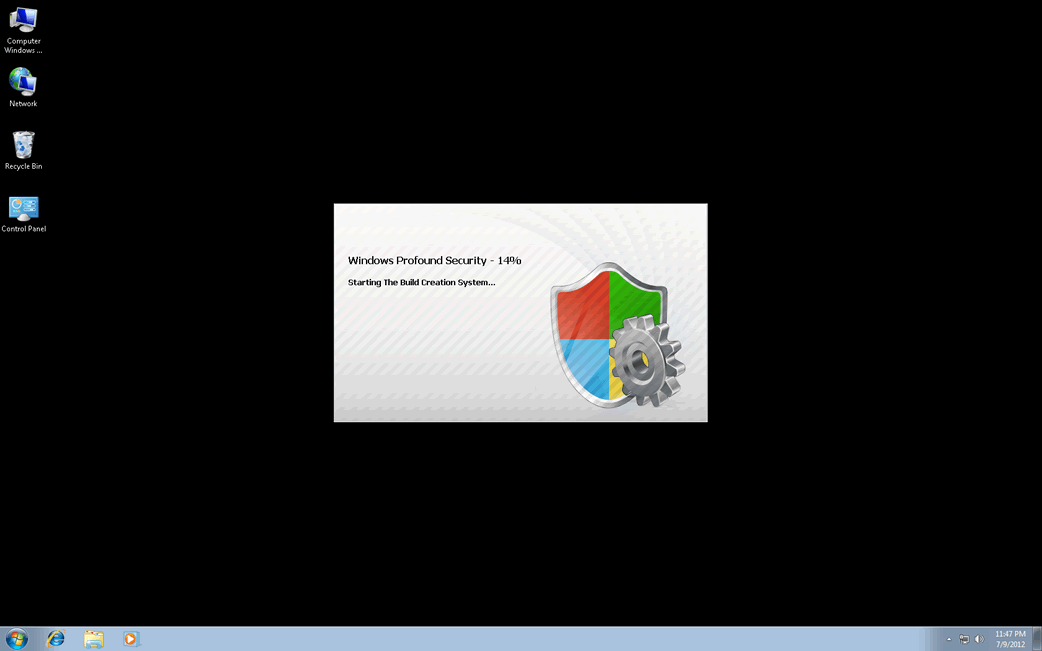
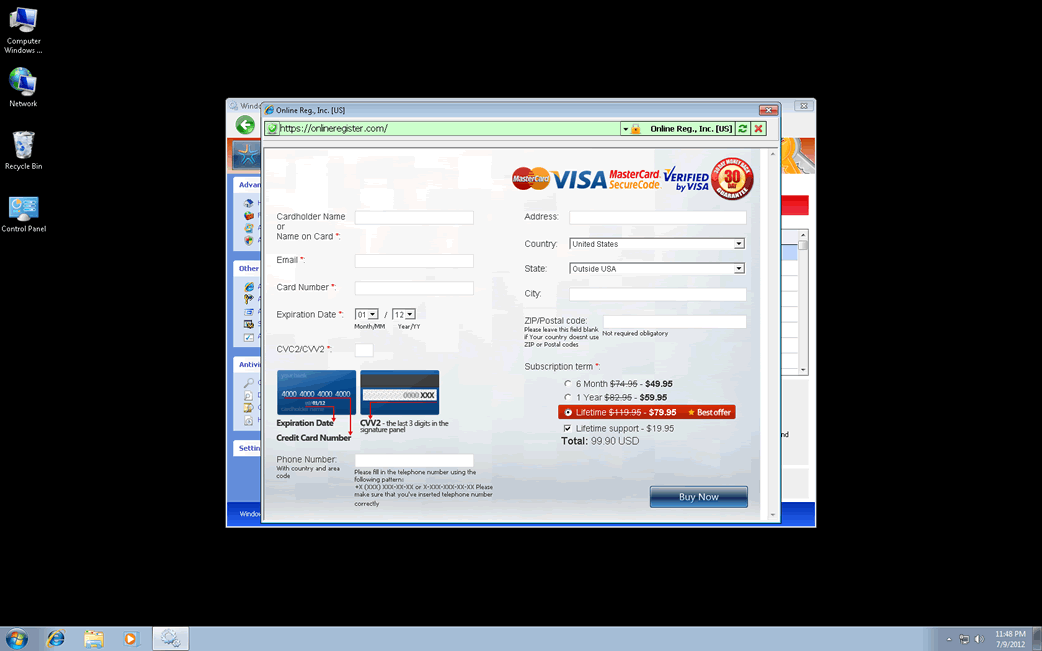
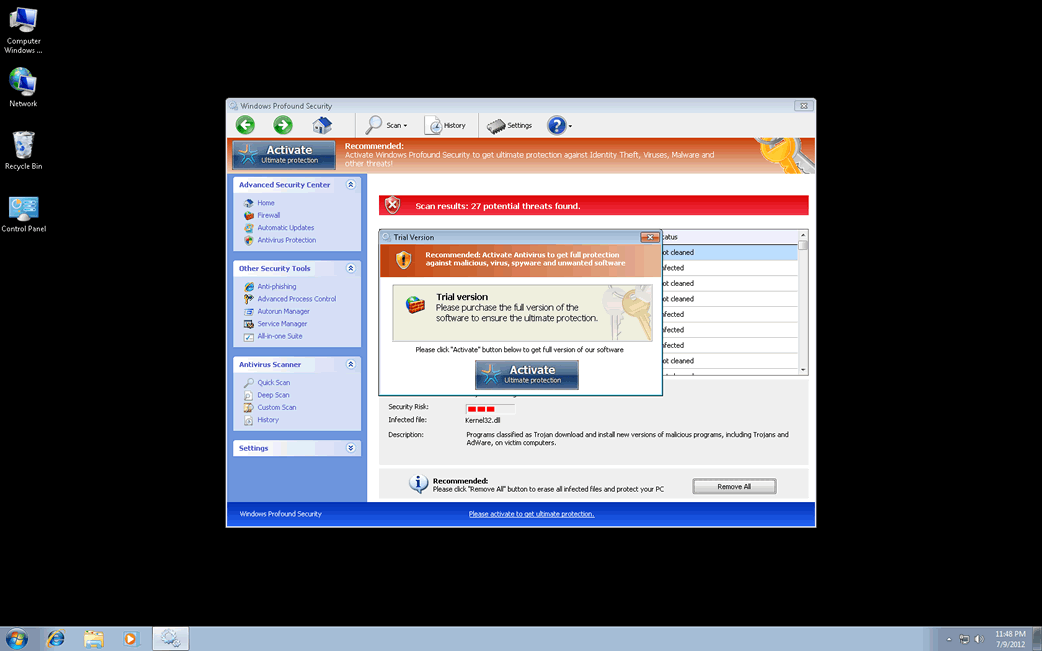
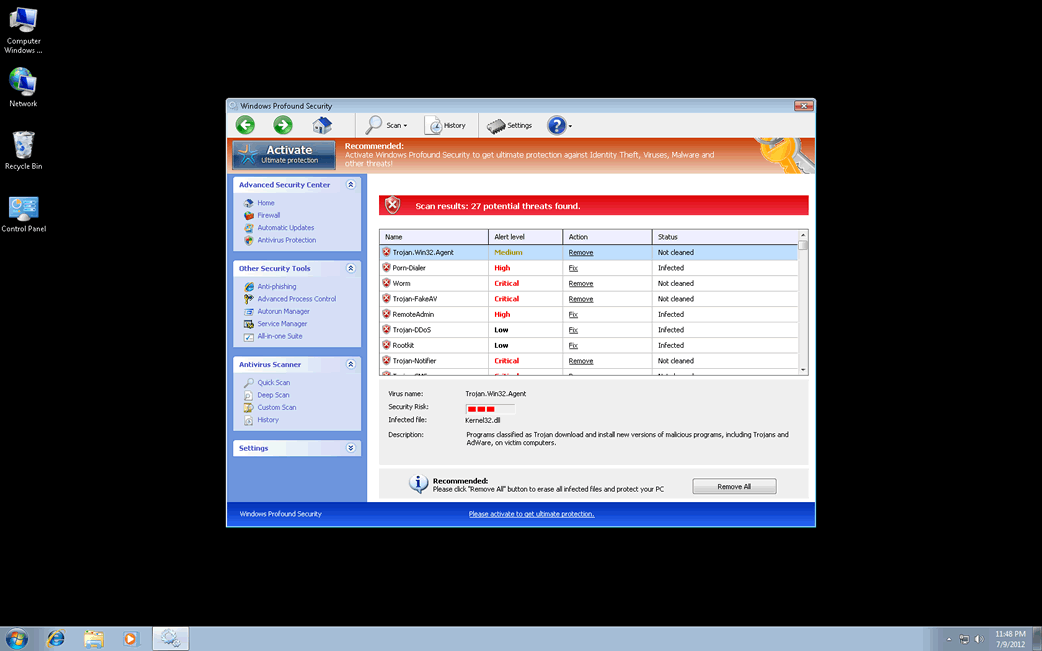
Windows Profound Security is a rogue antispyware program that pretends to be a legitimate and trustworthy security program. Windows Profound Security is distributed via bogus online antimalware scanners and unsafe downloads from malicious sources. Windows Profound Security infiltrates into a targeted computer via Trojans, which exploit security holes in web browsers. Once installed on the affected PC, Windows Profound Security starts a fictitious system scan and generates numerous malware threats to intimidate victims into thinking their computers are infected. Windows Profound Security will also display fake security notifications that state your PC is compromised and in danger; however, all scan results and warning messages created by Windows Profound Security are false and inaccurate. As a solution for getting rid of the imaginary computer infections, Windows Profound Security will offer you to buy its full version to allegedly detect and eliminate malware threats. Do not believe or purchase Windows Profound Security. ESG’s malware analysts highly recommend you to uninstall Windows Profound Security by using a reputable anti-malware tool.
Type: Rogue AntiSpyware Programs

How Can You Detect Windows Profound Security?

Windows Profound Security Technical Report

As new Windows Profound Security details are reported by our customers and findings from our Threat Research Center, we will update this section.

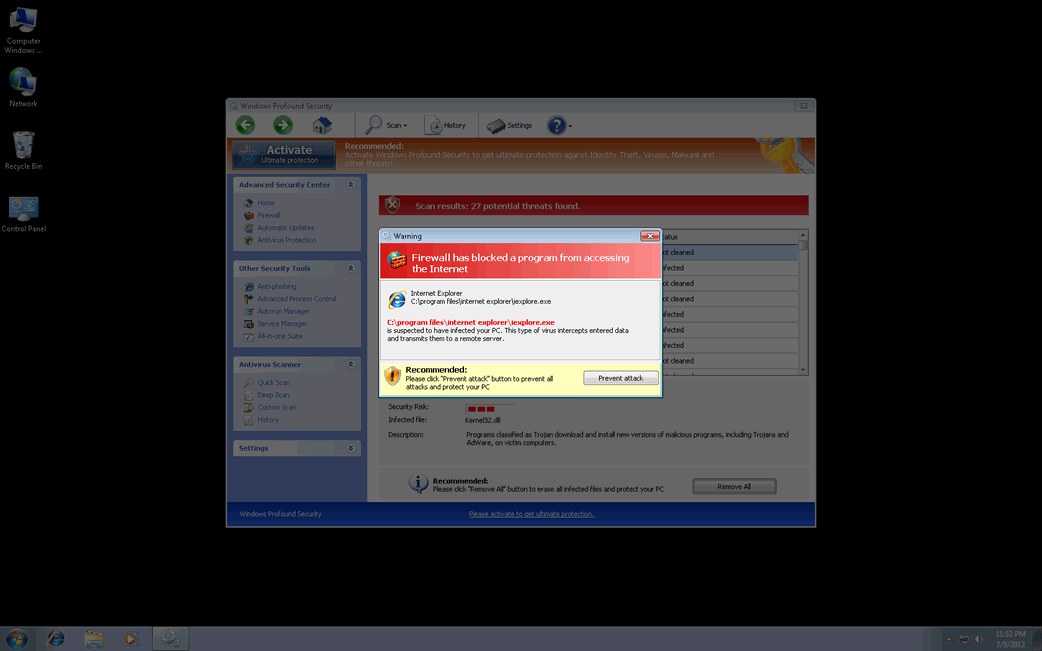
Fake message for Windows Profound Security:

The following fake error message(s) appears for Windows Profound Security:

Warning
Firewall has blocked a program from accessing the Internet
C:program filesinternet exploreriexplore.exe
is suspected to have infected your PC. This type of virus intercepts entered data and transmits them to a remote server.

Error
Attempt to modify registry key entries detected. Registry entry analysis is recommended.

Error
Trojan activity detected. System data security is at risk.
It is recommended to activate protection and run a full system scan.

‘How Windows Profound Security Infects Your Computer’ Video

Windows Profound Security Removal Details

Windows Profound Security has typically the following processes in memory:

  • %AppData%\Protector-[RANDOM 4 CHARACTERS].exe
  • %AppData%\Protector-[RANDOM 3 CHARACTERS].exe
  • %AppData%\NPSWF32.dll

Windows Profound Security creates the following files in the system:

  • %AppData%\1st$0l3th1s.cnf
  • %AppData%\result.db

Windows Profound Security creates the following registry entries:

  • HKEY_CURRENT_USER\Software\Microsoft\Windows\CurrentVersion\Internet Settings “WarnOnHTTPSToHTTPRedirect” = 0
  • HKEY_CURRENT_USER\Software\Microsoft\Windows\CurrentVersion\Policies\System “DisableRegistryTools” = 0
  • HKEY_CURRENT_USER\Software\Microsoft\Windows\CurrentVersion\Settings “UID” = “qvnpoksgjc”
  • HKEY_LOCAL_MACHINE\SOFTWARE\Microsoft\Windows NT\CurrentVersion\Image File Execution Options\Security Center.exe
  • HKEY_LOCAL_MACHINE\SOFTWARE\Microsoft\Windows NT\CurrentVersion\Image File Execution Options\zonealarm.exe
  • HKEY_LOCAL_MACHINE\SOFTWARE\Microsoft\Windows NT\CurrentVersion\Image File Execution Options\fameh32.exe
  • HKEY_LOCAL_MACHINE\SOFTWARE\Microsoft\Windows\CurrentVersion\policies\system “ConsentPromptBehaviorUser” = 0
  • HKEY_CURRENT_USER\Software\Microsoft\Windows\CurrentVersion\Policies\System “DisableTaskMgr” = 0
  • HKEY_CURRENT_USER\Software\Microsoft\Windows\CurrentVersion\Settings “net” = “2012-7-9_7″
  • HKEY_CURRENT_USER\Software\ASProtect
  • HKEY_LOCAL_MACHINE\SOFTWARE\Microsoft\Windows NT\CurrentVersion\Image File Execution Options\AVWEBGRD.EXE
  • HKEY_LOCAL_MACHINE\SOFTWARE\Microsoft\Windows NT\CurrentVersion\Image File Execution Options\pctsSvc.exe
  • HKEY_LOCAL_MACHINE\SOFTWARE\Microsoft\Windows\CurrentVersion\policies\system “ConsentPromptBehaviorAdmin” = 0
  • HKEY_CURRENT_USER\Software\Microsoft\Windows\CurrentVersion\Policies\System “DisableRegedit” = 0
  • HKEY_LOCAL_MACHINE\SOFTWARE\Microsoft\Windows\CurrentVersion\policies\system “EnableLUA” = 0
  • HKEY_CURRENT_USER\Software\Microsoft\Windows\CurrentVersion\Run “Inspector”
  • HKEY_LOCAL_MACHINE\SOFTWARE\Microsoft\Windows NT\CurrentVersion\Image File Execution Options\vbcons.exe
  • HKEY_LOCAL_MACHINE\SOFTWARE\Microsoft\Windows NT\CurrentVersion\Image File Execution Options\ants.exe
  • HKEY_LOCAL_MACHINE\SOFTWARE\Microsoft\Windows NT\CurrentVersion\Image File Execution Options\mcupdate.exe

Important Article Disclaimer

ESG Support Center

This entry was last updated on 07/10/12 and posted on 07/9/12. You can follow any responses to this entry through the RSS 2.0 feed. You can leave a response, or trackback from your own site.

Leave a Comment

Note: Abusive comments are not allowed. Please do not post comments regarding technical support issues. ESG customers that have issues with SpyHunter should open a customer support ticket.

*
To prove you're a person (not a spam script), type the security word shown in the picture. Click on the picture to hear an audio file of the word.
Click to hear an audio file of the anti-spam word

Home | SpyHunter Risk Assessment Model | Privacy Policy | End User License Agreement | Additional Terms and Conditions
Copyright 2003-2012. Enigma Software Group USA, LLC. All Rights Reserved.