Windows Premium Console
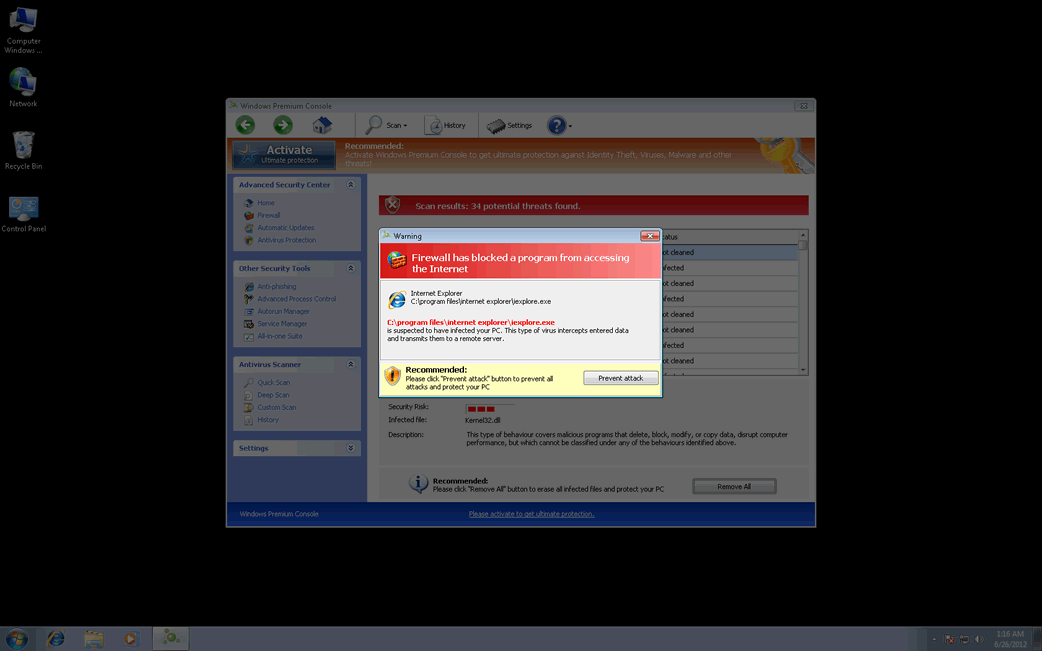
Windows Premium Console Image
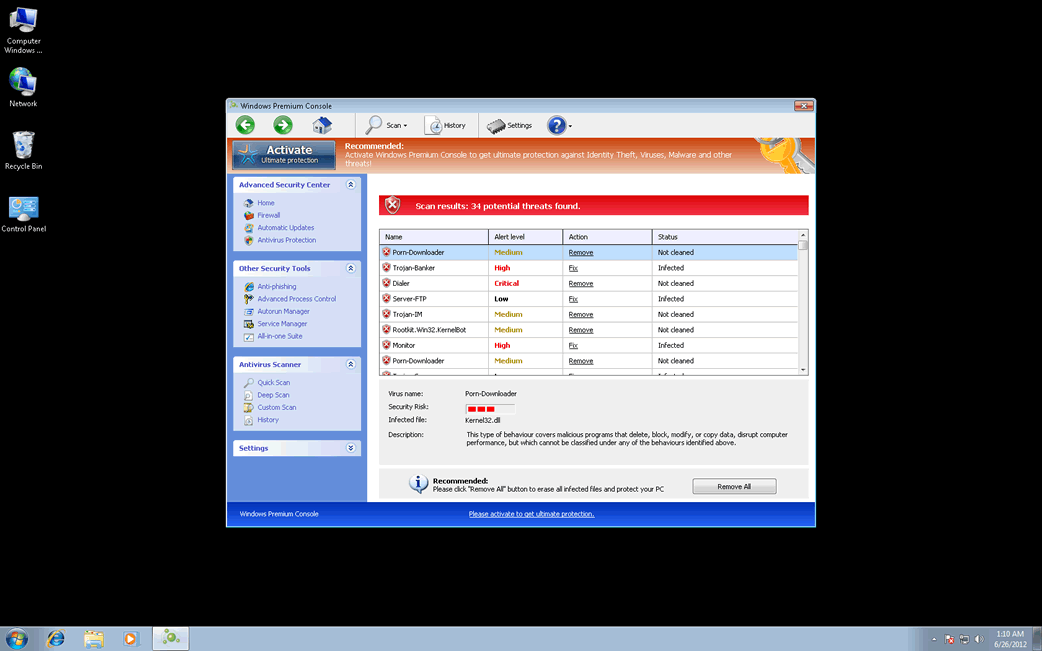
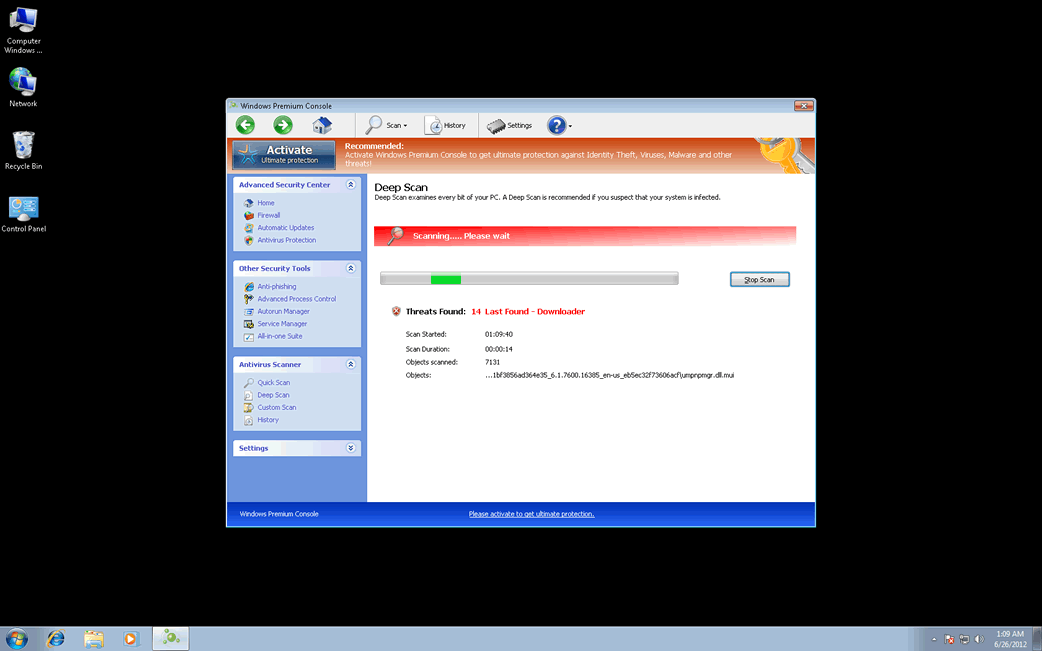
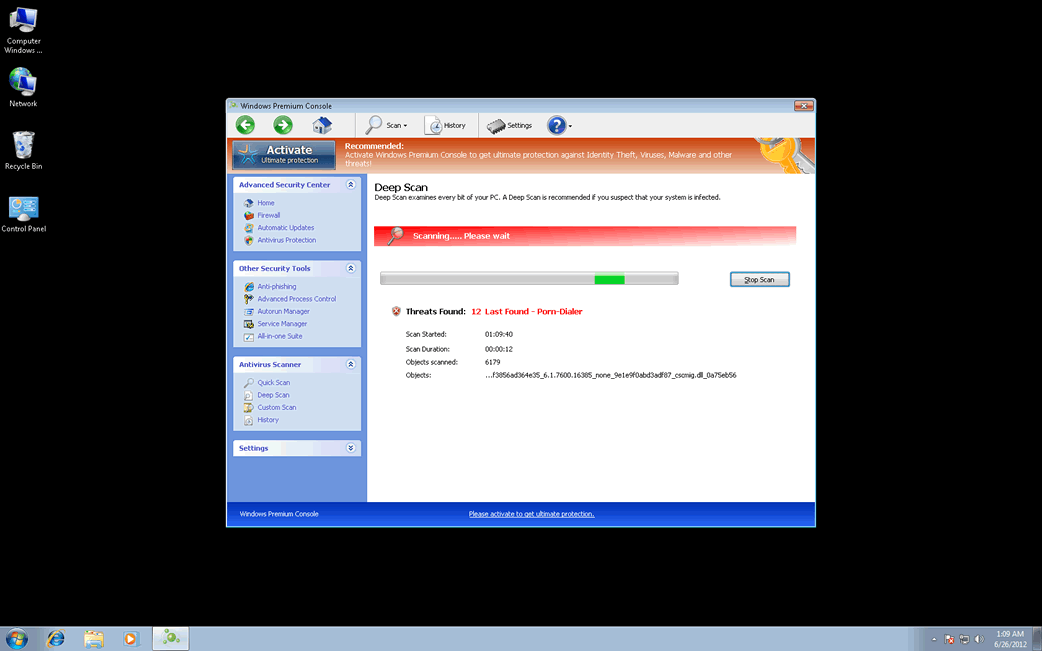
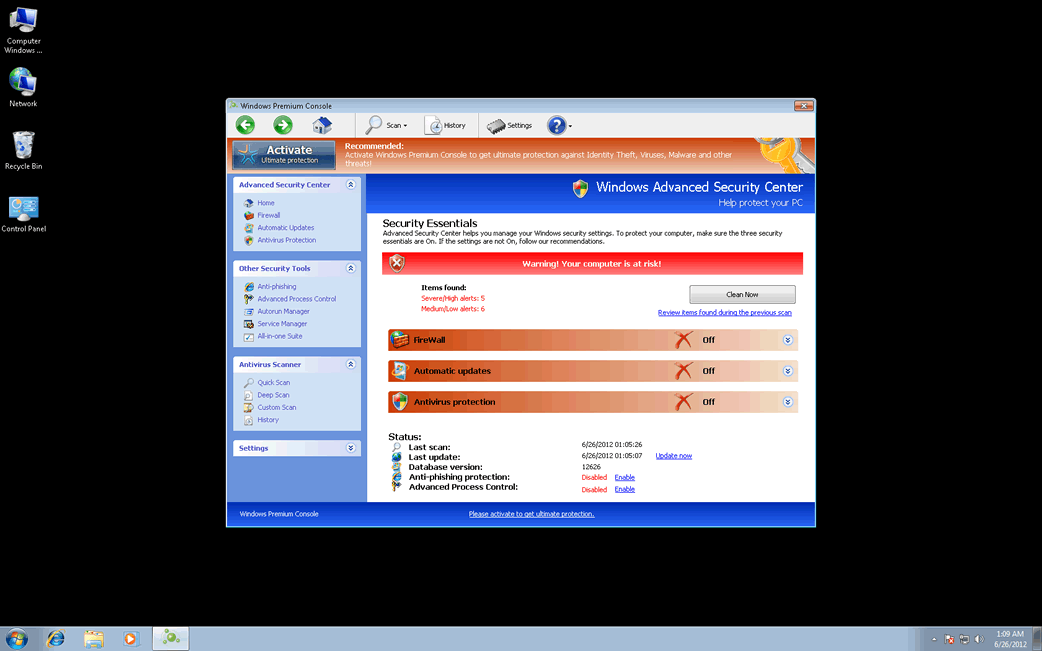
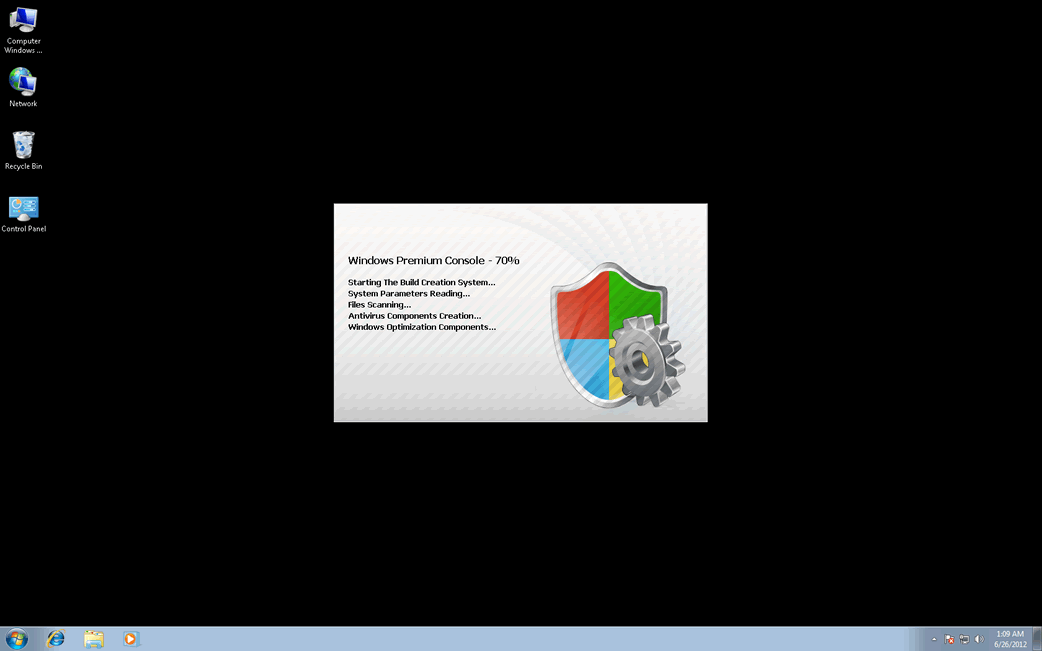
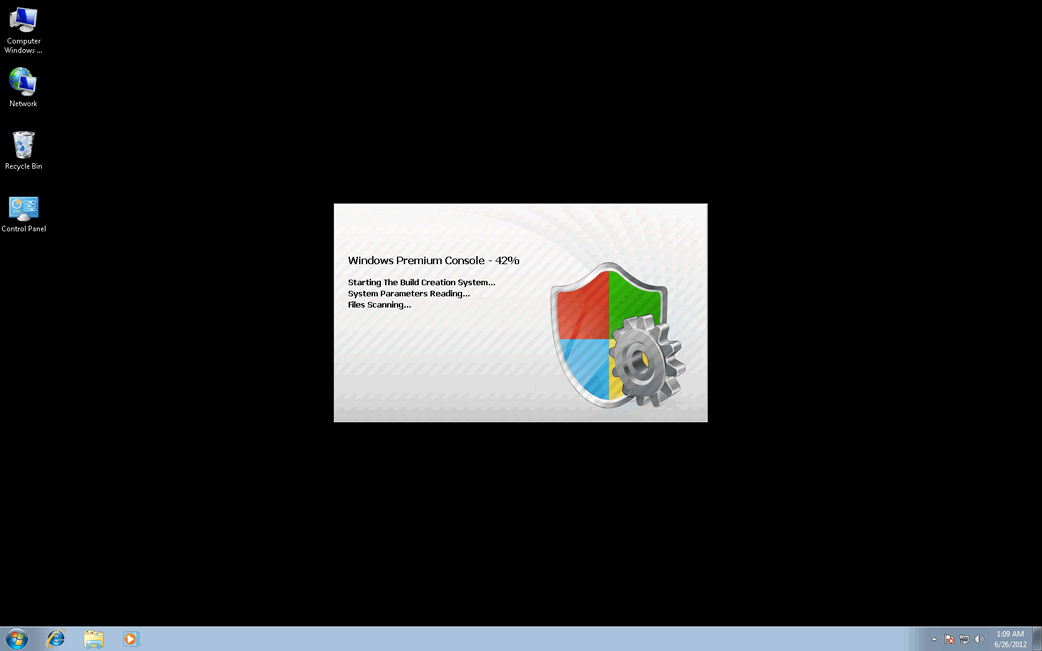
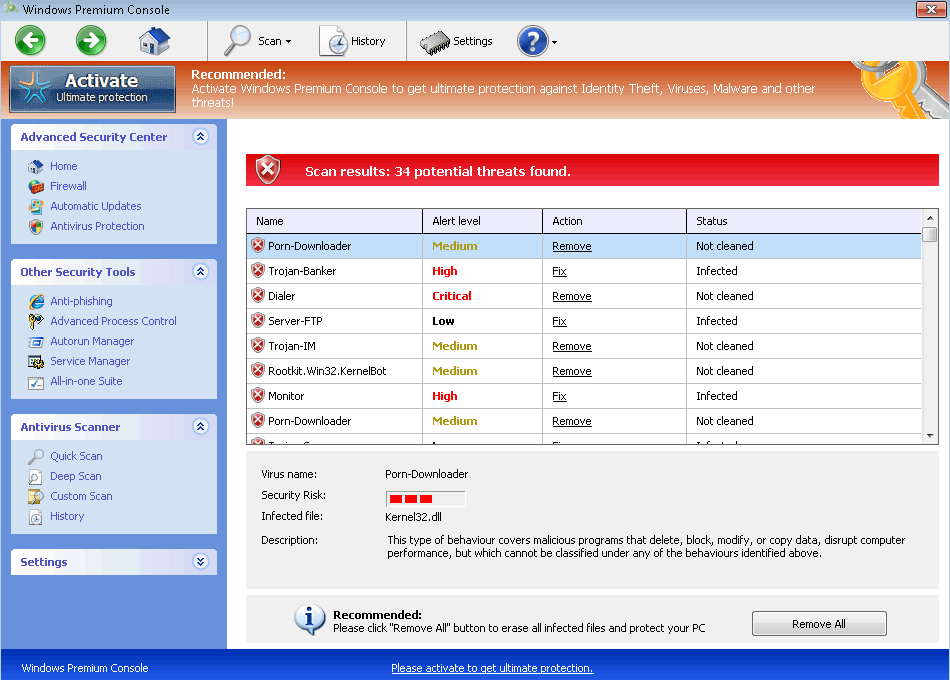
Windows Premium Console is one of the many fake security applications in the FakeVimes family of malware that have been infecting systems all over the world since early 2012. Despite its appearance, Windows Premium Console is not a real security program. Windows Premium Console is a malware infection that, as part of its attack, is disguised as a legitimate security application in order to steal its victims' money. ESG malware analysts urge computer users to mistrust all messages and claims made by Windows Premium Console and to remove this threat with a reliable anti-malware program.
Table of Contents
Windows Premium Console is a Particularly Nasty FakeVimes Variant
The FakeVimes family of malware has been active since at least 2009, which means that most anti-malware applications can remove FakeVimes-related malware easily. However, starting in 2012, criminals have released numerous clones in the FakeVimes family that will often be bundled with a rootkit component that makes them considerably more difficult to remove than previous variants in the FakeVimes family of malware. In the case of Windows Premium Console and other recently-released FakeVimes clones, a specialized anti-rootkit tool may be necessary for effective removal. Some other fake security programs with or without the same malicious rootkit component include Virus Melt, Presto TuneUp, Fast Antivirus 2009, Extra Antivirus, Windows Security Suite, Smart Virus Eliminator, Packed.Generic.245, Volcano Security Suite, Windows Enterprise Suite, Enterprise Suite, Additional Guard, PC Live Guard, Live PC Care, Live Enterprise Suite, Security Antivirus, My Security Wall, CleanUp Antivirus, Smart Security, Windows Protection Suite, Windows Work Catalyst.
What You Can Do to Protect Your Computer from Windows Premium Console
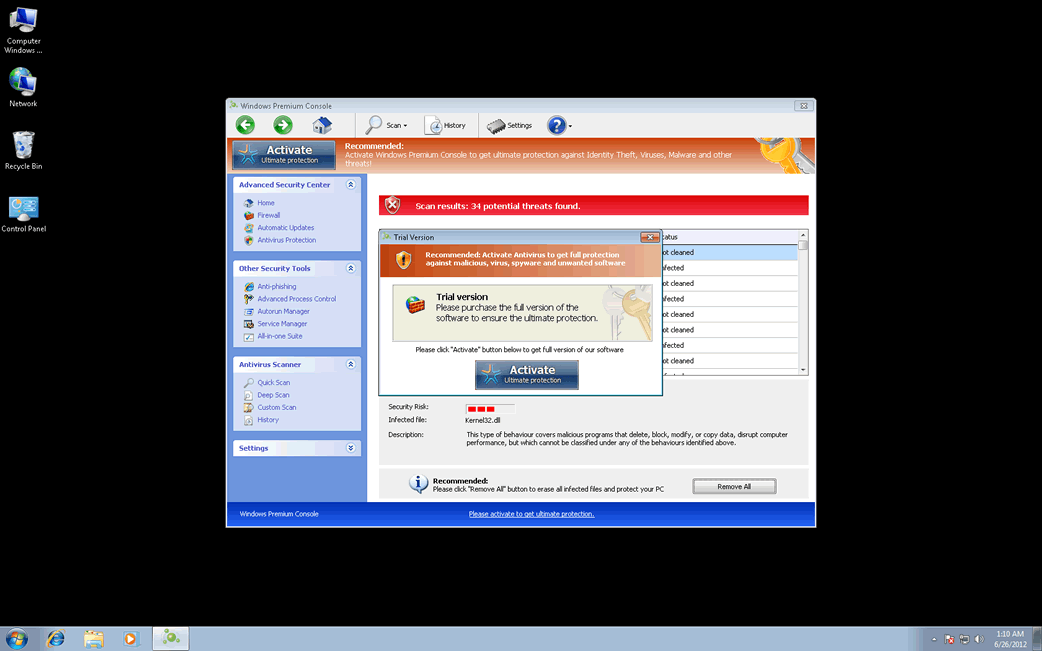
Scams similar to Windows Premium Console have been around for many years and are variations on scams carried out by con men for a long time before the appearance of the Internet. Basically, Windows Premium Console is designed to make you believe that your computer was infected with numerous malware threats. However, trying to use Windows Premium Console, a malware infection itself, results in error messages claiming that you need to purchase an expensive 'full version' of Windows Premium Console.
Since Windows Premium Console has no actual way of removing malware from your computer, ESG security analysts strongly advise against paying to 'register' Windows Premium Console. Instead, you should use a reliable anti-malware application to remove Windows Premium Console and its associated malware. You can make Windows Premium Console believe that you've registered Windows Premium Console with the registration code 0W000-000B0-00T00-E0020. This registration code will stop many of Windows Premium Console's most annoying symptoms, but it will not remove Windows Premium Console from your computer or do anything to protect you from future infections that may derive from its presence on your computer system.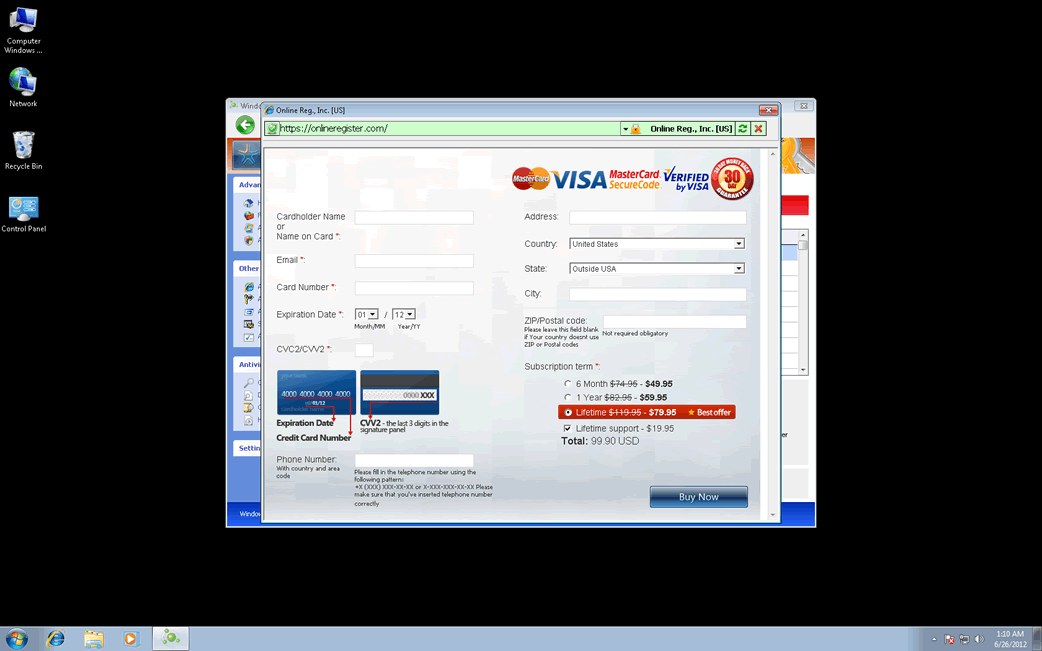
Windows Premium Console Video
Tip: Turn your sound ON and watch the video in Full Screen mode.
File System Details
| # | File Name |
Detections
Detections: The number of confirmed and suspected cases of a particular threat detected on
infected computers as reported by SpyHunter.
|
|---|---|---|
| 1. | %AppData%\Protector-[RANDOM CHARACTERS].exe |



