Windows Firewall Constructor
Threat Scorecard
EnigmaSoft Threat Scorecard
EnigmaSoft Threat Scorecards are assessment reports for different malware threats which have been collected and analyzed by our research team. EnigmaSoft Threat Scorecards evaluate and rank threats using several metrics including real-world and potential risk factors, trends, frequency, prevalence, and persistence. EnigmaSoft Threat Scorecards are updated regularly based on our research data and metrics and are useful for a wide range of computer users, from end users seeking solutions to remove malware from their systems to security experts analyzing threats.
EnigmaSoft Threat Scorecards display a variety of useful information, including:
Ranking: The ranking of a particular threat in EnigmaSoft’s Threat Database.
Severity Level: The determined severity level of an object, represented numerically, based on our risk modeling process and research, as explained in our Threat Assessment Criteria.
Infected Computers: The number of confirmed and suspected cases of a particular threat detected on infected computers as reported by SpyHunter.
See also Threat Assessment Criteria.
| Ranking: | 15,828 |
| Threat Level: | 100 % (High) |
| Infected Computers: | 10 |
| First Seen: | February 29, 2012 |
| Last Seen: | May 6, 2024 |
| OS(es) Affected: | Windows |
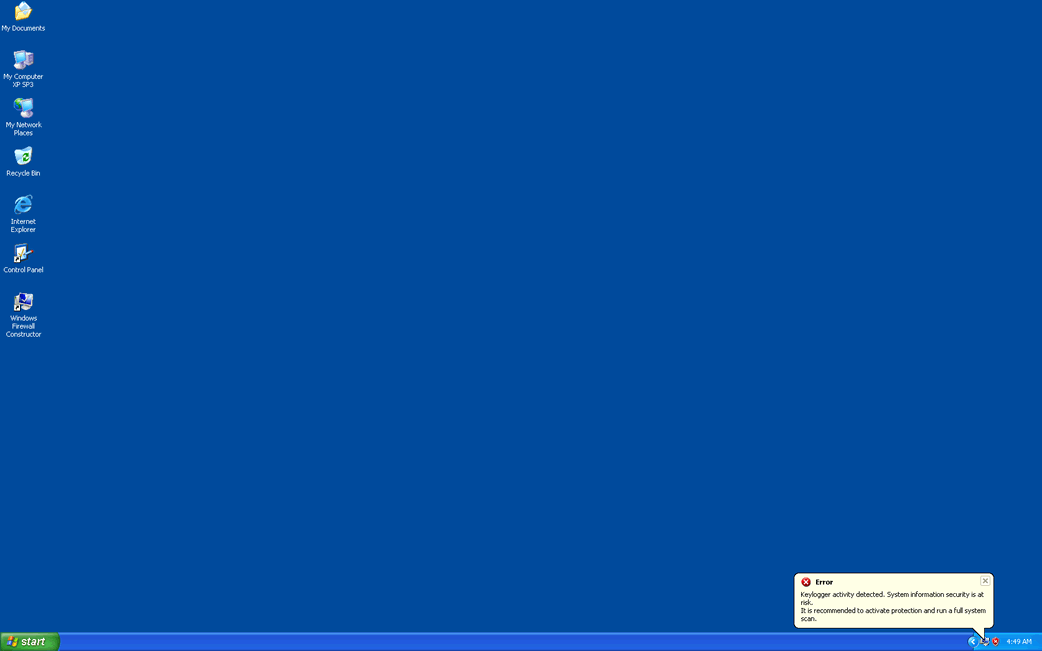
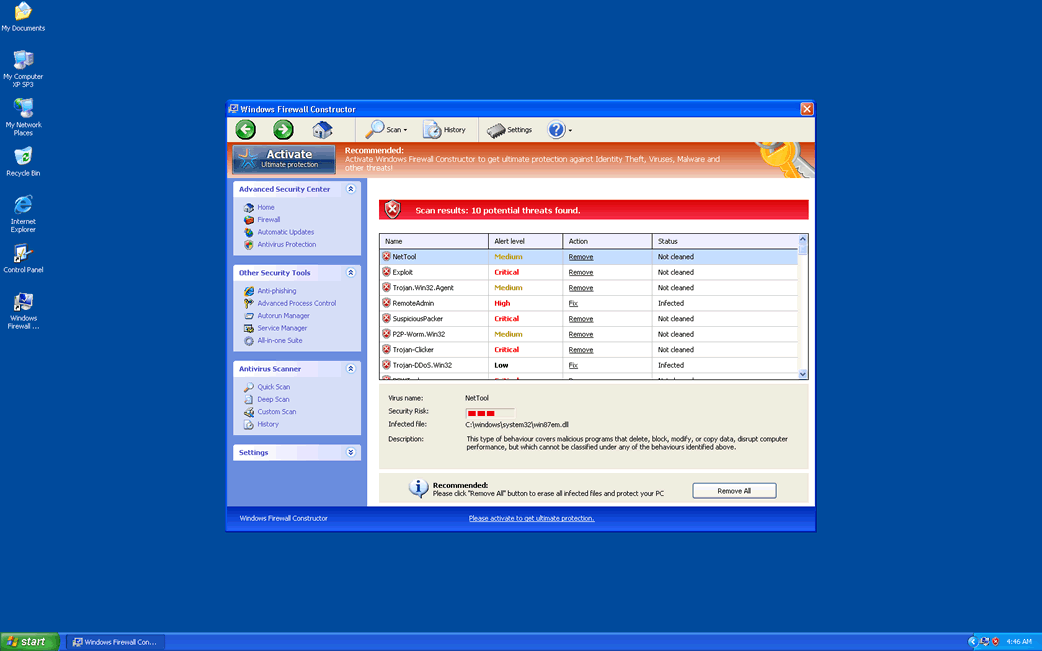
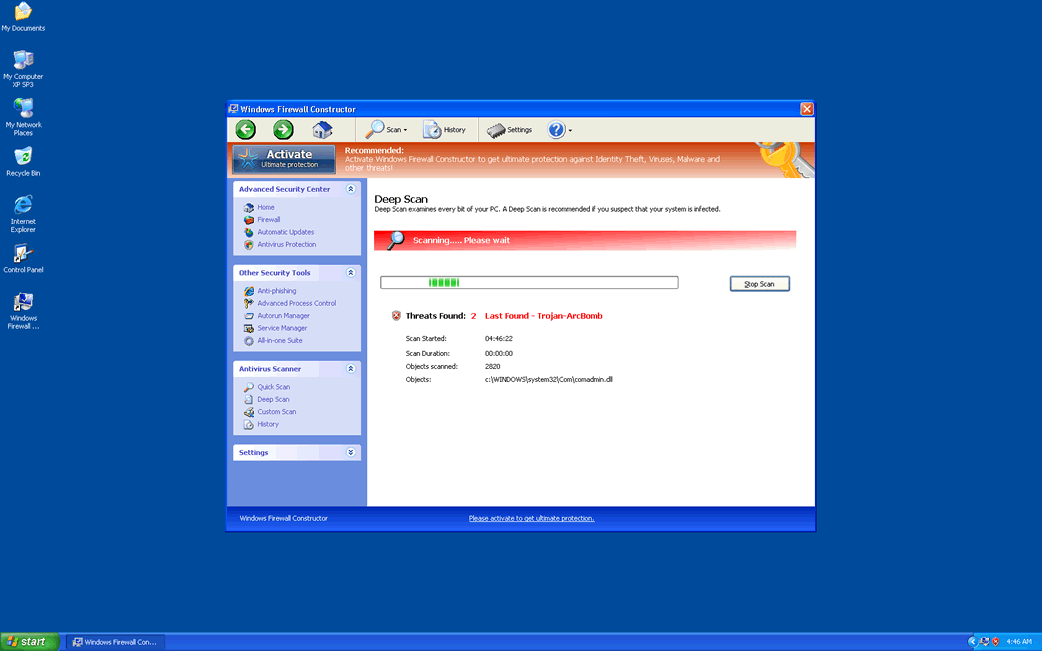
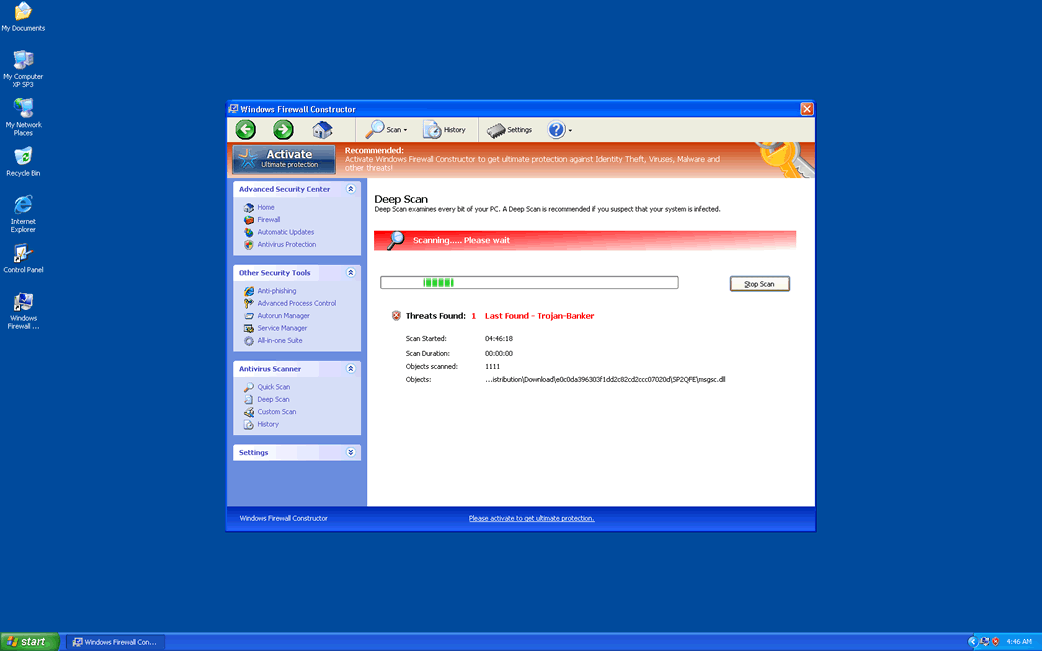
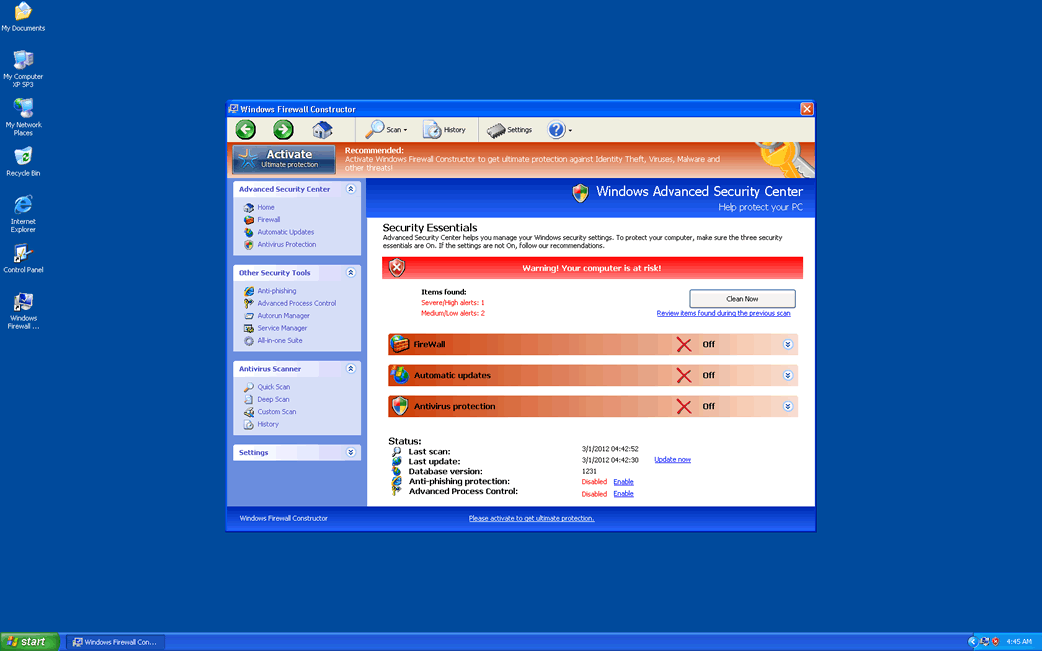
Windows Firewall Constructor Image
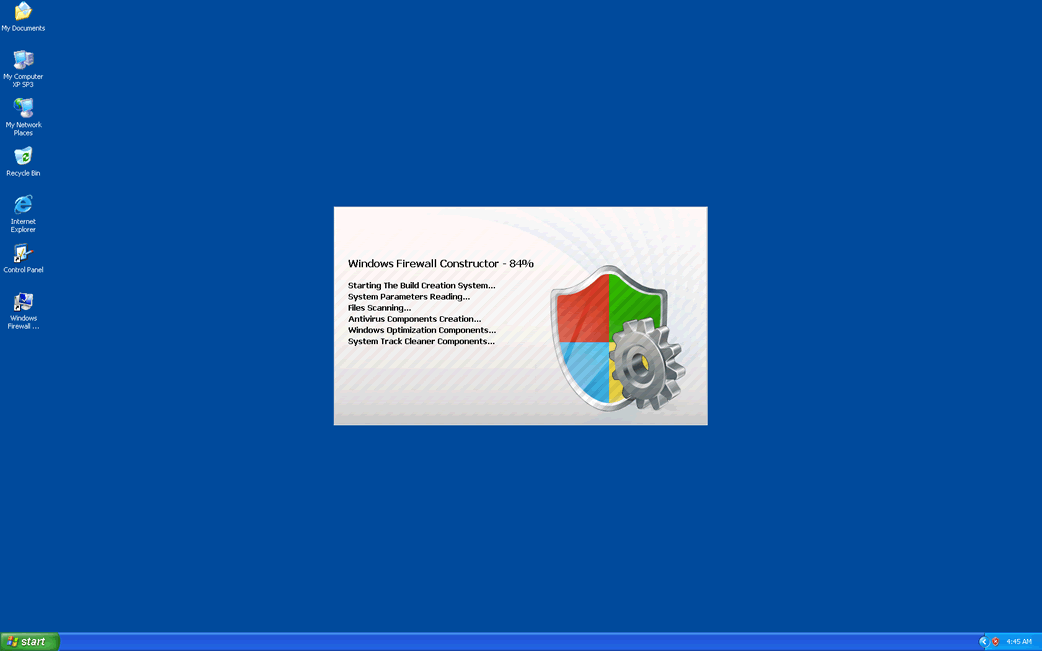
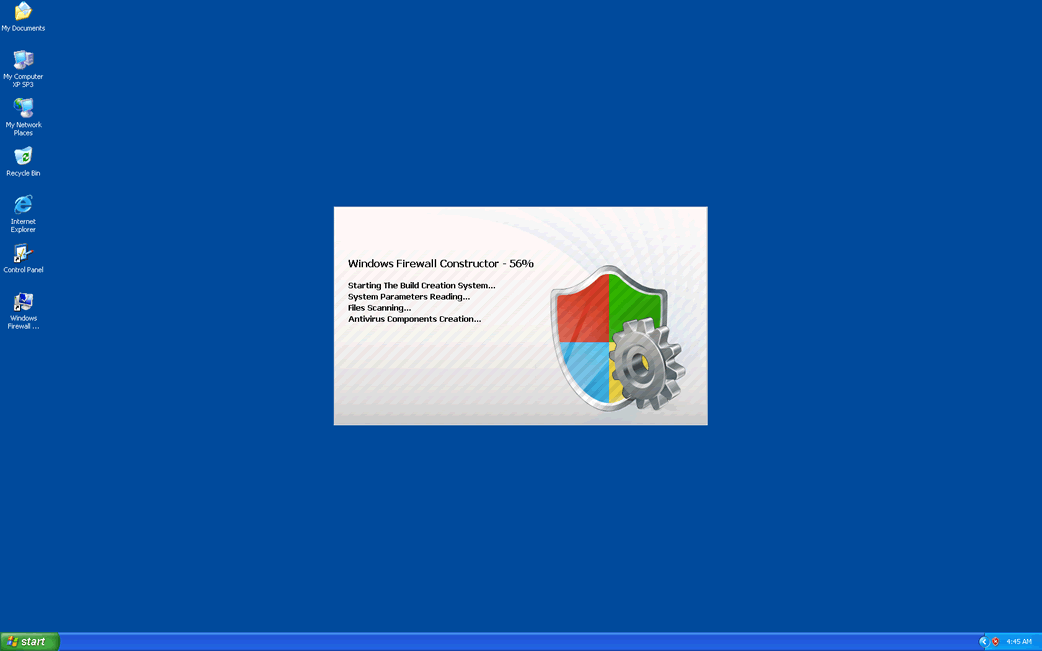
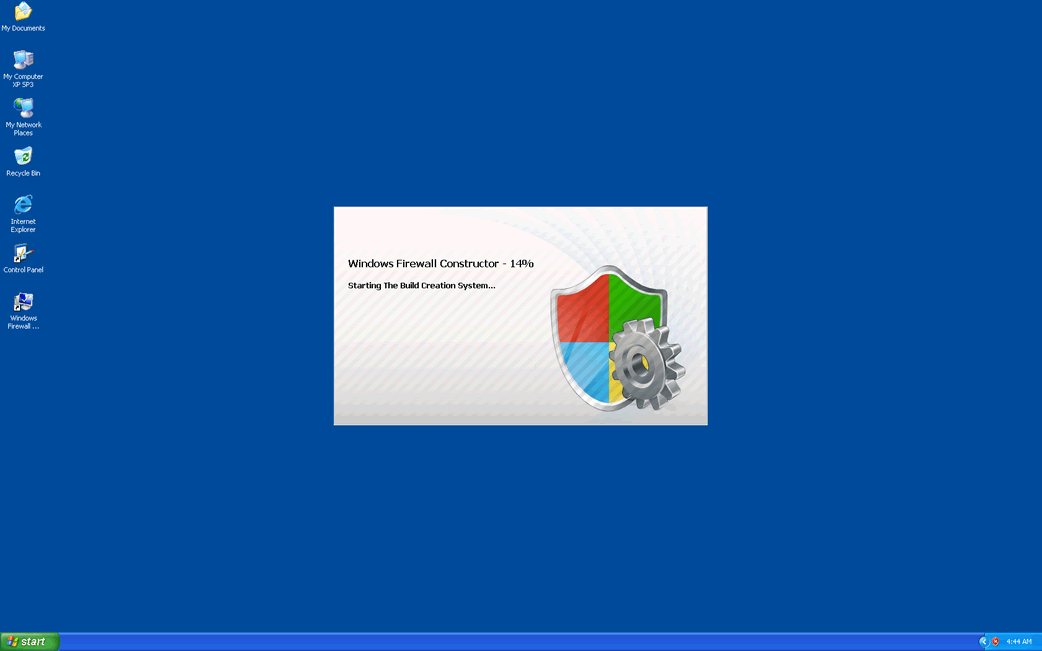
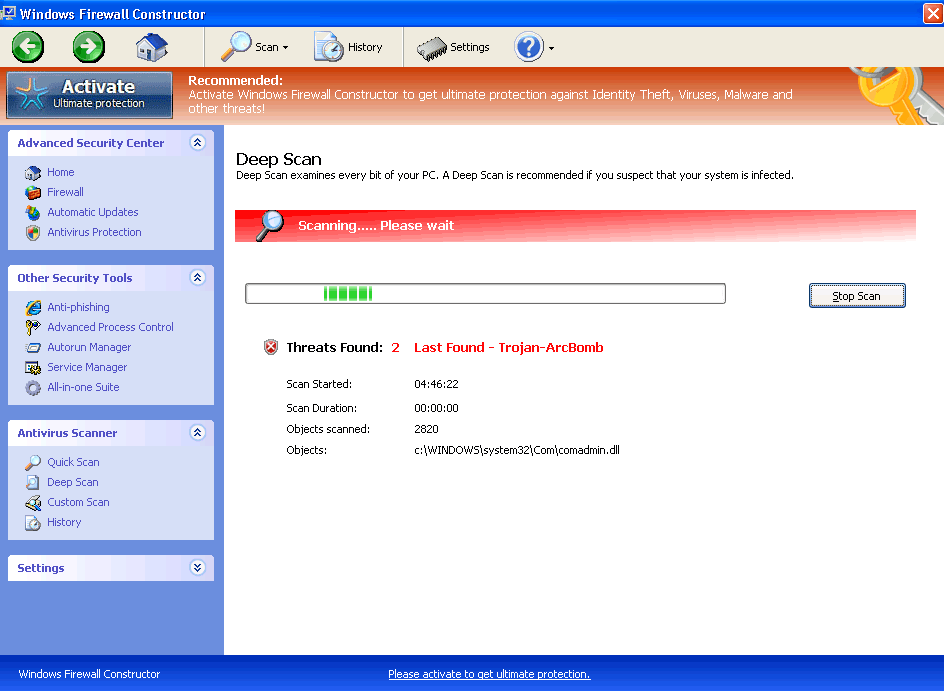
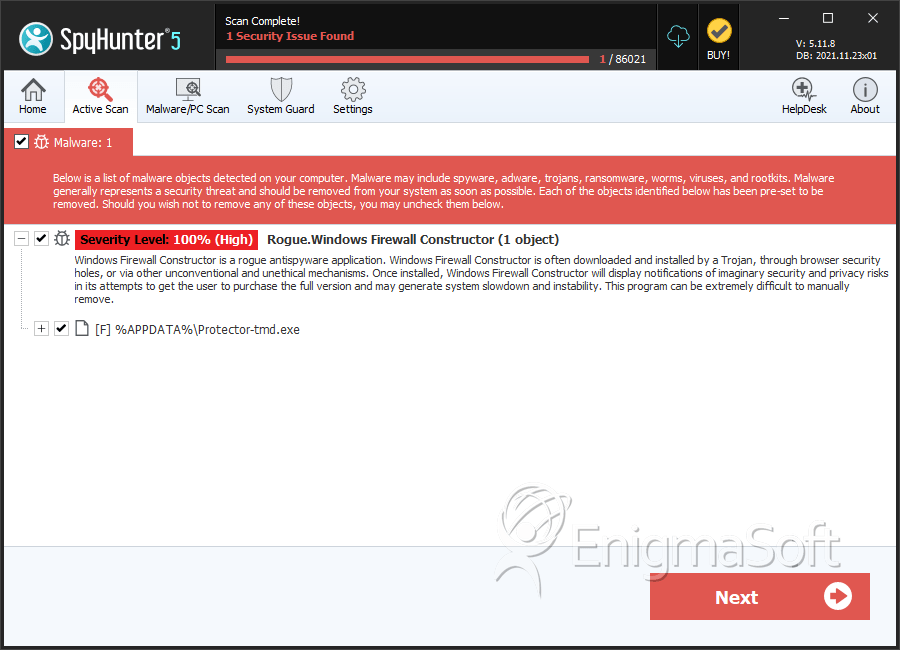
Looking at the name 'Windows Firewall Constructor', one may think of a program that somehow builds firewalls. However, this nonsensical name actually belongs to one of the fake security applications in the FakeVimes family of rogue anti-virus programs. While this is a well known family of rogue anti-virus programs, Windows Firewall Constructor is part of a large batch of clones of this family of malware that were released in 2012 and late 2011. Regardless of their release date, all of these are basically the same malware threat – fake security programs that attempt to convince inexperienced computer users to purchase useless security applications. To avoid becoming infected with Windows Firewall Constructor, it is important to use reliable anti-malware software from a legitimate manufacturer and to avoid using free online malware scanners or visiting websites that are commonly associated with malware infections (such as pornographic video galleries or websites with streaming pirated movies).
Older versions of this fake security program include such malware as Virus Melt, Presto TuneUp, Fast Antivirus 2009, Extra Antivirus, Windows Security Suite, Smart Virus Eliminator, Packed.Generic.245, Volcano Security Suite, Windows Enterprise Suite, Enterprise Suite, Additional Guard, PC Live Guard, Live PC Care, Live Enterprise Suite, Security Antivirus, My Security Wall, CleanUp Antivirus, Smart Security, Windows Protection Suite, Windows Work Catalyst.
Table of Contents
Common Sources of a Windows Firewall Constructor Infection
Windows Firewall Constructor will usually be installed through a Trojan infection. Common Trojans known to install Windows Firewall Constructor include the Fake Microsoft Security Essentials Alert Trojan, the Vundo Trojan, and the Zlob Trojan. Windows Firewall Constructor may also be downloaded directly from a fake online malware scan, often found on websites that fail to monitor their advertisements correctly or that are build up for the singular purpose of distributing malware. When the victim agrees to one of these fake scans, the scan will do two things instead of actually scanning the victim's computer system:
- Fake online malware scans associated with Windows Firewall Constructor will attempt to exploit several known vulnerabilities in the victim's operating system, web browser and applications in order to install Windows Firewall Constructor against the victim's will.
- These kinds of scans will always result positive for malware, offering then to install Windows Firewall Constructor as a way to get rid of these imaginary threats. Since ESG security analysts report that Windows Firewall Constructor is a malware infection itself, this is definitely not recommended.
To avoid becoming a victim of Windows Firewall Constructor, remember that fake security programs are a common malware distribution scam. Therefore, computer users need to be very careful and be sure that any security application you consider is legitimate.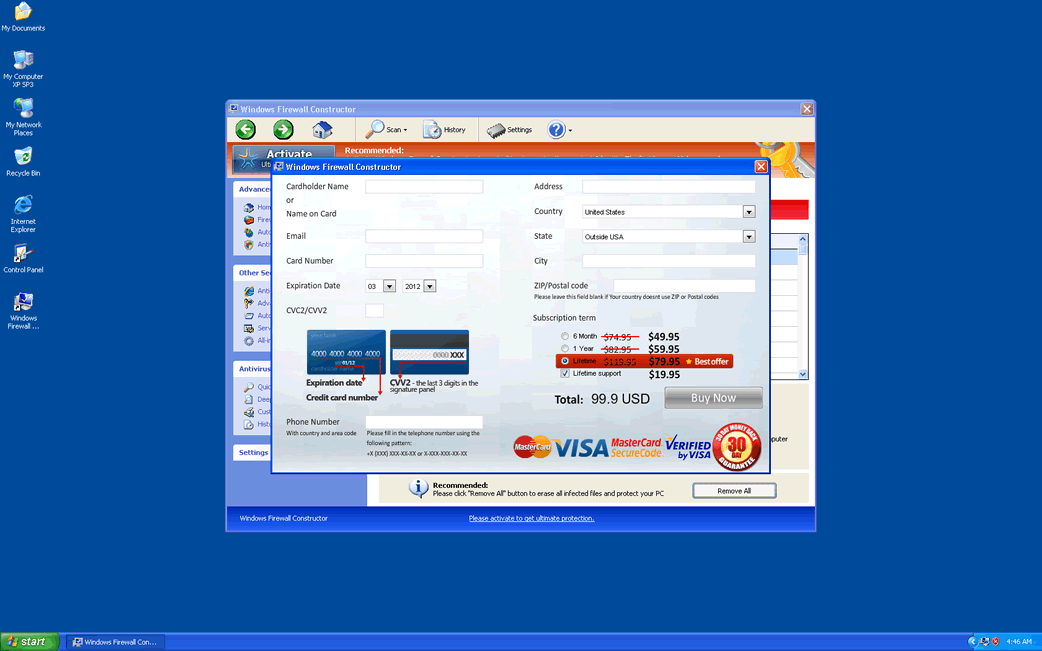
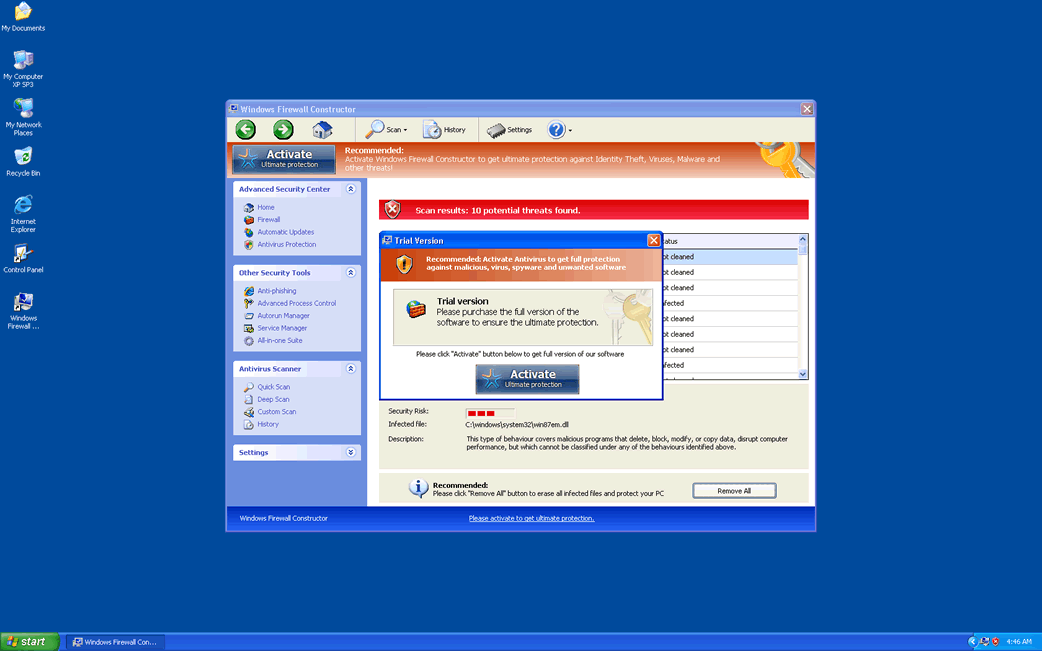
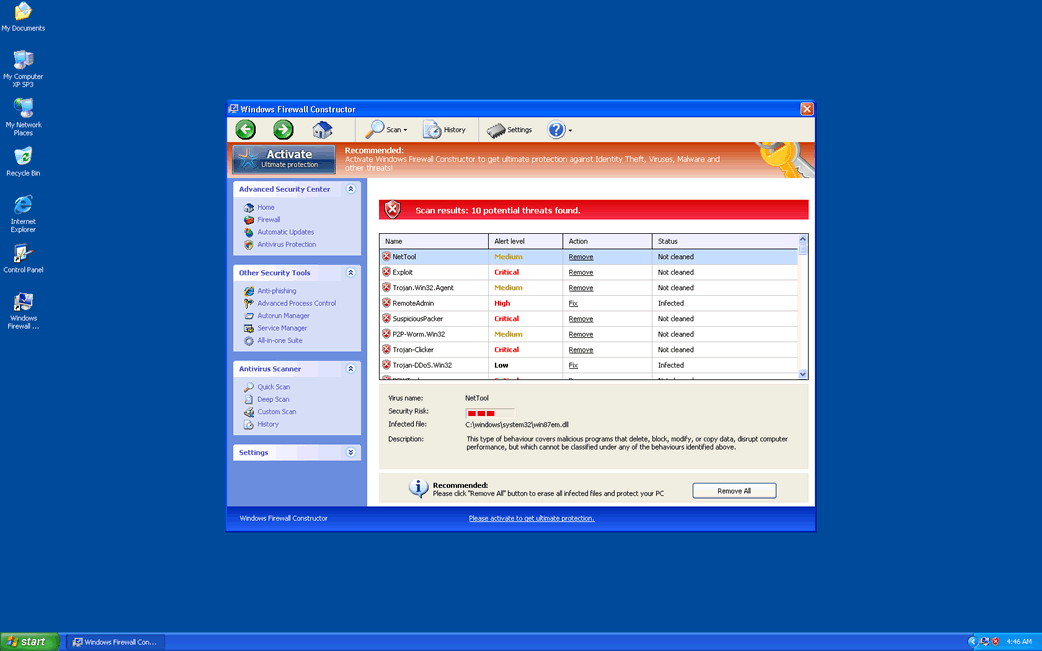
SpyHunter Detects & Remove Windows Firewall Constructor
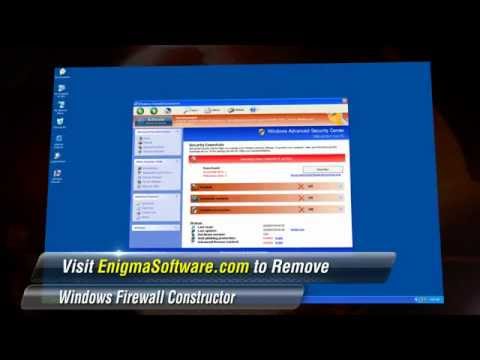
Windows Firewall Constructor Video
Tip: Turn your sound ON and watch the video in Full Screen mode.
File System Details
| # | File Name | MD5 |
Detections
Detections: The number of confirmed and suspected cases of a particular threat detected on
infected computers as reported by SpyHunter.
|
|---|---|---|---|
| 1. | a368b77c6a49d83dd8ebfc1c57a02d7a_Windows Firewall Constructor | a368b77c6a49d83dd8ebfc1c57a02d7a | 4 |
| 2. | %AppData%\Protector-[RANDOM 3 CHARACTERS].exe | ||
| 3. | %AppData%\NPSWF32.dll | ||
| 4. | %Desktop%\Windows Firewall Constructor.lnk | ||
| 5. | %CommonStartMenu%\Programs\Windows Firewall Constructor.lnk | ||
| 6. | %AppData%\result.db |



