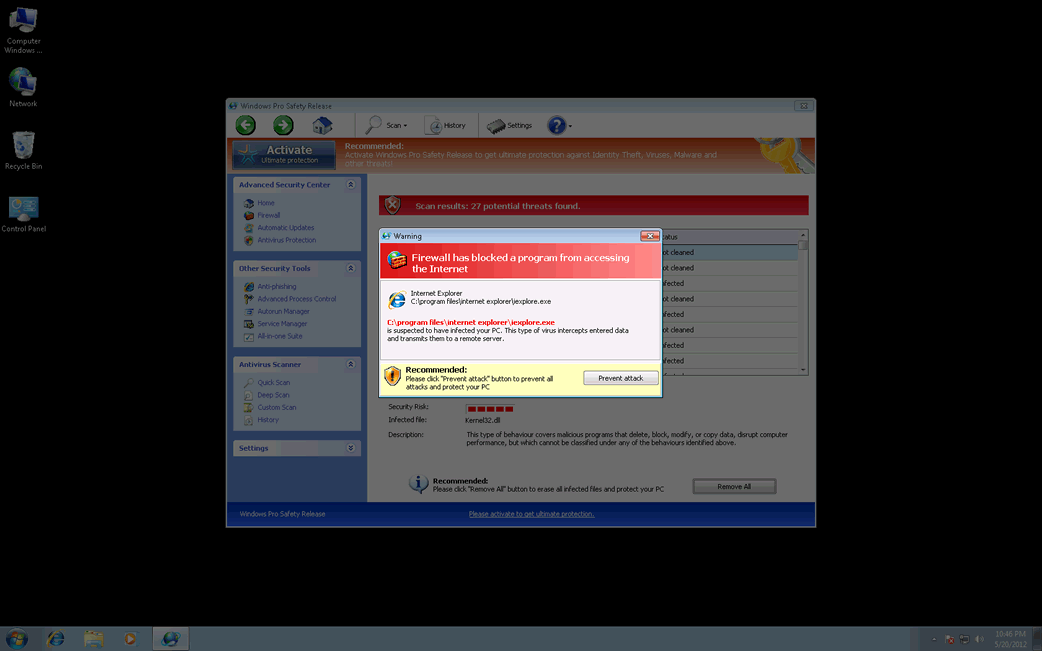
Windows Antivirus Release
Threat Scorecard
EnigmaSoft Threat Scorecard
EnigmaSoft Threat Scorecards are assessment reports for different malware threats which have been collected and analyzed by our research team. EnigmaSoft Threat Scorecards evaluate and rank threats using several metrics including real-world and potential risk factors, trends, frequency, prevalence, and persistence. EnigmaSoft Threat Scorecards are updated regularly based on our research data and metrics and are useful for a wide range of computer users, from end users seeking solutions to remove malware from their systems to security experts analyzing threats.
EnigmaSoft Threat Scorecards display a variety of useful information, including:
Ranking: The ranking of a particular threat in EnigmaSoft’s Threat Database.
Severity Level: The determined severity level of an object, represented numerically, based on our risk modeling process and research, as explained in our Threat Assessment Criteria.
Infected Computers: The number of confirmed and suspected cases of a particular threat detected on infected computers as reported by SpyHunter.
See also Threat Assessment Criteria.
| Ranking: | 15,855 |
| Threat Level: | 100 % (High) |
| Infected Computers: | 21 |
| First Seen: | August 8, 2012 |
| Last Seen: | May 6, 2024 |
| OS(es) Affected: | Windows |
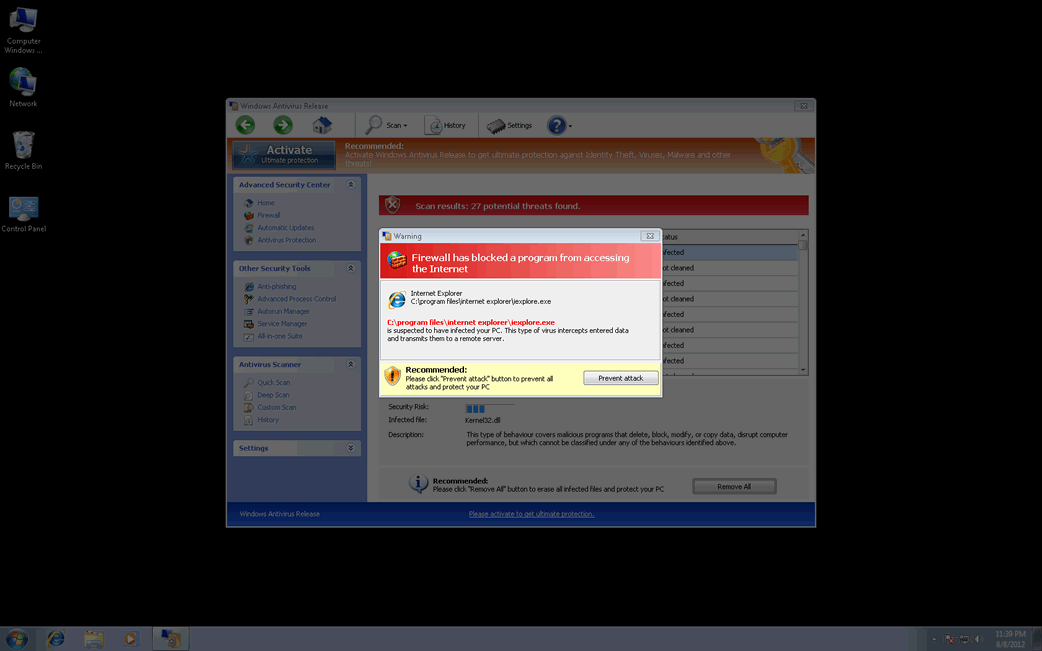
Windows Antivirus Release Image
Windows Antivirus Release is a fake anti-spyware application that pretends to scan your computer and find viruses on your system that are absolutely false. Windows Antivirus Release is another member of the FakeVimes family and has countless clones. Windows Antivirus Release attempts to persuade you into purchasing its 'full version' to remove these supposed malware infections. Windows Antivirus Release uses intentional false positives to scare affected PC users that their computers have been infected with numerous security threats. In some cases, the falsified threats are Trojan infections that advertise or even directly install Windows Antivirus Release.
Windows Antivirus Release invades your computer system as a Trojan or a tricky download, and once installed it immediately starts displaying fake pop-up alerts to frighten you that your PC is at risk. The truth is that your computer has been compromised, but the main problem is Windows Antivirus Release itself. ESG's malware analysts highly recommend you not to believe anything related to Windows Antivirus Release and purchase this malware application. It is highly recommended to remove Windows Antivirus Release scam program from the infected PC as quickly as possible after detection.
The numerous rogue security programs that use the same misleading tactic of Windows Antivirus Release include Virus Melt, Presto TuneUp, Fast Antivirus 2009, Extra Antivirus, Windows Security Suite, Smart Virus Eliminator, Packed.Generic.245, Volcano Security Suite, Windows Enterprise Suite, Enterprise Suite, Additional Guard, PC Live Guard, Live PC Care, Live Enterprise Suite, Security Antivirus, My Security Wall, CleanUp Antivirus, Smart Security, Windows Protection Suite, Windows Work Catalyst.
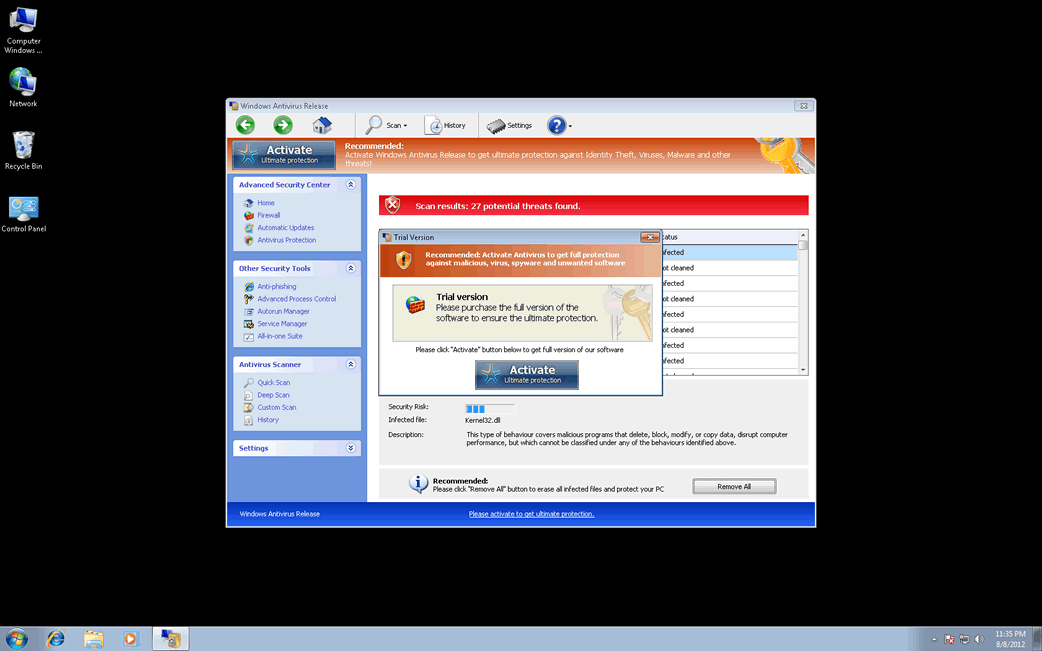
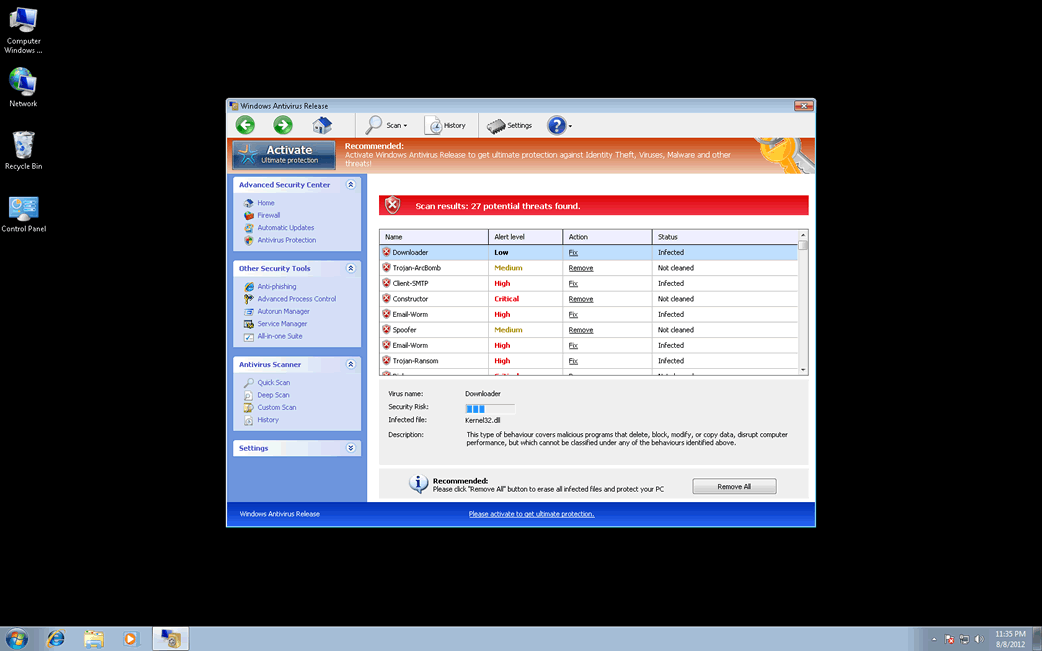
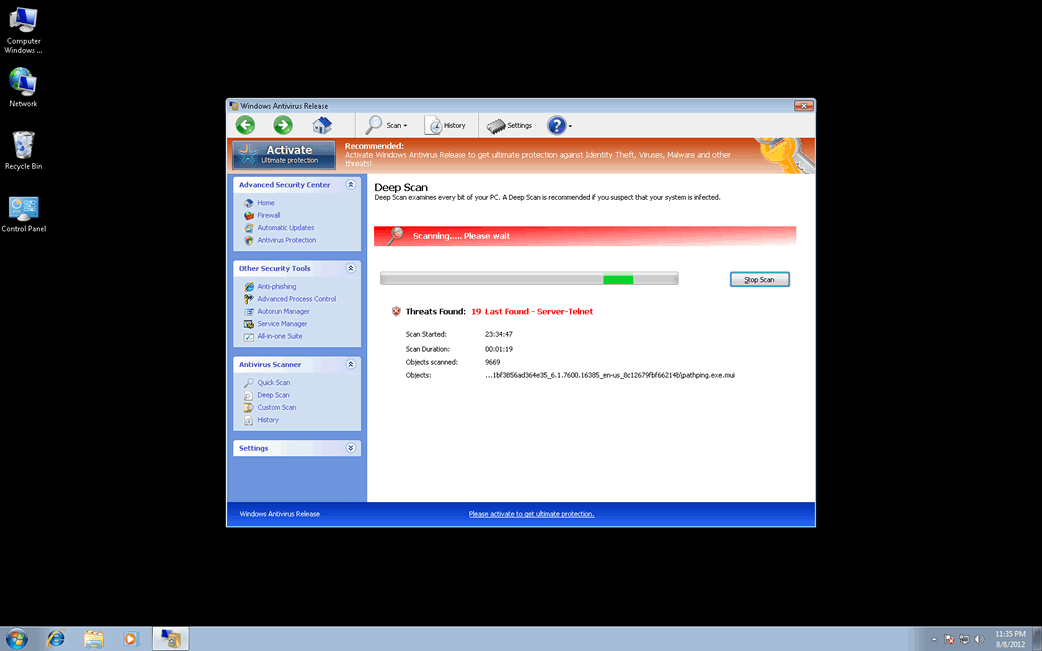
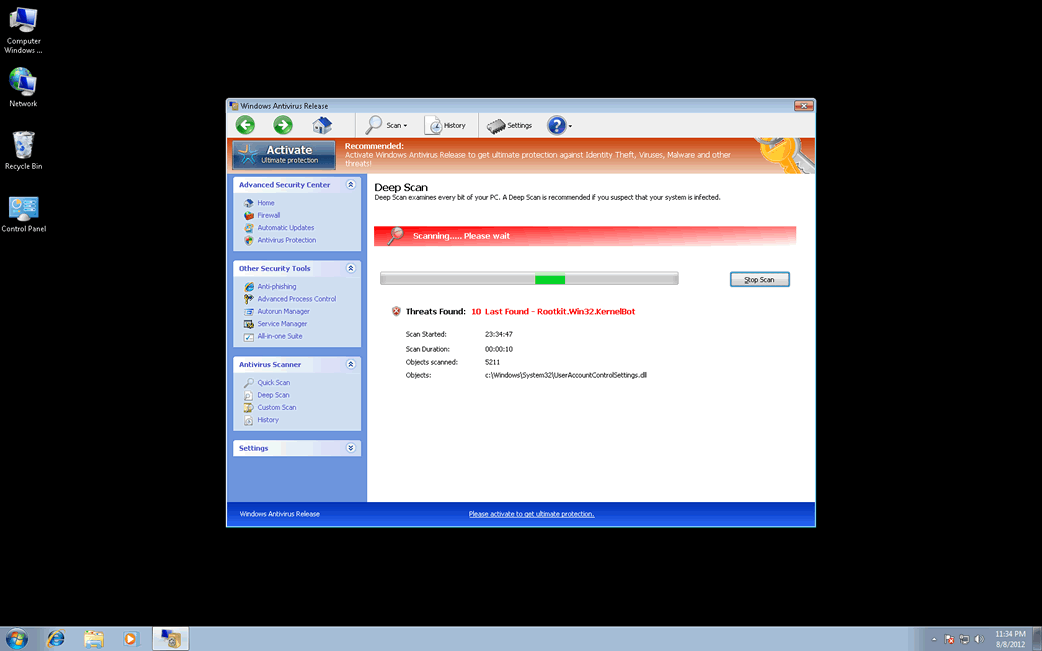
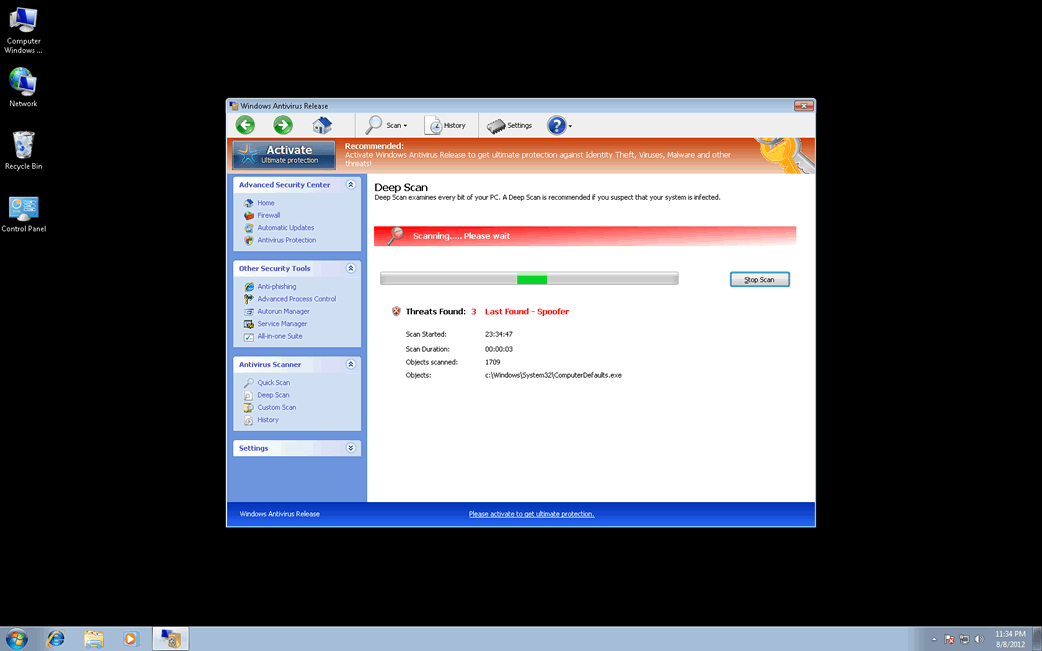
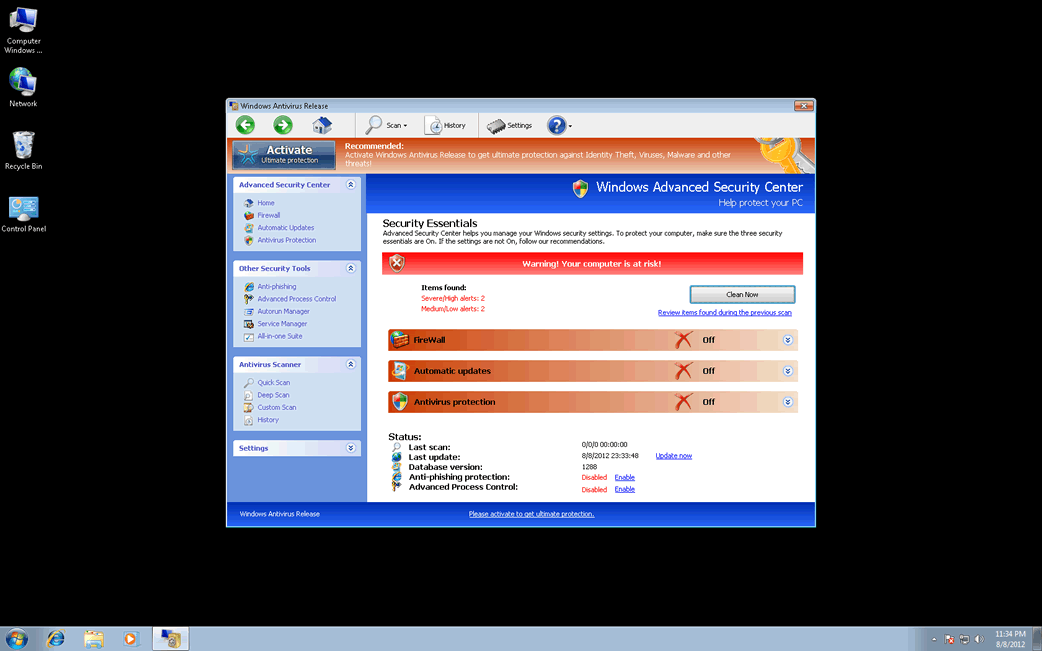
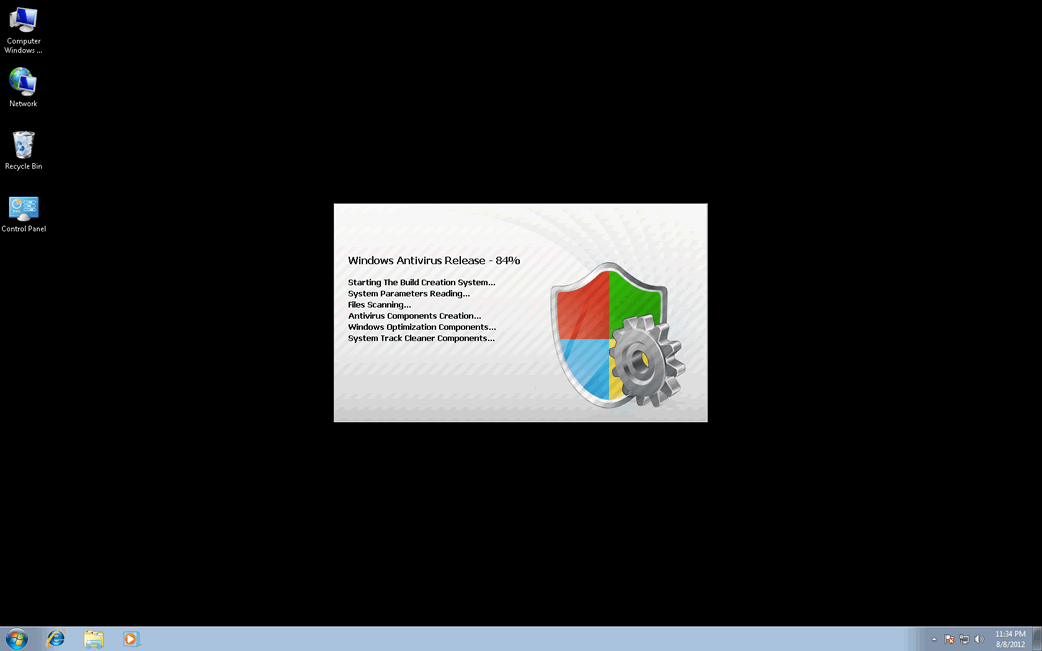
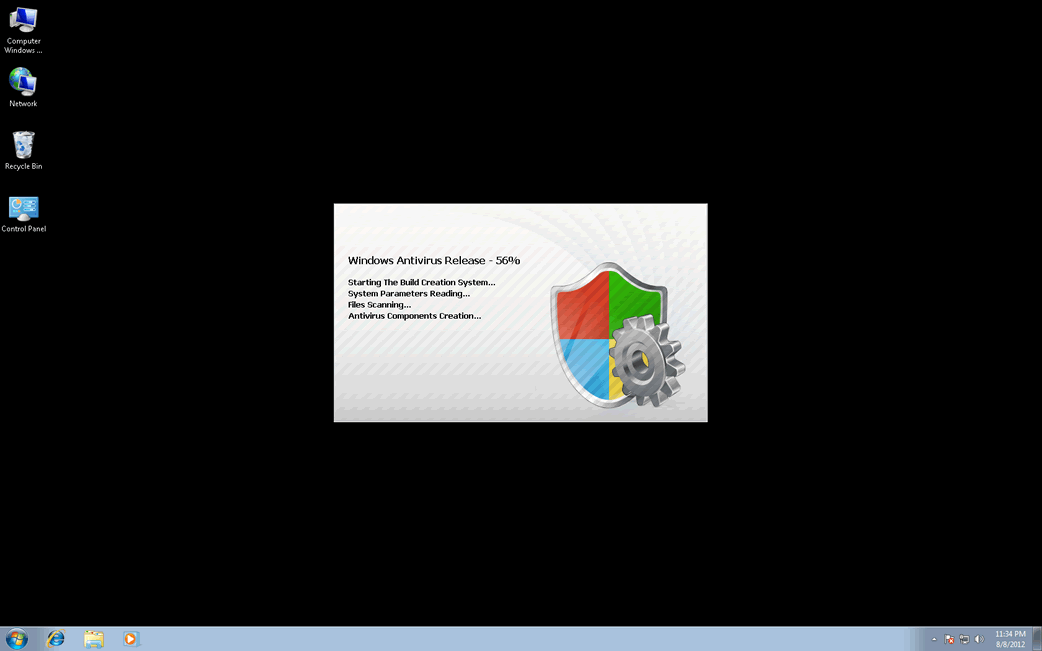
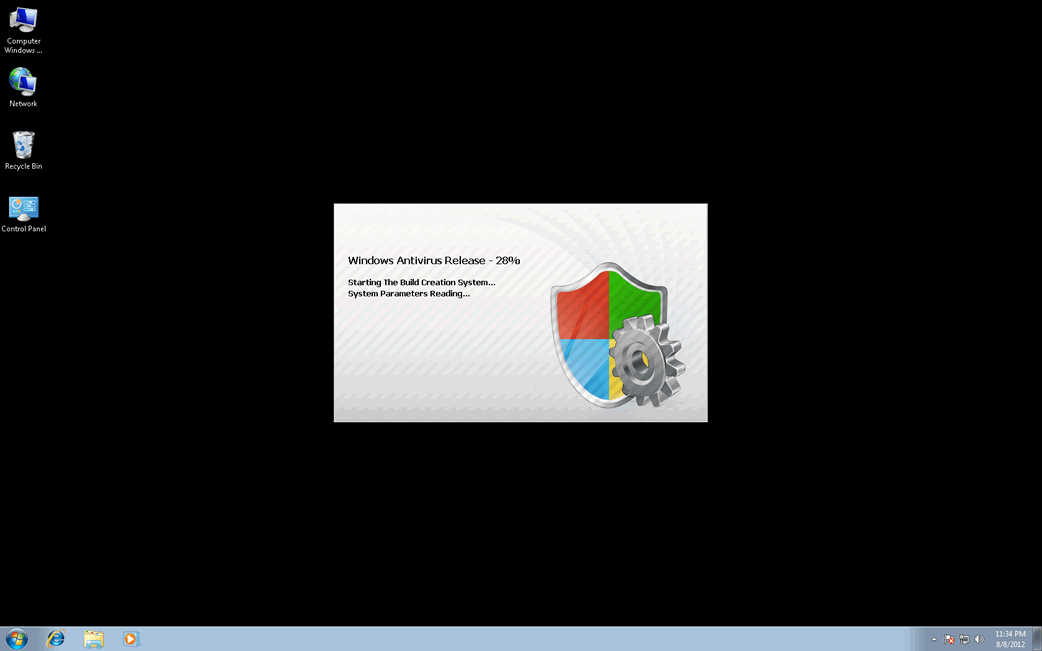
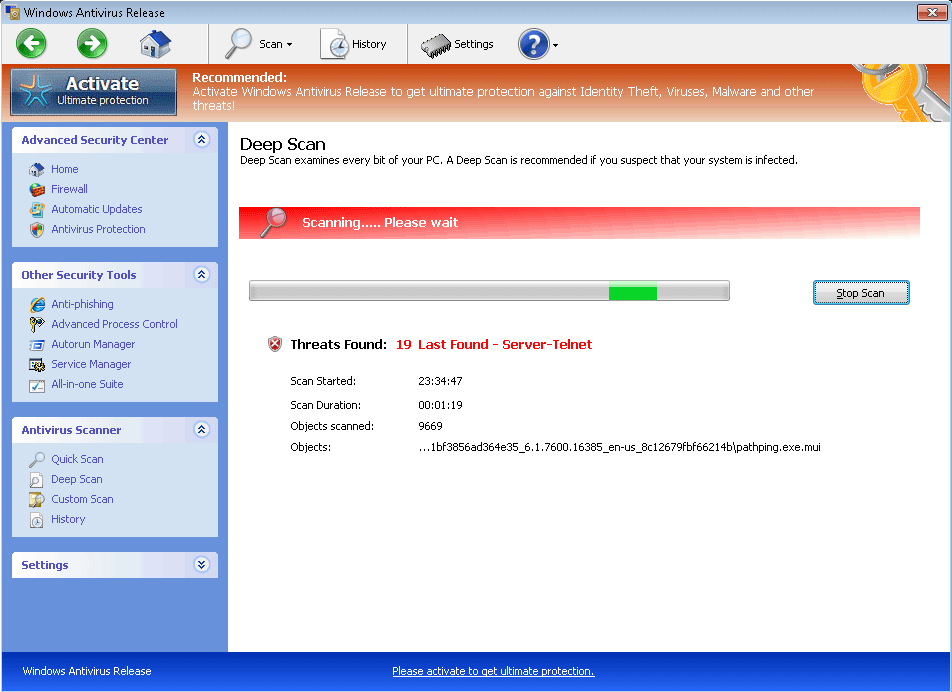
Table of Contents
SpyHunter Detects & Remove Windows Antivirus Release
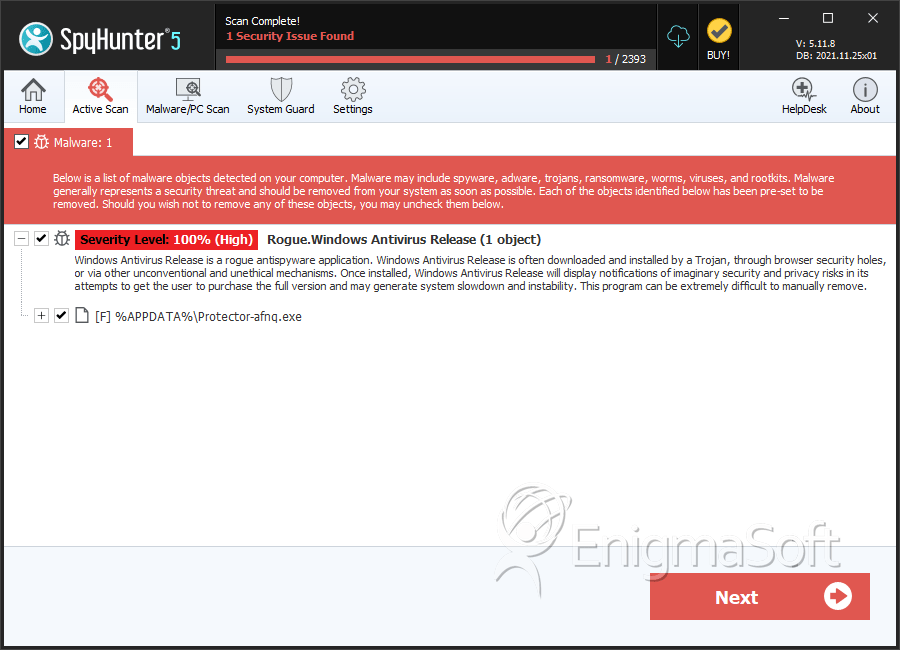
Windows Antivirus Release Video
Tip: Turn your sound ON and watch the video in Full Screen mode.
File System Details
| # | File Name | MD5 |
Detections
Detections: The number of confirmed and suspected cases of a particular threat detected on
infected computers as reported by SpyHunter.
|
|---|---|---|---|
| 1. | 50e28112d4c2c7842aec84669f9b2b24edfc05f1c99e7dc4ca41a1e1a93cf944.exe | 960f698531cd8d92298e4e61f1bd0e1b | 4 |
| 2. | %AppData%\Protector-[rnd].exe |