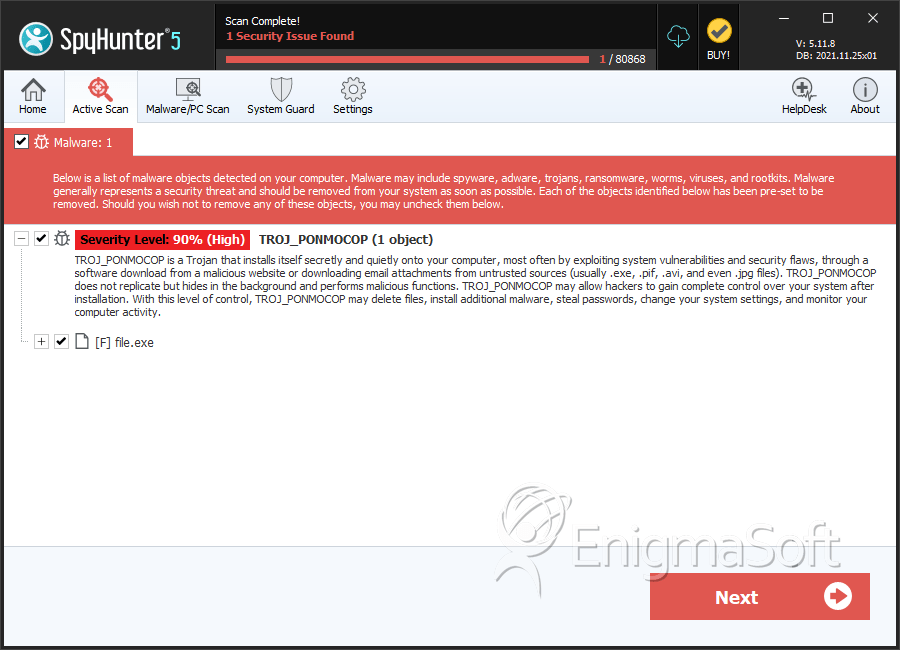
TROJ_PONMOCOP is a Trojan that induces the unwanted printing routine on the corrupted PC and displays disturbing pop-up ads. TROJ_PONMOCOP code encompasses an encrypted portion, which is loaded and decrypted into memory. When decrypted, it becomes a new binary file that is UPX-packed, and will corrupt the routines from then on. This new binary also encompasses an encrypted code, which needs decryption keys from parameters found in the corrupted PC, for instance, ftCreationTime & ftLastAccessTime of %Windows%\system32 and System Volume Information folder, and the serial number of the hard drive in order to decrypt itself. If the decrypted code is a legitimate binary file, it again sends the control to this newly-created binary. If not, then the routine of TROJ_PONMOCOP will not continue which means that the binary may be unique for each of the targeted computer. All these actions are performed in memory, which means there are no downloaded files. Then, the certain registry keys are being checked by TROJ_PONMOCOP to decrypt additional binaries in memory. These registry keys are based on the infected computer's processor/OS.
Please DO NOT use this comment system for support or billing questions.
For SpyHunter technical support requests, please contact our technical support team
directly by opening a customer support ticket via
your SpyHunter. For billing issues, please refer to our "Billing
Questions or Problems?" page. For general inquiries (complaints, legal, press, marketing, copyright), visit our
"Inquiries and Feedback" page.
Enigmasoftware.com uses cookies to provide you with a better browsing experience and analyze how users navigate and utilize the Site. By using this Site or clicking on "OK", you consent to the use of cookies. Learn more.




Submit Comment
Please DO NOT use this comment system for support or billing questions. For SpyHunter technical support requests, please contact our technical support team directly by opening a customer support ticket via your SpyHunter. For billing issues, please refer to our "Billing Questions or Problems?" page. For general inquiries (complaints, legal, press, marketing, copyright), visit our "Inquiries and Feedback" page.