SecureKeeper
Threat Scorecard
EnigmaSoft Threat Scorecard
EnigmaSoft Threat Scorecards are assessment reports for different malware threats which have been collected and analyzed by our research team. EnigmaSoft Threat Scorecards evaluate and rank threats using several metrics including real-world and potential risk factors, trends, frequency, prevalence, and persistence. EnigmaSoft Threat Scorecards are updated regularly based on our research data and metrics and are useful for a wide range of computer users, from end users seeking solutions to remove malware from their systems to security experts analyzing threats.
EnigmaSoft Threat Scorecards display a variety of useful information, including:
Ranking: The ranking of a particular threat in EnigmaSoft’s Threat Database.
Severity Level: The determined severity level of an object, represented numerically, based on our risk modeling process and research, as explained in our Threat Assessment Criteria.
Infected Computers: The number of confirmed and suspected cases of a particular threat detected on infected computers as reported by SpyHunter.
See also Threat Assessment Criteria.
| Threat Level: | 100 % (High) |
| Infected Computers: | 7 |
| First Seen: | December 1, 2009 |
| Last Seen: | January 10, 2019 |
| OS(es) Affected: | Windows |
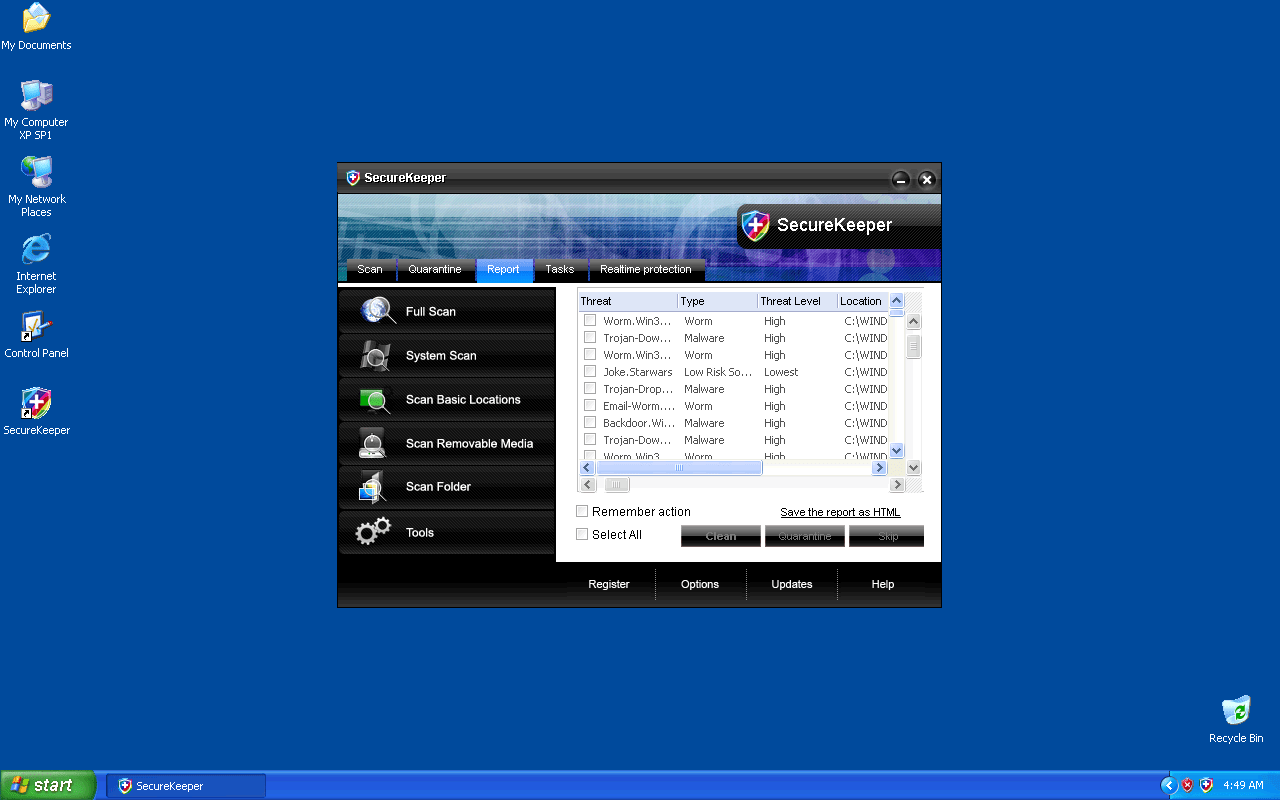
SecureKeeper Image
SecureKeeper is an untrustworthy anti-spyware program that displays fake system scan reports in order to scare users into purchasing it. The parasites detected on the scan report do not exist and all the warning messages or pop-ups displayed are false. SecureKeeper spreads with the help of Trojans or it can be downloaded from malicious websites. Uninstall SecureKeeper from your computer as soon as possible.
SecureKeeper, a member of the FakeSmoke family, has numerous clones. SecureKeeper clones include WiniFighter, WiniShield, SaveKeep, SaveKeeper, SoftSafeness, TrustWarrior, WiniGuard, SecurityFighter, Security Soldier, SecureVeteran, Secure Warrior, Trust Cop, Safe Fighter, Trust Soldier, Virus Protector, BlockDefense, Security Soldier, TrustNinja, SaveDefense, SystemCop.
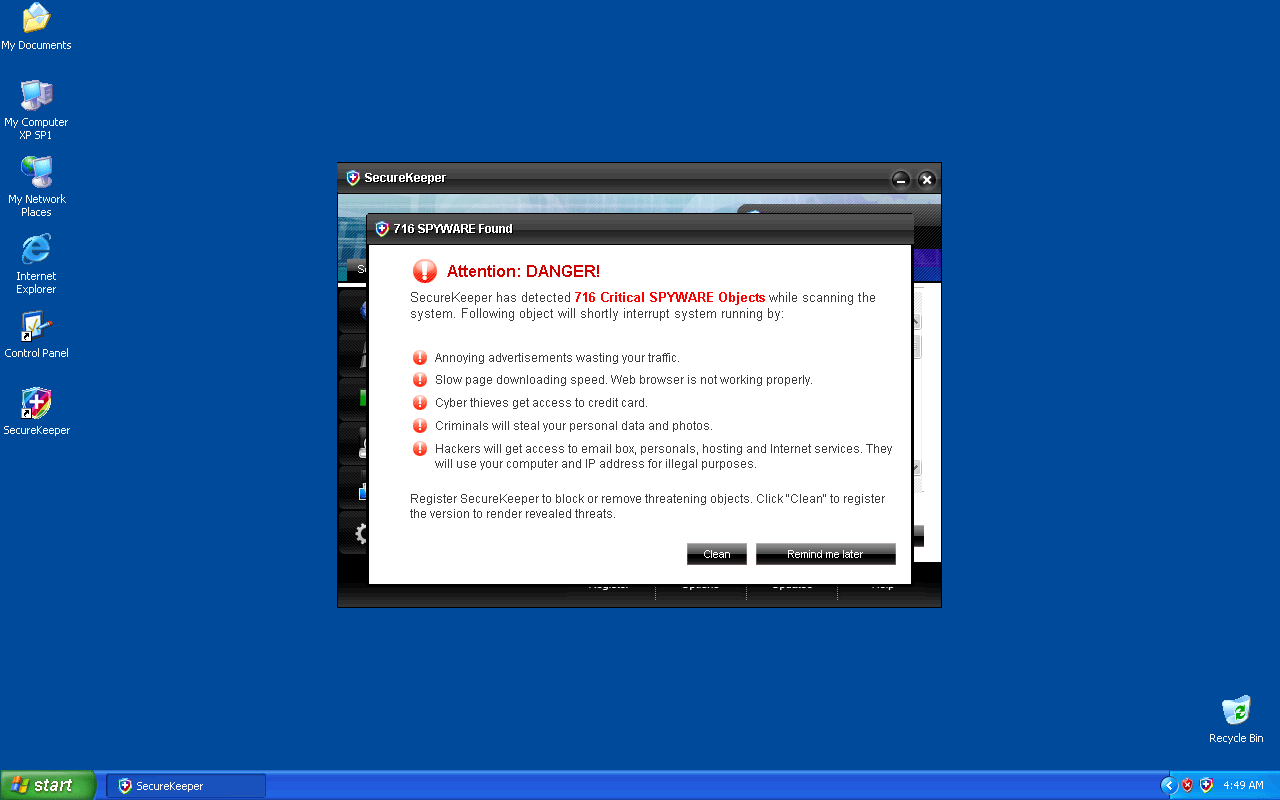
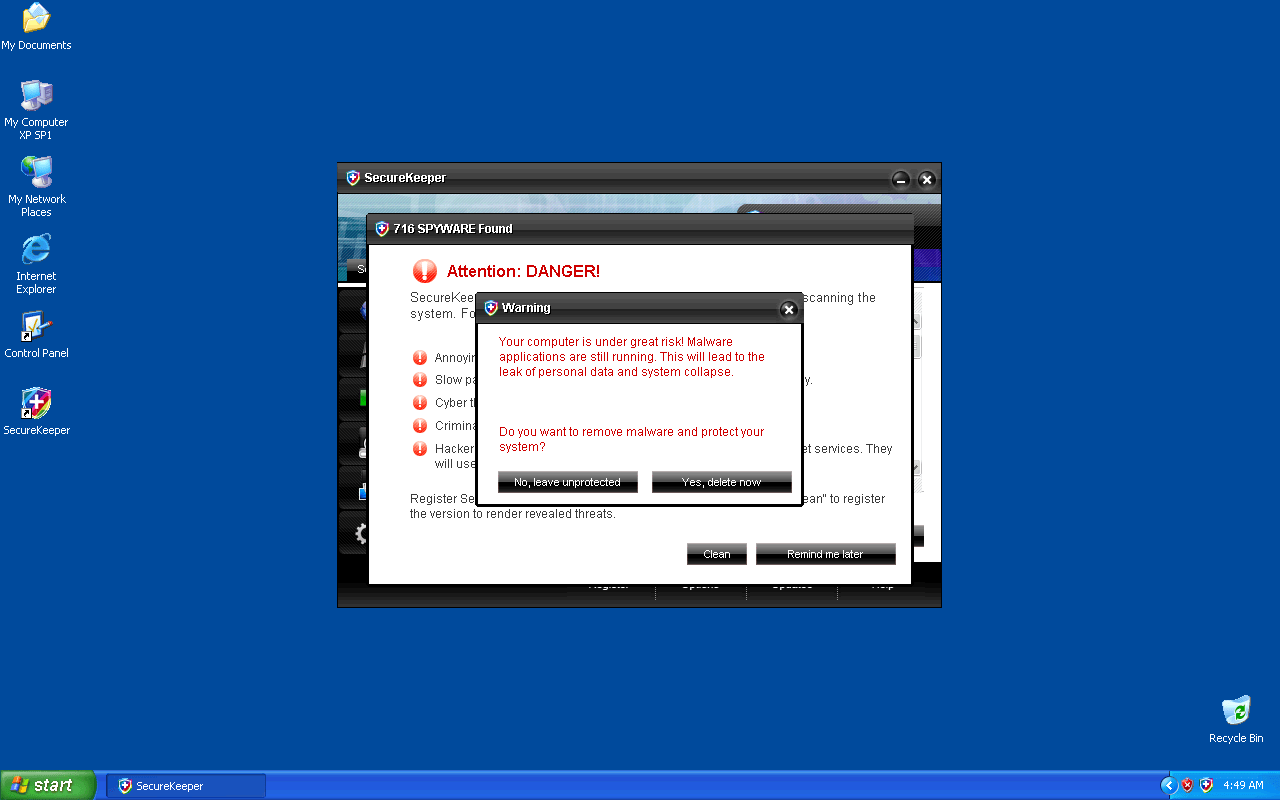
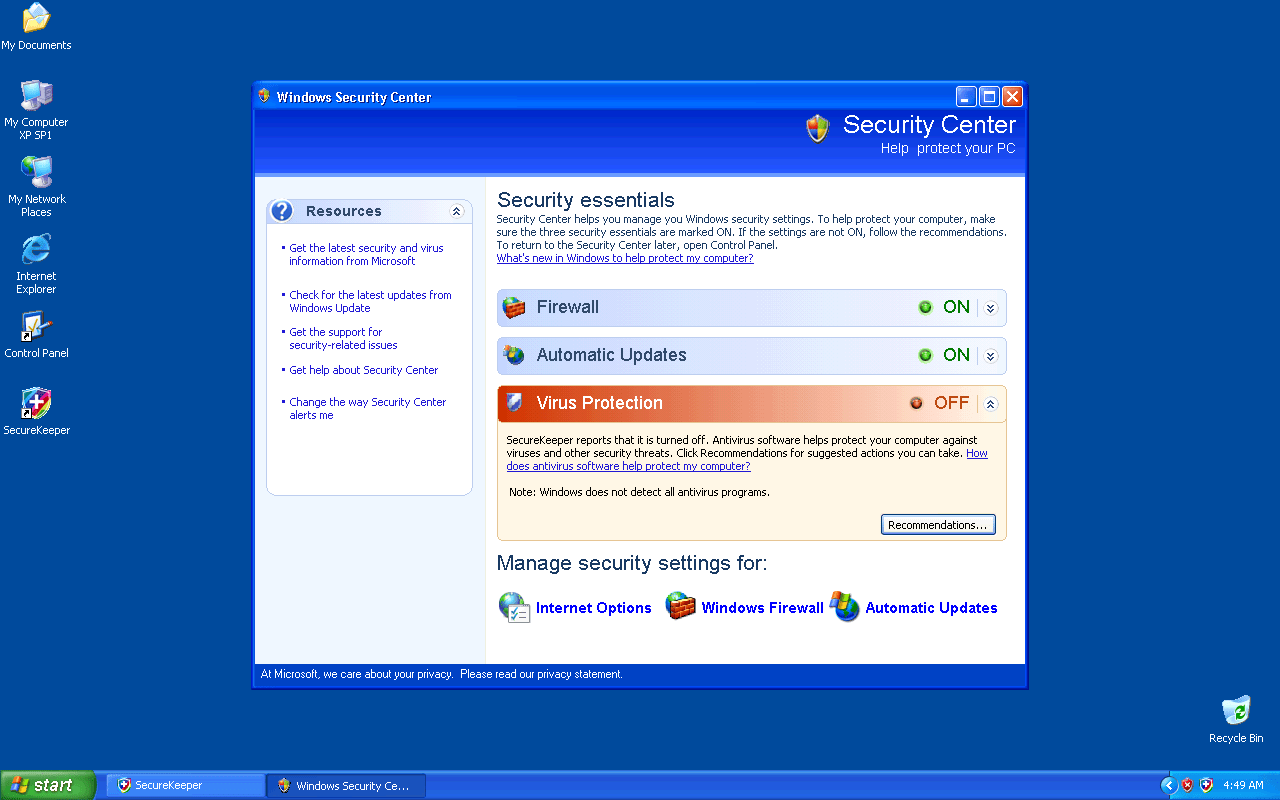
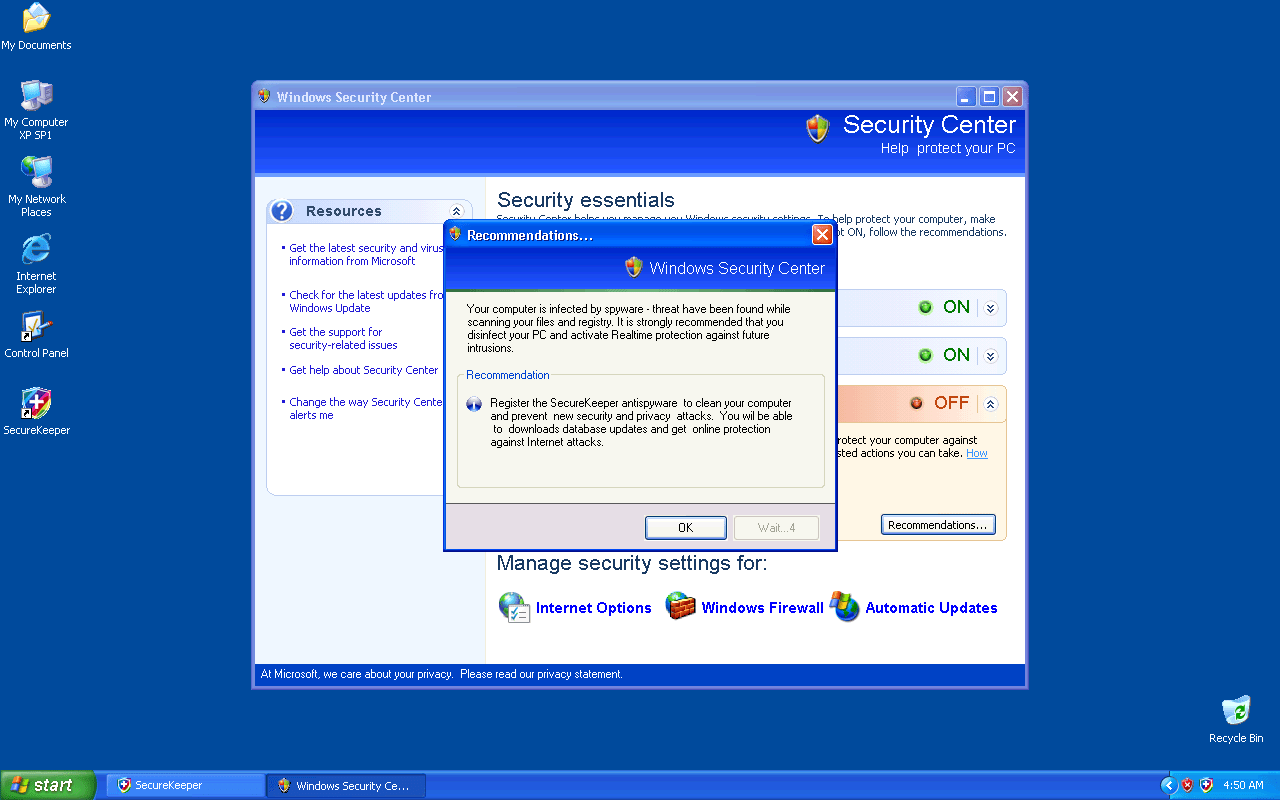
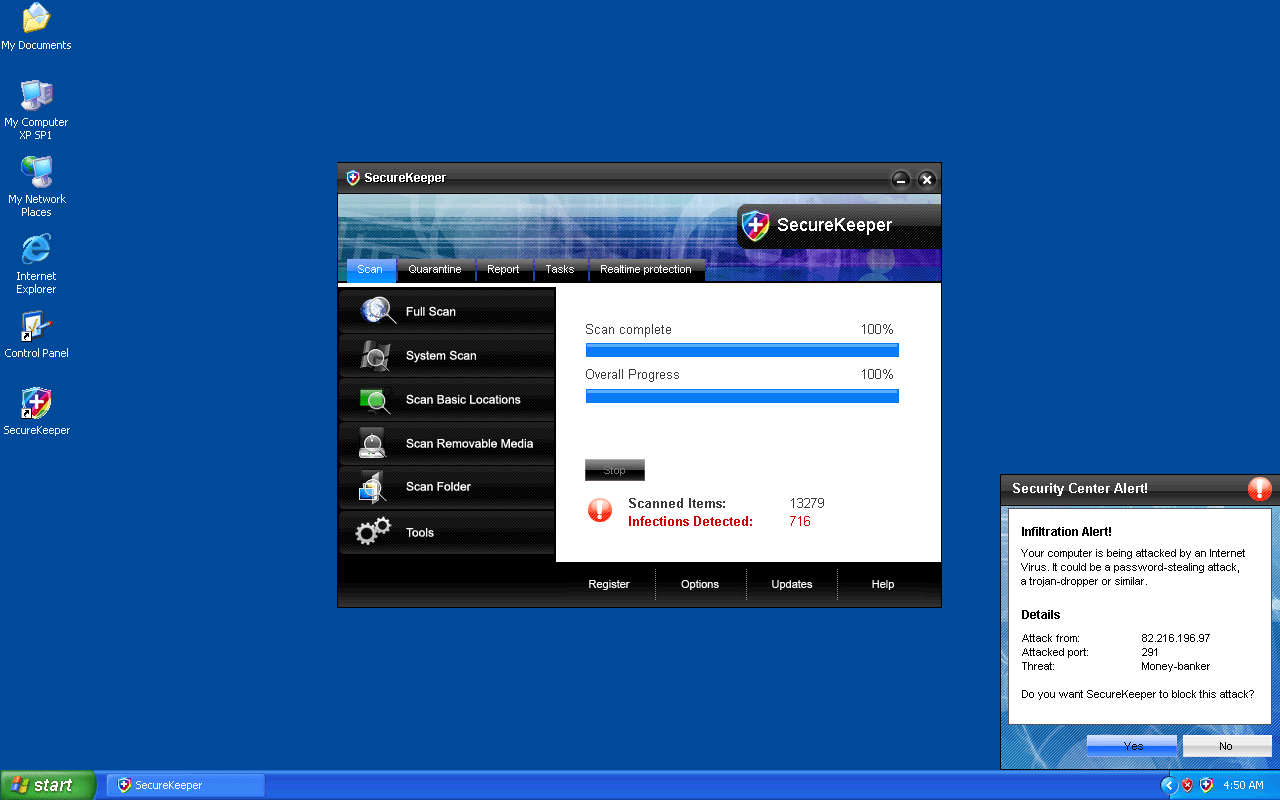
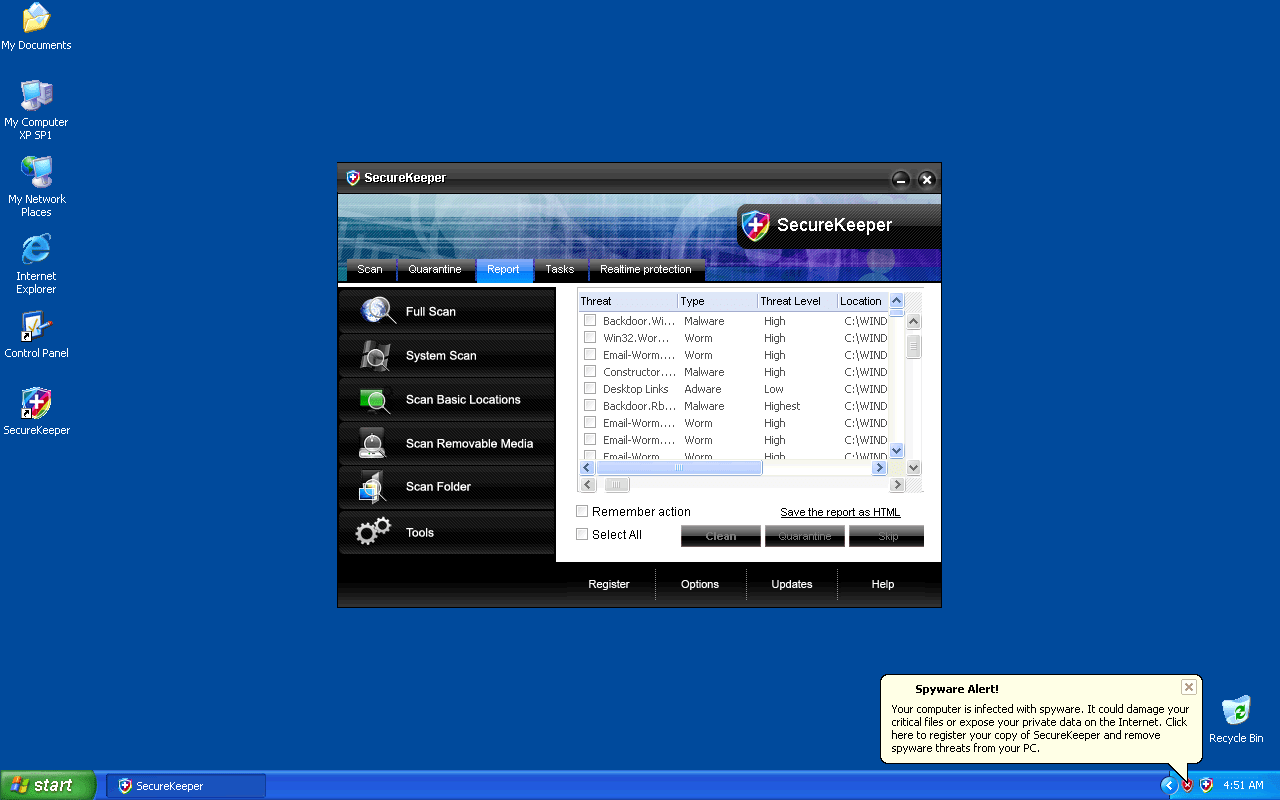
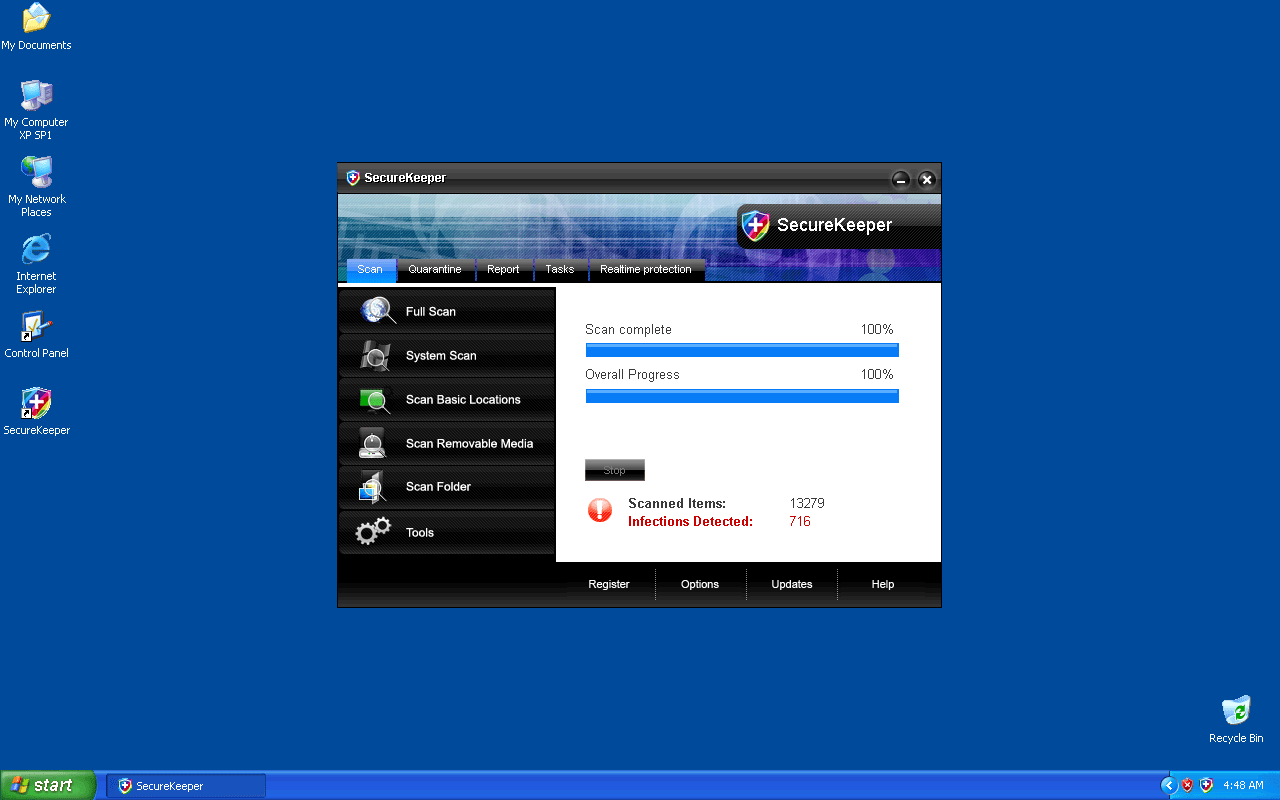
Table of Contents
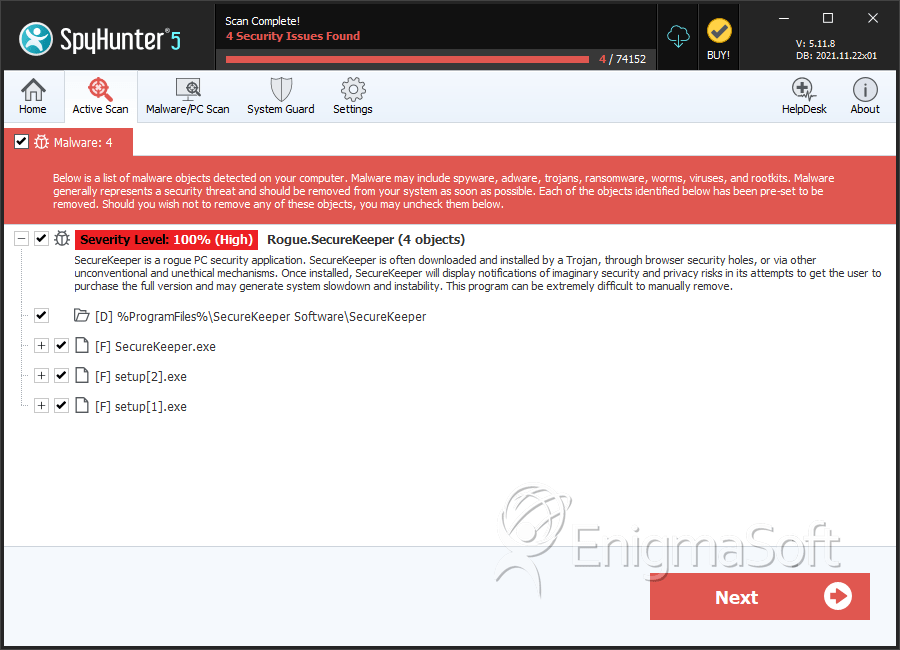
SpyHunter Detects & Remove SecureKeeper
File System Details
| # | File Name | MD5 |
Detections
Detections: The number of confirmed and suspected cases of a particular threat detected on
infected computers as reported by SpyHunter.
|
|---|---|---|---|
| 1. | SecureKeeper.exe | 08276428e07ef2ddc74cb03f48c4cbf1 | 0 |
| 2. | setup[2].exe | a03f23a464c2f798315fe8c8447dfc31 | 0 |
| 3. | setup[1].exe | 3c20e6c5476cd87e961c3005b258247c | 0 |
Directories
SecureKeeper may create the following directory or directories:
| %ProgramFiles%\SecureKeeper Software\SecureKeeper |




