SafetyKeeper
SafetyKeeper Image
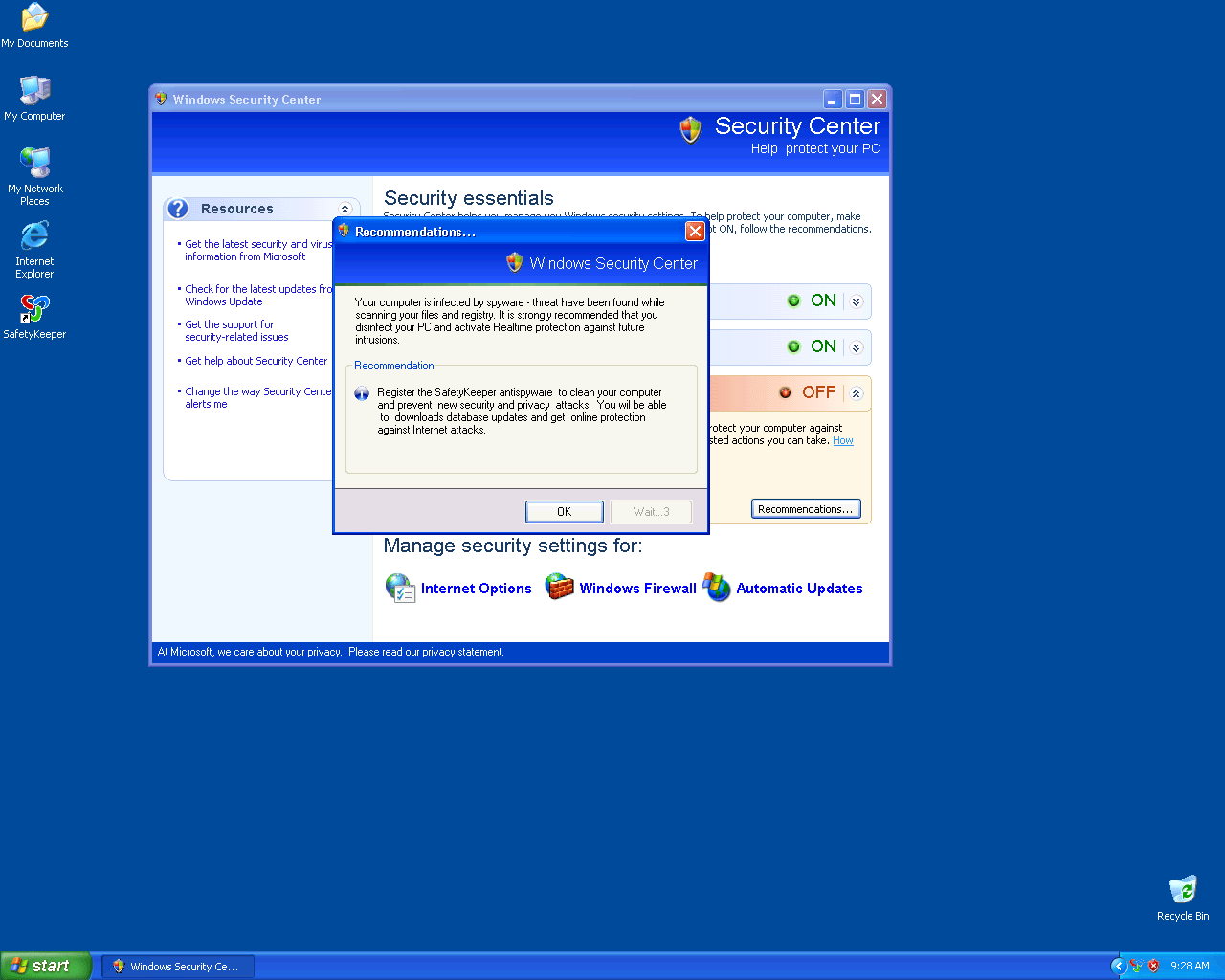
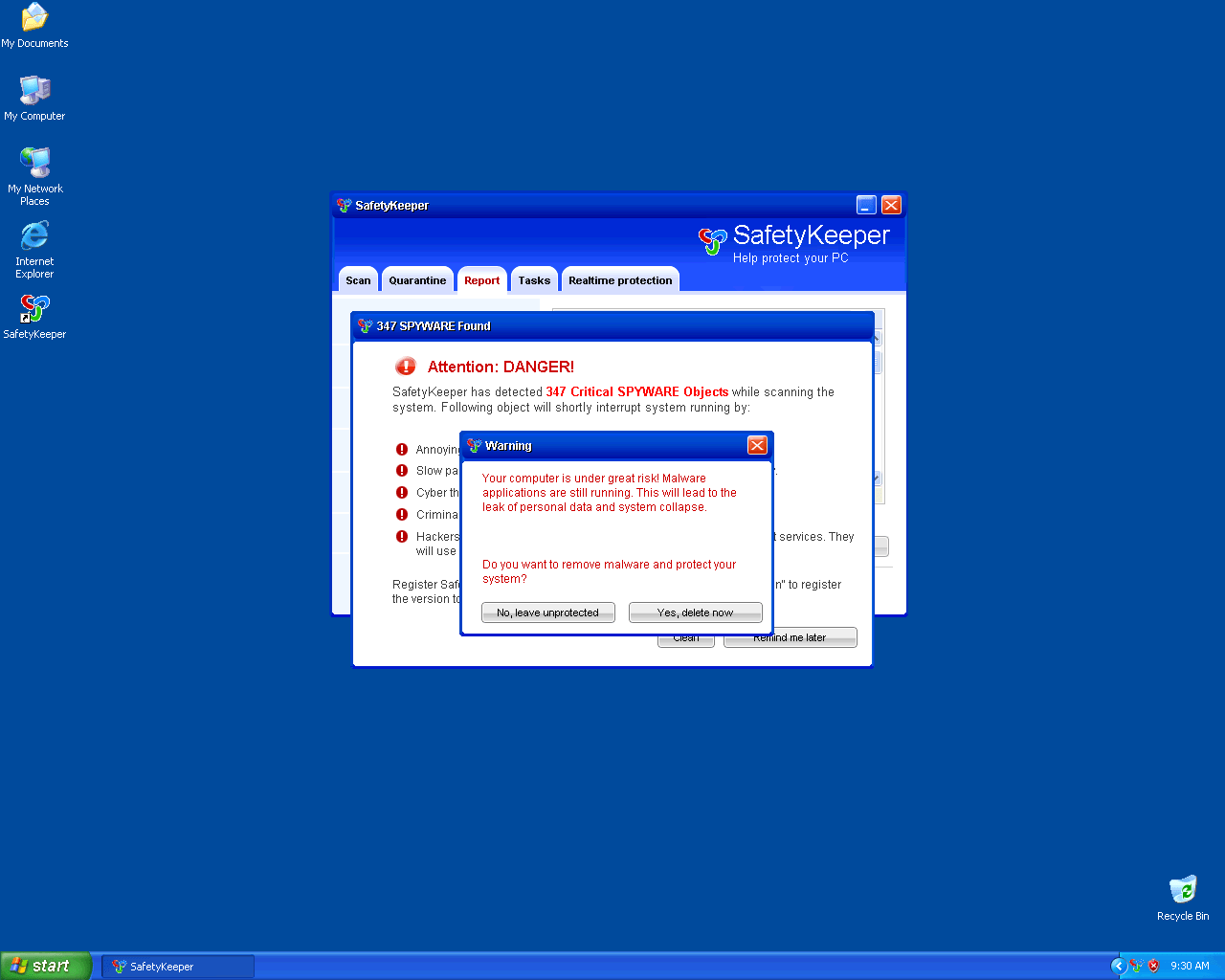
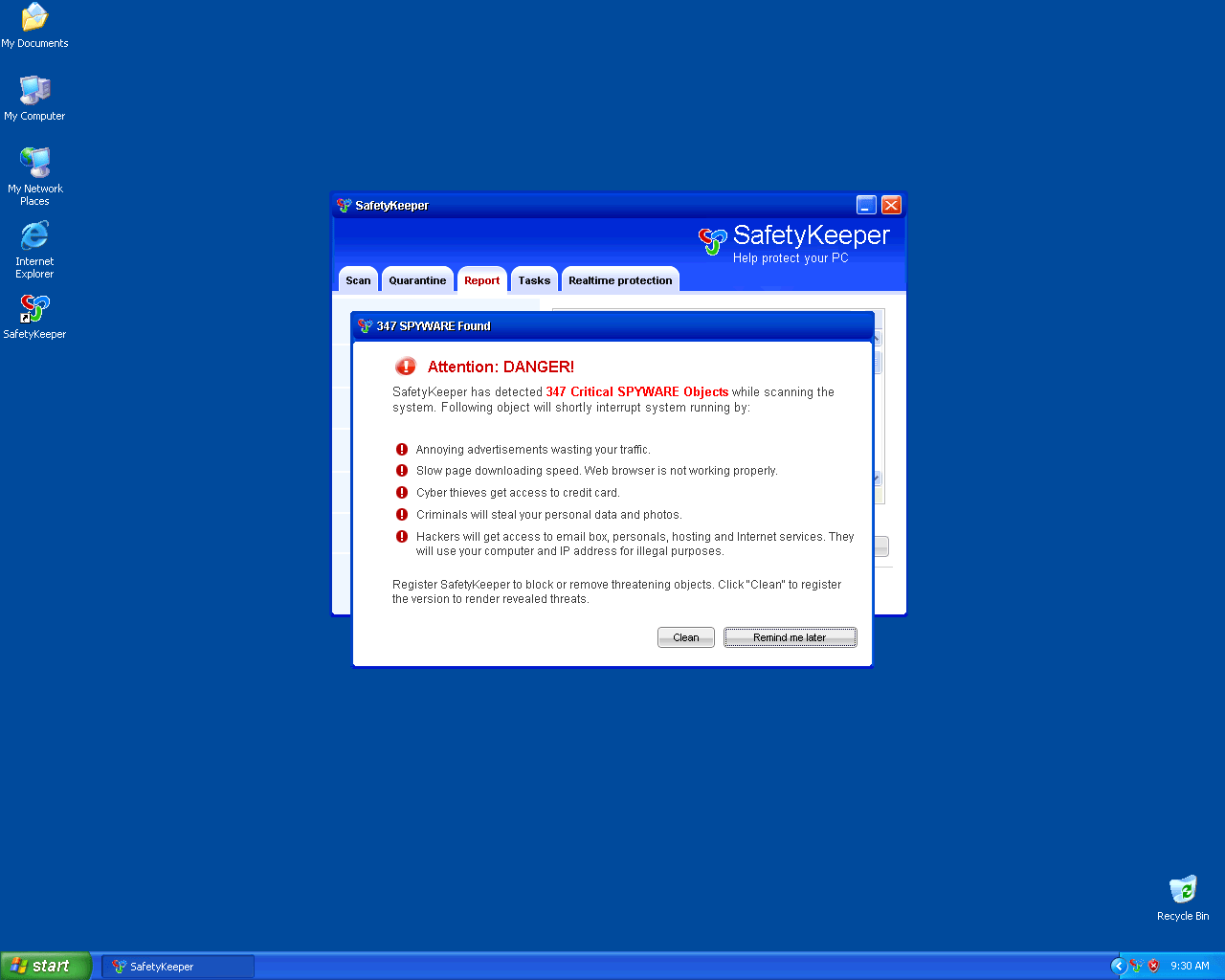
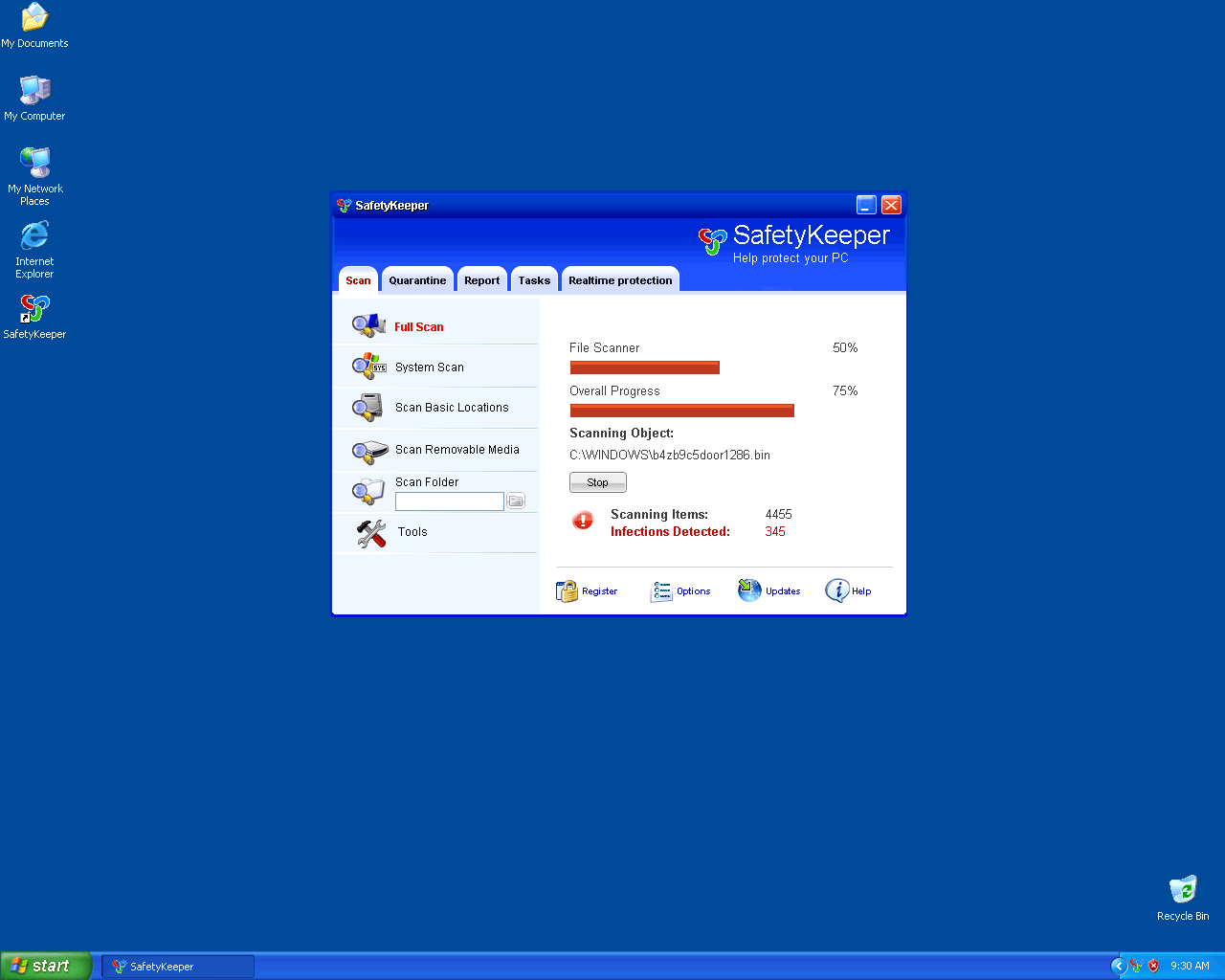
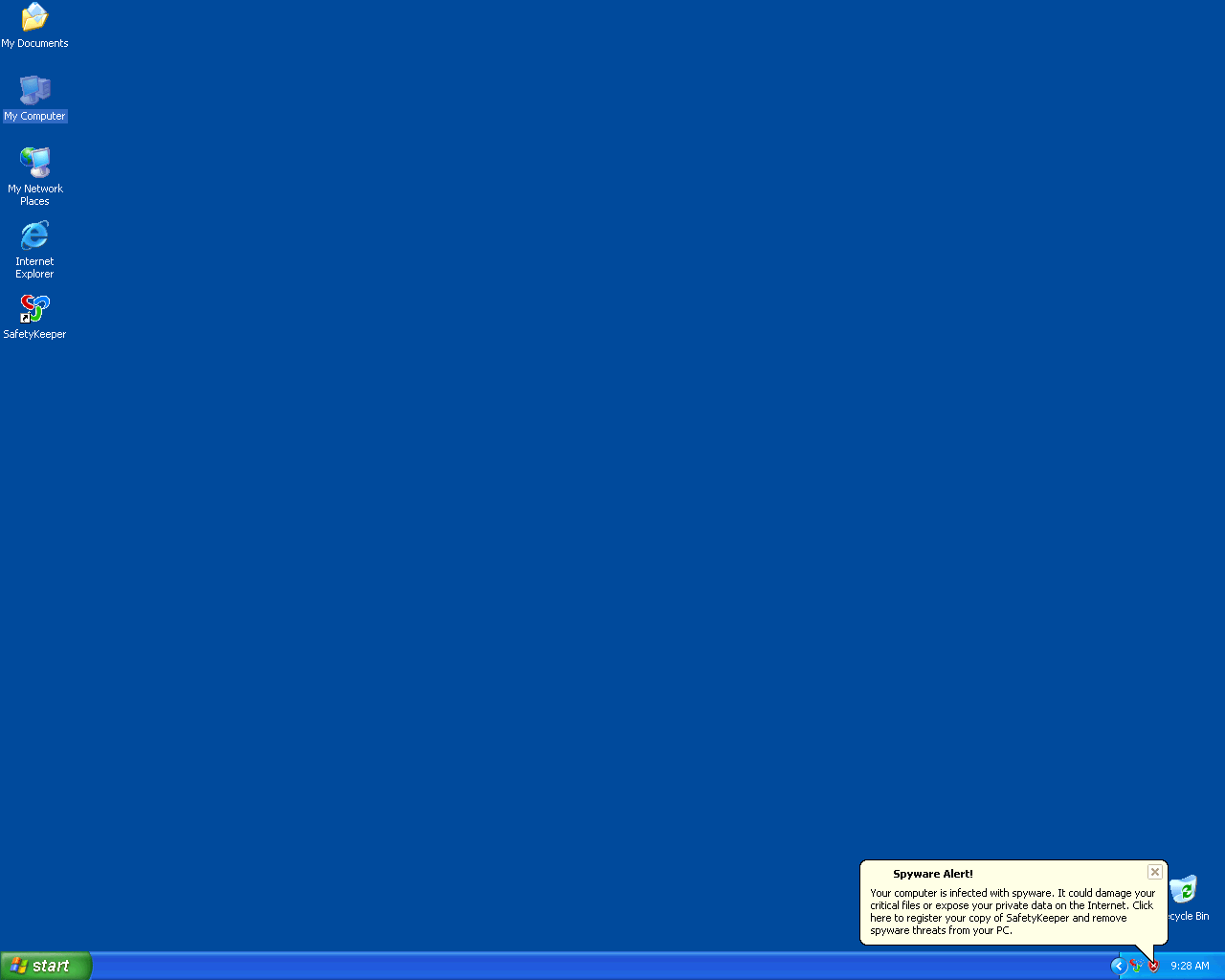
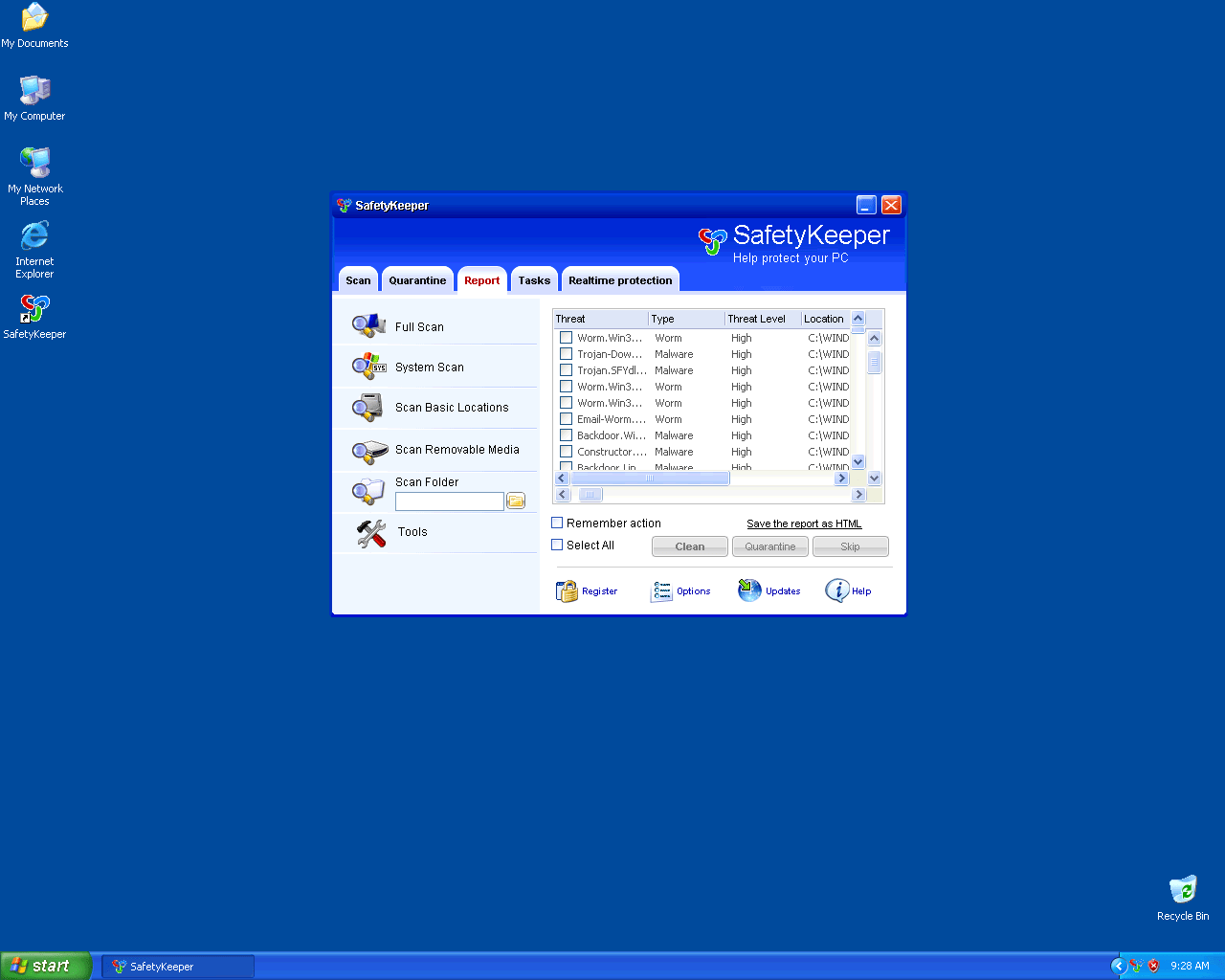
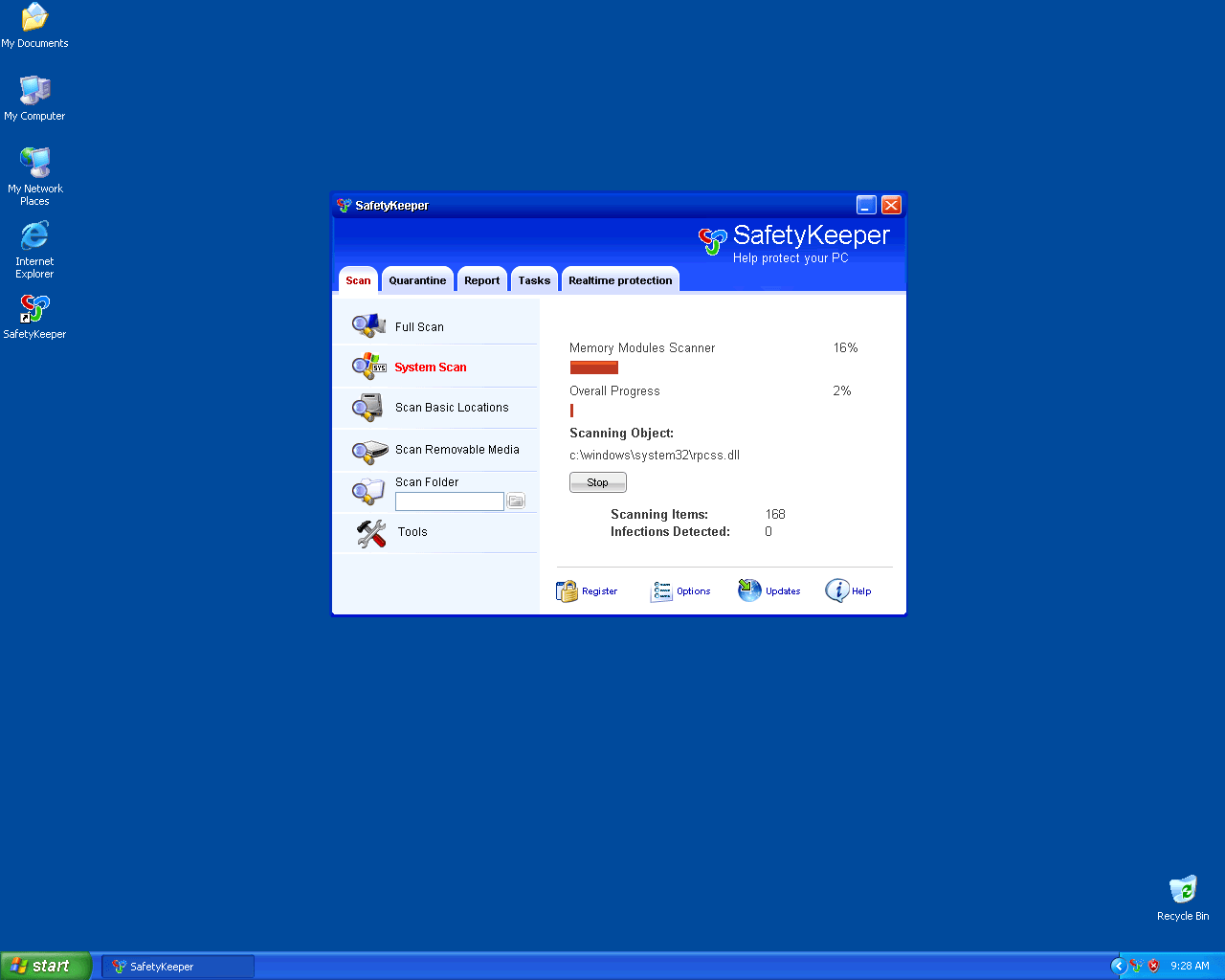
SafetyKeeper is a fake spyware remover originating from the family. Due to affiliated trojans infiltrating the computer via security exploits, SafetyKeeper is installed onto the system and from there, begins launching various fake security alerts. Along with the fictitious and sometimes grossly exaggerated infection reports supplied by the counterfeit system scans, these tactics ensure the user is intimidated enough into purchasing the fake spyware remover SafetyKeeper in order to combat these non-existent threats.
The family of SafetyKeeper has various members, all of them clones of SafetyKeeper. These clones include
File System Details
SafetyKeeper may create the following file(s):
| # | File Name | MD5 |
Detections
Detections: The number of confirmed and suspected cases of a particular threat detected on
infected computers as reported by SpyHunter.
|
|---|---|---|---|
| 1. | SafetyKeeper.exe | ||
| 2. | c:\WINDOWS\1155backdoor929z.ocx | ||
| 3. | c:\WINDOWS\system32\90a3t5ief225z.ocx | ||
| 4. |
C:\Documents and Settings\ |
||
| 5. | c:\WINDOWS\1059ztr9j470.bin | ||
| 6. | 1 SafetyKeeper.lnk | ||
| 7. |
C:\Documents and Settings\ |
||
| 8. | c:\WINDOWS\system32\9207znot-a-v5rus2f7.bin | ||
| 9. | SafetyKeeper.lnk | ||
| 10. |
C:\Documents and Settings\ |
||
| 11. |
C:\Documents and Settings\ |
||
| 12. | SafetyKeeper | ||
| 13. | %ProgramFiles%\SafetyKeeper Software\SafetyKeeper | ||
| 14. | %AllUsersProfile%\Start Menu\Programs\SafetyKeeper | ||
| 15. | setup[1].exe | 315625381de4c9a3ea8f7d013c1f21b8 | |
| 16. | setup[1].exe | c57fa05552767c91a5655f9d8400c1bc | |
| 17. | SafetyKeeper.exe | af3658a2f7dbd4a5bb5ef95910a6cde7 |
Registry Details
SafetyKeeper may create the following registry entry or registry entries:
HKEY_CURRENT_USER\Software\Microsoft\Windows\CurrentVersion\Run "SafetyKeeper"
HKEY_LOCAL_MACHINE\SYSTEM\CurrentControlSet\Enum\Root\LEGACY_SAFETYKEEPERSVC
HKEY_CURRENT_USER\Software\Microsoft\Windows\CurrentVersion\Run "gbn976rl.exe"
HKEY_LOCAL_MACHINE\SOFTWARE\SafetyKeeper
HKEY_CURRENT_USER\Software\SafetyKeeper
HKEY_LOCAL_MACHINE\SOFTWARE\Microsoft\Windows\CurrentVersion\Uninstall\SafetyKeeper
HKEY_LOCAL_MACHINE\SYSTEM\CurrentControlSet\Services\SafetyKeeperSvc




