Windows Stability Guard
Threat Scorecard
EnigmaSoft Threat Scorecard
EnigmaSoft Threat Scorecards are assessment reports for different malware threats which have been collected and analyzed by our research team. EnigmaSoft Threat Scorecards evaluate and rank threats using several metrics including real-world and potential risk factors, trends, frequency, prevalence, and persistence. EnigmaSoft Threat Scorecards are updated regularly based on our research data and metrics and are useful for a wide range of computer users, from end users seeking solutions to remove malware from their systems to security experts analyzing threats.
EnigmaSoft Threat Scorecards display a variety of useful information, including:
Ranking: The ranking of a particular threat in EnigmaSoft’s Threat Database.
Severity Level: The determined severity level of an object, represented numerically, based on our risk modeling process and research, as explained in our Threat Assessment Criteria.
Infected Computers: The number of confirmed and suspected cases of a particular threat detected on infected computers as reported by SpyHunter.
See also Threat Assessment Criteria.
| Ranking: | 15,827 |
| Threat Level: | 100 % (High) |
| Infected Computers: | 6 |
| First Seen: | February 28, 2012 |
| Last Seen: | May 6, 2024 |
| OS(es) Affected: | Windows |
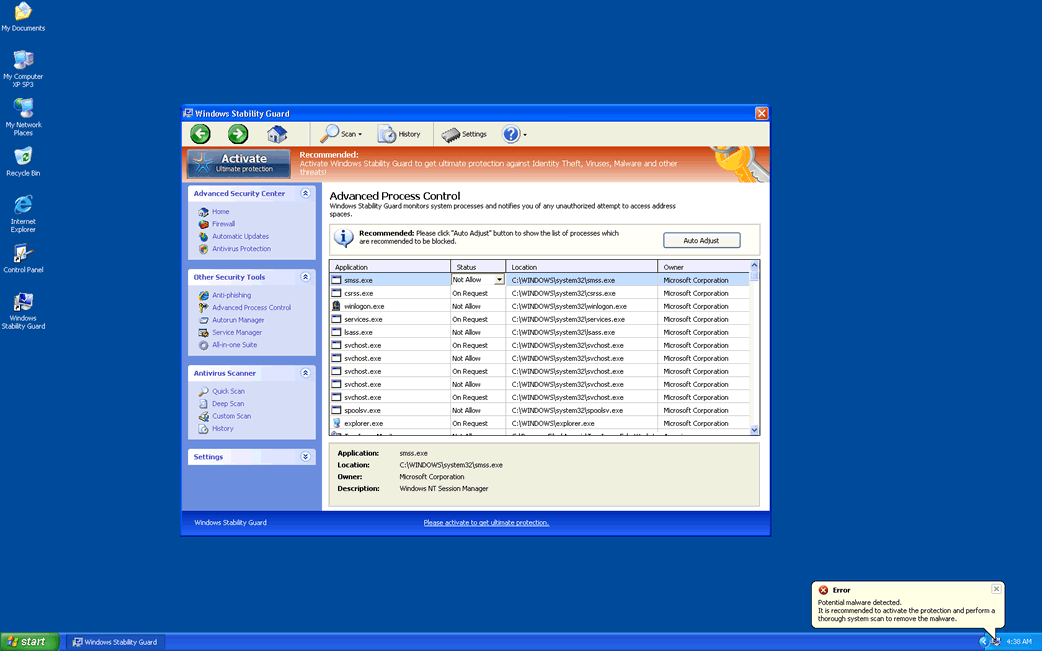
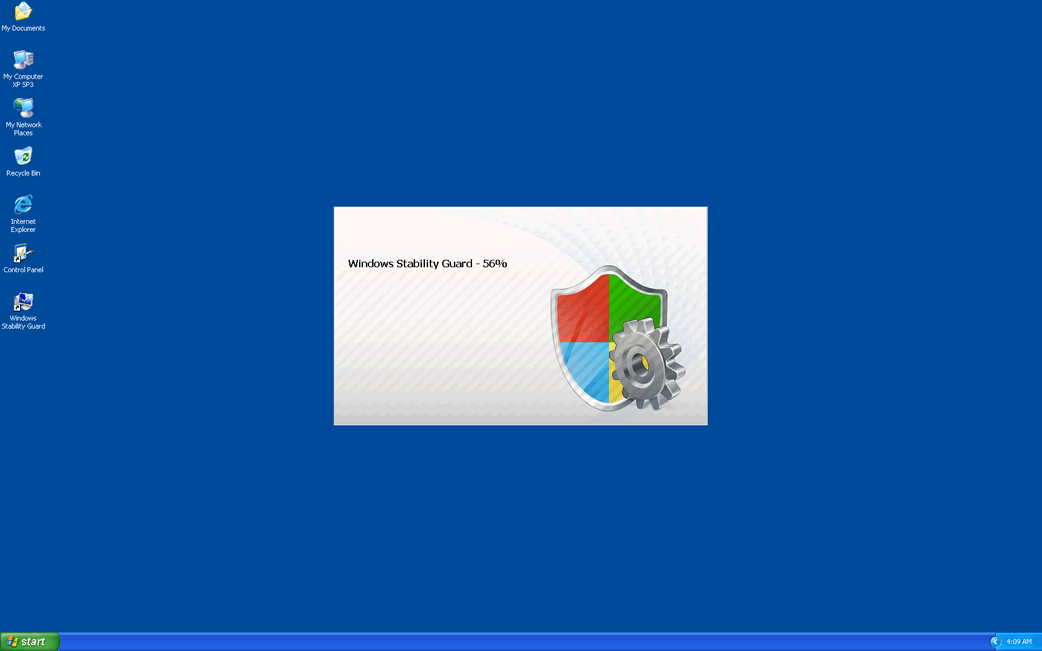
Windows Stability Guard Image
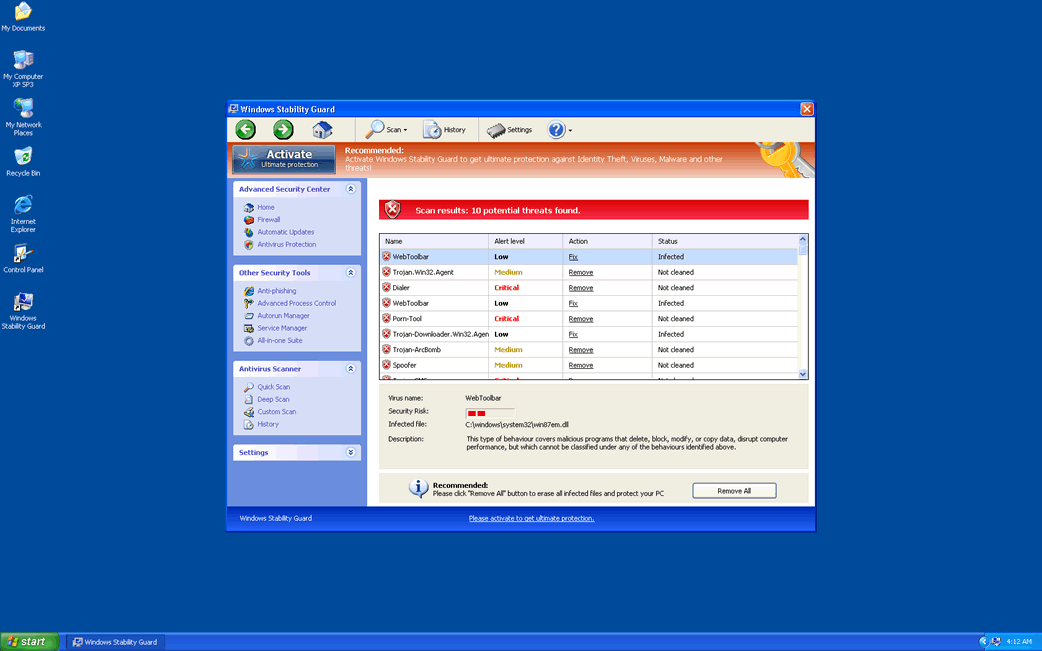
Windows Stability Guard is a fake security program belonging to the Rogue.FakeVimes family of rogue security programs. These kinds of infections are created to appropriate the victim's computer system and attempt to trick the naïve PC user to purchase a fake security application with the use of fake error messages, system scans and alarming notifications. Most infections with the FakeVimes family members as Windows Stability Guard come from Trojans acquired from attack websites or through phishing scams and also from fake online malware scans. Regardless of the state of your computer system, these fake online malware scams will claim that it is severely infected and prompt the computer user to download and install Windows Stability Guard to solve this imaginary problem.
Table of Contents
What Windows Stability Guard Does Once It is on Your Computer
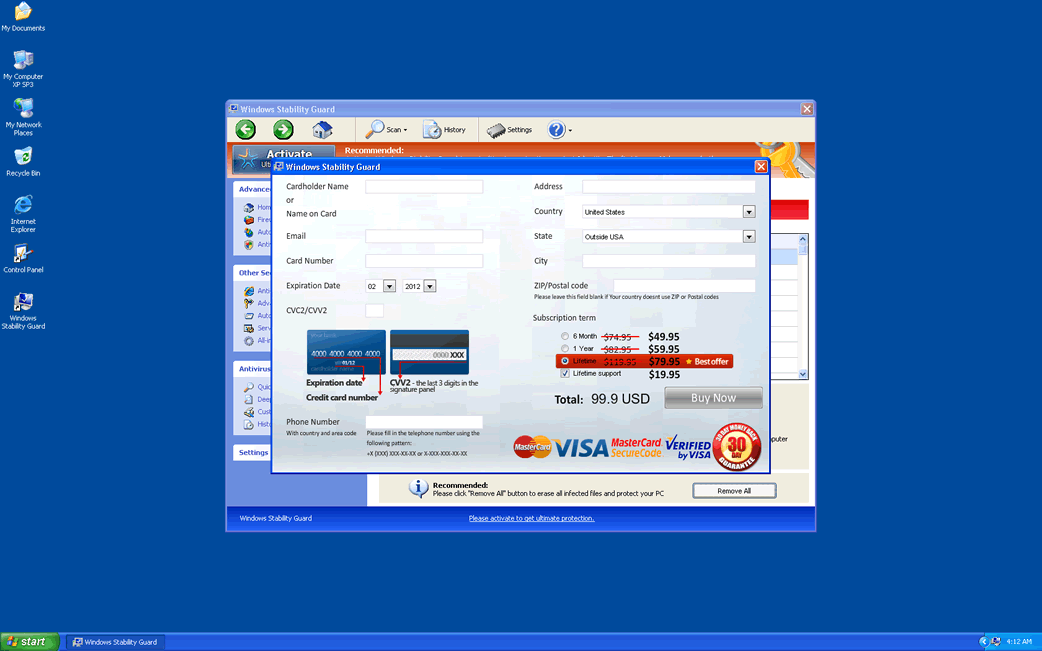
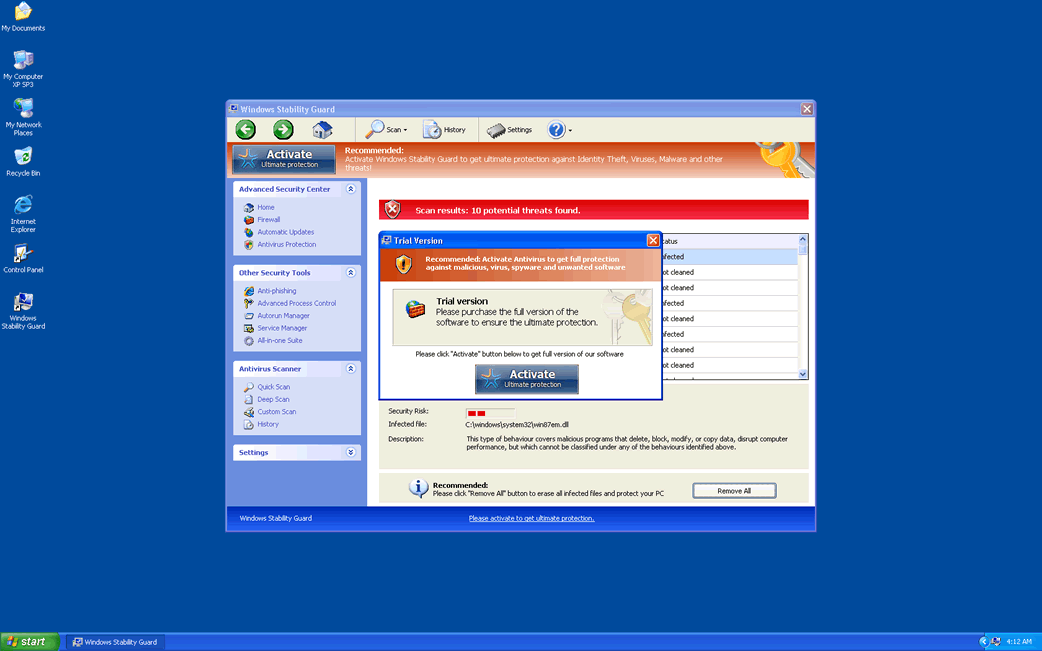
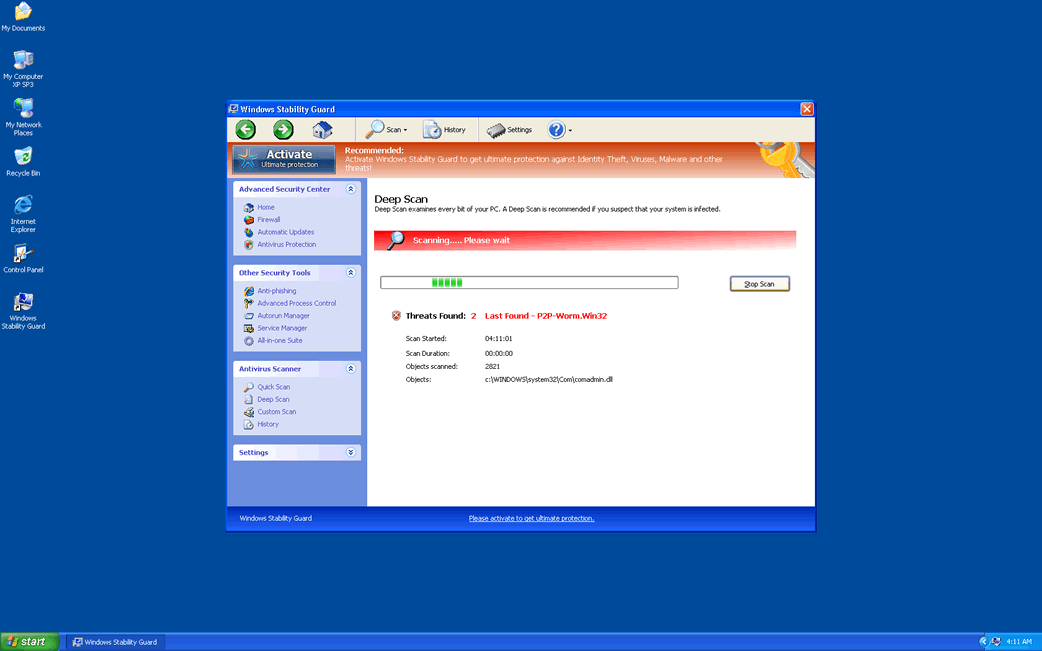
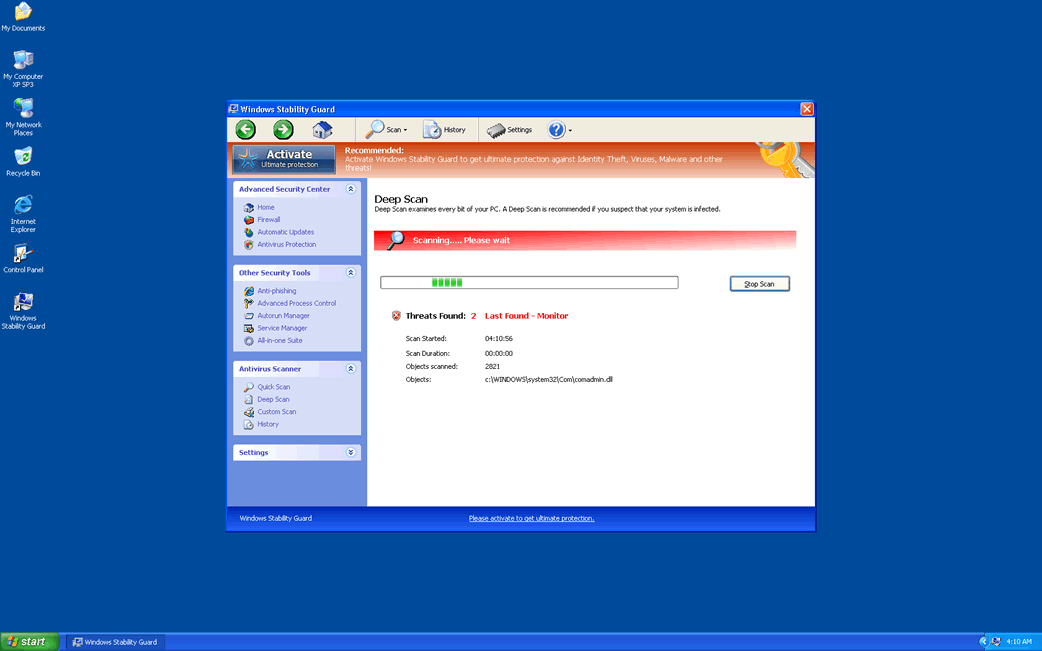
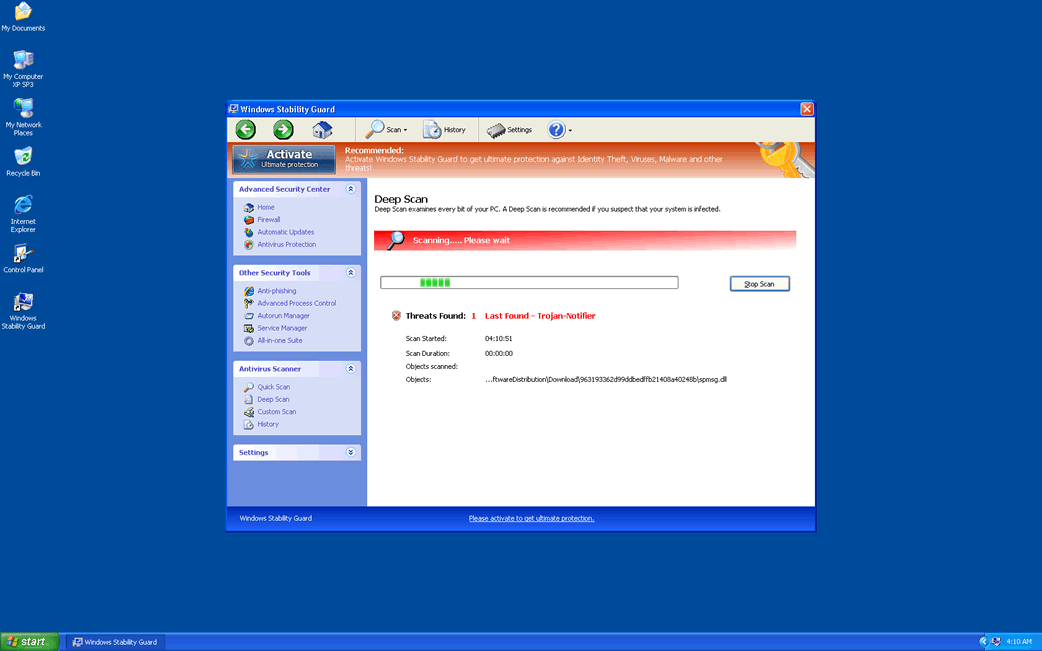
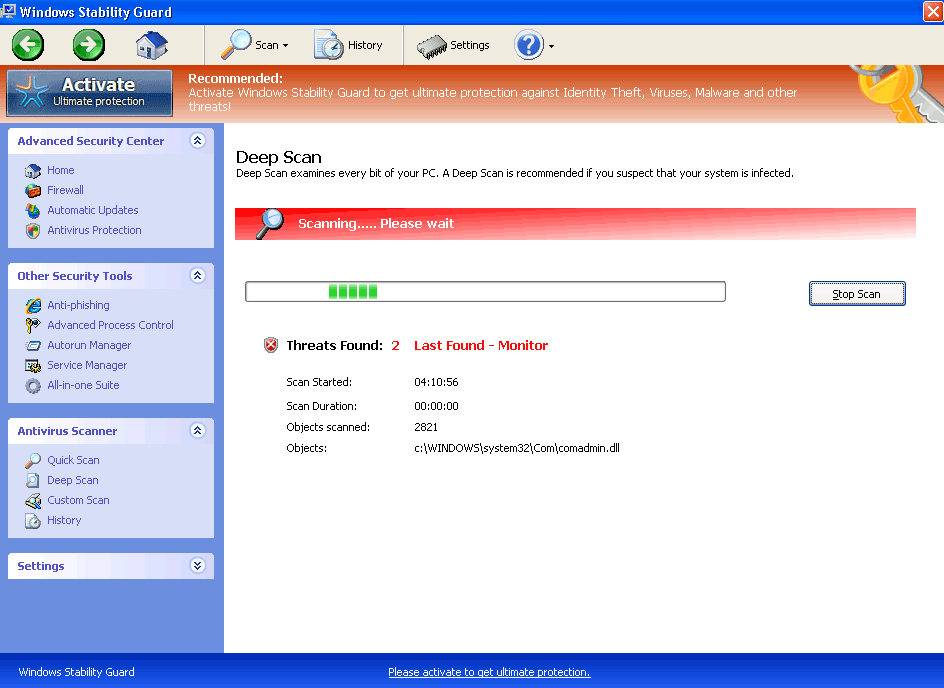
Once Windows Stability Guard is downloaded and installed, Windows Stability Guard makes changes to the Windows Registry that allow Windows Stability Guard to start up automatically whenever the victim launches Windows. Upon rebooting the infected computer system, Windows Stability Guard will display Windows Stability Guard main screen, deceptively titled 'Windows Advances Security Center.' Windows Stability Guard then runs a fake system scan which will result in a large number of nonexistent infections. However, trying to get Windows Stability Guard to solve these supposed malware infections is useless, since Windows Stability Guard will instead try to convince you that you need to pay for a 'full version' of Windows Stability Guard if you want to remove these supposed problems. According to ESG security researchers, Windows Stability Guard has absolutely no way of detecting or removing malware on your computer system.
The FakeVimes is a huge family that include among its members Virus Melt, Presto TuneUp, Fast Antivirus 2009, Extra Antivirus, Windows Security Suite, Smart Virus Eliminator, Packed.Generic.245, Volcano Security Suite, Windows Enterprise Suite, Enterprise Suite, Additional Guard, PC Live Guard, Live PC Care, Live Enterprise Suite, Security Antivirus, My Security Wall, CleanUp Antivirus, Smart Security, Windows Protection Suite, Windows Work Catalyst.
Problems Associated with Windows Stability Guard
Windows Stability Guard does not limit itself to displaying false positives. Windows Stability Guard is designed to block executable files, especially those belonging to legitimate security programs which could be used to remove Windows Stability Guard. Trying to open the Windows Registry Editor, System Restore or Windows Task Manager, will also result in Windows Stability Guard being opened instead. Windows Stability Guard effectively takes your computer hostage, refusing to give back control until you pay its ransom. ESG security analysts recommend, instead, start Windows in Safe Mode. This prevents Windows Stability Guard from launching automatically and giving you back access to your own security software. Then, it is simply a matter of using normal anti-malware techniques to remove Windows Stability Guard from your computer.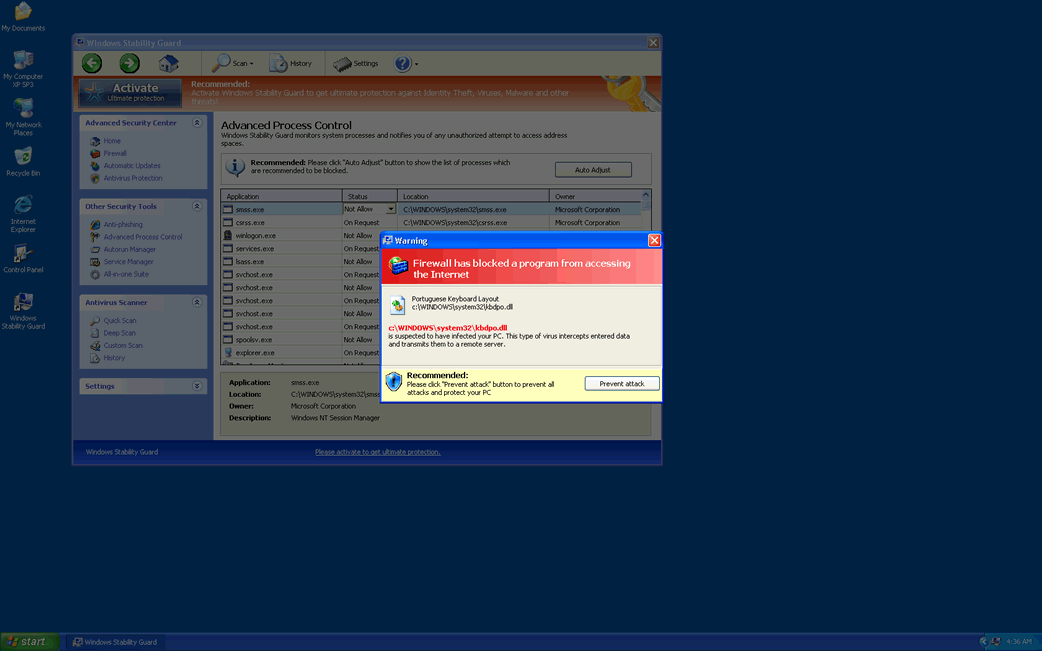
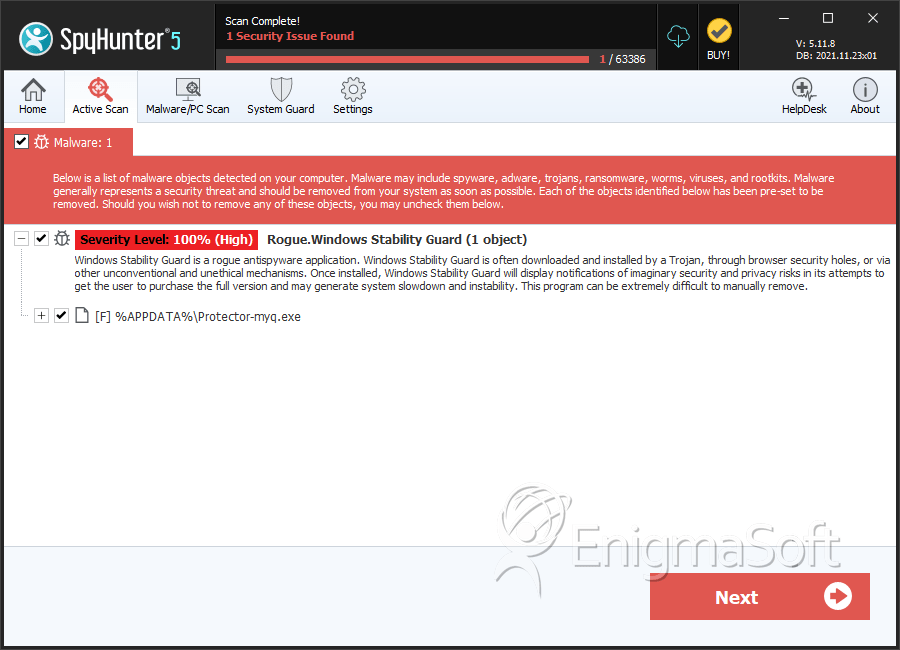
SpyHunter Detects & Remove Windows Stability Guard
Windows Stability Guard Video
Tip: Turn your sound ON and watch the video in Full Screen mode.
File System Details
| # | File Name | MD5 |
Detections
Detections: The number of confirmed and suspected cases of a particular threat detected on
infected computers as reported by SpyHunter.
|
|---|---|---|---|
| 1. | Windows Stability Guard.exe | 3e8fae0ad02af8946ff9bab707e46d84 | 3 |
| 2. | %AppData%Protector-.exe | ||
| 3. | %AppData%NPSWF32.dll | ||
| 4. | %Desktop%Windows Stability Guard .lnk | ||
| 5. | %CommonStartMenu%ProgramsWindows Stability Guard.lnk | ||
| 6. | %AppData% esult.db |



