Security Defender
Threat Scorecard
EnigmaSoft Threat Scorecard
EnigmaSoft Threat Scorecards are assessment reports for different malware threats which have been collected and analyzed by our research team. EnigmaSoft Threat Scorecards evaluate and rank threats using several metrics including real-world and potential risk factors, trends, frequency, prevalence, and persistence. EnigmaSoft Threat Scorecards are updated regularly based on our research data and metrics and are useful for a wide range of computer users, from end users seeking solutions to remove malware from their systems to security experts analyzing threats.
EnigmaSoft Threat Scorecards display a variety of useful information, including:
Ranking: The ranking of a particular threat in EnigmaSoft’s Threat Database.
Severity Level: The determined severity level of an object, represented numerically, based on our risk modeling process and research, as explained in our Threat Assessment Criteria.
Infected Computers: The number of confirmed and suspected cases of a particular threat detected on infected computers as reported by SpyHunter.
See also Threat Assessment Criteria.
| Threat Level: | 100 % (High) |
| Infected Computers: | 2,095 |
| First Seen: | February 11, 2011 |
| Last Seen: | May 20, 2023 |
| OS(es) Affected: | Windows |
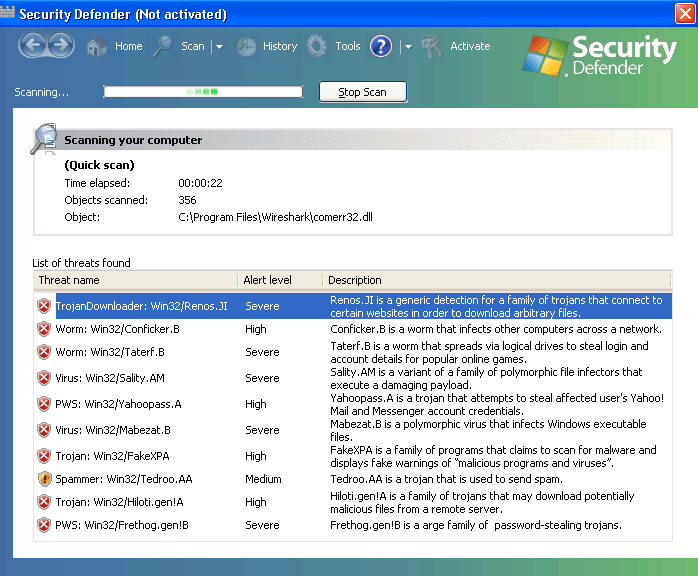
Security Defender Image
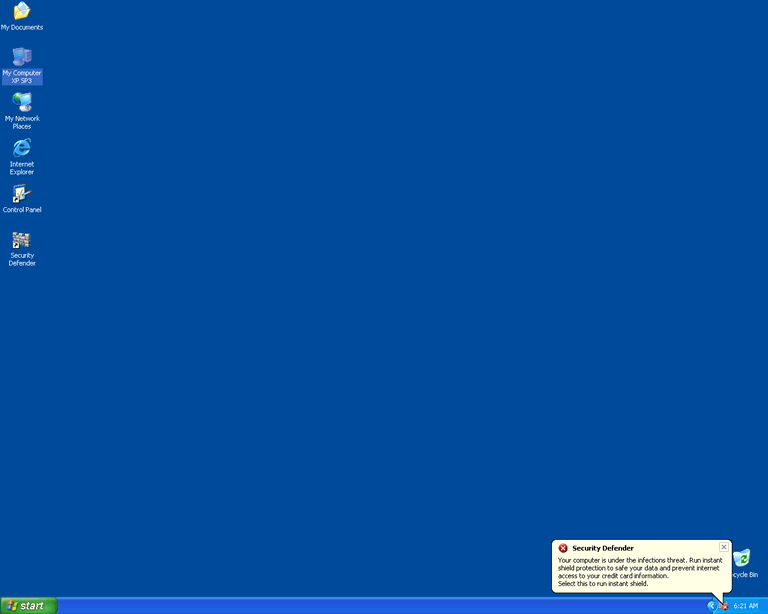
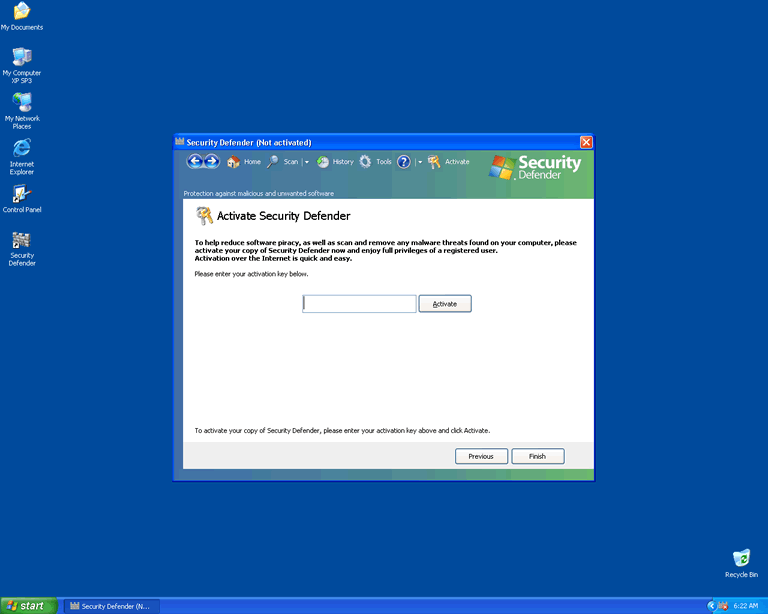
Security Defender is a rogue anti-virus application and a scam. What's particularly nasty about this one is that it impersonates Microsoft's Windows Defender, which is legitimate anti-virus software.
Table of Contents
Security Defender’s Scare Tactics
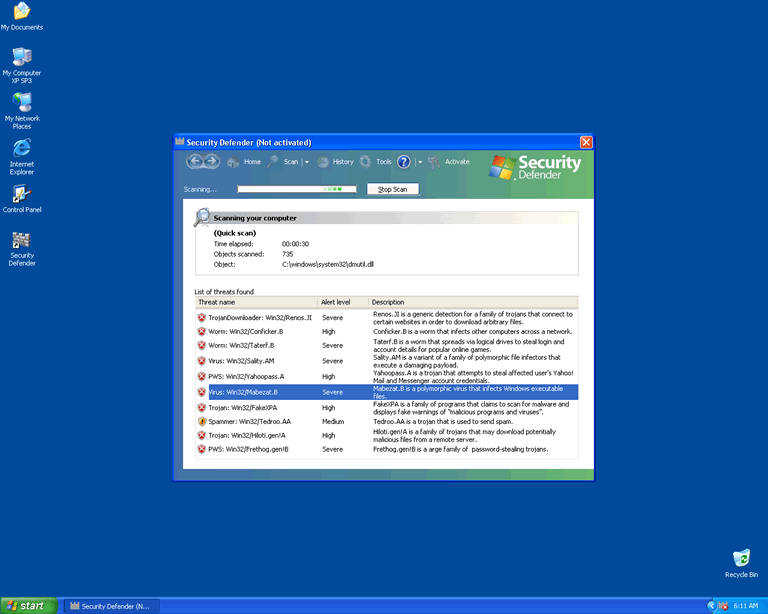
Leaving the infection process aside for the moment, because it can vary, there is a standard set of symptoms that you will see on a computer infected with Security Defender. First of all, it will alter the registry so that it runs every time Windows starts. Security Defender will pop-up with its bogus user interface, which is a complete ripoff of Windows Defender and uses the Windows Defender logo (which looks like a rampart, or a part of a castle wall), as well as the Windows logo, and Windows styling with fonts and icons. All of this is without permission, of course, because the people who created Security Defender are criminals. This screen will always show that threats have been detected on the system, along with a reminder to "activate" your copy of the Security Defender software. If you look at the list of threats which Security Defender claims to have detected, they are either harmless ordinary files or made-up names; but Security Defender will tell you that you have to activate it in order to be able to remove them.
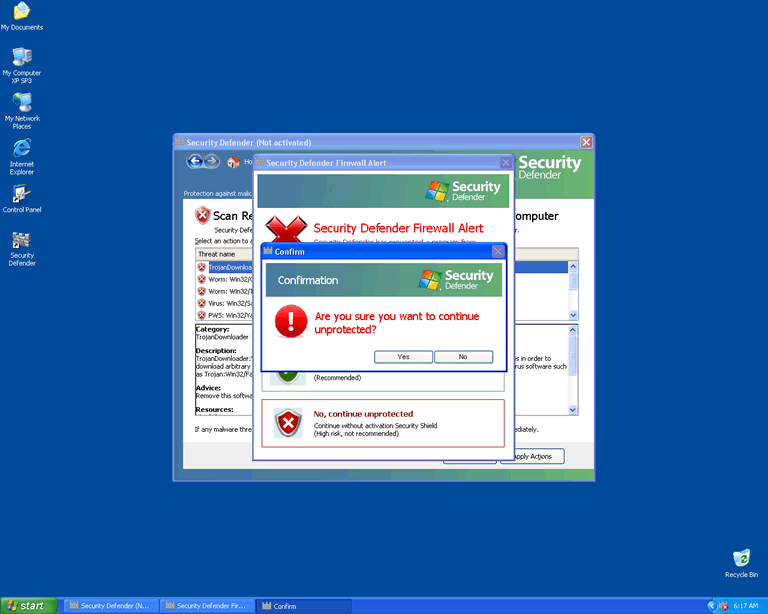
Also, completely typical for a rogue anti-virus application, Security Defender will cause frequent pop-up alerts, which warn you of impending danger to your computer, which can only be averted by paying for your copy of Security Defender and somehow giving it its full functionality. The common error messages you'll see with an infection of Security Defender will warn that there is a firewall alert and that the registry has been altered, or that some kind of unidentified malware has been found on the computer. Sometimes, Security Defender will claim that Internet Explorer is infected with a Trojan, which doesn't even make sense. Of course, as always, these alerts will prompt you to pay for Security Defender in order to secure your PC. If you follow the prompts that Security Defender gives you, you will be led to a website where you can pay money for the malware, but absolutely nothing will change. Security Defender can't gain functionality that doesn't exist.
There have been reports of Security Defender preventing some programs from running. In particular, Security Defender may disable legitimate anti-virus applications. It is also possible that Security Defender may cause your web browser to redirect you to hazardous websites when you try to surf the web. There are claims that the security code D13F-3B7D-B3C5-BD84 can be entered into Security Defender, which will cause it to leave you alone for a while; but please note that this is not going to solve the problem; it can only temporarily disable Security Defender so that you can remove the malware.
How Security Defender Spreads on the Web and a PC
Security Defender seems to spread in two different ways. It is promoted by malicious websites that claim to offer free virus scans, and which actually cause Security Defender to download to your computer. Security Defender may also spread by way of a Trojan, which infects your system without your knowledge, and which typically is hidden in a downloaded file. This Trojan is reputedly capable of creating alerts which look as if they are reminders for software updates –- and if you follow the prompts in its alerts in order to download these "updates," you download Security Defender.
Security Defender’s Additional Particularities
The scam that Security Defender is a part of is not anything new. It's just a new, renamed version of Antimalware Defender, and, like its predecessor, it comes from Russia. The difference is, Security Defender is a name that showed up after about the first week of February 2011.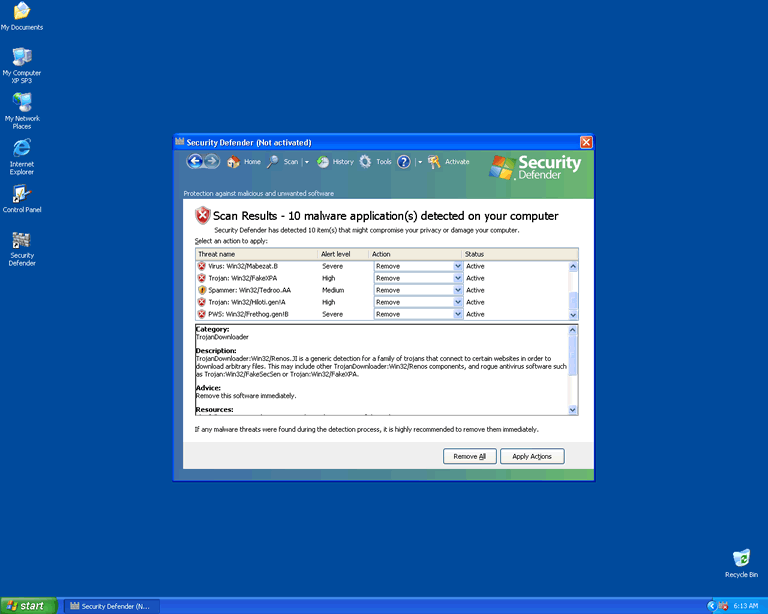
Aliases
4 security vendors flagged this file as malicious.
| Anti-Virus Software | Detection |
|---|---|
| AntiVir | TR/Workir.agk |
| Ikarus | Trojan.Win32.Workir |
| Sunbelt | Trojan.Win32.Scar.g.1 (v) |
| DrWeb | BackDoor.Lat |
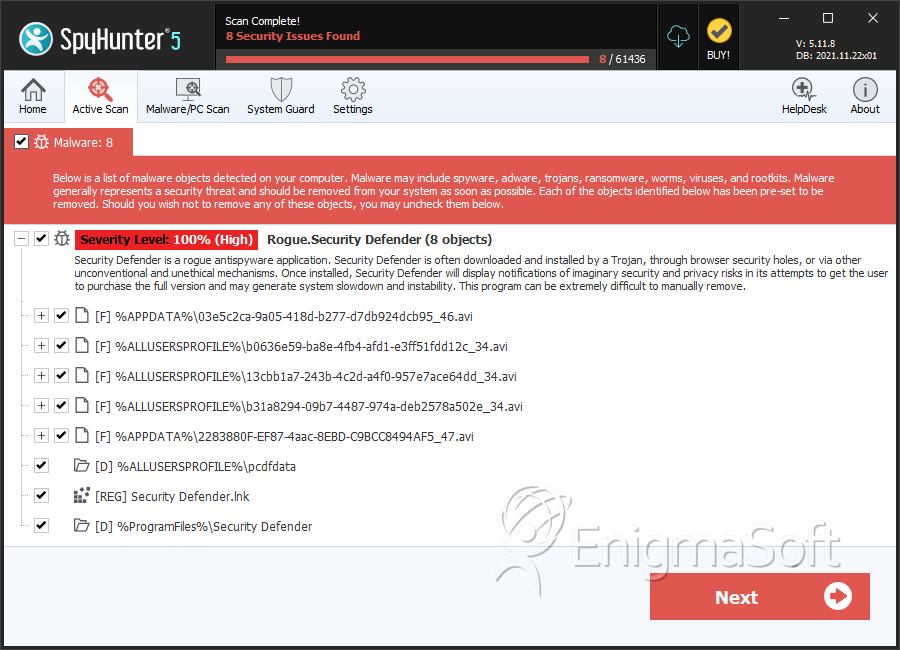
SpyHunter Detects & Remove Security Defender
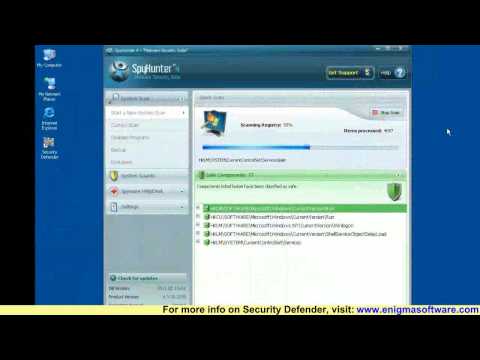
Security Defender Video
Tip: Turn your sound ON and watch the video in Full Screen mode.
File System Details
| # | File Name | MD5 |
Detections
Detections: The number of confirmed and suspected cases of a particular threat detected on
infected computers as reported by SpyHunter.
|
|---|---|---|---|
| 1. | 03e5c2ca-9a05-418d-b277-d7db924dcb95_46.avi | 50451521c2528c39278d3a85250c1200 | 188 |
| 2. | b0636e59-ba8e-4fb4-afd1-e3ff51fdd12c_34.avi | 6f614e7a50f4ac5523358ad5576611a1 | 159 |
| 3. | 13cbb1a7-243b-4c2d-a4f0-957e7ace64dd_34.avi | 601ddf36f1f78f6835c5179101d0b778 | 152 |
| 4. | b31a8294-09b7-4487-974a-deb2578a502e_34.avi | 558cdbe9ac8039dfbc29ec2181b99e2d | 112 |
| 5. | 2283880F-EF87-4aac-8EBD-C9BCC8494AF5_47.avi | 370aa0648b6deff8a7a499843d6f0307 | 71 |
| 6. | 2283880F-EF87-4aac-8EBD-C9BCC8494AF5_47.avi | feef20400b0fa5cc8493961acf7809eb | 71 |
| 7. | d09cfb1c-9bb8-4ad1-a467-d105a674c81a_.mkv | 92c4bc9e861f77ac4d5975a6dbb332aa | 0 |
| 8. | Security Defender.dll | 1c75d2463adfdd2d1a462a096dec92fe | 0 |
Registry Details
Directories
Security Defender may create the following directory or directories:
| %ALLUSERSPROFILE%\pcdfdata |
| %ProgramFiles%\Security Defender |




