Privacy Corrector
Threat Scorecard
EnigmaSoft Threat Scorecard
EnigmaSoft Threat Scorecards are assessment reports for different malware threats which have been collected and analyzed by our research team. EnigmaSoft Threat Scorecards evaluate and rank threats using several metrics including real-world and potential risk factors, trends, frequency, prevalence, and persistence. EnigmaSoft Threat Scorecards are updated regularly based on our research data and metrics and are useful for a wide range of computer users, from end users seeking solutions to remove malware from their systems to security experts analyzing threats.
EnigmaSoft Threat Scorecards display a variety of useful information, including:
Ranking: The ranking of a particular threat in EnigmaSoft’s Threat Database.
Severity Level: The determined severity level of an object, represented numerically, based on our risk modeling process and research, as explained in our Threat Assessment Criteria.
Infected Computers: The number of confirmed and suspected cases of a particular threat detected on infected computers as reported by SpyHunter.
See also Threat Assessment Criteria.
| Threat Level: | 100 % (High) |
| Infected Computers: | 4 |
| First Seen: | December 7, 2010 |
| Last Seen: | August 17, 2022 |
| OS(es) Affected: | Windows |
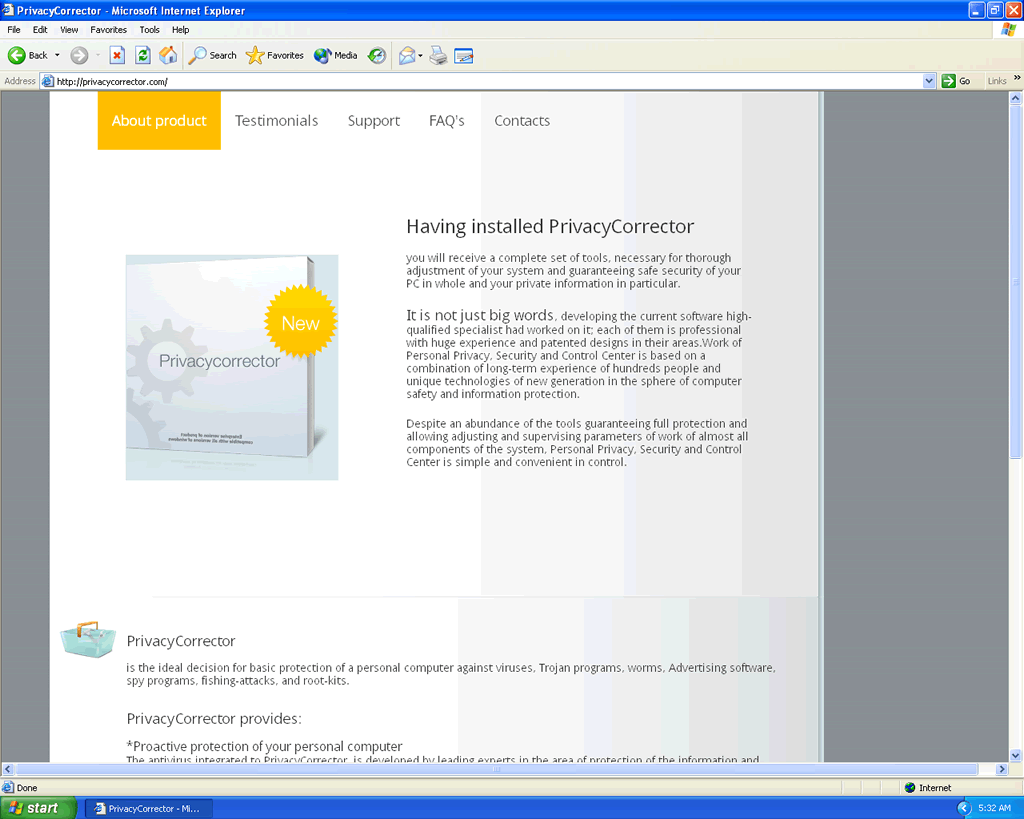
Privacy Corrector Image
Privacy Corrector is a fake security tool that claims to detect, repair or remove system errors and malware threats. Privacy Corrector is distributed via sneaky Trojans or malicious websites disguised as legitimate entities. Once Privacy Corrector is installed and executed it will simulate a system scan that automatically reports the detection of several malware threats and dangerous system errors. Following the scan report, Privacy Corrector will claim to have fixed a few of the errors but will urge a user to purchase its full version in order to remove the remaining dangerous threats.
Privacy Corrector (PrivacyCorrector) uses the same scare tactics as its relative Privacy Guard 2010 which includes the display of fake security alerts and pop-up warnings. Do not believe any of the security notifications displayed by this rogue; they are all fabricated and part of a scam to coerce you into purchasing illegitimate and useless security software.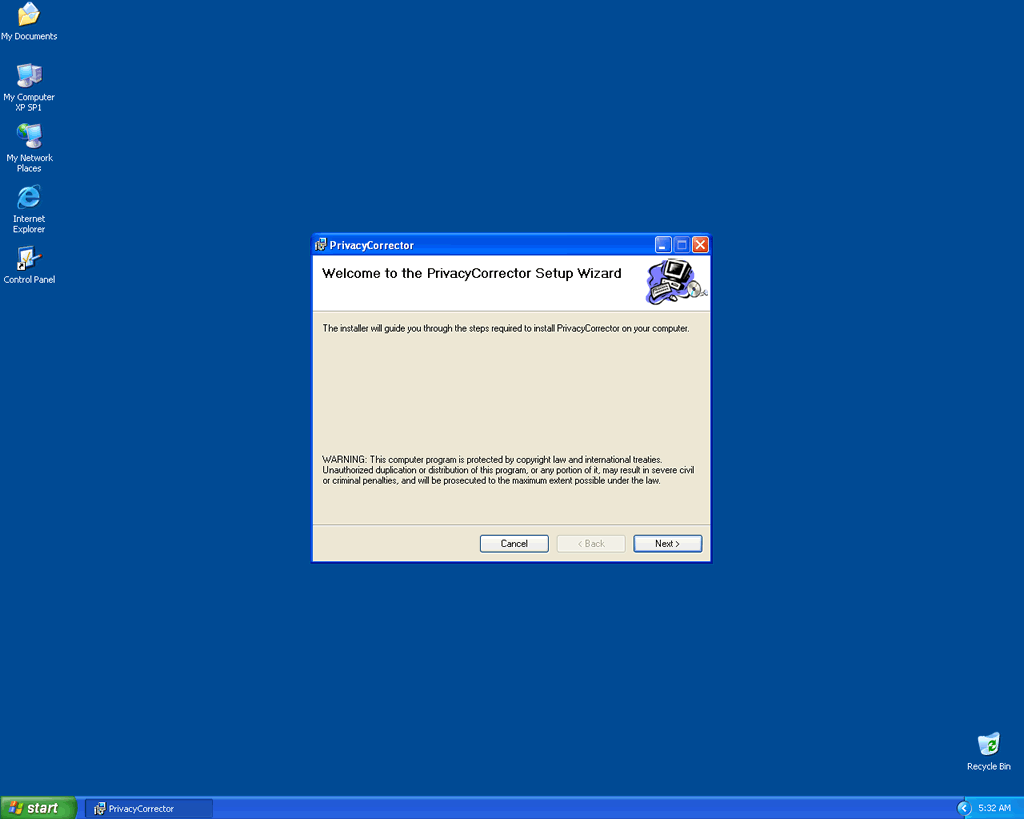
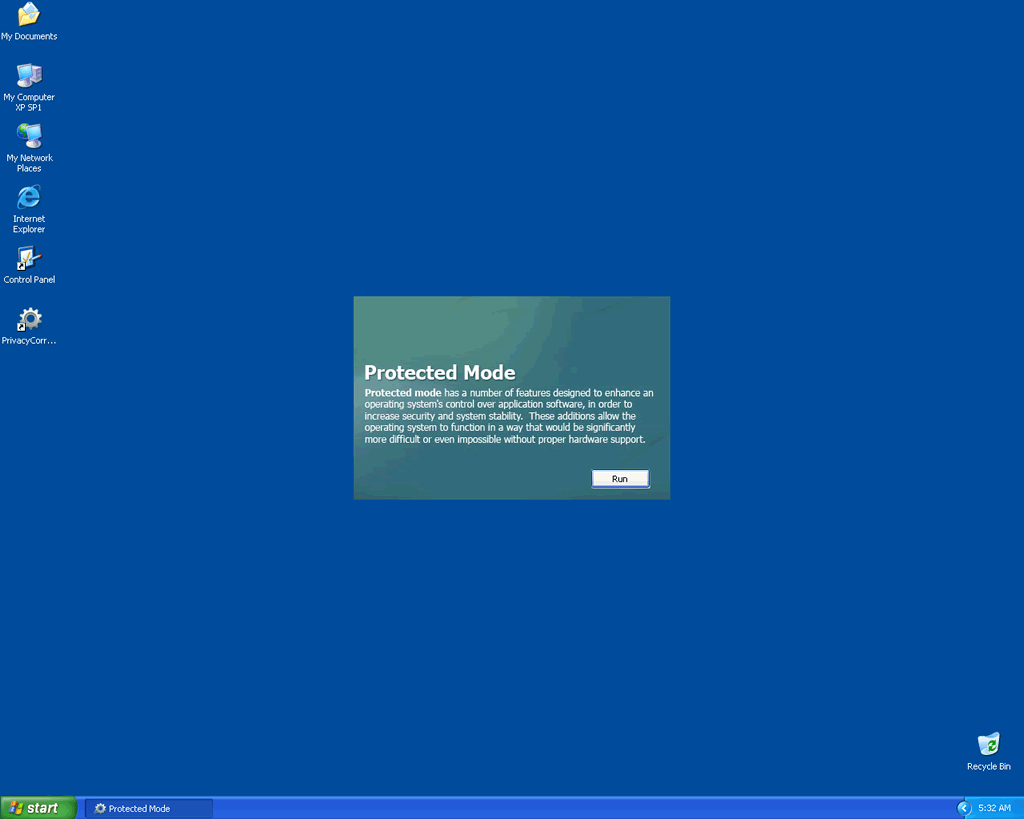
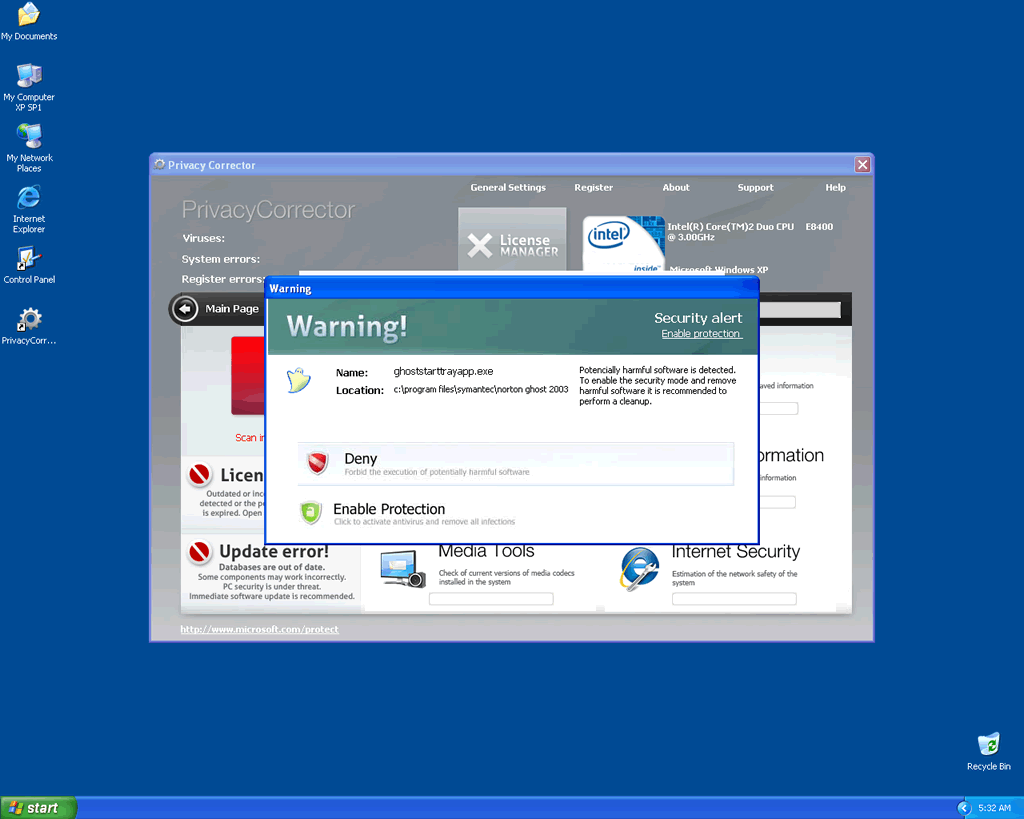
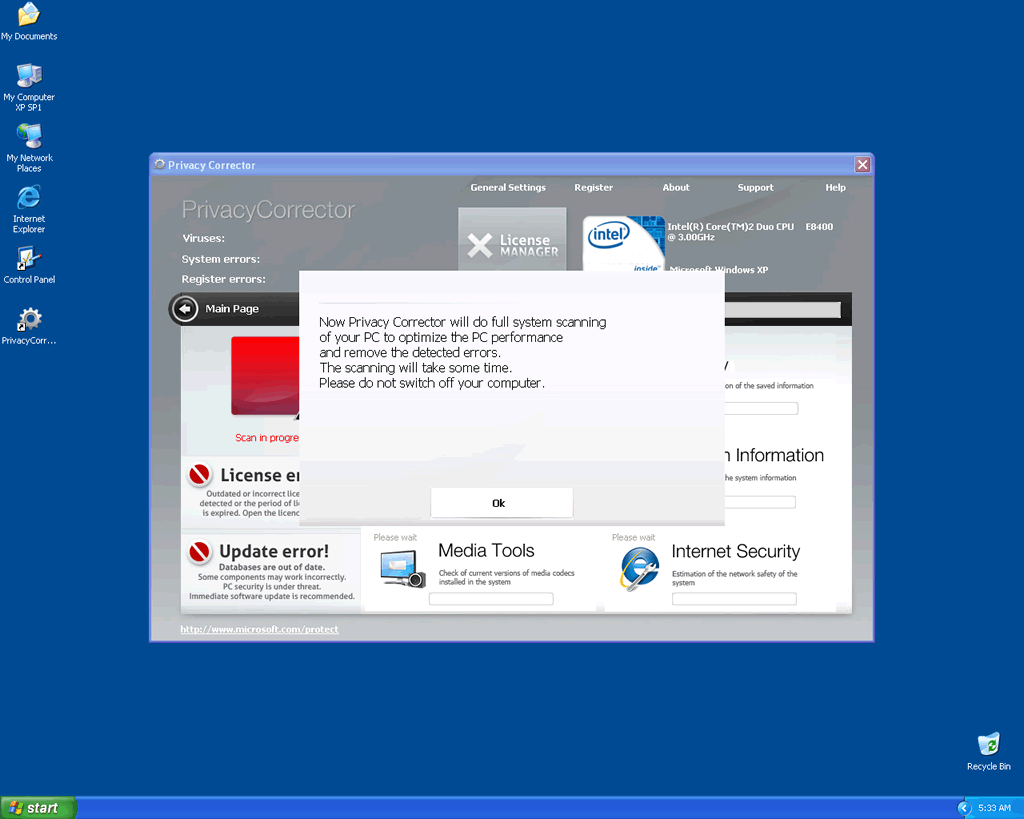
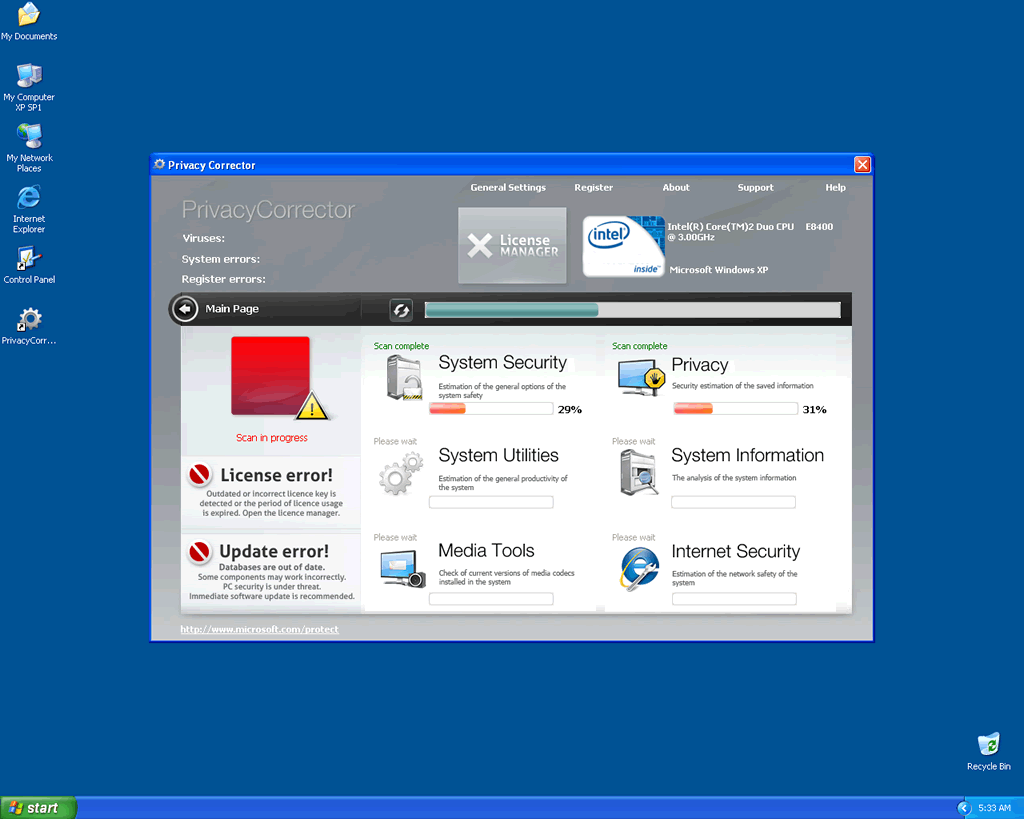
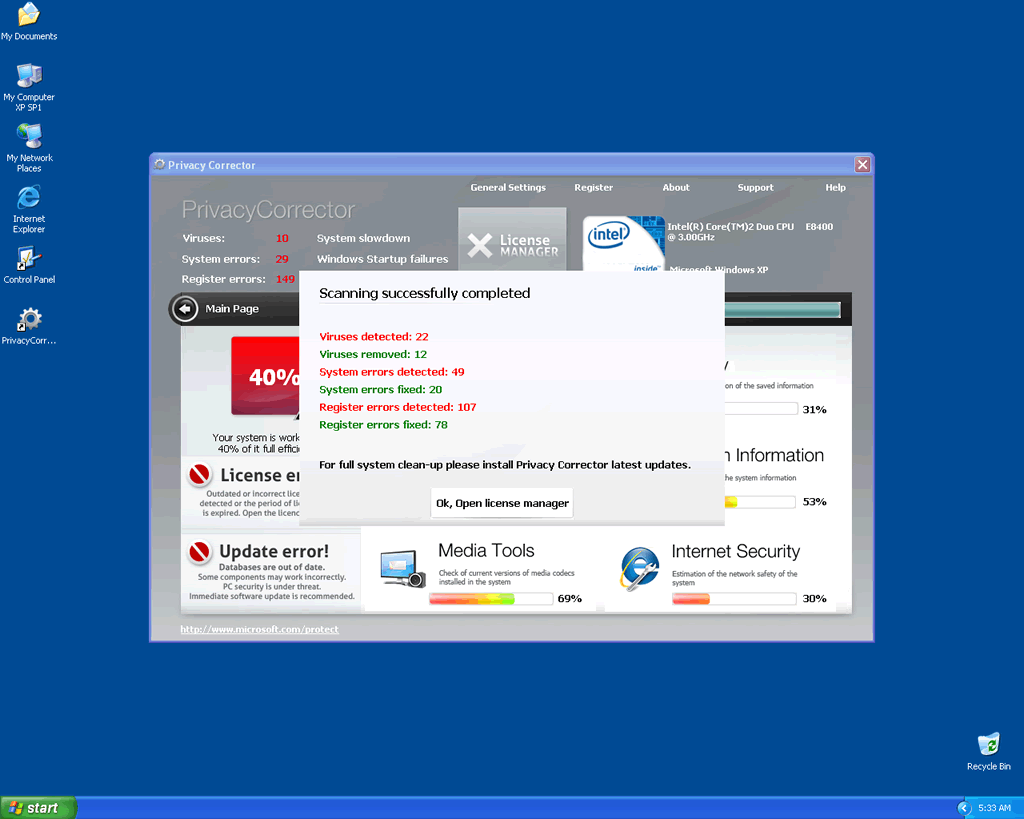
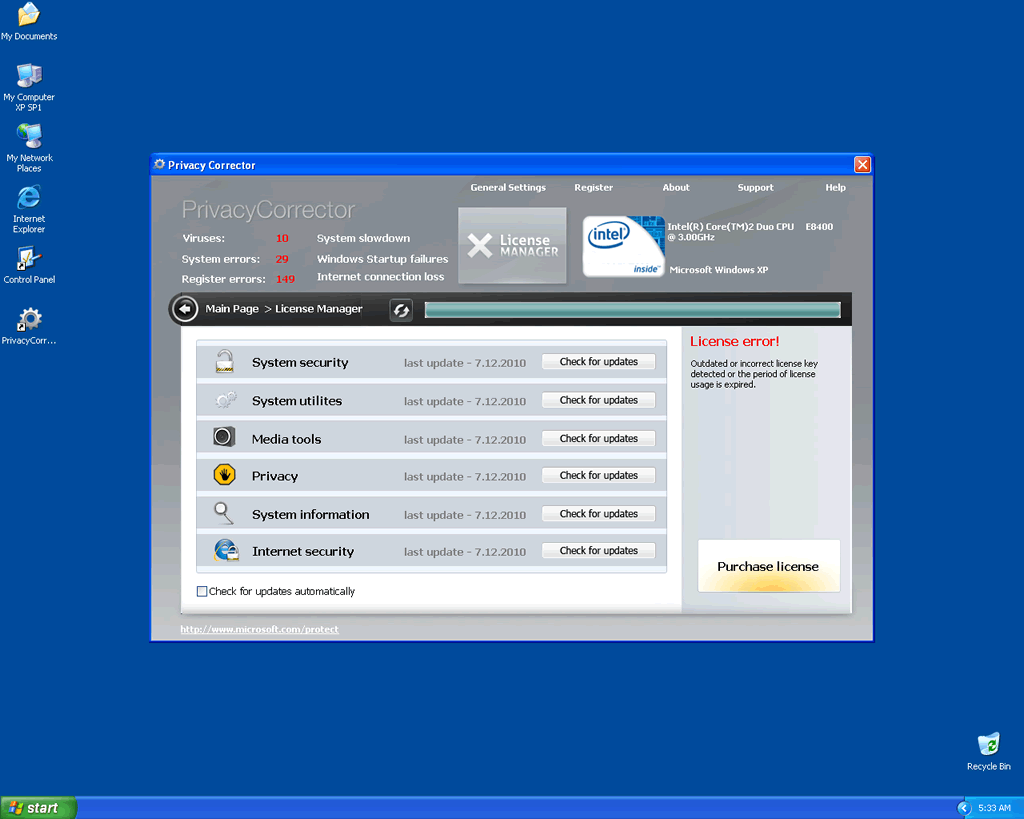
Table of Contents
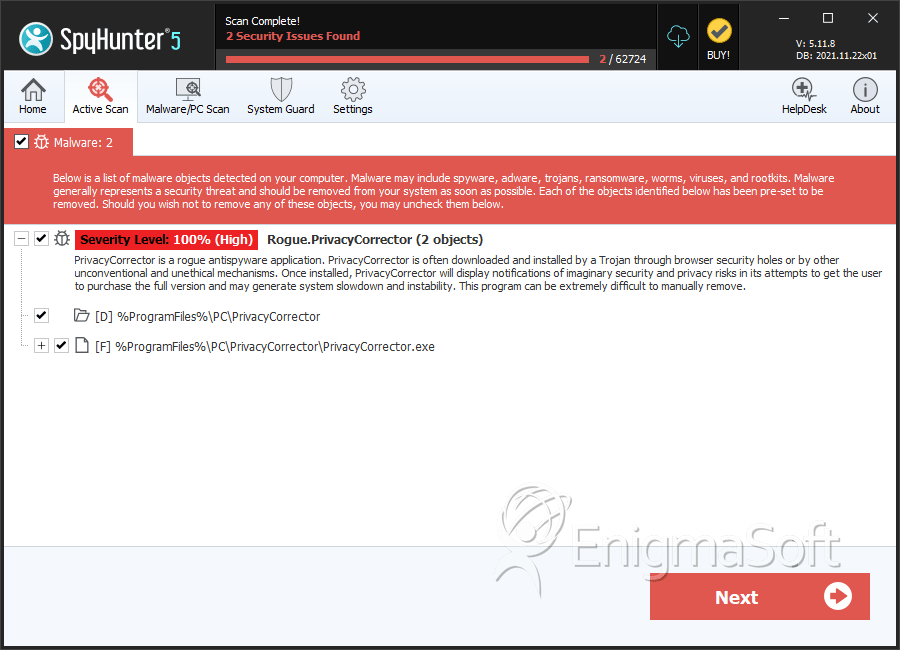
SpyHunter Detects & Remove Privacy Corrector
File System Details
| # | File Name | MD5 |
Detections
Detections: The number of confirmed and suspected cases of a particular threat detected on
infected computers as reported by SpyHunter.
|
|---|---|---|---|
| 1. | PrivacyCorrector.exe | fbacfea27fd7e797ede573b3a0271c81 | 0 |
Directories
Privacy Corrector may create the following directory or directories:
| %ProgramFiles%\PC\PrivacyCorrector |



