FraudTool.Reanimator.g
FraudTool.Reanimator.g is a malicious program that typically disguises itself as a helpful or legitimate program. FraudTool.Reanimator.g entices users into downloading or purchasing it by displaying fake security alerts and annoying pop-ups as well as tampering with a system's performance. As soon as FraudTool.Reanimator.g is detected it should be removed with a reliable security tool.
Table of Contents
Aliases
15 security vendors flagged this file as malicious.
| Anti-Virus Software | Detection |
|---|---|
| TrendMicro | PAK_Generic.006 |
| Sunbelt | WinReanimator |
| Sophos | Sus/ComPack-K |
| Prevx1 | Spyware |
| Panda | Adware/WinReanimator |
| McAfee | FakeAlert-C |
| K7AntiVirus | not-a-virus:FraudTool.Win32.Reanimator.g |
| Ikarus | not-a-virus:FraudTool.Win32.Reanimator.b |
| Fortinet | Misc/Reanimator |
| F-Secure | W32/Packed_Upack.A |
| eSafe | Suspicious File |
| DrWeb | Trojan.Fakealert.origin |
| ClamAV | Adware.Fakealert-54 |
| CAT-QuickHeal | FraudTool.Reanimator.f (Not a Virus) |
| AVG | Generic10.ABNQ |
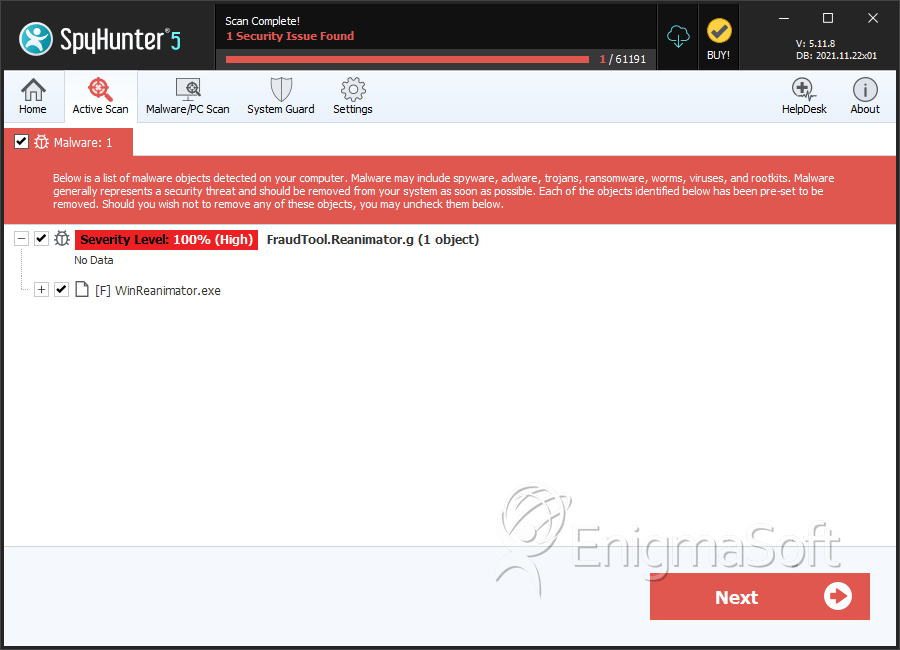
SpyHunter Detects & Remove FraudTool.Reanimator.g
File System Details
FraudTool.Reanimator.g may create the following file(s):
| # | File Name | MD5 |
Detections
Detections: The number of confirmed and suspected cases of a particular threat detected on
infected computers as reported by SpyHunter.
|
|---|---|---|---|
| 1. | WinReanimator.exe | e627d47db78506ebc106820926988020 | 0 |




