AV AntiSpyware
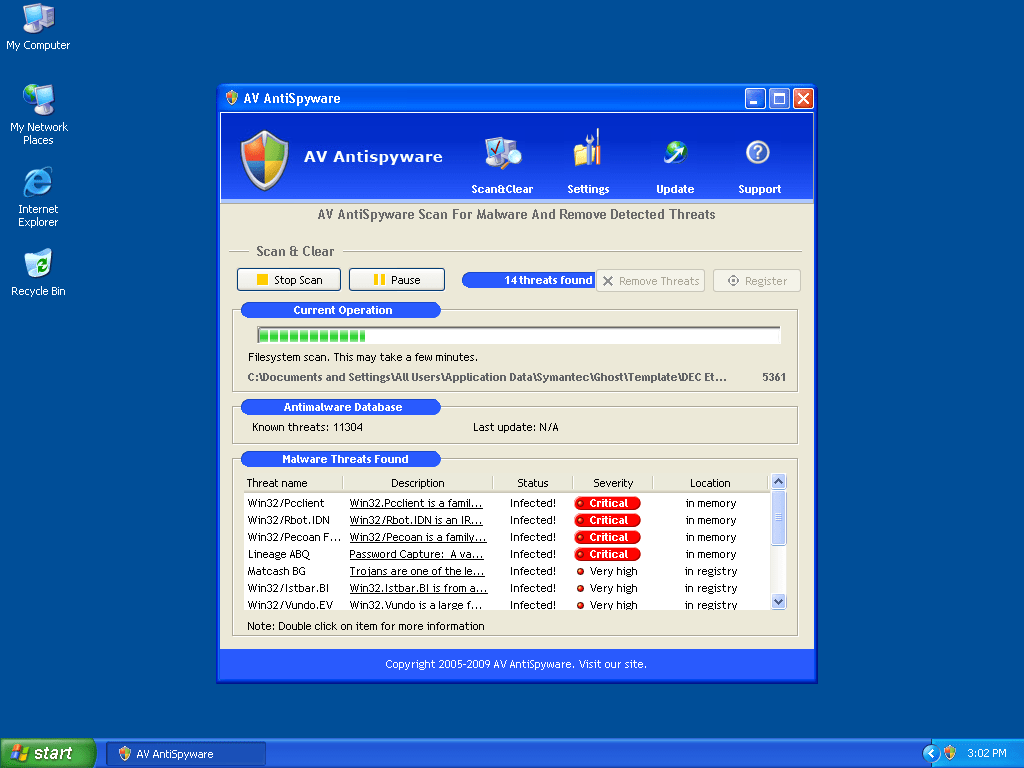
AV AntiSpyware Image
AV Antispyware, also known as AVAntiSpyware, is a rogue anti-spyware program that downloads and installs onto your computer system with the assistance of the Trojan Zlob, that either finds its way into your system through vulnerabilities in your security, or is downloaded and installed onto your computer manually. There is also the chance you may have downloaded AV Antispyware from a rogue website, where false pop-up windows and system scans may have tricked you into purchasing this worthless product on the assumption AV Antispyware would remove your spyware threats.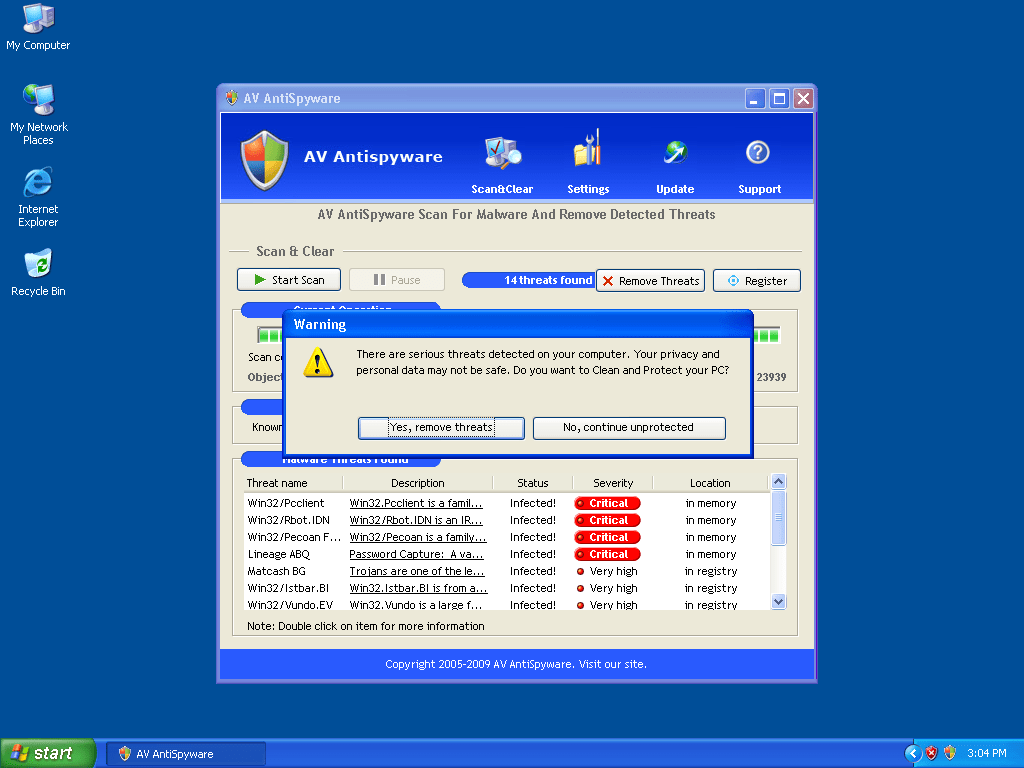
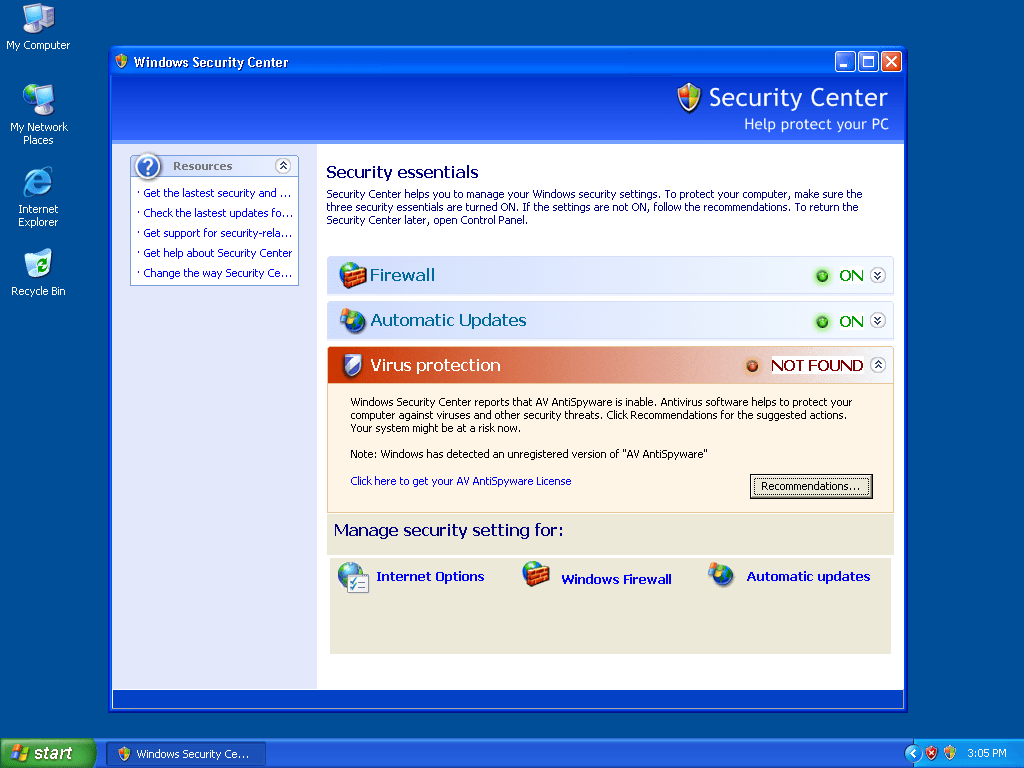
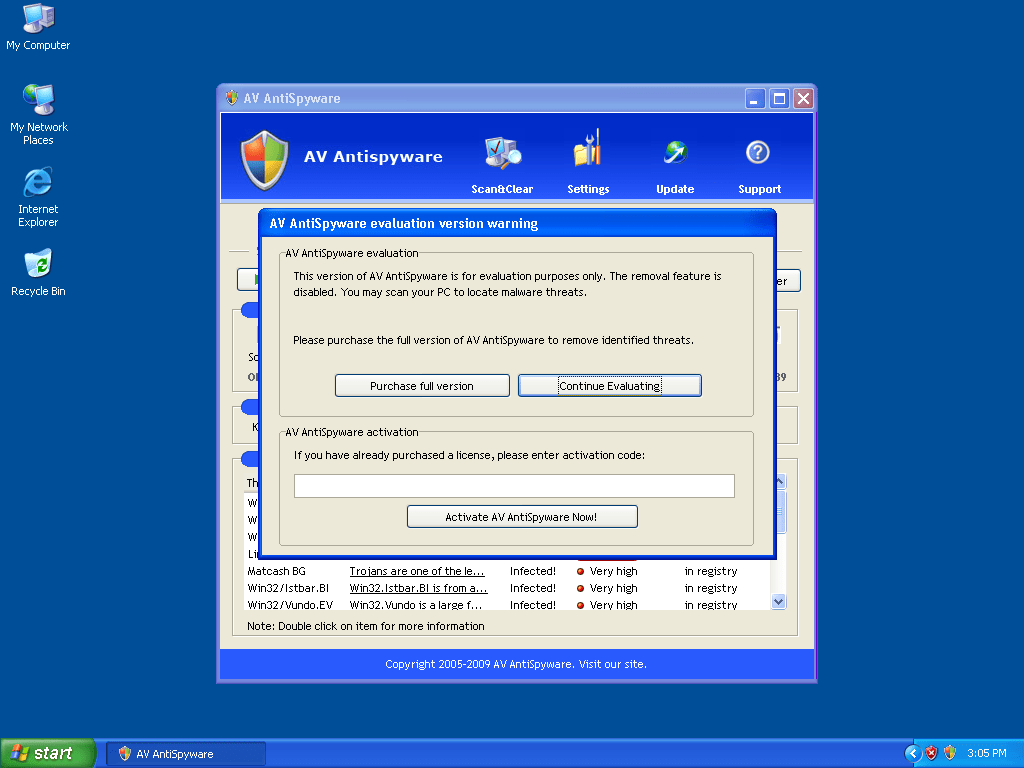
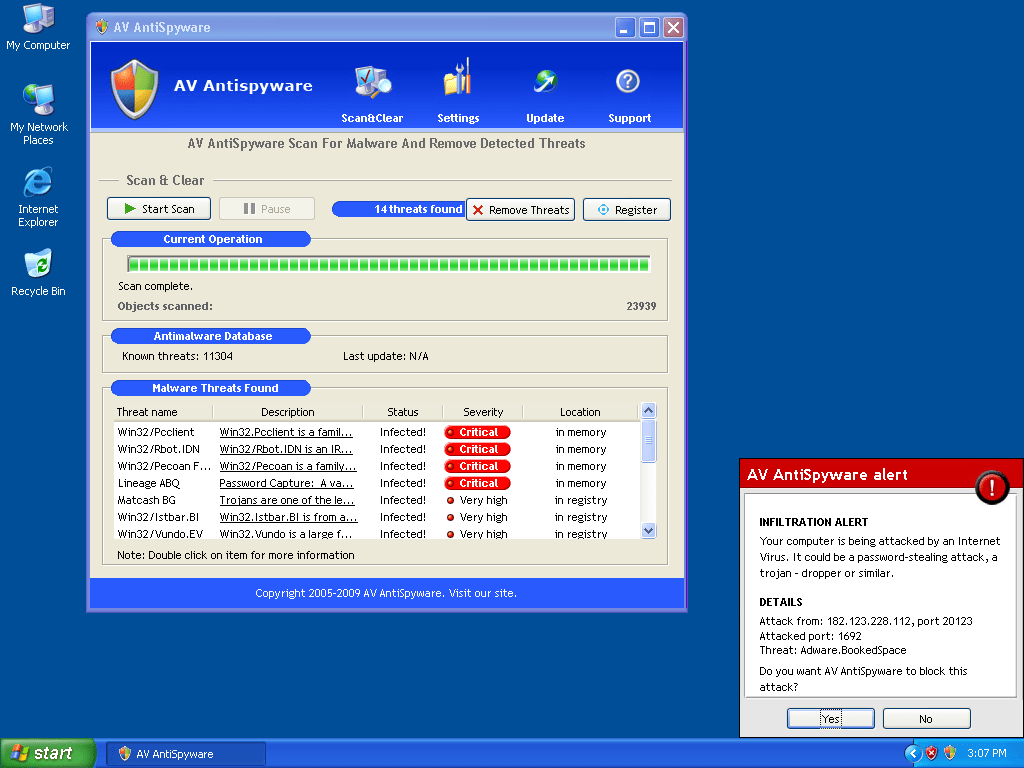
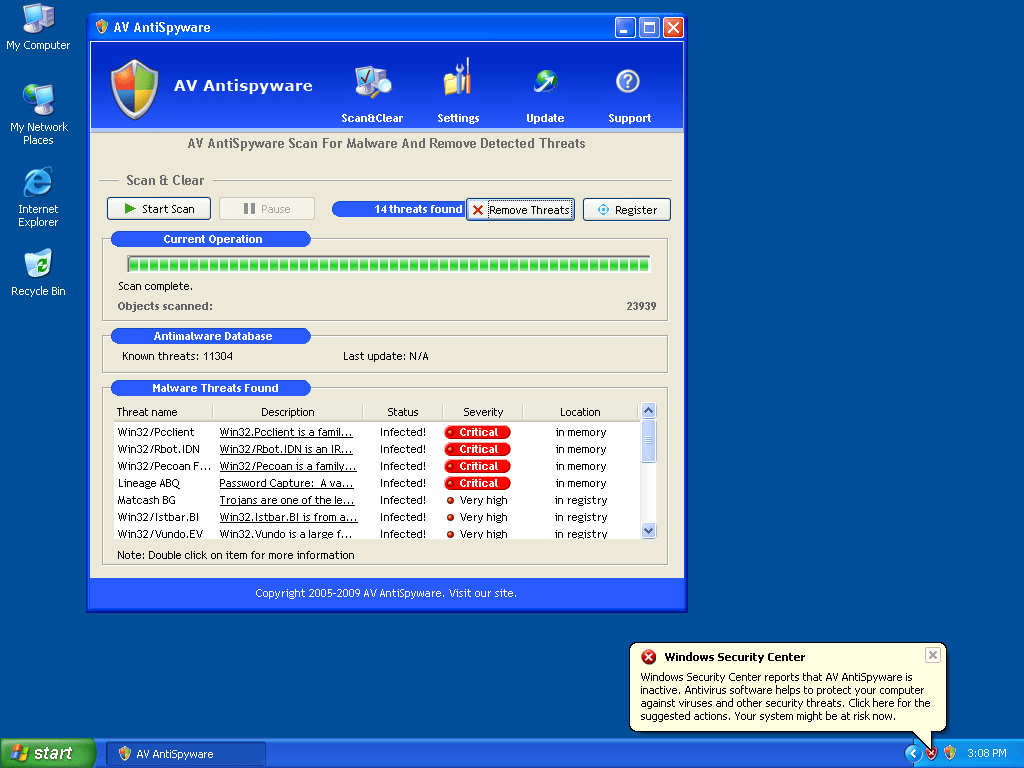
Table of Contents
Aliases
15 security vendors flagged this file as malicious.
| Anti-Virus Software | Detection |
|---|---|
| TrendMicro | TROJ_FAKEAVAL.GK |
| Symantec | Trojan.Fakeavalert |
| Sunbelt | MSAntispyware 2009 (v) |
| Sophos | Mal/FakeAV-AH |
| Panda | Trj/CI.A |
| NOD32 | Win32/Adware.MSAntispyware2009 |
| Microsoft | Trojan:Win32/WinSpywareProtect |
| McAfee-GW-Edition | Ad-Spyware.AdSpy.Gen |
| McAfee+Artemis | potentially unwanted program Artemis!544FE2FE071A |
| Kaspersky | not-a-virus:FraudTool.Win32.ProAntivirus2009.j |
| K7AntiVirus | Trojan.Win32.Malware.1 |
| Ikarus | AdWare.AdSpy |
| Fortinet | PossibleThreat |
| F-Secure | Rogue:W32/SpyProtector.F |
| eTrust-Vet | Win32/FakeAV.ANO |
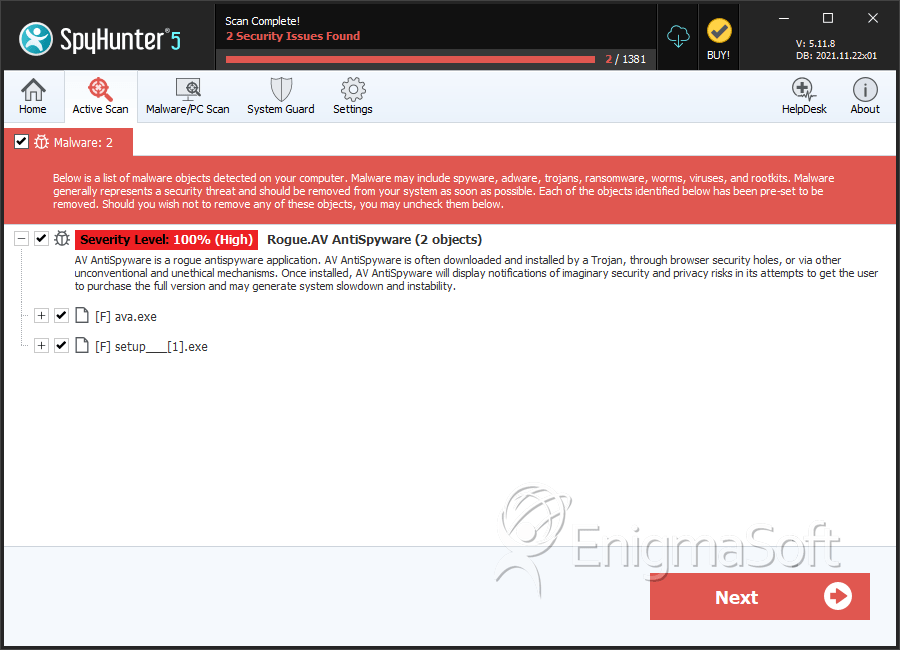
SpyHunter Detects & Remove AV AntiSpyware
File System Details
AV AntiSpyware may create the following file(s):
| # | File Name | MD5 |
Detections
Detections: The number of confirmed and suspected cases of a particular threat detected on
infected computers as reported by SpyHunter.
|
|---|---|---|---|
| 1. | ava.exe | 4a544fe2fe071a6bffda6f33a9fa4cd2 | 0 |
| 2. | ava.exe | 97996515c8f13618539d01ac5fb039bf | 0 |
| 3. | setup___[1].exe | 93d5add0142d172e41ccfc80b61a0300 | 0 |




