Antivirus
Threat Scorecard
EnigmaSoft Threat Scorecard
EnigmaSoft Threat Scorecards are assessment reports for different malware threats which have been collected and analyzed by our research team. EnigmaSoft Threat Scorecards evaluate and rank threats using several metrics including real-world and potential risk factors, trends, frequency, prevalence, and persistence. EnigmaSoft Threat Scorecards are updated regularly based on our research data and metrics and are useful for a wide range of computer users, from end users seeking solutions to remove malware from their systems to security experts analyzing threats.
EnigmaSoft Threat Scorecards display a variety of useful information, including:
Ranking: The ranking of a particular threat in EnigmaSoft’s Threat Database.
Severity Level: The determined severity level of an object, represented numerically, based on our risk modeling process and research, as explained in our Threat Assessment Criteria.
Infected Computers: The number of confirmed and suspected cases of a particular threat detected on infected computers as reported by SpyHunter.
See also Threat Assessment Criteria.
| Threat Level: | 100 % (High) |
| Infected Computers: | 7 |
| First Seen: | March 30, 2010 |
| Last Seen: | August 17, 2022 |
| OS(es) Affected: | Windows |
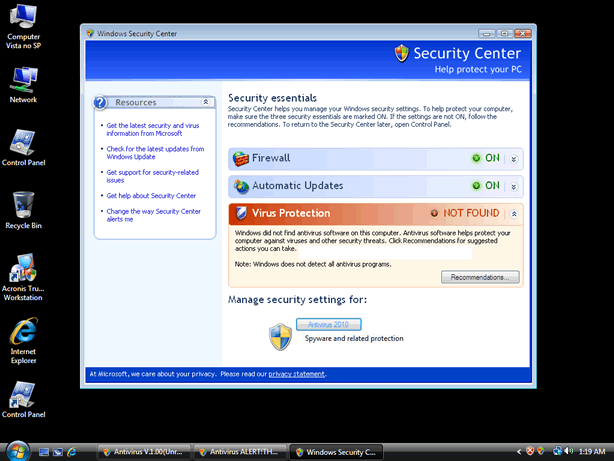
Antivirus Image
Antivirus is another unwanted computer security software program. It would display alert messages on computer to misled users about the security status of the computer. This false security program has been labeled as rogue and closely related to a Trojan by working to promote itself. Antivirus virus doesn't have any known security protection nor it could offer defense on computers where it would be installed. Actually, as a rogue software program it was determined to be a threat itself.
Antivirus virus being a useless program must be removed. In addition, if its presence was identified, users should download and install a Antivirus removal tool at once. The longer it is on computer the more harm it could produce.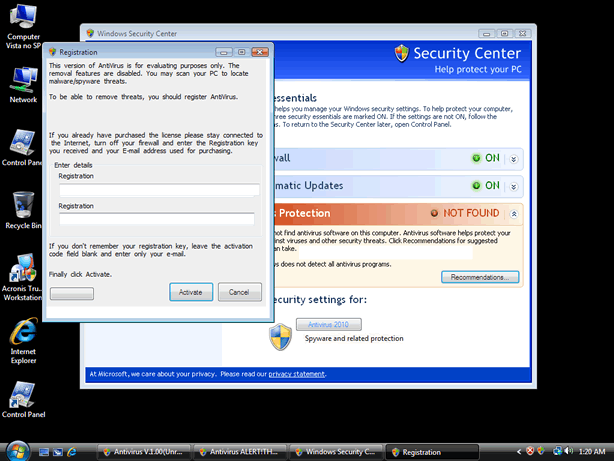
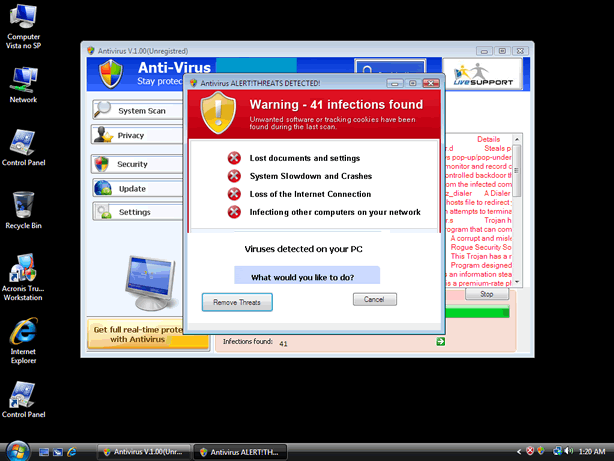
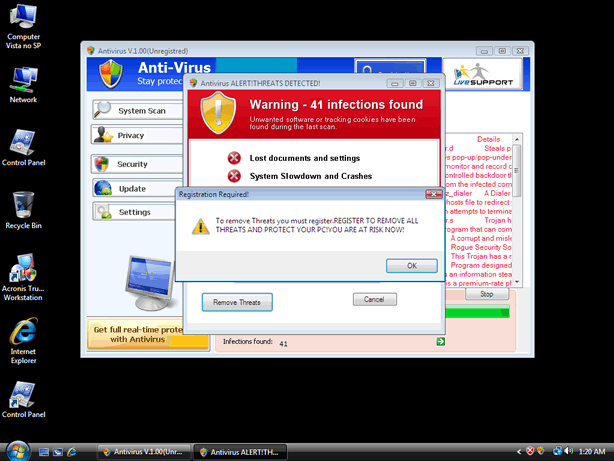
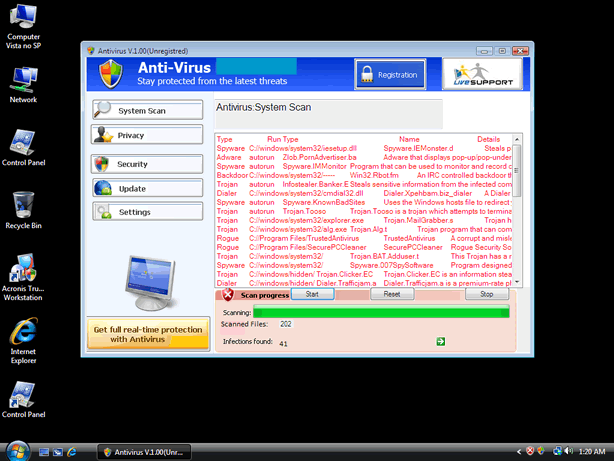
Table of Contents
Aliases
15 security vendors flagged this file as malicious.
| Anti-Virus Software | Detection |
|---|---|
| Symantec | Packed.Generic.277 |
| Sunbelt | FraudTool.Win32.RogueSecurity (v) |
| Sophos | Mal/TDSSPack-Q |
| Panda | Trj/CI.A |
| NOD32 | Win32/Adware.CoreguardAntivirus |
| Microsoft | Trojan:Win32/FakeCog |
| McAfee-GW-Edition | Heuristic.BehavesLike.Win32.Spyware.B |
| McAfee | DNSChanger.bo |
| Ikarus | Trojan.Win32.FakeCog |
| Fortinet | W32/DNSChanger.BO!tr |
| eSafe | Win32.GenVariant.Tds |
| Comodo | Heur.Suspicious |
| BitDefender | Gen:Variant.TDss.21 |
| Avast | Win32:Jifas-FN |
| AhnLab-V3 | ASD.Prevention |
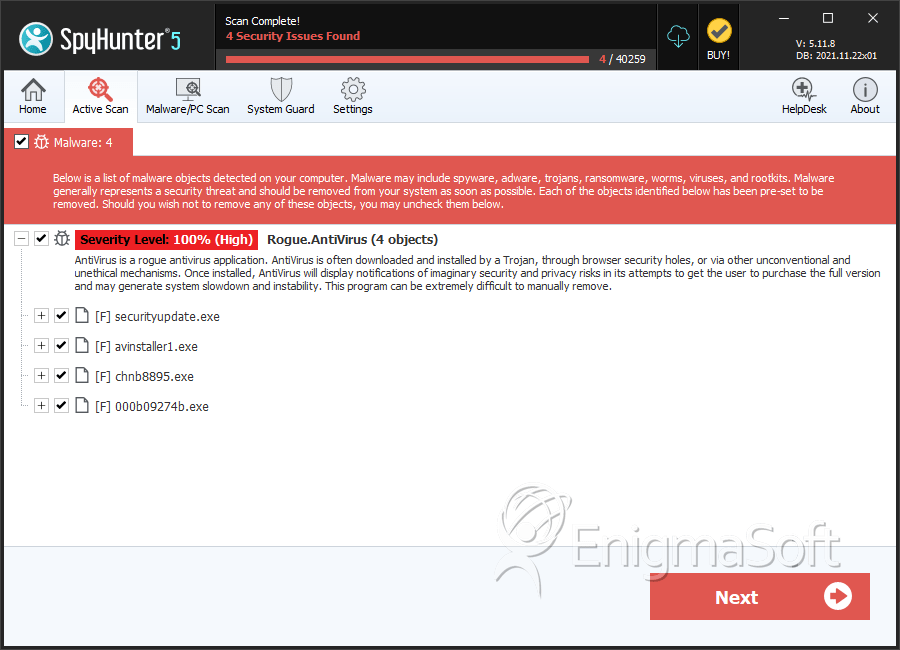
SpyHunter Detects & Remove Antivirus
File System Details
| # | File Name | MD5 |
Detections
Detections: The number of confirmed and suspected cases of a particular threat detected on
infected computers as reported by SpyHunter.
|
|---|---|---|---|
| 1. | securityupdate.exe | c484aefda9897c7798ce416acbe1020c | 2 |
| 2. | avinstaller1.exe | 6e55e02218641ca73bf969f47de35735 | 0 |
| 3. | chnb8895.exe | 309f1bd749e7efeee56c11a8f4c48a78 | 0 |
| 4. | 000b09274b.exe | 30bf4970351c82c823a1c2602e406666 | 0 |




