Smart HDD
Cartão de pontuação de ameaças
EnigmaSoft Threat Scorecard
Os EnigmaSoft Threat Scorecards são relatórios de avaliação para diferentes ameaças de malware que foram coletadas e analisadas por nossa equipe de pesquisa. Os Scorecards de Ameaças da EnigmaSoft avaliam e classificam as ameaças usando várias métricas, incluindo fatores de risco reais e potenciais, tendências, frequência, prevalência e persistência. Os Scorecards de Ameaças da EnigmaSoft são atualizados regularmente com base em nossos dados e métricas de pesquisa e são úteis para uma ampla gama de usuários de computador, desde usuários finais que buscam soluções para remover malware de seus sistemas até especialistas em segurança que analisam ameaças.
Os Scorecards de Ameaças da EnigmaSoft exibem uma variedade de informações úteis, incluindo:
Classificação: A classificação de uma ameaça específica no banco de dados de ameaças da EnigmaSoft.
Nível de gravidade: O nível de gravidade determinado de um objeto, representado numericamente, com base em nosso processo de modelagem de risco e pesquisa, conforme explicado em nossos Critérios de Avaliação de Ameaças .
Computadores infectados: O número de casos confirmados e suspeitos de uma determinada ameaça detectada em computadores infectados conforme relatado pelo SpyHunter.
Consulte também Critérios de Avaliação de Ameaças .
| Nível da Ameaça: | 20 % (Normal) |
| Computadores infectados: | 109 |
| Visto pela Primeira Vez: | December 14, 2010 |
| Visto pela Última Vez: | August 25, 2022 |
| SO (s) Afetados: | Windows |
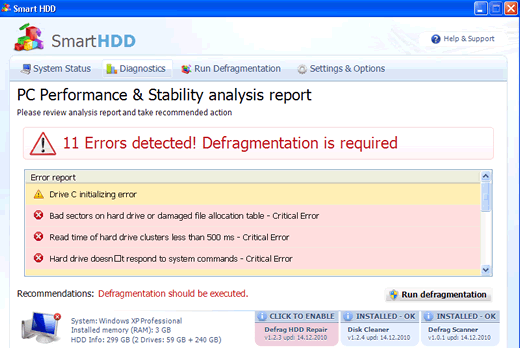
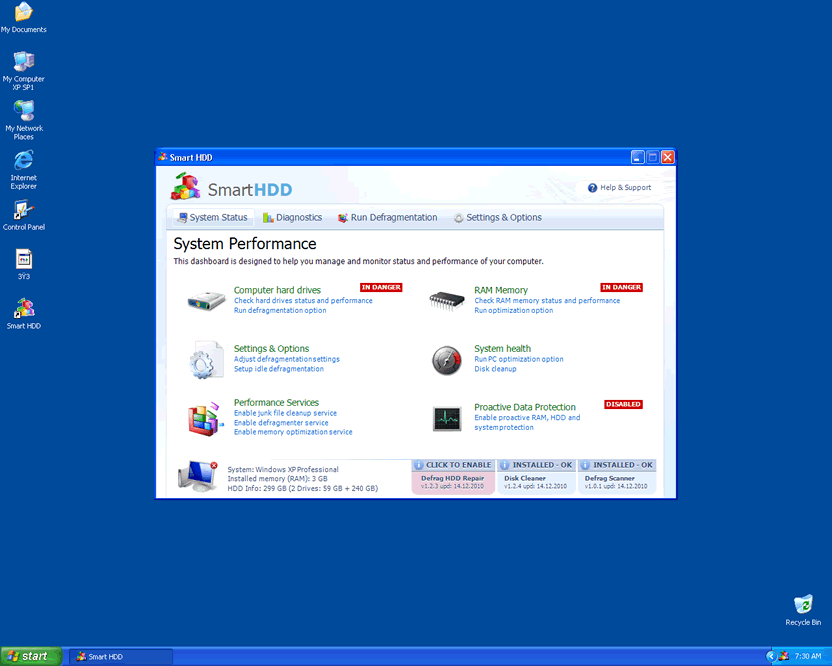
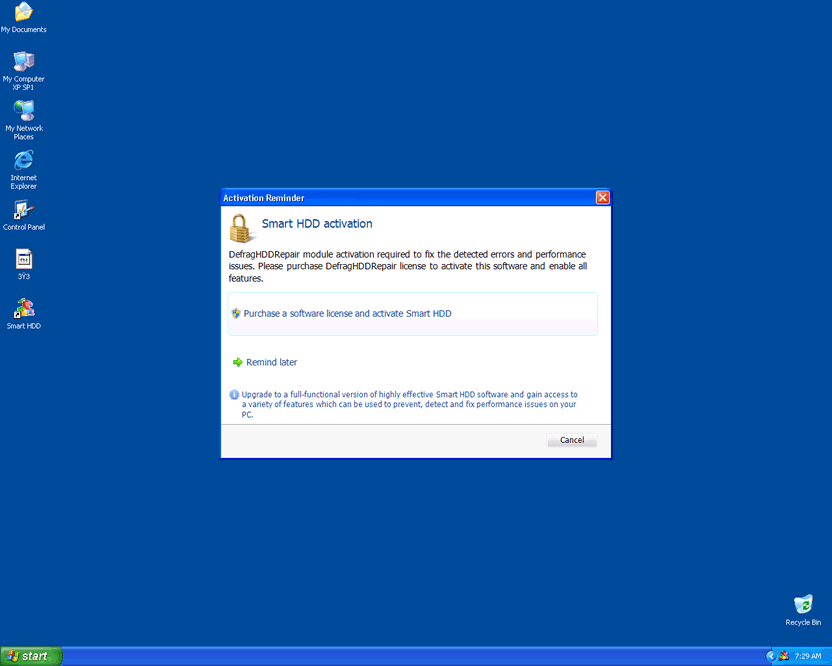
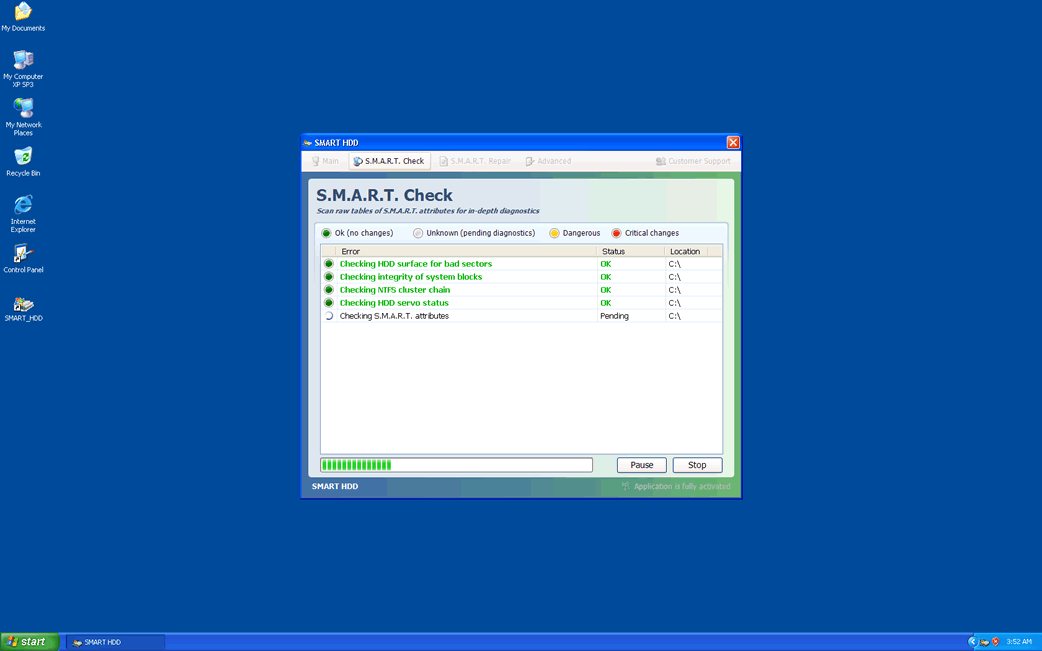
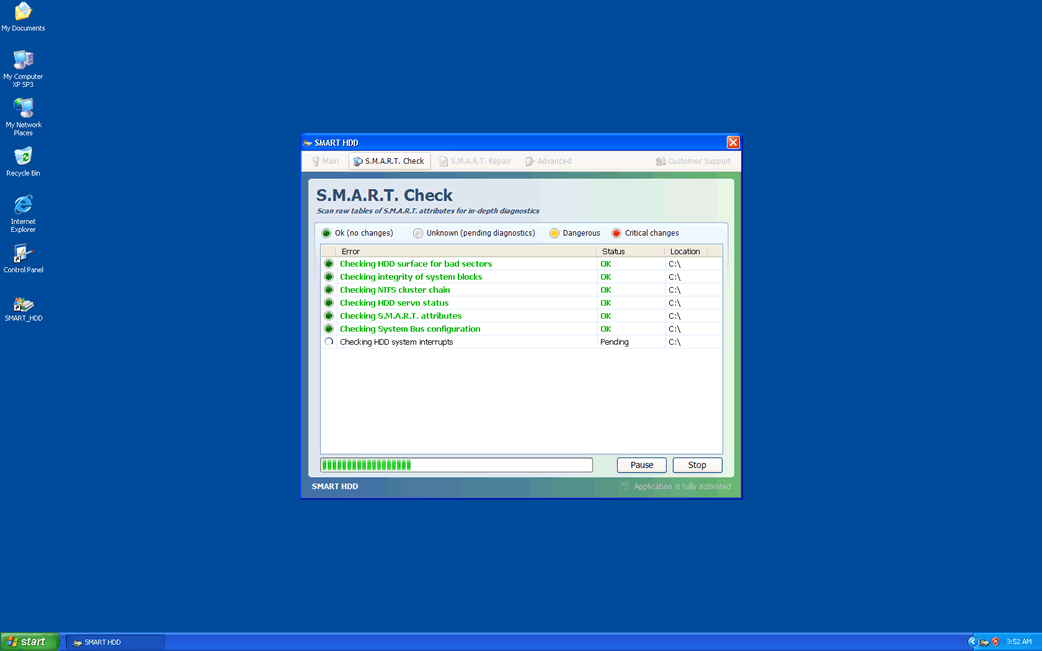
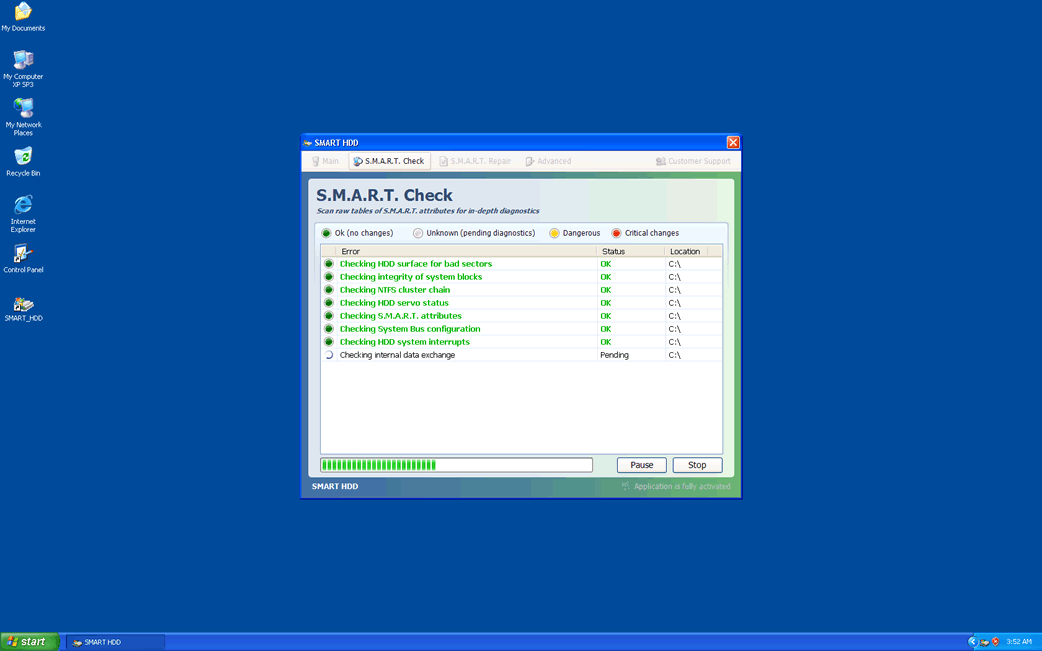
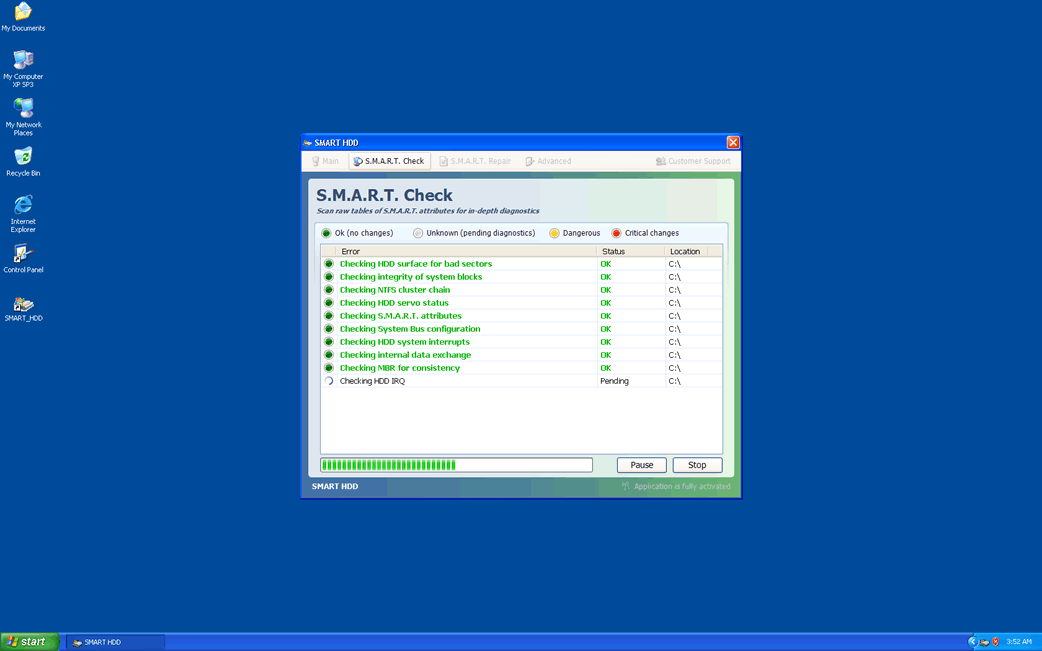
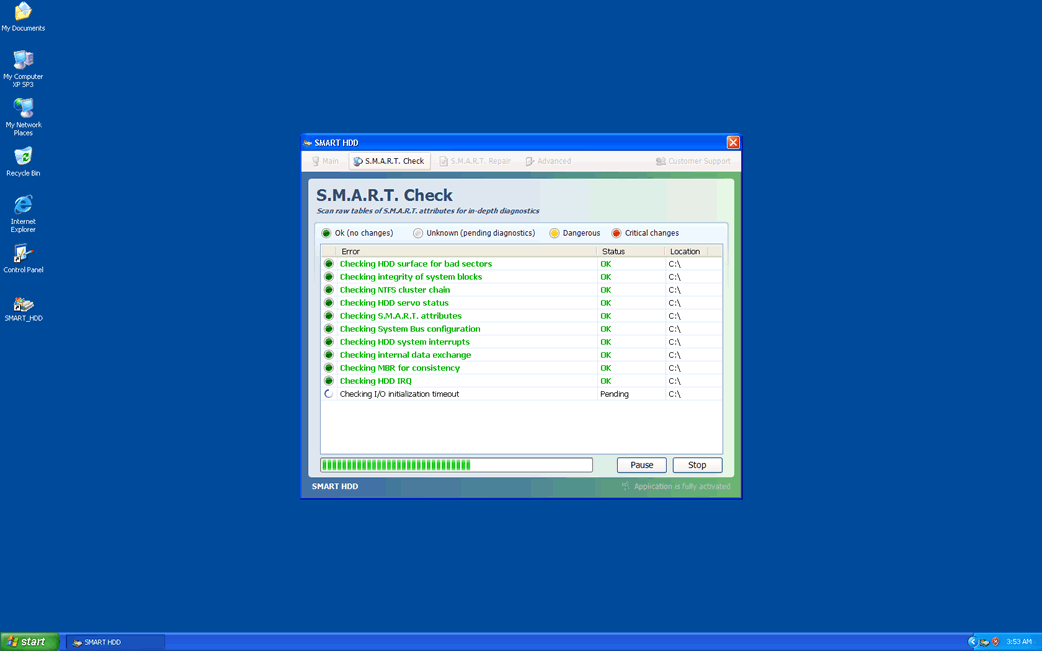
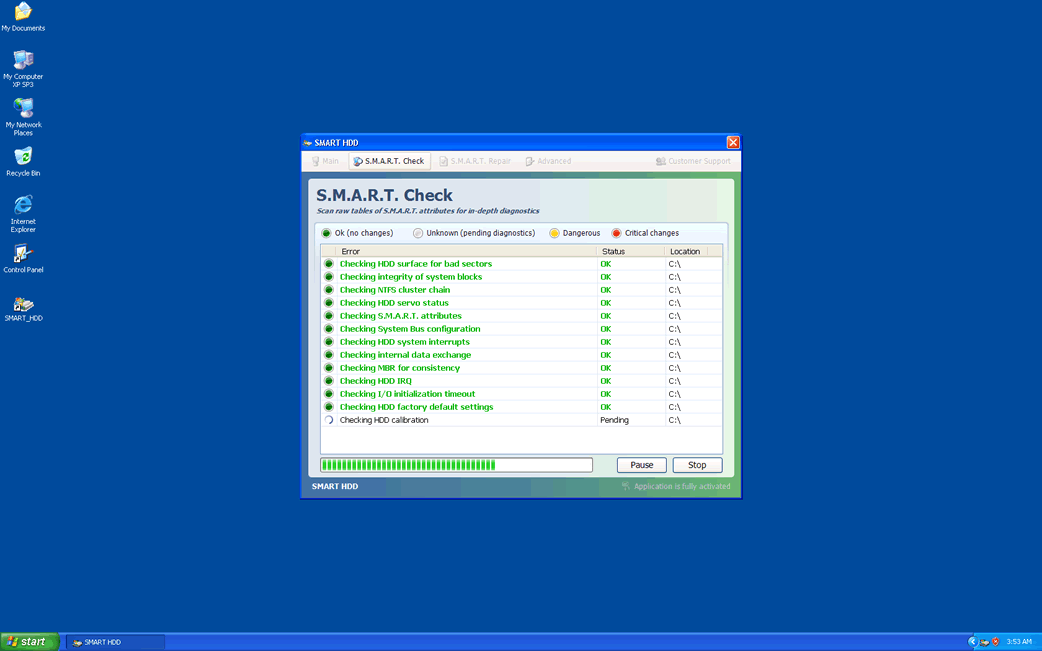
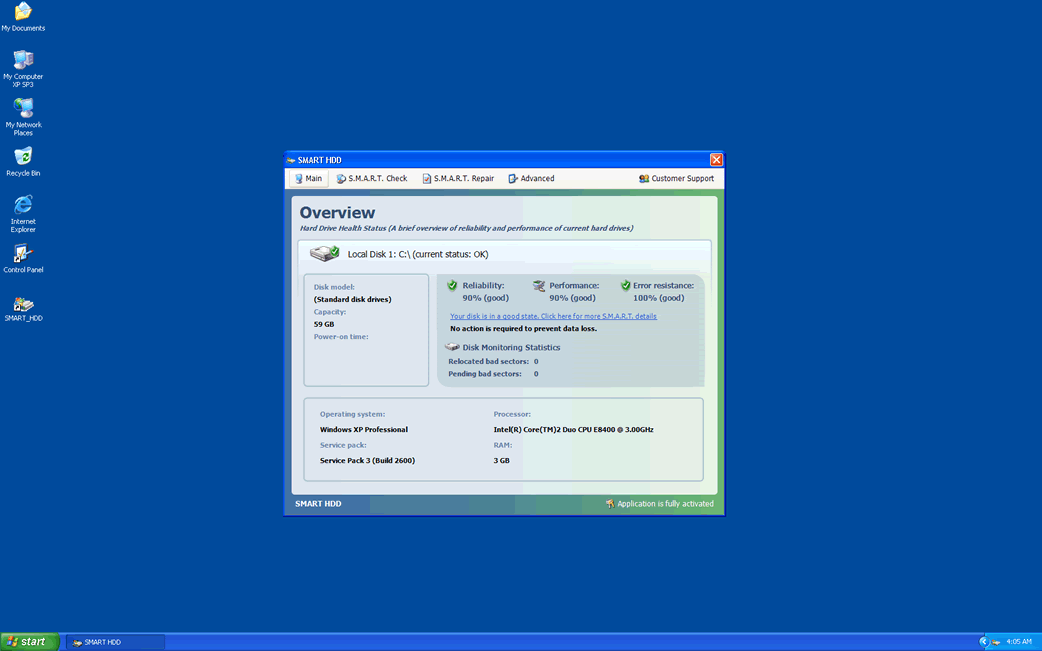
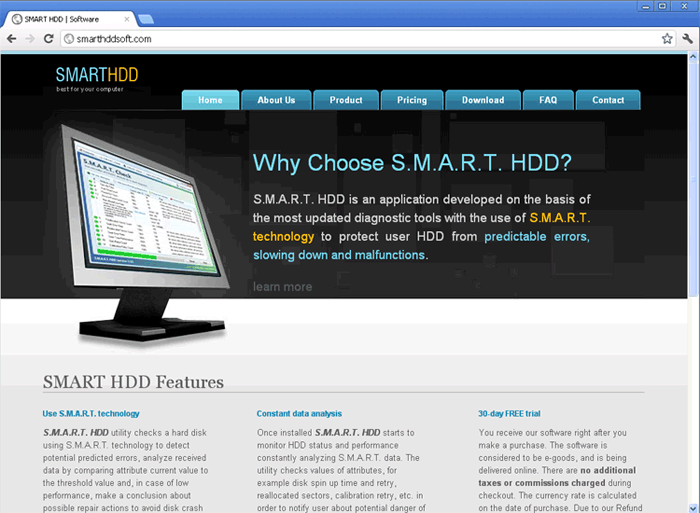
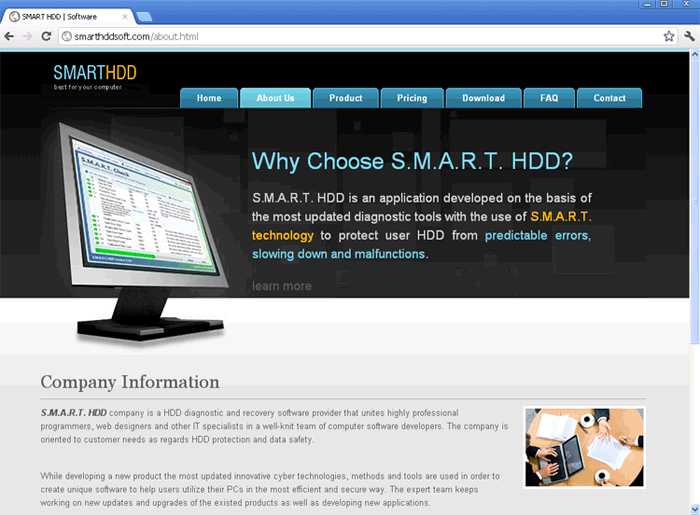
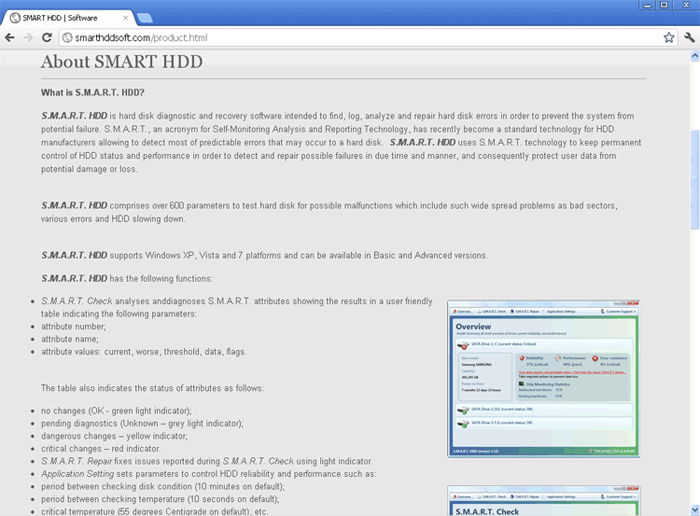
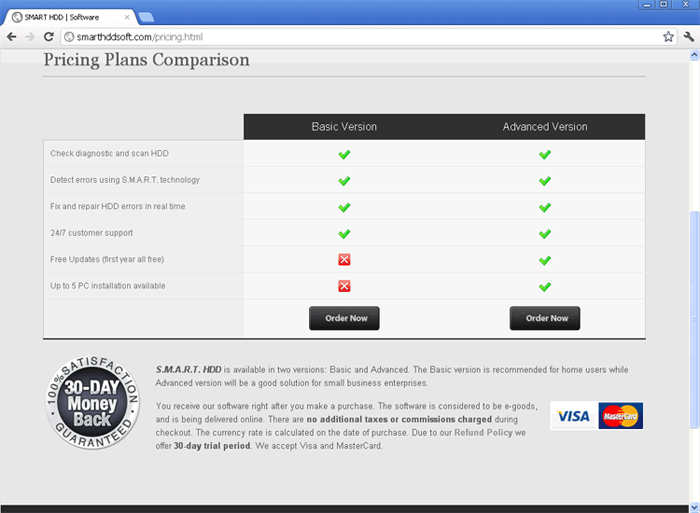
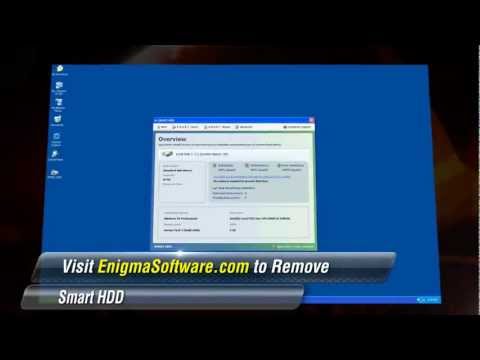
O Smart HDD é um falso desfragmentador que vem agindo por um longo tempo. O Smart HDD é parte de um esquema que não é particularmente sofisticado. Em seu núcleo, os desfragmentadores desonestos são todos praticamente os mesmos na maneira com a qual eles tentam enganar suas vítimas. Normalmente, o Smart HDD exibe numerosas janelas pop-up e mensagens de erro afirmando que o disco rígido da vítima está falhando. Em seguida, o Smart HDD se recusa a reparar esses supostos problemas a menos que a vítima 'registre' o Smart HDD. No entanto, os analistas de malware do ESG descobriram que o Smart HDD não tem nenhuma capacidade real para ser um desfragmentador ou algum recurso para otimizar o sistema. Devido a isso, você não deve, absolutamente, pagar por este falso aplicativo de desfragmentação que geralmente tenta cobrar de sessenta a oitenta dólares por uma 'versão completa' do Smart HDD. Se o Smart HDD estiver instalado no seu disco rígido, os problemas do seu disco rígido são, provavelmente, imaginários e parte do esquema do Smart HDD. Para remover o Smart HDD, os analistas de segurança do ESG recomendam usar um aplicativo anti-malware confiável para executar uma digitalização completa dos seus discos rígidos. Você pode parar a exibição de algumas das janelas pop-up mais irritantes do Smart HDD digitando qualquer um desses dois códigos de registo:
-0973467457475070215340537432225
- 15801587234612645205224631045976
De qualquer modo, vale a pena notar que esses códigos de registo não vão remover o Smart HDD do seu computador; eles simplesmente vão impedir que o Smart HDD exiba janelas pop-up e bloqueie o acesso aos seus arquivos com mensagens de erro. A infecção do Smart HDD ainda precisa ser removida com um programa de segurança legítimo.
Índice
Smart HDD – Uma Antiga Ameaça com um Novo Rosto
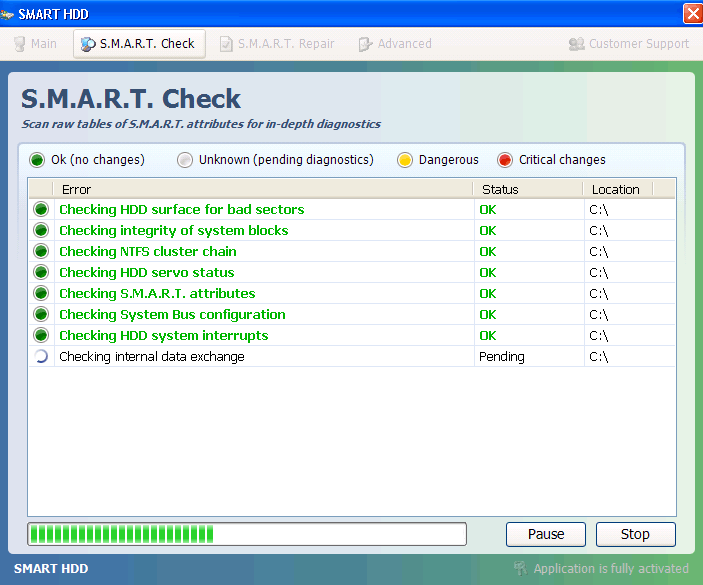
Os pesquisadores de malware estão completamente familiarizados com o Smart HDD e seus muitos clones. O Smart HDD e sua família de malware, a família FakeSysDef, tem estado por ai há vários anos, de modo que os programas de segurança mais confiáveis são capazes de remover o Smart HDD. Em março de 2012, os analistas de malware descobriram que o Smart HDD foi atualizado com um novo interface de usuário. Este GUI agora exibe o nome do Smart HDD como S.M.A.R.T., e usa um gradiente de fundo semelhante ao tema do Windows 7 (a versão prévia do Smart HDD usava um interface mais similar ao Windows XP). Na nova versão, você também encontrará várias guias em uma barra de menu, duas das quais fingem executar um S.M.A.R.T. Check e um S.M.A.R.T. Repair. Independentemente de seu novo rosto, o Smart HDD ainda é uma fraude e deve ser removido imediatamente.
Os analistas de segurança da ESG descobriram dezenas de clones do Smart HDD, as quais incluem System Defragmenter, Ultra Defragger, HDD Control, Win HDD, Win Defrag, Win Defragmenter, Disk Doctor, Hard Drive Diagnostic, HDD Diagnostic, HDD Plus, HDD Repair, HDD Rescue, Defragmenter, HDD Tools, Disk Repair, Scanner, HDD Low, Hdd Fix.
Smart HDD Vídeo
Dica: Ligue o som e assistir o vídeo em modo de tela cheia.
URLs
Smart HDD pode chamar os seguintes URLs:
| rightscoop.shop |



