PC Security 2009
Threat Scorecard
EnigmaSoft Threat Scorecard
EnigmaSoft Threat Scorecards are assessment reports for different malware threats which have been collected and analyzed by our research team. EnigmaSoft Threat Scorecards evaluate and rank threats using several metrics including real-world and potential risk factors, trends, frequency, prevalence, and persistence. EnigmaSoft Threat Scorecards are updated regularly based on our research data and metrics and are useful for a wide range of computer users, from end users seeking solutions to remove malware from their systems to security experts analyzing threats.
EnigmaSoft Threat Scorecards display a variety of useful information, including:
Ranking: The ranking of a particular threat in EnigmaSoft’s Threat Database.
Severity Level: The determined severity level of an object, represented numerically, based on our risk modeling process and research, as explained in our Threat Assessment Criteria.
Infected Computers: The number of confirmed and suspected cases of a particular threat detected on infected computers as reported by SpyHunter.
See also Threat Assessment Criteria.
| Ranking: | 13,978 |
| Threat Level: | 100 % (High) |
| Infected Computers: | 22 |
| First Seen: | July 24, 2009 |
| Last Seen: | May 6, 2024 |
| OS(es) Affected: | Windows |
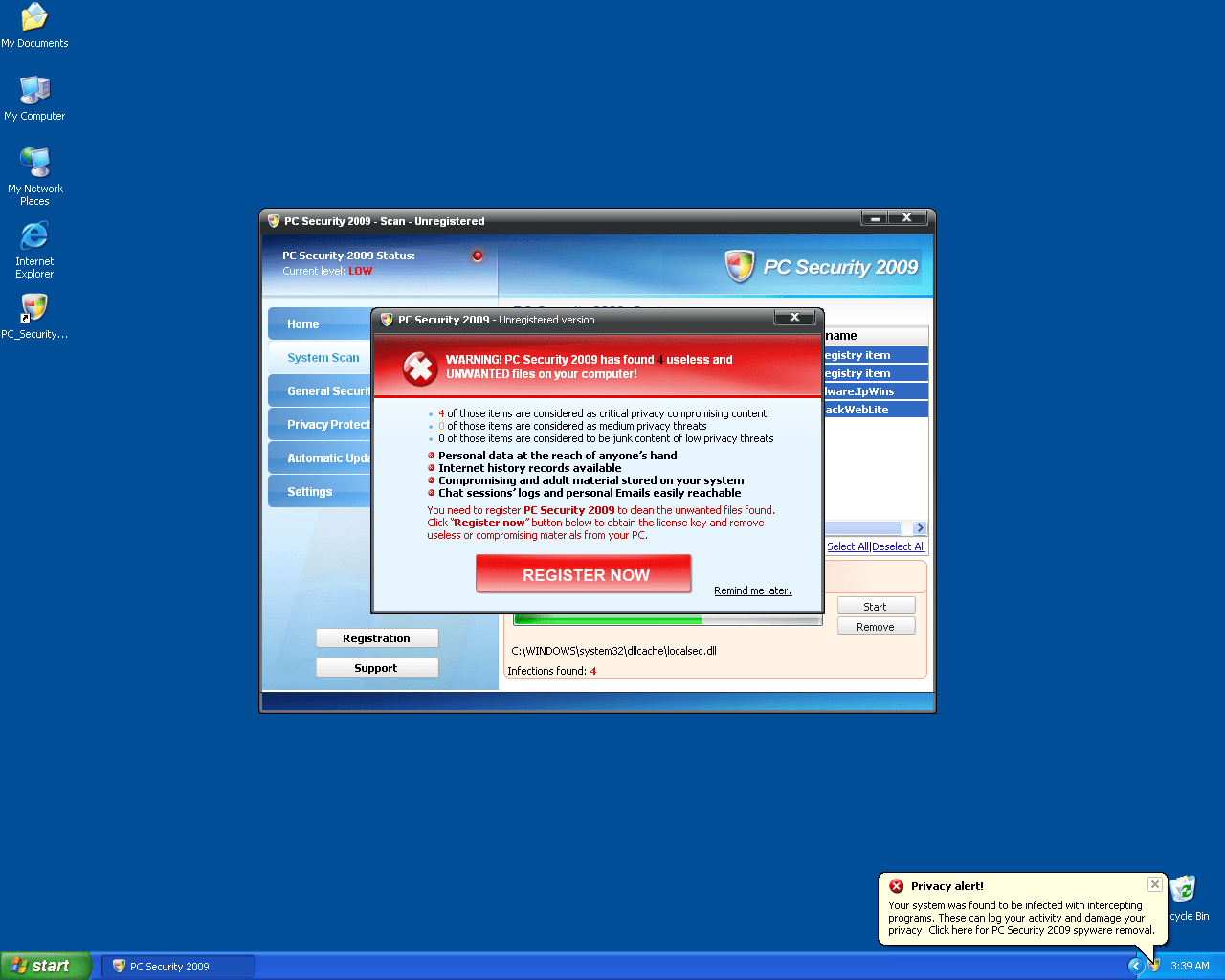
PC Security 2009 Image
PC Security 2009 is a rogue security application that is part of the same family as Home Antivirus 2009 and WinReanimator, both rogue anti-spyware programs. Through many aggressive and misleading tactics, PC Security 2009 attempts to force computer users into purchasing a full version of PC Security 2009. The Trojan infection called Trojan-Downloader.Braviax may be responsible for installing the PC Security 2009 application without permission from the computer administrator.
Fake warnings, popup messages and system scans are all part of PC Security 2009's scam to tempt purchase. One of the fake warnings displayed by PC Security 2009 reads similar to the following:
"WARNING! PC Security 2009 has found 35 useless and unwanted files on your computer!
19 of those those items are considered as critical privacy compromising content
8 of those those items are considered as medium privacy threats 8 of those those items are considered to be junk content of low privacy threats Personal data at the reach of anyone's hand Internet history records available Compromising and adult material stored on your system Chat session's logs and personal Emails easily reachable"
Removal of PC Security 2009 is essential to eliminate popup messages similar to the one above. Because PC Security 2009 may be able to load at startup of Windows, it may be necessary to utilize a removal tool that is able to detect and completely remove PC Security 2009 from the system.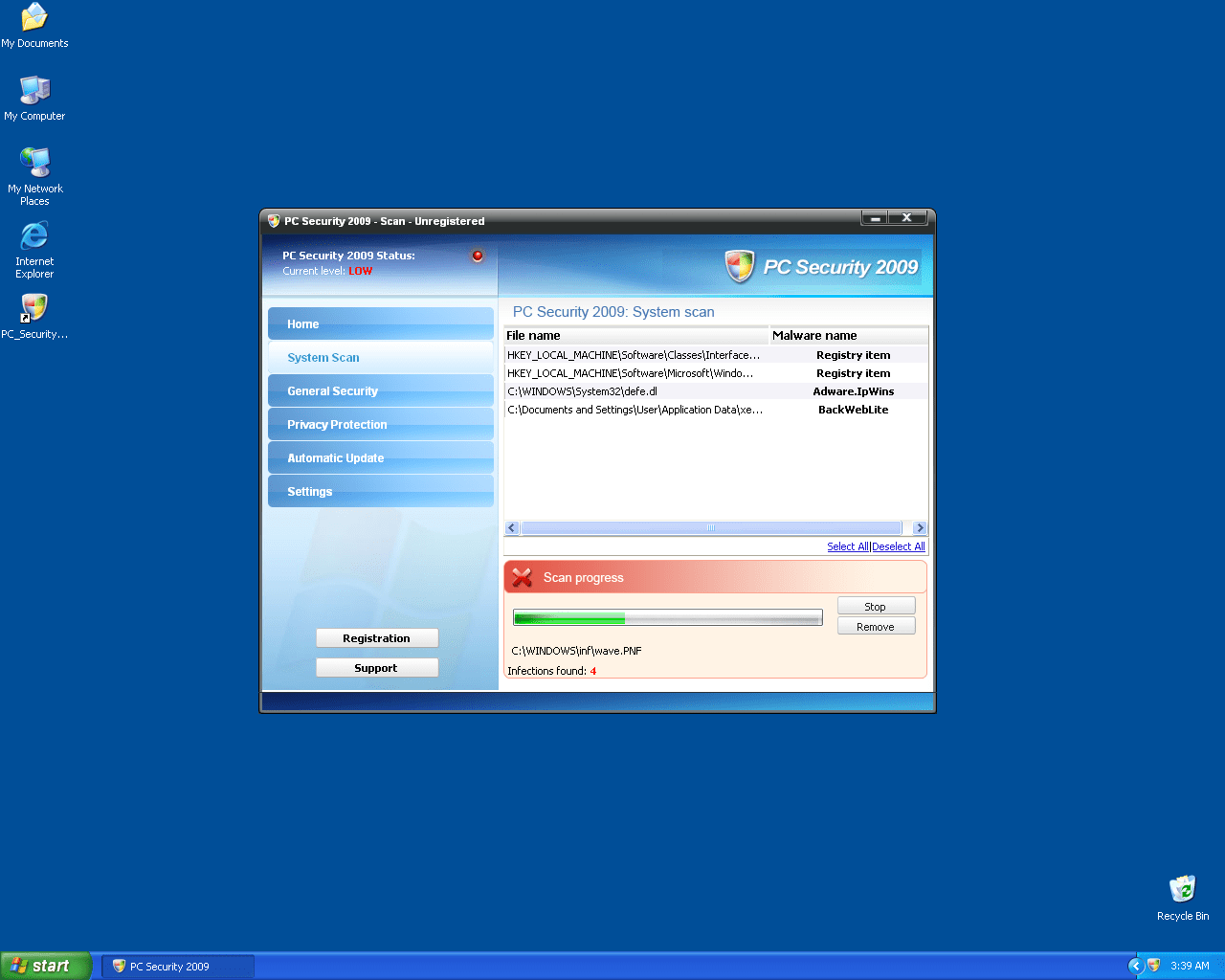
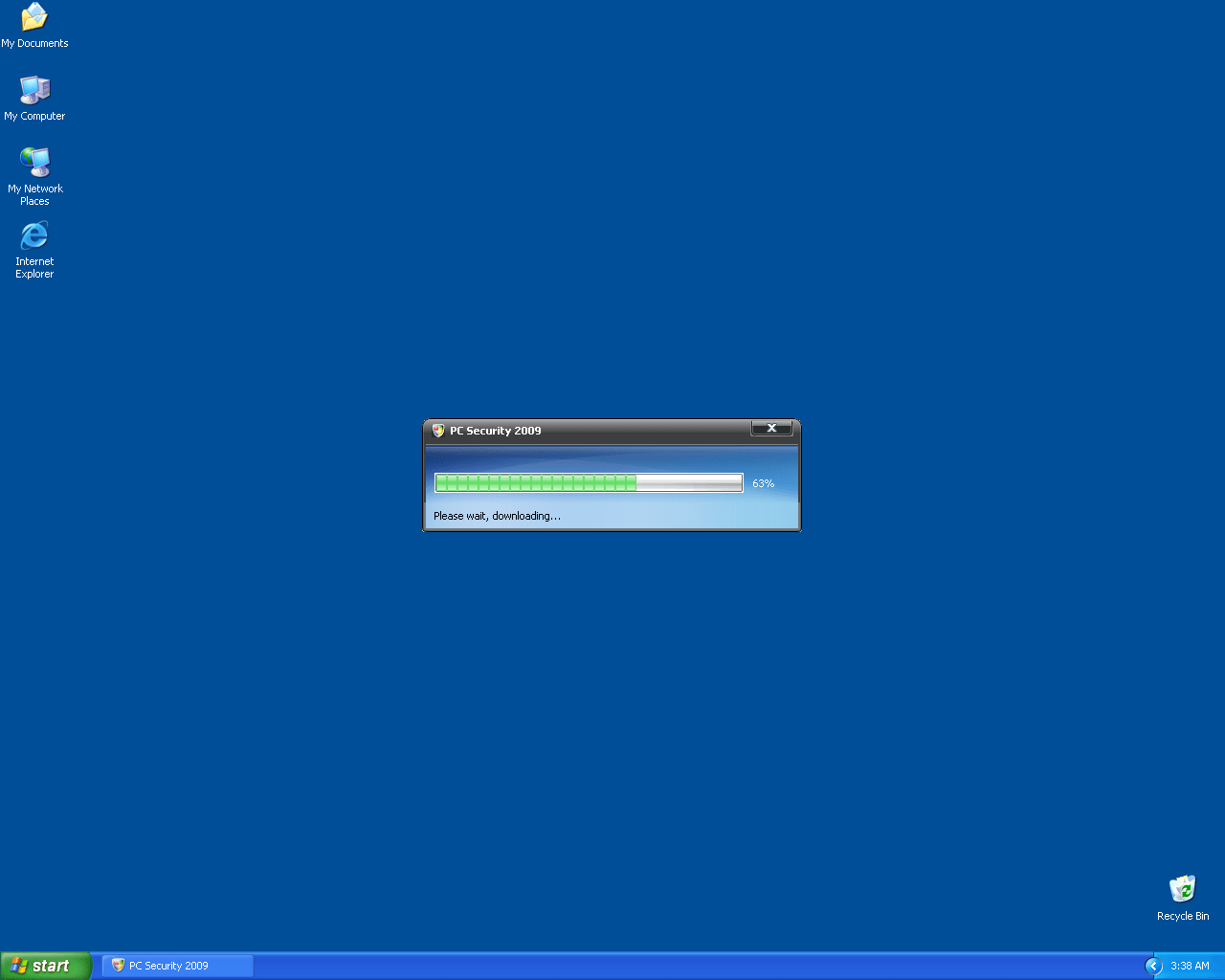
Table of Contents
Aliases
4 security vendors flagged this file as malicious.
| Anti-Virus Software | Detection |
|---|---|
| Symantec | Packed.Generic.233 |
| McAfee-GW-Edition | Heuristic.LooksLike.Worm.Autorun.J |
| CAT-QuickHeal | (Suspicious) - DNAScan |
| AVG | FakeAlert.KT |
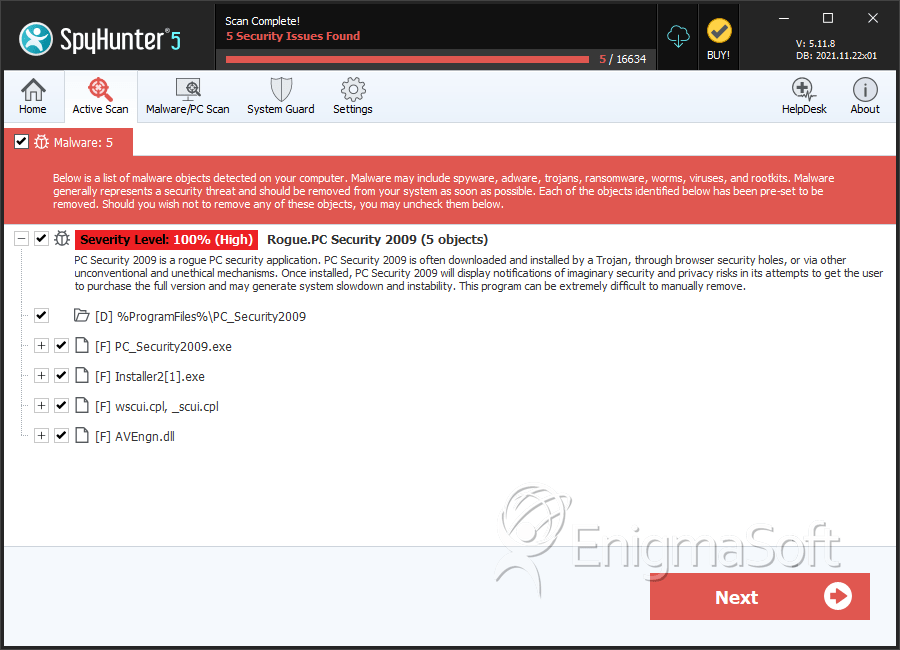
SpyHunter Detects & Remove PC Security 2009
File System Details
| # | File Name | MD5 |
Detections
Detections: The number of confirmed and suspected cases of a particular threat detected on
infected computers as reported by SpyHunter.
|
|---|---|---|---|
| 1. | wscui.cpl | ec826d85c3461015e9f3434f77fb317c | 4 |
| 2. | PCSecurity2009.exe | 29130e92cb8731cc0e986aef0239921a | 3 |
| 3. | PC_Security2009.exe | 1e79aee560713a37d45d824d561e4625 | 0 |
| 4. | PC_Security2009.exe | acb1126a534798e5e63ac88c0bb76a2b | 0 |
| 5. | PC_Security2009.exe | 200b3b3999df8b80d3c474f0fa0b682b | 0 |
| 6. | Installer2[1].exe | 2ecaf4d253096e367c185218106d8c35 | 0 |
Directories
PC Security 2009 may create the following directory or directories:
| %ProgramFiles%\PC_Security2009 |



